How we make this list: we compare pricing pages, product documentation and public user reviews. Ratings come from G2, Capterra or Trustpilot, with the date we checked them.
Key takeaways
- Intercom and Zendesk lead for support teams that want AI and multi-channel power, but both cost more as you scale.
- LiveChat, Tidio, and Crisp offer the most focused chat experiences, with Crisp's flat workspace pricing standing out for teams with many agents.
- Freshchat and HubSpot have the strongest free options: Freshchat gives you up to 10 agents free, and HubSpot's live chat is free forever.
- Help Scout and Olark suit teams that want chat without complexity, pairing it with email or keeping it strictly human.
Quick comparison
| Tool | Best for | Starting price | Free plan |
|---|
 Intercom Intercom | Scaling teams that want chat plus AI | $29/seat/month plus $0.99 per Fin AI outcome | Free trial (14 days) |
 Zendesk Zendesk | Support teams already invested in Zendesk | $19/agent/month billed annually | Free trial (14 days) |
 LiveChat LiveChat | Dedicated chat support teams | $19/month billed annually | Free trial (14 days) |
 Freshchat Freshchat | Small teams that want a free plan | $0 for up to 10 agents; Growth $19/agent/month billed annually | Yes |
 Tidio Tidio | Small e-commerce stores | From $29/month | Yes |
 Crisp Crisp | Startups and indie teams on a budget | $45/month per workspace | Yes (up to 2 seats) |
 HubSpot HubSpot | Teams already using HubSpot CRM | Free; Service Hub paid plans from $20/seat/month | Yes |
 Olark Olark | Simple human-first website chat | $29/agent/month; AI Website Agent from $400/month billed annually | Free trial (14 days) |
 Help Scout Help Scout | Customer-first teams wanting chat plus email in one place | $25/user/month (Standard) | Yes (free plan) |
Is your product missing or out of date?
We review this list regularly. Vendors can request a listing, send updated pricing or ask about featured placement.
The best live chat software
Website visitors who have a question at 11 p.m. do not fill out a contact form. They either get an answer or they leave. Live chat software exists for that exact moment: a small widget that connects your visitors to a real person, or a capable bot, while they are still on the page.
The market is crowded. Some tools are built for support teams that live in chat all day. Others are sales tools with chat attached. A few bundle chat into a much larger platform. Prices range from free to hundreds per agent per month, and the cheapest option is rarely the cheapest once you add the features you actually need.
For this list, we opened each vendor's homepage and pricing page and judged each product on what it actually sells. We weighed the quality of the chat experience itself, automation and chatbot options, reporting depth, and how well each tool fits teams of different sizes. The nine tools below cover the range from free solo-founder setups to full enterprise platforms.
Starting price$29/seat/month plus $0.99 per Fin AI outcome
Free planFree trial (14 days)
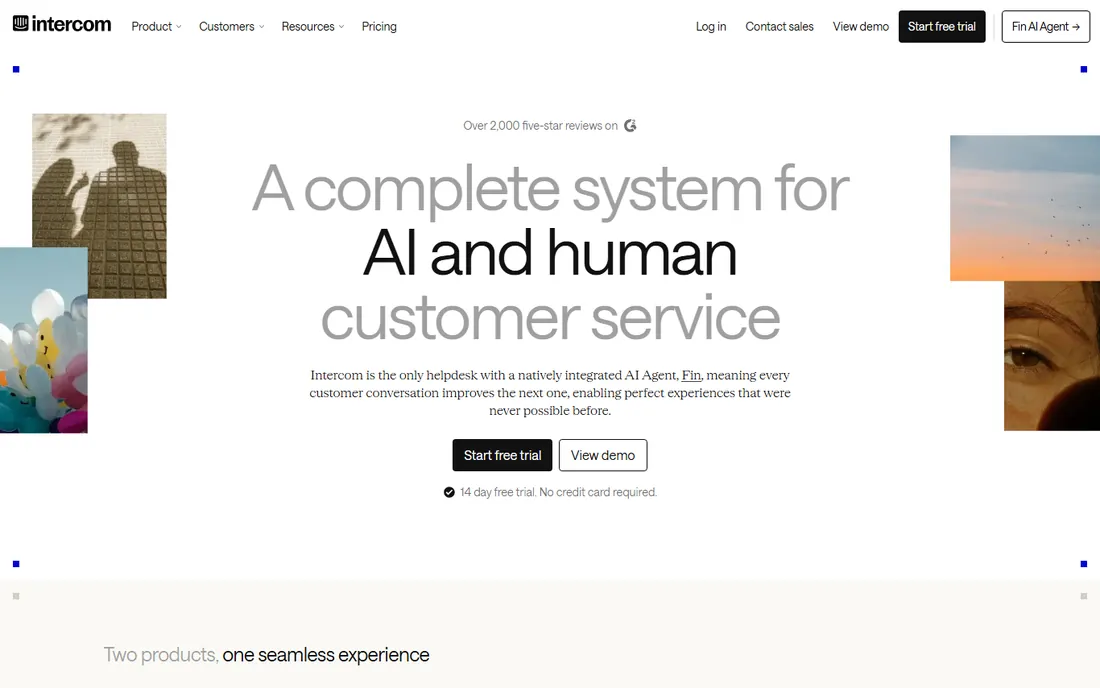
Intercom is the heavyweight in this category. Its Fin AI agent answers common questions without a human in the loop, which means a small support team can cover a volume that would otherwise need two or three more hires. The shared inbox, macros, and customer data tools make it a strong fit for SaaS companies whose product questions repeat across hundreds of conversations.
The trade-off is cost and complexity. Intercom combines per-seat charges with per-resolution charges for AI conversations, so a busy month costs more than a quiet one. It also asks for a real setup investment: building the knowledge base and tuning Fin's behavior is the difference between a tool that deflects tickets and an expensive chat window.
What we like- Fin AI agent resolves a large share of tickets on its own
- Strong automation and reporting
- Deep integration library
Watch out for- Pricing can climb quickly with add-ons
- Seat plus per-resolution pricing takes effort to forecast
Starting price$19/agent/month billed annually
Free planFree trial (14 days)
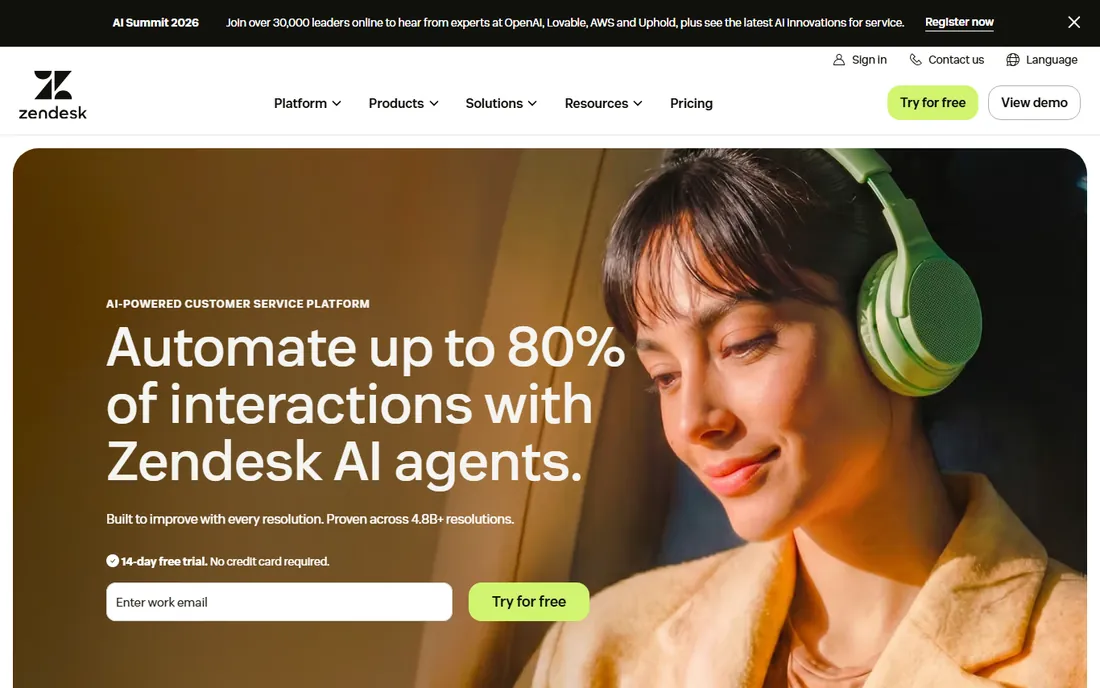
Zendesk built its name on support ticketing, and its live chat works best as part of that whole system. If your team already handles email and social tickets in Zendesk, adding live chat gives agents one workspace with shared context, shared macros, and unified reporting across every channel.
As a standalone chat product it is less distinctive than specialists like LiveChat or Tidio. Teams that only need chat may find the admin setup more involved than it needs to be, and the best experience comes from buying into the wider Zendesk suite rather than cherry-picking one feature.
What we like- Chat, email, and phone in one agent workspace
- Mature reporting
- Large app marketplace
Watch out for- Chat-only plans are less prominent
- Interface can feel heavy for chat-first teams
Starting price$19/month billed annually
Free planFree trial (14 days)
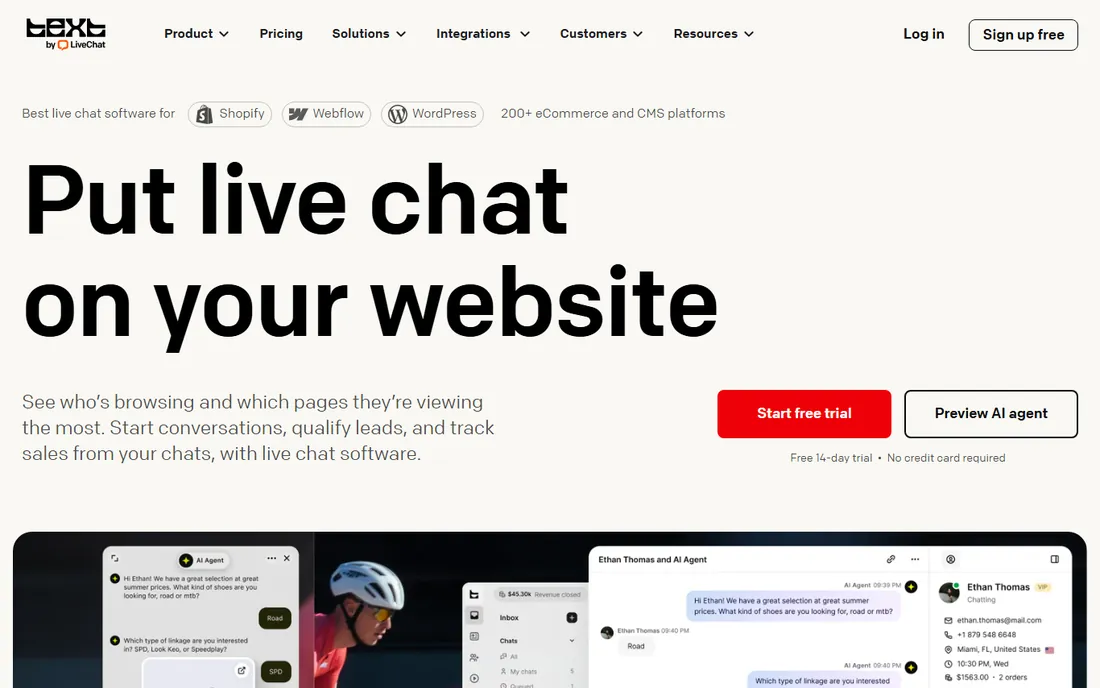
LiveChat does one thing and does it well: real-time conversations with website visitors. The agent dashboard is fast, the canned responses and tags keep replies consistent, and the chat archive gives managers a clear picture of response times and resolution quality.
The Starter plan is affordable but trimmed down, with shorter ticket history and basic reports. Teams that want the AI features or advanced analytics move up to Team or Business tiers. For pure chat support without the baggage of a full help desk, it remains one of the most focused options on this list.
What we like- Purpose-built for chat with a fast agent app
- Strong chat reports
- 200 plus integrations
Watch out for- Entry plan has limited history and reports
- AI features sit in higher tiers
Starting price$0 for up to 10 agents; Growth $19/agent/month billed annually
Free planYes
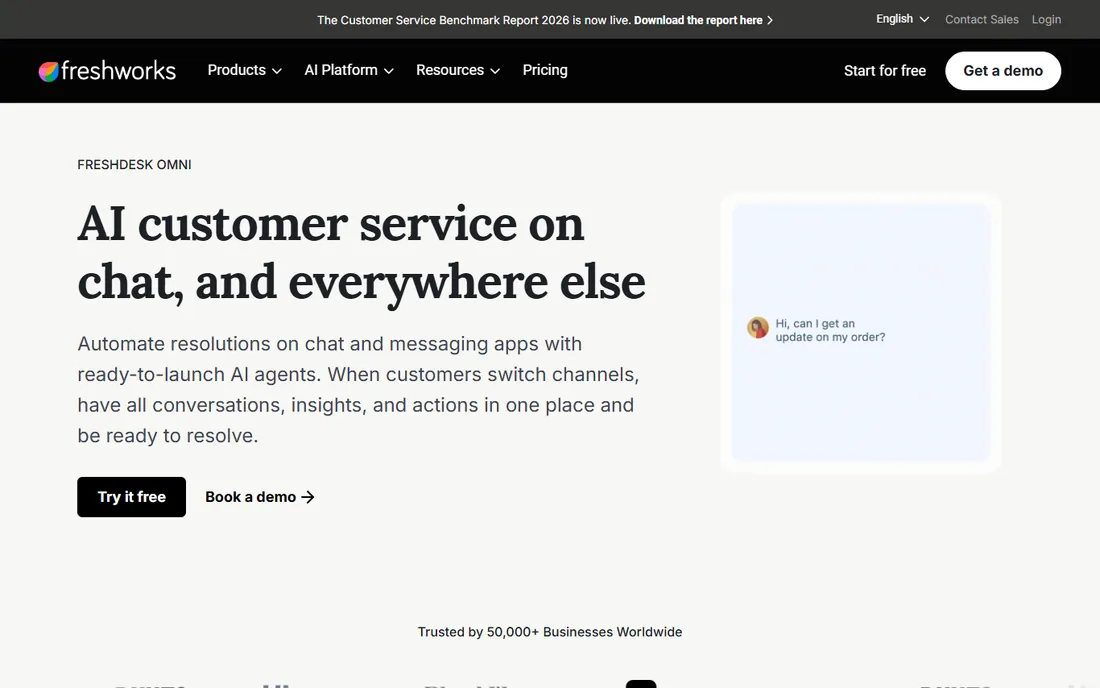
Freshchat has one of the most generous free plans in live chat: up to 10 agents at no cost. That makes it an easy yes for small teams and startups that want real chat support without a budget line for it. Paid plans add Freddy AI automation, campaign messaging, and deeper reporting.
The catch is the usual freemium trade. The free tier covers basic chat but holds back the automation that makes chat scale. It also fits most naturally alongside Freshdesk and the other Freshworks tools, so teams outside that ecosystem get slightly less of the magic.
What we like- Generous free tier
- Freddy AI bot included on paid plans
- Part of the Freshworks suite
Watch out for- Free plan lacks advanced automation
- Best value if you use other Freshworks products
Starting priceFrom $29/month
Free planYes
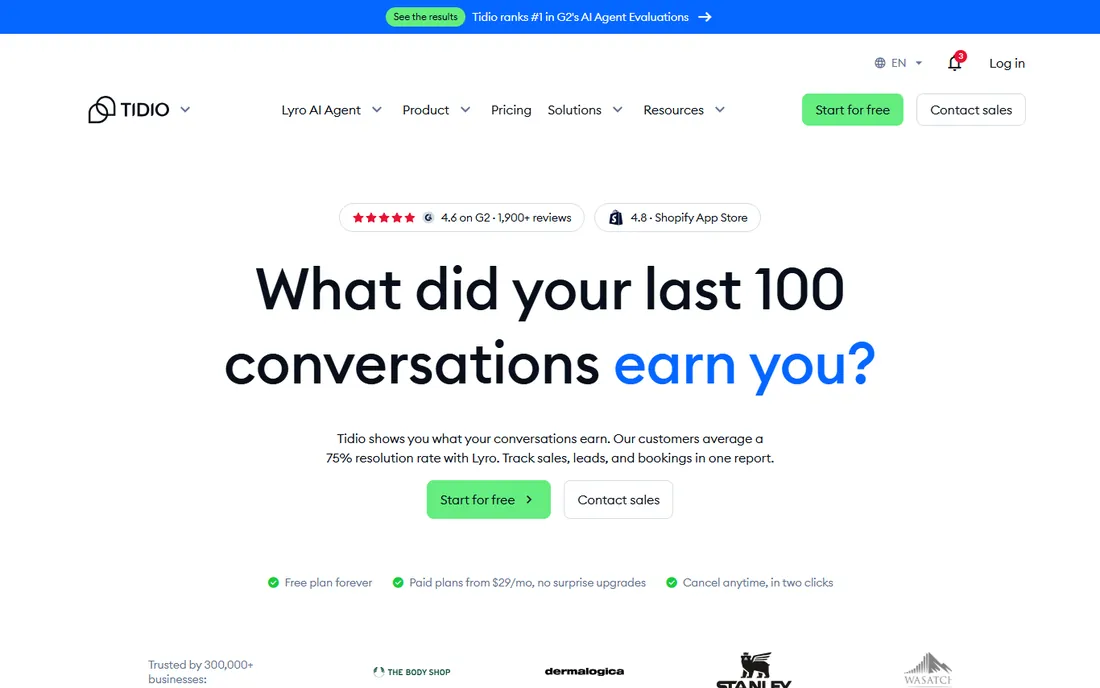
Tidio is built for small businesses, especially online stores. The free plan includes both live chat and basic chatbots, and setup takes minutes rather than days. Its Lyro AI agent can handle product questions and order queries, which covers a large share of what e-commerce shoppers ask.
Growth changes the math. Moving up the tiers raises the monthly cost noticeably, and teams with high chat volumes or complex workflows may outgrow it. For a store doing its first serious chat implementation, though, it is one of the fastest ways to start.
What we like- Free plan includes chatbots
- Easy setup with no code
- Lyro AI agent
Watch out for- Pricing jumps noticeably on higher tiers
- Advanced features limited on entry plans
Starting price$45/month per workspace
Free planYes (up to 2 seats)
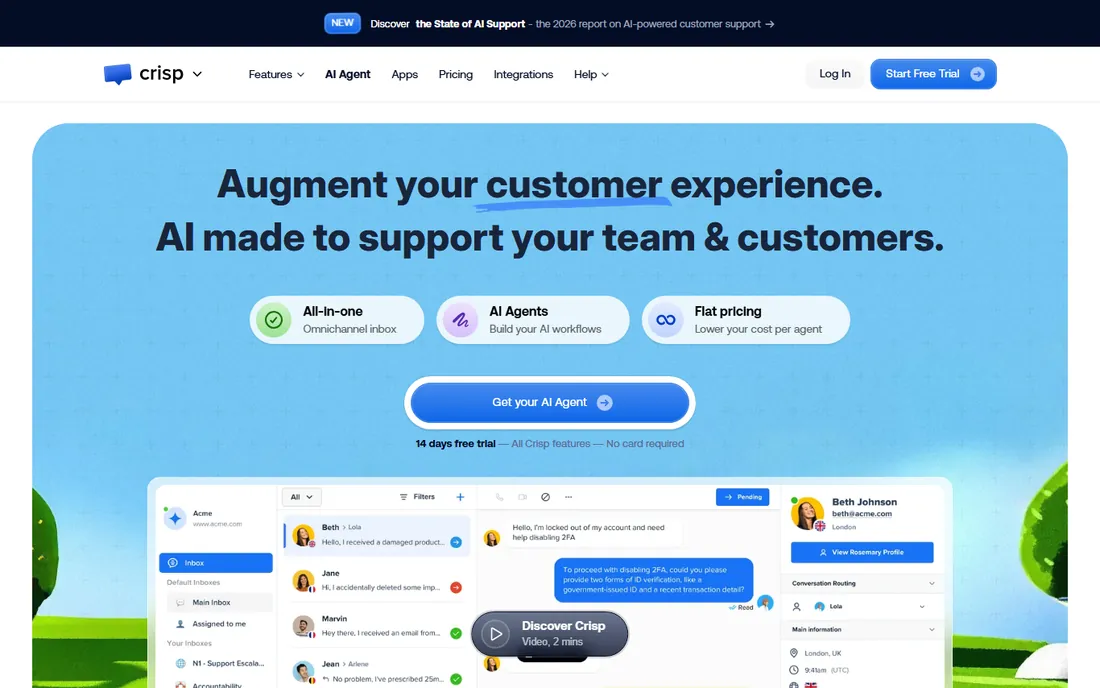
Crisp prices by workspace, not by agent, which is a genuine advantage for teams with many part-time chatters. A startup with ten people answering chat pays the same flat rate as a two-person team. The interface is modern and quick, and it bundles chat with a shared inbox and a basic knowledge base.
The integration list is shorter than the big players', and enterprises with strict compliance or complex routing needs will look elsewhere. For small teams that want one predictable bill, Crisp is hard to beat.
What we like- One workspace price covers unlimited agents
- Clean modern interface
- Shared inbox included
Watch out for- Smaller integration ecosystem
- Fewer enterprise features
Starting priceFree; Service Hub paid plans from $20/seat/month
Free planYes
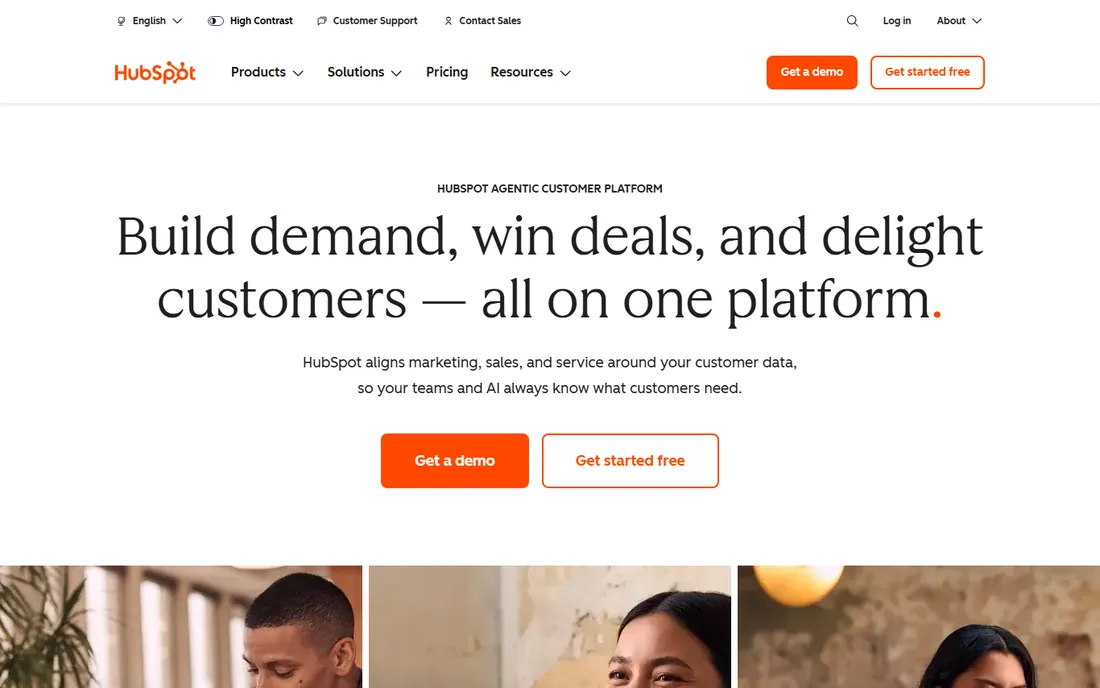
HubSpot's live chat is free forever, and its real advantage is the CRM behind it. Every chat lands on a contact record with full history, so support, sales, and marketing all see the same conversation. For teams already running on HubSpot, turning on chat is almost a non-decision.
On its own, the free chat is basic compared with dedicated chat tools. The advanced routing, reporting, and bot building live in paid Service Hub seats. HubSpot makes the most sense when chat is one channel inside a broader HubSpot operation.
What we like- Chat data flows straight into the CRM
- Free live chat forever
- Strong automation in paid tiers
Watch out for- Full power needs paid HubSpot seats
- Chat is one piece of a large platform
Starting price$29/agent/month; AI Website Agent from $400/month billed annually
Free planFree trial (14 days)
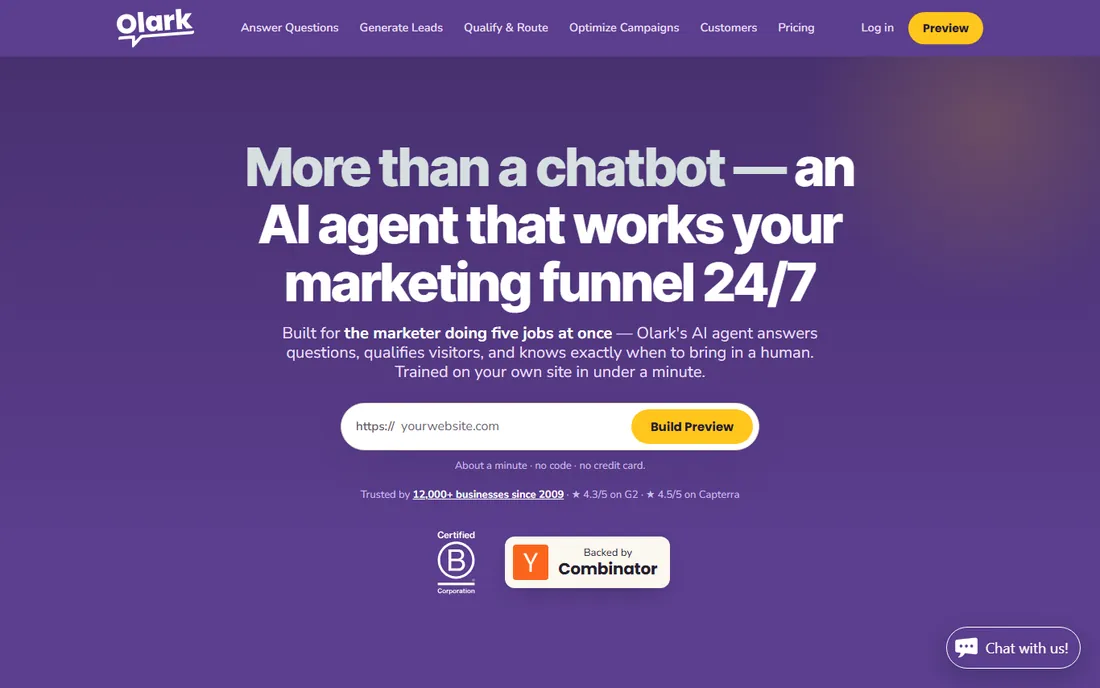
Olark keeps live chat simple on purpose. Installation is a snippet of code, the agent console is uncluttered, and the whole product assumes a human will be on the other end. That simplicity is the selling point for small teams that do not want to learn a platform.
It covers fewer channels than multi-channel rivals, and the AI Website Agent tier starts at a price point aimed at bigger budgets. Teams that want straightforward chat without a learning curve will find Olark refreshingly direct.
What we like- Very easy to install and use
- Human-focused design
- AI agent option for scale
Watch out for- Fewer channels than competitors
- AI tier is priced for larger budgets
#9
Help Scout
Best for: Customer-first teams wanting chat plus email in one place
Visit helpscout.com
Starting price$25/user/month (Standard)
Free planYes (free plan)
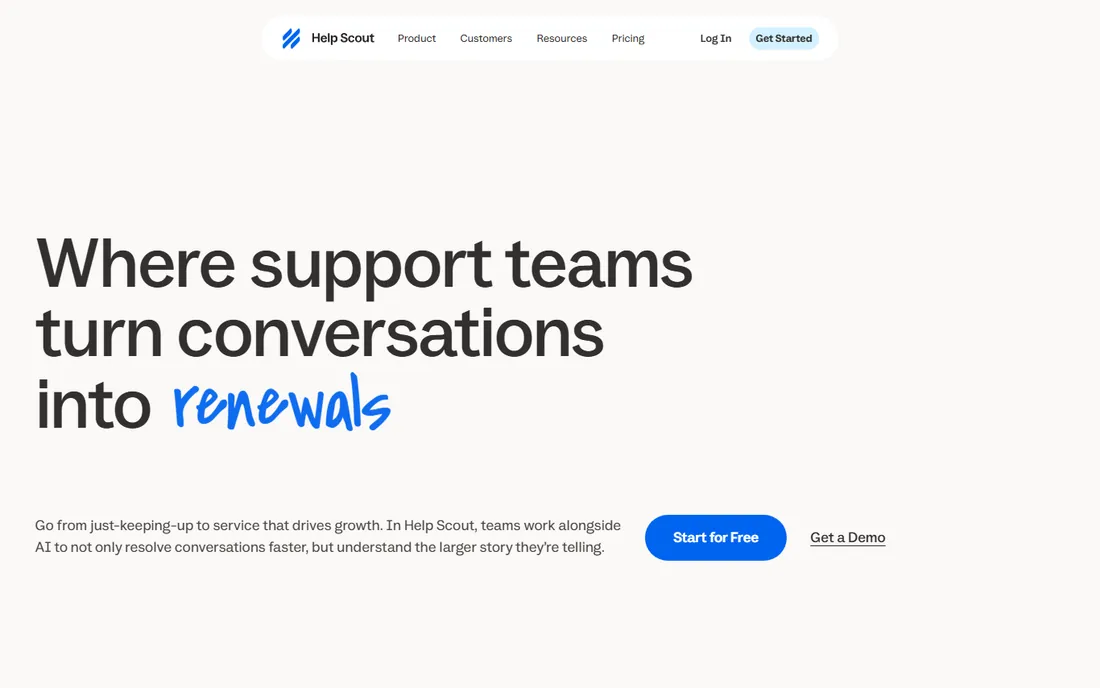
Help Scout combines live chat with a shared email inbox, so small support teams can manage both channels in one calm interface. Its Beacon widget handles chat and self-service help from the same spot, and the Standard plan is priced to be reachable for small businesses.
The chat experience itself is simpler than what dedicated chat platforms offer, and the heavier automation lives in the higher plans. Help Scout suits teams where chat is part of a broader support conversation, not the whole job.
What we like- Unified inbox for chat and email
- Clean, friendly interface
- Good value on Standard
Watch out for- Chat widget is simpler than dedicated tools
- Advanced automation costs more
How we chose
We built this list by opening each vendor's homepage and pricing page, and by judging each product on what it actually sells rather than what review sites claim. We scored tools on the quality of the live chat experience itself, automation and chatbot capability, reporting depth, pricing transparency, and fit for teams of different sizes. Tools that hid pricing behind a sales call for basic plans, or that had folded their chat product into something else, did not make the cut. Prices below come from the vendors' own published pages and were checked in October 2026.
What to look for before you buy
Chat versus chatbot
Live chat and chatbots solve different problems. Human chat handles nuance, complaints, and pre-sales questions that need judgment. Bots handle volume: hours-of-operation questions, order status, password resets. The best setups use both, with the bot qualifying and routing before a human takes over. If you expect more than a few dozen chats a day, make sure the tool you pick has a real bot builder, not just a canned auto-reply.
The pricing model matters more than the headline price
Most tools charge per agent per month, which rewards lean teams and punishes everyone-on-deck staffing. Crisp's flat workspace pricing flips that, and Intercom adds per-resolution charges for AI-handled conversations. Do the math on your actual staffing: a $19 per agent tool with 15 part-time chatters costs more than a $45 flat-rate tool with the same headcount.
Reporting you will actually read
Response time, resolution rate, and customer satisfaction per agent are the three numbers that matter. Entry-level plans often trim history and reports, so check what data you keep before you commit. A chat tool without decent reporting is a cost center you cannot manage.
Integrations
Chat should feed your help desk, CRM, or both. If your agents live in Zendesk, Freshdesk, or HubSpot, native chat for that platform removes copy-paste busywork. Standalone tools like LiveChat and Crisp compensate with large integration libraries, but a native fit is always smoother.
Live chat pricing explained
Expect three models. Per-agent pricing (Zendesk, Olark, Help Scout, Freshchat) is the standard: you pay for each person who answers chat. Flat workspace pricing (Crisp) charges one fee no matter how many agents log in, which favors teams with many occasional chatters. Usage-based pricing (Intercom's per-resolution fee) ties cost to volume, which is fair until a busy month surprises you.
Free plans are real but limited. Freshchat's 10-agent free tier and HubSpot's free forever chat cover genuine small-team needs; most other free tiers are trials in disguise. Always check what happens to your chat history and data when a trial ends, and whether the vendor forces a data export before you can leave.
Frequently asked questions
How much does live chat software cost?
Most paid plans run $19 to $45 per agent per month on annual billing. Flat-rate tools like Crisp charge around $45 per workspace regardless of agent count, while AI-heavy platforms like Intercom add per-resolution fees on top of seat prices. Free plans from Freshchat, Tidio, Crisp, and HubSpot can cover small teams at no cost.
What is the best free live chat software?
Freshchat offers the most generous free plan, covering up to 10 agents. HubSpot's live chat is free forever and writes every conversation to its CRM. Tidio and Crisp also have usable free tiers. The paid upgrade becomes worth it when you need automation, longer history, or real reporting.
Should I use a chatbot or human agents?
Use both. Chatbots handle repetitive questions and after-hours coverage; humans handle everything that needs judgment. Tools with AI agents, like Intercom, Tidio, and Zendesk, can resolve a meaningful share of conversations before a person gets involved, which keeps staffing costs in check as volume grows.
Does live chat work on mobile?
Yes, every tool on this list ships mobile apps for agents, and the chat widgets themselves are mobile-friendly. If your support team answers chats on the go, check app store ratings for the specific vendor, since app quality varies more than the desktop experience.
How long does it take to set up live chat?
Basic chat widgets go live in under an hour: paste a snippet, set your hours, done. The real work is the surrounding setup: canned replies, routing rules, knowledge base articles for the bot, and CRM integration. Budget a week for a solid setup on a platform like Intercom or Zendesk, and an afternoon for simpler tools like Olark or Crisp.
Sources we checked (14)
- https://www.intercom.com
- https://www.intercom.com/pricing
- https://www.zendesk.com
- https://www.livechat.com/
- https://www.livechat.com/pricing
- https://www.freshworks.com/live-chat-software/
- https://www.freshworks.com/live-chat-software/pricing/
- https://www.tidio.com/
- https://crisp.chat/en
- https://crisp.chat/en/pricing/
- https://hubspot.com/
- https://olark.com/
- https://helpscout.com/
- https://www.helpscout.com/pricing/
Is your product missing or out of date?
We review this list regularly. Vendors can request a listing, send updated pricing or ask about featured placement.

Shihab Mia · Founder, Rankite
Shihab has 5+ years in B2B and SaaS SEO. He writes Rankite's software buying guides from pricing pages, documentation and public user reviews. More about Shihab.