How we make this list: we compare pricing pages, product documentation and public user reviews. Rankite is independent; if a vendor ever pays for a featured spot, that listing is clearly labeled Partner.
Key takeaways
- Tawk.to is genuinely free with no catch on the core chat, making it the default for bootstrapped businesses that just need chat on their site.
- Tidio pairs a free-forever plan with paid plans from $29 per month and an AI agent (Lyro) trained on your own data, a strong middle ground for small ecommerce teams.
- Intercom ($29 per seat per month plus $0.99 per AI resolution) and Zendesk lead on AI-first support, but both are priced for teams that treat support as a growth function.
- LiveChat (by Text) stands out for sales-focused teams: live cart previews, visitor monitoring and conversion reporting are built for closing, not just answering.
- Crisp, Freshchat and Olark cover the affordable middle: real free or trial tiers, shared inboxes and straightforward pricing for small support teams.
Quick comparison
| Tool | Best for | Starting price | Free plan |
|---|
 Tidio Tidio | Small teams that want AI chat without an enterprise contract | $29/month (paid plans) | Yes (free plan forever, no credit card required) |
 Tawk.to Tawk.to | Businesses that need live chat and refuse to pay for it | Free ($0) | Yes (free) |
 Crisp Crisp | Startups that want a modern shared inbox without complexity | See website | Yes (free plan) |
 Freshchat Freshchat | Businesses already using Freshdesk or other Freshworks products | See website | Yes (free plan) |
 Olark Olark | Small sites that want dependable chat with zero learning curve | See website | Free trial (14 days) |
 LiveChat LiveChat | Sales teams that use chat to close deals, not just answer tickets | See website | Free trial (14 days, no credit card required) |
 Intercom Intercom | Companies that want AI to resolve most conversations automatically | $29/seat/month + $0.99 per AI resolution | Free trial (14 days, no credit card required) |
 Zendesk Zendesk | Support operations that need every channel in one system | See website | Free trial (14 days, no credit card required) |
 Drift Drift | B2B companies that use chat for pipeline, not tickets | See website | Free trial |
Is your product missing or out of date?
We review this list regularly. Vendors can request a listing, send updated pricing or ask about featured placement.
A visitor lands on your pricing page, hovers over the buy button, hesitates, and leaves. You will never know what stopped them, because no one was there to ask. That single missing conversation is the whole business case for live chat: a well-placed chat widget catches the questions that kill conversions, and the data backs it up. Studies of chat-assisted shoppers consistently show higher conversion rates and larger order values than unassisted visitors.
The market has split into three camps. Free and cheap chat (Tawk.to, Tidio, Crisp) covers the basics well. Sales-focused chat (LiveChat, Drift) treats conversations as revenue. AI-first platforms (Intercom, Zendesk, Freshchat) aim to resolve tickets before a human ever sees them. These nine cover all three, with the pricing and the honest trade-offs.
#1
Tidio
Best for: Small teams that want AI chat without an enterprise contract
Visit tidio.com
Starting price$29/month (paid plans)
Free planYes (free plan forever, no credit card required)
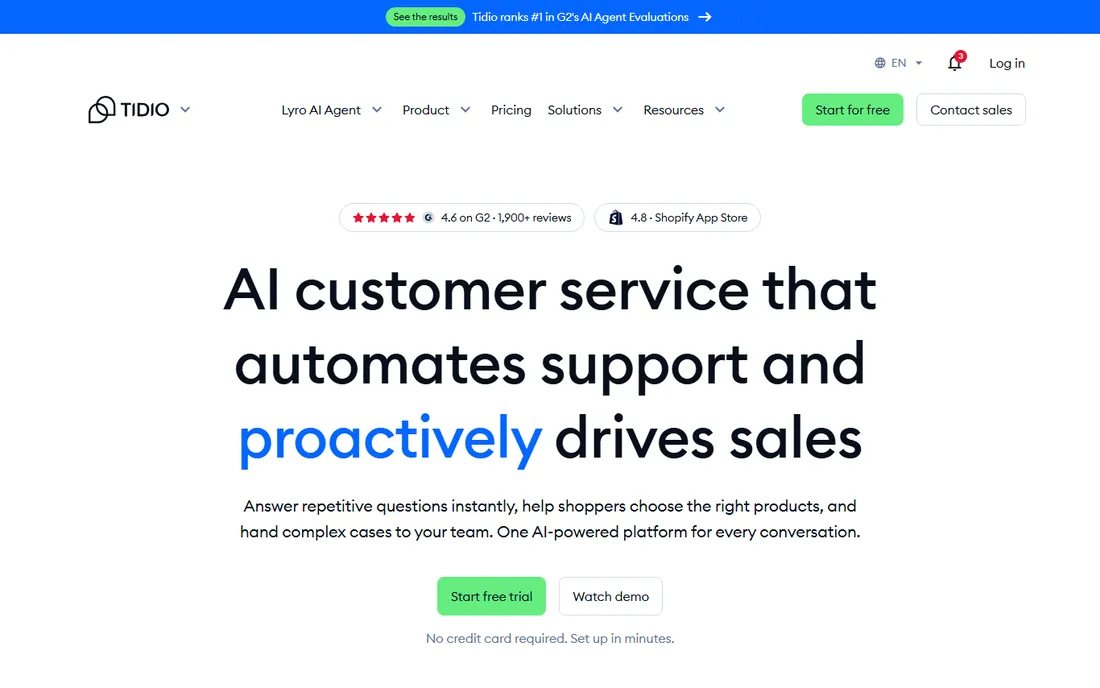
Tidio's homepage leads with a question most vendors avoid: what did your last 100 conversations earn you. The platform attributes sales, leads and bookings to individual conversations, which reframes chat from a cost center to a revenue line. The Lyro AI agent trains on your website, help center and product data, answers only from verified sources, and says it does not know rather than guessing.
The free plan is real and permanent, which makes Tidio the low-risk starting point for small stores on Shopify, WordPress or Wix. Paid plans from $29 per month add more AI resolutions, automations (Flows) and multichannel inboxes covering email, Instagram, Messenger and WhatsApp. The catch is that the headline AI numbers (a 75 percent average resolution rate) reflect customers who configured Lyro well; results depend on the quality of your help content.
What we like- Free plan forever with no credit card required
- Paid plans start at $29 per month with no surprise upgrades
- Lyro AI agent answers from your verified data sources and hands complex cases to humans with full context
Watch out for- AI resolution rates and advanced features scale with higher tiers
- The 300,000-business customer count includes many free accounts
- Smaller integration library than Intercom or Zendesk
#2
Tawk.to
Best for: Businesses that need live chat and refuse to pay for it
Visit tawk.to
Starting priceFree ($0)
Free planYes (free)
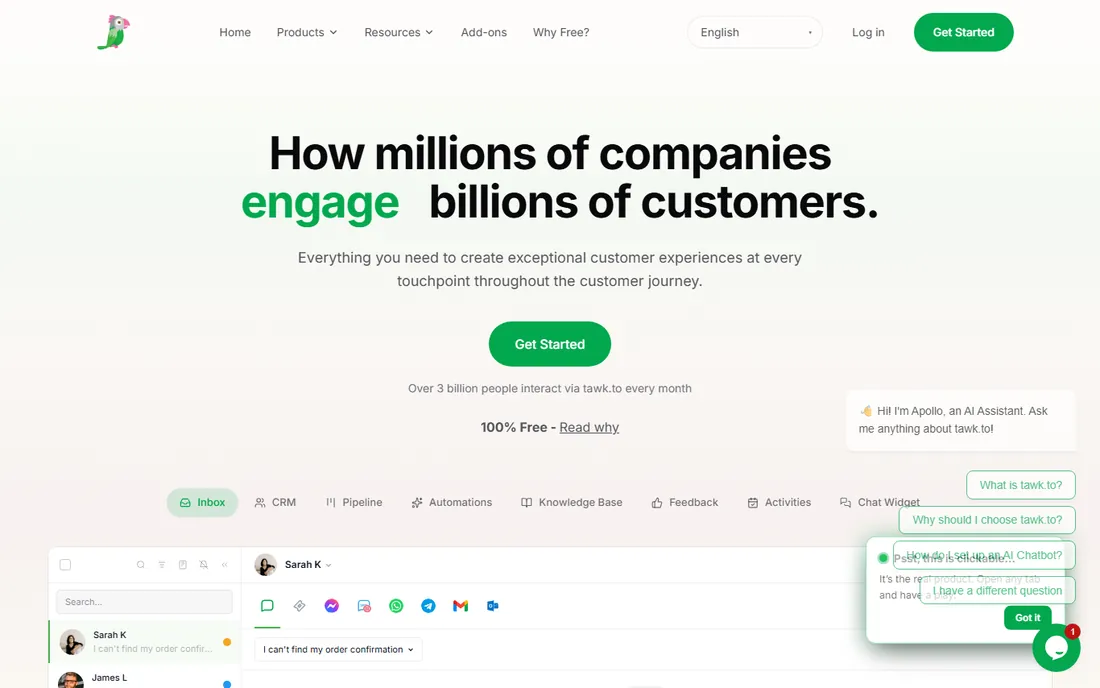
Tawk.to has offered free live chat for over a decade, and the model still holds: unlimited agents, unlimited chats, iOS and Android apps, a ticketing system and a knowledge base, all at zero cost. Revenue comes from optional extras (white-label branding removal, virtual assistants you can hire through the platform), none of which gate the core product.
For a small business that just needs a chat bubble on the site and a phone app that pings when someone writes in, nothing beats the price. The trade-off is polish and power: no serious AI agent, fewer native integrations, and a widget design that shows its age. It is the right answer when the budget is zero and the requirement is "talk to visitors now."
What we like- The core live chat product is completely free with no seat or conversation limits advertised
- Includes ticketing, knowledge base and mobile apps
- Optional paid add-ons (like removing branding or hiring chat agents) are genuinely optional
Watch out for- The interface looks dated next to Crisp or Intercom
- AI and advanced automation are thinner than paid-first rivals
- Support for free users is community-based rather than priority
#3
Crisp
Best for: Startups that want a modern shared inbox without complexity
Visit crisp.chat
Starting priceSee website
Free planYes (free plan)
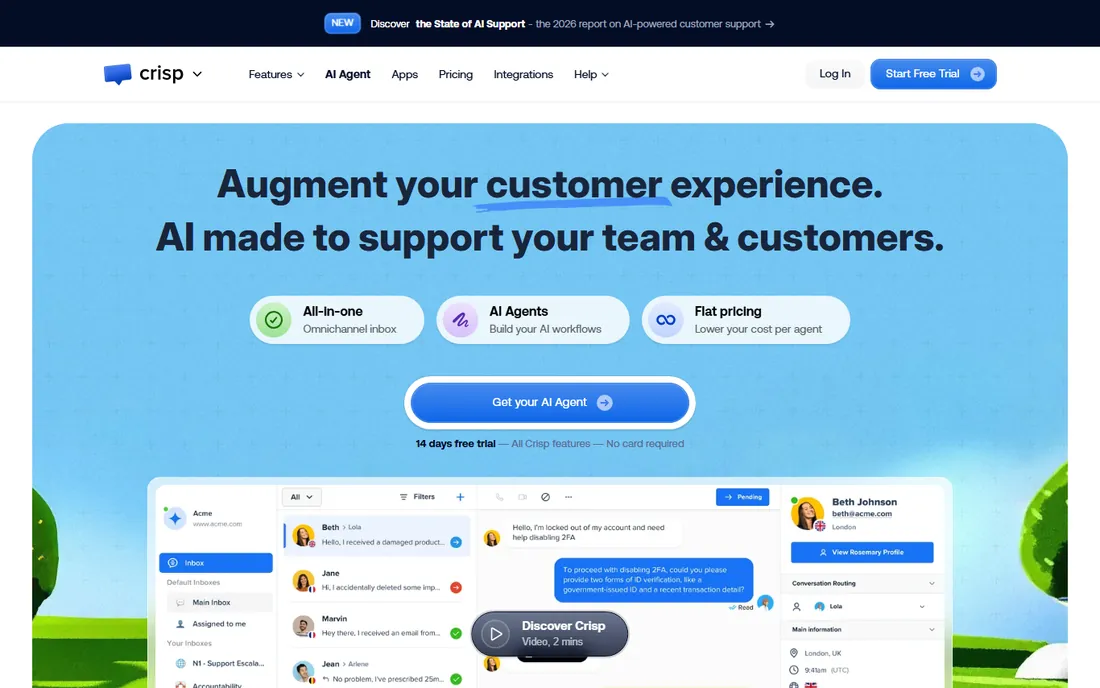
Crisp built its reputation on simplicity: a shared inbox where chat, email and social messages land in one place, with a widget that looks good out of the box. Startups like it because setup takes minutes and the interface stays out of the way. Chatbots, a knowledge base and CRM-lite contact profiles round out the package.
The honest catch is the ceiling. Crisp handles small-team support beautifully, but companies that need complex routing, deep analytics or enterprise security controls will outgrow it. It sits in the sweet spot for teams of one to ten that want professional chat without a learning curve or a big contract.
What we like- A clean, fast interface that teams learn in minutes
- Shared inbox covers chat, email, Messenger and more
- Free plan covers the basics for very small teams
Watch out for- Pricing and plan limits were not published on the homepage at review time
- Advanced automation and reporting trail Intercom and Zendesk
- The free plan caps features that growing teams need quickly
#4
Freshchat
Best for: Businesses already using Freshdesk or other Freshworks products
Visit freshworks.com
Starting priceSee website
Free planYes (free plan)
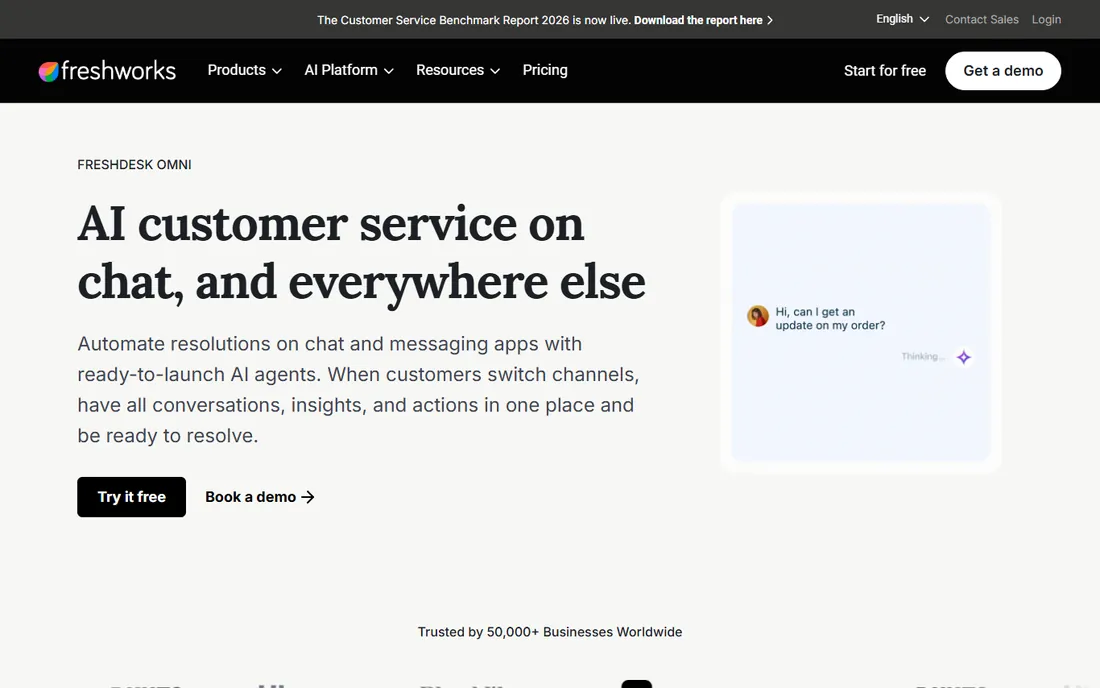
Freshchat is Freshworks' messaging answer, and its strength is context: if your support tickets already live in Freshdesk, chats flow into the same system with the customer's history attached. The Freddy AI bot resolves routine questions, and the platform covers web, mobile and social messaging channels.
Buy it for the ecosystem fit. As a standalone chat widget competing purely on design and simplicity, Crisp and Tidio have the edge. But for a team already paying for Freshworks, the unified agent workspace and shared customer data make Freshchat the path of least resistance.
What we like- Native integration with Freshdesk ticketing and the wider Freshworks suite
- AI bot (Freddy) handles common questions
- Free plan available for small teams getting started
Watch out for- Plan details were not published on the homepage at review time
- The standalone chat experience is less polished than Crisp or Tidio
- Advanced AI features sit on higher tiers
#5
Olark
Best for: Small sites that want dependable chat with zero learning curve
Visit olark.com
Starting priceSee website
Free planFree trial (14 days)
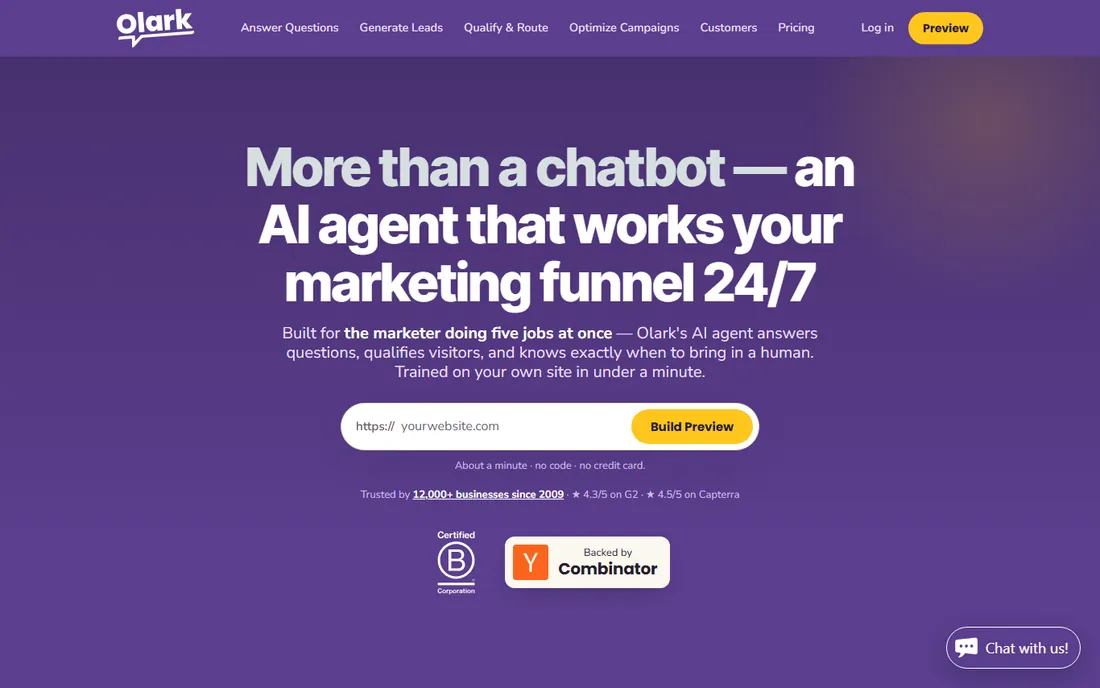
Olark is the veteran minimalist of live chat. Installation is a copy-paste snippet, the agent interface is uncluttered, and features like visitor co-browsing and targeted chat rules cover what most small sites actually use. It does not try to be a CRM, a helpdesk or an AI platform.
That focus is both the appeal and the limit. If your needs are "talk to visitors, see what page they are on, follow up by email," Olark does it with less fuss than anyone. If you need chatbots, AI resolution or omnichannel inboxes, the shortlist above serves you better.
What we like- One of the simplest chat widgets to install and operate
- Real-time visitor insights show who is browsing
- Accessible pricing aimed squarely at small business
Watch out for- No permanent free plan, only the trial
- Feature set is deliberately narrow (no AI agent, no deep automation)
- Design customization is more limited than newer rivals
#6
LiveChat
Best for: Sales teams that use chat to close deals, not just answer tickets
Visit livechat.com
Starting priceSee website
Free planFree trial (14 days, no credit card required)
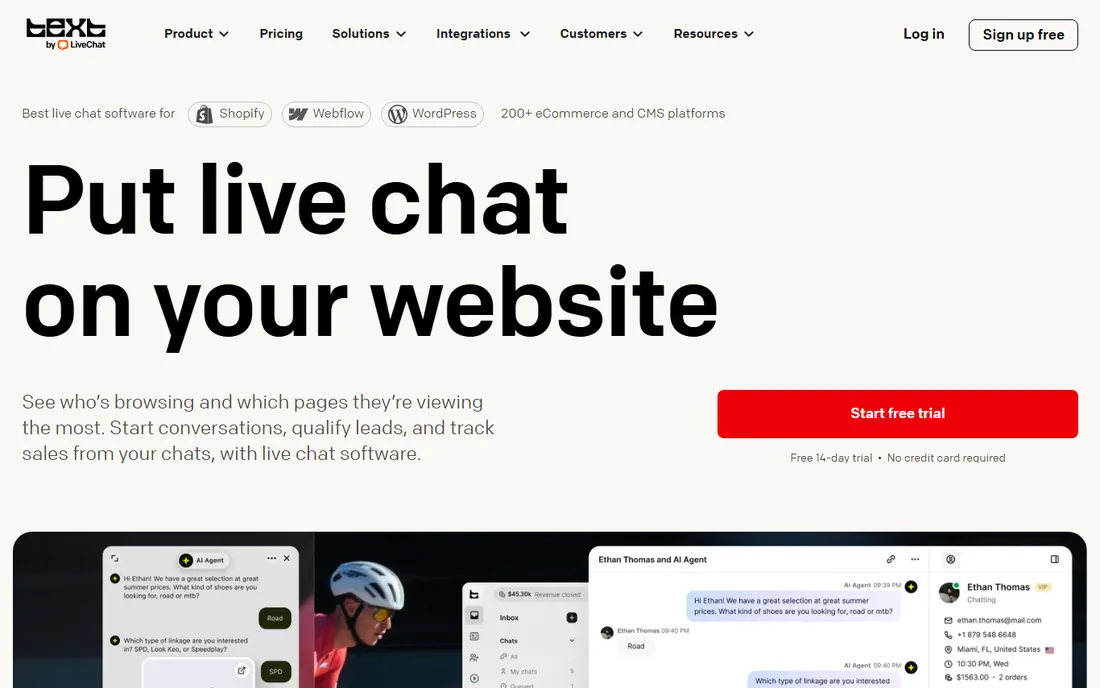
LiveChat (from Text, Inc.) frames chat as a revenue tool, and the feature set follows: agents see what visitors are browsing, preview live cart contents mid-conversation, and track which chats produced orders. The AI agent handles "where is my order" questions by connecting to Shopify or WooCommerce, then hands off to humans with full context when it matters.
The 14-day trial requires no credit card, but there is no free tier, so budget teams should trial with intent. For ecommerce and sales-led businesses, the conversion reporting alone justifies the evaluation: you can see exactly what each conversation earned. For pure support desks, Zendesk or Freshchat may fit better.
What we like- Sales-oriented features: live cart previews, visitor monitoring and revenue attribution per chat
- AI agent answers product and order questions 24/7
- SOC 2 Type 2 audited with GDPR and CCPA compliance
Watch out for- No published pricing on the homepage and no permanent free plan
- The sales-first positioning means pure support teams get features they will not use
- Per-agent pricing adds up fast for large teams
#7
Intercom
Best for: Companies that want AI to resolve most conversations automatically
Visit intercom.com
Starting price$29/seat/month + $0.99 per AI resolution
Free planFree trial (14 days, no credit card required)
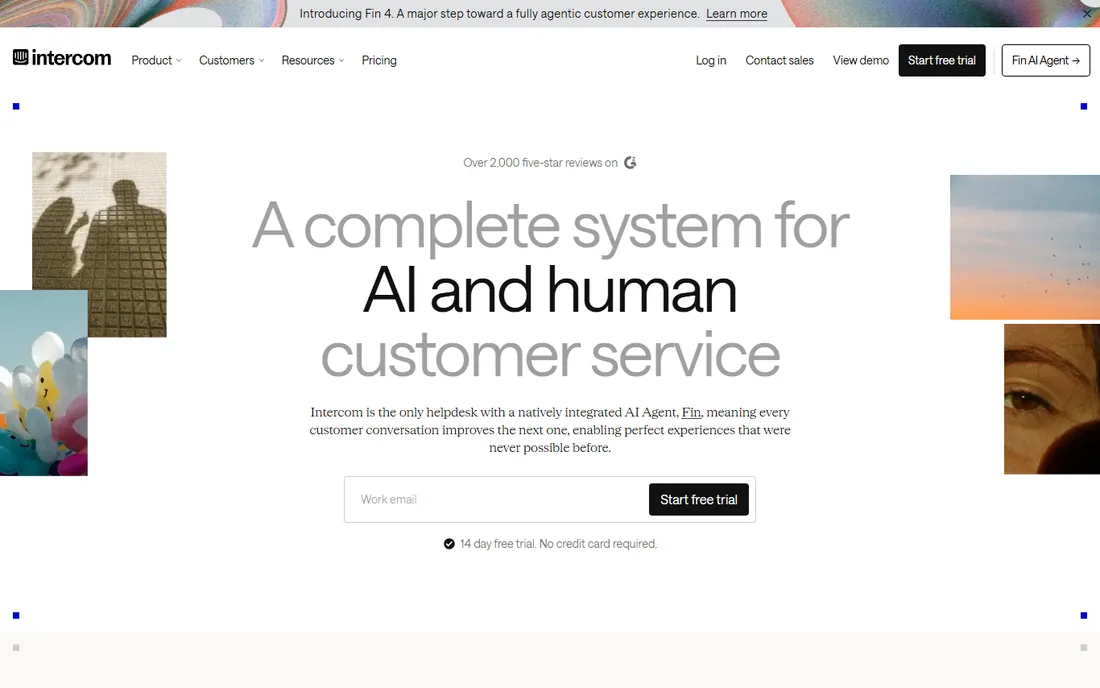
Intercom rebuilt itself around AI: the Fin agent and the human helpdesk share one inbox, one knowledge hub and one customer record, so every human conversation improves the AI. Pricing is $29 per seat per month with Fin resolutions billed at $0.99 each, capped by spending limits you control. The 14-day trial needs no credit card.
This is the premium pick, and the pricing reflects it. Intercom makes sense when support volume is high enough that AI resolution moves the payroll line, or when the chat experience itself is part of the product. For a five-person team answering thirty chats a day, the value math rarely works; Tidio or Crisp will do.
What we like- Fin AI agent is natively integrated with the helpdesk (the vendor reports a 76 percent average resolution rate)
- Transparent pricing at $29 per seat per month plus outcome-based AI pricing with spending limits
- One shared inbox and customer record for AI and human agents
Watch out for- No free plan
- The $0.99 per AI resolution charge needs monitoring at volume (spending caps help)
- Overkill and overpriced for teams that just need a chat widget
#8
Zendesk
Best for: Support operations that need every channel in one system
Visit zendesk.com
Starting priceSee website
Free planFree trial (14 days, no credit card required)
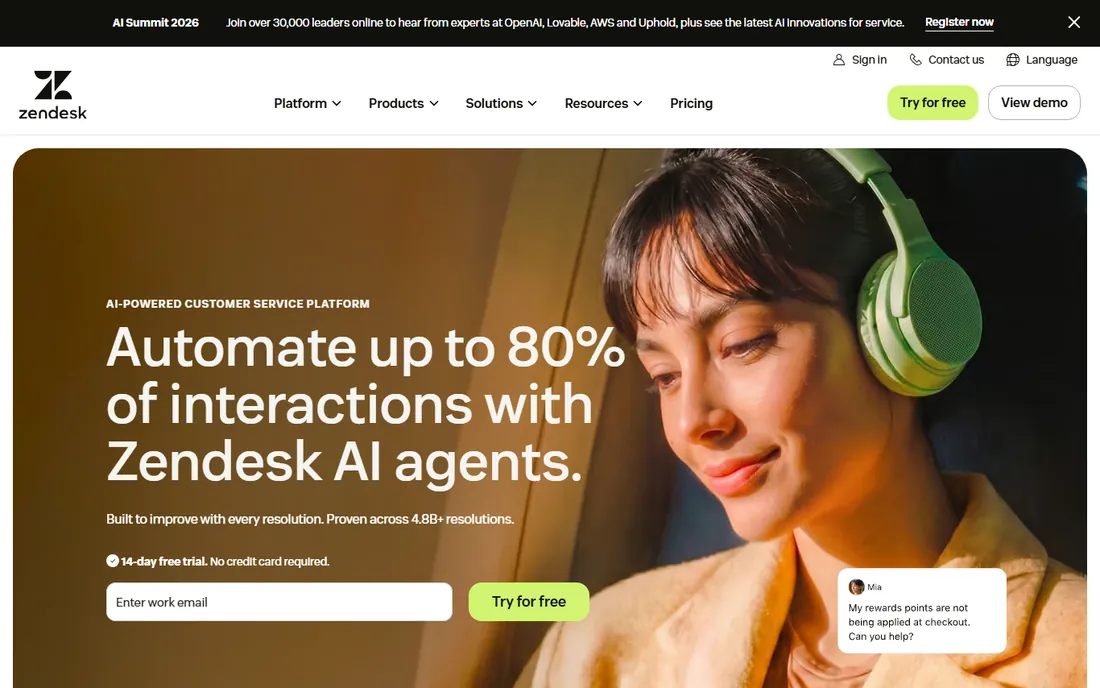
Zendesk is the enterprise default for a reason: when support spans chat, email, phone and social across multiple teams, few platforms match its routing, reporting and admin controls. The AI push is serious, with agents that handle intent and sentiment end-to-end and a knowledge system that improves with every resolved conversation.
The catch is complexity and cost. Zendesk rewards dedicated administration; small teams often use a fraction of what they pay for. It belongs on the shortlist when you have (or plan to have) a real support operation with multiple channels and need the reporting to manage it.
What we like- Full omnichannel platform: chat, email, voice, social and self-service in one agent workspace
- AI agents that learn from every resolution (the vendor cites 4.8 billion resolutions)
- 22,000-plus service teams per the vendor, with deep enterprise controls
Watch out for- No published pricing on the homepage and no free plan
- Widely regarded as complex to configure well
- Per-agent pricing makes it one of the most expensive options at scale
#9
Drift
Best for: B2B companies that use chat for pipeline, not tickets
Visit drift.com
Starting priceSee website
Free planFree trial
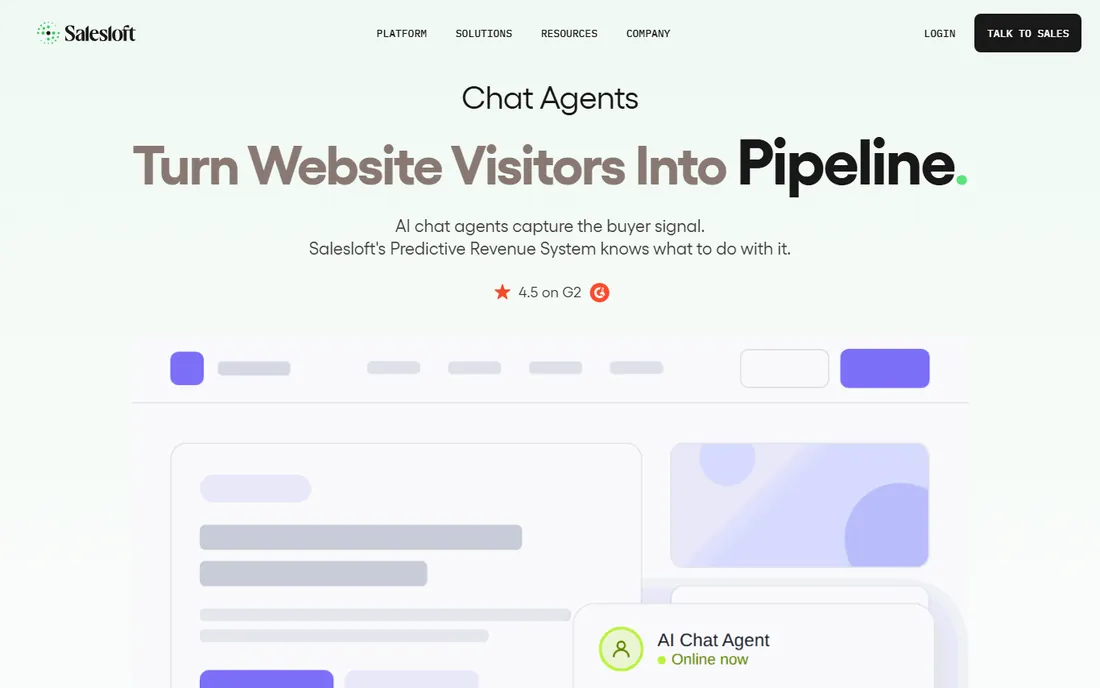
Drift invented the "conversational marketing" category: instead of forms, website visitors talk to a bot that qualifies them, books the meeting and routes the lead to the right rep. For B2B companies with a sales team, that pipeline impact is the whole pitch, and the Salesloft ownership tightens the sales-workflow integration.
Do not buy Drift for customer support. It is a revenue tool with support features, not the reverse. B2B marketers evaluating it should compare against Qualified and HubSpot's chat tools; support teams should look at Intercom or Zendesk instead.
What we like- Built for conversational marketing: playbooks that qualify buyers, book meetings and route to sales
- Strong account-based marketing integrations
- Now part of Salesloft, deepening the sales-tech fit
Watch out for- No published pricing on the homepage and no free plan
- Priced for B2B sales teams, not support desks
- Overkill for simple customer-service chat
How we chose
We opened each vendor's homepage and pricing page, checked published prices and free tiers against the vendor's own pages, and compared chat features, AI capabilities, channel coverage and review sentiment on G2, Capterra and Reddit. Where a vendor publishes no price, we wrote "See website" rather than repeating third-party estimates. We never claim hands-on testing: this ranking rests on vendor documentation and public review data.
What to look for before you buy
Decide first whether chat is for sales, support, or both, because the tools optimize differently. Sales-led teams need visitor monitoring, cart visibility and meeting booking (LiveChat, Drift, Tidio). Support-led teams need ticketing, knowledge bases and AI resolution (Intercom, Zendesk, Freshchat). Buying a sales tool for a support job (or the reverse) is the most common expensive mistake in this category.
Count the real cost, not the sticker price
Per-agent pricing dominates this category, so model your team size, not just the monthly rate. A $29 per seat tool with ten agents costs $290 a month before AI add-ons. Then check the metered extras: Intercom charges per AI resolution, and several vendors meter chatbot conversations separately. Ask every vendor for the all-in monthly cost at your agent count and expected chat volume before signing.
Trial with your real traffic, not the demo
Install the widget on your actual site during the trial and route real visitors through it for at least a week. Test the mobile experience (most chats now start on phones), check how the widget affects page speed, and run one AI or chatbot flow against genuine customer questions. A tool that shines in a vendor demo but confuses your visitors is the wrong tool.
AI chatbots vs. human chat: where each wins
AI agents have earned their place: they answer instantly at 2 a.m., handle the repetitive "where is my order" tier without fatigue, and cost a fraction of a staffed seat. Intercom's Fin, Tidio's Lyro and Zendesk's AI agents all report strong resolution rates on routine questions, and for high-volume stores the math is compelling.
Humans still win everywhere judgment matters: angry customers, edge cases, complex troubleshooting and anything involving empathy. The best setups pair them explicitly: the AI resolves the routine 60 to 70 percent and hands off with full conversation context, so the human never asks "can you repeat that." When evaluating, test the handoff as carefully as the bot; a clumsy transfer undoes every efficiency gain.
Frequently asked questions
Is free live chat software actually good enough?
For basic needs, yes. Tawk.to offers unlimited agents and chats free, and Tidio's free-forever plan covers small teams. Free tiers usually lack AI agents, advanced routing and deep analytics. If your volume is under a few dozen chats a day and you just need to talk to visitors, free is fine; upgrade when you need automation or reporting.
How much does live chat software cost?
Anywhere from $0 (Tawk.to) to hundreds per month. Tidio starts paid plans at $29 per month. Intercom starts at $29 per seat per month plus $0.99 per AI resolution. Most mid-market tools price per agent per month, so a ten-agent team typically lands between $150 and $500 monthly before AI add-ons.
Will a chatbot annoy my customers?
Only a bad one. Bots that answer instantly from accurate data and hand off gracefully to humans test well; bots that loop, guess or trap visitors in menus drive people away. During trials, watch for the handoff quality and whether the bot admits uncertainty (Tidio's Lyro, for example, is designed to say it does not know rather than guess).
Do I need live chat if I already have email support?
They serve different moments. Email suits complex, non-urgent issues; chat catches visitors at the decision point, which is why it lifts conversion rates. Many businesses run both: chat for pre-sale questions and quick answers, email or tickets for everything else. Tools like Freshchat and Zendesk unify both in one inbox.
What is the difference between live chat and conversational marketing?
Live chat traditionally means human (or AI) support conversations: answering questions and solving problems. Conversational marketing (Drift's category) uses chat playbooks to qualify visitors, capture leads and book sales meetings. The interfaces look similar; the intent differs. Pick based on whether your goal is resolving issues or generating pipeline.
Sources we checked (11)
- https://www.intercom.com/
- https://www.zendesk.com/
- https://www.livechat.com/
- https://www.tidio.com/
- https://crisp.chat
- https://www.freshworks.com/live-chat-software/
- https://www.olark.com
- https://www.drift.com
- https://www.tawk.to
- https://www.g2.com/categories/live-chat
- https://www.capterra.com/live-chat-software/
Is your product missing or out of date?
We review this list regularly. Vendors can request a listing, send updated pricing or ask about featured placement.

Shihab Mia · Founder, Rankite
Shihab has spent more than a decade helping SaaS and e-commerce brands grow through search. He writes Rankite's software buying guides from pricing pages, documentation and public user reviews. More about Shihab.