How we make this list: we compare pricing pages, product documentation and public user reviews. Ratings come from G2, Capterra or Trustpilot, with the date we checked them.
Key takeaways
- ProseMirror and Lexical are the free foundations most serious editors build on, with ProseMirror winning on collaboration depth.
- BlockNote gives React teams a polished Notion-style editor with minimal setup, since it ships its own interface.
- CKEditor, TinyMCE, and Froala suit teams that want a ready-made editor with support rather than a framework to build on.
- Tiptap core is free and MIT-licensed, so paid alternatives only make sense when you need a finished interface or vendor support.
Quick comparison
| Tool | Best for | Starting price | Free plan |
|---|
 ProseMirror ProseMirror | Full control and collaboration | $0 | Yes |
 Lexical Lexical | React-first editor framework | $0 | Yes |
 Quill Quill | Simple drop-in rich text | $0 | Yes |
 BlockNote BlockNote | Notion-style blocks in React | See website | Yes |
 CKEditor CKEditor | Ready-made editor with support | See website | Free trial |
 TinyMCE TinyMCE | Mature drop-in editor | See website | Free trial |
 Slate Slate | Fully customizable framework | $0 | Yes |
 Froala Froala | Lightweight commercial editor | $899 per year | Free trial |
Is your product missing or out of date?
We review this list regularly. Vendors can request a listing, send updated pricing or ask about featured placement.
The best tiptap alternatives
Starting price$0
Free planYes
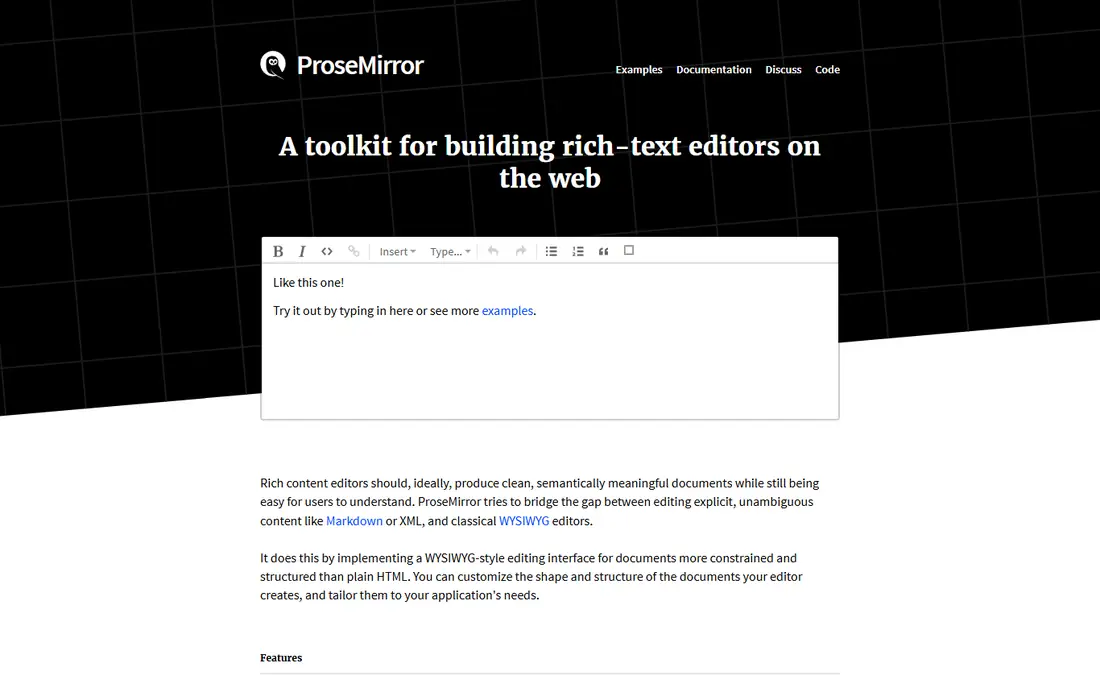
ProseMirror is the engine underneath Tiptap, so it is the natural alternative for teams that want the same power without the wrapper. It is a low-level toolkit launched in 2016, fully MIT-licensed, and used by products from Atlassian, Asana, and The New York Times. Its document model handles collaborative editing, history, and schema control with a rigor that higher-level editors rarely match.
The cost is engineering time. ProseMirror ships no toolbar, no menus, and no default interface, so a team should budget weeks of senior work to build a finished editor. Raw ProseMirror only makes sense if you are building an editor library yourself or need non-standard schema control. Everyone else should pick a wrapper or a ready-made editor.
What we like- MIT-licensed and fully free
- Proven collaboration model
- Used by major products
Watch out for- Low-level toolkit with no interface
- Needs senior engineering time
- Documentation assumes experience
Starting price$0
Free planYes
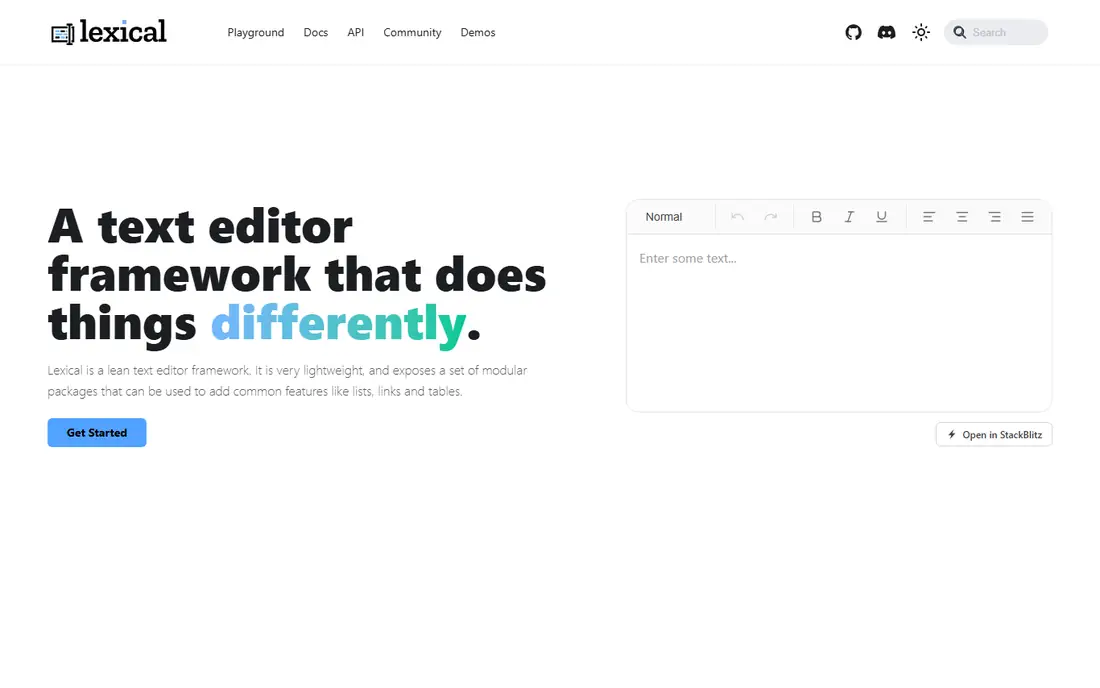
Lexical is Meta's editor framework, and it is the best React-first alternative to Tiptap. It follows accessibility best practices, works with screen readers, and stays framework friendly with first-class React bindings. The core stays minimal on purpose: editor instances, states, and a plugin interface, with toolbars and rich text features added through plugins. After initial setup, its APIs are ergonomic and pleasant to build on.
Lexical ships no interface either, so teams still build their own toolbar and menus. Its ecosystem is newer than ProseMirror, and plugin maturity varies. For React teams that want a modern, accessible foundation and are comfortable assembling the interface, Lexical is the strongest free choice.
What we like- Built by Meta with React bindings
- Accessible by design
- Plugin-based and framework friendly
Watch out for- Minimal core with no interface
- Newer ecosystem than ProseMirror
- Plugins vary in maturity
Starting price$0
Free planYes
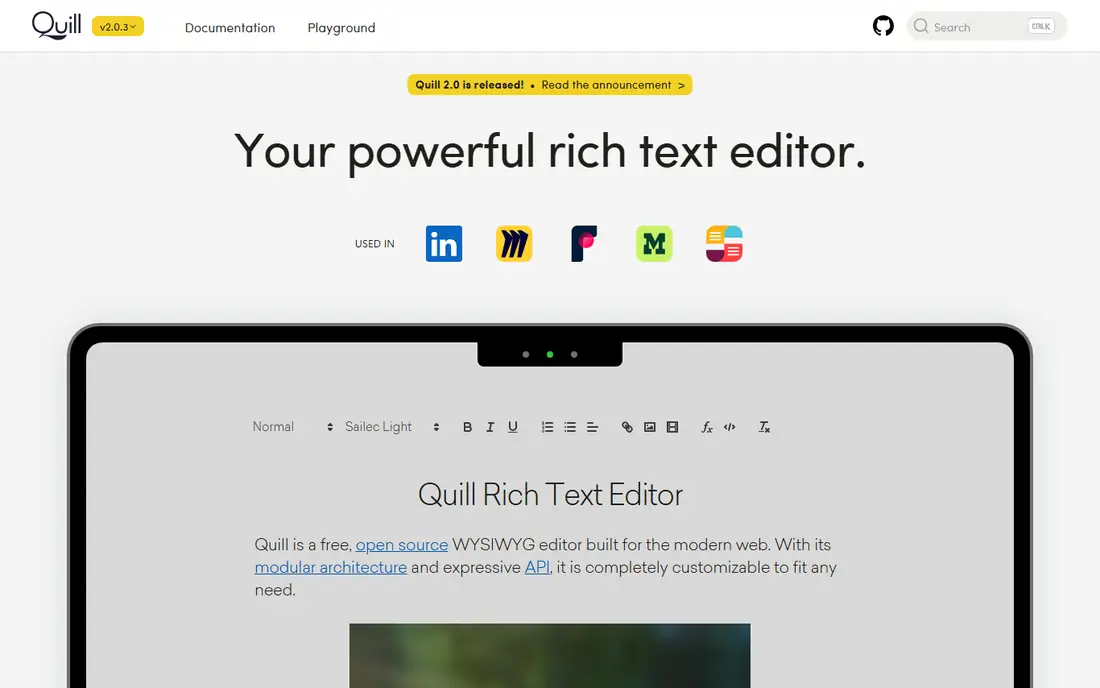
Quill suits teams that need rich text inside an app without building an editor product. Its API is simple, setup takes minutes, and themes provide a working toolbar out of the box. Formats and modules cover bold, lists, links, images, and embeds for everyday editing needs. Documentation is thorough, and the editor runs in any framework or plain JavaScript.
The architecture is older than ProseMirror or Lexical, and real-time collaboration needs additional engineering. Development pace is slower than the newer frameworks. For a comment box, a notes field, or a simple content editor, Quill remains the fastest path to working rich text.
What we like- Simple API and fast setup
- Widely used and well documented
- Modular formats and themes
Watch out for- Older architecture
- Collaboration needs extra work
- Less active development than newer frameworks
Starting priceSee website
Free planYes
BlockNote gives React teams what Tiptap does not: a finished interface. It is an open-source, block-based editor with menus, toolbars, drag-and-drop blocks, and a Notion-style feel, all included with minimal setup. Blocks nest and rearrange, custom blocks and schemas extend it, and real-time collaboration works through Yjs providers like Liveblocks and PartyKit. Markdown and HTML conversion come built in.
BlockNote is built on ProseMirror and Tiptap, so teams already wary of that stack gain little by switching purely for architecture reasons. The focus is React-first, and deep customization eventually meets the same document model limits. For teams that want a polished block editor without building an interface, BlockNote is the fastest route.
What we like- Polished block interface included
- Drag-and-drop blocks
- Collaboration through Yjs providers
Watch out for- Built on ProseMirror and Tiptap, so it inherits their weight
- React-first focus
- Customization has limits
Starting priceSee website
Free planFree trial
CKEditor is the enterprise-ready alternative. It ships a complete editor with toolbars, tables, media embeds, and track changes, plus paid collaboration, comments, and revision history. Commercial support and service agreements suit teams that need a vendor to call when editing breaks in production. The editor has years of real-world use across CMS platforms and enterprise apps.
Advanced features sit on paid tiers, and the bundle is larger than a minimal framework. Pricing at scale needs a quote. Teams that want a finished editor with support, rather than a framework to build on, should trial CKEditor before committing engineering time to a custom build.
What we like- Mature feature set
- Collaboration and comments available
- Commercial support and SLAs
Watch out for- Paid tiers for advanced features
- Larger bundle than minimal editors
- Pricing needs a quote for scale
Starting priceSee website
Free planFree trial
TinyMCE is one of the most widely deployed editors in the world, powering content editing in countless CMS platforms and apps. Its interface feels familiar to Word users, and the plugin range covers tables, media, templates, and accessibility checking. Setup is a script tag and a configuration object, which makes it the fastest commercial drop-in here.
Premium plugins and advanced features sit on paid tiers, and cloud pricing varies with usage. The bundle grows as plugins stack up, so performance-conscious teams should load only what they need. For a proven, familiar editor with commercial backing, TinyMCE is a safe default.
What we like- Very widely deployed
- Huge plugin range
- Familiar Word-style interface
Watch out for- Paid tiers for premium plugins
- Bundle size grows with features
- Cloud pricing varies by usage
Starting price$0
Free planYes
Slate is a framework for building completely custom editors in React. Its plugin architecture and document model let teams shape editing behavior precisely, from custom nodes to unusual selection rules. Teams building novel editing experiences, like structured content tools or domain-specific editors, value that freedom. The core is free and open source.
Slate ships no interface, and its community is smaller than ProseMirror, so examples and answers are fewer. Breaking changes across versions have frustrated teams that upgrade rarely. Slate suits React teams with a genuinely custom editing problem, not teams that want a standard rich text box.
What we like- Fully customizable document model
- React-first design
- Plugin architecture
Watch out for- No interface included
- Smaller community than ProseMirror
- Breaking changes across versions
Starting price$899 per year
Free planFree trial
Froala targets teams that want a light, fast commercial editor. Its interface is clean, the bundle stays small, and features like responsive images, easy export to PDF and Word, and strong paste handling from Word and Google Docs cover everyday content work. The editor integrates with any back end and works across major browsers.
Production use needs a commercial license starting around $899 per year, and the ecosystem is smaller than CKEditor or TinyMCE. Collaboration features are limited next to ProseMirror-based tools. For a fast, polished editor with vendor backing and a simple license, Froala is a solid pick.
What we like- Lightweight and fast
- Clean interface
- Responsive images and Word paste handling
Watch out for- Commercial license required for production
- Smaller ecosystem than CKEditor
- Collaboration is limited
How we chose
We compared licensing, framework support, collaboration options, and pricing pages for each editor, then checked them against developer guides and community documentation. Tools made the list only if they are actively maintained, support modern browsers, and fit a clear builder type, from free frameworks to commercial drop-ins. We also weighed documentation quality and community size, since editor projects live or die on the availability of examples and answers when something breaks in production. A well-documented editor with an active community saves more engineering time than a small price difference ever could. All price figures were checked against vendor pages or recent comparisons where a vendor page was unavailable.
Framework or finished editor first
The first decision is whether your team builds an editor or buys one. Frameworks like ProseMirror, Lexical, and Slate give full control and cost nothing in licenses, but they cost weeks of engineering time and ship no interface. Finished editors like CKEditor, TinyMCE, and Froala cost money and constrain design, but they ship in days with support included. BlockNote sits between the two for React teams, offering a finished block interface on an open-source base.
Budget both costs honestly. A free framework with four weeks of senior engineering time costs more than a commercial license for most teams. A commercial editor with the wrong interface costs more in workarounds later. Prototype the top two candidates against your hardest requirement, whether that is collaboration, custom blocks, or Word paste fidelity, before you commit. Also check mobile behavior early, since caret handling, virtual keyboards, and toolbar layouts differ sharply across editors on phones and tablets. An editor that feels perfect on desktop can frustrate mobile users, and fixing that after launch costs far more than testing it during evaluation. Finally, confirm how each editor stores content, since JSON document models, HTML output, and Markdown conversion each create different migration paths. A format you can export cleanly today protects you if you switch editors later.
Frequently asked questions
Is Tiptap itself free?
Yes, Tiptap core is MIT-licensed and free. Paid costs come from the Tiptap Platform cloud service for collaboration, comments, document history, and AI features, which moved to document-based pricing in 2026. Teams that only need the core editor pay nothing.
Which Tiptap alternative is best for React?
Lexical and BlockNote lead for React. Lexical gives a modern accessible foundation to build on, while BlockNote ships a polished block interface with minimal setup. Slate is another React-first framework for fully custom editors.
Do any of these support real-time collaboration?
Yes. ProseMirror has the most proven collaboration model, and BlockNote supports collaboration through Yjs providers. CKEditor offers paid collaboration features. Quill, Lexical, and Slate need additional engineering or third-party services for live multi-user editing.
Can I migrate content from Tiptap to another editor?
Content stored as ProseMirror JSON migrates most easily to ProseMirror itself or to BlockNote, since both share that document model. HTML and Markdown exports work for other editors but may lose custom node types. Test a round trip with your most complex documents before switching.
Which editor is easiest to set up?
Quill, TinyMCE, and BlockNote are the fastest setups. Quill and TinyMCE drop in with a script tag and a toolbar, while BlockNote installs as a React component with its interface included. ProseMirror, Lexical, and Slate need interface work before they feel finished.
Sources we checked (8)
- https://www.prosemirror.net
- https://www.lexical.dev
- https://www.quilljs.com
- https://www.blocknotejs.org
- https://www.ckeditor.com
- https://www.tiny.cloud
- https://www.slatejs.org
- https://www.froala.com
Is your product missing or out of date?
We review this list regularly. Vendors can request a listing, send updated pricing or ask about featured placement.

Shihab Mia · Founder, Rankite
Shihab has 5+ years in B2B and SaaS SEO. He writes Rankite's software buying guides from pricing pages, documentation and public user reviews. More about Shihab.