How we make this list: we compare pricing pages, product documentation and public user reviews. Ratings come from G2, Capterra or Trustpilot, with the date we checked them.
Key takeaways
- Only download videos you are authorized to access, such as content from your own subscription for personal offline viewing, and respect each service's terms.
- FlixiCam and SameMovie offer the widest site coverage at $79.90 for one service or $149.90 for an all-in-one bundle.
- Free tools such as yt-dlp handle public videos well but do not reliably support DRM-protected streaming services.
- AnyStream is discontinued, so older comparison lists that still recommend it are out of date.
- Test the trial's saved file before buying, since a module name alone does not promise support for your service.
Quick comparison
| Tool | Best for | Starting price | Free plan |
|---|
 FlixiCam FlixiCam | Widest site coverage, fast downloads | $79.90 one service | Free trial |
 SameMovie SameMovie | All-in-one bundle with batch downloads | $79.90 one service | Free trial |
 KeepStreams KeepStreams | Multi-service downloads with subtitles | $79.90 one service | Free trial |
 CleverGet CleverGet | Built-in browser downloading | $79.95 one service | Free trial |
 VideoProc Converter AI VideoProc Converter AI | Public sites plus screen recording | $39.95 per year | Free trial |
 yt-dlp yt-dlp | Free open-source public downloads | Free | Yes |
 Video DownloadHelper Video DownloadHelper | Browser-based public downloads | Free | Yes |
 PlayOn PlayOn | DVR-style recording workflow | See website | Free trial |
Is your product missing or out of date?
We review this list regularly. Vendors can request a listing, send updated pricing or ask about featured placement.
The best StreamFab alternatives
Starting price$79.90 one service
Free planFree trial
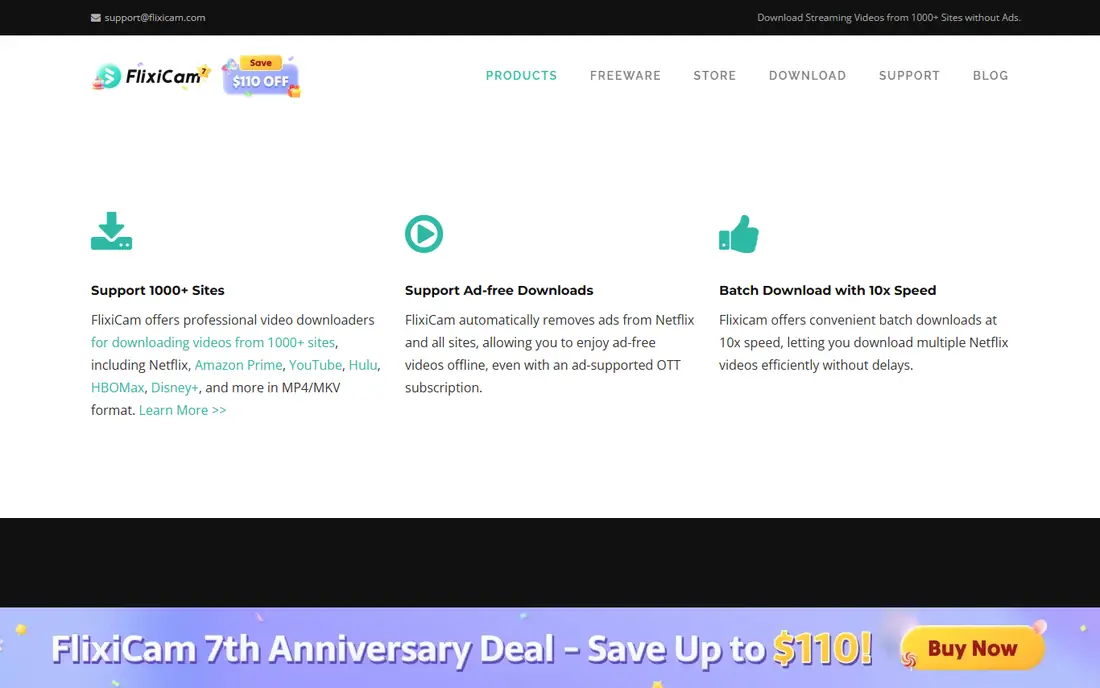
FlixiCam is the strongest all-round StreamFab replacement in current comparisons. It supports more than 1,000 sites, including Netflix, Amazon, Disney+, Hulu, Max, and Apple TV+, with batch downloads for full TV seasons, subtitle extraction, and auto-download for new episodes. Output formats cover MP4, MKV, WEBM, and MP3.
Speed is the headline difference. Comparisons place FlixiCam near 1.5 minutes per episode, against 10 to 15 minutes for StreamFab itself, which matters when downloading a season. Pricing runs $79.90 for one service or $149.90 for an all-in-one bundle, both lifetime in the cited comparison.
The limits are quality caps on some subscription services, where output tops out at 1080p rather than 4K, and an interface that beginners may find busy. For a frequent multi-service downloader who values speed and coverage, FlixiCam is the first tool to trial.
What we like- 1,000 plus supported sites
- Fast downloads near 1.5 minutes per episode
- Batch and subtitle support
Watch out for- Interface can feel complex for beginners
- No 8K on subscription services
- Subscription-service quality caps at 1080p on some services
Starting price$79.90 one service
Free planFree trial
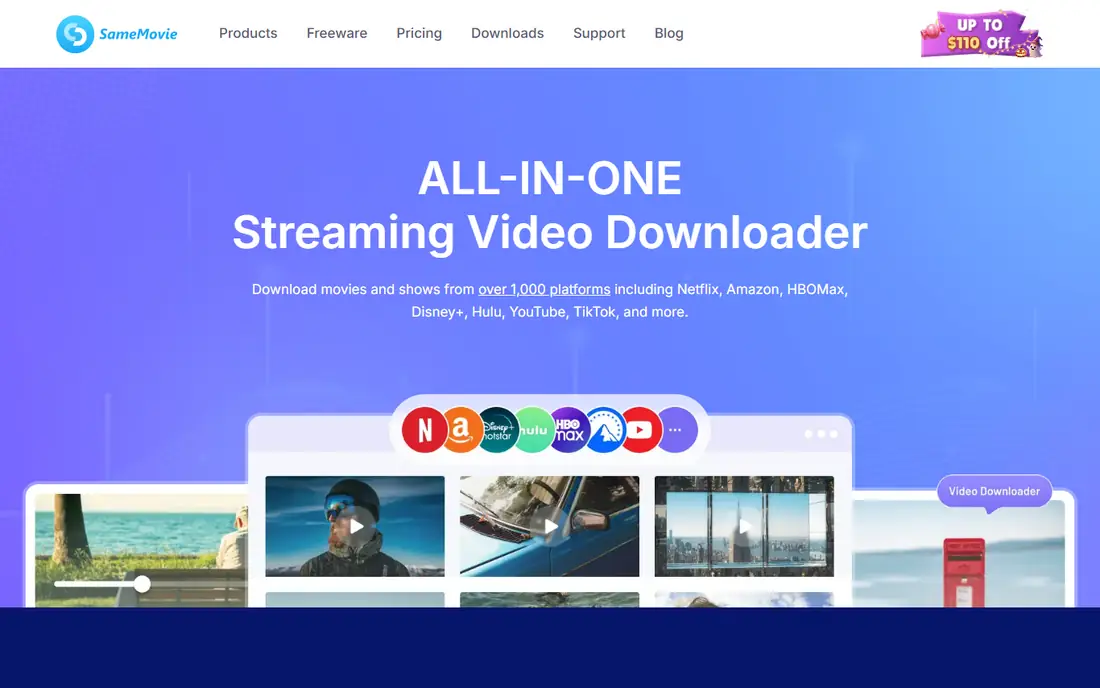
SameMovie Video One is an all-in-one downloader covering more than 1,000 streaming sites, including Netflix, Amazon Prime, Disney+, and Max, with free downloads for many public platforms such as YouTube, TikTok, and Facebook. Output reaches 1080p on subscription services and up to 8K for YouTube, in MP4 and MKV formats.
Hardware acceleration and batch downloading let users grab a full season at up to 10 times speed in the vendor's claims, with multilingual audio tracks and subtitles preserved. Pricing matches FlixiCam at $79.90 for one service or $149.90 for the bundle.
Support quality varies by service, and some users report slow responses, a complaint also aimed at StreamFab itself. Test the trial against your exact service before buying, since coverage and quality differ by platform. For a bundle buyer who wants one tool for many services, SameMovie is a strong second option.
What we like- 1,000 plus sites
- Hardware acceleration and batch downloads
- Multilingual audio and subtitles
Watch out for- Support experiences vary by service
- Interface favors power users
- Some services cap at 1080p
Starting price$79.90 one service
Free planFree trial
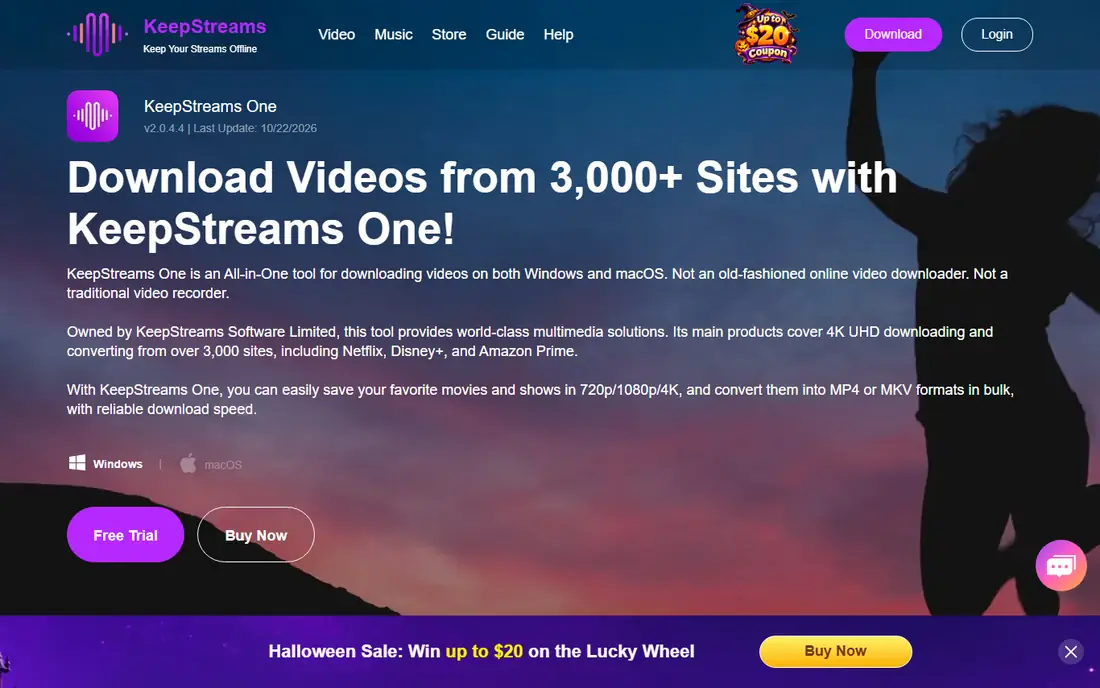
KeepStreams covers more than 60 services with batch downloads, subtitle extraction, and auto-download for new episodes, on Windows and Mac. Output reaches 4K on some services and 1080p on others, in MP4 and MKV formats, with download times near 5 to 10 minutes per episode in comparisons.
Pricing runs $79.90 for one service, but the all-in-one bundle costs $269.99, notably more than FlixiCam or SameMovie. User ratings trail the leaders, near 3.3 stars in the cited comparison, which suggests checking recent reviews before committing.
KeepStreams suits a buyer who wants a straightforward multi-service downloader and does not mind the higher bundle price. For a single service, its price matches rivals, so the choice comes down to trial results on your service.
What we like- 60 plus services
- Subtitle extraction and auto-download
- Windows and Mac support
Watch out for- All-in-one bundle costs $269.99
- Lower user ratings than rivals
- Some services cap at 1080p
Starting price$79.95 one service
Free planFree trial
CleverGet pairs a downloader with a built-in browser, so users browse to a video and download from inside the app rather than pasting links. It supports more than 1,000 sites, with batch downloads, playlist support, and subtitle extraction, on Windows and Mac.
Pricing runs $79.95 to $99.95 for one service or $259.90 for the all-in-one bundle, and download speed sits in the medium band, near 10 to 15 minutes per episode in comparisons. Output reaches 1080p on most platforms, in MP4, MKV, and WEBM formats.
The built-in browser is the reason to pick CleverGet: video detection feels natural for users who dislike link pasting. The bundle price is higher than FlixiCam or SameMovie, so compare the bundle you actually need before paying for all-in-one.
What we like- Built-in browser for easy video detection
- 1,000 plus sites
- Batch and subtitle support
Watch out for- All-in-one bundle costs $259.90
- Medium download speed
- Interface can feel complex
Starting price$39.95 per year
Free planFree trial
VideoProc Converter AI is the practical pick when most downloads come from public sites rather than subscription services. At $39.95 per year or $65.95 for a lifetime license, it costs far less than the subscription-service downloaders, and it supports more than 1,000 public sites plus 2,000 niche platforms, with bulk downloads and per-video settings.
For subscription services, VideoProc relies on a built-in 4K screen recorder rather than direct downloads. That approach is more stable and avoids frequent DRM failures, but it records in real time, which is slower than a direct download. Conversion, compression, editing, subtitle extraction, and audio extraction come included, so one tool covers the full workflow.
Pick VideoProc when public-site downloads dominate and budget matters. Pick a subscription-service downloader when direct downloads from Netflix, Disney+, or Max are the main job.
What we like- Cheapest paid option here
- 1,000 plus public sites
- Built-in 4K screen recorder
- Conversion and editing included
Watch out for- No direct DRM downloads for subscription services
- Recorder workflow is slower
- Annual or lifetime license only
Starting priceFree
Free planYes
yt-dlp is the free, open-source standard for downloading public videos, and it is the tool power users reach for first. It supports hundreds of public sites, offers precise control over format, quality, subtitles, and playlists, and costs nothing. The community keeps it updated as sites change.
The limits are the interface and DRM. yt-dlp runs from the command line, so non-technical users face a learning curve, and it does not reliably support DRM-protected subscription services. For public videos, lectures, and creator content you are authorized to save, it is unmatched for free.
Pick yt-dlp when you are comfortable with a terminal and your sources are public. Pick a paid tool when you need a graphical interface or subscription-service downloads.
What we like- Free and open source
- Huge site support for public videos
- Format and quality control
Watch out for- Command-line only
- No reliable DRM subscription-service support
- Setup needed
Starting priceFree
Free planYes
Video DownloadHelper is a browser extension that detects videos on public pages and downloads them with a click. It suits users who want a simple, free workflow inside Firefox or Chrome, without installing a desktop downloader. A companion app adds conversion and higher-quality options for some sites.
The free tier covers the core detection and download job for public videos. Paid companion features open up conversion and aggregation, but the tool remains a public-video downloader at heart, not a subscription-service solution.
Pick Video DownloadHelper for occasional public downloads in the browser. Pick a desktop tool when you need batch seasons, subtitles, or subscription-service coverage.
What we like- Free browser extension
- Easy detection on public pages
- Companion app for conversion
Watch out for- No reliable DRM subscription-service support
- Some features need the paid companion
- Quality varies by site
Starting priceSee website
Free planFree trial
PlayOn takes a DVR approach: instead of direct downloads, it records streams as they play, producing offline files for later viewing. That recording workflow suits users who prefer a DVR metaphor and want cloud recording, where PlayOn's servers record and deliver the file.
The trade is speed and subtitles. Recording runs in real time, so a two-hour film takes two hours to capture, and subtitle support is weaker than the direct downloaders here. Pricing varies by plan, so check the current terms before subscribing.
Pick PlayOn when a DVR workflow fits your habits and you value cloud recording. Pick a direct downloader when speed, batch seasons, and subtitle retention matter more.
What we like- DVR-style recording for offline viewing
- Works across services
- Cloud recording option
Watch out for- Recording is real-time, so slower
- Subtitle support is weaker
- Pricing varies by plan
How we chose
We compared tools that replace StreamFab's core jobs, downloading from subscription services and public sites, using vendor pages and 2026 comparison data. We favored tools with published prices and active maintenance, and we excluded discontinued tools such as AnyStream. We also separated public-video tools from subscription-service downloaders, since the two jobs have different technical limits, and we flagged DRM and legality boundaries rather than presenting downloads as unrestricted.
Legality, DRM, and safe downloading
Downloaders sit in a legal gray area that buyers should understand before paying. Downloading content you own or are authorized to access, such as a creator's public video with permission, is straightforward. Downloading DRM-protected subscription content may violate the service's terms even when you pay for the subscription, and redistributing downloaded files is a separate violation.
Use official installers only. Unofficial or cracked versions of downloaders carry malware, account theft, and broken updates, and they void any license. Use unique credentials for each service, keep downloads in a folder you control, and never share downloaded subscription content.
A practical rule covers most cases: if you would not hand the file to a stranger, do not download it for that purpose. Keep downloads personal, offline, and within your own household, and check the terms of each service you use. When in doubt, the screen-recording route for personal viewing is the more conservative choice.
Frequently asked questions
Is there a free alternative to StreamFab?
Yes, for public videos. yt-dlp is free and open source, and Video DownloadHelper offers a free browser extension. Neither reliably supports DRM-protected subscription services, which is where paid tools such as FlixiCam and SameMovie earn their price.
Is AnyStream still available?
No, AnyStream is discontinued and appears only as historical context in current comparisons. Do not buy licenses or installers claiming to be AnyStream, since unofficial copies carry malware risk.
Which StreamFab alternative is fastest?
FlixiCam reports near 1.5 minutes per episode in comparisons, against 5 to 15 minutes for most rivals. Speed varies by service, quality setting, and connection, so trial the tool on your service before judging.
Can these tools download in 4K?
Some can, depending on the service. FlixiCam and SameMovie reach up to 8K for YouTube but cap subscription services at 1080p in many cases, while KeepStreams reaches 4K on some services. Check the quality for your exact service during the trial.
Do I need one module or an all-in-one bundle?
Buy one module when you use one service heavily, since single-service prices run near $79.90. Buy a bundle when you regularly download from several services, but compare bundle prices, since KeepStreams at $269.99 costs far more than FlixiCam or SameMovie at $149.90.
Is downloading from Netflix or Disney+ legal?
It depends on the service's terms and your purpose. Downloading for personal offline viewing from your own subscription is commonly done, but it may still breach terms of service, and redistribution is not allowed. Check each service's terms and keep downloads personal.
Sources we checked (5)
- https://www.flixicam.com/guide/streamfab-alternatives.html
- https://streamfab.com/freegrabapp-alternatives
- https://www.VideoProc.com/download-record-video/streamfab-video-downloader-review.htm
- https://www.samemovie.com/topics/best-streamfab-alternative.html
- https://keepstreams.com/streamfab-alternatives
Is your product missing or out of date?
We review this list regularly. Vendors can request a listing, send updated pricing or ask about featured placement.

Shihab Mia · Founder, Rankite
Shihab has 5+ years in B2B and SaaS SEO. He writes Rankite's software buying guides from pricing pages, documentation and public user reviews. More about Shihab.