How we make this list: we compare pricing pages, product documentation and public user reviews. Ratings come from G2, Capterra or Trustpilot, with the date we checked them.
Key takeaways
- Reply speed matters, but a fast reply that solves nothing is worse than a slightly slower reply with a clear next step.
- One shared inbox prevents duplicate replies and missed messages across Instagram, Facebook, X, and other channels.
- Move account details and personal data to private messages, and keep the public reply short, polite, and helpful.
- Saved replies help with common questions, but they must be edited to fit the actual customer problem.
- Measure first response time, resolution time, and customer satisfaction, not only follower count or likes.
Quick comparison
| Tool | Best for | Starting price | Free plan |
|---|
 Sprout Social Sprout Social | Structured team inbox and reporting | $79 per seat/month (billed annually) | No |
 Hootsuite Hootsuite | Broad channel coverage | $99 per user/month | No |
 Zendesk Zendesk | Support tickets linked to social messages | See website | Free trial |
 Agorapulse Agorapulse | Small team inbox value | $79 per user/month | No |
 Statusbrew Statusbrew | Rules and automation for replies | $129 per month | No |
 Buffer Buffer | Simple publishing plus engagement | See website | Yes |
 Sprinklr Sprinklr | Enterprise social care at scale | See website | No |
 Brandwatch Brandwatch | Listening and complaint detection | See website | No |
Is your product missing or out of date?
We review this list regularly. Vendors can request a listing, send updated pricing or ask about featured placement.
#1Sprout Social
Best for: Structured team inbox and reporting4.4/5 on
G2 (6,880 reviews, checked Oct 2026)
Visit sproutsocial.com
Starting price$79 per seat/month (billed annually)
Free planNo
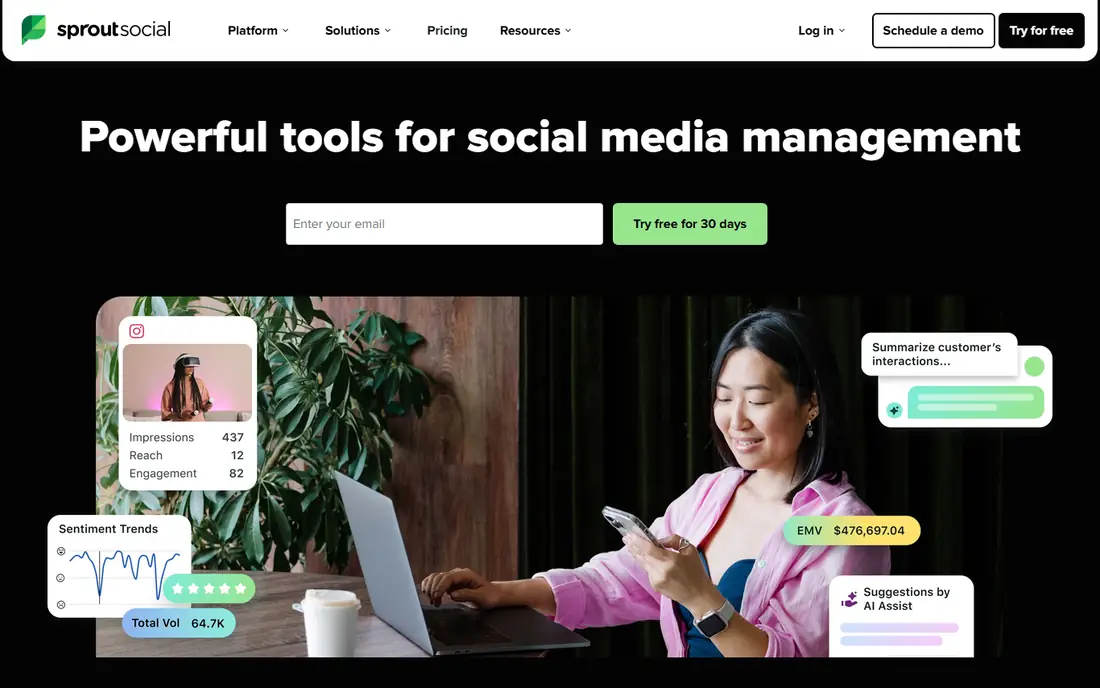
Sprout Social fits support teams that need order more than raw channel count. Messages from connected profiles land in one inbox, where agents can assign cases, add internal notes, and tag issues by type. Managers can see first response time and volume by team member, which makes coaching and staffing decisions easier. For a brand that gets hundreds of messages a week, that structure prevents the common failure of two agents replying to the same complaint.
The cost is the main limit. Per-seat pricing means a five-person team pays several times the headline price, and deeper listening tools cost extra. Small teams may find the entry plan enough for inbox work, but they should price the full team before signing. Sprout is best for mid-size and larger teams that value clean reporting and clear ownership of each case.
What we like- Clean shared inbox
- Message tagging and assignments
- Strong response time reports
Watch out for- Per-seat pricing adds up fast
- Listening is a paid add-on on many plans
#2Hootsuite
Best for: Broad channel coverage4.3/5 on
G2 (7,433 reviews, checked Oct 2026)
Visit hootsuite.com
Starting price$99 per user/month
Free planNo
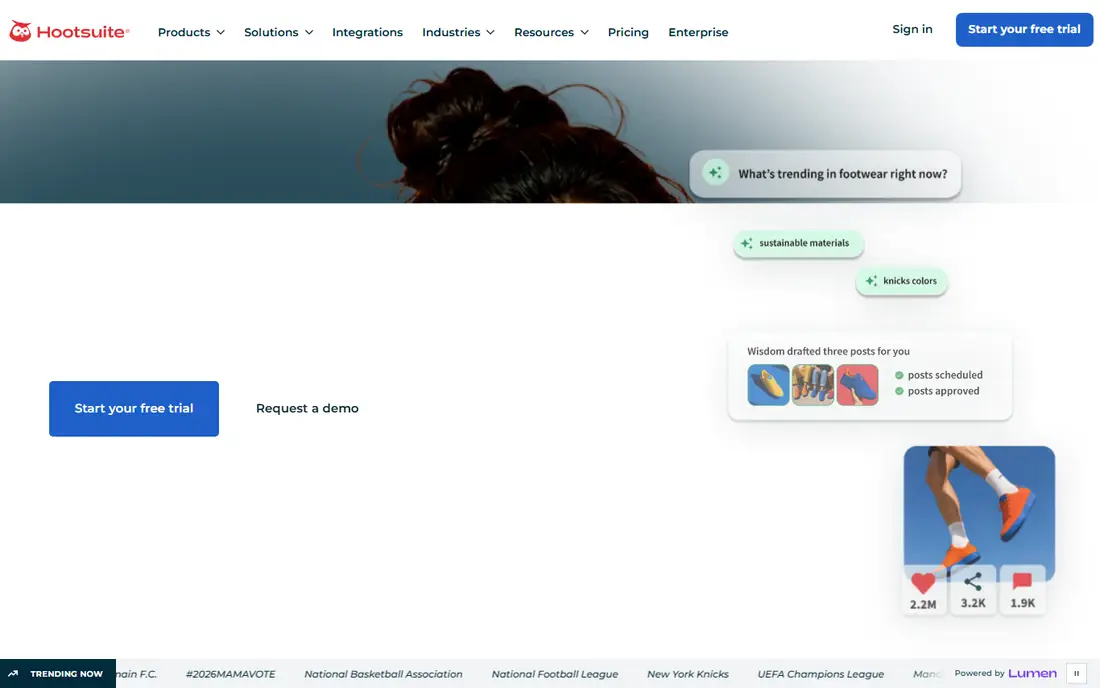
Hootsuite suits teams that manage many profiles across many networks and need one place to watch them all. Streams can track brand mentions, hashtags, and competitor activity, while the inbox collects direct messages and comments for reply. Publishing, monitoring, and support sit in the same workspace, which helps a small marketing and support team share the same view of the day. That breadth is useful for agencies and multi-brand companies.
Depth is where Hootsuite can disappoint. The most useful inbox automation, routing, and performance reporting appear on higher tiers, so the entry plan may feel basic for a dedicated support team. Price also scales per user, which makes a large team expensive. Hootsuite is a good pick for coverage and monitoring, but support-heavy teams should compare its higher tiers against Sprout before choosing.
What we like- Wide network support
- Streams for monitoring mentions
- Publishing and inbox in one place
Watch out for- Per-user pricing is high for large teams
- Advanced inbox features sit on higher tiers
#3Zendesk
Best for: Support tickets linked to social messages4.4/5 on
Capterra (4,090 reviews, checked Oct 2026)
Visit zendesk.com
Starting priceSee website
Free planFree trial
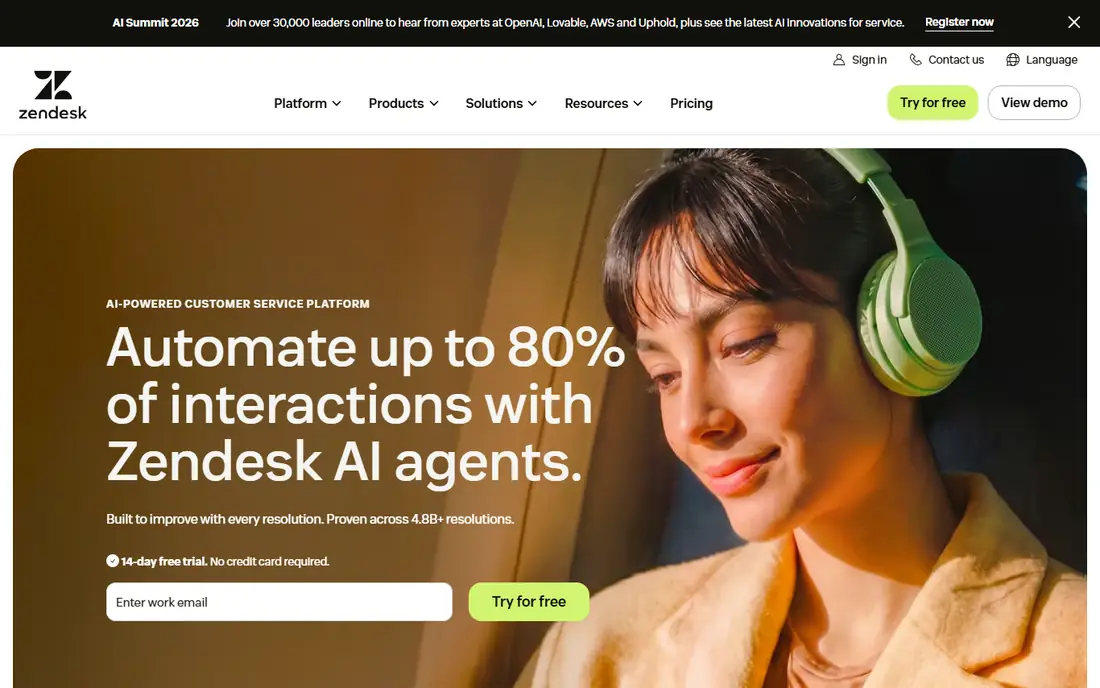
Zendesk is the right choice when social support must connect to the rest of customer support. A Facebook message or X reply can become a ticket with a status, an owner, and a full history, instead of living only in a social tool. Agents can use macros for common answers, trigger automations for urgent issues, and see past tickets for the same customer. That history matters when a public complaint turns into a refund, a repair, or a delivery problem.
The trade-off is complexity. Zendesk is a full support platform, so setup, permissions, and workflows take longer than a social-only inbox. Teams that only need to reply to comments may find it heavy. It fits companies where social is one channel among email, chat, and phone, and where ticket history and reporting justify the setup effort.
What we like- Social messages become trackable tickets
- Strong automation and macros
- Links to help center and CRM data
Watch out for- Setup takes time
- Social features feel secondary to email and chat
- Pricing varies by product bundle
Starting price$79 per user/month
Free planNo
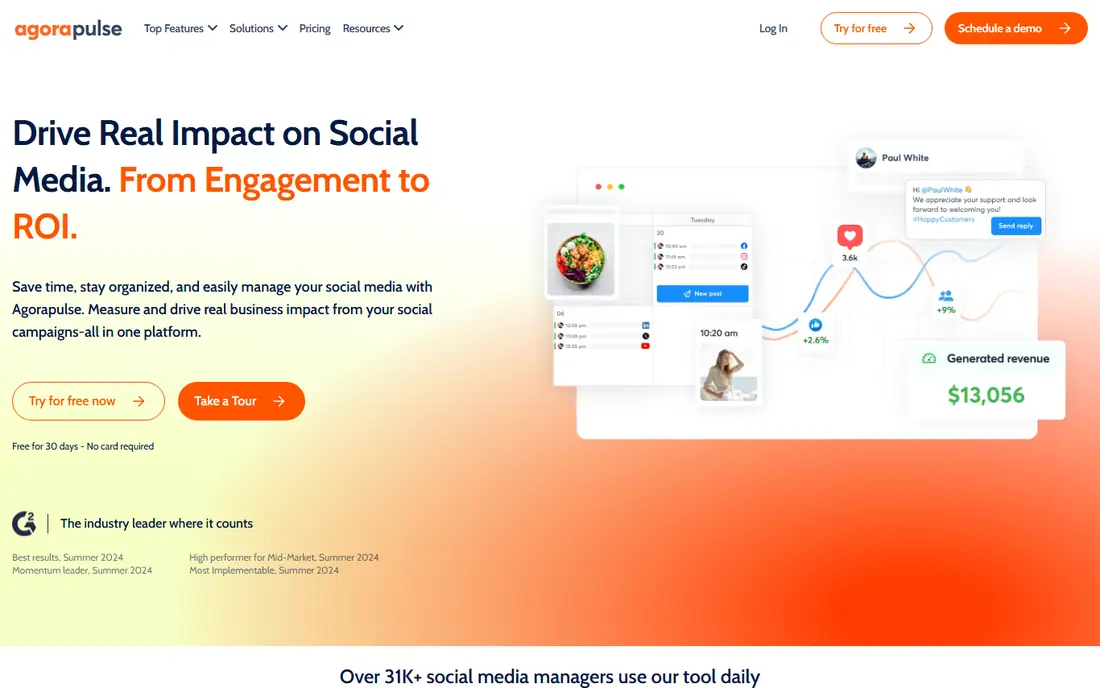
Agorapulse gives small teams much of what Sprout offers at a lower total cost for a comparable team size. The inbox groups messages, comments, and mentions, and agents can assign items, label them, and avoid duplicate replies. Reports cover response time and team activity without requiring a separate analytics tool. For a team of two to five people, that balance of price and function is hard to beat.
Listening and social monitoring are less deep than a dedicated listening platform, so brands that need to catch untagged complaints across the web may need another tool. Higher tiers add features that larger teams will want, which narrows the price gap. Agorapulse is best for small support teams that want a tidy inbox and fair pricing, not for enterprise listening programs.
What we like- Clear inbox with assignments
- Good value against Sprout and Hootsuite
- Useful reports
Watch out for- Listening depth is limited
- Some advanced features need higher tiers
Starting price$129 per month
Free planNo
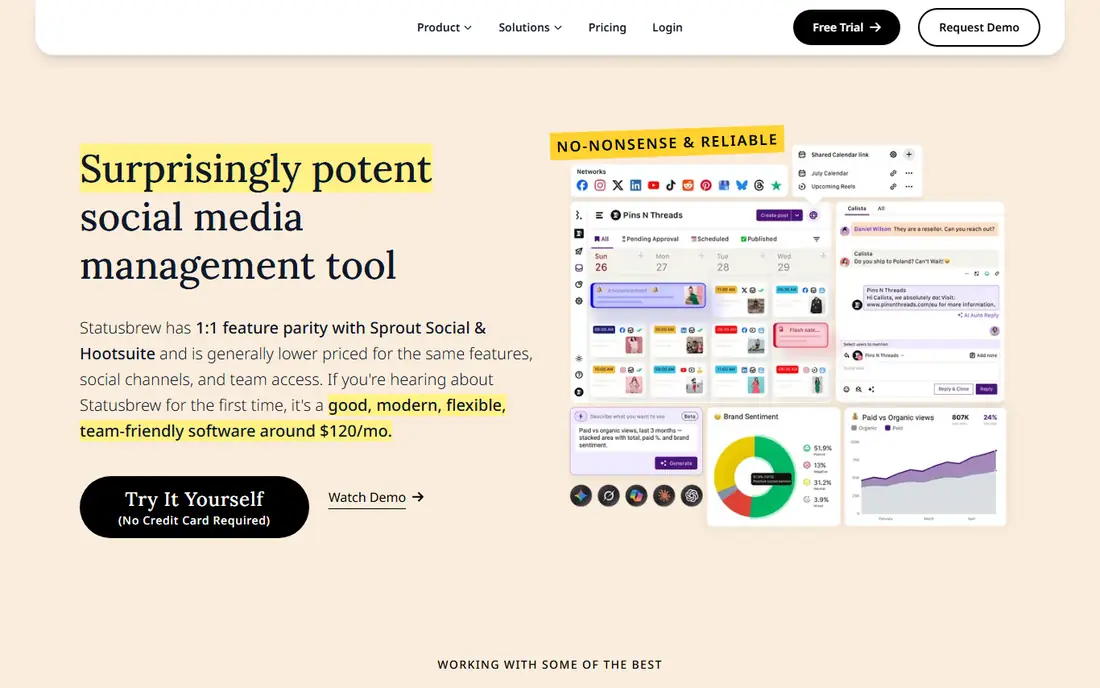
Statusbrew stands out for automation. Rules can route messages by keyword, language, or sentiment, assign them to the right agent, and apply macros for common answers. Collision detection warns when another agent is already replying, which prevents embarrassing duplicate public replies. The platform also handles reviews alongside social messages, which helps local and multi-location brands that get complaints in both places.
The entry price is higher than a simple scheduling tool, so a solo operator may not justify it. The rules engine also rewards teams that take time to set it up well, and a rushed setup can misroute urgent messages. Statusbrew fits teams with enough volume that manual triage wastes hours each week, and where automation rules can be reviewed and refined regularly.
What we like- Strong rules and macros
- Collision detection
- Review and comment management
Watch out for- Higher entry price for very small teams
- Interface takes time to learn
#6Buffer
Best for: Simple publishing plus engagement4.3/5 on
G2 (1,041 reviews, checked Oct 2026)
Visit buffer.com
Starting priceSee website
Free planYes
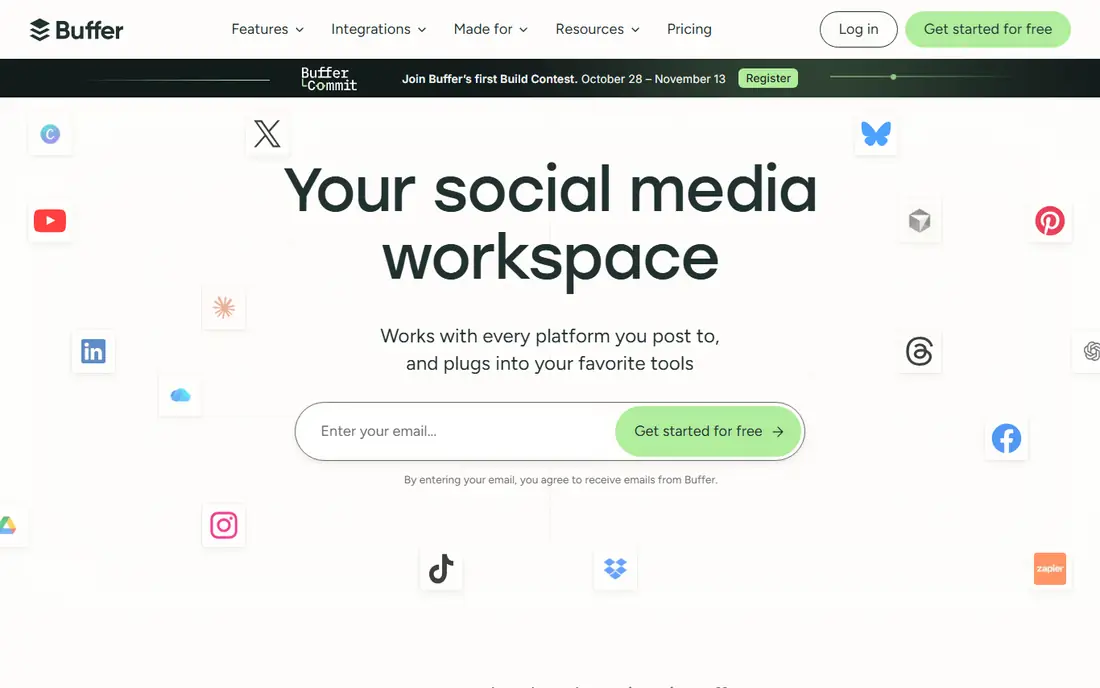
Buffer is the simplest tool on this list, and that is its appeal for very small businesses. A solo owner or a two-person team can schedule posts, reply to comments, and keep a basic record of engagement without learning a complex platform. The free plan covers a small number of channels, which lets a new business start organized support habits before paying. For a shop that gets a handful of social questions a day, Buffer may be enough.
The limit appears as volume grows. Buffer does not offer the assignment rules, case tracking, or listening depth of Sprout, Hootsuite, or Zendesk. Messages can slip through when several people share the account, and reporting will not satisfy a manager who needs response time by agent. Use Buffer to start, and move to a dedicated inbox tool when message volume or team size makes manual tracking unreliable.
What we like- Easy to learn
- Low-cost entry
- Free plan for small accounts
Watch out for- Support inbox is basic
- No deep listening
- Reporting is limited on lower plans
Starting priceSee website
Free planNo
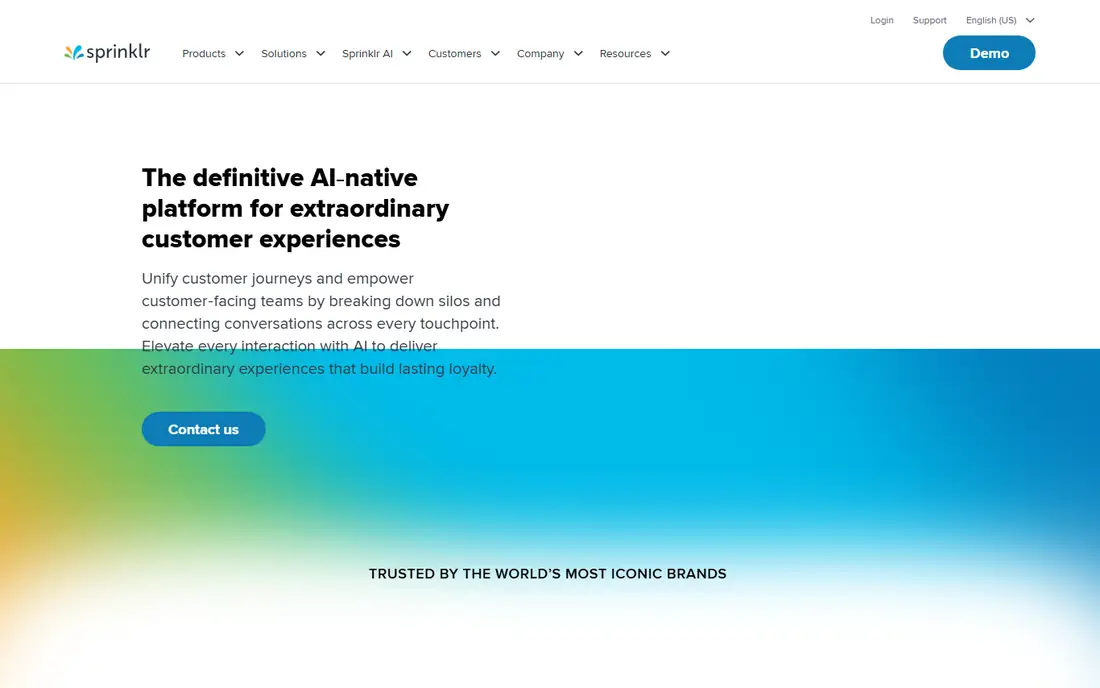
Sprinklr is built for large brands that receive thousands of social messages across regions, languages, and product lines. It can route cases by topic and urgency, apply automation at scale, and give agents a unified view of a customer across social, chat, and other channels. Governance features, approvals, and audit trails help regulated industries control what agents publish. For a global brand, that scale and control justify the investment.
Small and mid-size teams should not buy Sprinklr for inbox basics. Pricing is custom and enterprise-level, implementation takes time, and the platform needs dedicated administration to stay useful. The value appears only when volume, complexity, and compliance needs exceed what a mid-market inbox tool can handle. If your team is under ten agents, a simpler tool will usually serve you better.
What we like- Handles very high volumes
- Strong AI routing and automation
- Unified customer view across channels
Watch out for- Enterprise pricing
- Long implementation
- More than small teams need
#8Brandwatch
Best for: Listening and complaint detection4.4/5 on
G2 (730 reviews, checked Oct 2026)
Visit brandwatch.com
Starting priceSee website
Free planNo
Brandwatch plays a different role from the inbox tools above. It listens across social platforms, news, forums, and blogs for mentions of your brand, products, and competitors, including mentions that do not tag your account. Alerts can flag a spike in complaints, a product issue, or a trending hashtag before it becomes a crisis. Support leaders can use that signal to staff up, prepare a public reply, and brief agents before messages flood the inbox.
Brandwatch is not a replacement for an inbox. Agents still need a tool to reply, assign, and track cases, so most teams pair Brandwatch with Sprout, Hootsuite, Zendesk, or a similar platform. Custom pricing and analyst time also add cost. Brandwatch fits brands where early detection matters, such as product launches, recalls, or high-volume consumer products.
What we like- Catches untagged mentions
- Sentiment and trend alerts
- Useful for crisis detection
Watch out for- Not a full support inbox
- Pricing is custom
- Needs analyst time to interpret data
How to run social customer service well
Good practice starts before any tool is chosen. Publish support hours, expected response times, and the channels you monitor, so customers know where to reach you and how long a reply should take. Write a short tone guide with examples of good replies, and a clear rule for moving personal data to private messages. Agents should never ask for passwords, full card numbers, or other sensitive details in a public reply.
Build a reply workflow that holds up on bad days
Triage messages by urgency first. Safety issues, outages, payment errors, and delivery failures go ahead of general questions. Assign each message to one owner, and use internal notes so the next agent can see what was promised. Keep a public reply short and specific, with a next step and a time frame, then finish the details in private. When volume spikes, pause scheduled promotional posts so a sales message does not appear beside an apology thread.
Measure what customers actually feel
Track first response time, time to resolution, and the share of messages that need a second reply. Add a short satisfaction check after private cases close, and read a sample of public replies each week for tone and accuracy. A fast average can hide a group of customers who waited days, so also check the slowest ten percent of cases. Use those findings to adjust staffing, saved replies, and the help content you link to most often.
How we chose
We compared pricing pages, product documentation, and public reviews on G2, Capterra, and Reddit, with a focus on inbox quality, assignment and automation, listening, and reporting for support teams. We favored tools that support real support workflows, not only publishing, and we included a listening-only tool because early complaint detection is part of good social service. Prices change, so confirm the current plan and seat terms on the vendor site before buying.
Frequently asked questions
How fast should a brand reply on social media?
Aim for a first reply within an hour during support hours for urgent issues, and within a few hours for general questions. Publish your hours so customers outside those hours know when to expect a reply. Speed helps, but a reply that asks a useful question or gives a clear next step is better than a fast generic reply.
Should support replies be public or private?
Start public with a brief acknowledgment, then move account details to private messages. Public replies show other customers that you respond, while private messages protect personal data. Never ask for passwords, payment details, or full addresses in a public comment.
What should a saved reply include?
A saved reply should include a greeting, a clear acknowledgment of the problem, one next step, and a time frame. Leave space to add the customer name and the specific issue, so the reply does not read like a script. Review saved replies monthly and remove any that no longer match current policies.
How do teams avoid duplicate replies?
Use a shared inbox with assignments and collision warnings, and give each message one owner. Internal notes should record what was promised and what is still open. Teams that share a single login without assignments will duplicate replies, especially during a spike in complaints.
Is a chatbot useful for social customer service?
A chatbot can help with hours, order status, and common questions outside support hours, but it should hand off quickly to a person for complaints, refunds, and complex issues. Make the handoff obvious, and do not trap a frustrated customer in a loop of automated options. Test the bot with real complaint wording before launch.
How can a small team handle social support without a big budget?
Start with one shared inbox tool, published hours, and a short list of saved replies for the most common questions. Track response time in a simple spreadsheet if reporting is limited. Move to a paid inbox tool when volume makes manual tracking unreliable, and add listening only when untagged complaints become a real problem.
Sources we checked (8)
- https://www.sproutsocial.com
- https://www.hootsuite.com
- https://www.zendesk.com
- https://www.agorapulse.com
- https://www.statusbrew.com
- https://www.buffer.com
- https://www.sprinklr.com
- https://www.brandwatch.com
Is your product missing or out of date?
We review this list regularly. Vendors can request a listing, send updated pricing or ask about featured placement.

Shihab Mia · Founder, Rankite
Shihab has 5+ years in B2B and SaaS SEO. He writes Rankite's software buying guides from pricing pages, documentation and public user reviews. More about Shihab.