How we make this list: we compare pricing pages, product documentation and public user reviews. Ratings come from G2, Capterra or Trustpilot, with the date we checked them.
Key takeaways
- The headline seat price is rarely the full bill, because most AI agents also charge per resolution, per session, or per outcome.
- Zendesk and Intercom charge for AI outcomes on top of seats, while Help Scout charges less per resolution and offers a spending cap.
- Freshdesk Freddy AI splits into a customer-facing agent billed per session and an agent-facing Copilot billed per seat, so budget both parts.
- Tidio and Zoho Desk give small teams a lower starting point, while Ada and Gorgias fit larger or store-focused teams with higher volume.
- Before you buy, model your last three months of conversations, not just your headcount, because volume decides the AI bill.
Quick comparison
| Tool | Best for | Starting price | Free plan |
|---|
 Zendesk Zendesk | Large omnichannel teams | $19 per user/month (billed annually) | Free trial (14 days) |
 Freshdesk Freshdesk | Growing teams on Freshworks | $19 per user/month (billed annually) | Free trial (14 days) |
 Intercom Intercom | Chat-first teams using Fin | $29 per user/month (billed annually) | Free trial (14 days) |
 Help Scout Help Scout | Email-first small teams | $25 per user/month (billed annually) | Yes |
 Ada Ada | Enterprise automation at scale | See website | No |
 Gorgias Gorgias | Ecommerce stores on Shopify | $10 per month | No |
 Tidio Tidio | Small stores with live chat | $24.17 per month (billed annually) | Yes |
 Zoho Desk Zoho Desk | Budget teams inside Zoho | $7 per user/month (billed annually) | Yes |
Is your product missing or out of date?
We review this list regularly. Vendors can request a listing, send updated pricing or ask about featured placement.
The best ai-powered customer service software
Starting price$19 per user/month (billed annually)
Free planFree trial (14 days)
Zendesk fits a team that handles high volume across many channels and needs strict routing and reporting. Support Team, at $19 per agent per month billed annually, covers email ticketing. Suite Team, at $55, adds messaging, live chat, telephony, and AI agents, while Suite Professional, at $115, adds deeper routing, AI writing tools, and more help centers.
The AI cost needs its own line in your budget. Plans include a small allowance of automated resolutions per agent each month, and extra verified resolutions cost $1.50 each with a commitment or $2.00 pay-as-you-go in current public summaries. Copilot, the assistant that helps your own agents, is separate. Zendesk is a strong platform, but it rewards teams that model volume before they sign.
What we like- Covers email, chat, messaging, voice, and social in one suite
- Strong routing, automation, and reporting
- AI agents plus a separate Copilot for agents
Watch out for- AI resolutions bill on top of seats after the included allowance
- Copilot costs $50 per agent per month extra
#2Freshdesk
Best for: Growing teams on Freshworks4.4/5 on
G2 (3,809 reviews, checked Oct 2026)
Visit freshdesk.com
Starting price$19 per user/month (billed annually)
Free planFree trial (14 days)
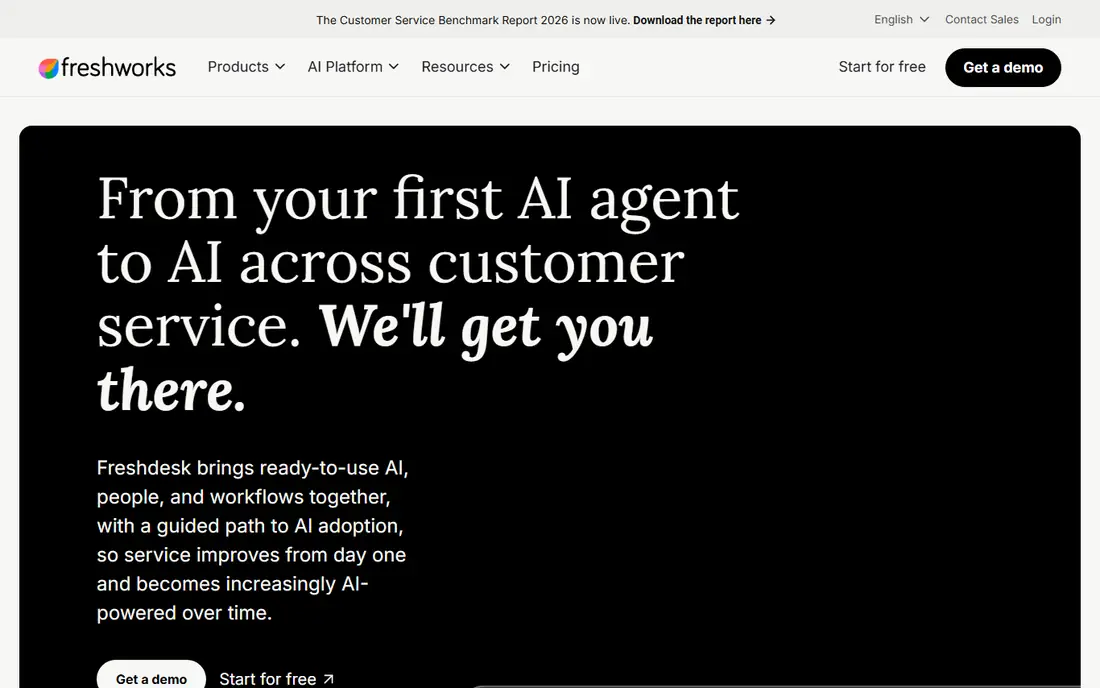
Freshdesk is a practical middle path for teams that want a full help desk without Zendesk pricing. Growth, at $19 per agent per month billed annually, covers ticketing and automation, while Pro, at $55, and Enterprise, at $89, add deeper reporting, roles, and controls. Freshdesk Omni plans cost more and cover broader messaging channels.
Freddy AI is really three parts. Freddy AI Agent answers customers and bills per session, with 500 sessions free once per account and then $49 per 100 sessions. Freddy AI Copilot helps agents draft replies and summarize threads, at $29 per agent per month billed annually on Pro and Enterprise. If AI is the reason you are buying, budget the seat price plus Copilot plus sessions, not the seat price alone.
What we like- Clear ticketing with automation and SLA tools
- Freddy AI Agent and Copilot cover customers and agents separately
- Lower top-tier seat price than Zendesk
Watch out for- Copilot needs Pro or Enterprise and costs extra
- AI Agent sessions cost $49 per 100 after the one-time free allowance
#3Intercom
Best for: Chat-first teams using Fin4.5/5 on
G2 (3,918 reviews, checked Oct 2026)
Visit intercom.com
Starting price$29 per user/month (billed annually)
Free planFree trial (14 days)
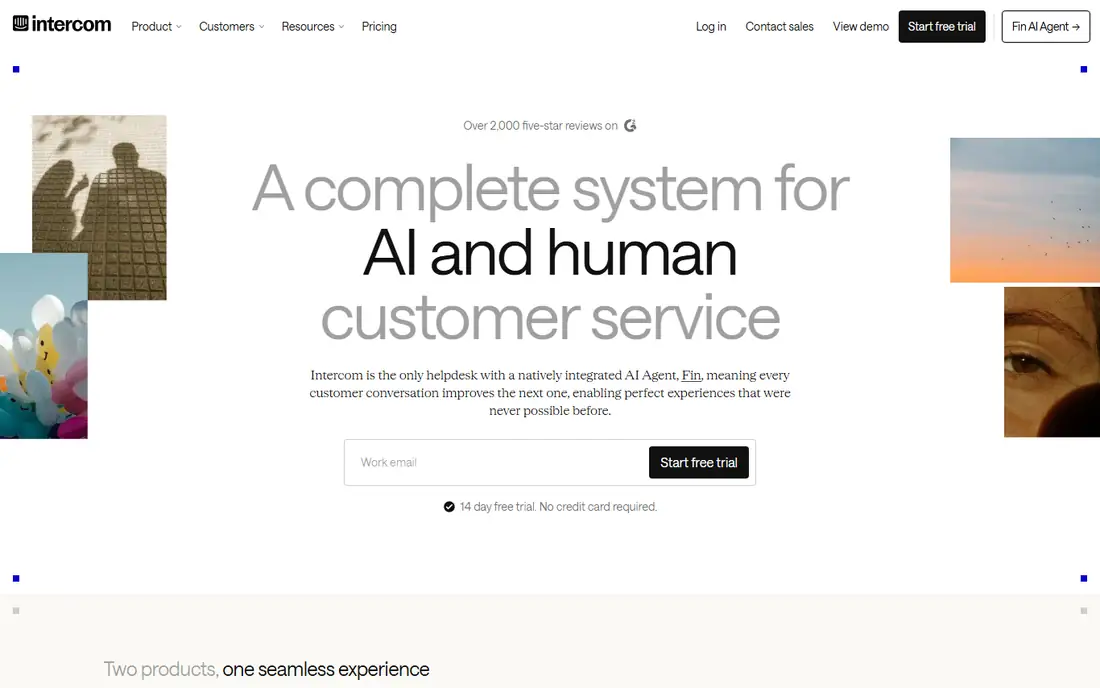
Intercom, now sold under the Fin company name, is built around chat and messaging. Essential, at $29 per seat per month billed annually, covers the Messenger, shared inbox, and ticketing. Advanced, at $85, and Expert, at $132, add workflow automation, more inboxes, and governance features such as SSO and HIPAA support on Expert.
Fin AI Agent is the part to model carefully. It costs $0.99 per outcome, counted at most once per conversation, on top of seats, or on its own with a minimum commitment when used with another help desk. Fin Copilot, for agents, costs $29 per agent per month extra. Intercom fits teams that already live in chat and want AI that can complete workflows, not just answer questions. It is less forgiving for teams with spiky volume and a tight budget.
What we like- Fin AI Agent answers from your help center and connected content
- Strong Messenger, inbox, and automation tools
- Fin can also run on another help desk
Watch out for- Seat price plus $0.99 per Fin outcome adds up fast at volume
- No permanent free plan
#4Help Scout
Best for: Email-first small teams4.4/5 on
G2 (431 reviews, checked Oct 2026)
Visit helpscout.com
Starting price$25 per user/month (billed annually)
Free planYes
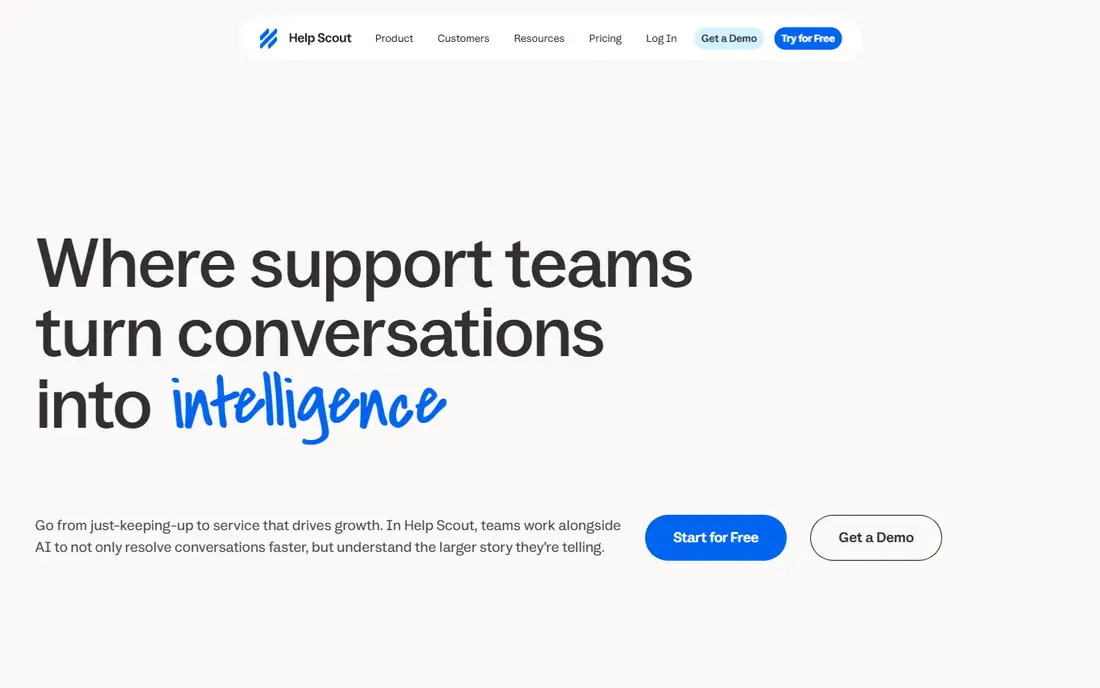
Help Scout suits a small team that answers mostly by email and wants a calm, personal inbox. The free plan covers five users, one inbox, one Docs site, and 100 contacts a month. Standard, at $25 per user per month billed annually, adds multiple inboxes, live chat, and messaging channels, while Plus, at $45, adds advanced workflows, a customer portal, and more inboxes.
AI Answers costs $0.75 per resolution on paid plans, charged at most once per conversation, and you can set a monthly spending cap. That cap is useful, because it stops surprise bills, though it also pauses AI when the cap is reached. Help Scout is less suited to a team that needs deep voice support or complex enterprise controls, but for email-first support it is one of the clearest prices in this list.
What we like- Free plan for up to five users
- Simple shared inbox and Docs sites
- AI Answers at $0.75 per resolution with a spending cap
Watch out for- User caps apply on Standard and Plus
- Phone support needs an integration such as Aircall
#5Ada
Best for: Enterprise automation at scale4.6/5 on
G2 (173 reviews, checked Oct 2026)
Visit ada.cx
Starting priceSee website
Free planNo
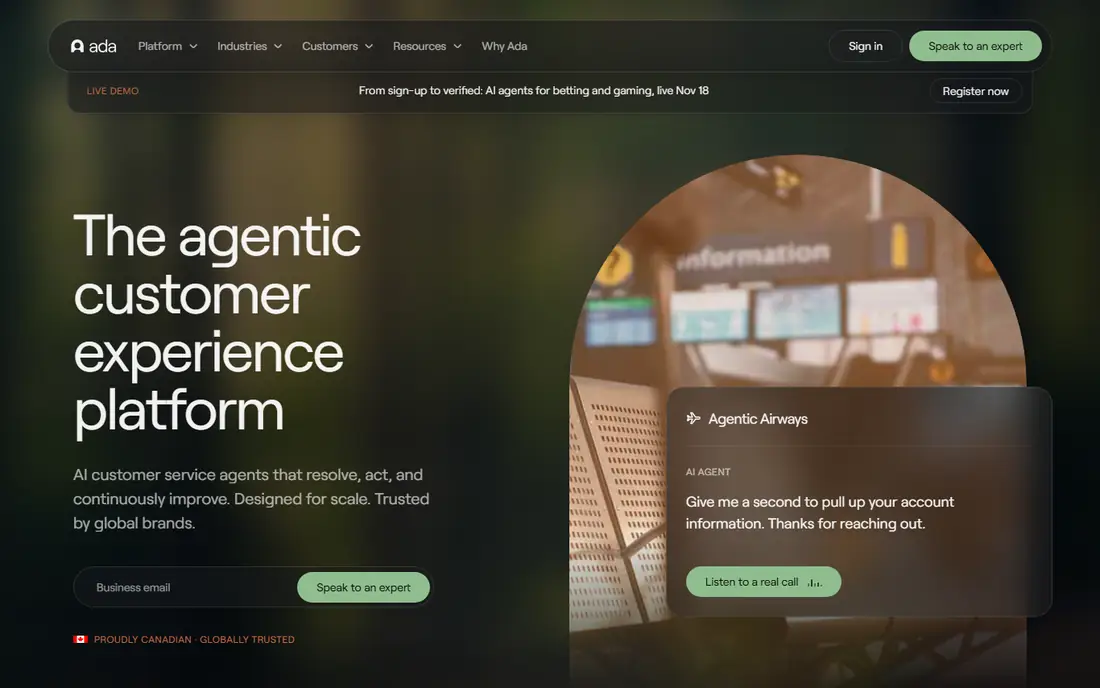
Ada is built for large teams with high volume and complex back-end tasks, such as refunds, account updates, and order changes. Its agent reads connected knowledge and customer context, follows business rules, and hands off to a human when a case needs judgment. That design fits enterprises that already have clean systems and a large support operation.
The downside is access and cost. Ada does not publish a list price, and third-party summaries point to enterprise contracts rather than a self-serve plan. Small teams will find the sales process slow and the minimum commitment high. Choose Ada only when your volume, system integrations, and governance needs justify an enterprise rollout, and run a pilot on your hardest intents first.
What we like- Reasoning engine can complete multi-step tasks in connected systems
- Supports many languages across chat, messaging, email, and voice
- Strong enterprise controls and reporting
Watch out for- No public list price, so budgeting needs a sales quote
- Implementation and setup take longer than a small-team tool
#6Gorgias
Best for: Ecommerce stores on Shopify4.6/5 on
G2 (569 reviews, checked Oct 2026)
Visit gorgias.com
Starting price$10 per month
Free planNo
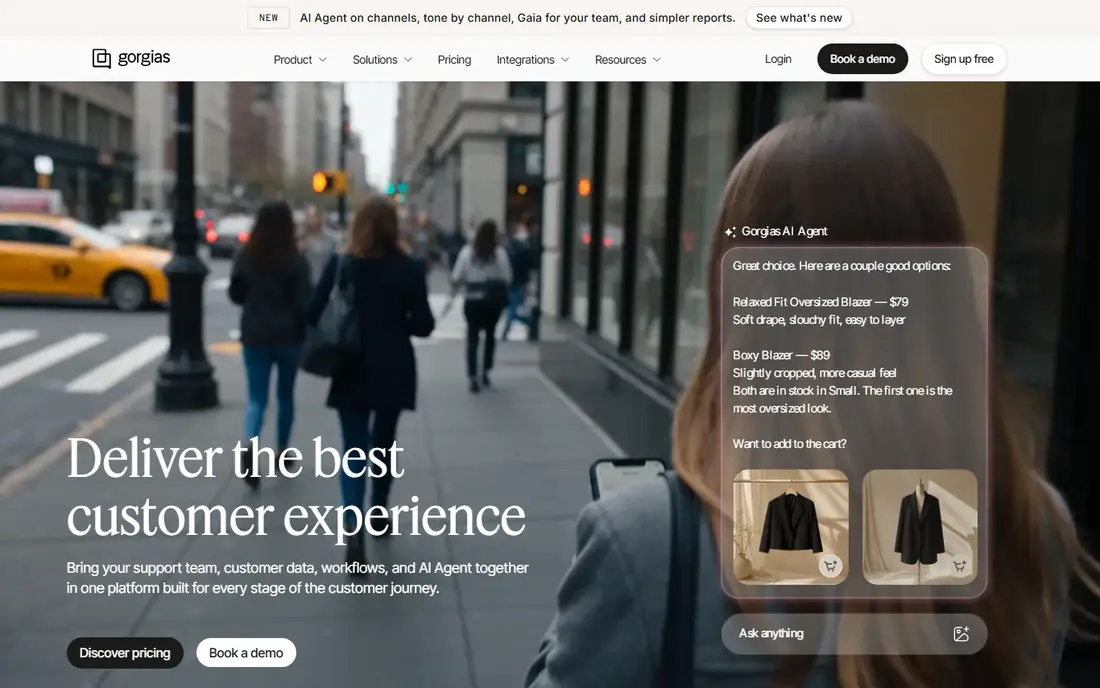
Gorgias is a help desk built for online stores, not a generic ticket tool. Agents see order history, refund options, and subscription status inside the ticket, which shortens the time spent switching tabs. Starter, at $10 per month, covers 50 tickets, while Basic, at $50 per month billed annually, covers 300, Pro, at $300, covers 2,000, and Advanced, at $750, covers 5,000.
The AI Agent bills per automated interaction, around $0.90 each billed annually, on top of the ticket plan, and each automated interaction also counts as a ticket. That stacking is the main billing trap to model. Gorgias still fits stores well, because adding agents costs nothing on most plans, and volume, not headcount, drives the bill. It fits less well for software or service teams that do not sell through Shopify.
What we like- Priced by tickets, not by agent seats
- Deep Shopify order, refund, and subscription data inside tickets
- AI Agent resolves common store questions
Watch out for- AI resolutions also count as tickets, so one conversation can bill twice
- Price jumps steeply between tiers as ticket volume grows
#7Tidio
Best for: Small stores with live chat4.6/5 on
G2 (1,967 reviews, checked Oct 2026)
Visit tidio.com
Starting price$24.17 per month (billed annually)
Free planYes
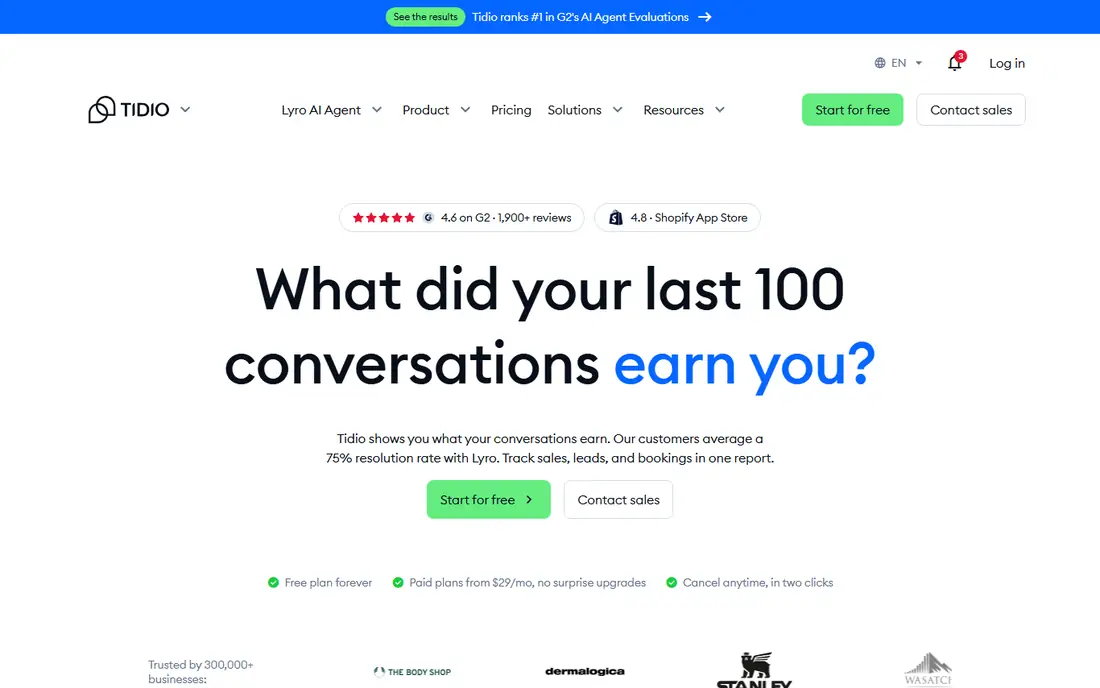
Tidio fits a small store that wants live chat, email, and social messages in one inbox without paying per agent. The free plan covers 50 billable conversations a month, while Starter, at $24.17 per month billed annually, covers 100, and Growth starts at $49.17 for 250. Lyro, the AI agent, is sold as its own allowance, from $32.50 per month billed annually for 50 AI conversations.
That three-meter billing is both the strength and the catch. Hiring does not change the bill, but a busy month can raise all three meters at once. Lyro counts any conversation it replies in, whether or not it resolves the issue, which differs from per-resolution pricing. Tidio is a good start for a small team, and a team that outgrows Growth should price Plus before volume forces the move.
What we like- Free plan with live chat, ticketing, and up to ten seats
- Prices conversations, not seats, on lower plans
- Lyro AI agent plus visual Flows automations
Watch out for- Conversations, Lyro conversations, and Flows are billed separately
- Larger teams move to Plus, which starts at $300 per month plus usage
#8Zoho Desk
Best for: Budget teams inside Zoho4.4/5 on
G2 (8,002 reviews, checked Oct 2026)
Visit zoho.com
Starting price$7 per user/month (billed annually)
Free planYes
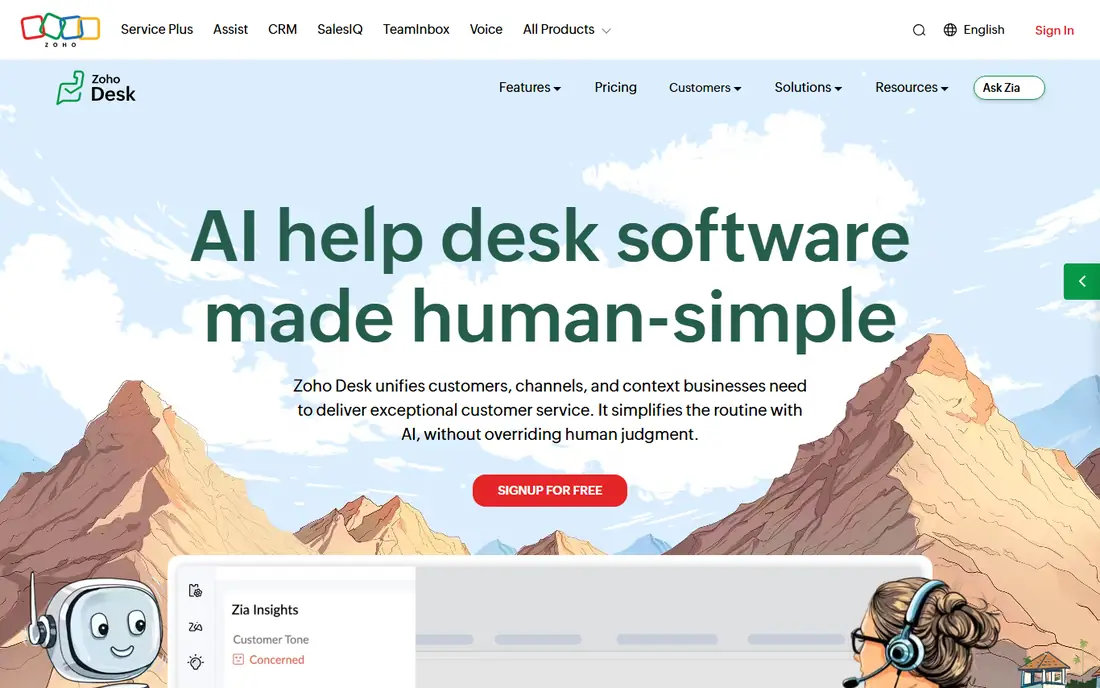
Zoho Desk is the lowest-cost entry point here for a team that needs a real ticket system. Express, at $7 per agent per month billed annually, covers basic multi-channel support for up to five agents, while Standard, at $14, and Professional, at $23, add SLAs, automation, and deeper reporting. The free plan covers three agents with email and web forms.
Zia, Zoho's AI assistant, helps with sentiment, routing, and knowledge, but the full Zia suite sits on Enterprise, at $40 per agent per month billed annually. That jump matters, because a team that buys Zoho Desk for AI alone may need the top tier. Zoho Desk fits best when you already run Zoho CRM or other Zoho apps, because the value comes from shared data, not from AI alone.
What we like- Free plan for up to three agents
- Low entry price with multi-channel ticketing
- Full Zia AI suite is bundled on Enterprise without a per-resolution fee
Watch out for- Full Zia AI needs the Enterprise plan at $40 per agent per month billed annually
- Best value appears only when you already use Zoho apps
How we chose
We compared vendor pricing pages, product documentation, and public reviews on G2, Capterra, and Reddit, and we checked each tool for a customer-facing AI agent or a strong agent-assist AI, not just a chatbot widget. We favored tools that cover different team sizes and billing models, from per-seat to per-ticket to per-resolution, because the billing model often matters more than the feature list. Prices shown are current public list prices, and where a vendor publishes no list price, we wrote See website.
How to compare AI costs without surprises
Separate seats, sessions, and resolutions
Write three lines for every shortlisted tool: seat cost, AI cost, and any add-on cost. A $19 seat with $0.99 outcomes can cost more than a $45 seat with a capped AI allowance, depending on volume. Ask each vendor what counts as a resolution, what happens on a reopened conversation, and whether a cap pauses AI or just alerts you.
Run a pilot on your real top intents
Pick your ten most common questions, from order status to refunds to password resets, and run them through each AI on a trial. Check answers for accuracy, tone, and handoff quality, and count how many conversations still need a human. A high deflection rate on easy questions means little if refund cases still escalate every time.
Check knowledge, handoff, and controls
Good AI answers come from good knowledge, so check how each tool reads your help center, tickets, and product docs, and how often it updates. Check the handoff too: does the human agent see the full conversation, the customer record, and the steps already taken? Finally, check permissions, audit trails, and data controls, especially if you handle payment or health-related support.
Frequently asked questions
What counts as an AI resolution?
It depends on the vendor. Some vendors count a conversation resolved when the customer confirms it, some count it when the customer leaves without asking for more help, and some count any conversation the AI replies in. Ask for the exact rule in writing, and review a sample of billed outcomes in your first month.
Is per-resolution pricing better than per-seat pricing?
Per-resolution pricing fits teams with low or uneven volume, because you pay only when AI handles work. Per-seat pricing fits teams with steady volume and many agents, because the cost is predictable. The best test is your own volume: multiply your monthly AI conversations by the per-unit price and add seats.
Do I still need human agents with AI customer service software?
Yes, for complex, sensitive, and high-value cases. AI handles repeatable questions well, but refunds with exceptions, billing disputes, and angry customers still need judgment, empathy, and access to systems that AI should not change alone. Plan staffing for escalation, not just for the cases AI resolves.
How long does setup take?
A small team can launch a basic AI agent in days if its help center is clean and its top questions are clear. Larger teams need weeks, because knowledge cleanup, system connections, testing, and approval take time. Budget extra time for refund, return, and account-change workflows, which need stricter rules than FAQ answers.
Can AI work with my existing help desk?
Some tools, such as Intercom Fin, can run on another help desk, while others, such as Zendesk AI and Freddy AI, work best inside their own suite. Check the integration list and the extra cost before you assume you can keep your current desk. A standalone AI layer can save a migration, but it adds another vendor to manage.
What should I check for data privacy?
Check where customer data is stored, how long it is kept, whether it trains vendor models, and what controls you have over access and deletion. Ask for security documentation and contract terms on data use, especially for regulated industries. A clear answer on these points matters more than a long feature list.
Sources we checked (8)
- https://zendesk.com/pricing
- https://freshdesk.com/pricing
- https://intercom.com/pricing
- https://helpscout.com/pricing
- https://ada.cx
- https://gorgias.com/pricing
- https://tidio.com/pricing
- https://zoho.com/desk/pricing
Is your product missing or out of date?
We review this list regularly. Vendors can request a listing, send updated pricing or ask about featured placement.

Shihab Mia · Founder, Rankite
Shihab has 5+ years in B2B and SaaS SEO. He writes Rankite's software buying guides from pricing pages, documentation and public user reviews. More about Shihab.