How we make this list: we compare pricing pages, product documentation and public user reviews. Ratings come from G2, Capterra or Trustpilot, with the date we checked them.
Key takeaways
- Microsoft Teams suits organizations already on Microsoft 365, while Google Chat suits teams already on Google Workspace.
- Discord suits communities and gaming-adjacent teams that want free, large servers, while Mattermost and Rocket.Chat suit teams that want self-hosted, open-source chat.
- Zulip suits teams that want topic-based threads, while Twist suits teams that want calmer, async-first communication.
- Flock suits small teams that want a simple, low-cost Slack-style chat, although its ecosystem is smaller than the leaders.
Quick comparison
Is your product missing or out of date?
We review this list regularly. Vendors can request a listing, send updated pricing or ask about featured placement.
The best Slack alternatives

#1Microsoft Teams
Best for: Microsoft 365 teams4.4/5 on
G2 (19,330 reviews, checked Oct 2026)
Visit microsoft.com
Starting priceFree
Free planYes
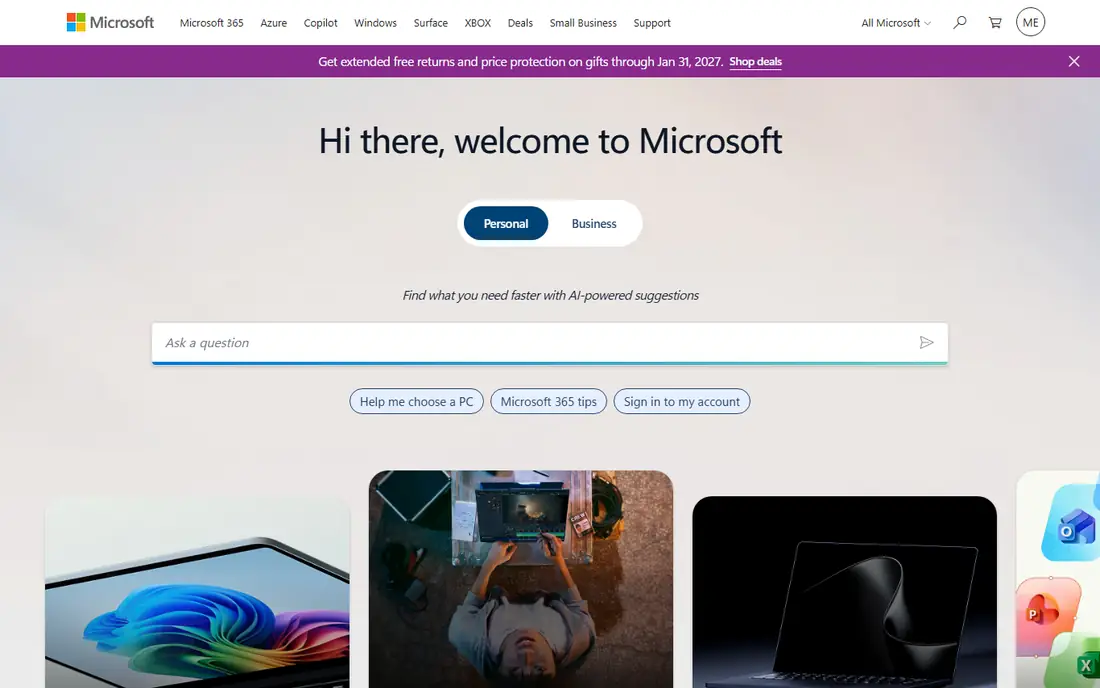
Microsoft Teams suits an organization already paying for Microsoft 365. Chat, meetings, file sharing and Office apps share one window, so a team can move from a chat message to a Word document or a video call without switching tools. Enterprise controls cover compliance, retention and guest access, which matters for large or regulated organizations. For a Microsoft shop, Teams is the natural Slack replacement.
The interface feels heavy, packing chat, teams, calendar and apps into dense screens, and the free tier limits some features and storage. A small team that only wants chat may prefer Google Chat or Discord. For Microsoft 365 organizations that want chat plus meetings, Teams is the obvious choice.
What we like- Deep Microsoft 365 integration
- Meetings, files and chat in one app
- Enterprise scale
Watch out for- Interface feels heavy
- Free tier limits some features
Starting priceFree
Free planYes
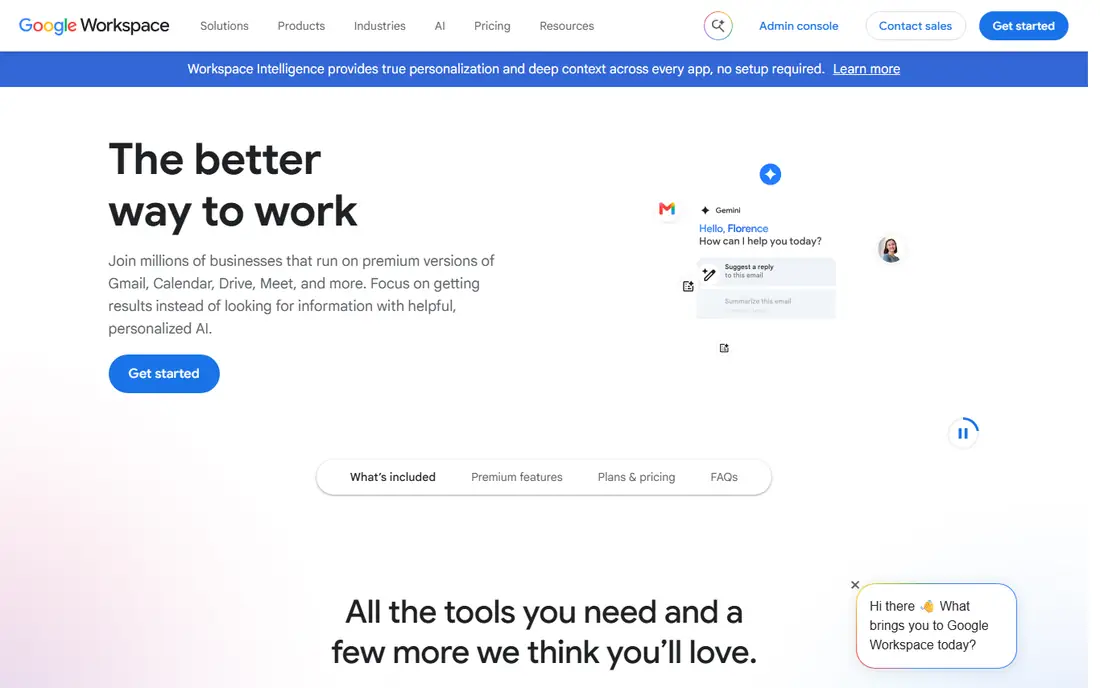
Google Chat suits a team already on Google Workspace. Rooms, direct messages and spaces connect to Gmail, Drive, Docs and Meet, so a team can share a document or start a video call from a chat without leaving Google. The interface stays simple, which helps a team that found Slack noisy or complex. For a Google Workspace organization, Chat adds team messaging at no extra cost.
Chat apps and third-party integrations are fewer than Slack, and threading is simpler, which can frustrate teams that rely on deep thread organization. A team that needs hundreds of integrations should consider Teams or Mattermost instead. For Google Workspace teams that want simple, integrated chat, Google Chat is a strong choice.
What we like- Tight Google Workspace integration
- Simple rooms and direct messages
- Free with Google accounts
Watch out for- Fewer chat apps and integrations than Slack
- Threading is simpler

#3Discord
Best for: Free community servers4.6/5 on
G2 (43 reviews, checked Oct 2026)
Visit discord.com
Starting priceFree
Free planYes
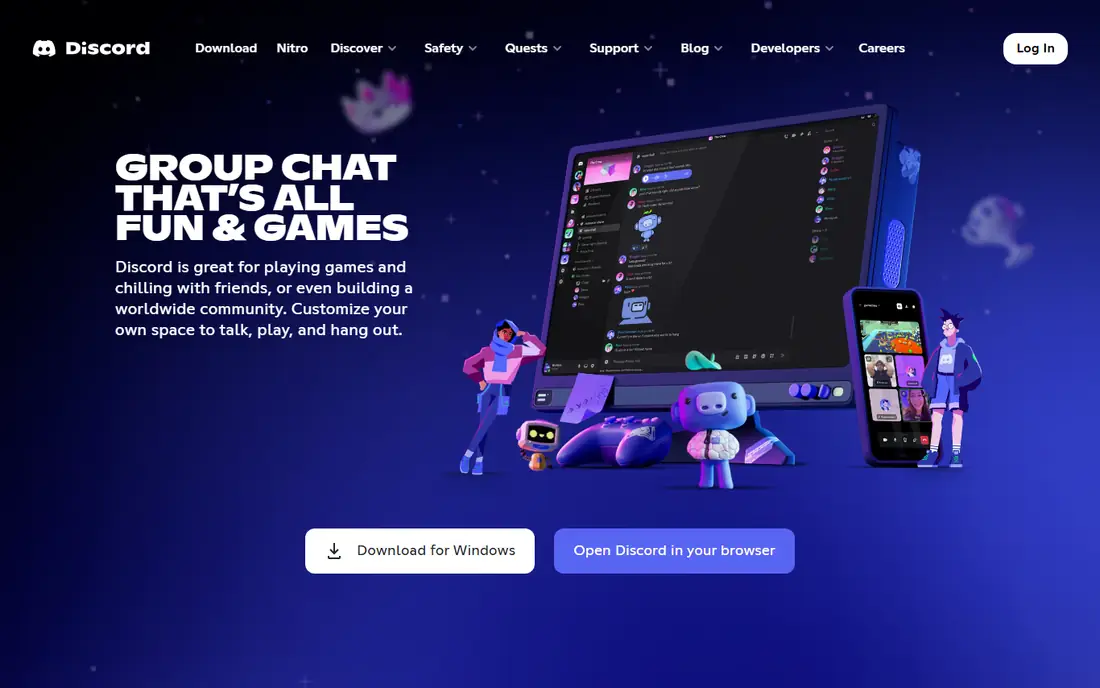
Discord suits a community, creator team or gaming-adjacent group that wants free, large-scale chat with voice and video. Servers hold many channels, threads and roles, voice channels allow drop-in conversation, and screen sharing covers live collaboration. The free tier is generous, which makes Discord popular with open-source projects, study groups and creator communities. For a free, community-first chat platform, Discord is unmatched.
Business controls such as enterprise compliance, retention and admin reporting are thinner than Slack or Teams, and the interface suits communities more than corporate teams. A regulated company should pick Teams or Mattermost instead. For free community and team chat with voice, Discord is an excellent choice.
What we like- Free large servers with voice and video
- Channels and threads
- Huge community ecosystem
Watch out for- Business controls are thinner than Slack
- Interface suits communities more than corporate teams
Starting priceFree
Free planYes
Mattermost suits a team that wants Slack-style chat with full data control. The open-source platform runs on your own servers, so messages, files and user data stay inside your organization, which matters for government, defense and regulated industries. Channels, threads, reactions and integrations mirror Slack closely, which eases migration. For a privacy-focused team with IT resources, Mattermost offers control that cloud chat cannot match.
Self-hosting needs IT effort for setup, updates and backups, and the mobile experience trails Slack polish. A small team without IT support may prefer a cloud tool such as Google Chat. For self-hosted, private team chat, Mattermost is a leading choice.
What we like- Open-source self-hosting
- Strong privacy and data control
- Slack-like channels and threads
Watch out for- Self-hosting needs IT effort
- Mobile experience trails Slack polish

#5Rocket.Chat
Best for: Self-hosted open source4.2/5 on
G2 (374 reviews, checked Oct 2026)
Visit rocket.chat
Starting priceFree
Free planYes
Rocket.Chat suits a team that wants open-source chat with omnichannel messaging. Self-hosting keeps data private, while cloud hosting removes server work, and omnichannel features connect WhatsApp, email and social messages into one inbox. Customization covers themes, apps and workflows, which helps a team that wants chat tailored to its processes. For a team that wants open-source flexibility plus customer messaging, Rocket.Chat offers breadth that Mattermost lacks.
Self-hosting needs IT effort, and the interface feels busy with many features and settings. A team that wants a simple, polished chat may prefer Google Chat or Twist. For customizable open-source chat with omnichannel reach, Rocket.Chat is a strong choice.
What we like- Open-source self-hosting or cloud
- Omnichannel messaging
- Strong customization
Watch out for- Self-hosting needs IT effort
- Interface feels busy with many features

#6Zulip
Best for: Topic-based threads4.6/5 on
G2 (117 reviews, checked Oct 2026)
Visit zulip.com
Starting priceFree
Free planYes
Zulip suits a team that struggles with chaotic Slack channels. Every message belongs to a topic inside a stream, so conversations stay organized and searchable, even in a busy channel with many parallel discussions. That structure helps engineering teams, research groups and large open-source projects where a single channel may host dozens of threads. Open-source self-hosting adds data control, and Zulip is free for open-source projects and many educational teams.
The interface differs from Slack, so a team needs adjustment time, and the integration ecosystem is smaller than Slack or Teams. A team that wants a familiar Slack feel may prefer Mattermost instead. For topic-organized, threaded team chat, Zulip is uniquely effective.
What we like- Topic-based threading keeps conversations organized
- Open-source self-hosting
- Free for open-source projects
Watch out for- Interface differs from Slack, so teams need adjustment
- Smaller integration ecosystem

#7Twist
Best for: Async-first teams4.1/5 on
G2 (34 reviews, checked Oct 2026)
Visit twist.com
Starting priceSee website
Free planFree trial
Twist suits a remote team that wants calmer, async-first communication. Conversations live in threads inside channels, with no always-on presence pressure, which helps distributed teams across time zones avoid constant interruption. The interface stays clean, and notifications can be batched rather than constant. For a team burned out by Slack noise, Twist offers a deliberate slower pace that protects deep work.
Twist is paid after a trial, the ecosystem is smaller than Slack, and real-time chat fans may find the async pace slow for urgent work. A team that needs instant, always-on chat should pick Discord or Teams instead. For async-first team communication, Twist is a thoughtful alternative.
What we like- Async-first design reduces interruption
- Threads keep discussions organized
- Clean interface
Watch out for- Paid after trial
- Smaller ecosystem than Slack
- Real-time chat fans may find it slow

#8Flock
Best for: Simple low-cost chat4.4/5 on
G2 (301 reviews, checked Oct 2026)
Visit flock.com
Starting priceFree
Free planYes
Flock suits a small team that wants simple, low-cost Slack-style chat. Channels, direct messages, video calls, polls, shared notes and reminders cover daily team communication without complexity or high cost. That simplicity appeals to a startup or a small business that finds Slack pricing steep and Teams heavy. For a small team on a budget, Flock offers the core chat experience at lower cost.
The ecosystem and community are smaller than Slack or Teams, with fewer integrations and third-party apps. A growing team may outgrow Flock and move to Teams or Google Chat. For simple, low-cost team chat, Flock is a practical choice.
What we like- Simple Slack-style chat
- Low cost
- Polls, notes and reminders built in
Watch out for- Smaller ecosystem and community
- Fewer integrations than Slack or Teams
How we chose
We compared vendor product pages, feature lists and public reviews for team chat tools serving US teams. We looked for channel and thread organization, voice and video, integrations, privacy and self-hosting options, and honest pricing. We did not claim hands-on testing, and we used "See website" where pricing depends on seats, hosting or tiers.
How to pick the right Slack alternative
Start with your existing suite. A Microsoft 365 team should pick Teams, while a Google Workspace team should pick Google Chat, since integration and cost advantages are large. A community or a free-first team should pick Discord, while a privacy-focused team with IT resources should evaluate Mattermost or Rocket.Chat.
Next, test threading and notification culture with a real team for a week. Zulip suits a team that wants strict topic organization, Twist suits a team that wants async calm, and Slack-style tools suit a team that wants fast, informal chat. Finally, check migration tools for message history, since losing years of Slack history frustrates teams more than any feature gap. Export history before switching, and confirm the new tool imports it cleanly.
Check guest access and security before inviting clients or contractors. Some tools offer guest accounts with limited channels, while others need full seats for outside users, and the cost difference matters for agencies. Review retention, two-factor login and single sign-on options during a trial, since security settings are harder to change after a full team has joined.
Bots and automation can reduce routine chat work, from standup reminders to deployment alerts and ticket notifications. Check which integrations your new tool supports natively, since a missing integration may force manual workarounds. A team that relies on GitHub, Jira or CRM alerts should confirm those connections work before committing to a switch. Set channel naming rules on day one, so channels stay findable as the team grows, and archive dead channels quarterly to keep the sidebar clean. Pin key decisions in each channel, so new members can catch up without asking. Write a short guide for new members covering channels, threads and notification settings.
Frequently asked questions
What is the best free Slack alternative?
Discord offers the most generous free tier for communities, while Google Chat is free for Google Workspace users and Mattermost is free for self-hosting. The best free choice depends on whether you need community scale, Google integration or data control.
Can I self-host a Slack alternative?
Yes. Mattermost, Rocket.Chat and Zulip offer open-source self-hosting, so messages and files stay on your own servers. Self-hosting needs IT effort for setup, updates and backups, but it gives full data control.
Is Microsoft Teams better than Slack?
For Microsoft 365 organizations, Teams is better on integration and cost, since chat, meetings and Office apps share one subscription. For teams that want a lighter chat tool or many third-party integrations, Slack or Google Chat may suit better.
How do I migrate from Slack?
Export Slack message history and files first, then test import tools on the new platform with a small channel. Confirm user accounts, channels and file access before moving the full team, and keep Slack read-only for a month as a backup.
Which Slack alternative is best for remote teams?
Twist suits async-first remote teams across time zones, while Zulip suits remote engineering teams with many parallel discussions. Teams and Google Chat suit remote teams already on those suites, with meetings built in.
Sources we checked (8)
- https://www.microsoft.com
- https://workspace.google.com
- https://discord.com
- https://mattermost.com
- https://www.rocket.chat
- https://zulip.com
- https://twist.com
- https://flock.com
Is your product missing or out of date?
We review this list regularly. Vendors can request a listing, send updated pricing or ask about featured placement.

Shihab Mia · Founder, Rankite
Shihab has 5+ years in B2B and SaaS SEO. He writes Rankite's software buying guides from pricing pages, documentation and public user reviews. More about Shihab.
 Google Chat
 Mattermost