How we make this list: we compare pricing pages, product documentation and public user reviews. Ratings come from G2, Capterra or Trustpilot, with the date we checked them.
Key takeaways
- Censys is the closest direct replacement for Shodan, with internet wide host, service, and certificate search plus strong exposure management.
- FOFA, Netlas, ONYPHE, and LeakIX are the best choices for raw internet search, with different strengths in web fingerprints, response search, and exposed service discovery.
- GreyNoise and Criminal IP are not pure Shodan clones. They add threat context, such as whether an IP is scanning, malicious, or tied to known infrastructure.
- SOCRadar is the broadest option here, combining attack surface discovery with dark web and credential monitoring, which suits SOC teams more than solo researchers.
- Only search assets you own or have permission to assess. Internet scanning data is public in many cases, but probing a system you do not own, or acting on what you find, can break the law and vendor terms.
Quick comparison
| Tool | Best for | Starting price | Free plan |
|---|
 Censys Censys | Closest direct Shodan replacement | See website | See website |
 FOFA FOFA | Web fingerprint and asset search in Asia and beyond | See website | See website |
 GreyNoise GreyNoise | Separating malicious scanning from background noise | See website | See website |
 Criminal IP Criminal IP | Threat hunting with IP, domain, and vulnerability context | See website | See website |
 Netlas Netlas | Response search and attack surface mapping on a budget | See website | Yes |
 LeakIX LeakIX | Finding exposed services and leaked data patterns | See website | Free to search |
 ONYPHE ONYPHE | Internet mapping for threat intelligence analysts | See website | See website |
 SOCRadar SOCRadar | Attack surface plus dark web and credential monitoring | See website | See website |
Is your product missing or out of date?
We review this list regularly. Vendors can request a listing, send updated pricing or ask about featured placement.
The best Shodan alternatives
Starting priceSee website
Free planSee website
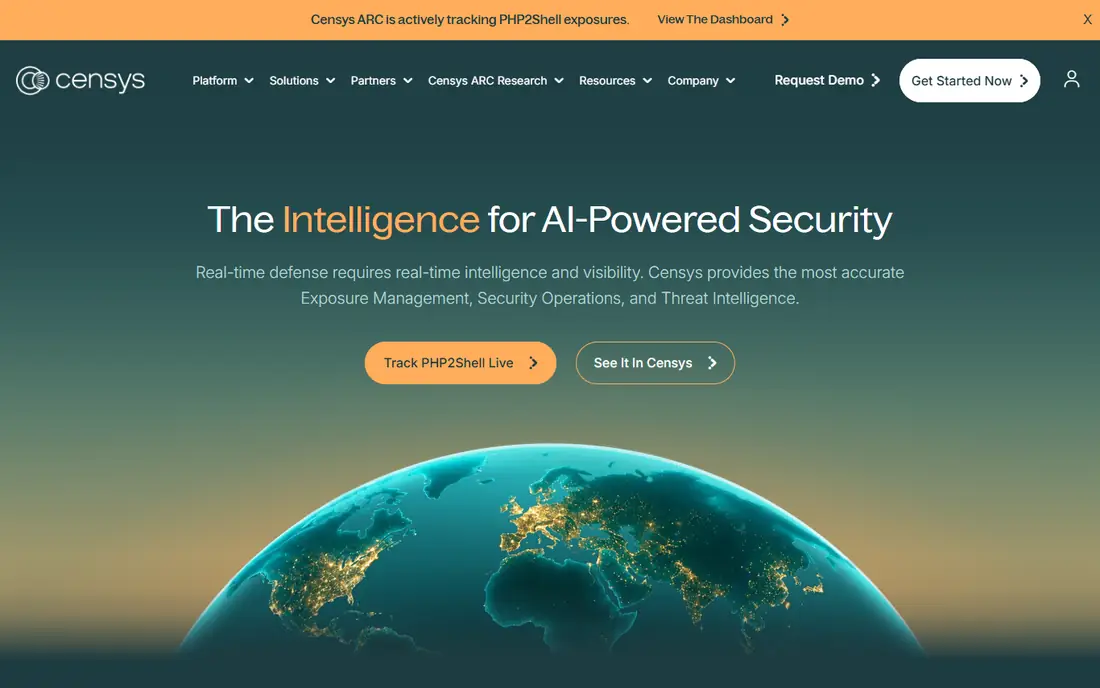
Censys suits a reader who wants Shodan style answers with more structure and fresher data. You can search by IP, domain, certificate, service banner, software version, and many other fields, then pivot from a certificate to every host that serves it, or from an IP to its history. That pivot ability is where Censys pulls ahead of a simple banner search: one finding becomes a map of related infrastructure.
Censys also works well as an exposure management tool for your own organization. Connect your domains and IP ranges, track what appears, and get alerts when a new service shows up. The limit is cost transparency. Censys does not publish a single simple price for every use case, so check the current pricing page and any free tier before you build a workflow around it. For research and small scale use, start with a free account and a narrow query, then scale only after you know your monthly query volume.
What we like- Internet wide map of hosts, services, and certificates
- Structured search for certificates, domains, and exposures
- Exposure management for tracking your own assets
- Strong research and documentation
Watch out for- Pricing is quote based for larger use, so small teams need to check the current free and paid tiers
- Query language takes time to learn
- Enterprise focus can make simple one off searches feel heavy
#2
FOFA
Best for: Web fingerprint and asset search in Asia and beyond
Visit fofa.info
Starting priceSee website
Free planSee website
FOFA suits researchers and defenders who need a second view of the internet, especially for web assets that other scanners index less well. Its fingerprint approach identifies applications, frameworks, and devices from response headers, page content, and other signals, which helps when you are hunting for a specific technology across many hosts. That makes it useful for tracking exposure of a widely used product after a vulnerability is disclosed.
The main drawback is usability for English only readers. Much of the site and community material is in Chinese, and the homepage fetch in this review returned only minimal text, which reflects how much of FOFA loads through its search interface rather than a marketing page. If you plan to use FOFA regularly, budget time to learn its query syntax and to verify free query limits on the current pricing page.
What we like- Large fingerprint library for web applications and devices
- Useful coverage of assets hosted in China and the wider Asia Pacific region
- Search by title, header, body, certificate, and icon hash
- Long running service with a large user base
Watch out for- Interface and documentation are less English friendly than Censys
- Pricing and free query limits change, so confirm them on the site
- Results need care, since a fingerprint match is not proof of a vulnerability
#3GreyNoise
Best for: Separating malicious scanning from background noise4.8/5 on
G2 (129 reviews, checked Oct 2026)
Visit greynoise.io
Starting priceSee website
Free planSee website
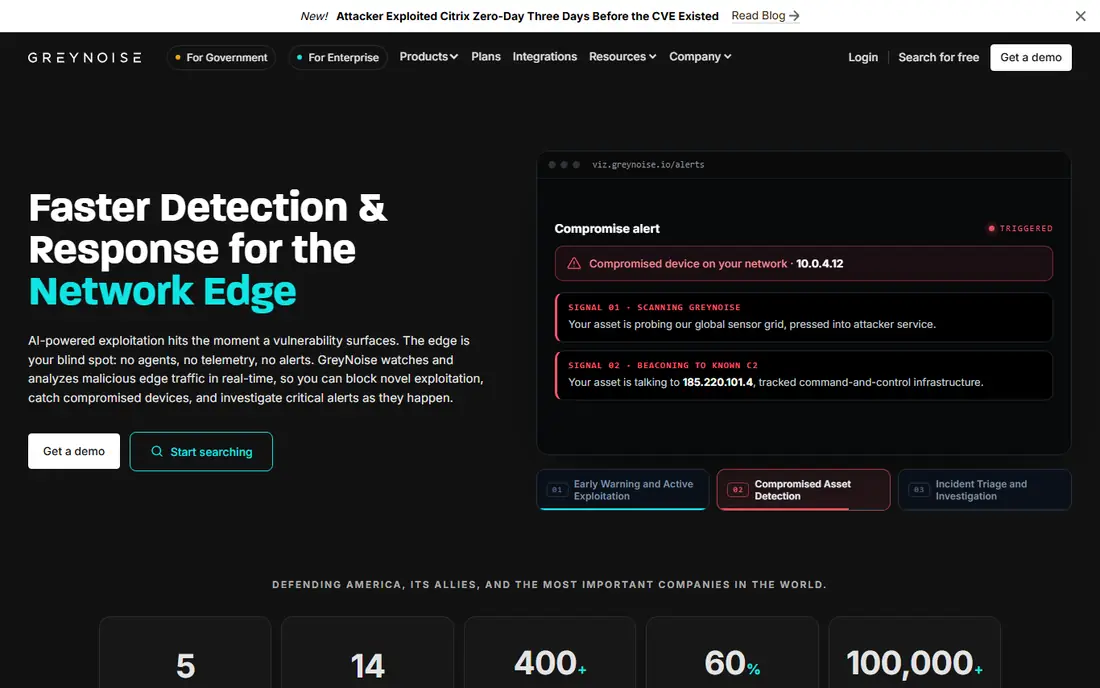
GreyNoise suits a SOC analyst who is tired of treating every scan alert as equal. Instead of asking what is open on the internet, GreyNoise asks who is scanning, what they are trying to exploit, and whether that activity is known benign research, opportunistic mass scanning, or targeted exploitation. That context lets a team block a malicious IP quickly while ignoring a known research scanner, which cuts alert volume in a useful way.
GreyNoise is therefore a complement to Shodan, rather than a drop in replacement. You would still use Censys or FOFA to find your exposed assets, then use GreyNoise to judge whether an IP probing those assets is a real threat. Check the current pricing page for community and commercial tiers, since free access is more limited than a full feed. If your main job is asset discovery, start elsewhere on this list. If your main job is triage, GreyNoise belongs near the top.
What we like- Global sensor network that observes real scanning and exploitation
- Clear classification of IPs as benign, malicious, or unknown
- CVE and campaign tagging for investigation
- Strong integrations with SIEM and SOAR tools
Watch out for- Not a general host search engine like Shodan
- Pricing is quote based for full API and feed access
- Best value comes when it is paired with a scanner, not used alone
#4
Criminal IP
Best for: Threat hunting with IP, domain, and vulnerability context
Visit criminalip.io
Starting priceSee website
Free planSee website
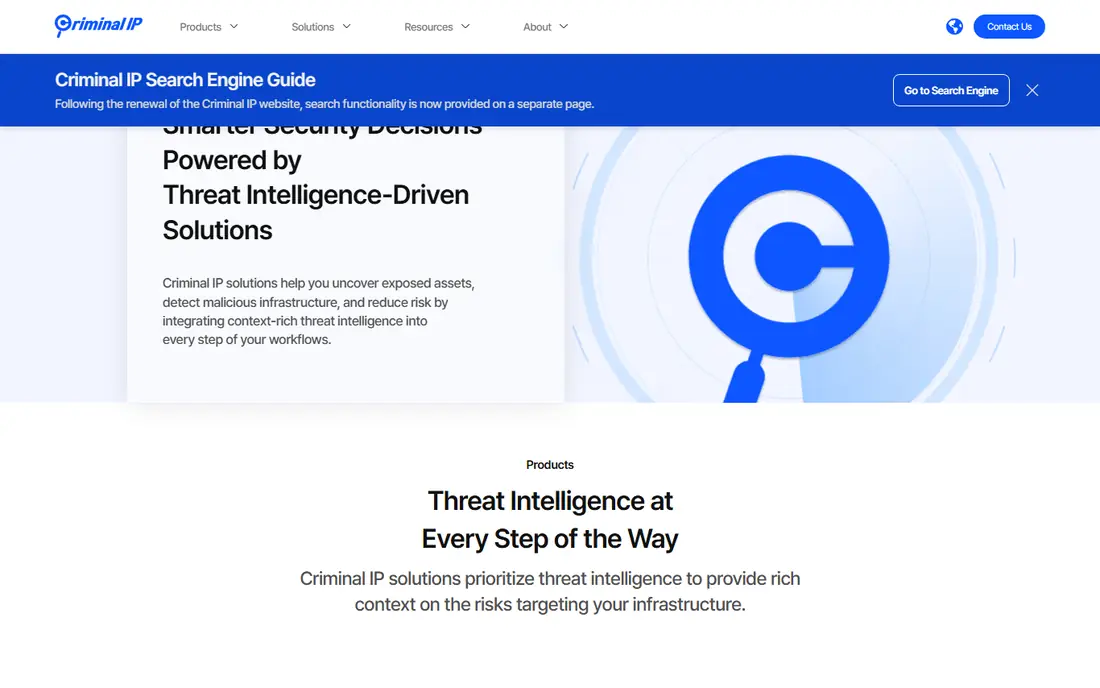
Criminal IP suits a threat hunter who wants a Shodan style search enriched with threat context. A single IP lookup can show open ports and services, associated domains, abuse history, malware associations, and vulnerability signals, which helps an analyst decide whether an address is part of a campaign or just a noisy host. Its attack surface monitoring adds ongoing value: once you define your assets, it watches for new exposures instead of waiting for a manual search.
The trade off is breadth. Criminal IP covers search, asset discovery, fraud detection, and dark web monitoring, which means a buyer should check which modules are included in a given plan. A solo researcher may only need the search engine, while a SOC may want monitoring and feeds as well. Confirm the current free tier and paid tiers on the vendor site, and test a set of known IPs during a trial to judge data accuracy for your region and industry.
What we like- Search engine for IPs, domains, and threat infrastructure
- Asset discovery and monitoring for exposed services
- Vulnerability and abuse context in one record
- API and feeds for automation
Watch out for- Pricing is quote based for larger plans
- Some features overlap with broader threat intelligence platforms, so compare scope carefully
- Free tier limits need checking on the current site
#5
Netlas
Best for: Response search and attack surface mapping on a budget
Visit netlas.io
Starting priceSee website
Free planYes
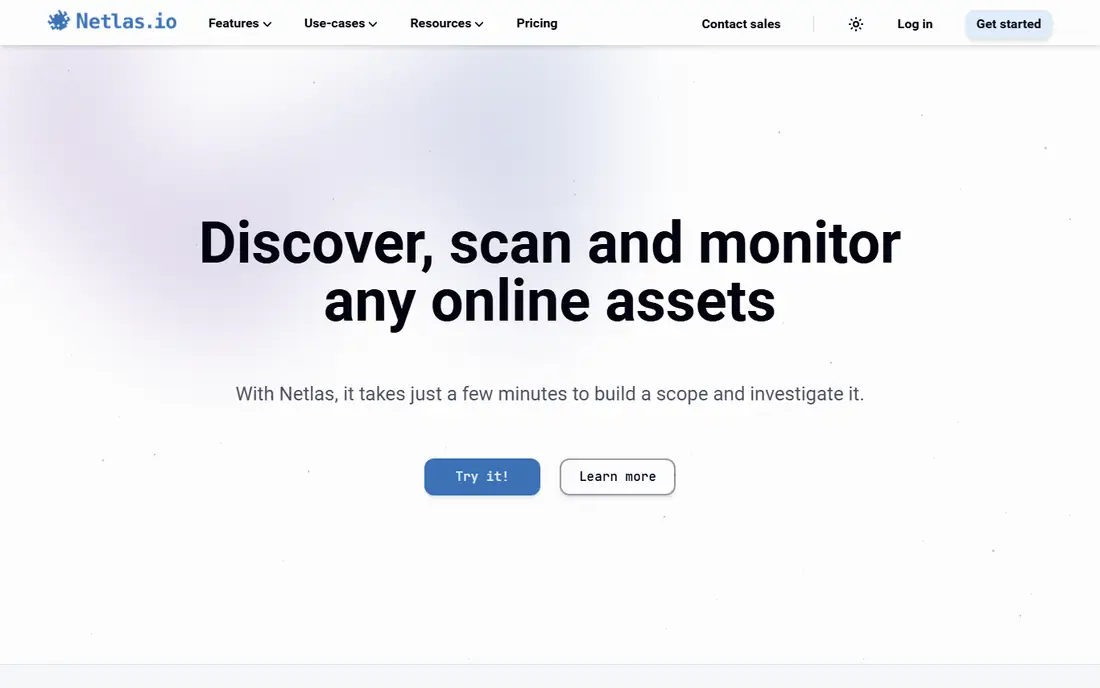
Netlas suits a penetration tester, bug bounty hunter, or small security team that needs strong search without an enterprise budget. Its free account, listed on its homepage as up to 50 requests per day, is enough for many focused investigations, and its response search is a standout: you can search the content of HTTP responses, not only headers and banners, which helps find exposed configuration files, test pages, and specific application strings.
Netlas also offers an attack surface discovery tool that links domains, IPs, services, and certificates into a map, plus a full API and Python SDK for automation. That combination makes it a practical daily tool, not only a web search box. The limit is scale and support: a large enterprise with strict procurement and support requirements may prefer Censys or SOCRadar, while a small team will likely find Netlas the best value on this list. Confirm current free limits on the site, since free tiers change.
What we like- Free account with up to 50 requests per day
- Search across internet scan data, DNS, WHOIS, and certificates
- Response content search for finding exposed strings and files
- Attack surface discovery tool and Python SDK
Watch out for- Smaller brand recognition than Censys or Shodan
- Paid pricing is not a single published rate for all use
- Data depth varies by collection, so check coverage for your target region
#6
LeakIX
Best for: Finding exposed services and leaked data patterns
Visit leakix.net
Starting priceSee website
Free planFree to search
LeakIX suits a researcher who wants a fast, focused answer to a simple question: what is exposed, and where. Its search syntax covers IP ranges, ports, protocols, and autonomous system numbers, and its history of indexing databases and services makes it useful for hunting misconfigured storage, open admin panels, and other classic exposures. The homepage itself is a search box, which tells you a lot about its design: it is built for searching first.
That focus is also its limit. LeakIX does not offer the same enterprise monitoring, ticketing, and reporting suite as Censys or SOCRadar, and its index is smaller. Use it as a second opinion alongside a larger scanner, especially when you are checking a specific exposure pattern. As with every tool here, only investigate assets you own or have permission to test, and treat a LeakIX result as a lead to verify, not as proof of a vulnerability.
What we like- Simple search interface for hosts, ports, protocols, and services
- Focus on exposed databases, misconfigured services, and leak patterns
- Open source roots and a research friendly design
- Useful for quick checks without an account
Watch out for- Smaller index and fewer enterprise features than Censys
- No full exposure management suite
- Results need manual verification before action
#7
ONYPHE
Best for: Internet mapping for threat intelligence analysts
Visit onyphe.io
Starting priceSee website
Free planSee website
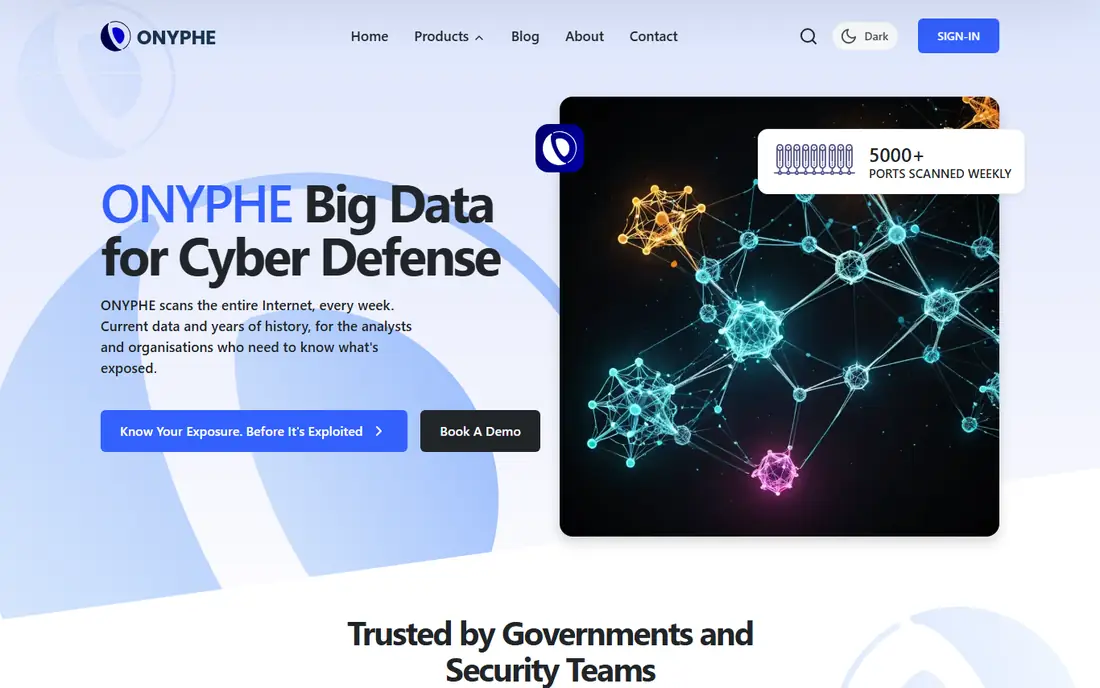
ONYPHE suits a cyber threat intelligence analyst who tracks adversary infrastructure over time. Its weekly full internet scans, plus more frequent scans of the most commonly attacked ports, give a current picture of what is exposed, while its passive DNS history lets an analyst reconstruct how a domain or IP was used in the past. Vulnerability checks focus on flaws that are actively exploited, which keeps the signal relevant for threat work.
ONYPHE also binds assets to domains, not only IPs, which helps when an adversary moves infrastructure between addresses. That domain centric view is useful for tracking campaigns, phishing sites, and command and control nodes. The main drawback is price transparency: full dataset access is quoted, so a small team should ask what partial or API access costs before committing. For pure asset discovery, Censys or Netlas may be simpler. For infrastructure tracking, ONYPHE earns its place.
What we like- Full internet scans with weekly refresh and twice weekly scans of top ports
- Passive DNS history and vulnerability checks for actively exploited flaws
- Deep pivoting across IPs, domains, ASNs, and hosting patterns
- API first design with JSON output
Watch out for- Pricing is quote based, with sales contact listed for full dataset access
- Analyst focused interface may feel less friendly for casual search
- Coverage and refresh rates vary by data category
#8SOCRadar
Best for: Attack surface plus dark web and credential monitoring4.7/5 on
G2 (121 reviews, checked Oct 2026)
Visit socradar.io
Starting priceSee website
Free planSee website
SOCRadar suits a SOC team that wants internet exposure data inside a wider threat intelligence workflow. Its attack surface features cover digital footprint discovery, asset monitoring, certificate monitoring, and critical port detection, while its threat intelligence side adds dark web monitoring, leaked credential detection, stealer log tracking, and ransomware group tracking. That combination means a single alert can link an exposed service to a leaked credential or a ransomware mention, which is harder to do with a scanner alone.
The trade off is focus. If you only need to search for open ports and banners, SOCRadar is more product than you need, and a dedicated scanner will be cheaper and simpler. If you run a SOC and already buy threat intelligence feeds, SOCRadar can replace several point tools at once. Confirm which modules are included in a quote, since its platform spans threat hunting, brand protection, and supply chain intelligence, and not every buyer needs all of them.
What we like- Attack surface management with digital footprint and critical port detection
- Dark web, credential, and ransomware monitoring in the same platform
- Threat intelligence feeds and IOC management
- Free dark web report as an entry point
Watch out for- Broader than a pure internet scanner, so Shodan style host search is only part of the product
- Pricing is quote based
- Smaller teams may pay for modules they do not use
How we chose
We compared vendor homepages, product documentation, and public reviews on G2, Capterra, and Reddit, and we checked each vendor homepage to confirm it loads and belongs to the named product. We favored tools that scan or index internet facing services today, and we included both pure scanners and threat focused tools so readers can match a tool to their job: discovery, hunting, or SOC triage. We did not claim hands-on testing. Where a vendor does not publish a price, the article says See website. Two tools were excluded during checks: BinaryEdge, whose homepage now states the standalone platform shut down on 31 March 2025, and ZoomEye, whose homepage failed to load during verification, so it was dropped rather than listed on an unverified page.
What to check before you pick a Shodan alternative
Start with your job, not the feature list. If you need to find your own exposed assets, choose a scanner with strong coverage, history, and monitoring, such as Censys, Netlas, or ONYPHE. If you need to judge whether an IP is malicious, choose a threat focused tool such as GreyNoise or Criminal IP. If you need both, budget for two tools or a broad platform such as SOCRadar, and be honest about which job matters more.
Next, test data quality on assets you already know. Pick a set of your own IPs and domains, plus a few well known public services, and compare results across two or three tools. Check whether each tool finds the services you expect, whether banners and versions are current, and whether certificate and DNS history matches reality. A tool that misses your own assets will miss an attacker's view of them too.
Then check query limits, API access, and export options. Free tiers are useful for learning, but they often cap daily queries, results per query, or history depth. If you plan to automate, confirm API rate limits, SDK support, and whether results can be exported to your SIEM, ticketing system, or spreadsheet workflow. Also confirm data retention: how long history is kept, and whether you can download it before a subscription ends.
Finally, confirm legal and ethical boundaries in writing. Only scan or investigate assets you own or have written permission to assess. Internet scanning data itself is often public, but using it to probe, exploit, or harass a third party is a different matter. Keep a record of your authorization, limit queries to your scope, and report exposures through proper channels rather than publishing them.
Frequently asked questions
Is Censys a direct replacement for Shodan?
Yes, for most use cases. Censys offers internet wide host, service, and certificate search, plus exposure management, and many former Shodan users move to Censys first. Query syntax and pricing differ, so expect a learning period and check current tiers.
Can I use these tools for free?
Some offer free access, such as a free Netlas account with a daily request limit and free search on LeakIX, while others are quote based with limited free tiers. Check each vendor pricing page, since free limits change, and do not build a production workflow on a free tier without confirming its limits.
Are Shodan alternatives legal to use?
Searching public internet data and checking your own assets is a normal security practice, but scanning, probing, or exploiting systems you do not own or lack permission to test can be illegal. Get written authorization for any active testing, and use passive search data within vendor terms.
Why is GreyNoise on a Shodan alternatives list if it is not a scanner?
GreyNoise answers a different question: whether an IP is actively scanning or exploiting, and how serious that activity is. Many Shodan users also need that triage context, so GreyNoise is included as a complement, not as a host search clone.
What happened to BinaryEdge?
BinaryEdge was acquired by Coalition and its standalone platform shut down on 31 March 2025, with its technology folded into Coalition Control. It is not listed here as a current alternative, since new users cannot sign up for the standalone service.
Which tool is best for a small team on a budget?
Netlas is the strongest budget starting point, thanks to its free daily requests and response search, with LeakIX as a useful second check. Add Censys when you need deeper history, monitoring, and enterprise support.
Sources we checked (8)
- https://censys.com/
- https://fofa.info/
- https://greynoise.io/
- https://www.criminalip.io/
- https://netlas.io/
- https://leakix.net/
- https://www.onyphe.io/
- https://socradar.io/
Is your product missing or out of date?
We review this list regularly. Vendors can request a listing, send updated pricing or ask about featured placement.

Shihab Mia · Founder, Rankite
Shihab has 5+ years in B2B and SaaS SEO. He writes Rankite's software buying guides from pricing pages, documentation and public user reviews. More about Shihab.