How we make this list: we compare pricing pages, product documentation and public user reviews. Ratings come from G2, Capterra or Trustpilot, with the date we checked them.
Key takeaways
- Bitwarden is the best free NordPass alternative, with full sync on its free plan and a very low cost premium tier.
- 1Password is the polish leader, with Travel Mode, Watchtower, and strong family and team sharing, but no free tier.
- Proton Pass pairs a useful free tier with built-in email aliases, making it the best privacy focused alternative.
- Dashlane and Keeper suit teams that need admin controls and extra monitoring, though prices are higher than Bitwarden.
- LastPass, RoboForm, and Enpass each fit a narrower case, from familiar use to form filling and offline vaults.
Quick comparison
| Tool | Best for | Starting price | Free plan |
|---|
 Bitwarden Bitwarden | Free sync and value | $1.65 per month | Yes |
 1Password 1Password | Polished apps and Travel Mode | $2.99 per month | No |
 Proton Pass Proton Pass | Privacy and email aliases | $2.49 per month | Yes |
 Dashlane Dashlane | Security extras and VPN bundle | $4.99 per month | No |
 Keeper Keeper | Business admin controls | See website | Yes |
 LastPass LastPass | Familiar name, limited free tier | $3 per month | Yes |
 RoboForm RoboForm | Form filling | $2.49 per month | Yes |
 Enpass Enpass | Offline first vaults | $1.99 per month | Yes |
Is your product missing or out of date?
We review this list regularly. Vendors can request a listing, send updated pricing or ask about featured placement.
The best nordpass alternatives
NordPass is a solid password manager, with a simple interface, XChaCha20 encryption, and a free tier limited to one device. Users look for alternatives for several reasons, including full free sync across devices, open source code, better family sharing, email aliases, or stronger team admin tools. The eight managers below cover those cases, from free and open source to premium and business focused. Prices shown are individual plans from 2026 listings, and renewal rates can differ, so check checkout totals.
#1Bitwarden
Best for: Free sync and value4.6/5 on
G2 (1,475 reviews, checked Oct 2026)
Visit bitwarden.com
Starting price$1.65 per month
Free planYes
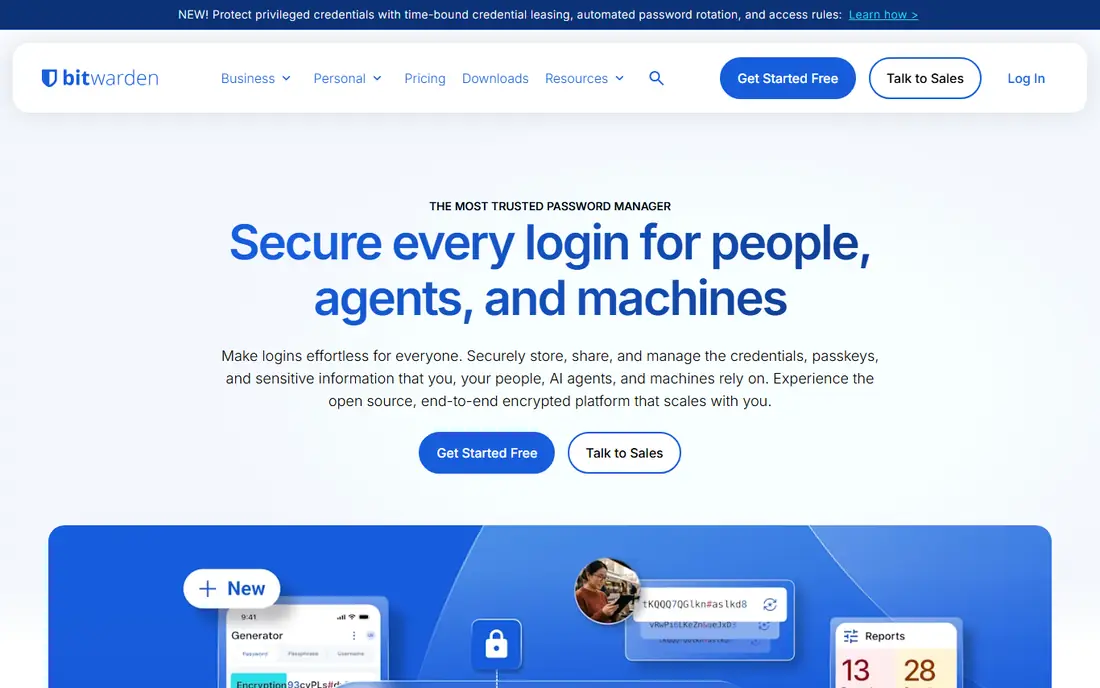
Bitwarden is the default alternative when price matters most. The free plan includes unlimited passwords and sync across unlimited devices, which NordPass free plan does not, since NordPass free is limited to one device. Premium costs about $1.65 per month on annual billing, or $19.80 per year, and adds vault health reports, emergency access, and extra two-factor options. Open source code lets anyone review the security model, and a self hosted option gives full control for technical users.
The interface is functional rather than polished, and premium extras are modest compared with 1Password. Self hosting is powerful but requires maintenance. For individuals, families, and small teams who want a free, trustworthy manager without a high subscription, Bitwarden is the strongest pick in this list.
What we like- Full sync on free plan across unlimited devices
- Open source code
- Very low premium price
- Self hosting option
- Passkey support
Watch out for- Interface is less polished than 1Password
- Premium features are modest
- Setup for self hosting needs technical skill
Starting price$2.99 per month
Free planNo
1Password is the polish leader among password managers. Apps are consistent on Windows, Mac, iOS, Android, and browsers, with fast autofill and clear vault organization. Travel Mode hides selected vaults when crossing borders, and Watchtower alerts users to weak, reused, or breached passwords. Family plans cover five users with shared vaults, and business plans add admin controls and reporting.
There is no free tier, only a trial, and individual pricing near $2.99 per month on annual billing, renewing higher in some 2026 listings, makes it more expensive than Bitwarden. For users who value daily ease, family sharing, and Travel Mode, and who are willing to pay for polish, 1Password is the best premium alternative to NordPass.
What we like- Polished apps on all platforms
- Travel Mode for border crossings
- Watchtower security alerts
- Strong family and team vaults
- Passkey support
Watch out for- No free tier, trial only
- Individual price rose in 2026 listings
- Some advanced features need a family or business plan
#3Proton Pass
Best for: Privacy and email aliases4.6/5 on
G2 (6 reviews, checked Oct 2026)
Visit proton.me
Starting price$2.49 per month
Free planYes
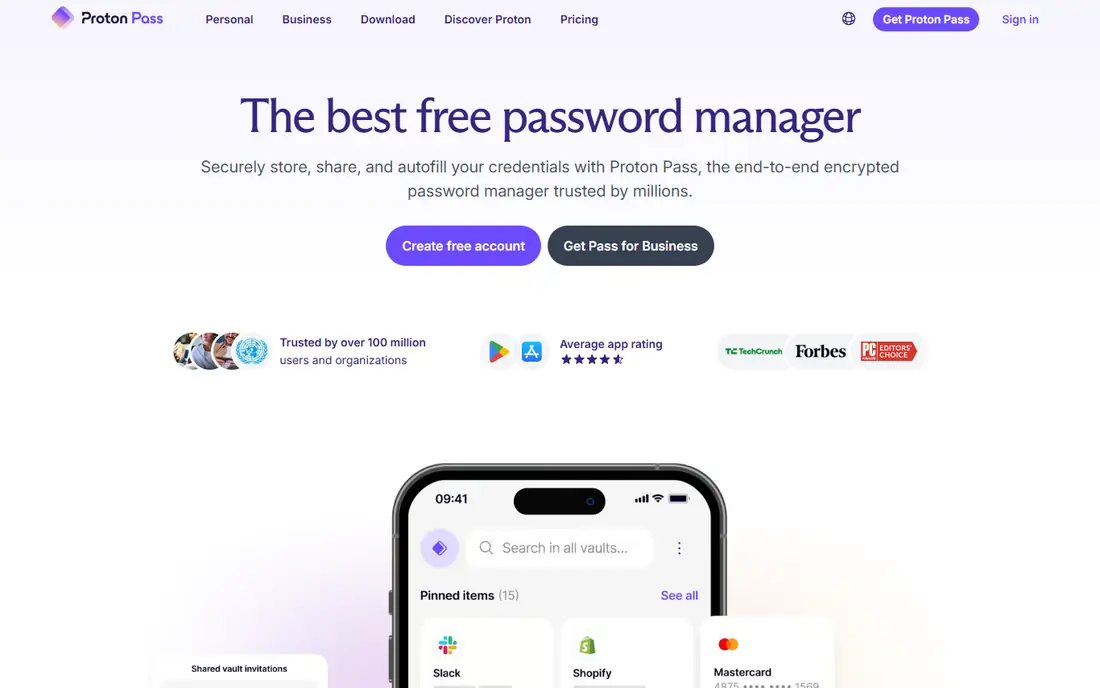
Proton Pass is the privacy focused alternative to NordPass. The free tier includes unlimited logins and devices, which is stronger than many free plans, and the paid plan adds unlimited hide-my-email aliases, which create unique email addresses for each site. That alias feature reduces spam and limits tracking across sites, and it is built in rather than added through a third party. Proton is based in Switzerland, with open source apps and a privacy focused product family that includes Mail and VPN.
The paid plan, near $2.49 per month on annual billing in many listings, is needed for full alias use and advanced features. Business admin tools are newer than Keeper or 1Password. For privacy focused users who want aliases and a strong free tier, Proton Pass is a compelling NordPass alternative.
What we like- Useful free tier with unlimited logins
- Built-in hide-my-email aliases
- Swiss privacy focus
- Open source apps
- Passkey support
Watch out for- Paid plan needed for unlimited aliases and advanced features
- Smaller ecosystem than 1Password
- Some business features are newer
#4Dashlane
Best for: Security extras and VPN bundle4.5/5 on
G2 (628 reviews, checked Oct 2026)
Visit dashlane.com
Starting price$4.99 per month
Free planNo
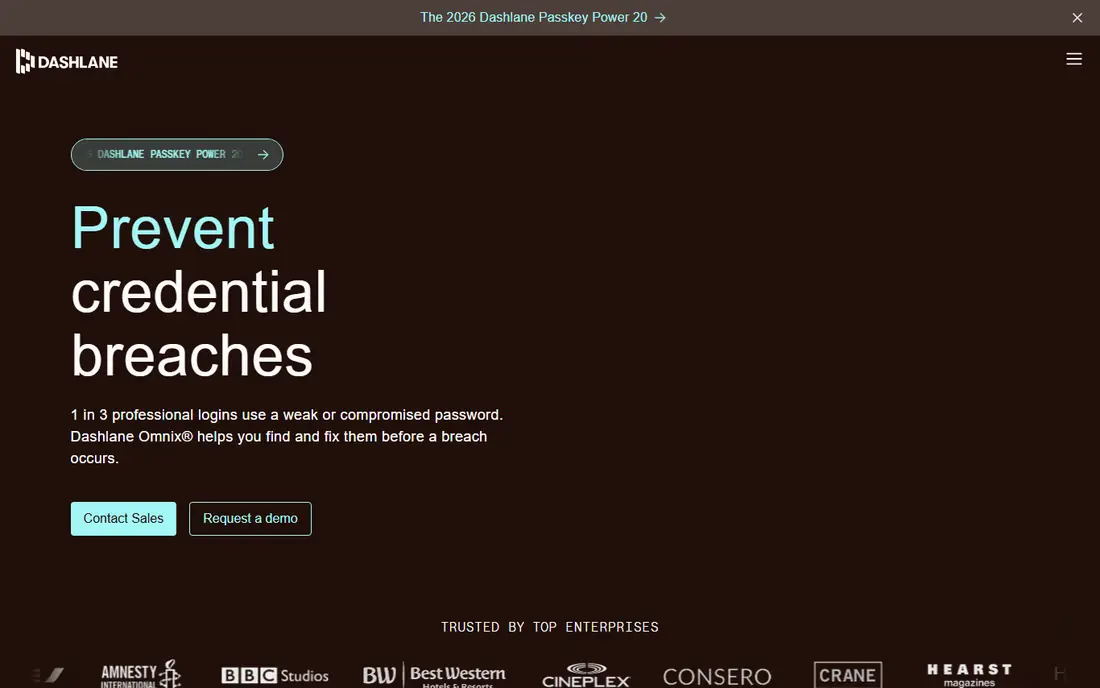
Dashlane bundles a password manager with security extras. Premium plans include dark web monitoring, password health reports, and a VPN, which suits users who want one subscription for several security tools. Autofill is strong, and business plans add admin controls, secure sharing, and reporting. The interface is clean and easy for new users.
Price is the main drawback, near $4.99 per month on annual billing for individual plans in many listings, with no free tier in current listings. Users who do not need a VPN pay for a bundle they may not use. Dashlane fits users who value bundled monitoring and VPN access, and teams that need admin tooling, rather than budget buyers.
What we like- Dark web monitoring
- Bundled VPN on premium plans
- Strong password health tools
- Good autofill
- Business admin options
Watch out for- Higher price than rivals
- No free tier in many current listings
- VPN bundle adds cost for users who do not need it
Starting priceSee website
Free planYes
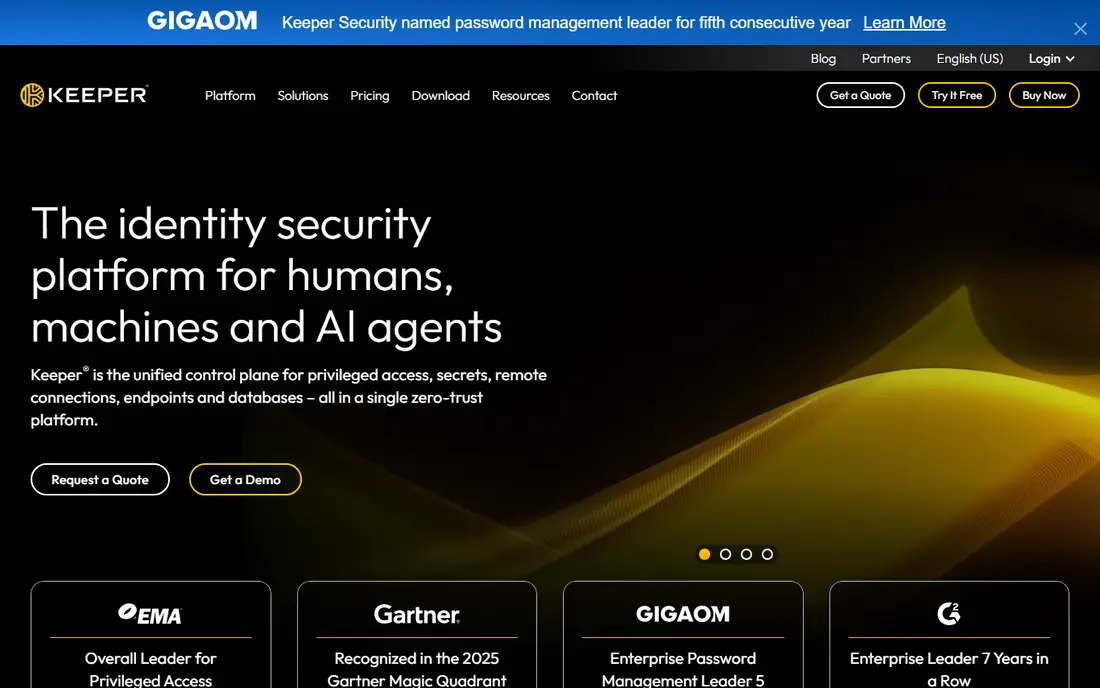
Keeper is built for business use, with admin controls that larger teams need. Role based access, policy enforcement, secure file storage, and breach monitoring are core features, and the admin console makes it easy to manage users, vaults, and permissions. Individual and family plans exist, with a free tier in some listings, but Keeper shines for teams that need control and audit trails.
Individual pricing varies by plan and promotion, so check the current rate, and the interface feels more business focused than 1Password or Bitwarden. For a small business moving from NordPass to a manager with stronger admin controls, Keeper is a strong choice. Families may prefer Bitwarden or 1Password for simpler sharing.
What we like- Strong business admin controls
- Role based access
- Secure file storage
- Breach monitoring
- Good mobile and desktop apps
Watch out for- Individual pricing varies
- Interface can feel business focused
- Some features need higher tiers
#6LastPass
Best for: Familiar name, limited free tier4.5/5 on
G2 (2,096 reviews, checked Oct 2026)
Visit lastpass.com
Starting price$3 per month
Free planYes
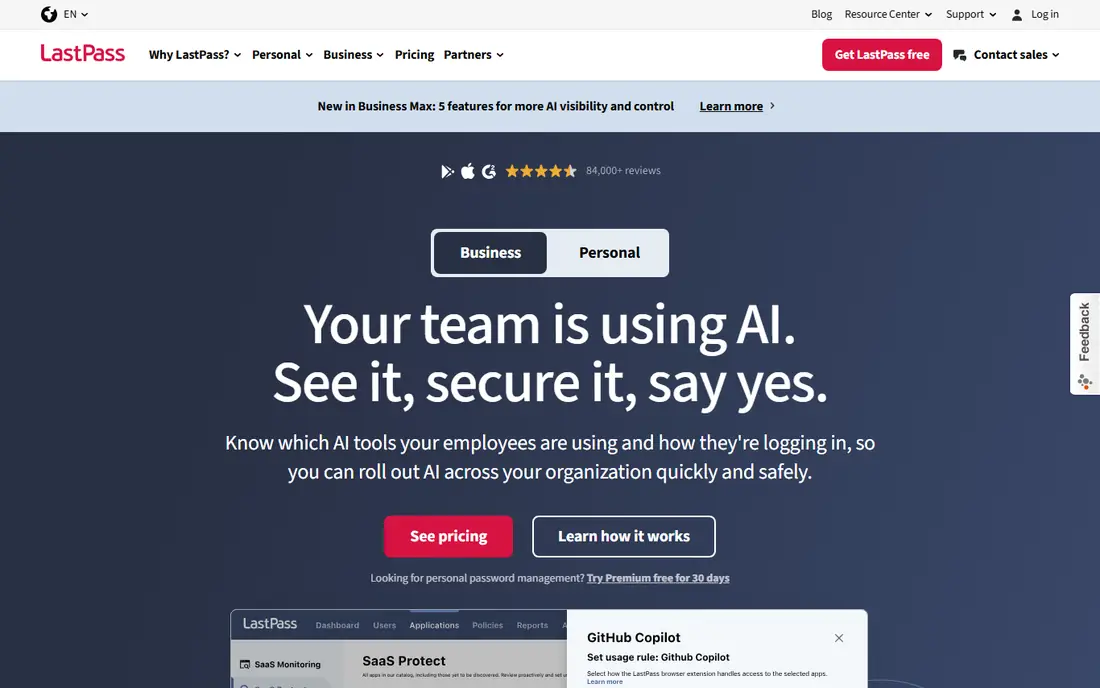
LastPass is a familiar name, and many users already know its interface. Browser support is broad, sharing is simple, and paid plans add a security dashboard, emergency access, and advanced multifactor options. Individual pricing near $3 per month on annual billing in many listings puts it in the mid range.
The free tier is limited to one device type, either computers or mobile, not both, which is a major limit compared with Bitwarden and Proton Pass. Past breaches in 2022 to 2023 also damaged trust for some users, even though the company has since made security changes. LastPass suits users who already use it and want to stay, but new buyers usually get better value from Bitwarden, Proton Pass, or 1Password.
What we like- Familiar interface for long time users
- Broad browser support
- Password sharing
- Security dashboard on paid plans
Watch out for- Free tier limited to one device type
- Past breaches in 2022 to 2023 damaged trust
- Premium price is higher than Bitwarden
Starting price$2.49 per month
Free planYes
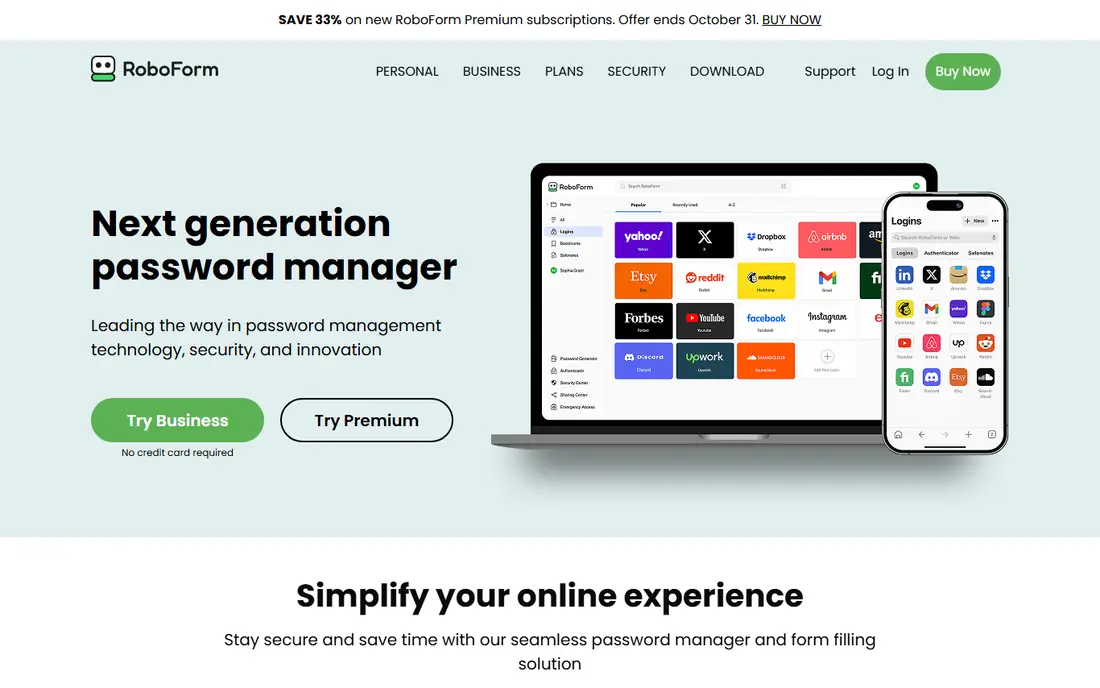
RoboForm stands out on form filling. It handles complex web forms, identities, and secure notes well, including on older browsers where other managers struggle. The Everywhere plan, near $2.49 per month on annual billing in many listings, adds sync across devices, and the free plan covers basic use on one device. Sharing and secure notes round out the core feature set.
The interface is less modern than 1Password or Proton Pass, and advanced privacy features like email aliases are not built in. Business admin tools are thinner than Keeper. RoboForm fits users who fill many forms daily and want a budget manager with strong autofill, rather than a privacy focused or business focused tool.
What we like- Strong form filling for web forms and older browsers
- Affordable Everywhere plan
- Password sharing
- Secure notes and identities
Watch out for- Interface is less modern than rivals
- Fewer advanced privacy features
- Business tools are thinner than Keeper
#8Enpass
Best for: Offline first vaults4.6/5 on
G2 (27 reviews, checked Oct 2026)
Visit enpass.io
Starting price$1.99 per month
Free planYes
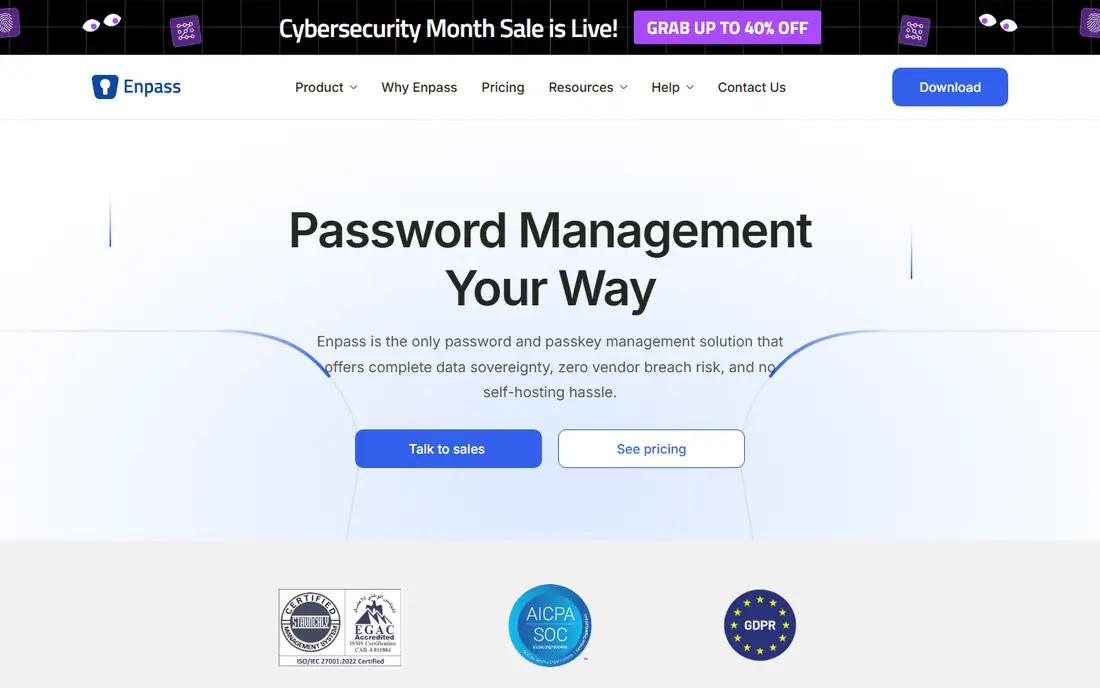
Enpass takes an offline first approach. Vaults are stored locally, and sync uses the user's own cloud storage, such as Dropbox, Google Drive, or iCloud, rather than a vendor server. That model appeals to users who want control over where data lives. Pricing near $1.99 per month on annual billing in many listings is low, and a one time purchase option has been offered in some listings.
Sync setup requires more manual work than Bitwarden or 1Password, since the user chooses and connects storage. Built-in extras like aliases and VPN bundles are absent. Enpass suits technical users who want local control and low cost, and who are comfortable managing their own sync.
What we like- Offline first vaults you control
- Sync via your own cloud storage
- One time purchase option in some listings
- Low subscription price
Watch out for- Sync setup needs more manual work
- Fewer built-in extras
- Interface is functional rather than polished
How we chose
We compared pricing pages, documentation, and public reviews on G2, Capterra, and Reddit, focusing on free tier limits, sync across devices, passkey support, sharing, security audits, and business admin features. Managers were scored on value, ease of daily use, privacy transparency, and family or team fit. Company size was not a deciding factor, but larger managers were favored for support and ecosystem, while smaller offline focused options were included for control. Prices change by promotion and renewal, so confirm the current rate at checkout.
How to switch safely from NordPass
Export your NordPass vault, then import it into the new manager and check that logins, secure notes, and passkeys transferred correctly before deleting the old vault. Change your master password to a strong, unique phrase, and turn on two-factor authentication for the new account. Test autofill on your main browsers and phones, and set up emergency access for a trusted person. Keep the NordPass export file only until the transfer is verified, then delete it securely, since it contains sensitive data.
Free tier traps to check
Check device limits first, since NordPass free is limited to one device, LastPass free to one device type, and Bitwarden and Proton Pass free plans allow unlimited devices. Check passkey support, sharing limits, and whether breach monitoring requires a paid plan. A free plan that covers your devices and basic sharing is often enough for an individual, while families and teams usually need a paid plan for shared vaults and admin controls.
Frequently asked questions
What is the best NordPass alternative?
Bitwarden is the best free alternative, with full sync across devices and a very low premium price. 1Password is the best premium alternative for polish and family sharing, while Proton Pass is best for privacy and email aliases. Choose by budget, device count, and whether you need family or team features.
Is Bitwarden really free?
Yes, Bitwarden free plan includes unlimited passwords and sync across unlimited devices, which is stronger than most free plans. Premium costs about $19.80 per year and adds health reports, emergency access, and extra two-factor options, but the free plan covers core password management for most individuals.
Does 1Password have a free plan?
No, 1Password offers a trial only, with no permanent free tier. Individual pricing starts near $2.99 per month on annual billing in many listings. Users who need a free plan should consider Bitwarden or Proton Pass instead.
Which password manager is best for families?
1Password and Bitwarden both handle family sharing well, with shared vaults and individual private vaults. 1Password family plan covers five users, while Bitwarden family plan covers six users at a lower price. Choose 1Password for polish and Travel Mode, or Bitwarden for value.
Are password managers safe?
A reputable password manager uses strong encryption, with a master password that only the user knows, so the vendor cannot read the vault. Use a strong, unique master password, turn on two-factor authentication, and keep the app updated. No manager removes all risk, but a manager is far safer than reusing passwords or storing them in plain text.
Can I use passkeys with these alternatives?
Yes, most managers in this list support passkeys, including Bitwarden, 1Password, Proton Pass, Dashlane, Keeper, and LastPass. Passkey support varies by platform and browser, so test passkey creation and login on your main devices after switching. Keep a backup login method for sites that do not yet support passkeys.
Sources we checked (8)
- https://bitwarden.com
- https://1password.com
- https://proton.me/pass
- https://www.dashlane.com
- https://www.keepersecurity.com
- https://www.lastpass.com
- https://www.roboform.com
- https://www.enpass.io
Is your product missing or out of date?
We review this list regularly. Vendors can request a listing, send updated pricing or ask about featured placement.

Shihab Mia · Founder, Rankite
Shihab has 5+ years in B2B and SaaS SEO. He writes Rankite's software buying guides from pricing pages, documentation and public user reviews. More about Shihab.