How we make this list: we compare pricing pages, product documentation and public user reviews. Ratings come from G2, Capterra or Trustpilot, with the date we checked them.
Key takeaways
- Quip is retiring, so teams should export documents before read-only mode begins and pick a replacement now.
- Notion is the best all-round Quip replacement for flexible wikis, docs, and databases in one workspace.
- Coda suits teams that want docs that act like mini-apps, with tables, automations, and only Doc Makers paying.
- Confluence suits Atlassian shops that need a structured company wiki tied to Jira.
- Taskade is the closest free replacement for Quip's mix of docs, spreadsheets, and inline chat, with a free plan for 2 members.
Quick comparison
| Tool | Best for | Starting price | Free plan |
|---|
 Notion Notion | Flexible all-in-one workspaces | $10 per user/month | Yes |
 Coda Coda | Docs that act like mini-apps | $10 per doc maker/month | Yes |
 Confluence Confluence | Structured company wikis | $5.42 per user/month | Yes |
 Google Docs Google Docs | Universal familiarity | $7 per user/month | Yes |
 Nuclino Nuclino | Fast minimalist wikis | $6 per user/month | Yes |
 Taskade Taskade | Free Quip-like docs plus chat | $10 per month | Yes |
 ClickUp ClickUp | Docs plus tasks and goals | $7 per user/month | Yes |
 Microsoft Loop Microsoft Loop | Live collaboration in Microsoft 365 | See website | No |
Is your product missing or out of date?
We review this list regularly. Vendors can request a listing, send updated pricing or ask about featured placement.
The best Quip alternatives
#1Notion
Best for: Flexible all-in-one workspaces4.6/5 on
G2 (13,834 reviews, checked Oct 2026)
Visit notion.com
Starting price$10 per user/month
Free planYes
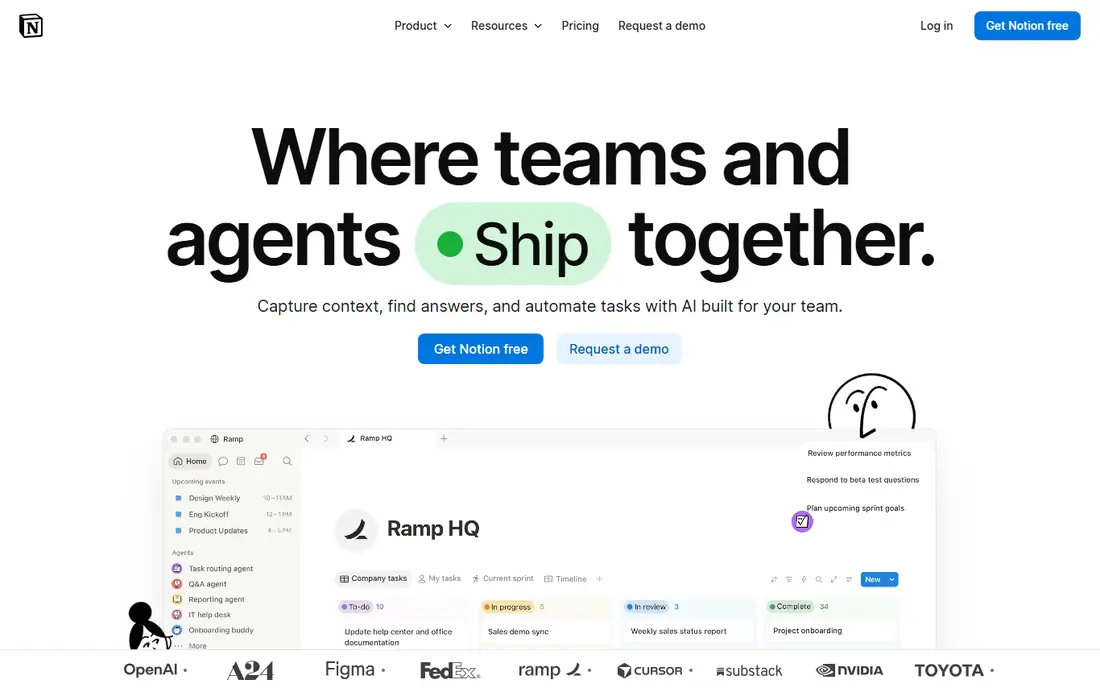
Notion is the best all-round Quip replacement for teams that want docs, wikis, and databases in one workspace. Its blocks, databases, and templates cover meeting notes, project docs, and team wikis, and its free plan lets a small team start before paying. Plus at $10 per user per month on annual billing adds collaboration features, with Business at $20 per user per month for AI and advanced permissions.
The trade is complexity. Notion's flexibility brings a steeper learning curve than Quip's streamlined editor, and its communication features are thinner than Quip's built-in chat, so teams may still need Slack. Notion fits best for teams that want a flexible workspace and can invest time in structuring it.
What we like- Docs, wikis, and databases in one place
- Flexible templates
- Simple Markdown and CSV import from Quip
Watch out for- Steeper learning curve than Quip's streamlined editor
- AI is a limited trial on Plus
- Communication features are thinner than Quip chat
Starting price$10 per doc maker/month
Free planYes
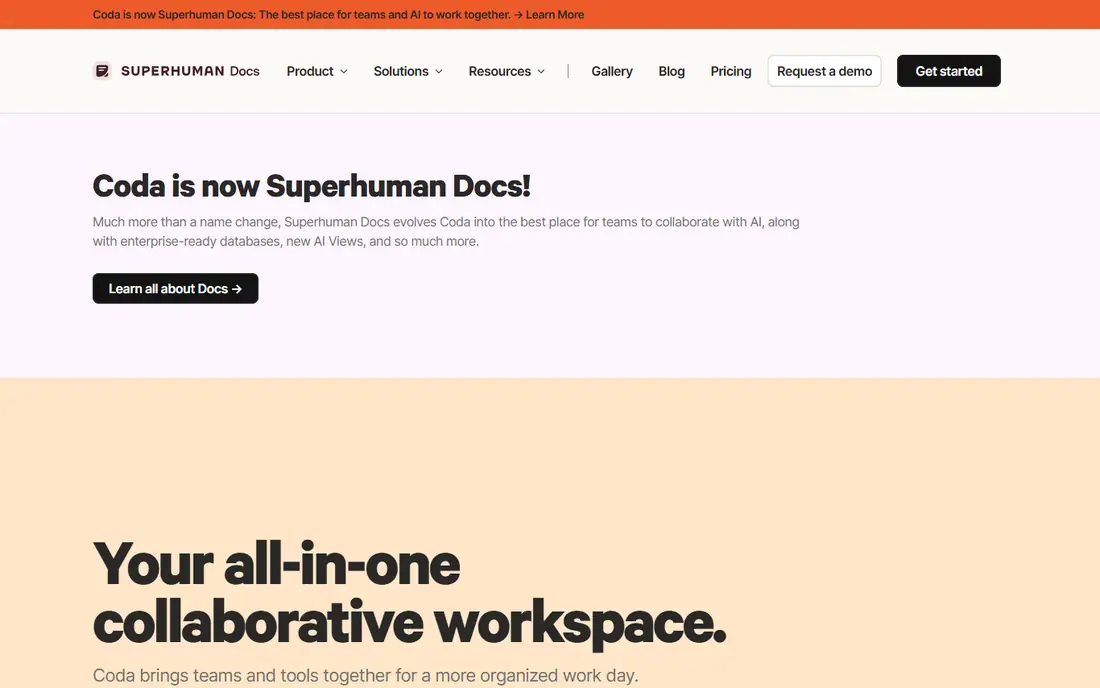
Coda suits teams that want documents that act like mini-apps. Its tables, kanban boards, calendars, and automations live inside docs, so a single Coda doc can replace a Confluence space, a Jira board, and a spreadsheet. Its pricing model is a real advantage: only Doc Makers pay, while editors and viewers are always free, so a 30-person team with 5 Doc Makers pays far less than a per-seat tool. A built-in Quip importer using API tokens eases migration.
The trade is learning curve. Coda rewards teams that invest in its formula system and frustrates users who expect Notion's simplicity, and its recent acquisition raises roadmap questions for some teams. Coda fits best for teams that want doc-shaped databases and can invest in learning the system.
What we like- Only Doc Makers pay, editors and viewers are free
- Built-in Quip importer
- Tables, automations, and packs in docs
Watch out for- Steep learning curve for its formula system
- Newer ownership raises roadmap questions
- Less plug-and-play than Notion
#3Confluence
Best for: Structured company wikis4.1/5 on
G2 (4,368 reviews, checked Oct 2026)
Visit atlassian.com
Starting price$5.42 per user/month
Free planYes
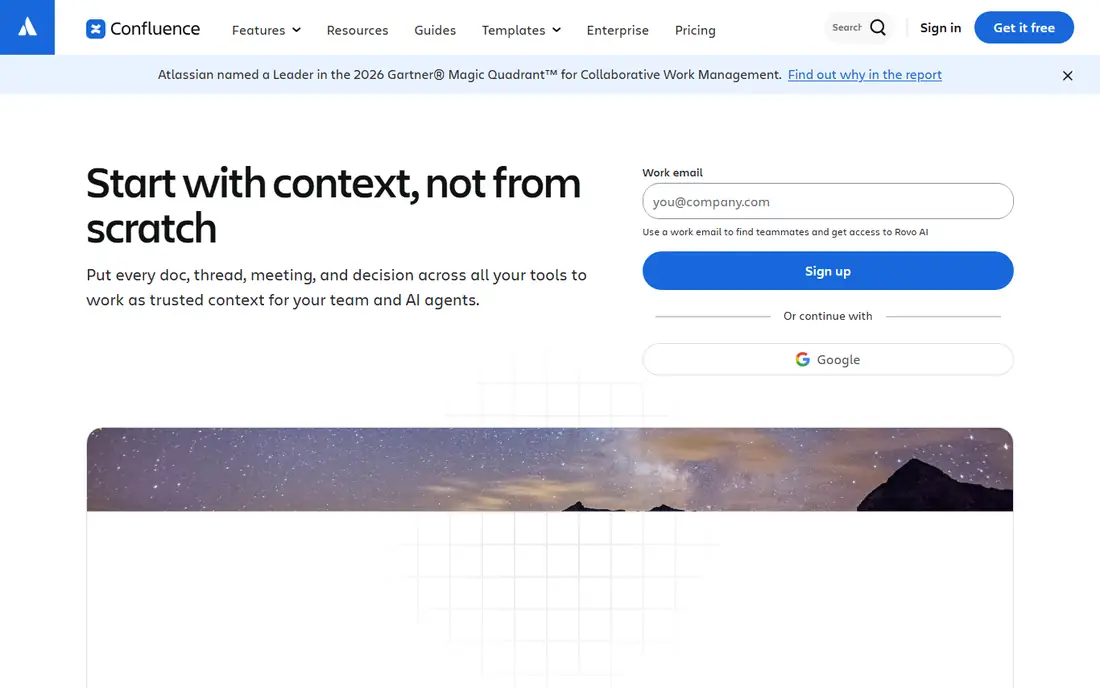
Confluence suits Atlassian shops that need a structured company wiki tied to Jira. Pages link to issues, project docs sit beside engineering work, and the free tier covers up to 10 users, with Standard at $5.42 per user per month. For internal handbooks, runbooks, and team wikis in a Jira organization, Confluence is often already in place.
The limits are flexibility and migration. Confluence is less flexible than Notion for databases and custom views, and migration from Quip needs manual work or CSV export rather than a dedicated importer. Confluence fits best for internal wikis in Atlassian shops, paired with a docs tool for customer-facing content.
What we like- Deep Jira integration
- Structured wiki hierarchy
- Free tier up to 10 users
Watch out for- Less flexible than Notion for databases
- Design polish trails newer tools
- Migration from Quip needs manual work
Starting price$7 per user/month
Free planYes
Google Docs suits teams that want the lowest adoption friction. Everyone already knows Docs, real-time collaboration works reliably, and Workspace Business Starter at $7 per user per month on annual billing adds Gmail, Drive, and Meet. For a team that mainly needs shared documents and comments, Docs covers the job without new training.
The trade is structure. Google Docs has weak wiki hierarchy compared with Notion or Confluence, Gemini AI in Docs starts at Business Standard or higher tiers, and Quip spreadsheets need conversion to Sheets. Google Docs fits best for teams that prioritize familiarity and real-time editing over wiki structure.
What we like- Everyone already knows it
- Real-time collaboration
- Workspace includes Gmail, Drive, and Meet
Watch out for- Weak wiki structure
- Gemini AI in Docs starts at higher Workspace tiers
- Quip spreadsheets need conversion
#5Nuclino
Best for: Fast minimalist wikis4.7/5 on
G2 (29 reviews, checked Oct 2026)
Visit nuclino.com
Starting price$6 per user/month
Free planYes
Nuclino suits teams that want a fast, minimalist internal wiki without Notion's complexity. Its clean editor, instant search, and visual graph make knowledge sharing quick, and migration from Quip is very easy through clean Markdown and fast manual copy-paste. Starter at $6 per user per month and Business at $10 per user per month keep it affordable.
The limits are depth. Nuclino has fewer database and automation features than Notion or Coda, its ecosystem is smaller, and it is less suited to complex project docs that need tables and workflows. Nuclino fits best for small teams that want a fast wiki and nothing more.
What we like- Fast, minimalist wiki
- Clean Markdown import
- Very easy migration from Quip by copy-paste
Watch out for- Fewer database and automation features than Notion or Coda
- Smaller ecosystem
- Less suited to complex project docs
#6Taskade
Best for: Free Quip-like docs plus chat4.5/5 on
G2 (81 reviews, checked Oct 2026)
Visit taskade.com
Starting price$10 per month
Free planYes
Taskade is the closest free replacement for teams that used Quip for collaborative documents, embedded spreadsheets, and inline chat. Its Free Forever plan covers up to 2 workspace members with unlimited projects and public link sharing, and it imports every format Quip exports: documents as docx, spreadsheets as xlsx, and slide decks as pdf. Pro at $10 per month on annual billing includes 10 seats, which undercuts Quip Starter's $10 per user per month sharply.
The trade is scale and brand. The free plan covers only 2 members, Taskade is a smaller brand than Notion, and full AI features need paid tiers. Taskade fits best for small teams that want Quip's exact mix of docs, sheets, and chat at a low price.
What we like- Closest free replacement for Quip's docs, sheets, and chat
- Imports every Quip export format
- AI agents and automations
Watch out for- Free plan covers only 2 workspace members
- Smaller brand than Notion
- AI features need paid tiers for full use
#7ClickUp
Best for: Docs plus tasks and goals4.6/5 on
G2 (14,878 reviews, checked Oct 2026)
Visit clickup.com
Starting price$7 per user/month
Free planYes
ClickUp suits teams that want to consolidate docs, tasks, and goals in one place rather than running a separate wiki. Its Docs feature covers collaborative writing, while tasks, goals, and dashboards sit in the same workspace, and its dedicated import wizard eases migration from many tools. Unlimited at $7 per user per month on annual billing makes it affordable for a small team.
The limits are breadth and structure. ClickUp's feature breadth can overwhelm a doc-only team, and its wiki structure trails Notion's. ClickUp fits best for teams that already use ClickUp for tasks and want docs in the same workspace.
What we like- Docs, tasks, and goals in one place
- Dedicated import wizard
- Free plan for small teams
Watch out for- Feature breadth can overwhelm doc-only teams
- Wiki structure trails Notion
- Paid tiers climb with features
Starting priceSee website
Free planNo
Microsoft Loop suits teams already in the Microsoft 365 ecosystem that want live collaboration. Its Loop components sync across Teams, Outlook, and Word, so a task list or table updated in one app stays current everywhere, and it is included in Microsoft 365 Business and Enterprise plans rather than billed separately. For a Microsoft shop, that integration is a real advantage.
The trade is independence and migration. There is no standalone free plan, migration from Quip needs standard file migration and copy-paste, and Loop is a younger product with evolving features. Microsoft Loop fits best for Microsoft 365 teams that want live components inside the apps they already use.
What we like- Live components that sync across Teams, Outlook, and Word
- Included in Microsoft 365 Business and Enterprise plans
- Familiar Microsoft ecosystem
Watch out for- No standalone free plan
- Migration from Quip needs manual copy-paste
- Younger product with evolving features
How we chose
We compared these tools on docs and wiki structure, spreadsheet support, chat, migration ease from Quip, and pricing, since Quip buyers need a replacement that covers docs plus sheets plus chat, not just one of the three. Pricing figures come from vendor pages and current comparison guides checked in October 2026, and any figure we could not confirm is marked as See website. We did not claim hands-on testing. Instead we weighed public documentation, pricing pages, and user reviews, plus the practical difference between a wiki, a doc-app, and a task platform.
What to check before you pick
Start with the retirement deadline. Quip exports documents as docx, spreadsheets as xlsx, and slide decks as pdf, and exporting before read-only mode begins is the only step with a hard deadline. Export everything first, then choose a replacement, since a missed export cannot be recovered after read-only mode. Next, check which Quip features your team actually uses: docs alone point to Google Docs or Nuclino, wikis point to Notion or Confluence, and doc-apps point to Coda.
Migration paths compared
Coda offers a built-in Quip importer using API tokens, Taskade imports every Quip export format, Notion supports Markdown and CSV imports, and Google Docs, Confluence, and Microsoft Loop need manual migration or CSV export and import. Test the importer on a real Quip export before committing, since formatting, embedded sheets, and comments transfer unevenly across tools.
Pricing for a real team size
Quip Starter at $10 per user per month means a 10-person team pays $1,200 a year, while Taskade Pro at $10 per month with 10 seats costs $120 a year, and Coda's Doc Maker model costs far less than per-seat tools when most of the team only reads and edits. Model your actual writers versus readers before choosing, since that ratio decides the cheapest tool.
Frequently asked questions
Is Quip retiring?
Yes, according to 2026 migration guides, Quip is retiring, with a read-only mode coming after its retirement date. Export documents, spreadsheets, and slide decks before read-only mode begins, since that step has a hard deadline.
What is the closest free Quip alternative?
Taskade, since its free plan covers docs, spreadsheets, and inline chat for up to 2 workspace members, and it imports every format Quip exports. For larger free teams, Notion's free plan or Google Docs suit doc-only needs.
Can I import Quip documents into Notion or Coda?
Yes, with limits. Notion supports Markdown and CSV imports, Coda offers a built-in Quip importer using API tokens, and Taskade imports docx, xlsx, and pdf exports directly. Test formatting on a real export before migrating everything.
Which Quip alternative is best for Salesforce teams?
Quip's Salesforce integration was its main advantage for sales teams, and no alternative matches it natively. Coda offers Salesforce packs, Notion and Confluence need third-party integrations, and teams deeply tied to Salesforce should test Coda's packs before switching.
Do I need chat in my docs tool?
Quip's built-in chat was a differentiator, but most teams now use Slack or Teams for chat and a docs tool for writing. Taskade is the exception in this list, with real-time chat and video built into its workspace.
How much does switching from Quip save?
A 10-person team on Quip Starter at $10 per user per month pays $1,200 a year, while Taskade Pro at $10 per month with 10 seats costs $120 a year, and Coda's Doc Maker model can cost less than $150 a month for a team with 5 Doc Makers. Savings depend on your writer-to-reader ratio.
Sources we checked (8)
- https://www.notion.com
- https://coda.io
- https://www.atlassian.com/software/confluence
- https://docs.google.com
- https://www.nuclino.com
- https://www.taskade.com
- https://clickup.com
- https://www.microsoft.com/en-us/microsoft-365/loop
Is your product missing or out of date?
We review this list regularly. Vendors can request a listing, send updated pricing or ask about featured placement.

Shihab Mia · Founder, Rankite
Shihab has 5+ years in B2B and SaaS SEO. He writes Rankite's software buying guides from pricing pages, documentation and public user reviews. More about Shihab.