How we make this list: we compare pricing pages, product documentation and public user reviews. Ratings come from G2, Capterra or Trustpilot, with the date we checked them.
Key takeaways
- Empower and NerdWallet offer the strongest free account tracking, with bank sync and net worth views at no cost.
- Goodbudget and GnuCash suit users who prefer manual budgeting or desktop software without bank linking.
- PocketSmith and CountAbout add forecasting and low-cost paid depth for users who outgrow a free dashboard.
- Truly free tools usually earn money from ads, referrals, or paid upgrades, so check privacy and data use before linking accounts.
- This is not financial advice. Choose a tool for tracking and budgeting, and speak to a qualified adviser for investment decisions.
Quick comparison
| Tool | Best for | Starting price | Free plan |
|---|
 Empower Empower | Free net worth and investment tracking | Free | Yes |
 NerdWallet NerdWallet | Free tracking plus credit score views | Free | Yes |
 Goodbudget Goodbudget | Envelope budgeting without bank linking | See website | Yes |
 GnuCash GnuCash | Free desktop accounting | Free | Yes |
 PocketSmith PocketSmith | Forecasting and cash flow planning | $9.99 per month (billed annually) | Yes |
 CountAbout CountAbout | Low-cost Quicken-style tracking | $9.99 per year | No |
 Moneydance Moneydance | Privacy-focused desktop finance | See website | Free trial |
 Rocket Money Rocket Money | Subscription tracking plus budgeting | $7 per month | Yes |
Is your product missing or out of date?
We review this list regularly. Vendors can request a listing, send updated pricing or ask about featured placement.
The best free Quicken alternatives
Starting priceFree
Free planYes
Empower, formerly Personal Capital, offers one of the most complete free dashboards in personal finance. Linked bank, credit card, loan, and investment accounts feed a net worth view, cash flow chart, and portfolio breakdown. For a household that wants Quicken-style tracking without a subscription, the free tier covers the core job well.
The catch is upselling. Empower offers paid wealth management, and users will see prompts for advisory services. The free dashboard does not include Quicken bill pay, and some users prefer a tool without advisory marketing. For tracking and investment views at no cost, Empower remains a leading free pick.
What we like- Free dashboard with bank and investment sync
- Net worth and fee views
- Budgeting tools
Watch out for- Paid advisory service is promoted in the app
- No bill pay like Quicken
Starting priceFree
Free planYes
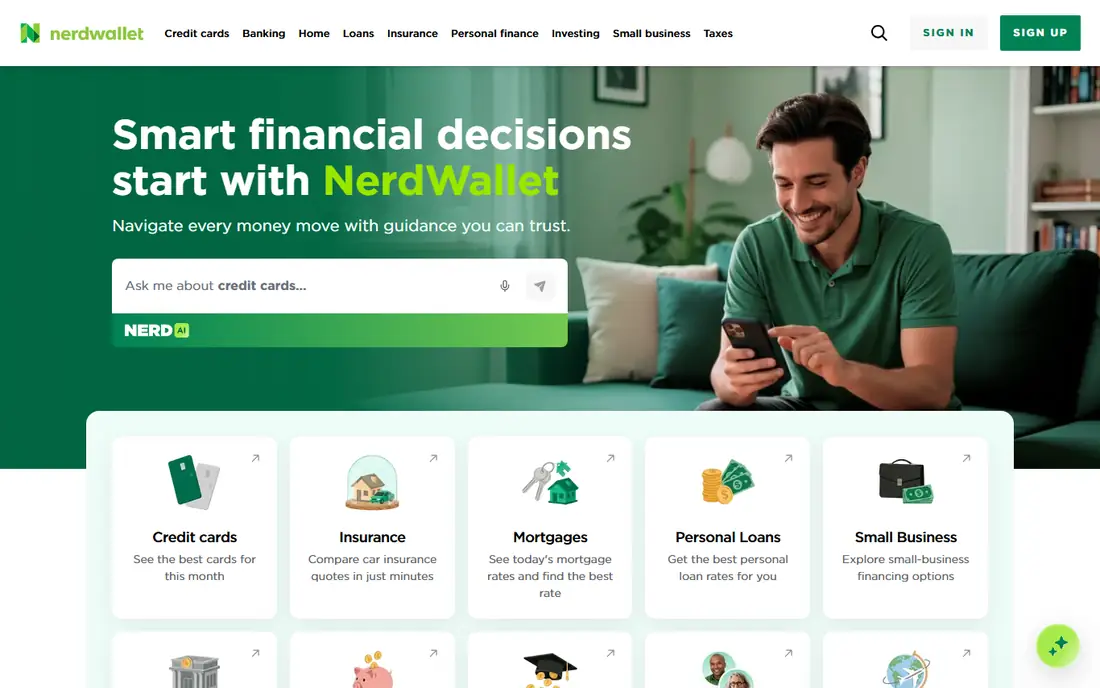
NerdWallet suits users who want free tracking plus credit score monitoring in one place. Linked accounts show spending, net worth, and credit factors, with alerts for changes. The app also offers articles and product comparisons, which help beginners understand credit and debt options.
The business model relies on ads and referrals, so product recommendations need a critical eye. Budgeting tools are simpler than YNAB or Goodbudget, and investment analysis is lighter than Empower. For a free, general-purpose tracker with credit views, NerdWallet is a practical Quicken replacement.
What we like- Free account tracking
- Credit score views
- Spending insights and alerts
Watch out for- Ad and referral-based model
- Budgeting depth is lower than dedicated apps
Starting priceSee website
Free planYes
Goodbudget follows the envelope method, where each spending category gets a set amount for the month. Users assign money to envelopes for groceries, rent, transport, and fun, then record spending as they go. That structure helps households that overspend in specific categories, even when total income looks fine.
The free plan limits envelopes and accounts, and manual entry requires regular habit. Goodbudget does not sync bank transactions on the free tier, which some users see as a privacy benefit and others see as extra work. For envelope budgeting without bank linking, it is one of the clearest free options.
What we like- Envelope method for spending control
- No bank linking required
- Syncs across devices on paid plans
Watch out for- Free plan limits envelopes and accounts
- Manual entry takes discipline
Starting priceFree
Free planYes
GnuCash is free, open-source desktop software for personal and small business accounting. It uses double-entry bookkeeping, supports scheduled transactions, reports, and investment tracking, and stores data locally. For users who want full control without a subscription or cloud account, that model is hard to beat.
The interface looks dated, and bank import needs configuration that can frustrate beginners. There is no mobile app with the same depth, and support comes from community documentation. For a patient user who values privacy and desktop control, GnuCash replaces Quicken core tracking at no cost.
What we like- Fully free and open source
- Double-entry accounting
- No subscription or ads
Watch out for- Dated interface
- Bank import needs setup
- Learning curve for beginners
Starting price$9.99 per month (billed annually)
Free planYes
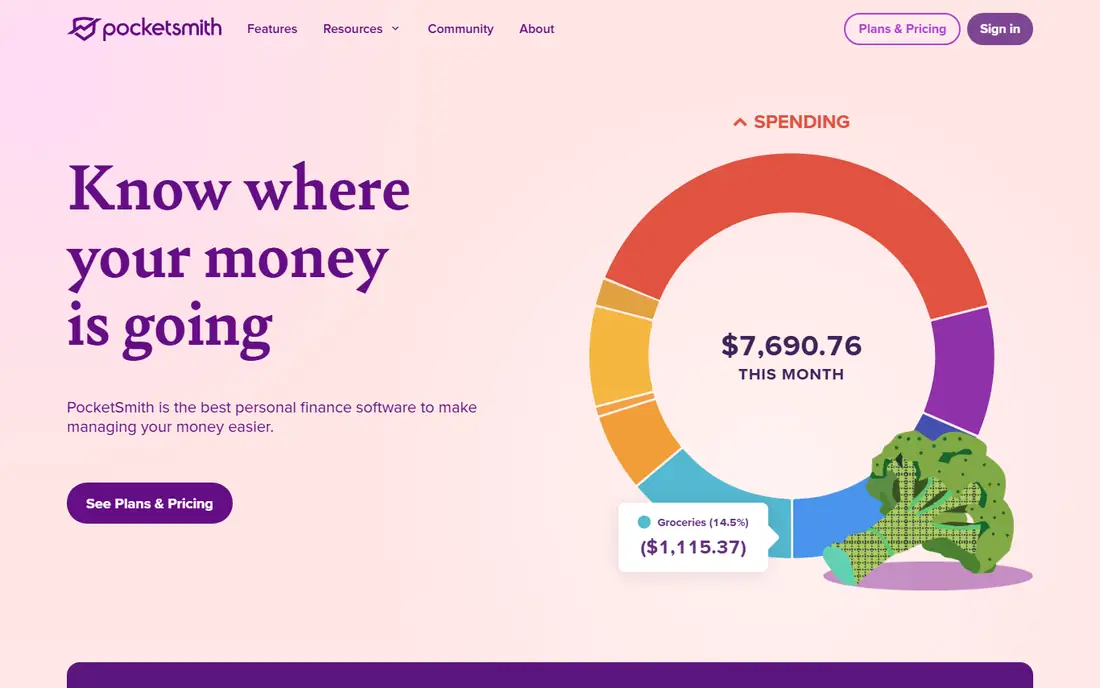
PocketSmith stands out for forecasting. Users can project balances months ahead, model scenarios, and see when cash flow tightens. That forward view helps freelancers and households with irregular income plan for tax bills, annual payments, and seasonal dips.
The free plan is limited, with bank feeds and advanced features behind paid tiers. Forecasting also depends on accurate recurring transactions, so setup takes time. For users who want to see future balances, not just past spending, PocketSmith offers depth that free dashboards often lack.
What we like- Cash flow forecasting to future dates
- Bank feeds on paid plans
- Clear calendar view
Watch out for- Free plan limits bank feeds and features
- Forecasting needs accurate recurring data
Starting price$9.99 per year
Free planNo
CountAbout is the budget-priced Quicken-style option, with a basic plan at $9.99 per year. It imports data from Quicken and Mint, supports budgeting, categories, and reports, and offers automatic transaction downloads on higher tiers. For a user who wants familiar desktop-style tracking at minimal cost, the price is a strong draw.
There is no permanent free plan, and the interface is simpler than Empower or Monarch Money. Mobile features are basic compared with modern budgeting apps. CountAbout fits users who value low cost and familiar workflows over polished design.
What we like- Very low annual price
- Quicken and Mint data import
- Budgeting and reports
Watch out for- No permanent free plan
- Interface is simpler than modern apps
Starting priceSee website
Free planFree trial
Moneydance is desktop personal finance software that keeps data local and supports accounts, budgets, investments, and reports. It suits users who distrust cloud-only finance apps or want to avoid a monthly subscription. A one-time style license, rather than a recurring fee, appeals to long-term users.
Bank sync setup varies by institution, and some banks need manual file imports. The interface is functional rather than modern, and mobile access is limited. For privacy-focused desktop tracking, Moneydance is a credible Quicken alternative, though it is not free after the trial period.
What we like- Desktop software with local data
- Investment and budgeting tools
- No required cloud account
Watch out for- Paid license after trial
- Bank sync setup varies by bank
Starting price$7 per month
Free planYes
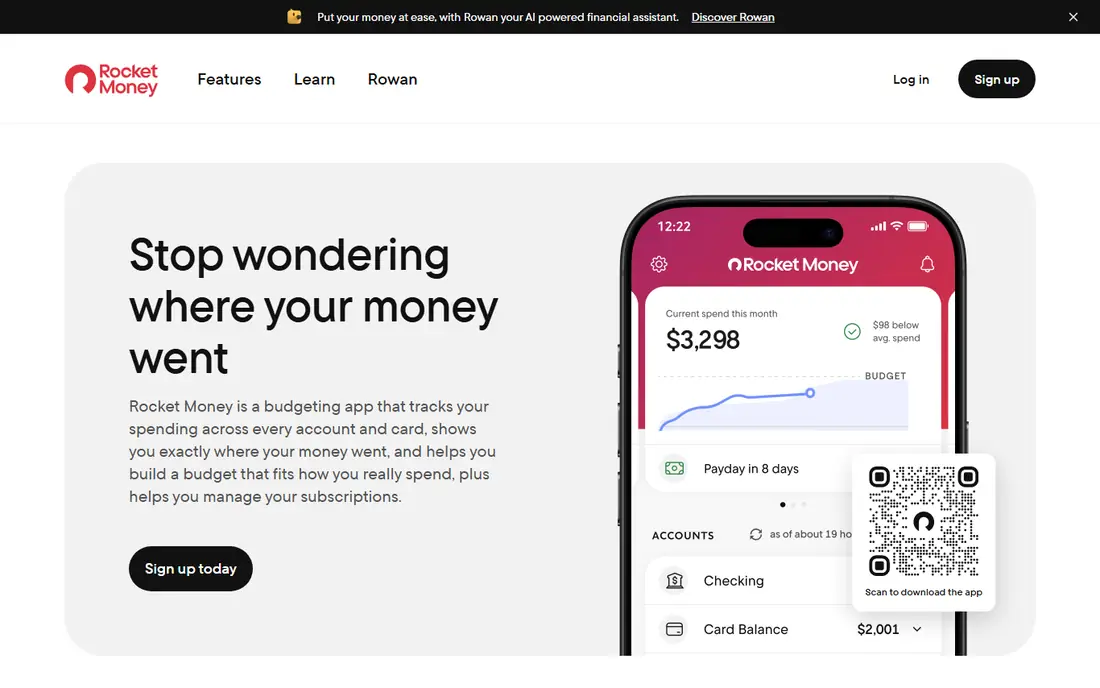
Rocket Money, formerly Truebill, scans linked accounts for recurring charges and shows subscriptions in one list. That feature alone helps many households find forgotten services. The free tier covers tracking and spending views, while Premium adds cancellation help, bill negotiation, and extra budgeting tools.
Premium pricing uses a sliding scale from $7 to $14 per month, which can confuse comparison shopping. Bill negotiation also takes a share of savings on some terms, so users should read the current terms before using it. For subscription control plus basic budgeting, Rocket Money is a useful free starting point.
What we like- Automatic subscription detection
- Spending tracking
- Bill negotiation on premium
Watch out for- Cancellation and negotiation need premium
- Premium uses a sliding price scale
How we chose
We compared pricing pages, product documentation, and public reviews, and checked each tool for bank sync, budgeting method, investment views, forecasting, data export, and free plan limits. We favored tools that exist today and cover Quicken core tasks: account tracking, budgeting, and reporting. Where a current price could not be confirmed from a vendor page, we listed it as See website. This guide covers tracking tools only and is not financial advice.
Picking a free tool without losing your history
Start by listing what Quicken did for you: bank sync, bill reminders, investment tracking, tax reports, or simple budgeting. A free dashboard covers sync and net worth well, while envelope and desktop tools cover budgeting and privacy better. No single free tool matches every Quicken feature, so expect a trade-off.
Next, export Quicken data before cancelling. Save transaction files in CSV or QIF format and keep a backup, since import support varies by tool. Test import with a small date range first, and check categories, transfers, and investment lots before importing years of history. A clean import saves hours of manual fixes later.
Finally, check privacy and exit options. Read how a free tool earns money, whether it sells data, and whether exports are available without a paid plan. Link only the accounts needed for tracking, use strong passwords and two-factor authentication, and review connected accounts every few months. A free tool should reduce money stress, not add a new privacy worry.
A final check before linking accounts is export and account closure. Confirm that transactions, categories, and budgets can be exported in a standard format, and that closing an account removes linked data on request. Some free tools keep historical reports after closure, while others delete data at once. Also check whether the tool supports joint accounts, business accounts, and multiple currencies, since those needs often appear after the first month. A tool that fits today but cannot export tomorrow creates a costly lock-in.
Before final choice, test the mobile app for a week, since many users check balances on a phone more than on a computer, and a clumsy mobile view can undo the value of a good desktop dashboard.
Frequently asked questions
Is there a free alternative that fully replaces Quicken?
No single free tool matches every Quicken feature, including bill pay and deep investment reports. Empower and NerdWallet cover tracking and net worth best, while GnuCash and Moneydance cover desktop accounting. Most users pair a free tracker with a separate budgeting habit.
Which free Quicken alternative is best for budgeting?
Goodbudget is best for envelope budgeting without bank linking, while Empower and NerdWallet suit users who want automatic tracking with lighter budgeting. PocketSmith suits users who want forecasting, though its full features need a paid plan.
Can I import my Quicken data into a free alternative?
Many tools support CSV, QIF, or direct import from Quicken and Mint, but results vary. CountAbout and GnuCash offer the most direct import paths. Always export a backup first and test with a small date range.
Are free finance apps safe to link to my bank?
Reputable apps use bank-level encryption and read-only connections through aggregators, but linking always carries some risk. Link only needed accounts, enable two-factor authentication, and review permissions regularly. Users who prefer no linking should choose Goodbudget or GnuCash.
Do free alternatives work for investments?
Empower offers the strongest free investment views, with portfolio breakdowns and fee analysis. GnuCash and Moneydance also track investments, though with more manual setup. For investment advice, speak to a qualified adviser, since tracking tools do not replace advice.
Should I keep Quicken running during the switch?
Yes, for at least one full month. Run the new tool alongside Quicken, compare balances and categories weekly, and only cancel Quicken after totals match. Keep exported files even after cancelling, since tax and loan records may be needed later.
Sources we checked (8)
- https://www.empower.com/pricing
- https://www.nerdwallet.com
- https://goodbudget.com/pricing
- https://www.gnucash.org
- https://www.pocketsmith.com/pricing
- https://www.countabout.com/pricing
- https://moneydance.com/pricing
- https://www.rocketmoney.com/pricing
Is your product missing or out of date?
We review this list regularly. Vendors can request a listing, send updated pricing or ask about featured placement.

Shihab Mia · Founder, Rankite
Shihab has 5+ years in B2B and SaaS SEO. He writes Rankite's software buying guides from pricing pages, documentation and public user reviews. More about Shihab.