How we make this list: we compare pricing pages, product documentation and public user reviews. Ratings come from G2, Capterra or Trustpilot, with the date we checked them.
Key takeaways
- Nintex is the direct successor to Promapp, since Promapp is now part of Nintex, with process mapping plus workflow automation.
- Lucidchart is the easiest general replacement, with templates, real-time collaboration, and integrations across common business tools.
- Miro suits workshops and collaborative mapping sessions on an endless canvas, while Visio fits Microsoft-centered enterprises.
- Creately and Draw.io cover the budget ends: Creately from $5 per user per month, Draw.io completely free.
- Bizagi and ProcessMaker serve enterprises that want mapping tied to workflow automation and digitized processes.
Quick comparison
| Tool | Best for | Starting price | Free plan |
|---|
 Nintex Nintex | Promapp successor plus automation | See website | No |
 Lucidchart Lucidchart | General diagramming and mapping | $7.95 per user per month | Yes |
 Miro Miro | Collaborative workshop mapping | $8 per user per month | Yes |
 Visio Visio | Microsoft ecosystem diagrams | $5 per user per month | No |
 Creately Creately | Budget smart diagramming | $5 per user per month | Yes |
 Bizagi Bizagi | Enterprise process digitization | $200 per month | No |
 Draw.io Draw.io | Free basic diagrams | Free | Yes |
 ProcessMaker ProcessMaker | Low-code workflow automation | See website | No |
Is your product missing or out of date?
We review this list regularly. Vendors can request a listing, send updated pricing or ask about featured placement.
The best Promapp alternatives
#1Nintex
Best for: Promapp successor plus automation4.2/5 on
G2 (1,311 reviews, checked Oct 2026)
Visit nintex.com
Starting priceSee website
Free planNo

Nintex acquired Promapp, so Nintex is the continuity option for existing Promapp users. Process maps live alongside workflow automation, forms, and document generation, which means a mapped process can become an automated one without switching platforms. AI insights highlight bottlenecks, and compliance tracking suits regulated industries that must prove processes are followed.
The trade is enterprise pricing and scope. Nintex prices by quote with no free plan, and the platform covers far more than mapping, so a small team that only needs process diagrams will find it heavy and expensive. For an organization already on Promapp or planning to automate mapped processes, Nintex is the natural path forward.
What we like- Direct continuation of Promapp inside Nintex
- Process mapping plus workflow automation and AI insights
- Compliance tracking
Watch out for- Custom pricing with no free plan
- Enterprise focus means smaller teams pay for breadth they may not need
Starting price$7.95 per user per month
Free planYes
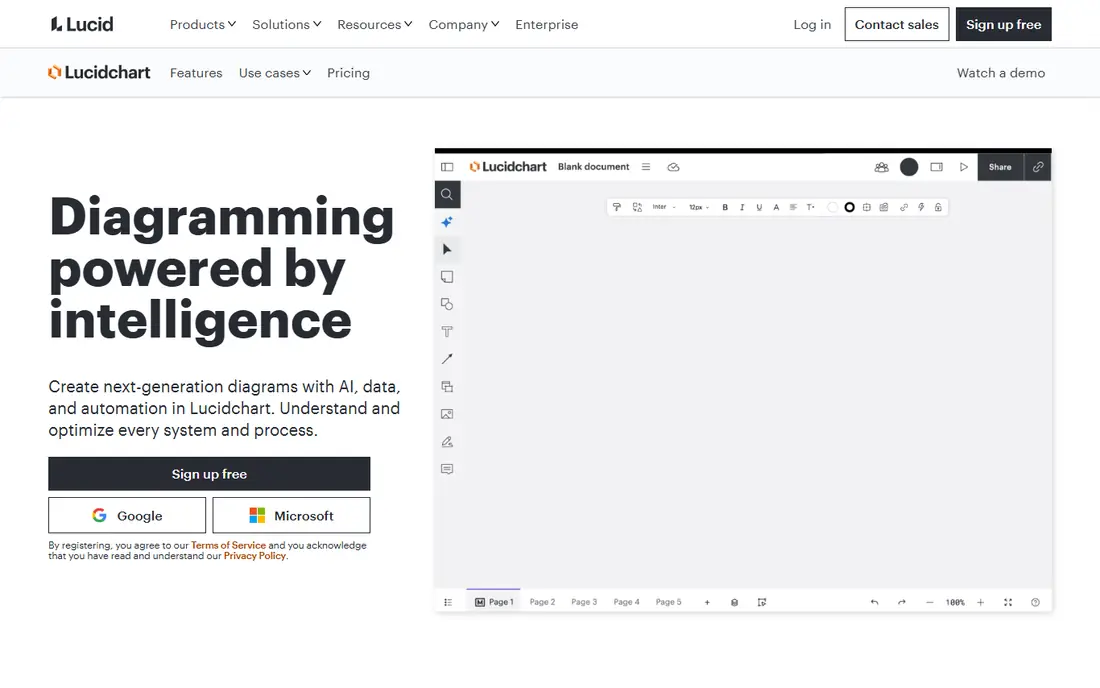
Lucidchart is the most versatile replacement for everyday process mapping. Its drag-and-drop interface, template library, and shape sets cover simple flowcharts through complex swimlane diagrams, and real-time collaboration lets workshops build maps together. AI features generate diagrams from prompts and link data to shapes, which speeds up documentation of existing systems.
Pricing has shifted over time: older listings show $7.95 per user per month, while 2026 pricing guides list Individual near $9 and Team near $10 billed annually, with a 3-user minimum on Team and SAML sign-in reserved for Enterprise. Teams should confirm current figures on the pricing page. For a small to mid-sized team that wants professional maps quickly, Lucidchart remains the easiest pick.
What we like- Intuitive drag-and-drop mapping
- Extensive templates for flowcharts and swimlanes
- AI-generated diagrams and data linking
Watch out for- Individual plans near $9 and Team near $10 on newer pricing
- SAML sign-in requires Enterprise
#3Miro
Best for: Collaborative workshop mapping4.6/5 on
G2 (13,631 reviews, checked Oct 2026)
Visit miro.com
Starting price$8 per user per month
Free planYes
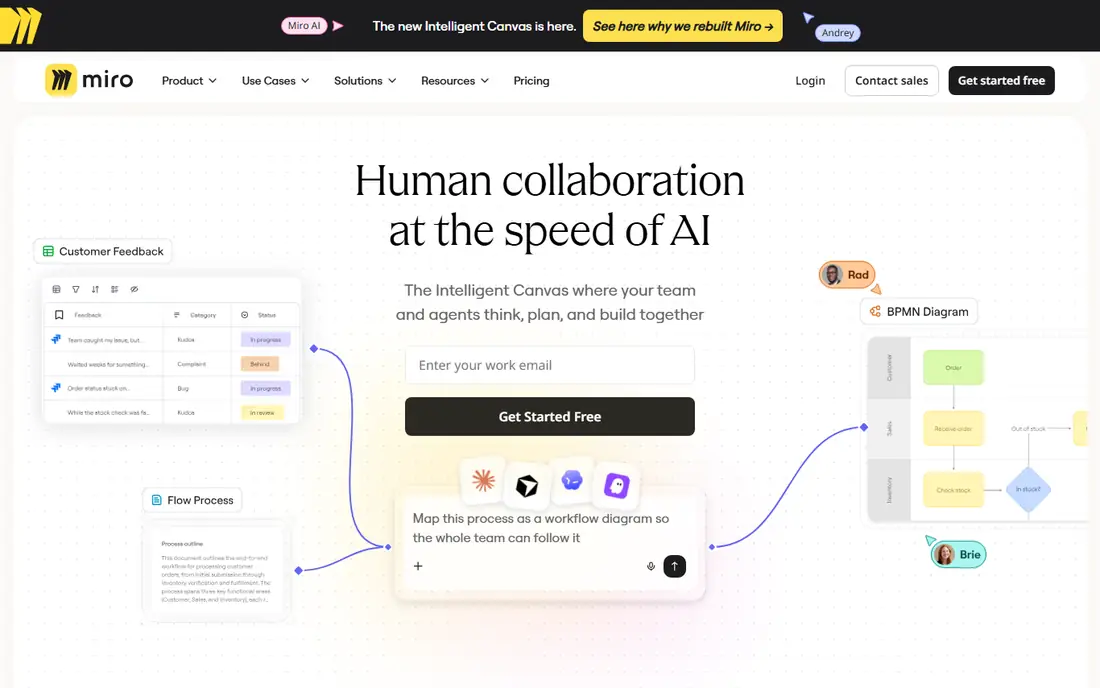
Miro approaches process mapping as a workshop activity. Teams gather on an endless canvas, sketch flows with sticky notes and shapes, vote on options, and refine maps together in real time. That informality suits discovery sessions where the process itself is still being understood, and the template library covers journey maps, flowcharts, and retros.
The trade is structure. Miro lacks the BPMN rigor, version governance, and approval workflows of Nintex or Bizagi, so maps can drift without ownership. Paid plans start near $8 per user per month, with a free plan for small boards. For a team that maps processes collaboratively and values speed over governance, Miro is the most engaging option.
What we like- Endless canvas for workshops and brainstorming
- Real-time collaboration with comments and voting
- Huge template library
Watch out for- Less structured than dedicated BPMN tools
- Process governance features are lighter than Nintex or Bizagi
Starting price$5 per user per month
Free planNo
Visio is the enterprise diagramming standard inside Microsoft shops. It offers advanced shapes, data-linked diagrams, and desktop plus cloud versions, and it integrates with Teams, SharePoint, and OneDrive. IT departments already managing Microsoft 365 find Visio easy to deploy and govern.
Collaboration is the weak point: real-time co-authoring and workshop features trail Lucidchart and Miro, and the interface feels dated to new users. Pricing starts near $5 per user per month with Microsoft 365 bundles, though standalone plans cost more. For an enterprise standardized on Microsoft tools, Visio is the safe, supported choice.
What we like- Advanced diagramming with deep Microsoft integration
- Desktop and cloud options
- Familiar to enterprise IT
Watch out for- No free plan
- Collaboration feels weaker than Lucidchart or Miro
- Pricing varies by Microsoft 365 bundle
#5Creately
Best for: Budget smart diagramming4.4/5 on
G2 (1,394 reviews, checked Oct 2026)
Visit creately.com
Starting price$5 per user per month
Free planYes
Creately gives agile teams and startups smart diagramming at a low price. Its canvas offers smart shapes, connectors, and templates for flowcharts, swimlanes, and org charts, with real-time collaboration and multi-platform access. Paid plans start near $5 per user per month, and a free plan covers basic use.
The ecosystem is smaller than Lucidchart's, so templates and integrations are thinner, and advanced BPMN modeling is less deep than at Bizagi or Nintex. For a startup or agile team that needs good-looking process maps without enterprise cost, Creately delivers most of what Lucidchart offers at a lower price.
What we like- Smart drawing aids and templates
- Multi-platform access
- Low entry price with a free plan
Watch out for- Smaller community and template depth than Lucidchart
- Advanced BPMN features are thinner
#6Bizagi
Best for: Enterprise process digitization4.6/5 on
G2 (319 reviews, checked Oct 2026)
Visit bizagi.com
Starting price$200 per month
Free planNo
Bizagi bridges mapping and execution. Teams model processes in BPMN, then turn those models into running digital workflows with forms, rules, and integrations, tracking performance with detailed analytics. That matters for enterprises digitizing approvals, onboarding, or claims handling, where a static diagram is only the first step.
The cost and effort match that power: paid plans start near $200 per month, and implementation needs process design work, not just drawing. A team that only needs diagrams should pick Lucidchart or Creately instead. For an enterprise upgrading from documented processes to digitized ones, Bizagi is a strong alternative to Nintex.
What we like- Maps become executable digital workflows
- Real-time collaboration
- Detailed analytics on process performance
Watch out for- Paid plans from $200 per month
- Implementation takes planning
- Overkill for simple diagram needs
Starting priceFree
Free planYes
Draw.io, now branded diagrams.net, is the free baseline for process mapping. It offers drag-and-drop flowcharts, swimlanes, and BPMN shapes in a browser or desktop app, works offline, and stores files wherever the user chooses, including Google Drive, OneDrive, or local disk. For a solo analyst or a tiny team, it covers the core drawing job at zero cost.
What it lacks is everything around the diagram: no approval workflows, version governance, process ownership, or automation. Collaboration is basic file sharing rather than real-time co-editing. For a team that needs a quick map without a budget, Draw.io is enough; for an organization managing hundreds of processes, Nintex or Bizagi is the right tier.
What we like- Completely free
- Drag-and-drop diagrams with offline use
- Stores files in Drive, OneDrive, or locally
Watch out for- No process governance, approvals, or automation
- Collaboration is basic compared with Lucidchart
Starting priceSee website
Free planNo
ProcessMaker turns process maps into automated workflows with a low-code builder. Teams design processes visually, add forms, rules, and integrations, and run them as live workflows with tracking and reporting. Enterprise integrations connect to common business systems, and AI assistance speeds up design.
Pricing is custom based on usage, and implementation needs technical planning, so it suits large organizations optimizing workflows rather than small teams drawing diagrams. For an enterprise that wants mapping plus automation but prefers a low-code platform to Nintex's suite, ProcessMaker is a credible alternative.
What we like- Low-code workflow builder with enterprise integrations
- Maps become automated processes
- AI-assisted design
Watch out for- Custom pricing based on usage
- Implementation needs technical planning
- Heavier than pure mapping tools
How we chose
We compared each tool against what Promapp actually sold: simple process mapping, ownership, approvals, and a central process library. Pricing figures come from vendor pages and recent published comparisons, and anything we could not confirm is written as "See website". We favored actively maintained tools that serve US buyers, and we flagged where a tool is a pure diagrammer, a workshop canvas, or an automation platform, since that decides whether it replaces Promapp or only part of it.
What to check before you switch
Start with governance needs. If processes need owners, approvals, and version control, shortlist Nintex or Bizagi. If teams just need clear maps fast, shortlist Lucidchart, Miro, or Creately. Check four things on any trial: BPMN support depth, how maps are shared and approved, export options for existing Promapp content, and per-user versus flat pricing at your real team size. Also confirm migration support: ask each vendor how Promapp maps, attachments, and ownership transfer, and export your process library before cancelling. A pilot with one department's processes reveals more than a vendor demo, since real processes expose notation and approval gaps quickly. Finally, confirm who owns each map after migration, since orphaned processes are the most common reason process libraries go stale. Assign a named owner to every migrated process, schedule a quarterly review for the most-used maps, and retire anything no one has opened in a year. A clean library beats a large one, and the migration is the best moment to prune. Document the migration in one place so the next team can see which maps moved, which were retired, and why. That record prevents duplicate work later and keeps the new library trustworthy from day one, which is the whole point of moving to a better tool in the very first place here today online now finally.
Frequently asked questions
Is Promapp still available?
Promapp is now part of Nintex, so new buyers go through Nintex rather than a standalone Promapp product. Existing Promapp users should confirm their migration path with Nintex.
Which Promapp alternative is cheapest?
Draw.io is completely free for basic diagrams. Creately starts near $5 per user per month, and Lucidchart's free plan covers basic mapping for individuals.
What is BPMN and do I need it?
BPMN is a standard notation for business process diagrams, with symbols for tasks, gateways, and events. Regulated and enterprise teams usually need it; small teams mapping simple flows can use basic flowcharts.
Can I import my Promapp maps into another tool?
Migration support varies by vendor. Ask about Promapp import, BPMN export, and attachment handling before committing, and export your library first.
Is Miro good for process mapping?
Miro excels at collaborative workshop mapping on an endless canvas. It is weaker than Nintex or Bizagi on governance, approvals, and BPMN rigor.
Do I need workflow automation or just maps?
If processes only need documentation, a diagrammer such as Lucidchart or Draw.io is enough. If maps should become running workflows with forms and tracking, consider Nintex, Bizagi, or ProcessMaker.
Sources we checked (8)
- https://www.nintex.com/
- https://www.lucidchart.com/pricing
- https://miro.com/pricing/
- https://www.microsoft.com/microsoft-365/visio
- https://creately.com/pricing/
- https://www.bizagi.com/en/pricing
- https://app.diagrams.net/
- https://www.processmaker.com/pricing/
Is your product missing or out of date?
We review this list regularly. Vendors can request a listing, send updated pricing or ask about featured placement.

Shihab Mia · Founder, Rankite
Shihab has 5+ years in B2B and SaaS SEO. He writes Rankite's software buying guides from pricing pages, documentation and public user reviews. More about Shihab.