How we make this list: we compare pricing pages, product documentation and public user reviews. Ratings come from G2, Capterra or Trustpilot, with the date we checked them.
Key takeaways
- Pipefy excels at intake forms and approvals, so alternatives should match that strength, not just offer boards.
- Monday and Asana are the easiest general replacements for most teams.
- Process Street suits repeatable checklists, while Kissflow suits larger companies with governance needs.
- Per-seat prices mislead when automation limits or seat minimums apply, so price your real team.
- Audit trails and permissions matter most for finance, HR, and compliance workflows.
Quick comparison
| Tool | Best for | Starting price | Free plan |
|---|
 Monday.com Monday.com | Visual boards and custom workflows | $9 per seat per month | Yes |
 Asana Asana | Cross-team task coordination | $10.99 per user per month | Yes |
 Trello Trello | Simple visual kanban boards | $5 per user per month | Yes |
 ClickUp ClickUp | Replacing several tools at once | $7 per user per month | Yes |
 Process Street Process Street | Repeatable checklists and SOPs | $25 per user per month | Free trial |
 Kissflow Kissflow | No-code approval apps at scale | $1,500 per month | Free trial |
 Wrike Wrike | Enterprise project workflows | $10 per user per month | Yes |
 Smartsheet Smartsheet | Spreadsheet-style tracking | $9 per member per month | Free trial |
Is your product missing or out of date?
We review this list regularly. Vendors can request a listing, send updated pricing or ask about featured placement.
The best Pipefy alternatives
#1Monday.com
Best for: Visual boards and custom workflows4.7/5 on
G2 (17,182 reviews, checked Oct 2026)
Visit monday.com
Starting price$9 per seat per month
Free planYes
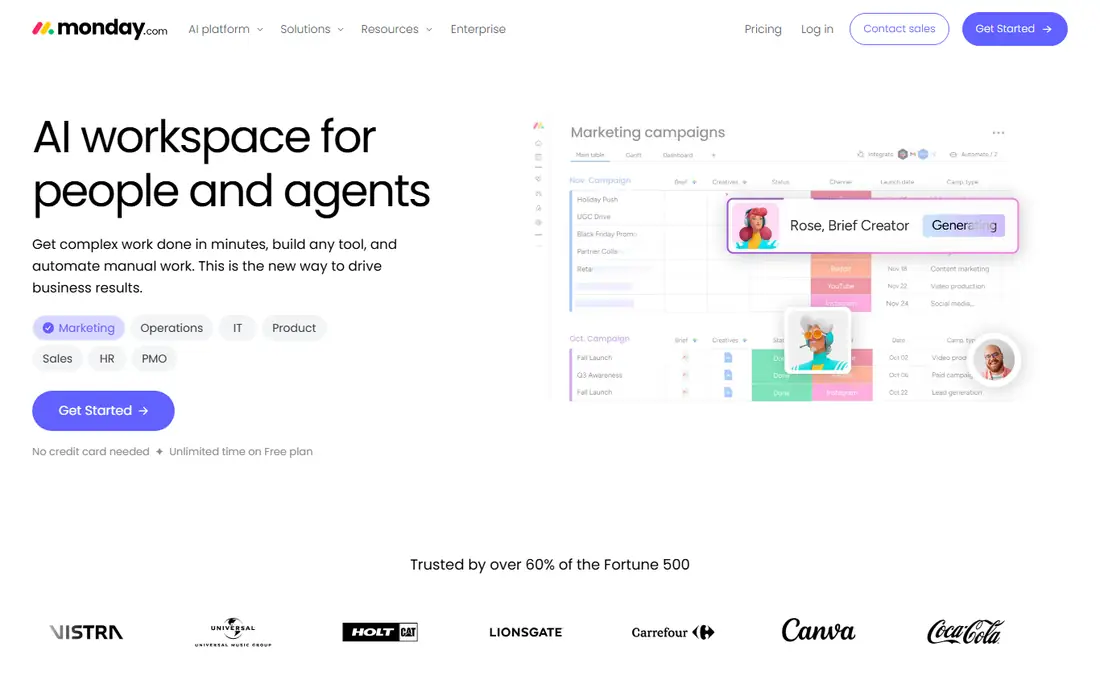
Monday.com is the easiest starting point for a team leaving Pipefy. Boards, automations, and templates cover intake, approvals, and tracking without a business process project. The interface is visual and forgiving, so non-technical staff build workflows themselves instead of waiting on IT. Paid plans start at $9 per seat per month billed annually.
Standard caps automations at 250 actions per month, and paid plans require at least three seats, so check your automation volume before committing. Large teams can find Monday expensive as seats grow. For most small and mid-size teams, Monday is the most painless Pipefy replacement.
What we like- Easiest workflow builder here
- Strong visuals
- Many templates
Watch out for- Minimum 3 seats on paid plans
- Automation caps on Standard
- Costs grow with team size
#2Asana
Best for: Cross-team task coordination4.4/5 on
G2 (13,930 reviews, checked Oct 2026)
Visit asana.com
Starting price$10.99 per user per month
Free planYes

Asana coordinates work across teams better than almost any tool here. Timelines, dependencies, and portfolios show who does what by when, and paid plans offer unlimited rules for automation. Starter pricing runs $10.99 per user per month billed annually, with a free Personal plan for small teams.
Asana's intake forms and approval routing are thinner than Pipefy's process-first design, so teams with heavy form logic may need workarounds. Advanced workflow features sit on higher tiers. For a team whose main need is coordination across departments, Asana is a strong, well-supported pick.
What we like- Clean timelines and dependencies
- Unlimited rules on paid plans
- Strong cross-team use
Watch out for- Workflow forms are thinner than Pipefy
- Advanced features need higher tiers
- Price climbs
#3Trello
Best for: Simple visual kanban boards4.4/5 on
G2 (14,064 reviews, checked Oct 2026)
Visit trello.com
Starting price$5 per user per month
Free planYes
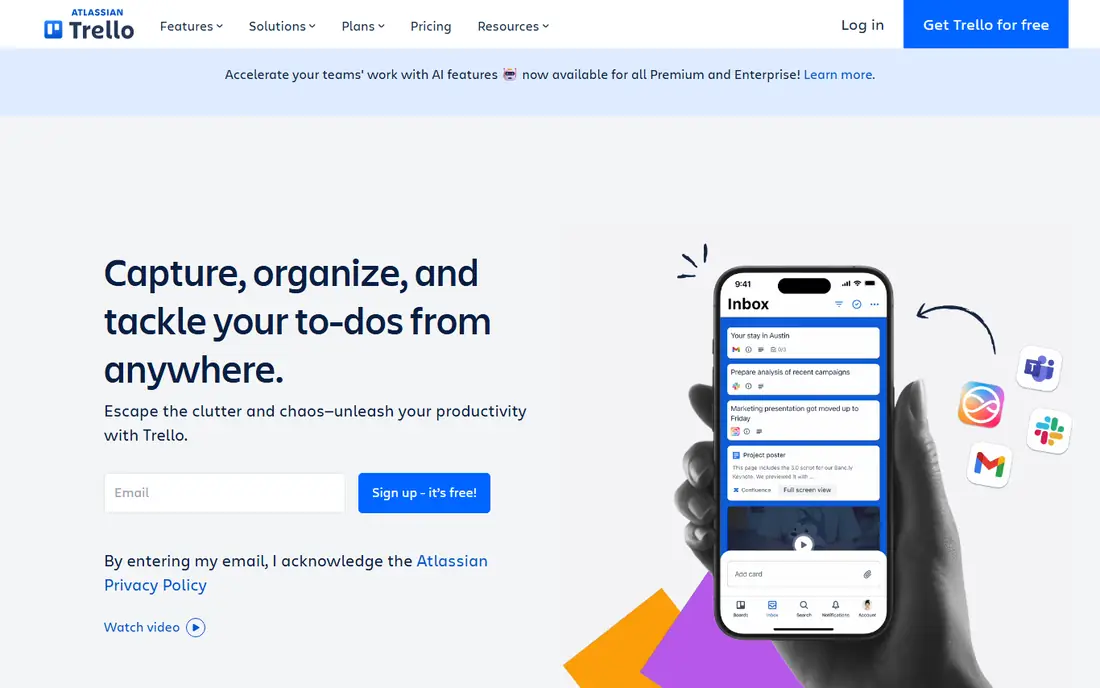
Trello is where most teams meet kanban, and many never need to leave. Boards, lists, and cards mirror a physical whiteboard, so new users need almost no training. Standard costs $5 per user per month billed annually, and the free plan covers up to ten collaborators with unlimited cards.
Trello is a board, not a process platform. Reporting, timelines, and workload views are thin, and approval workflows need Power-Ups or outside automation. If your process fits on cards, Trello is unbeatable for the price. If it needs forms, conditional logic, and audit trails, pick a deeper tool.
What we like- Simplest boards here
- Free plan covers 10 collaborators
- Huge Power-Up library
Watch out for- Thin reporting and timelines
- Approvals need Power-Ups
- Ceiling arrives fast
#4ClickUp
Best for: Replacing several tools at once4.6/5 on
G2 (14,878 reviews, checked Oct 2026)
Visit clickup.com
Starting price$7 per user per month
Free planYes
ClickUp replaces several tools at once: tasks, docs, goals, timelines, and automations live in one subscription starting at $7 per user per month billed annually. The free Forever plan covers unlimited tasks and members, and Unlimited includes 1,000 automations per month. Teams that want one login for everything get real value here.
The interface packs in a lot, which can overwhelm new users, and pure workflow features like intake portals trail Pipefy's specialists. Setup takes longer than Monday or Trello. For a team consolidating tools on a budget, ClickUp is the strongest all-in-one alternative.
What we like- Docs, tasks, and goals in one place
- 1,000 automations monthly on Unlimited
- Cheap entry
Watch out for- Interface feels busy
- Setup takes time
- Workflow depth trails Pipefy specialists
#5Process Street
Best for: Repeatable checklists and SOPs4.6/5 on
G2 (463 reviews, checked Oct 2026)
Visit process.st
Starting price$25 per user per month
Free planFree trial
Process Street serves teams whose work repeats the same way every time: employee onboarding, client onboarding, ISO compliance checks, and quality tracking. Checklists run step by step with approvals, conditional logic, and audit trails, so nothing gets skipped. Pricing starts at $25 per user per month.
Process Street is not a project tracker. Boards, timelines, and portfolio views are thinner than Monday or Asana, and the per-user price runs higher. For operations, compliance, and HR teams that live on repeatable procedures, Process Street is the purest Pipefy-style replacement.
What we like- Best checklist execution here
- Approval steps built in
- Strong for SOPs and onboarding
Watch out for- Higher per-user price
- Weaker project tracking
- Less flexible than boards
#6Kissflow
Best for: No-code approval apps at scale4.3/5 on
G2 (590 reviews, checked Oct 2026)
Visit kissflow.com
Starting price$1,500 per month
Free planFree trial
Kissflow builds no-code approval apps for larger companies: procurement, HR, finance, and IT workflows with governance, permissions, and audit trails. Departments can build their own apps on one platform instead of buying separate tools, which suits companies standardizing processes enterprise-wide.
Entry pricing at $1,500 per month for 50 users rules out small teams, and package pricing needs a quote for exact scope. Ask for a pilot with two departments before signing, since cross-department rollout reveals permission problems early and cheaply. That pilot pays for itself. For a company that needs compliance-grade workflows across many departments, Kissflow is a serious platform. For a ten-person team, it is overkill.
What we like- True no-code app building
- Governance and compliance strength
- Scales across departments
Watch out for- $1,500 monthly entry for 50 users
- Overkill for small teams
- Pricing is package-based
#7Wrike
Best for: Enterprise project workflows4.2/5 on
G2 (4,540 reviews, checked Oct 2026)
Visit wrike.com
Starting price$10 per user per month
Free planYes
Wrike suits enterprise and IT teams that need project workflows with resource planning, budgets, and proofing. Gantt charts, workload views, and approval flows cover complex projects, and enterprise controls satisfy larger IT departments. Team pricing starts at $10 per user per month billed annually with a two-seat minimum.
Automation caps on Team run 50 actions per seat per month, so heavy automation needs higher tiers. The learning curve is steeper than Monday or Trello. For a larger team running complex projects with formal approvals, Wrike is a capable Pipefy alternative.
What we like- Gantt charts and proofing
- Resource management
- Strong enterprise controls
Watch out for- Automation caps on Team
- Learning curve
- Minimum 2 seats
#8Smartsheet
Best for: Spreadsheet-style tracking4.4/5 on
G2 (22,767 reviews, checked Oct 2026)
Visit smartsheet.com
Starting price$9 per member per month
Free planFree trial
Smartsheet wins teams that think in spreadsheets. The grid interface feels familiar, formulas and reports work like a spreadsheet, and workflows attach to rows for approvals and alerts. Pro starts at $9 per member per month billed annually with 250 automations per month.
Smartsheet feels less visual than Monday or Trello, and there is no permanent free plan, only a trial. Automation caps can bind heavy users. For finance and operations teams that already plan in spreadsheets, Smartsheet is the most natural Pipefy alternative.
What we like- Familiar spreadsheet grid
- Strong reporting
- 250 automations monthly on Pro
Watch out for- Feels less visual than boards
- Free plan is trial only
- Automation caps apply
How we chose
We compared tools on intake forms, approval routing, automation limits, audit trails, permissions, integrations, and published pricing. We used vendor pricing pages, product documentation, and published comparison guides. Where a vendor quotes privately, we wrote See website instead of repeating an unverified estimate.
How to pick a Pipefy replacement
Start by naming your hardest workflow. If it is intake with conditional logic and approvals, Process Street or Kissflow will serve you better than a board. If it is coordination across teams, Asana or Monday will serve you better. If it is simple tracking on cards, Trello at $5 per user per month is enough. Buying a general project tool for a forms problem, or a forms tool for a coordination problem, is the most common mistake in this category.
Next, price your real footprint, not the headline seat price. Model seats, automation runs, and workflow volume together, since a cheap per-seat tool can lose its edge once automation caps force an upgrade. Ask how pricing changes as you add departments, since workflow platforms tend to spread. Request quotes for your expected year-two size, not just today.
Then check audit and permission needs before the trial ends. Finance, HR, and compliance workflows need approval histories, document control, and role-based access that survive an audit. Confirm API access and webhooks for anything not covered natively, and test whether Zapier, Make, or Power Automate can bridge the gaps. A tool that cannot feed evidence into your audit trail will fail at the worst moment.
Finally, pilot with one real process and the people who run it daily. Build the intake form, route three real requests, and produce the report your manager actually reads. If the pilot team keeps working in spreadsheets after a week, the tool is wrong no matter how good the demo looked. Train the process owners, not just the admins, since owners keep the workflow alive after the vendor leaves.
Frequently asked questions
What is Pipefy best at?
Pipefy excels at intake forms, approvals, and process tracking in one place. Teams use it to standardize requests from other departments, route them through approvals, and track each request through stages. Alternatives should match that forms-first strength, not just offer task boards.
Which Pipefy alternative is easiest to use?
Monday.com is the easiest for most teams, with visual boards and templates that non-technical staff can build. Trello is simpler still, but its ceiling arrives faster. Process Street is easiest for checklist-driven work specifically.
Is there a free Pipefy alternative?
Yes. Trello, Asana, Monday, ClickUp, and Wrike all offer free plans, though limits vary. Trello covers up to ten collaborators free, while Asana Personal suits small teams. Smartsheet and Process Street offer trials rather than permanent free plans.
How much does a Pipefy alternative cost?
Entry prices range from Trello at $5 per user per month to Process Street at $25 per user per month, with Kissflow starting at $1,500 per month for 50 users. Automation caps and seat minimums change the real cost, so model your team and volume before choosing.
Can these tools handle compliance workflows?
Process Street and Kissflow handle compliance work best, with audit trails, approvals, and document control built in. Monday and Asana can support compliance workflows with careful setup, but confirm permissions, evidence capture, and reporting before committing.
Do I need a workflow tool or just a project tool?
Pick a workflow tool when work arrives as requests that need forms, routing, and approvals. Pick a project tool when work is planned as tasks with dates and dependencies. Many teams need both, which is why all-in-one tools like ClickUp and Monday appeal to them.
Sources we checked (8)
- https://www.monday.com/pricing
- https://www.asana.com/pricing
- https://trello.com/pricing
- https://www.clickup.com/pricing
- https://www.process.st/pricing
- https://www.kissflow.com/pricing
- https://www.wrike.com/pricing
- https://www.smartsheet.com/pricing
Is your product missing or out of date?
We review this list regularly. Vendors can request a listing, send updated pricing or ask about featured placement.

Shihab Mia · Founder, Rankite
Shihab has 5+ years in B2B and SaaS SEO. He writes Rankite's software buying guides from pricing pages, documentation and public user reviews. More about Shihab.