How we make this list: we compare pricing pages, product documentation and public user reviews. Ratings come from G2, Capterra or Trustpilot, with the date we checked them.
Key takeaways
- Adobe Acrobat is the strongest all-round replacement, with deep editing and signing in one tool.
- DocuSign and SignNow lead for e-signatures at scale, with strong legal and audit features.
- PandaDoc and Jotform Sign suit sales and form workflows that combine documents with signatures.
- Dropbox Sign and Foxit offer simpler, affordable signing and editing.
- Smallpdf covers quick, everyday PDF tasks with a simple web tool.
Quick comparison
| Tool | Best for | Starting price | Free plan |
|---|
 DocuSign DocuSign | legally binding e-signatures at scale | See website | Free trial |
 Adobe Acrobat Adobe Acrobat | full PDF editing, forms, and signing | See website | Free trial |
 PandaDoc PandaDoc | sales proposals and contracts with signatures | See website | Yes |
 SignNow SignNow | affordable e-signatures for teams | See website | Free trial |
 Jotform Sign Jotform Sign | forms that end with a signature | See website | Yes |
 Dropbox Sign Dropbox Sign | simple e-signatures inside Dropbox workflows | See website | Free trial |
 Foxit Foxit | affordable PDF editing with signing | See website | Free trial |
 Smallpdf Smallpdf | quick PDF tasks in a browser | See website | Yes |
Is your product missing or out of date?
We review this list regularly. Vendors can request a listing, send updated pricing or ask about featured placement.
The best pdffiller alternatives
#1DocuSign
Best for: legally binding e-signatures at scale4.5/5 on
G2 (2,896 reviews, checked Oct 2026)
Visit docusign.com
Starting priceSee website
Free planFree trial
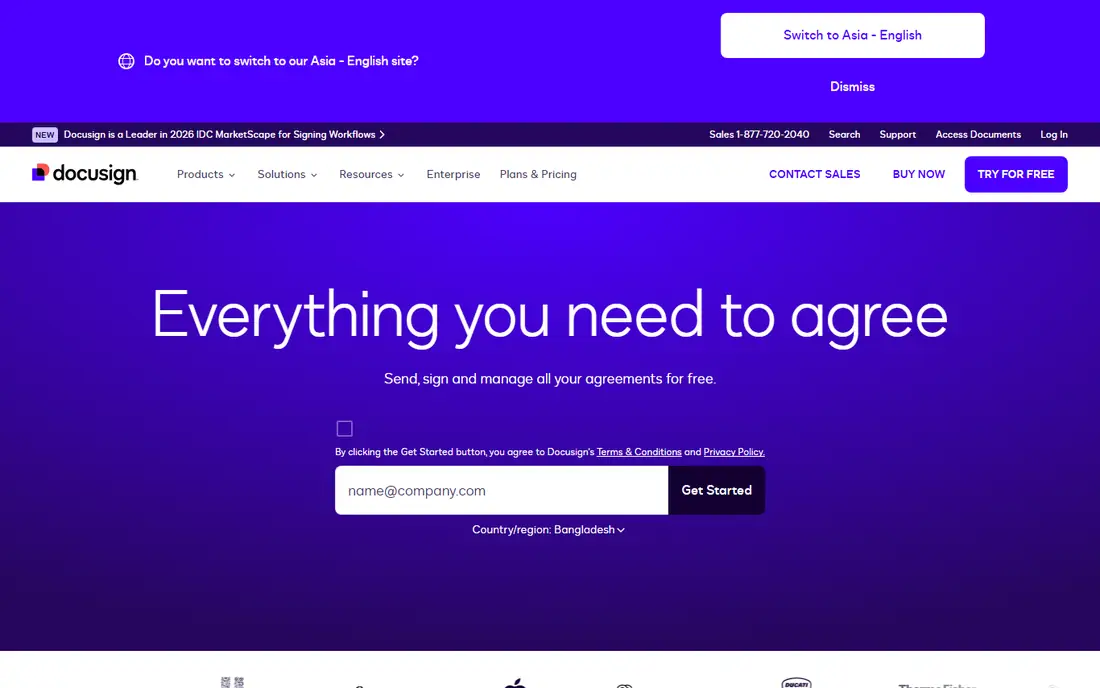
DocuSign is the industry standard for e-signatures, with legally binding signatures, audit trails, and integrations to CRM, HR, and document tools. It suits businesses that send many agreements, from sales contracts to HR forms, and need signatures that hold up legally. Templates, bulk sending, and reminders save time for high-volume senders.
PDF editing features are lighter than Acrobat, so DocuSign suits signing-first workflows rather than heavy editing. Pricing rises with envelope counts, so high-volume senders should model costs carefully. For a business whose main need is trusted e-signatures, DocuSign is the safest pick here.
What we like- Industry standard
- Strong audit trails
- Broad integrations
Watch out for- Pricing rises with envelopes
- Editing features are lighter than Acrobat
#2Adobe Acrobat
Best for: full PDF editing, forms, and signing4.7/5 on
Capterra (4,264 reviews, checked Oct 2026)
Visit adobe.com
Starting priceSee website
Free planFree trial
Adobe Acrobat offers the deepest PDF editing available, including text and image edits, form creation, redaction, comparison, and e-signatures through Adobe Sign. It suits professionals who edit PDFs daily and need precise control over layout, fonts, and content. The Pro version adds advanced features such as batch processing and accessibility checks.
Subscription costs apply, and the interface is dense for casual users. For a user who needs both serious editing and signing in one tool, Acrobat is the most capable pick here. Its editing depth is the reason it remains the PDF standard.
What we like- Deepest editing
- Good forms
- Signing built in
Watch out for- Subscription cost
- Interface is dense
#3PandaDoc
Best for: sales proposals and contracts with signatures4.7/5 on
G2 (3,621 reviews, checked Oct 2026)
Visit pandadoc.com
Starting priceSee website
Free planYes
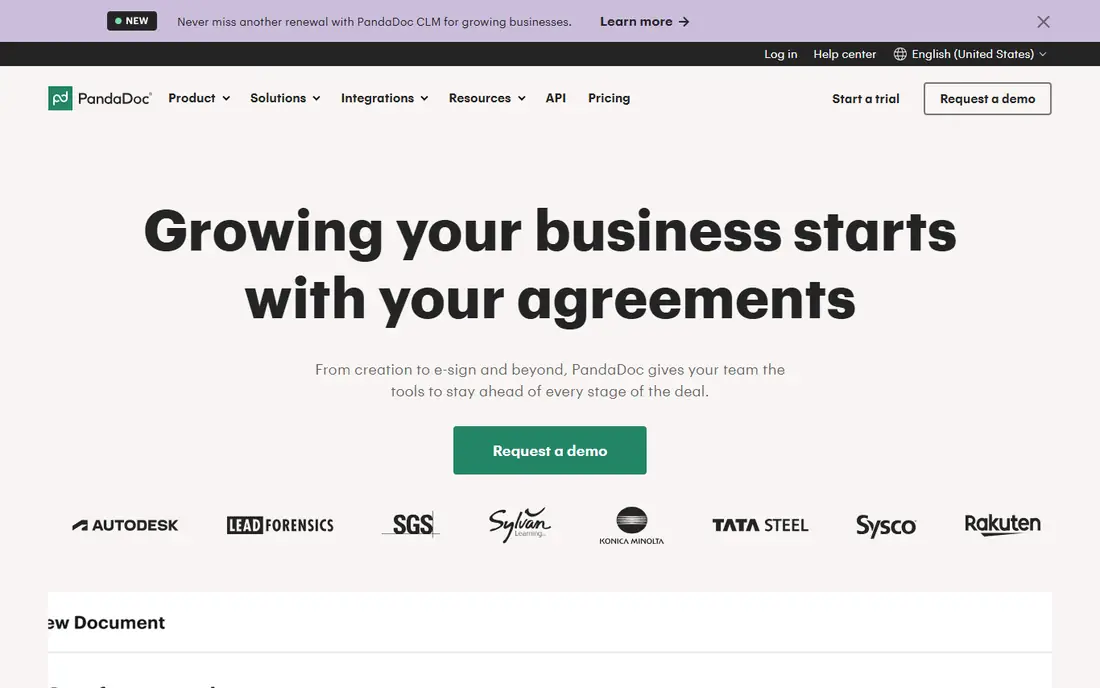
PandaDoc combines document creation with e-signatures, covering proposals, quotes, and contracts with templates, content blocks, and CRM integrations. Analytics show when recipients open documents and how long they spend on each section, which helps sales teams follow up at the right moment. The free plan covers basic use.
PDF editing is lighter than Acrobat, since PandaDoc focuses on created documents rather than editing existing PDFs. For a sales team that sends proposals and contracts, PandaDoc is the best workflow pick here. Its analytics are the feature sales managers value most.
What we like- Good templates
- CRM integrations
- Analytics on document views
Watch out for- PDF editing is lighter than Acrobat
- Pricing rises with features
#4SignNow
Best for: affordable e-signatures for teams4.6/5 on
G2 (1,772 reviews, checked Oct 2026)
Visit signnow.com
Starting priceSee website
Free planFree trial
SignNow offers e-signatures at a lower price than DocuSign, with templates, bulk sending, audit trails, and integrations to common business tools. It suits small and mid-size teams that need reliable signing without enterprise pricing. The interface is clean, and setup is fast.
PDF editing depth is less than Acrobat, and the brand is smaller than DocuSign, which matters for recipients who trust familiar names. For a budget-conscious team that needs solid signing, SignNow is the best value pick here. Its price is the main reason teams switch from DocuSign.
What we like- Low price
- Good signing features
- Solid integrations
Watch out for- Editing depth is less than Acrobat
- Brand is smaller than DocuSign
#5Jotform Sign
Best for: forms that end with a signature4.7/5 on
G2 (1,827 reviews, checked Oct 2026)
Visit jotform.com
Starting priceSee website
Free planYes
Jotform Sign combines Jotform's form builder with e-signatures, so a form submission can end with a legally binding signature in one flow. That suits HR onboarding, client intake, applications, and consent forms, where data collection and signing happen together. The free plan covers basic use, while paid plans add more submissions and features.
PDF editing is limited, and signing depth is less than DocuSign for complex enterprise workflows. For a team whose documents start as forms, Jotform Sign is the most natural pick here. Its form-first design saves a separate step compared with signing tools alone.
What we like- Strong form builder
- Easy signing
- Free plan available
Watch out for- PDF editing is limited
- Signing depth is less than DocuSign
#6Dropbox Sign
Best for: simple e-signatures inside Dropbox workflows4.7/5 on
G2 (2,283 reviews, checked Oct 2026)
Visit sign.dropbox.com
Starting priceSee website
Free planFree trial
Dropbox Sign, formerly HelloSign, offers simple e-signatures with a clean interface, templates, and audit trails, plus deep Dropbox integration for teams that store documents there. Signing is fast for both senders and recipients, with no account needed for signers in most cases. That simplicity suits small teams and occasional senders.
Advanced features such as bulk sending and complex workflows are fewer than DocuSign, and PDF editing is limited. For a Dropbox-based team that needs simple, reliable signing, Dropbox Sign is an excellent pick. Its ease of use is the reason small teams choose it.
What we like- Very easy to use
- Good Dropbox integration
- Clean signing
Watch out for- Advanced features are fewer than DocuSign
- Editing is limited
Starting priceSee website
Free planFree trial
Foxit PDF Editor offers strong PDF editing at a lower price than Acrobat, including text edits, forms, redaction, and e-signatures. It suits businesses and individuals who need serious editing without Adobe subscription costs, with a familiar interface for Office users. The Pro version adds advanced features and team management.
The ecosystem is smaller than Adobe, and some features feel less polished. For a user who wants Acrobat-like editing at a lower price, Foxit is the best value pick here. Its perpetual license options also appeal to buyers who dislike subscriptions.
What we like- Lower price than Acrobat
- Good editing
- Signing built in
Watch out for- Smaller ecosystem than Adobe
- Some features are less polished
#8Smallpdf
Best for: quick PDF tasks in a browser4.5/5 on
G2 (306 reviews, checked Oct 2026)
Visit smallpdf.com
Starting priceSee website
Free planYes
Smallpdf offers a suite of simple web tools for common PDF tasks, including compressing, converting, merging, splitting, and signing. It suits users who need quick fixes without installing software, with a clean interface and fast results. The free plan covers limited daily use, while paid plans remove limits.
Editing depth is limited next to Acrobat or Foxit, and signing features are basic. For everyday PDF chores, Smallpdf is the easiest pick here. Pair it with DocuSign or SignNow when legally binding signatures at scale are also needed.
What we like- Very easy to use
- Many small tools
- Free plan available
Watch out for- Editing depth is limited
- Signing features are basic
How we chose
We compared these tools on PDF editing, e-signatures, forms, pricing, and fit for different team sizes. We checked vendor pages and public comparison guides, and where pricing was not published we wrote See website instead of guessing. We kept the list to tools a real user can sign up for today, and we left out tools that only cover one narrow PDF task. We also weighed mobile signing quality, since many recipients sign on phones, and a tool that fails on mobile fails in practice.
How to pick a pdfFiller replacement for your documents
Start with the main job. Heavy editing points to Acrobat or Foxit. High-volume signing points to DocuSign or SignNow. Sales documents point to PandaDoc. Forms with signatures point to Jotform Sign. Simple signing points to Dropbox Sign. Quick chores point to Smallpdf. Picking by the main job avoids paying for a suite whose strengths you will not use.
Next, check legal and security needs before committing. E-signatures must meet legal standards in your region, with audit trails, authentication, and tamper evidence. Test the full signing flow with a real recipient during trials, including mobile signing, since many recipients sign on phones. Also check storage and retention, since signed documents must remain accessible and verifiable for years.
Finally, compare total cost at your real volume, including envelopes, users, and editing seats. A tool that looks cheap per user can grow expensive with envelope counts, and vice versa. Model costs across a year at your actual sending volume before choosing.
Also check accessibility before you commit. PDFs must work for readers with disabilities, so confirm that your chosen tool supports tagged PDFs, reading order, alt text for images, and accessibility checks. Acrobat leads here with built-in checkers, while simpler tools may produce PDFs that screen readers cannot navigate. Test a finished document with a screen reader during trials, since an inaccessible form can exclude customers and create legal risk for public-facing documents.
Frequently asked questions
What is pdfFiller used for?
pdfFiller is a web tool for editing PDFs, filling forms, and collecting e-signatures, aimed at individuals and small teams. Users replacing it usually need the same editing, form filling, or signing capability from another vendor.
Which alternative is closest to pdfFiller?
Adobe Acrobat is closest on combined editing and signing depth, while Foxit is closest at a lower price. For signing-first needs, DocuSign or SignNow are closer, and for form-first needs, Jotform Sign is closer.
Are e-signatures legally binding?
Yes, in most countries, when they meet legal requirements such as consent, audit trails, and tamper evidence. DocuSign, SignNow, and Dropbox Sign all provide compliant signatures, but check requirements for your specific document types and regions, since some documents need special handling. Wills, real estate deeds, and certain government forms may need wet signatures or notarization in some places, so confirm the rules for your document type before relying on e-signatures alone.
Can I edit a PDF without installing software?
Yes. Smallpdf and web versions of several tools here edit PDFs in a browser, covering common tasks like filling forms, merging, and signing. Deep editing still works better in desktop tools like Acrobat or Foxit. For sensitive documents, prefer desktop tools, since browser uploads send your files to a vendor server. Always check vendor privacy terms carefully before uploading any sensitive files online.
How do I choose between DocuSign and SignNow?
DocuSign leads on brand trust, integrations, and enterprise features, while SignNow leads on price for similar core signing. Choose DocuSign when recipients expect the standard name or when enterprise integrations matter, and choose SignNow when budget matters most. Test both with your actual recipients, since signer experience differs, and a tool that confuses signers will delay deals more than any price difference saves.
What about PDF security and redaction?
Acrobat and Foxit offer true redaction that removes content permanently, while simple editors may only cover text visually. For sensitive documents, use a tool with verified redaction, and check that metadata and hidden layers are also removed before sharing. Test redaction by copying text from the redacted file and by inspecting metadata, since a redaction that looks black but copies cleanly is not a redaction at all.
Sources we checked (8)
- https://www.docusign.com
- https://www.adobe.com
- https://www.pandadoc.com
- https://www.signnow.com
- https://www.jotform.com
- https://sign.dropbox.com
- https://www.foxit.com
- https://smallpdf.com
Is your product missing or out of date?
We review this list regularly. Vendors can request a listing, send updated pricing or ask about featured placement.

Shihab Mia · Founder, Rankite
Shihab has 5+ years in B2B and SaaS SEO. He writes Rankite's software buying guides from pricing pages, documentation and public user reviews. More about Shihab.