How we make this list: we compare pricing pages, product documentation and public user reviews. Ratings come from G2, Capterra or Trustpilot, with the date we checked them.
Key takeaways
- Thunderbird is the best free Outlook alternative for Windows, with a unified inbox, calendar, and open-source privacy at no cost.
- Mailbird is the closest Windows-first replacement for everyday Outlook users, with a unified inbox and app integrations in one window.
- eM Client suits professionals who want mail, calendar, tasks, and encryption in one desktop app, with a one-time license option.
- Spark suits teams and individuals who want a smart, focused inbox with collaboration, while Superhuman suits high-volume professionals who will pay for speed.
- Mailspring and BlueMail are strong free or low-cost options for Windows users who want a fast, clean client without a Microsoft 365 subscription.
Quick comparison
| Tool | Best for | Starting price | Free plan |
|---|
 Thunderbird Thunderbird | Free, private, open-source email | $0 | Yes |
 Mailbird Mailbird | Windows-first unified inbox with apps | $2.28 per month | Yes |
 eM Client eM Client | Professional mail, calendar, and tasks | See website | Yes |
 Spark Spark | Focused inbox with team collaboration | $4.99 per month | Yes |
 Superhuman Superhuman | Keyboard-first speed for heavy email users | $30 per month | No |
 Mailspring Mailspring | Fast, clean client with read receipts | $8 per month | Yes |
 BlueMail BlueMail | Simple, cross-device inbox with AI help | See website | Yes |
Is your product missing or out of date?
We review this list regularly. Vendors can request a listing, send updated pricing or ask about featured placement.
The best Outlook alternatives for Windows
#1Thunderbird
Best for: Free, private, open-source email4.3/5 on
G2 (340 reviews, checked Oct 2026)
Visit thunderbird.net
Starting price$0
Free planYes
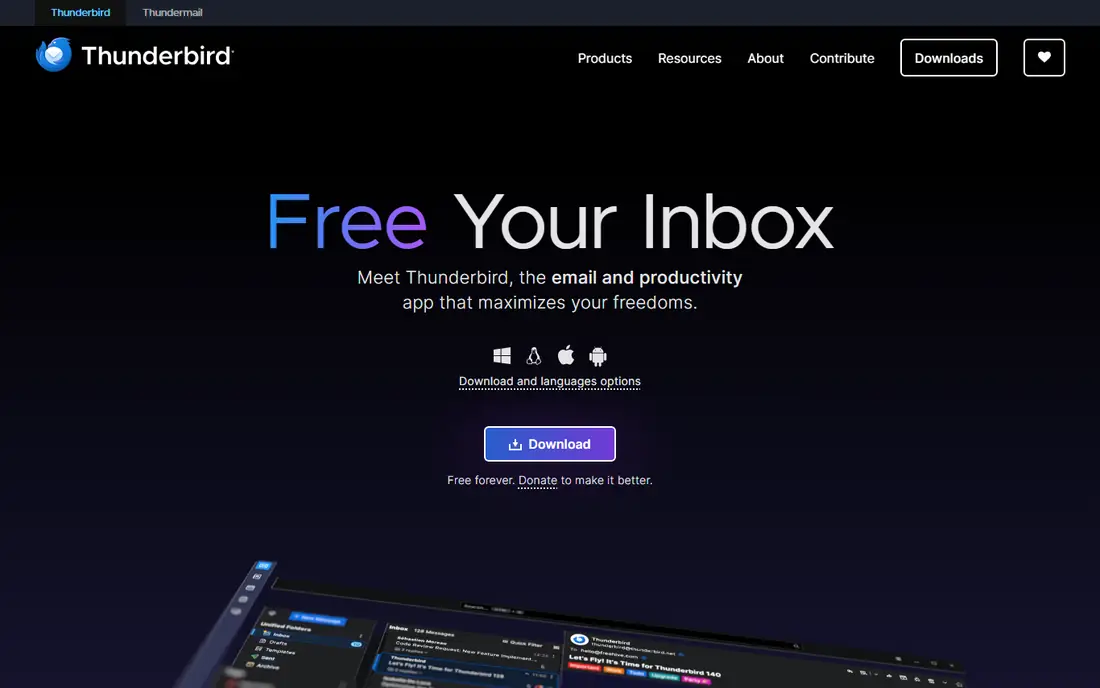
Thunderbird is the most obvious Outlook alternative for a Windows user who wants to stop paying without losing a desktop client. It is free, open source, and funded by donations, with no ads in the inbox and no training of AI on private mail, according to its homepage. A unified inbox pulls Gmail, Outlook, Yahoo, and IMAP accounts into one view, while calendar and contacts sit in the same app. Filters, tags, folders, and search help a busy inbox stay organized, and add-ons extend the client for users who want specific features.
The trade is polish. Thunderbird looks clean by default, but it does not match the guided, modern feel of Mailbird or Spark out of the box, and some features that paid clients include, such as advanced scheduling or built-in AI drafting, require add-ons or manual setup. That is a fair trade for most users, because the core job, reading, writing, searching, and organizing mail across accounts, is fully free. Thunderbird fits a Windows user who values privacy, cost, and control, and who is happy to customize a client rather than accept a fixed design.
What we like- Completely free with no ads in the inbox
- Unified inbox, calendar, and contacts
- Large add-on library
Watch out for- Interface feels less polished than paid rivals
- Some modern features need add-ons rather than built-in tools
#2Mailbird
Best for: Windows-first unified inbox with apps3.6/5 on
G2 (101 reviews, checked Oct 2026)
Visit getmailbird.com
Starting price$2.28 per month
Free planYes
Mailbird is built for Windows first, and it shows in the setup. A user adds accounts, and Mailbird finds server settings automatically, with most people reading mail within minutes, according to its homepage. The unified inbox brings all accounts into one list, with a unified calendar and a side panel for apps such as WhatsApp, Google Calendar, Asana, and Dropbox. That panel is the main reason Mailbird feels different from Outlook: mail, tasks, chat, and calendar stay in one window instead of switching apps all day.
Free access is real but limited. The free version has no time limit and works with one email account, while Premium adds every premium feature and each new account gets Premium free for seven days, according to the vendor homepage. Third-party summaries list Personal pricing from $2.28 per month per user and Business from $4.03 per month per user. Mailbird fits a Windows user who wants a pleasant, fast client for everyday mail and app access, and who is willing to pay a low monthly price once a second account or premium features are needed.
What we like- Unified inbox for Gmail, Outlook, iCloud, Yahoo, and IMAP
- App integrations in a side panel
- Fast setup
Watch out for- Free plan is limited to one account
- Many premium features, such as snooze and tracking, need Premium
#3eM Client
Best for: Professional mail, calendar, and tasks4.0/5 on
G2 (61 reviews, checked Oct 2026)
Visit emclient.com
Starting priceSee website
Free planYes
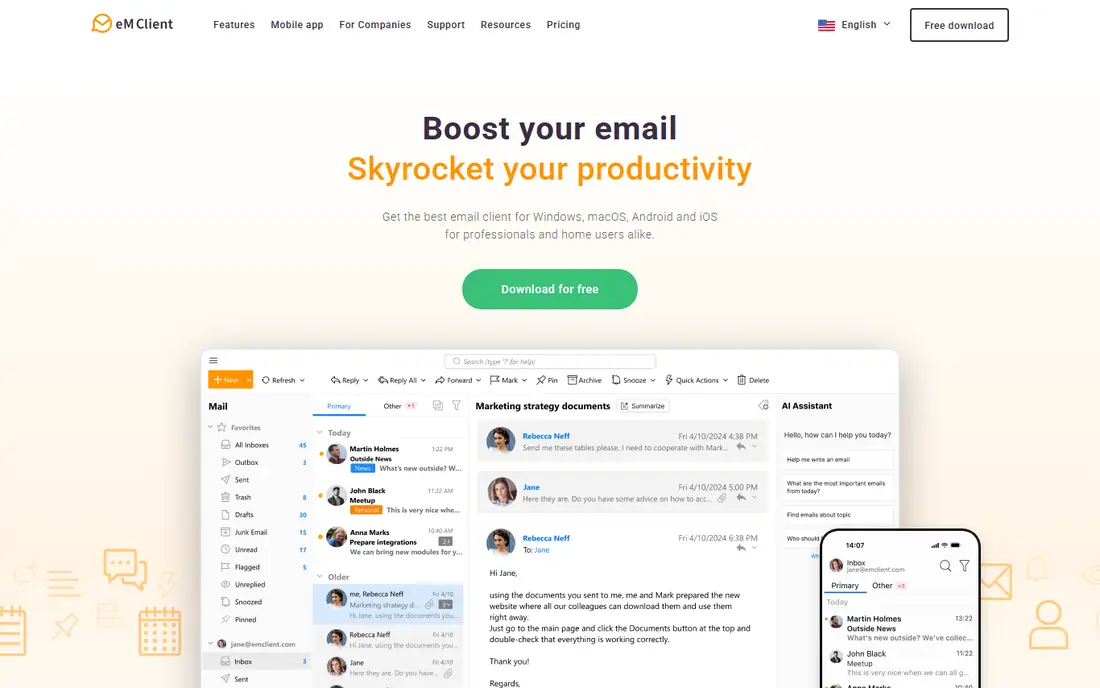
eM Client is the Outlook alternative for a professional who wants the full productivity suite, not just an inbox. It combines email, calendar, tasks, notes, and chat, with inbox categories, quick actions, snooze, watch-for-reply, and message encryption. Version 11 adds an AI assistant in the sidebar, AI reply drafting, AI summaries, and natural-language search, which help a user catch up on long threads and draft replies faster. It runs on Windows, Mac, Android, and iOS, so mail and calendar stay in sync across devices.
The free version is useful for testing, but third-party summaries note a two-account limit and paid upgrades for advanced features, with a lifetime license option that appeals to users who dislike subscriptions. That makes eM Client a good fit for a professional or small business that wants one desktop app for mail and scheduling and is willing to pay once for a license. A user with many personal accounts and no need for calendar or tasks may find Thunderbird or Mailspring cheaper.
What we like- Mail, calendar, tasks, notes, and chat in one app
- PGP encryption and translation
- AI assistant and summaries
Watch out for- Free version is limited to two accounts in third-party summaries
- Paid upgrades needed for advanced features
Starting price$4.99 per month
Free planYes
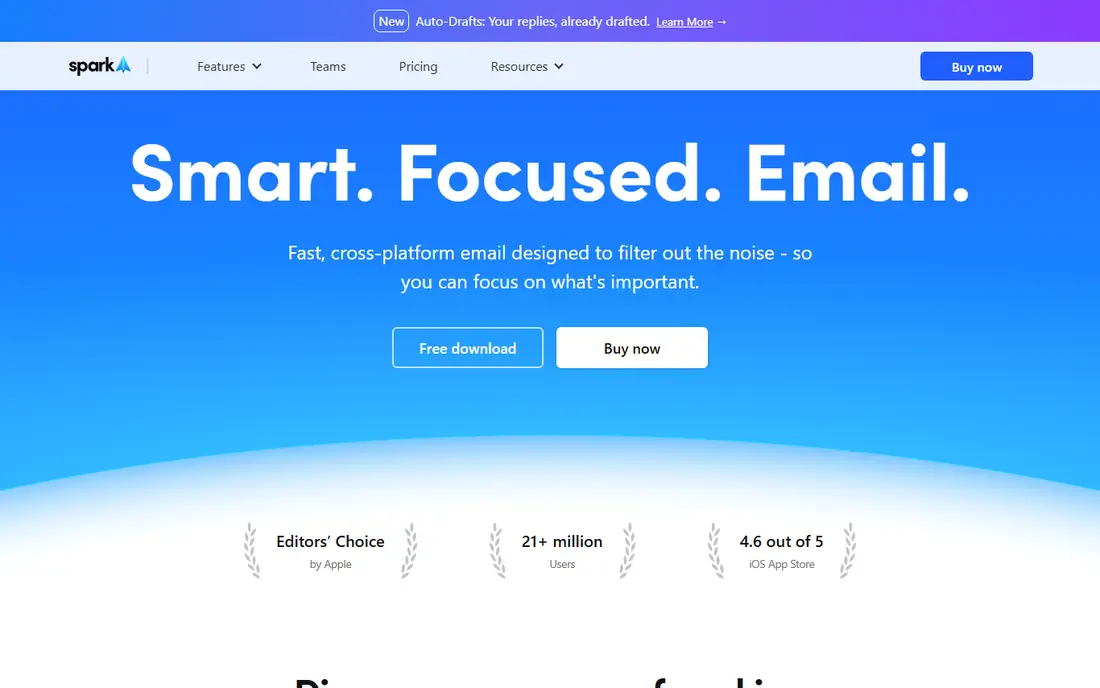
Spark is designed to reduce inbox noise, which is a common reason people leave Outlook. Its Smart Inbox sorts mail into personal, newsletter, and notification groups, with priority, pin, gatekeeper, and group-by-sender tools that help a user focus on important messages first. Send later, reminders, snooze, and set-aside features support a workflow where mail is handled once, not reread all day. For teams, Spark adds private comments, shared drafts, delegation, and deadlines inside the inbox, so a team can manage a shared mailbox without forwarding threads.
Pricing is mid-range. Third-party summaries list a free tier with a basic AI quota, Premium Personal from $4.99 per month, and Teams from $6.99 per user per month billed annually. Spark fits a Windows user who wants a calmer inbox and team collaboration, especially if the team already uses Spark on Mac or mobile. A user who only needs a simple unified inbox may find Mailbird or Thunderbird simpler, while a user who needs Linux support should choose Thunderbird or Mailspring instead.
What we like- Smart Inbox that separates personal, newsletter, and notification mail
- Team comments and delegation
- Works on Windows, Mac, and mobile
Watch out for- Some AI and advanced features need Premium
- Free AI quota is limited
- Linux app is not available
#5Superhuman
Best for: Keyboard-first speed for heavy email users4.7/5 on
G2 (1,309 reviews, checked Oct 2026)
Visit superhuman.com
Starting price$30 per month
Free planNo
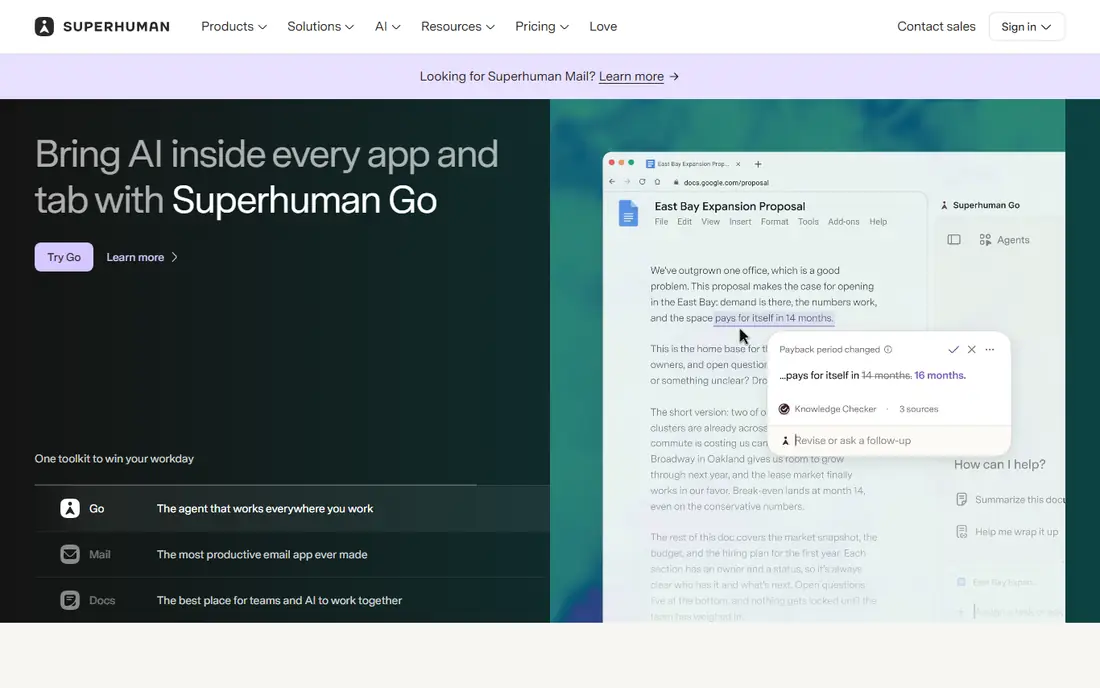
Superhuman is not a general Outlook replacement, it is a speed tool for people who live in email. Every action, from archive and snooze to reply and forward, maps to a keyboard shortcut, and Split Inbox sorts mail by category before it is seen. AI drafting, based on thread context, plus read status, send later, and undo send, help an executive, founder, or sales lead clear a large inbox faster than a mouse-driven client. The interface is minimal and fast, with a focus on momentum rather than customization.
Cost and account limits are the main barriers. Superhuman costs $30 per month for individuals, with an annual rate of $25 per month in third-party summaries, and it works with Gmail and Outlook accounts only, not generic IMAP. There is no permanent free plan. Superhuman fits a high-volume professional who can justify the price with time saved, and who uses Gmail or Outlook as the main account. For most Windows users, Thunderbird, Mailbird, or Spark will deliver a better value.
What we like- Fastest triage in this guide with keyboard shortcuts for every action
- Split Inbox and AI drafting
- Read status and send later
Watch out for- Most expensive tool here at $30 per month
- Gmail and Outlook accounts only, with no IMAP
- No permanent free plan
#6Mailspring
Best for: Fast, clean client with read receipts3.8/5 on
G2 (18 reviews, checked Oct 2026)
Visit getmailspring.com
Starting price$8 per month
Free planYes
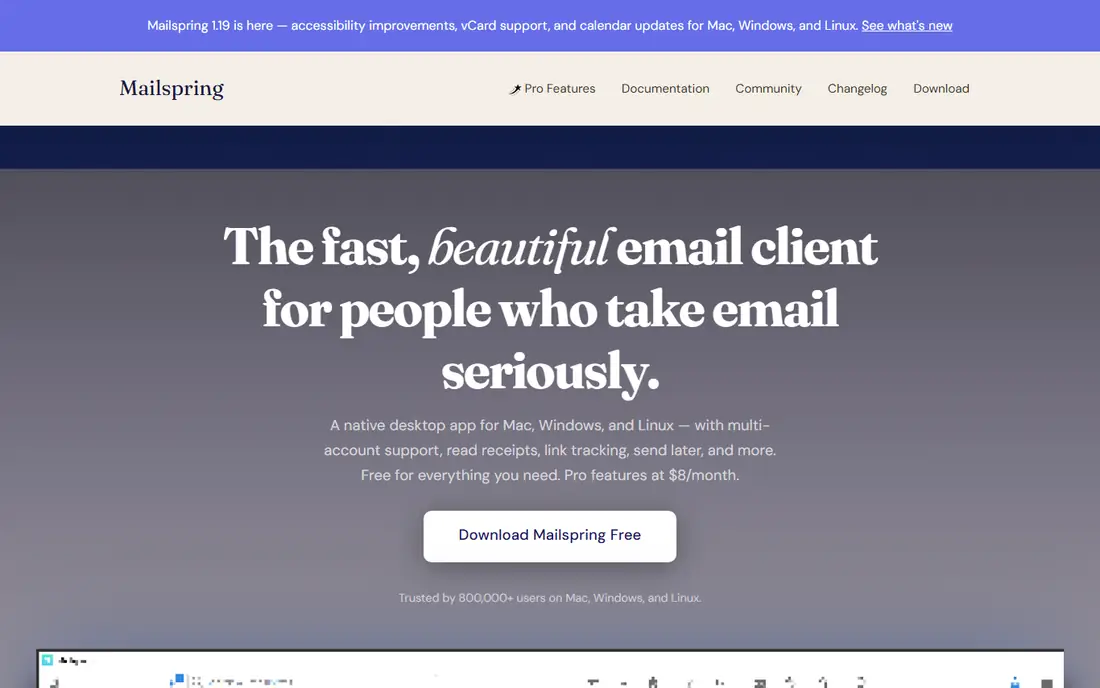
Mailspring is a fast, native desktop client for Windows, Mac, and Linux, with a clean design and a focus on speed. It supports multiple IMAP and Office 365 accounts, a unified inbox, touch and gesture support, advanced shortcuts, and fast search across all accounts. The free version covers everyday mail well, while Pro at $8 per month adds read receipts, link tracking, send later, follow-up reminders, and templates, with a few free Pro uses each week for testing. The codebase is open source, and mail syncs directly from provider to machine, not through vendor servers.
The main limit is calendar depth. Mailspring homepage notes that a full-featured calendar with day and agenda views is coming later, so a user who needs a complete calendar inside the client today should choose eM Client or Mailbird instead. For a Windows user who wants a fast, attractive client, unified search, and read receipts at a modest price, Mailspring is a strong middle ground between free Thunderbird and paid Superhuman.
What we like- Fast native app with unified inbox and advanced search
- Read receipts and link tracking on Pro
- Open-source core
Watch out for- Pro features such as unlimited snooze and templates need $8 per month
- Calendar is still being rebuilt in current versions
#7BlueMail
Best for: Simple, cross-device inbox with AI help4.3/5 on
G2 (53 reviews, checked Oct 2026)
Visit bluemail.me
Starting priceSee website
Free planYes
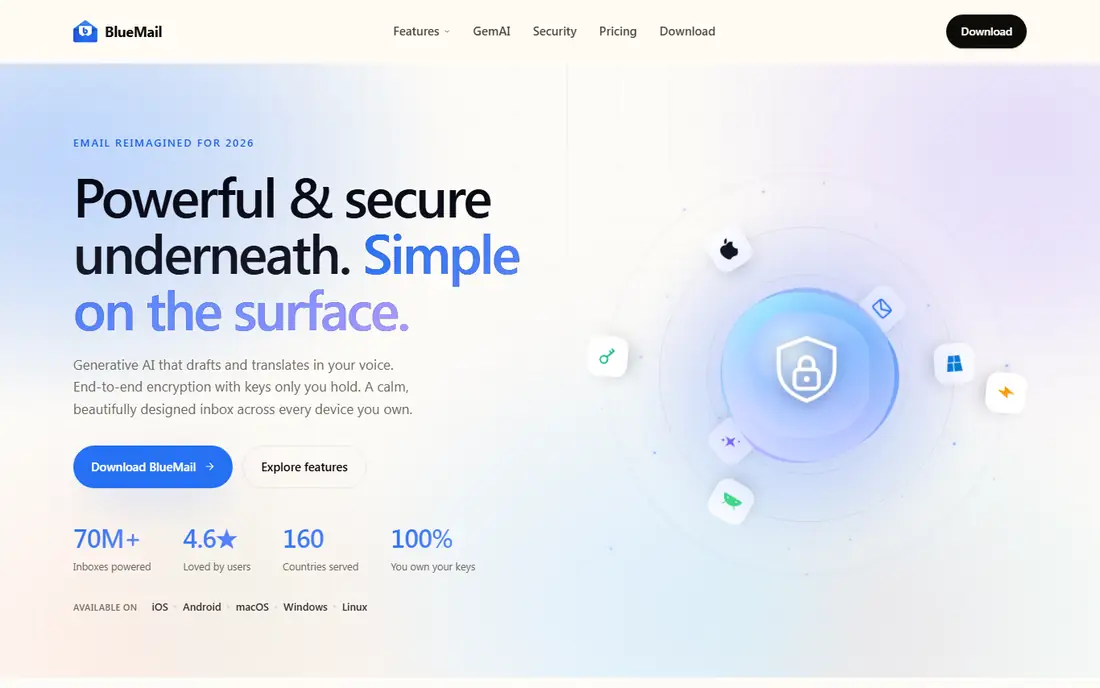
BlueMail is a calm, cross-device client that suits a Windows user who also checks mail on a phone and a tablet. It offers a unified inbox, calendar sync, and a clean interface tuned for each screen size, with dark and light modes and accessible design. GemAI, its generative AI layer, drafts replies, summarizes long threads, and translates messages, while end-to-end encryption options appeal to privacy-conscious users. The homepage lists more than 70 million inboxes powered, across 160 countries, which suggests broad, if not desktop-focused, adoption.
Pricing is not presented as a simple starting figure on the homepage, so a buyer should check the current pricing page for paid AI and feature tiers. The free version covers core mail well, which makes BlueMail a good low-risk trial for a Windows user who wants a modern, simple client without a subscription on day one. A professional who needs deep calendar, task, and encryption workflows may still prefer eM Client, while a user who wants the lowest cost should start with Thunderbird.
What we like- Clean design across Windows, Mac, Linux, iOS, and Android
- Unified inbox
- AI drafting, summaries, and translation
Watch out for- Advanced AI and some features need a paid plan
- Smaller desktop community than Thunderbird or eM Client
How we chose
We compared tools on vendor pricing pages, documentation, and public reviews on G2, Capterra, and Reddit, with a focus on Windows support, unified inbox quality, calendar and task integration, account limits, free plan scope, and pricing model. A tool made this list only if it is available today on Windows, supports Gmail, Outlook, or IMAP accounts, and has a free plan, a free trial, or a one-time license that a buyer can evaluate. We did not claim hands-on testing, and where a vendor does not publish a simple starting price, we list See website rather than repeating a third-party estimate as a vendor fact.
How to switch from Outlook without losing mail
Start by checking account type. Gmail and Outlook accounts move easily to most clients, while Exchange and IMAP accounts need correct server settings, which most clients in this guide find automatically. Export or back up local folders, rules, and signatures from Outlook before switching, because a new client will not import every Outlook rule or local archive automatically. Set up one account first, confirm that mail, calendar, and contacts sync, then add the remaining accounts.
Test the workflow that matters most for a week: triage speed, calendar invites, search for old attachments, and sending from the correct account. Check whether snooze, send later, and tracking behave as expected, and whether the client stores mail locally or in the cloud, which affects privacy and offline access. Keep Outlook installed until the new client has handled a full work week cleanly, including a busy Monday and a calendar-heavy day. A client that looks good in a demo but slows down on a large mailbox is not a good Outlook replacement.
Frequently asked questions
What is the best free Outlook alternative for Windows?
Thunderbird is the best free alternative, because it is completely free, open source, and includes a unified inbox, calendar, and contacts with no ads. Mailspring and BlueMail also offer free tiers, but Thunderbird has no account limit and no paid feature wall for core mail. For a user who wants a free client with no compromise on core features, start with Thunderbird.
Can I use these clients with Gmail and Outlook accounts?
Yes. All tools in this guide support Gmail and Outlook accounts, plus IMAP for other providers, with the exception of Superhuman, which supports Gmail and Outlook only and not generic IMAP. Check Exchange support if you use a work Exchange account, because some clients handle Exchange calendars and contacts better than others.
Do Outlook alternatives include a calendar?
Most do. Thunderbird, eM Client, Mailbird, and BlueMail include calendar support, while Spark and Mailspring offer calendar features with varying depth. eM Client has the most complete calendar and task integration in this guide, while Mailspring calendar is still being rebuilt. Confirm calendar invite handling in a trial if scheduling is central to your work.
Is Superhuman worth $30 per month?
Superhuman is worth the price only for a high-volume email user who will use keyboard shortcuts, Split Inbox, and AI drafting daily and who uses Gmail or Outlook. For most users, the time saved does not justify $30 per month compared with free Thunderbird or low-cost Mailbird, Spark, or Mailspring. Try the workflow in a cheaper client first, then upgrade only if triage speed remains the bottleneck.
Will I lose my Outlook rules and folders when switching?
Folders and server-side mail usually sync to a new client, but Outlook-specific rules, local archives, and some signatures may not transfer automatically. Export local folders and note important rules before switching, then rebuild the most important rules in the new client during the first week. Keep Outlook until the new setup has run cleanly for a full work week.
Which Outlook alternative is best for teams?
Spark is the best team choice in this guide, with private comments, shared drafts, delegation, and deadlines inside the inbox. eM Client also suits teams that need mail, calendar, and tasks in one app with admin controls. For a small team on a budget, Thunderbird with shared folders and a separate chat tool can work, but it lacks built-in inbox collaboration.
Sources we checked (7)
- https://www.thunderbird.net
- https://www.getmailbird.com
- https://www.emclient.com
- https://sparkmailapp.com
- https://superhuman.com
- https://getmailspring.com
- https://bluemail.me
Is your product missing or out of date?
We review this list regularly. Vendors can request a listing, send updated pricing or ask about featured placement.

Shihab Mia · Founder, Rankite
Shihab has 5+ years in B2B and SaaS SEO. He writes Rankite's software buying guides from pricing pages, documentation and public user reviews. More about Shihab.