How we make this list: we compare pricing pages, product documentation and public user reviews. Ratings come from G2, Capterra or Trustpilot, with the date we checked them.
Key takeaways
- Netgear is the closest broad rival, covering home routers, mesh systems, and business switches.
- Asus suits gamers and power users who want strong Wi-Fi performance and detailed router controls.
- UniFi, from Ubiquiti, fits homes and small businesses that want managed access points and a central controller.
- Linksys and D-Link cover mainstream home mesh and router needs at competitive prices.
- Synology and GL.iNet serve narrower needs: router plus storage integration, and travel or advanced open-source routing respectively.
Quick comparison
| Tool | Best for | Starting price | Free plan |
|---|
 Netgear Netgear | Home and business networking | See website | No |
 Asus Asus | Gaming and power users | See website | No |
 Linksys Linksys | Mainstream mesh Wi-Fi | See website | No |
 Ubiquiti UniFi Ubiquiti UniFi | Managed home and office Wi-Fi | See website | No |
 D-Link D-Link | Budget home networking | See website | No |
 Synology Synology | Router plus storage | See website | No |
 Aruba Instant On Aruba Instant On | Small business Wi-Fi | See website | No |
 GL.iNet GL.iNet | Travel and advanced routing | See website | No |
Is your product missing or out of date?
We review this list regularly. Vendors can request a listing, send updated pricing or ask about featured placement.
The best alternatives to TP-Link
Starting priceSee website
Free planNo
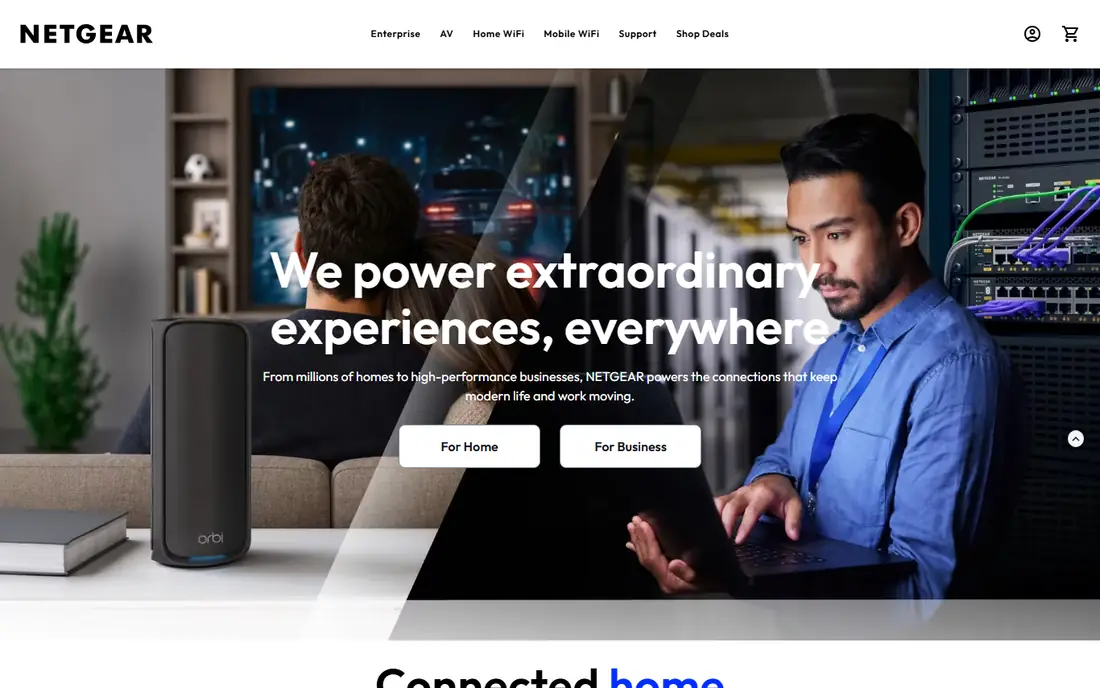
Netgear covers almost the same ground as TP-Link, from single routers to Orbi mesh systems and business switches. Orbi mesh suits larger homes where one router cannot cover every room, with dedicated backhaul on higher models and a simple app for setup. Netgear business lines add managed switches and access points for offices that need VLANs, PoE, and central management. That breadth makes Netgear a safe first comparison for almost any TP-Link product.
Premium pricing is the drawback, especially for Orbi kits and business gear. Some security and parental control features also sit behind subscriptions, so buyers should check which features are included in the purchase price. For homes and offices that want a wide, well-supported range with strong mesh options, Netgear is the closest TP-Link rival.
What we like- Broad router, mesh, and switch range
- Orbi mesh is well known
- Business ProSafe and Insight lines
Watch out for- Premium models are costly
- Some advanced features need a subscription
Starting priceSee website
Free planNo
Asus routers appeal to gamers and power users who want control over their network. Its firmware offers detailed QoS, VPN, traffic analysis, and AiProtection security features without a subscription on many models, which is a clear advantage over subscription-heavy rivals. AiMesh lets owners combine compatible Asus routers into a mesh system, so a single-router home can grow into whole-home coverage without replacing the first router. Gaming models add prioritisation and low-latency features that matter for online play.
Flagship Asus routers are costly, and the depth of settings can overwhelm a buyer who only wants simple Wi-Fi. Beginners should stick to a mainstream Asus model and leave advanced settings alone until needed. For users who value performance, control, and mesh flexibility, Asus is a strong TP-Link alternative.
What we like- Strong Wi-Fi performance
- Detailed router firmware
- AiMesh for multi-router coverage
Watch out for- Higher prices for flagship models
- Interface can overwhelm beginners
Starting priceSee website
Free planNo
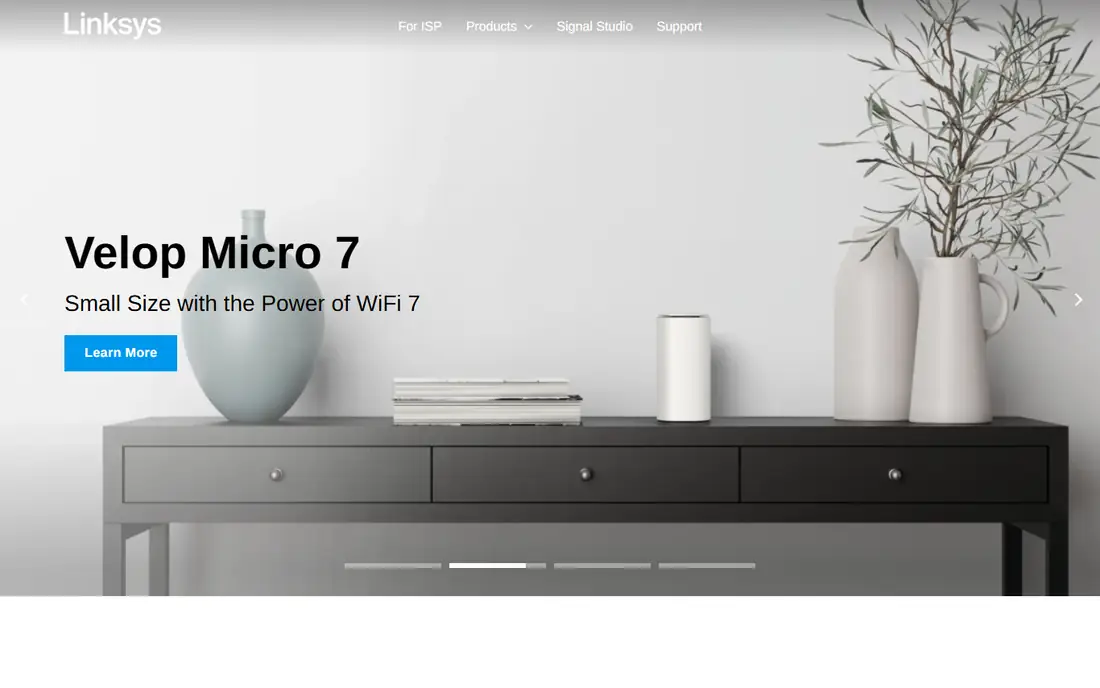
Linksys Velop mesh systems suit homes that want reliable Wi-Fi without learning networking terms. Setup runs through an app, nodes can be added as coverage needs grow, and the interface stays simple for everyday tasks such as guest networks and parental controls. Linksys also sells single routers and switches for smaller homes and offices, with a long retail history that makes support and replacement straightforward.
Advanced users may find Linksys controls thinner than Asus or UniFi, especially for VLANs, VPN servers, and detailed traffic rules. Some models also lean heavily on app setup, which can frustrate users who prefer a web interface. For a mainstream home that wants mesh Wi-Fi that just works, Linksys is a practical TP-Link alternative.
What we like- Simple mesh setup
- Velop range covers many home sizes
- Familiar brand and support
Watch out for- Advanced controls are thinner than Asus
- Some models need app setup only
#4
Ubiquiti UniFi
Best for: Managed home and office Wi-Fi
Visit ui.com
Starting priceSee website
Free planNo
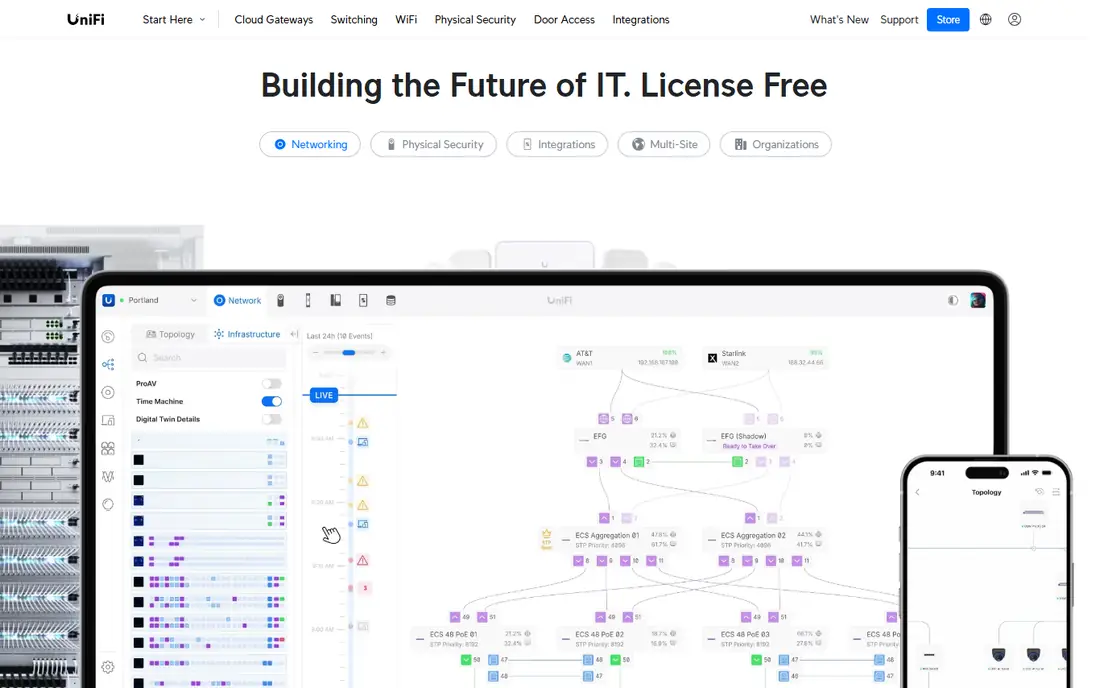
UniFi takes a managed approach: access points, switches, and gateways are controlled from a central UniFi controller, which can run on local hardware or in the cloud. That structure suits larger homes, small offices, and rental properties where several access points must share one Wi-Fi name and policy. Hardware design is clean and consistent, and core management does not require a subscription, which keeps long-term costs predictable.
The trade-off is planning. A UniFi setup needs a controller, PoE for access points in many cases, and a little network knowledge to place access points well. It is overkill for a small flat that only needs one router. For homes with thick walls, gardens, outbuildings, or a small office, UniFi gives a level of control and coverage that single-router brands struggle to match.
What we like- Central controller for access points and switches
- Clean hardware design
- No subscription for core management
Watch out for- Needs more planning than a single router
- Product availability can vary
Starting priceSee website
Free planNo
D-Link competes directly with TP-Link on price, with routers, mesh systems, switches, and cameras for home use. Budget buyers will find D-Link models at prices that undercut many rivals, and setup for basic internet, Wi-Fi, and guest access is straightforward. That value focus makes D-Link a sensible choice for rental properties, student homes, and second routers where cost matters more than advanced features.
Firmware polish and app quality vary by model, so buyers should check reviews for the exact model, not only the brand. Advanced features such as VPN servers, detailed QoS, and VLAN support are thinner than on Asus or UniFi. For a basic home network at a low price, D-Link is a solid TP-Link alternative, provided the buyer picks a current model with good reviews.
What we like- Competitive prices
- Wide router and mesh range
- Simple setup for basic homes
Watch out for- Firmware and app polish varies by model
- Advanced features lag Asus and UniFi
Starting priceSee website
Free planNo
Synology is best known for NAS storage, and its routers make most sense for owners who already use, or plan to buy, a Synology NAS. The Synology Router Manager software is polished, with clear parental controls, traffic reports, and VPN options, and it integrates with NAS services for a consistent home server setup. That integration is the reason to choose Synology over a standalone router brand.
The router range itself is small, and Wi-Fi speeds lag the latest flagship models from Asus and Netgear. Buyers who only need a router, with no NAS plans, will get better Wi-Fi value elsewhere. For a home that already runs a Synology NAS, or that wants a router and storage from one ecosystem, Synology is a thoughtful TP-Link alternative.
What we like- Router integrates with Synology NAS
- SRM software is polished
- Good parental controls
Watch out for- Router range is small
- Wi-Fi hardware lags flagship Asus and Netgear models
Starting priceSee website
Free planNo
Aruba Instant On, from HPE Aruba, targets small businesses that need reliable Wi-Fi without enterprise complexity. Access points and switches are managed through a cloud app, with roaming, guest access, and network health views that suit cafes, clinics, offices, and retail shops. Hardware reliability and support reflect the business focus, which matters when Wi-Fi downtime affects customers or staff.
Pricing is higher than home mesh systems, and the feature set is overkill for a small home. Setup also assumes a little more network knowledge than a consumer mesh app. For a small business that has outgrown a home router, or that needs several access points with consistent policy, Aruba Instant On is a strong step up from TP-Link business lines.
What we like- Business-grade access points and switches
- Cloud management app
- Reliable roaming
Watch out for- Higher cost than home mesh
- Overkill for a single-room flat
Starting priceSee website
Free planNo
GL.iNet makes small travel routers that turn hotel, cafe, or mobile hotspot Wi-Fi into a private network. Its OpenWrt-based firmware supports VPN clients, repeater mode, and advanced routing options that larger consumer routers often hide. That flexibility appeals to travellers, remote workers, and advanced users who want a portable network they control, with their own firewall and VPN tunnel back home or to a provider.
Small size limits Wi-Fi range and speed compared with a full home router, so GL.iNet is not a whole-home mesh replacement. Advanced features also assume some networking knowledge, though the interface is friendly for basic travel use. For travel, RV, and portable work setups, GL.iNet fills a gap that TP-Link travel routers only partly cover, with more open firmware and VPN control.
What we like- Compact travel routers
- OpenWrt-based firmware
- Strong VPN client and repeater features
Watch out for- Wi-Fi range is limited by small size
- Not a replacement for whole-home mesh
How we chose
We compared brands on router and mesh range, Wi-Fi performance, management software, business versus home fit, and long-term costs including subscriptions. We checked each vendor homepage and product documentation, noted where a subscription gates features, and weighed ease of setup against advanced control. Prices are listed as See website, since networking prices vary by model, region, and retailer. No hands-on testing is claimed here.
Picking networking gear that covers your home
Start with the size and construction of the space. A small flat usually needs one good router, while a large or multi-storey home with thick walls needs mesh or managed access points. Count the devices too: a home with many phones, laptops, cameras, and smart devices benefits from a router with strong processing and modern Wi-Fi, even if the internet plan itself is modest.
Check Wi-Fi standard and wired backhaul
Look for current Wi-Fi standards that match your devices, and check whether mesh nodes can use a wired Ethernet backhaul. Wired backhaul keeps mesh speeds high, while wireless backhaul can halve throughput on each hop. If running Ethernet is possible, even to one or two nodes, the network will be faster and more stable.
Watch subscriptions and support life
Check which features need a subscription, such as security scanning, parental controls, and cloud management, and how long the vendor provides firmware updates for that model. A cheap router with short support and paid features can cost more over three years than a slightly pricier model with included security and longer updates.
Plan placement, not only purchase
Place the main router centrally, away from thick walls and metal, and place mesh nodes within good signal of each other, not at the edge of coverage. Test speeds in each room after setup, and move a node before buying another one. Placement fixes more Wi-Fi problems than a new router alone.
Frequently asked questions
What is the best alternative to TP-Link for home Wi-Fi?
Netgear is the closest broad alternative, with routers and Orbi mesh systems for many home sizes. Asus suits power users, Linksys suits simple mesh setups, and UniFi suits larger homes that want managed access points.
Is UniFi hard to set up for a home?
UniFi needs more planning than a single router, including a controller and access point placement. It is manageable for a keen home user or a small office, but a small flat usually does not need it. Start with one access point and add more only where coverage tests show a gap.
Do Asus routers need a subscription?
Many Asus security and parental control features are included without a subscription on supported models, which is an advantage over some rivals. Check the exact model page, since features and terms vary by model and region.
Should I choose mesh or a single router?
Choose a single router for a small or open-plan home with good central placement. Choose mesh or managed access points for large, multi-storey, or thick-walled homes where one router leaves dead zones. Test coverage first, since a better-placed single router can sometimes solve the problem.
Is GL.iNet good for home use?
GL.iNet is best for travel and portable use, not as a primary whole-home router. Its small size limits range, though its VPN and repeater features are strong for hotel and remote work. For a primary home network, choose Netgear, Asus, Linksys, or UniFi.
How long should a router last?
Most home routers serve well for four to six years, depending on firmware support and Wi-Fi standards. Replace a router when it stops receiving security updates, when it cannot handle the device count, or when a new Wi-Fi standard gives a clear speed benefit for your devices.
Sources we checked (8)
- https://www.netgear.com
- https://www.asus.com
- https://www.linksys.com
- https://ui.com
- https://www.dlink.com
- https://www.synology.com
- https://www.arubanetworks.com
- https://www.gl-inet.com
Is your product missing or out of date?
We review this list regularly. Vendors can request a listing, send updated pricing or ask about featured placement.

Shihab Mia · Founder, Rankite
Shihab has 5+ years in B2B and SaaS SEO. He writes Rankite's software buying guides from pricing pages, documentation and public user reviews. More about Shihab.