How we make this list: we compare pricing pages, product documentation and public user reviews. Ratings come from G2, Capterra or Trustpilot, with the date we checked them.
Key takeaways
- NinjaOne suits MSPs that want a clean core RMM with per-device pricing that falls as endpoint counts rise.
- Atera suits small technician teams, since per-technician pricing covers unlimited endpoints per tech.
- Syncro and SuperOps bundle PSA ticketing with RMM, which reduces the number of tools a growing MSP must run.
- Datto RMM and N-able N-central suit larger MSPs with complex, multi-tenant client estates.
- Pricing model matters more than headline price: model per-technician, per-device, and per-user costs at your two-year endpoint count.
Quick comparison
| Tool | Best for | Starting price | Free plan |
|---|
 NinjaOne NinjaOne | Clean core RMM at scale | $1.50 per device/month | Free trial |
 Atera Atera | Small technician teams | $129 per technician/month | Free trial |
 Datto RMM Datto RMM | SMB clients at scale | $2.99 per endpoint/month | Free trial |
 Syncro Syncro | MSPs needing RMM plus PSA | $129 per user/month | Free trial |
 SuperOps SuperOps | Growing MSPs, RMM plus PSA | See website | Free trial |
 ManageEngine RMM Central ManageEngine RMM Central | Diverse device fleets | $24 per endpoint/year | Free trial |
 N-able N-central N-able N-central | Complex multi-tenant estates | See website | Free trial |
 ConnectWise RMM ConnectWise RMM | Scaling with NOC support | See website | Free trial |
Is your product missing or out of date?
We review this list regularly. Vendors can request a listing, send updated pricing or ask about featured placement.
The best OptiTune alternatives
#1NinjaOne
Best for: Clean core RMM at scale4.7/5 on
G2 (5,037 reviews, checked Oct 2026)
Visit ninjaone.com
Starting price$1.50 per device/month
Free planFree trial
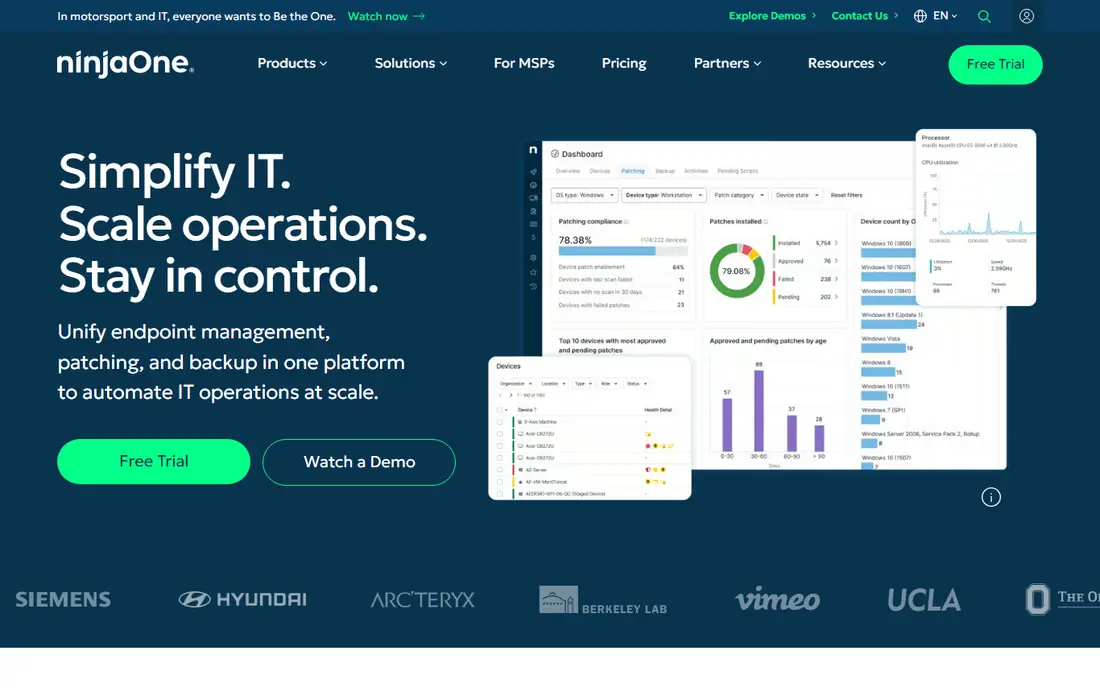
NinjaOne is the clean core RMM in this list, and its appeal is focus. Monitoring, patching, scripting, remote access, and alerting work from a fast console without the clutter of a full PSA, which suits MSPs that already run a separate PSA or ticketing system. Published pricing examples run from $3.75 per device per month at 50 or fewer endpoints down to $1.50 at 10,000 endpoints, so costs fall as a fleet grows. Patch intelligence and automation reduce the manual work of keeping many client fleets current.
The gap is ticketing. NinjaOne sells PSA separately, so a team that wants RMM and PSA on one bill must add another product or accept a second console. Exact pricing also needs a quote, since published figures are examples that vary by region and bundle. NinjaOne fits best for MSPs that value a fast, focused RMM and already have ticketing covered elsewhere.
What we like- Clean, fast console
- Strong patching and automation
- Per-device price falls with volume
Watch out for- PSA is sold separately
- Quote needed for exact pricing
- No built-in PSA ticketing
#2Atera
Best for: Small technician teams4.6/5 on
G2 (1,123 reviews, checked Oct 2026)
Visit atera.com
Starting price$129 per technician/month
Free planFree trial
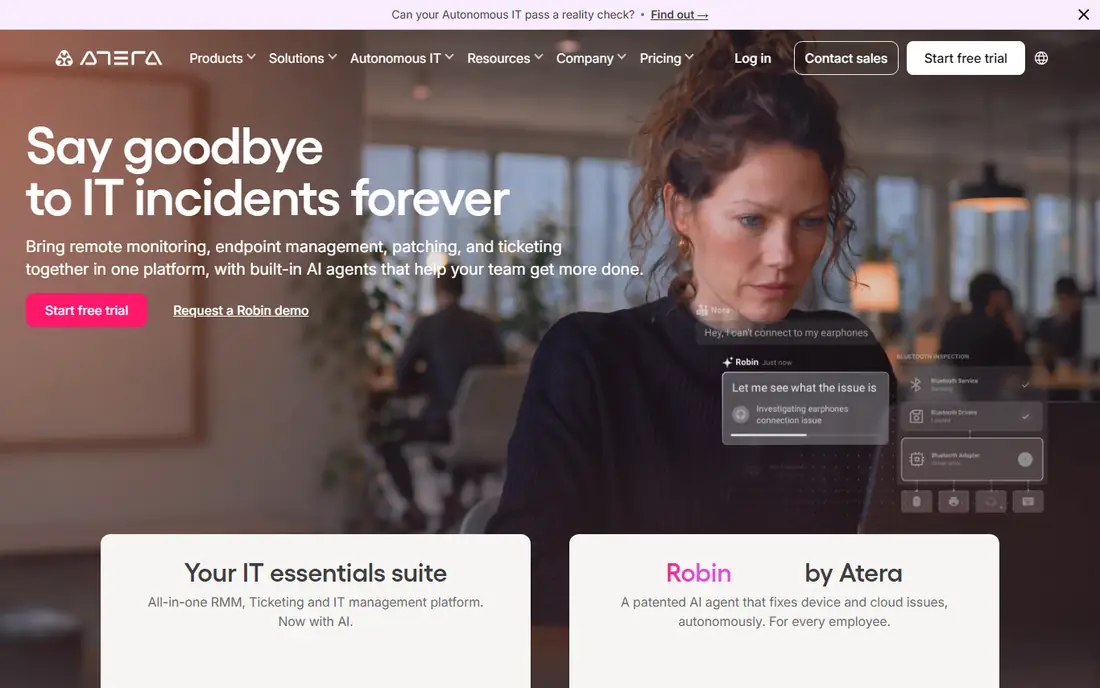
Atera suits a small MSP team because its pricing follows technicians, not devices. The Pro plan at $129 per technician per month on annual billing lets each technician support unlimited customers and devices, which makes costs predictable as client fleets grow. Built-in ticketing, remote access through Splashtop and other integrations, and AI-assisted scripting cover the daily work of a small team without buying a separate PSA. The 30-day free trial is also longer than most rivals offer.
The model cuts the other way as headcount grows. Each new technician adds a full subscription even if endpoints stay flat, and Mac and Linux support needs the Growth tier at $179 per technician per month. Ticketing is also lighter than a dedicated PSA. Atera fits best for small teams with many endpoints per technician, where per-device pricing would cost far more.
What we like- Per-technician pricing with unlimited endpoints
- Built-in ticketing
- 30-day free trial
Watch out for- Per-technician cost rises with headcount
- Mac and Linux need higher tiers
- PSA features are light
#3Datto RMM
Best for: SMB clients at scale4.5/5 on
G2 (803 reviews, checked Oct 2026)
Visit datto.com
Starting price$2.99 per endpoint/month
Free planFree trial
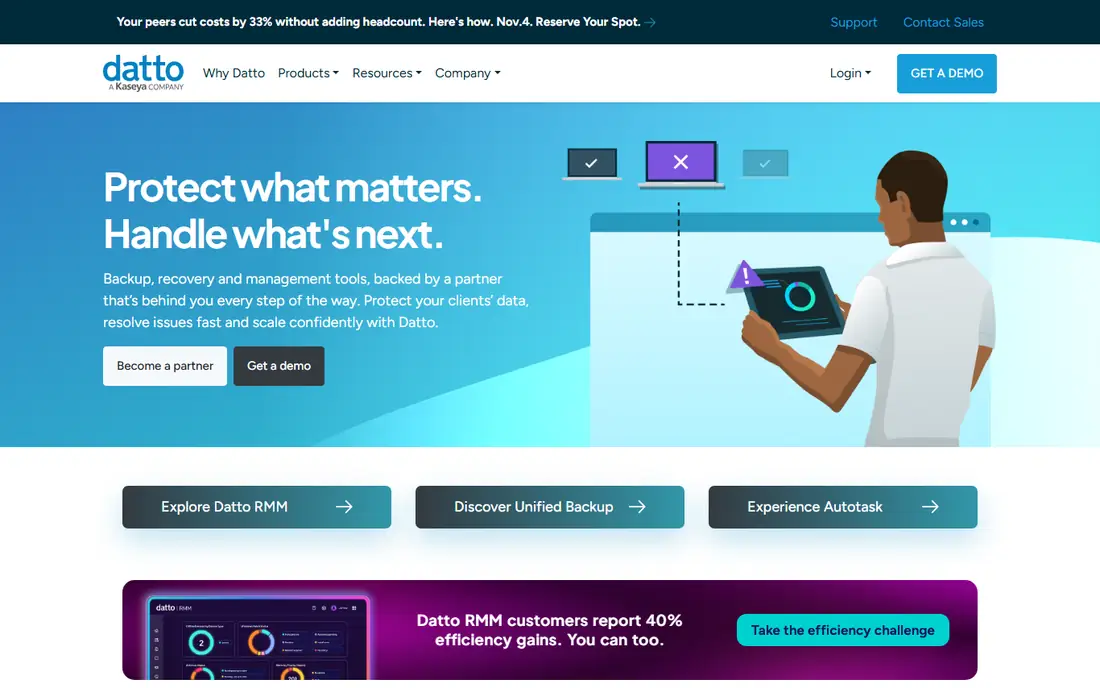
Datto RMM, now part of Kaseya, is a mature platform for MSPs managing many small and mid-size clients. Policy-based automation lets a team define patching, monitoring, and maintenance once and apply it across tenants, which keeps a growing client base manageable. Integration with Autotask PSA gives a full RMM plus PSA path for teams in the Kaseya ecosystem, and per-endpoint pricing from $2.99 per month on annual billing is straightforward to model.
The trade is age and pricing opacity. The interface feels dated next to NinjaOne, and final pricing needs a quote that varies with volume and bundle. Onboarding a large fleet also takes real planning. Datto RMM fits best for established MSPs that want a proven multi-tenant platform and already use, or plan to use, Autotask for PSA.
What we like- Mature multi-tenant platform
- Strong policy-based automation
- Integrates with Autotask PSA
Watch out for- Quote-based final pricing
- Interface feels dated
- Onboarding takes time for large fleets
#4Syncro
Best for: MSPs needing RMM plus PSA4.5/5 on
G2 (553 reviews, checked Oct 2026)
Visit syncromsp.com
Starting price$129 per user/month
Free planFree trial
Syncro bundles RMM and PSA into one platform, which is why growing MSPs adopt it. Remote monitoring, patching, scripting, and remote access sit beside ticketing, invoicing, and customer management, so a team stops paying for and syncing two systems. Pricing at $129 per user per month on annual billing includes unlimited endpoints, which makes costs predictable as fleets grow. Deep PowerShell automation and Microsoft 365 management suit teams with many Windows clients.
The model has the same headcount trade as Atera: each new user adds a full subscription. Reporting is also simpler than enterprise rivals, which matters for MSPs that need detailed client reporting. Syncro fits best for mid-size MSPs that want one platform for RMM, ticketing, and billing without enterprise complexity.
What we like- RMM and PSA in one platform
- Unlimited endpoints per user
- Integrated invoicing
Watch out for- Per-user cost rises with headcount
- Reporting is simpler than enterprise rivals
- Some advanced features need higher tiers
#5SuperOps
Best for: Growing MSPs, RMM plus PSA4.4/5 on
G2 (205 reviews, checked Oct 2026)
Visit superops.com
Starting priceSee website
Free planFree trial
SuperOps is the modern unified option for a growing MSP. Its interface is clean, its RMM covers monitoring, patching, and automation, and its PSA covers ticketing and client management in the same workspace. Endpoint packs let a team add capacity in blocks rather than renegotiating a whole contract, which suits a team whose endpoint count grows unevenly. AI-assisted scripting and ticket features also reflect newer product design than older rivals.
The limits are maturity and pricing clarity. SuperOps is newer than NinjaOne or Atera, so its community and third-party integration base is smaller, and exact pricing needs a quote. Teams that need a long track record or a large integration catalog may prefer an older platform. SuperOps fits best for growing MSPs that want a modern unified platform and are comfortable with a newer vendor.
What we like- Modern interface
- RMM plus PSA in one platform
- Endpoint packs for flexible scaling
Watch out for- Pricing needs a quote for exact figures
- Smaller community than NinjaOne or Atera
- Some features are newer
Starting price$24 per endpoint/year
Free planFree trial
ManageEngine RMM Central suits IT teams and MSPs with diverse, complex fleets. Pricing from $24 per endpoint per year on annual billing is among the lowest in this list, which matters for large fleets where per-device costs dominate. Coverage spans Windows, Mac, and Linux, plus network devices, and machine learning forecasting helps plan capacity and spot trouble early. For an internal IT team managing a mixed estate, that breadth at a low price is compelling.
The trade is usability. The interface is dense, with many menus and options that take time to learn, and there is no built-in PSA, so MSPs must pair it with a separate ticketing system. ManageEngine fits best for teams with complex, diverse fleets and the patience to learn a deep tool, where low per-endpoint cost outweighs polish.
What we like- Very low per-endpoint annual price
- Broad device and OS coverage
- Strong for complex networks
Watch out for- Interface is dense
- PSA must come from elsewhere
- Enterprise features need higher editions
#7N-able N-central
Best for: Complex multi-tenant estates4.4/5 on
G2 (567 reviews, checked Oct 2026)
Visit n-able.com
Starting priceSee website
Free planFree trial
N-able N-central is built for MSPs running complex, multi-tenant environments at scale. Its automation engine handles patching, monitoring, and maintenance across many clients with granular policies, and its SentinelOne integration brings endpoint security into the same console. AI-assisted scripting helps teams build automations faster, and the platform scales to thousands of endpoints without losing tenant separation. For a large MSP, that depth is the point.
The cost is complexity and opacity. Pricing is quote-only and varies widely, and the learning curve is steep for a small team. A team with a handful of clients will find N-central heavier than needed. N-able fits best for larger MSPs with complex estates, where automation depth and multi-tenant control justify the investment.
What we like- Deep multi-tenant automation
- SentinelOne security integration
- AI-assisted scripting
Watch out for- Quote-only pricing
- Steep learning curve
- Overkill for very small teams
#8ConnectWise RMM
Best for: Scaling with NOC support4.1/5 on
G2 (83 reviews, checked Oct 2026)
Visit connectwise.com
Starting priceSee website
Free planFree trial
ConnectWise RMM suits an MSP that wants to scale without hiring a full night-shift team. Its monitoring uses intelligent alerting to cut noise, and optional NOC services can handle overflow monitoring and patching, which helps a growing MSP cover nights and weekends. Integration with ConnectWise Manage PSA gives a full RMM plus PSA path for teams already in the ConnectWise ecosystem, and automation covers the standard patching and maintenance workload.
The trade is commitment. Pricing is quote-only, annual contracts are common, and the full value arrives inside the ConnectWise ecosystem, which makes switching later costly. Small teams may also find the platform heavier than needed. ConnectWise RMM fits best for MSPs already using ConnectWise Manage, or planning to, that want NOC support as they scale.
What we like- NOC services available for overflow
- Intelligent monitoring
- Integrates with ConnectWise Manage PSA
Watch out for- Quote-only pricing
- Annual contracts common
- Ecosystem lock-in for full value
How we chose
We compared these tools on pricing model, patching and automation depth, PSA fit, and how well each scales from a small team to a large multi-tenant MSP. Pricing figures come from vendor pricing pages and current comparison guides checked in October 2026, and any figure we could not confirm is marked as See website. We did not claim hands-on testing. Instead we weighed public documentation, pricing pages, and user reviews on sites such as G2 and Capterra, plus the practical difference between per-technician, per-device, and per-user pricing.
What to check before you pick
Start with your pricing model at your two-year endpoint and headcount projections, since switching RMM platforms later is expensive and disruptive. A per-technician plan wins when each tech manages many endpoints, while per-device pricing can win for small fleets or fluctuating counts. Next, test patching, alerting, and remote access against a real client environment during the trial, not a lab, since performance under load is what matters. Finally, decide whether you need PSA bundled or separate, since that choice shapes the whole stack.
Security, scripting, and integrations
Modern RMM platforms bundle more than monitoring. Check endpoint security integrations, such as SentinelOne or CrowdStrike, and whether scripting supports your team's languages, especially PowerShell for Windows estates. Integrations with PSA, documentation, and security tools decide how much manual copying a team does each day, so list the integrations you need before buying.
Migration and trial discipline
Switching RMM vendors means redeploying agents across every endpoint, which is the most disruptive part of the change. Run the trial on a real client or a real department, measure patch success, alert noise, and remote session quality, and plan the agent rollout in waves. Keep the old platform running until the new one proves itself on patching and alerting, not just on a demo.
Frequently asked questions
What does RMM software do?
Remote monitoring and management software lets MSPs and IT teams monitor endpoints, automate patching, run scripts, send alerts, and provide remote support from one console. It replaces manual checkups and site visits with policies that run automatically across the fleet.
Is per-technician or per-device pricing cheaper?
It depends on endpoints per technician. Per-technician pricing wins when each technician manages roughly 50 or more endpoints, while per-device pricing can be cheaper for small fleets. Model both at your projected counts before deciding.
Do I need a PSA if I buy an RMM?
Not always, but most growing MSPs end up with both. Syncro and SuperOps bundle PSA with RMM, Atera includes ticketing, and NinjaOne sells PSA separately. If you already run a PSA, a standalone RMM may integrate better than replacing everything.
Can I try RMM software before buying?
Yes. Atera offers a 30-day trial, NinjaOne, Syncro, and Datto RMM offer 14-day trials, and most vendors offer a guided trial for larger fleets. Test patching, alerting, and remote access under real load during the trial.
How hard is it to switch RMM vendors?
Switching means redeploying agents to every endpoint, which takes planning and time. Roll out in waves, keep the old platform running until the new one proves itself, and budget time for policy and alert tuning in the new system.
Which RMM is best for a small MSP?
Atera and Syncro suit small MSPs, since per-technician pricing with unlimited endpoints keeps costs predictable. NinjaOne suits small teams that already have ticketing covered and want a clean, focused RMM console.
Sources we checked (8)
- https://www.ninjaone.com
- https://www.atera.com
- https://www.datto.com
- https://syncromsp.com
- https://superops.com
- https://www.manageengine.com
- https://www.n-able.com
- https://www.connectwise.com
Is your product missing or out of date?
We review this list regularly. Vendors can request a listing, send updated pricing or ask about featured placement.

Shihab Mia · Founder, Rankite
Shihab has 5+ years in B2B and SaaS SEO. He writes Rankite's software buying guides from pricing pages, documentation and public user reviews. More about Shihab.