How we make this list: we compare pricing pages, product documentation and public user reviews. Ratings come from G2, Capterra or Trustpilot, with the date we checked them.
Key takeaways
- The best NotebookLM alternatives in 2026 split by source type: Perplexity for web plus files, ChatGPT and Claude Projects for files you already pay for, Elicit and SciSpace for published papers, and ResearchRabbit for citation discovery.
- NotebookLM itself is not listed here, since this article covers alternatives to it, and Google renamed it to Gemini Notebook in July 2026, though most guides still use the old name.
- NotebookLM answers only from the sources you upload, while Perplexity answers from the web with citations, so the right alternative depends on whether your research starts from documents you already have or questions you have not answered yet.
- AI accuracy matters: verify AI-generated answers, summaries, and citations against the original sources before citing them in coursework or research, since models can misquote or invent references.
Quick comparison
Is your product missing or out of date?
We review this list regularly. Vendors can request a listing, send updated pricing or ask about featured placement.
The best NotebookLM alternatives

#1Perplexity
Best for: Web plus files research4.4/5 on
G2 (361 reviews, checked Oct 2026)
Visit perplexity.ai
Starting priceFree
Free planYes
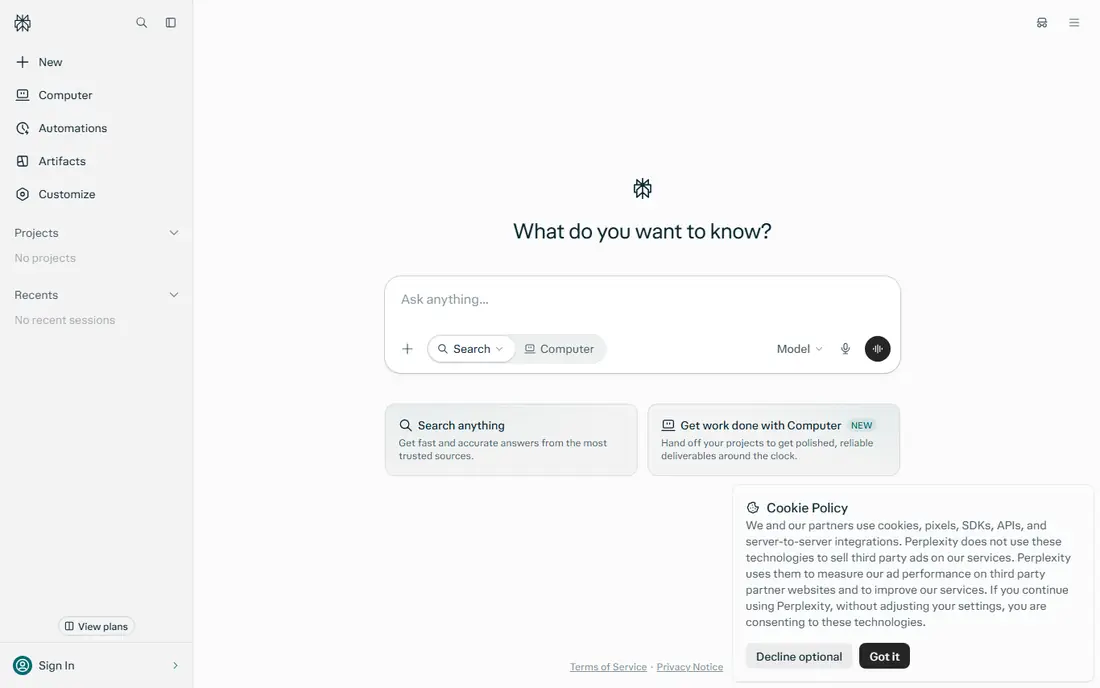
Perplexity suits research questions needing both uploaded documents and live web context. Its Spaces blend files and web search in one answer, with citations you can click through, and Pro searches use multiple models including GPT and Claude variants.
The free tier offers unlimited quick searches with 5 Pro searches a day, while Pro costs 20 dollars a month with unlimited file uploads. For web plus files in one answer, Perplexity leads.
What we like- Web research summaries with citations
- Spaces blend files and web search
- Pro searches use multiple models
Watch out for- Free tier limits Pro searches to 5 a day
- Pro costs 20 dollars a month
- Built around web search, not source-only answers
Starting priceFree
Free planYes
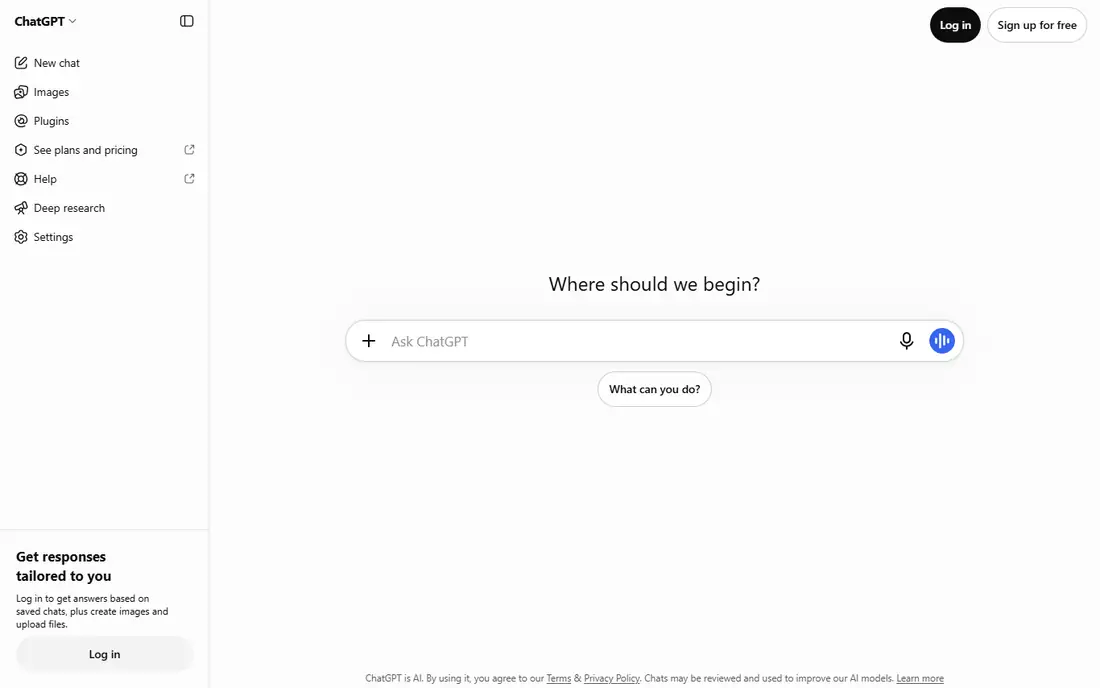
ChatGPT Projects suits users who already pay for ChatGPT. Projects organize files, chats, and custom instructions in one place, so research stays grouped by topic rather than scattered across chats, with web search blended into answers.
The free tier allows 5 files per project, Plus raises it to 25 files, and Pro to 40, with Plus costing 20 dollars a month. For using the AI subscription you already have, ChatGPT Projects is the best pick.
What we like- Projects organize files, chats, and instructions in one place
- Free tier allows 5 files per project
- Plus raises limits to 25 files
Watch out for- File limits are lower than NotebookLM
- Answers blend web and training data unless grounded carefully
- Plus costs 20 dollars a month
Starting priceFree
Free planYes
Claude Projects suits deep long-document work, with strong analysis of papers, reports, and contracts. Projects carry no fixed cap, with files around 30 MB each and retrieval that expands effective context, plus web search blended into answers.
The free tier allows about 5 projects, while Pro costs 20 dollars a month in most guides. For long-document analysis with nuanced writing, Claude Projects leads.
What we like- Strong for deep long-document work
- No fixed project cap with large file handling
- Web search blends into answers
Watch out for- Free tier allows about 5 projects
- File size around 30 MB per file
- Pro costs 20 dollars a month billed annually in some guides
Starting priceFree
Free planYes
Elicit suits systematic reviews and data extraction. It searches 138 million plus papers, extracts structured data across studies into PICO tables with CSV export, and automates reports from the research record.
The free tier allows 5 papers per query with unlimited paper search, while Plus starts around 10 to 12 dollars a month in most guides, with higher tiers to 49 dollars. For systematic literature extraction, Elicit is the best pick.
What we like- Structured extraction across studies with PICO tables and CSV export
- Searches 138 million plus papers
- Unlimited paper search on free tier
Watch out for- Plus pricing varies from 10 to 49 dollars a month across guides
- Papers only, no general web research
- Extraction needs checking
Starting priceFree
Free planYes
SciSpace suits researchers who want AI explanation while reading. Its in-paper assistant explains unfamiliar methods beside the text, while its summarizer compares large paper sets with table columns you define.
The free tier limits AI actions, while Premium costs about 12 dollars a month billed annually with unlimited AI, and advanced tools sit on higher tiers. For in-paper explanation, SciSpace leads.
What we like- In-paper AI explanation while reading unfamiliar methods
- Summarizing and comparing large paper sets
- Table columns you define
Watch out for- Free tier limits AI queries
- Premium costs about 12 dollars a month billed annually
- Advanced tools sit on higher tiers

#6Consensus
Best for: Evidence-based answers4.7/5 on
G2 (1,885 reviews, checked Oct 2026)
Visit consensus.app
Starting priceFree
Free planYes
Consensus suits evidence-based answers from peer-reviewed research without pre-selecting papers. Its smart citation system classifies 1.2 billion plus citations as supporting, contrasting, or mentioning, with automatic fact-checking against source materials.
The free tier allows limited searches, while Pro costs 9.99 dollars a month, or 144 dollars a year. For evidence-based answers with transparent sourcing, Consensus is the best pick.
What we like- Evidence-based answers synthesized from peer-reviewed research without pre-selecting papers
- Transparent sourcing
- 1.2 billion plus citations classified
Watch out for- Limited to academic sources
- Less conversational than general chatbots
- Pro costs 9.99 dollars a month
Starting priceFree
Free planYes
ResearchRabbit suits citation network discovery and literature mapping from seed papers. Its fully free tier builds visual maps of related work through citation networks, helping researchers find papers they would miss by keyword search alone.
It offers discovery only, with no document Q and A, while RR Plus costs 10 dollars a month for advanced features. For free literature discovery, ResearchRabbit leads.
What we like- Fully free citation network discovery
- Literature mapping from seed papers
- Visual maps of related work
Watch out for- Discovery only, no document Q and A
- RR Plus costs 10 dollars a month for advanced features
- Needs seed papers to start
Starting priceFree
Free planYes
ChatPDF suits quick single-PDF Q and A with zero setup and no account required. Its free tier allows 3 PDFs a day, making it the fastest way to ask questions about one paper without signing up.
It handles a single PDF only, with no project grouping, while the paid plan starts at 5 dollars a month. For quick single-PDF questions, ChatPDF rounds out the list.
What we like- Zero-setup Q and A on a single PDF with no account required
- Free tier allows 3 PDFs a day
- Simple interface
Watch out for- Single PDF only, no project grouping
- Academic focus is thinner than Elicit
- Paid plan from 5 dollars a month
How we chose
We ranked tools by source grounding, citation quality, file handling, and value at entry level pricing. We favored tools that show their sources clearly, since traceable citations decide whether an AI answer is usable in research, and we gave extra weight to file handling limits, because a tool that caps files per project changes how you organize research.
We also weighed honesty about limits. NotebookLM free tier allows 100 notebooks with 50 sources each and 50 queries a day, while higher limits come only with Google AI subscriptions, so alternatives that publish their limits score higher than tools that hide them. Price conflicts across sources were handled by using the most commonly cited figure, so readers should check the vendor pricing page before subscribing.
Buying guide
Start by matching the tool to your complaint. If you want web search blended with your files, pick Perplexity Spaces, if you already pay for ChatGPT or Claude, pick their Projects, if you cannot put documents in Google, pick a local tool such as AnythingLLM, and if your sources are published papers, pick Elicit or SciSpace.
Next, check file limits and source grounding. NotebookLM answers only from your sources, while general chatbots blend web and training data unless grounded carefully, so verify whether the alternative answers from your files, the web, or both. Check files per project, file size caps, and query limits before committing study time.
Finally, verify every AI answer against its sources. AI summaries can misquote, omit caveats, or invent references, so check citations against original papers before citing them in coursework or research. This is especially important for academic work, where a wrong citation undermines the whole argument, and where submitting AI output as your own work without checking violates most academic integrity policies.
Frequently asked questions
What is the best NotebookLM alternative overall?
Perplexity leads for web plus files research, ChatGPT Projects for using the subscription you already have, and Elicit for systematic literature work. The best pick depends on whether your sources are your own files, published papers, or the live web, and on whether you need audio overviews, since no alternative on this list matches NotebookLM podcast-style summaries.
Is NotebookLM the same as Gemini Notebook?
Yes. Google renamed NotebookLM to Gemini Notebook in July 2026, and most guides and reviews still use the old name. Higher limits come with Google AI subscriptions, not a standalone purchase: AI Plus at 4.99 dollars a month raises you to 200 queries a day, while AI Pro at 19.99 dollars a month raises you to 500 plus 20 Audio Overviews a day.
Can I use NotebookLM alternatives for free?
Yes. Every tool on this list offers a free tier, from Perplexity quick searches and ChatGPT 5 files per project to ResearchRabbit fully free discovery and ChatPDF 3 PDFs a day. Paid plans raise limits and add features, so start free and pay only when a limit blocks your actual workflow. Start free first today.
Should I trust AI summaries of research papers?
Verify them against the original sources before citing. AI summaries can misquote, omit caveats, or invent references, so check citations against original papers, especially for academic work. Tools with page-level traceable citations, such as Ponder, score higher for this reason, since you can follow each claim back to the exact page it came from.
What if I cannot put documents in Google?
Pick a local tool such as AnythingLLM, whose desktop app is fully free and runs offline on your hardware. Cloud tools need your documents uploaded, while local tools keep them on your machine, which suits confidential reports, unpublished manuscripts, and regulated documents that cannot leave your organization.
Sources we checked (0)
Is your product missing or out of date?
We review this list regularly. Vendors can request a listing, send updated pricing or ask about featured placement.

Shihab Mia · Founder, Rankite
Shihab has 5+ years in B2B and SaaS SEO. He writes Rankite's software buying guides from pricing pages, documentation and public user reviews. More about Shihab.
 ChatGPT Projects
 Claude Projects
 Elicit
 SciSpace
 ResearchRabbit
 ChatPDF