How we make this list: we compare pricing pages, product documentation and public user reviews. Ratings come from G2, Capterra or Trustpilot, with the date we checked them.
Key takeaways
- Microsoft Whiteboard is free with a Microsoft account and built into Teams, so alternatives compete on templates, diagramming, and ecosystem fit.
- Miro at $8 per user per month is the industry standard for large remote teams, with the deepest integrations and template library.
- FigJam from $3 to $5 per user per month suits design teams with native Figma integration, while Lucidspark at $7.95 suits structured ideation.
- Excalidraw is free and open source with no signup required, making it the fastest option for quick sketches and developers.
- Microsoft Whiteboard's value comes from Microsoft 365 inclusion, so teams outside that ecosystem gain more from a neutral tool.
Quick comparison
| Tool | Best for | Starting price | Free plan |
|---|
 Miro Miro | Large remote teams | $8 per user per month | Yes |
 FigJam FigJam | Design teams | $3 per user per month | Yes |
 Lucidspark Lucidspark | Structured ideation | $7.95 per user per month | Yes |
 Mural Mural | Enterprise workshops | $12 per user per month | Yes |
 Excalidraw Excalidraw | Quick sketches, developers | Free | Yes |
 Whimsical Whimsical | Product teams, flowcharts | $10 per user per month | Yes |
 Canva Whiteboards Canva Whiteboards | Visual content creators | $12.99 per month | Yes |
 Creately Creately | All-in-one diagramming | $5 per user per month | Yes |
Is your product missing or out of date?
We review this list regularly. Vendors can request a listing, send updated pricing or ask about featured placement.
The best Microsoft Whiteboard alternatives
#1Miro
Best for: Large remote teams4.6/5 on
G2 (13,631 reviews, checked Oct 2026)
Visit miro.com
Starting price$8 per user per month
Free planYes

Miro is the industry standard for online collaborative whiteboards, used by 99 percent of Fortune 100 companies in comparison data. It offers an infinite canvas with thousands of templates for retrospectives, customer journey maps, and sprint planning, plus deep integrations with Jira, Asana, Slack, and Zoom.
The free tier includes three editable boards with unlimited viewers, while Starter runs $8 per user per month billed annually and Business $16. Enterprise tiers add advanced permissions, SSO, and admin controls for large organizations. That tier ladder matters for budgeting: a team that starts free and grows into Business pays double the Starter rate, so forecast the tier the team will actually need in a year, not just the entry price today. Teams that stay small can live on Starter indefinitely, while teams running enterprise workshops should budget for Business or Enterprise from the start rather than migrating mid-year and retraining users.
Feature depth creates a learning curve, and very large boards can slow down. Pick Miro when large remote teams need scale and templates. Pick FigJam when design integration leads.
What we like- Deepest integrations and template library
- Used by 99% of Fortune 100
- Enterprise permissions and SSO
Watch out for- Learning curve from feature depth
- Performance issues on very large boards
- Free tier limited to three editable boards
#2FigJam
Best for: Design teams4.5/5 on
G2 (465 reviews, checked Oct 2026)
Visit figma.com
Starting price$3 per user per month
Free planYes
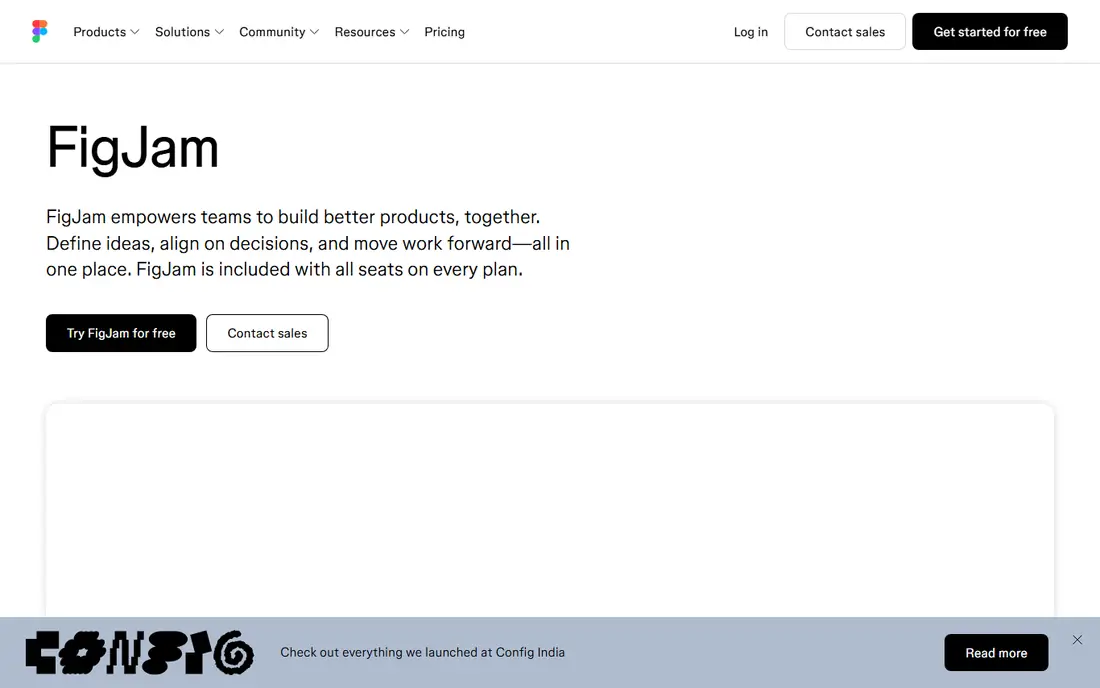
FigJam is Figma's collaborative whiteboard, sharing Figma's clean interface and working natively with Figma design files. It suits UX and UI designers, quick team standups, and cross-functional brainstorming within design-centric organizations.
The Figma integration is the draw: whiteboard ideas move into design files without export friction, and design reviews happen beside the work. That closeness beats generic whiteboards for design teams.
Diagram type support is narrower than Lucid's, with around 15 types versus 50 or more, and paid pricing appears as $3 to $5 per user per month across sources. Pick FigJam when Figma integration leads. Pick Miro when general versatility leads.
What we like- Native Figma integration
- Clean interface
- Easy brainstorming for design-centric teams
Watch out for- Fewer diagram types than Lucid
- Pricing varies by source ($3 to $5)
- Less enterprise depth than Miro
Starting price$7.95 per user per month
Free planYes
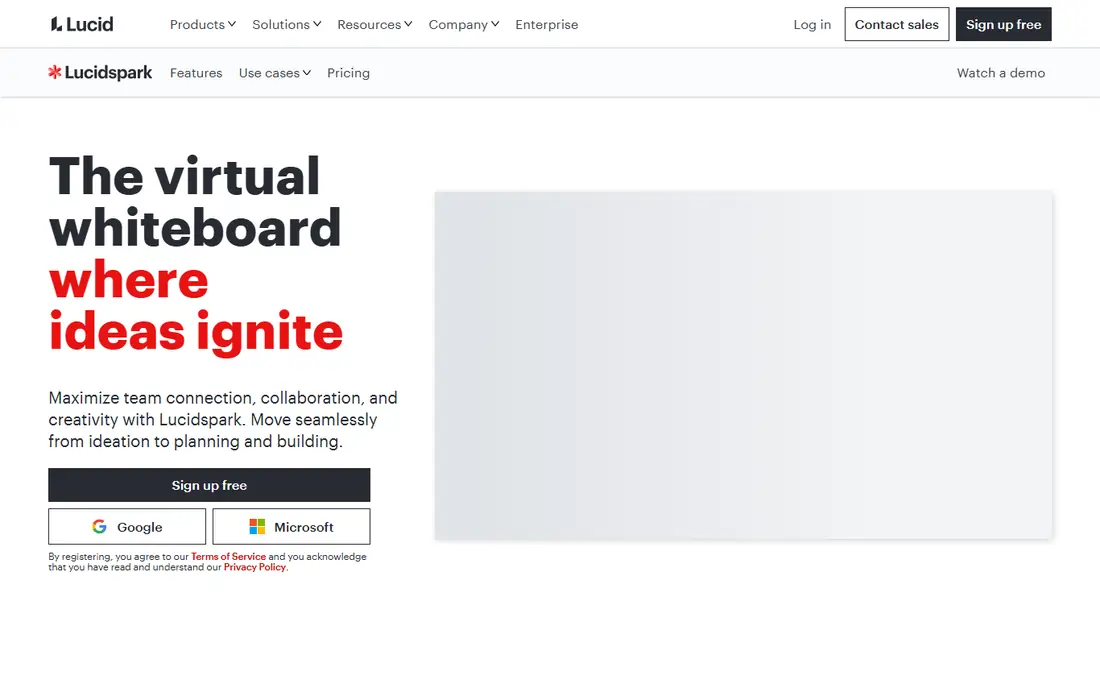
Lucidspark suits structured ideation, with voting, timers, and a Lucidchart connection for turning brainstorms into detailed diagrams. It supports 50 or more diagram types, making it stronger for structured work than freeform-only boards.
Facilitators value the voting and timer tools for workshops: groups converge on decisions without side conversations derailing the session. The Lucidchart connection then converts whiteboard sketches into polished diagrams.
The learning curve is moderate, and pricing starts at $7.95 per user per month. Pick Lucidspark when structured ideation leads. Pick Mural when enterprise workshops lead.
What we like- Voting, timers, and structured ideation
- Lucidchart connection
- 50+ diagram types
Watch out for- $7.95 per user per month
- Moderate learning curve
- Less template breadth than Miro
#4Mural
Best for: Enterprise workshops4.6/5 on
G2 (1,496 reviews, checked Oct 2026)
Visit mural.co
Starting price$12 per user per month
Free planYes
Mural offers enterprise-grade collaboration for workshops, with facilitation tools and over 500 templates. It suits large organizations running structured workshops, design thinking sessions, and cross-functional planning.
The enterprise focus shows in permissions, security, and admin controls that large companies require. Facilitators run guided sessions with frameworks built for enterprise workshops, not just freeform boards.
Pricing starts at $12 per user per month in comparison data, and the learning curve is moderate. Pick Mural when enterprise workshops lead. Pick Miro when broader versatility leads.
What we like- Enterprise-grade collaboration
- Workshop facilitation tools
- 500+ templates
Watch out for- $12 per user per month
- Moderate learning curve
- Less template breadth than Creately
#5Excalidraw
Best for: Quick sketches, developers4.5/5 on
G2 (32 reviews, checked Oct 2026)
Visit excalidraw.com
Starting priceFree
Free planYes
Excalidraw is free and open source with no signup required, making it the fastest option for quick sketches and developers. Its hand-drawn style suits architecture diagrams, wireframes, and quick explanations without the overhead of a full collaboration platform.
The no-signup model means a developer can open a board, sketch, and share a link in seconds. That speed beats every paid tool for ad hoc explanations and technical discussions.
Templates and integrations are thinner, and team features require Excalidraw+ at extra cost. Pick Excalidraw when quick, free sketching leads. Pick Miro when facilitated workshops lead.
What we like- Free and open source
- No signup required
- Hand-drawn style suits developers
Watch out for- Fewer templates and integrations
- Excalidraw+ needed for team features
- No built-in workshop tools
#6Whimsical
Best for: Product teams, flowcharts4.6/5 on
G2 (189 reviews, checked Oct 2026)
Visit whimsical.com
Starting price$10 per user per month
Free planYes
Whimsical suits product teams with clean flowcharts and wireframes, offering a polished canvas for product planning without Miro's sprawl. Flowcharts, wireframes, and mind maps look sharp by default, which suits product documentation.
The clean design keeps boards readable as they grow, which matters for product specs that many stakeholders read. A free tier covers evaluation and small use.
Breadth trails Miro, with fewer integrations and templates. Pick Whimsical when clean product diagrams lead. Pick Lucidspark when structured ideation leads.
What we like- Clean flowcharts and wireframes
- Product team focus
- Free tier available
Watch out for- $10 per user per month
- Narrower than Miro
- Fewer integrations
Starting price$12.99 per month
Free planYes
Canva Whiteboards suit visual content creators with a massive graphics library, letting teams build visually rich boards from Canva's assets. It fits marketing, content, and brand teams that already use Canva for design work.
The graphics library is the draw: stock images, icons, and illustrations make boards presentation-ready without separate design tools. A free tier covers basic whiteboarding, with Pro from $12.99 per month.
Workshop facilitation depth trails Miro and Mural, and the design-first approach suits creators more than facilitators. Pick Canva Whiteboards when visual content leads. Pick Miro when workshop depth leads.
What we like- Massive graphics library
- Visual content creation
- Free tier available
Watch out for- Pro from $12.99 per month
- Less workshop depth than Miro
- Design-first, not facilitation-first
#8Creately
Best for: All-in-one diagramming4.4/5 on
G2 (1,394 reviews, checked Oct 2026)
Visit creately.com
Starting price$5 per user per month
Free planYes
Creately offers all-in-one diagramming with over 9,000 templates and 70 or more diagram types, plus custom databases and item-level notes and attachments that competitors lack. It covers UML, ERD, flowcharts, network diagrams, and more with intelligent connectors.
The template count dwarfs competitors: 9,000 versus 500 to 1,000 for most others, which suits teams that diagram many different things. Pricing starts free, with paid plans from $5 per user per month.
Brand recognition trails Miro, and enterprise depth is moderate. The custom database feature deserves a second look, since it lets teams attach structured data to diagrams, turning a flowchart into a living document that updates as the underlying data changes. That capability separates Creately from pure whiteboards, which treat diagrams as pictures rather than data. Pick Creately when diagram variety leads. Pick Miro when collaboration scale leads.
What we like- 9,000+ templates
- 70+ diagram types
- Custom databases
- Item-level notes and attachments
Watch out for- Less brand recognition than Miro
- Moderate enterprise depth
- Visual modeling focus may exceed simple needs
How we chose
We compared tools that replace Microsoft Whiteboard's core job, real-time visual collaboration, using vendor pages and 2026 comparison data. We favored published prices and marked ranges where sources disagree, since FigJam's price appears as $3 to $5 per user per month across sources. We also split the list by use case, since workshop facilitation, design, and diagramming need different tools.
Ecosystem versus neutrality: the real decision
Microsoft Whiteboard's value comes from inclusion: it ships with Microsoft 365 subscriptions and integrates with Teams, so Microsoft shops pay nothing extra. Reviewers cite that inclusion as its main value advantage, and switching away only makes sense when another tool's strengths outweigh free.
For teams outside the Microsoft ecosystem, neutrality matters more: Miro, FigJam, and Creately work across platforms without tying the team to one vendor. A design team gains from FigJam's Figma link, a product team from Whimsical's clean diagrams, and a workshop team from Mural's facilitation tools.
The decision is therefore ecosystem first, features second. Stay on Microsoft Whiteboard when Microsoft 365 dominates and basic whiteboarding suffices. Move when templates, diagramming, or facilitation gaps cost more time than the new tool's subscription. A trial should test the real workshop, not a demo board: run a retrospective, a planning session, and a diagram-heavy review in each candidate, and count the minutes lost to friction in each. The tool that survives three real sessions with the least friction is the right buy, regardless of which one tops a feature checklist.
Frequently asked questions
Is Microsoft Whiteboard free?
Yes, Microsoft Whiteboard is free with a Microsoft account and built into Teams, with additional value from Microsoft 365 inclusion. Its rating near 4.0 to 4.2 reflects solid basic whiteboarding rather than deep facilitation features.
What is the best Microsoft Whiteboard alternative overall?
Miro at $8 per user per month is the industry standard, with the deepest integrations and template library for large remote teams. FigJam suits design teams, and Lucidspark suits structured ideation, so the best pick depends on the team's primary use.
Which alternative is free?
Excalidraw is free and open source with no signup required, making it the best free option for quick sketches. Most paid tools also offer free tiers, though Miro's free tier limits users to three editable boards.
Which alternative has the most templates?
Creately leads with over 9,000 templates and 70 or more diagram types, far above Miro's 1,000 or more and Mural's 500 or more. That breadth suits teams that diagram many different things.
Which alternative suits design teams?
FigJam, with native Figma integration and a clean interface, suits design teams best. Ideas move from whiteboard to design file without export friction, which generic whiteboards cannot match.
Should I stay on Microsoft Whiteboard?
Stay when Microsoft 365 dominates the team's workflow and basic whiteboarding suffices, since the tool costs nothing extra. Move when template, diagramming, or facilitation gaps cost more time than a paid alternative's subscription.
Sources we checked (6)
- https://www.guideflow.com/blog/best-online-whiteboards
- https://creately.com/alternatives/microsoft-whiteboard-alternatives/
- https://clickup.com/blog/microsoft-whiteboard-alternatives/
- https://www.g2.com/compare/microsoft-whiteboard-vs-visio
- https://sourceforge.net/software/product/Microsoft-Whiteboard/alternatives
- https://miro.com
Is your product missing or out of date?
We review this list regularly. Vendors can request a listing, send updated pricing or ask about featured placement.

Shihab Mia · Founder, Rankite
Shihab has 5+ years in B2B and SaaS SEO. He writes Rankite's software buying guides from pricing pages, documentation and public user reviews. More about Shihab.