How we make this list: we compare pricing pages, product documentation and public user reviews. Ratings come from G2, Capterra or Trustpilot, with the date we checked them.
Key takeaways
- Microsoft Copilot itself is not listed here, since this article covers alternatives to it: AI assistants that draft, summarize, research, and answer questions.
- ChatGPT is the best all-rounder, with chat, images, voice, and research in one subscription, while Claude suits long documents and natural writing.
- Gemini suits Google Workspace teams, with Docs-native drafting, research with source links, and a strong value bundle at AI Pro.
- Perplexity suits research with citations, while Notion AI suits teams whose knowledge lives in docs and wikis.
- Tools already inside Microsoft 365 or Google Workspace often cost less than a separate app doing the same job, so check your existing suite first.
Quick comparison
| Tool | Best for | Starting price | Free plan |
|---|
 ChatGPT ChatGPT | All-round assistant | $20 per month | Yes |
 Claude Claude | Long documents and writing | $20 per month | Yes |
 Google Gemini Google Gemini | Google Workspace teams | $19.99 per month | Yes |
 Perplexity Perplexity | Cited research | $17 per month | Yes |
 Notion AI Notion AI | Docs and team knowledge | $10 per member per month | Trial only |
 Glean Glean | Enterprise search | See website | No |
 Jasper AI Jasper AI | Marketing teams | $49 per user per month | No |
 Grammarly Grammarly | Team writing quality | $12 per month | Yes |
Is your product missing or out of date?
We review this list regularly. Vendors can request a listing, send updated pricing or ask about featured placement.
The best Microsoft Copilot alternatives
#1ChatGPT
Best for: All-round assistant4.6/5 on
G2 (3,089 reviews, checked Oct 2026)
Visit chatgpt.com
Starting price$20 per month
Free planYes
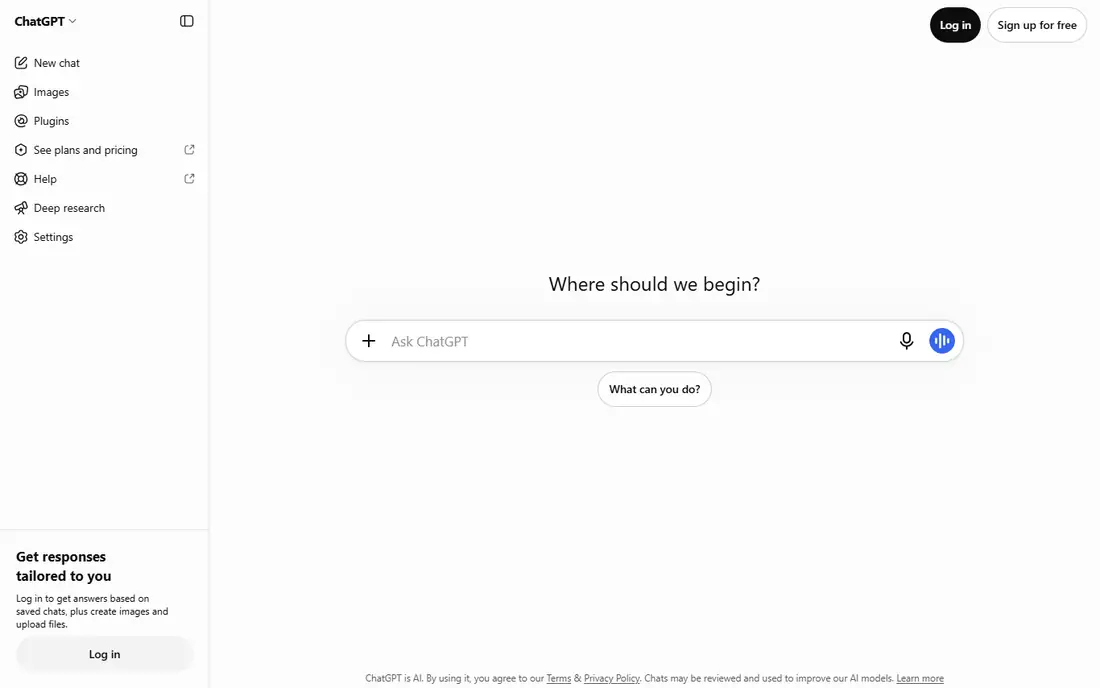
ChatGPT is the best all-round AI assistant, covering chat, images, voice, and research in one subscription, with a generous free tier for everyday tasks and Plus at $20 per month for higher limits and newer models. Go at $8 per month offers a budget tier, while Business at $25 per seat suits teams, and Pro tiers at $100, $200, or $500 per month cover heavy professional use. The broad ecosystem includes plugins, integrations, and a large community, making ChatGPT the default choice when work shifts from one task to another throughout the week.
Usage limits apply even on paid plans, described as per-window estimates rather than fixed message counts, and top tiers cost far more than the standard Plus plan. Writing quality also varies by task, with Claude often stronger for nuanced long-form writing. For individuals and teams that want one assistant for mixed daily tasks, ChatGPT is the best all-rounder pick, and its free tier covers casual use without cost.
What we like- All-rounder for chat, images, voice, and research
- Generous free tier
- Business at $25 per seat
- Broad ecosystem
Watch out for- Usage limits apply even on paid plans
- Top tiers $100 to $500 per month
- Writing quality varies by task
#2Claude
Best for: Long documents and writing4.6/5 on
G2 (488 reviews, checked Oct 2026)
Visit claude.ai
Starting price$20 per month
Free planYes
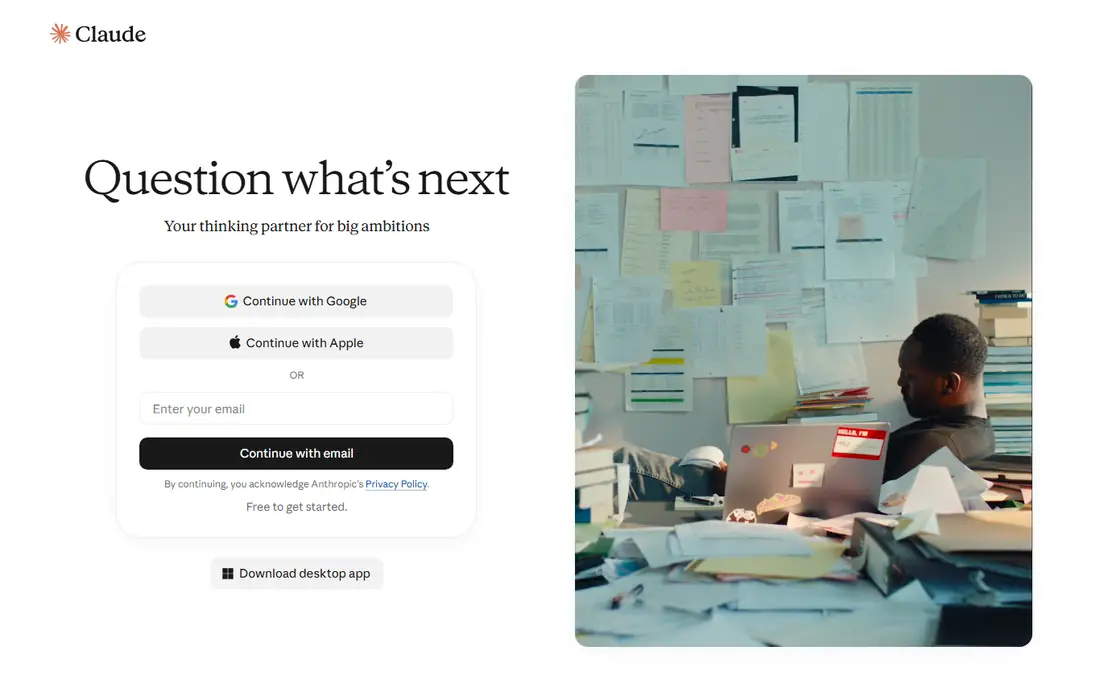
Claude suits long documents, analysis, and code, with natural writing quality that many users rate above rivals for essays, reports, and tutor-style revision. The free tier covers limited use with Sonnet and Haiku models only, while Pro costs $20 per month or $200 per year up front, and Max tiers cost $100 or $200 per month for heavy use. Claude for Enterprise at $30 per user per month adds admin controls and security for larger teams, and Claude Code extends the assistant into developer workflows.
There is no budget tier below Pro, and usage runs on five-hour sessions plus weekly limits with no fixed message count, which can frustrate heavy users. For writers, analysts, and developers who prioritize writing quality and long-document handling, Claude is the best pick, and its ceiling for nuanced writing exceeds Copilot free tier and many general assistants.
What we like- Best natural writing and long documents
- Tutor-style revision
- Claude Code for developers
- Enterprise at $30 per seat
Watch out for- No budget tier below Pro
- Five-hour sessions plus weekly limits
- Max tiers $100 or $200 per month
Starting price$19.99 per month
Free planYes
Google Gemini, through Google AI plans, suits Google Workspace teams with Docs-native drafting, research with source links, and integration across Gmail, Docs, Sheets, and Drive. The free tier covers basic use with 50 AI credits per day, AI Plus costs $4.99 per month, AI Pro costs $19.99 per month with 4 times free limits plus storage and video tools, and Ultra costs $99.99 or $199.99 per month for maximum limits. Gemini for Business at $20 per seat suits Workspace organizations, and the AI Pro bundle is strong value for Google users.
Gemini value is highest inside the Google ecosystem, so Microsoft 365 teams gain less from it, and top Ultra tiers cost far more than standard plans. For Google Workspace teams and students whose school runs on Google Workspace, Gemini is the best pick, and starting with the free tier before paying covers most daily drafting and research needs.
What we like- Docs-native drafting and research
- Source links
- AI Pro bundle with storage and video
- Business at $20 per seat
Watch out for- Best value inside Google ecosystem
- Ultra tiers $99.99 or $199.99
- Features vary by plan
Starting price$17 per month
Free planYes
Perplexity suits research with citations, answering questions with sourced links and multi-model access, making it the best pick when research and source checking consume the most time. The free tier covers unlimited basic searches plus 3 to 5 Pro searches per day, while Pro costs $17 per month billed annually or $20 per month in some guides, with weekly Pro search limits for average use. Perplexity Enterprise Pro at $40 per user per month adds team controls and security for organizations.
Perplexity is a research tool first, not a general writing assistant, so drafting and long-form writing trail ChatGPT and Claude. Max pricing at $167 per month billed annually or $200 monthly also far exceeds standard Pro. For researchers, analysts, and students who need cited answers quickly, Perplexity is the best research pick, and it pairs well with a writing assistant for drafting.
What we like- Research with citations
- Multi-model access
- Pro searches with weekly limits
- Enterprise Pro for teams
Watch out for- Pro $17 per month billed annually, $20 monthly in some guides
- Not a general writing assistant
- Max $167 billed annually
Starting price$10 per member per month
Free planTrial only
Notion AI brings AI assistance inside Notion docs and wikis, helping teams draft, summarize, organize, and search knowledge without leaving their workspace. Pricing starts at $10 per member per month on Plus billed yearly, or $12 monthly, with an AI trial only, while Business costs $20 per member per month billed yearly or $24 monthly for fuller AI access, and custom agents cost $10 per 1,000 monthly Notion credits on higher tiers. For teams whose knowledge already lives in Notion, AI inside the docs beats a separate chat assistant that cannot see that context.
The AI trial is limited to Free and Plus plans, and the allowance size is not published by Notion, making budgeting uncertain. Teams not already on Notion gain less, since the value depends on existing docs. For content and documentation teams that live in Notion, Notion AI is the best pick, and its 4-year cost for 10 users at $4,800 is the lowest among team AI tools in current comparisons.
What we like- AI inside docs and wikis
- Content and documentation help
- Team knowledge organization
- Custom agents on higher tiers
Watch out for- Trial on Free and Plus only
- AI allowance size not published
- Business $20 per member per month for full AI
#6Glean
Best for: Enterprise search4.7/5 on
G2 (336 reviews, checked Oct 2026)
Visit glean.com
Starting priceSee website
Free planNo
Glean leads enterprise search, indexing content across many SaaS tools so employees can find answers, documents, and experts without searching each app separately. Permissions-aware results respect existing access controls, so users see only what they are allowed to see, and the platform suits large organizations with scattered knowledge across dozens of tools. Pricing is quoted per seat under annual agreement, with no published price, and deployment needs enterprise setup and integration work.
Small teams gain little from Glean, since its value scales with tool sprawl and user count, and the lack of published pricing slows evaluation. For enterprises where finding information across many tools is the bottleneck, Glean is the best search pick, and it complements a general assistant such as ChatGPT or Claude rather than replacing one.
What we like- Search across many SaaS tools
- Enterprise knowledge discovery
- Permissions-aware results
- Annual agreement
Watch out for- Quoted per seat, no published price
- Needs enterprise setup
- Overkill for small teams
Starting price$49 per user per month
Free planNo
Jasper AI suits marketing teams with templates, brand voice controls, and campaign workflows built for marketing content rather than general assistance. It covers blog posts, ads, social copy, and email campaigns with brand consistency, and team collaboration features suit marketing departments producing content at volume. Pricing starts at $49 per user per month, with a 4-year cost of $23,520 for 10 users in current comparisons, reflecting its premium positioning.
That price is high compared with general assistants at $20 per month, and Jasper breadth trails ChatGPT for non-marketing tasks such as coding or analysis. For marketing teams that want brand-controlled content production at scale, Jasper is the best marketing pick, while general teams should start with ChatGPT or Claude instead.
What we like- Marketing-focused templates and brand voice
- Campaign and content workflows
- Team collaboration
Watch out for- $49 per user per month is high
- 4-year cost $23,520 for 10 users
- Less general assistant breadth than ChatGPT
#8Grammarly
Best for: Team writing quality4.7/5 on
G2 (14,073 reviews, checked Oct 2026)
Visit grammarly.com
Starting price$12 per month
Free planYes
Grammarly suits team writing quality, with polishing, grammar, tone, and plagiarism checking that improve drafts rather than generating them from scratch. The free tier is excellent for everyday writing, Pro starts at about $12 per month, and Business costs $15 per member per month for team controls and style guides. For students and professionals, Grammarly plagiarism check and citation help add value that general assistants lack, and its integration across browsers, docs, and email keeps writing quality consistent.
Grammarly is not a general AI assistant: it cannot research, answer questions, or draft long documents the way ChatGPT or Claude can, and its AI drafting is limited compared with chat assistants. For teams and individuals whose main need is polishing and verifying writing quality, Grammarly is the best pick, and it pairs well with a general assistant for drafting followed by Grammarly review.
What we like- Excellent free tier
- Polishing and plagiarism check
- Team writing quality
- Business at $15 per member
Watch out for- Not a general AI assistant
- Pro $12 per month starting rate varies
- AI drafting limited compared with chat assistants
How we chose
We compared assistants on writing quality, research depth, ecosystem fit, team features, and price transparency, weighting whether the tool fits Microsoft 365, Google Workspace, or a standalone workflow. We favored tools with published pricing where available, and we marked Glean as See website where pricing is quoted per seat rather than guessing a figure. Prices come from vendor pages and current guides, and they vary by billing period and plan, so verify current pricing before subscribing. We did not test any tool hands-on, and we did not list Microsoft Copilot itself as one of its own alternatives.
Buying guide
Start from your ecosystem. If your files already live in Microsoft 365, Copilot may already cover your needs, and if they live in Google Workspace, start with Gemini free tier before paying for anything. If your work shifts across tasks daily, start with ChatGPT or Claude free tiers and upgrade to Plus or Pro at $20 per month when limits bind. If research with citations dominates your week, add Perplexity Pro, and if your knowledge lives in Notion, add Notion AI rather than a separate assistant.
Before subscribing, check four things: whether usage limits are per-window, weekly, or monthly, and how they fit your real usage, whether team plans charge per seat or per workspace, whether data controls meet your privacy needs for sensitive documents, and whether the tool integrates with your docs, email, and calendar. Start with one team and one use case, measure time saved for a month, and expand only when the result is clear, since the best productivity stack is small: one general assistant, one meeting tool, one docs workspace, and one automation tool cover most teams.
Frequently asked questions
What is the best Microsoft Copilot alternative?
ChatGPT is the best all-round alternative, with chat, images, voice, and research in one subscription at $20 per month for Plus. Claude suits long documents and writing quality, while Gemini suits Google Workspace teams.
Is there a free Microsoft Copilot alternative?
Yes. ChatGPT, Claude, and Gemini all offer generous free tiers for everyday tasks, and Grammarly free tier covers writing quality. Free tiers have usage limits, so upgrade to $20 per month plans when limits bind.
Which alternative is best for Google Workspace?
Google Gemini is the best pick for Google Workspace teams, with Docs-native drafting, research with source links, and integration across Gmail, Docs, and Drive. Gemini for Business costs $20 per seat for organizations.
Which alternative is best for research?
Perplexity is the best research pick, with cited answers and multi-model access, plus Enterprise Pro at $40 per user per month for teams. It pairs well with a writing assistant for drafting from research.
Should I pay for an AI assistant if I already have Microsoft 365?
Not necessarily. Copilot free tier and Microsoft 365 integration may already cover drafting and summarizing in Word, Excel, and Outlook. Pay for a separate assistant only when you need stronger writing, research, or cross-platform features that Copilot does not provide.
What is the cheapest good AI assistant?
ChatGPT Go at $8 per month and Cursor Plus at $8 per month are the cheapest paid tiers among general tools, while Grammarly free tier covers writing quality at no cost. For team knowledge, Notion AI at $10 per member per month is the lowest team entry price in this list.
Sources we checked (0)
Is your product missing or out of date?
We review this list regularly. Vendors can request a listing, send updated pricing or ask about featured placement.

Shihab Mia · Founder, Rankite
Shihab has 5+ years in B2B and SaaS SEO. He writes Rankite's software buying guides from pricing pages, documentation and public user reviews. More about Shihab.