How we make this list: we compare pricing pages, product documentation and public user reviews. Ratings come from G2, Capterra or Trustpilot, with the date we checked them.
Key takeaways
- Microsoft 365 is the safe paid swap when file compatibility with clients matters most, with business plans from 7 dollars per user per month after the July 2026 price rise.
- Google Workspace wins for live collaboration, and its editors are free with a personal Google account.
- OnlyOffice is the closest free match to LibreOffice itself: desktop editors, strong Microsoft format handling and no account needed.
- WPS Office and Apache OpenOffice cover the free desktop end, while Zoho Workplace is the cheapest full business suite with mail included.
Quick comparison
Is your product missing or out of date?
We review this list regularly. Vendors can request a listing, send updated pricing or ask about featured placement.
The best LibreOffice alternatives

#1Microsoft 365
Best for: Compatibility with client files4.6/5 on
G2 (5,872 reviews, checked Oct 2026)
Visit microsoft.com
Starting price$7 per user per month
Free planYes
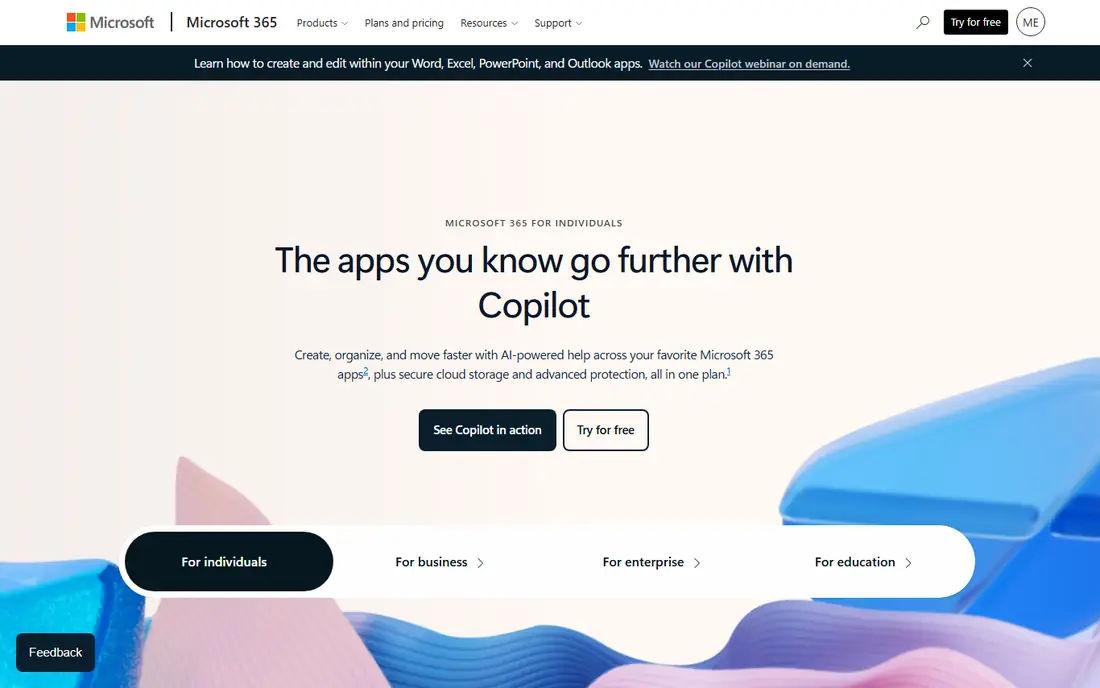
If your reason for leaving LibreOffice is file fidelity, this is the direct answer. The documents the rest of the business world sends you were made in these apps, and nothing else opens all of them correctly all of the time.
The cost is real, though. A five person team on the tier with desktop apps pays 14 dollars per person per month, every month, where LibreOffice cost nothing. For a business that exchanges files with clients daily, that buys back hours. For home use, the free web versions may be all the Microsoft you need.
What we like- Word, Excel and PowerPoint are the reference point every other suite is measured against, so files from clients and partners open as intended, including complex tracked changes, pivot tables and slide masters. The subscription covers desktop, web and mobile apps plus OneDrive storage, and Copilot AI features are built into the higher tiers. Business plans start at 7 dollars per user per month after Microsoft's July 2026 price rise, with personal plans sold by the year. Free web versions of the main apps work with a Microsoft account.
Watch out for- It is a subscription that never ends, and the 2026 price rise pushed every business tier up. The cheapest business tier is web and mobile only
- Desktop apps start on the next tier up, which is the comparison that actually matters for a LibreOffice switcher. Copilot inside the apps is a paid add-on on business plans. Some users also object to how hard the apps push OneDrive saving over local files.
Starting price$7 per user per month
Free planYes
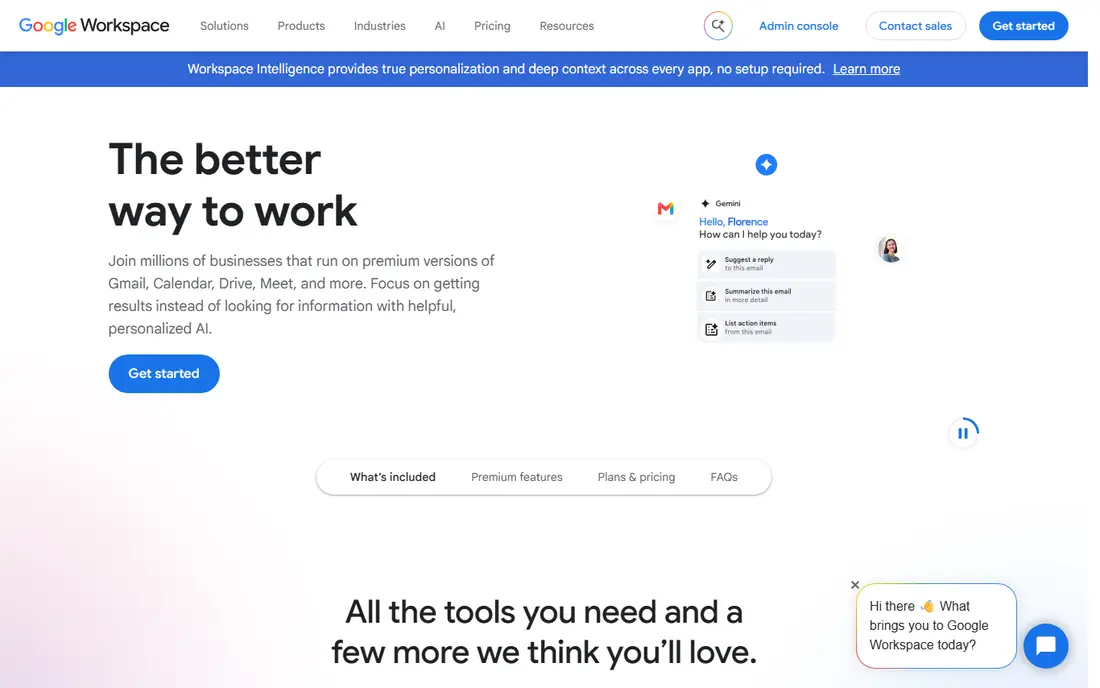
Google is the answer when the complaint about LibreOffice is collaboration. A shared document with a link replaces the email attachment chain, and schools and small teams feel that gain in the first week.
The trade is dependence. Your documents live in Google's formats on Google's computers, and exporting thousands of files back out is possible but slow. Teams that mostly write together online accept that. Teams that mostly exchange formatted files with the outside world should look at Microsoft first.
What we like- Docs, Sheets and Slides run in a browser with nothing to install, and several people can edit one file at once with comments, suggestions and a full version history that makes lost work rare. With a personal Google account the editors are free, which covers most home and school use. Business plans add mail on your domain, admin controls and pooled storage from 30 GB per user, at 7 dollars per user per month on annual billing. Gemini AI help is bundled into paid plans rather than sold apart.
Watch out for- There are no desktop apps
- Offline work rides on a browser mode that needs setting up before you lose signal. Complex Excel models with macros do not survive the move, and heavy Word documents with fine print layout can shift on export. Storage on the entry business tier is pooled and modest. Privacy minded users may also prefer not to keep every document on Google's servers.

#3OnlyOffice
Best for: Free desktop suite, MS formats4.6/5 on
G2 (26 reviews, checked Oct 2026)
Visit onlyoffice.com
Starting priceFree
Free planYes
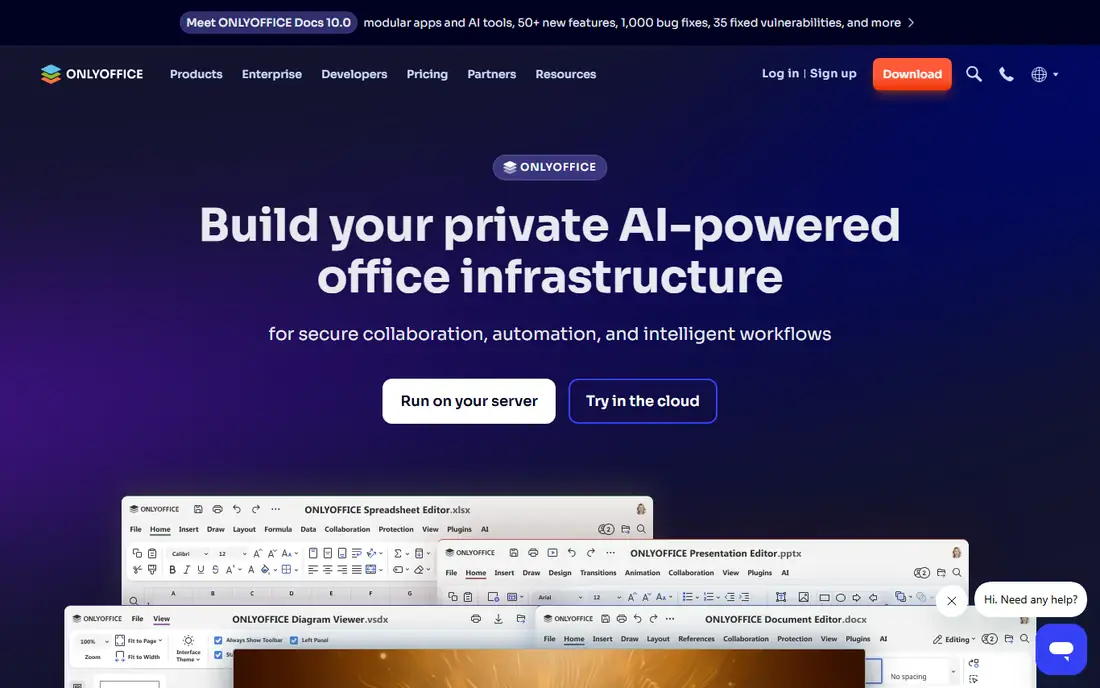
OnlyOffice is the pick for someone who likes LibreOffice's deal, free and private and on your own machine, but wants a cleaner interface and better behaviour with Microsoft files. It keeps the zero cost while removing the two most common LibreOffice complaints.
It also respects the reason many people chose LibreOffice in the first place: your documents stay on your computer. Nothing about the free desktop editors requires an account, a subscription or an upload.
What we like- OnlyOffice's free desktop editors for Windows, Mac and Linux look and behave like a modern ribbon office suite, and the suite was built around Microsoft's file formats from the start, so docx, xlsx and pptx files hold their layout well. The editors work fully offline with no account. For teams, the same vendor offers a self hosted and cloud collaboration platform, so a group can start on free desktop apps and add shared editing later without changing tools. PDF editing and form building are built in rather than bolted on.
Watch out for- The free desktop suite is a smaller product than LibreOffice in some corners: the database and drawing companions are absent, and very large spreadsheets feel slower than Excel. The collaboration platform's pricing tiers take some reading, and self hosting needs technical skill. Support for the free edition is community based. A smaller user community also means fewer templates and macros shared online.

#4WPS Office
Best for: Free suite with a familiar ribbon4.4/5 on
G2 (335 reviews, checked Oct 2026)
Visit wps.com
Starting priceFree
Free planYes
For a home user or student leaving LibreOffice because of its dated interface, WPS is the easiest free landing spot. It installs in minutes, opens the files you already have and asks for nothing up front.
Treat the Premium tier as the honest comparison if adverts bother you: still far cheaper than Microsoft 365, but no longer free. That is a fair deal as long as you choose it knowingly.
What we like- WPS Office is a free suite for Windows, Mac, Linux and mobile whose Writer, Spreadsheets and Presentation apps closely follow the Microsoft ribbon layout, so former Office users feel at home quickly. It opens and saves Microsoft formats well, handles PDFs including conversion, and runs lightly on older hardware that struggles with heavier suites. A paid Premium tier removes adverts and adds features such as more cloud storage and advanced PDF tools, sold by the month or year.
Watch out for- The free version carries adverts and upsell prompts, which is the price of the free tier and the main reason to pay. WPS is made by Kingsoft, a Chinese company, and some organisations bar it on policy grounds regardless of the product's quality
- Check your employer's rules before rolling it out at work. Long documents and complex spreadsheets can still show small formatting differences against Word and Excel. Cloud features push you toward a WPS account.
Starting priceFree
Free planYes
OpenOffice is on this list for one clear job: a free, stable, offline office suite for a computer that does not change much. Public libraries, older relatives and spare machines are its natural home.
Everyone else should read it as the baseline. It proves a full suite can cost nothing forever, and it sets the bar that any paid alternative has to clear with collaboration, compatibility or polish.
What we like- OpenOffice is the project LibreOffice was forked from, and it remains completely free and open source, with Writer, Calc, Impress, Draw, Base and Math for Windows, Mac and Linux. It works fully offline, needs no account and no activation, and its interface changes so slowly that skills learned a decade ago still apply. It opens Microsoft formats and its own OpenDocument files, and it runs acceptably on old hardware that modern suites leave behind. For a machine that must stay simple and self contained, it is hard to beat.
Watch out for- Development is slow, and it shows. Releases are infrequent, the interface looks dated even next to LibreOffice, and there is no built in real time collaboration. Microsoft format support is weaker than OnlyOffice or WPS, especially for newer docx features. Security updates arrive at the pace of a small volunteer project, which security teams notice. Anyone who left LibreOffice wanting something more modern will find OpenOffice a step sideways or back.

#6
Zoho Workplace
Best for: Budget business suite with mail
Visit zoho.com
Starting price$3 per user per month
Free planYes
Zoho is the budget answer for a small business that wants the whole bundle, mail included, at one low per user price. At 3 dollars it undercuts the two big names by enough to matter across a year and a team.
The compromise is ecosystem gravity. Google and Microsoft skills transfer between employers; Zoho skills mostly transfer within Zoho. For an owner run business that expects to stay put, that is a fair trade.
What we like- Zoho Workplace bundles documents, spreadsheets, presentations, business email on your domain, chat, meetings and file storage for less than half the entry price of Google or Microsoft. Standard plans start at 3 dollars per user per month billed annually. Zoho Writer is a genuinely good word processor with strong automation and signing links into Zoho's wider app family, which matters if a business later adds Zoho CRM or accounting. A free plan covers small teams that want to test the shape of the suite.
Watch out for- The brand carries less weight with clients
- Some partners will still ask for Word files, and Zoho's exports are good rather than perfect on complex documents. The interface spreads across many separate apps, which takes a week to learn. Spreadsheet depth trails Excel for heavy modelling. Support quality is best on higher tiers, and the free plan's storage is tight.
Starting priceSee website
Free planNo
SoftMaker is the craftsman's option. Writers, translators, academics and small law or publishing offices that live inside long documents get precise tools without a subscription to a giant platform.
If your work is mostly shared drafts and comments across a team, the missing collaboration layer rules it out. If your work is finished documents that must look exactly right, it earns its price.
What we like- SoftMaker Office, from a long running German vendor, is a desktop suite for Windows, Mac and Linux built for people who care about exact document behaviour: strong Word and Excel compatibility, a ribbon or classic menu choice, and fast performance on modest machines. It is sold on subscription or as a perpetual licence depending on the edition, which appeals to buyers who dislike renting software. Its TextMaker word processor handles long structured documents, indexes and cross references with care. A free sibling, FreeOffice, covers lighter needs.
Watch out for- There is no collaboration platform behind it: sharing means emailing files or using your own cloud storage. Published prices differ between the subscription and one time editions and change with promotions, so check the site rather than a roundup. The user community is small in the US, so help comes from the vendor's forums. Mobile versions are companions rather than full editors.
Starting priceFree
Free planYes
For an all Apple home, iWork is already paid for and quietly capable, and many households that install LibreOffice on a Mac would be better served by the apps in their Applications folder.
Outside that world it fades quickly. Choose it because your devices are Apple and your documents mostly stay home, not as a general company suite.
What we like- Pages, Numbers and Keynote come free with Apple devices and are already installed on most Macs and iPads, which makes iWork the zero effort option for Apple households. Keynote in particular produces polished presentations with less fuss than rivals, and documents sync through iCloud so work moves between phone, tablet and Mac. Collaboration through iCloud sharing covers family and small team editing. The apps also open and export Microsoft formats for the times a Word or Excel file must go out.
Watch out for- IWork is Apple only in practice
- The browser versions at iCloud.com work on Windows but feel like a side door. Numbers is not an Excel peer for serious spreadsheets: pivot and formula depth trail well behind. Its native formats confuse Windows recipients, so exporting becomes a habit. Businesses standardised on Microsoft files will feel friction every week. There is no Linux version and no self hosted option.
How we chose
We picked office suites a person or business can switch to in October 2026 across the real reasons people leave LibreOffice: better Microsoft file fidelity, live collaboration, a more modern free desktop suite, lower business cost, or a platform fit such as Apple devices. Every suite here is actively sold or maintained and publishes pricing or a free download. Where prices conflict across sources, the entry says see website. No suite was hands on tested for this guide; judgements rest on vendor documentation, pricing pages and current comparison reporting.
How to pick a LibreOffice alternative
Name the actual complaint first. If files from other people break, the fix is fidelity: Microsoft 365 at the top end, OnlyOffice or WPS free. If versions by email are the pain, the fix is collaboration: Google Workspace, or Zoho Workplace if the budget is tight.
Then count the subscription honestly. LibreOffice costs nothing per year forever. A suite at 7 dollars per user per month costs a ten person team 840 dollars a year, which is worth it for hours saved on broken files and worth nothing if your documents are simple and stay in house.
Finally, move one folder, not the whole drive. Test the new suite on a month of real documents, including the ugliest spreadsheet you own, before you uninstall anything. Compatibility claims are easy to make and only your own files tell the truth.
Frequently asked questions
What is the best free alternative to LibreOffice?
OnlyOffice for most people: its desktop editors are free, offline and handle Microsoft formats well, with a more modern interface than LibreOffice. WPS Office is the other strong free pick if you want a layout that copies Microsoft's ribbon, accepting adverts in the free tier. Apache OpenOffice is the fully open source option, but it develops slowly.
Which alternative opens Word and Excel files most accurately?
Microsoft 365, because Word and Excel define the formats. Among free tools, OnlyOffice was built around those formats and generally holds layout best, followed by WPS Office. No third party suite is perfect on every complex file, so keep LibreOffice installed while you test your hardest documents.
Can I collaborate in real time without paying?
Yes. Google Docs, Sheets and Slides are free with a personal Google account and support several editors at once. Microsoft's web versions are also free with an account. OnlyOffice adds collaboration through its cloud or self hosted platform. LibreOffice itself has no built in equivalent, which is the main reason teams switch.
Is it worth paying for Microsoft 365 instead of using a free suite?
If your work depends on files from clients, employers or schools, usually yes: one broken spreadsheet can cost more than a year of the subscription. If your documents are your own and mostly text, a free suite covers you, and the subscription buys polish rather than capability. The honest test is how often other people's files reach your desk.
Will my LibreOffice files open in these suites?
Yes. All eight suites open OpenDocument files, the odt, ods and odp formats LibreOffice saves by default, though complex formatting can shift in any of them. For a permanent move, save copies in Microsoft formats as you go, and keep the originals until you have checked the files that matter most.
Sources we checked (0)
Is your product missing or out of date?
We review this list regularly. Vendors can request a listing, send updated pricing or ask about featured placement.

Shihab Mia · Founder, Rankite
Shihab has 5+ years in B2B and SaaS SEO. He writes Rankite's software buying guides from pricing pages, documentation and public user reviews. More about Shihab.
 Google Workspace
 Apache OpenOffice
 SoftMaker Office
 Apple iWork