How we make this list: we compare pricing pages, product documentation and public user reviews. Ratings come from G2, Capterra or Trustpilot, with the date we checked them.
Key takeaways
- Hyland OnBase and OpenText are the strongest enterprise replacements, with deep capture, workflow, and compliance.
- M-Files and DocuWare suit mid-size companies that want metadata-driven document management.
- Alfresco and Paperless-ngx offer open source options for teams that want control and low cost.
- SharePoint and Box fit companies already on Microsoft or cloud storage that want documents inside familiar tools.
- Start with your main need, whether capture, workflow, or compliance, and shortlist the tools that lead there.
Quick comparison
| Tool | Best for | Starting price | Free plan |
|---|
 Hyland OnBase Hyland OnBase | enterprise content services with deep workflow | See website | No |
 M-Files M-Files | finding documents by what they are, not where they sit | See website | Free trial |
 DocuWare DocuWare | mid-size document management with strong capture | See website | Free trial |
 OpenText OpenText | enterprise content management at scale | See website | No |
 Alfresco Alfresco | open source content management with flexibility | See website | Yes |
 SharePoint SharePoint | documents inside Microsoft 365 | See website | Free trial |
 Box Box | cloud content management with strong sharing | See website | Yes |
 Paperless-ngx Paperless-ngx | open source archiving for individuals and small teams | See website | Yes |
Is your product missing or out of date?
We review this list regularly. Vendors can request a listing, send updated pricing or ask about featured placement.
The best laserfiche alternatives
#1Hyland OnBase
Best for: enterprise content services with deep workflow4.4/5 on
G2 (324 reviews, checked Oct 2026)
Visit hyland.com
Starting priceSee website
Free planNo

Hyland OnBase is an enterprise content services platform covering capture, document management, workflow, and records, with strong compliance tools for regulated industries. It suits large organizations that process high volumes of documents, from invoices and applications to case files, with automated routing and approval. Integrations cover ERP, CRM, and line-of-business systems.
Implementation takes planning, especially for complex migrations from Laserfiche, and pricing is enterprise-level. For a large organization that needs deep workflow and compliance, OnBase is the most complete replacement here. Its capture and case management features are the reasons enterprises choose it.
What we like- Deep capture and workflow
- Strong compliance
- Broad integrations
Watch out for- Enterprise pricing
- Implementation takes time
#2M-Files
Best for: finding documents by what they are, not where they sit4.4/5 on
G2 (273 reviews, checked Oct 2026)
Visit m-files.com
Starting priceSee website
Free planFree trial
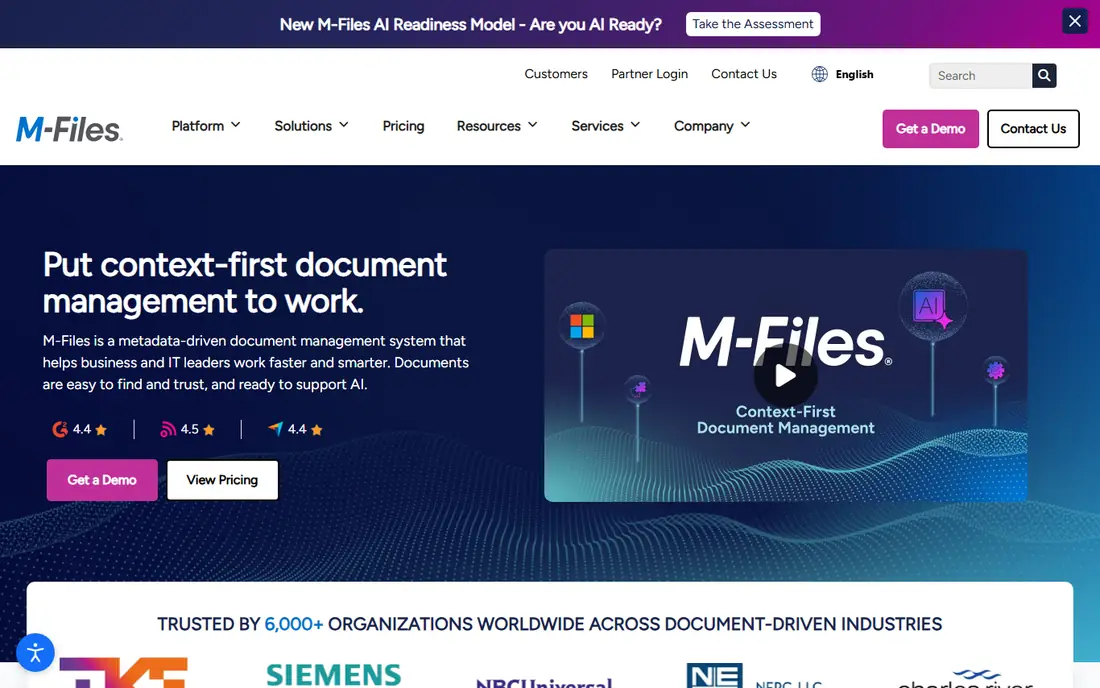
M-Files organizes documents by metadata rather than folders, so a contract appears under client, project, and type at once, without duplicate copies. That model suits companies tired of folder sprawl, since search and views replace manual filing. Workflow automation routes documents for review and approval, and version control tracks changes.
The metadata mindset takes adjustment for teams used to folders, and pricing is quote-based. For a company that loses time to misfiled documents, M-Files is a strong and distinctive pick. Its search is the feature users notice most once the system is set up.
What we like- Metadata-driven organization
- Good search
- Strong workflow
Watch out for- Mindset shift from folders
- Pricing is quote-based
#3DocuWare
Best for: mid-size document management with strong capture4.4/5 on
G2 (251 reviews, checked Oct 2026)
Visit start.docuware.com
Starting priceSee website
Free planFree trial
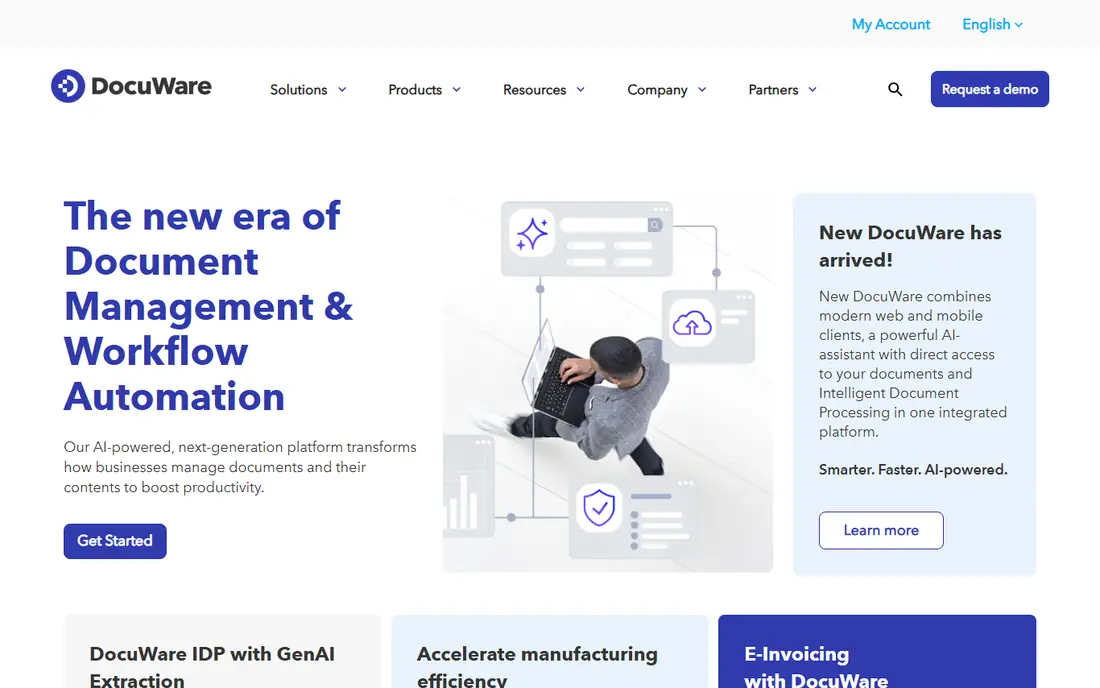
DocuWare covers document capture, management, and workflow for mid-size companies, with cloud or on-premise deployment. Capture handles scanning, email, and digital documents, while workflow routes approvals and tasks. The platform suits finance, HR, and operations teams that process forms and invoices daily.
Enterprise depth for very complex case management is less than OnBase or OpenText, and pricing varies by module. For a mid-size company that wants solid document management without enterprise complexity, DocuWare is an excellent pick. Its cloud option also suits companies avoiding server maintenance.
What we like- Good capture
- Easy workflow
- Cloud or on-premise
Watch out for- Enterprise depth is less than OnBase
- Pricing varies by module
Starting priceSee website
Free planNo
OpenText offers a broad enterprise content management suite, covering capture, records, workflow, and information governance at scale. It suits large, regulated organizations that need strict control over documents, retention, and audit trails across many departments and regions. The suite also covers e-discovery and archiving.
Pricing is enterprise-level, and the suite is complex to navigate, with many products under one brand. For a large enterprise that needs the deepest governance and scale, OpenText is a strong rival to OnBase. Smaller companies will find DocuWare or M-Files simpler.
What we like- Deep enterprise features
- Strong compliance
- Broad suite
Watch out for- Enterprise pricing
- Complex suite to navigate
#5Alfresco
Best for: open source content management with flexibility3.8/5 on
G2 (55 reviews, checked Oct 2026)
Visit alfresco.com
Starting priceSee website
Free planYes
Alfresco, now part of Hyland, is an open source content platform for document management, collaboration, and process automation, with a community edition that is free. Developers can customize workflows, models, and integrations deeply, which suits technical teams that want control. The platform also covers records and case management in enterprise editions.
Setup needs technical skill, and enterprise support costs apply for production use with guarantees. For a technical team that wants open source control without license fees, Alfresco is the best open option here. Its flexibility is the reason developers choose it.
What we like- Open source
- Flexible
- Good for developers
Watch out for- Setup needs technical skill
- Support costs for enterprise use
#6SharePoint
Best for: documents inside Microsoft 3654.0/5 on
G2 (8,516 reviews, checked Oct 2026)
Visit microsoft.com
Starting priceSee website
Free planFree trial
SharePoint, inside Microsoft 365, covers document libraries, collaboration, and intranet sites, with versioning, permissions, and search built in. For a company already on Microsoft 365, SharePoint is often included or cheap to add, which makes it the lowest-cost serious option. Teams collaborate on documents in real time through Office apps.
Document management depth for capture, records, and complex workflow is less than OnBase or DocuWare, and setup needs planning to avoid library sprawl. For a Microsoft 365 company that needs good-enough document management inside familiar tools, SharePoint is the natural pick. Pair it with Power Automate for workflow.
What we like- Included in many Microsoft plans
- Good collaboration
- Broad integrations
Watch out for- Document management depth is less than OnBase
- Setup needs planning
#7Box
Best for: cloud content management with strong sharing4.2/5 on
G2 (5,259 reviews, checked Oct 2026)
Visit box.com
Starting priceSee website
Free planYes
Box is a cloud content platform for storing, sharing, and collaborating on files, with strong security, permissions, and integrations to common work tools. It suits companies that need cloud documents with controlled sharing, including external partners and clients. The free plan covers personal use, while business plans add admin controls and workflow.
Workflow and capture depth are less than OnBase or DocuWare, so complex document processes need other tools. For a company that prioritizes cloud sharing and collaboration over deep workflow, Box is an excellent pick. Its security and sharing controls are the features teams trust most.
What we like- Easy sharing
- Good security
- Broad integrations
Watch out for- Workflow depth is less than OnBase
- Pricing rises with users
Starting priceSee website
Free planYes
Paperless-ngx is an open source document archiving system that scans, OCRs, and organizes documents with tags, correspondents, and full-text search. It suits individuals and small teams that want to digitize paper archives without subscription costs, running on a home server or small cloud instance. The interface is clean, and the community is active.
Enterprise features such as complex workflow, records management, and large-team controls are limited. For personal archiving or a small team's paperless project, Paperless-ngx is the best free pick here. Larger organizations should look at DocuWare, M-Files, or OnBase instead.
What we like- Free and open source
- Good OCR
- Simple archiving
Watch out for- Small-team focus
- Enterprise features are limited
How we chose
We compared these tools on capture, organization, workflow, compliance, pricing, and fit for different company sizes. We checked vendor pages and public comparison guides, and where pricing was not published we wrote See website instead of guessing. We kept the list to tools a real company can sign up for today, and we left out tools that only cover one narrow document task. We also weighed migration support, since moving a document library is riskier than moving most other business data, and a vendor with proven migration help is worth more than a slightly lower subscription price.
How to pick a Laserfiche replacement without losing documents
Start with your document types and volumes. High-volume capture with forms and invoices points to OnBase, DocuWare, or OpenText. General office documents point to SharePoint, Box, or M-Files. Personal archives point to Paperless-ngx. Picking by document type avoids a tool that handles your least common documents well and your main ones poorly.
Next, plan migration carefully, since document migration is risky. Test with a sample batch: check that metadata, versions, and permissions survive the move, and that search finds migrated documents. Keep the old system readable until the new one is verified, and set up redirects or links so staff find documents during transition.
Finally, check workflow and compliance needs before committing. Approval chains, retention rules, and audit trails vary widely across these tools, and a tool that lacks your required retention or approval feature will cause problems later. Test your most complex workflow during trials, not just basic storage.
Also review security and access controls before migrating sensitive documents. Confirm encryption, role-based permissions, audit logs, and data residency options, and check how the tool handles external sharing, since a shared link that never expires is a common source of leaks. For regulated industries, ask about certifications and retention enforcement, and test that deleted documents are actually gone when retention ends, rather than lingering in backups indefinitely.
Frequently asked questions
What is Laserfiche used for?
Laserfiche is a document management and process automation platform, covering capture, storage, workflow, and records for companies and government agencies. Organizations replacing it usually need the same capture, workflow, or compliance capability from another vendor.
Which alternative is closest to Laserfiche?
Hyland OnBase is closest for enterprise capture, workflow, and compliance, while DocuWare is closest for mid-size companies. M-Files is a strong rival when metadata organization matters most.
Can I migrate documents from Laserfiche?
Yes, though effort varies by volume and metadata complexity. Most vendors offer migration help, and testing with a sample batch is essential. Check that metadata, versions, permissions, and folder structures survive the move before migrating everything. Plan the migration in phases by department or document type, so a problem in one phase does not block the whole project, and train staff on the new system before their documents move, since confusion after migration causes more support tickets than the migration itself.
Do I need on-premise or cloud deployment?
Cloud suits most companies now, with lower maintenance and easier access, while on-premise suits regulated industries with strict data control needs. DocuWare, SharePoint, and Box offer cloud options, while OnBase and OpenText cover both models. Consider hybrid setups too, where sensitive records stay on-premise while everyday documents live in the cloud.
How important is OCR?
OCR matters whenever paper or image documents must become searchable text. Check OCR accuracy on your actual document types during trials, since handwriting, poor scans, and unusual fonts challenge weaker OCR engines. Good OCR turns an archive into a searchable resource. Test with your worst documents, not your best, since clean scans flatter every engine, and check whether OCR runs automatically on import or needs a manual step, since manual OCR creates backlogs that never clear.
What is the difference between document management and content services?
Document management focuses on storing and organizing documents, while content services add capture, workflow, records, and integrations across business processes. OnBase and OpenText are content services platforms, while Box and SharePoint lean more toward storage and collaboration. Choose content services when documents drive business processes, and choose simpler storage when they only need to be found and shared. Match the platform to the process, not the other way around.
Sources we checked (8)
- https://www.hyland.com
- https://www.m-files.com
- https://start.docuware.com
- https://www.opentext.com
- https://www.alfresco.com
- https://www.microsoft.com
- https://www.box.com
- https://docs.paperless-ngx.com
Is your product missing or out of date?
We review this list regularly. Vendors can request a listing, send updated pricing or ask about featured placement.

Shihab Mia · Founder, Rankite
Shihab has 5+ years in B2B and SaaS SEO. He writes Rankite's software buying guides from pricing pages, documentation and public user reviews. More about Shihab.