How we make this list: we compare pricing pages, product documentation and public user reviews. Ratings come from G2, Capterra or Trustpilot, with the date we checked them.
Key takeaways
- Google Translate is the default pick for most people, with the widest language list and a free price tag.
- DeepL wins on natural-sounding writing in its supported languages, which matters most for work documents and email.
- Papago is the specialist pick for Korean, Japanese, and Chinese, where general tools often miss the tone.
- Offline packs, camera translation, and conversation mode matter more in real use than a raw language count.
- No app here replaces a human translator for legal, medical, or contract text, so check critical documents twice.
Quick comparison
Is your product missing or out of date?
We review this list regularly. Vendors can request a listing, send updated pricing or ask about featured placement.
The best language translator apps
Starting priceFree
Free planYes
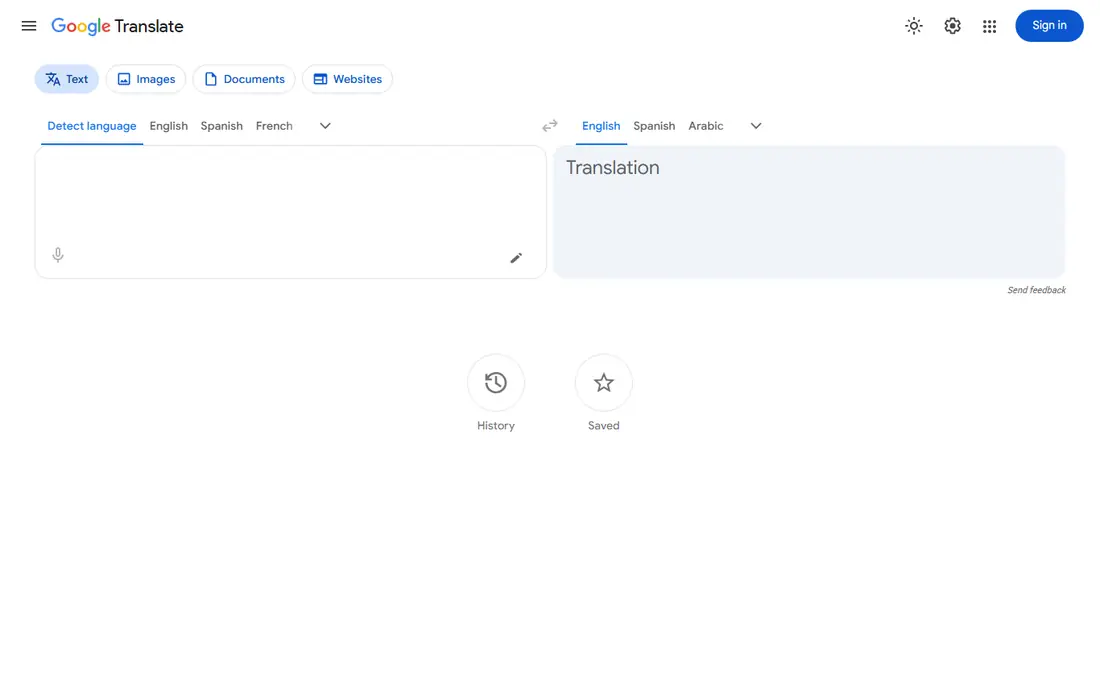
Google Translate is the app most people should install first. It covers more languages than any rival here, it costs nothing, and it handles the three jobs travelers actually need: typing a phrase, pointing a camera at a sign, and holding a spoken conversation with someone who does not share your language. Offline packs cover many major languages, so a dead zone does not leave you stranded.
The weak point is style. Google Translate gets the meaning across, but business writing and long documents can come out stiff or awkward, and rare languages get less training data and more errors. For menus, directions, and chat messages it is excellent. For a job application or a client email, run the result past DeepL or a native speaker before you send it.
What we like- About 249 languages
- Camera and conversation modes
- Offline packs for many languages
Watch out for- Written style can sound flat
- Some low-resource languages are weak
- No human review option

#2DeepL
Best for: Natural written translations4.6/5 on
G2 (152 reviews, checked Oct 2026)
Visit deepl.com
Starting priceFree
Free planYes
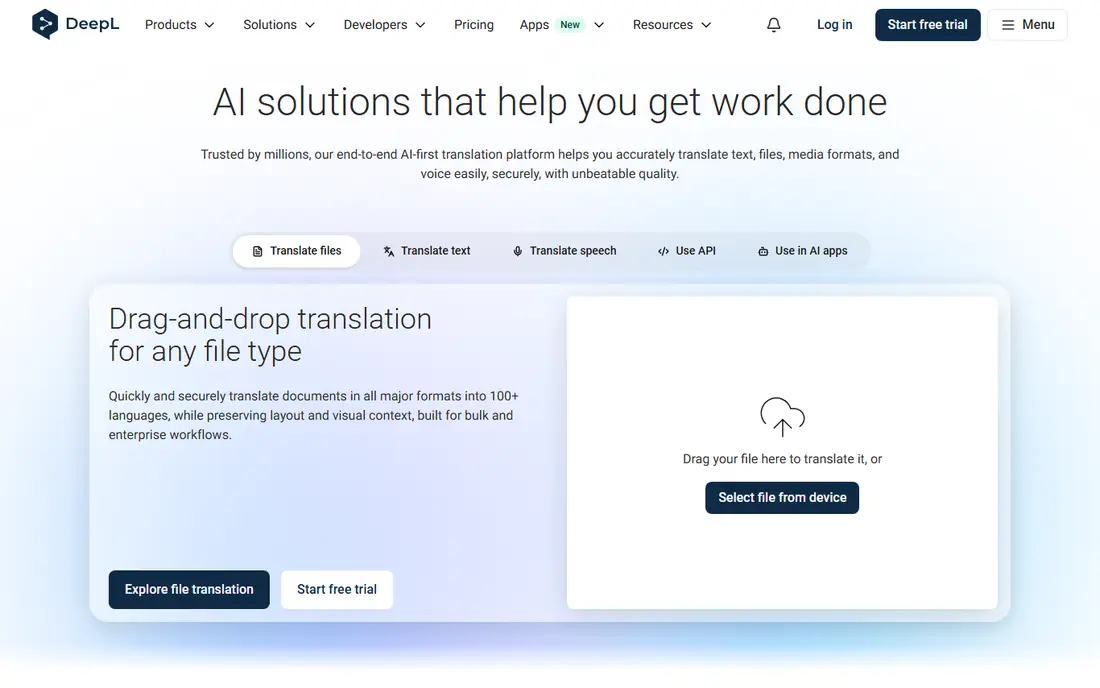
DeepL is the pick when the writing itself matters. For French, German, Spanish, Italian, and other European pairs, its output reads more like something a person wrote, with better word choice and sentence flow than the free giants. That difference shows up fast in work email, reports, and marketing copy, where a clumsy sentence costs credibility.
The trade is coverage. DeepL supports far fewer languages than Google, and it has no offline mode, so it needs a connection. Paid plans add tone settings, larger document translation, and higher volume, starting around $10.49 per month by some 2026 guides. If your languages are covered, DeepL is the strongest writer on this list. If they are not, it cannot help you at all.
What we like- Most natural phrasing for European languages
- Tone controls on paid plans
- Document translation
Watch out for- About 35 languages in the app
- No offline mode
- Pro starts around $10.49 per month
Starting priceFree
Free planYes
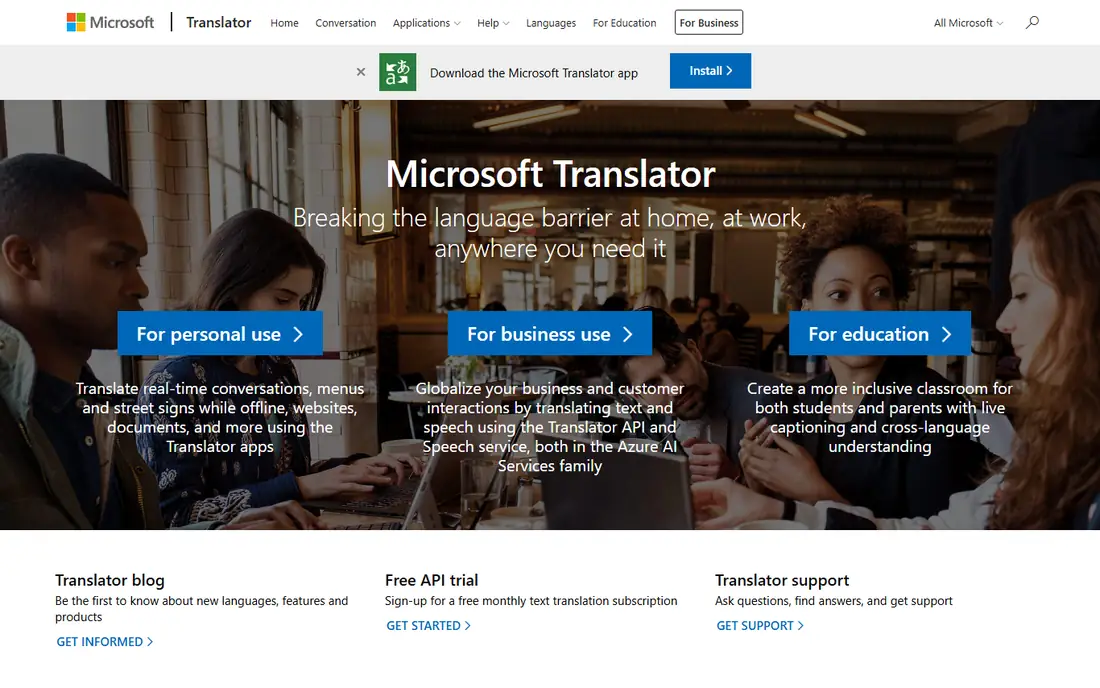
Microsoft Translator stands out for group talk. One person starts a conversation, others join from their own phones, and everyone reads along in their own language. That setup fits classrooms, tour groups, and multilingual meetings better than passing one phone back and forth, and it is free.
For solo travel it is a solid all-rounder, with offline packs for many languages and a camera mode for signs. It does not beat Google on breadth or DeepL on writing style, but the group mode is a real reason to keep it installed next to Google Translate. Teams already on Microsoft 365 get the smoothest fit.
What we like- Group conversation mode for many devices
- 100 plus languages
- Works with Microsoft 365
Watch out for- Camera mode is less polished
- Translation quality varies by language pair
Starting priceFree
Free planYes
Apple Translate is the quiet, private option for iPhone owners. Much of the work happens on the device, so your phrases do not have to leave your phone, and there is no account to create. Conversation mode, camera translation, and offline packs cover the basics well, and the design stays out of the way.
The limit is language count, at around 20, which is far behind Google. If you travel within major European and Asian languages, that is often enough. If you need less common languages, you will still need Google Translate as a backup. Android users cannot use it at all, so this pick only makes sense inside the Apple world.
What we like- On-device processing for many languages
- No account needed
- Clean and simple design
Watch out for- About 20 languages
- IPhone and iPad only
- Fewer advanced features
Starting priceFree
Free planYes
Papago is the specialist that beats the giants in its home region. Built by Naver in South Korea, it handles Korean honorifics, Japanese politeness levels, and Chinese phrasing with more care than general tools, which matters because a wrong level of formality can offend a host or a business contact. Travelers in Seoul, Tokyo, or Shanghai notice the difference on day one.
Outside East Asia, Papago is thin, with only about 14 languages in total. Keep it as a second app rather than your only translator, paired with Google Translate for everything else. For a trip focused on Korea, Japan, or China, it moves to the top of the list.
What we like- Most natural Korean, Japanese, and Chinese results
- Honorific handling
- Offline packs
Watch out for- About 14 languages
- Weaker outside East Asia
- Smaller global user base

#6iTranslate
Best for: Travel with offline packs4.8/5 on
G2 (2 reviews, checked Oct 2026)
Visit itranslate.com
Starting priceFree
Free planYes
iTranslate is a polished travel companion with a long history on both phone platforms. It covers more than 100 languages, handles voice, text, and camera input, and notes dialect differences that matter when a phrase changes meaning across regions. The interface is friendly for first-time travelers who want one app for a whole trip.
The catch is the paywall. Offline packs, camera translation, and voice mode in full all sit on the Pro plan at about $5.99 per month, while the free tier is more limited and ad-supported. If you travel often and want offline coverage without juggling apps, Pro is fair value. If you only need occasional help, the free giants cover the same ground at no cost.
What we like- 100 plus languages
- Offline packs and camera on Pro
- Dialect notes for many languages
Watch out for- Best features sit behind Pro at about $5.99 per month
- Free tier shows ads

#7Reverso
Best for: Learners who want context4.3/5 on
G2 (2 reviews, checked Oct 2026)
Visit reverso.net
Starting priceFree
Free planYes
Reverso is built for people learning a language, not just passing through. Instead of one bare translation, it shows how a word or phrase appears in real sentences, so you learn the usage, not just the meaning. Built-in conjugation tables and grammar notes make it a study aid as much as a translator.
That focus costs breadth, with about 18 languages and translation quality that trails DeepL for long text. Premium, at about $4.99 per month, removes ads and raises limits. Pair Reverso with a broad translator: Reverso for learning and checking nuance, Google or DeepL for raw coverage and documents.
What we like- Real example sentences in context
- Conjugation and grammar help
- About 18 languages
Watch out for- Narrower language list
- Translation quality trails DeepL
- Premium at about $4.99 per month
Starting priceFree
Free planYes
Yandex Translate is the pick for reading the web across languages. Paste a link or upload a document and it returns a translated page, which suits researchers, shoppers, and anyone following news in another language. It covers about 100 languages and is notably strong for Russian and neighboring regional languages.
The mobile app feels less refined than Google or Apple, and some features vary by region. For phone-first travel it is not the first choice. For desktop reading and for Slavic and Central Asian language pairs, it earns its place, and it costs nothing.
What we like- About 100 languages
- Strong for Russian and regional languages
- Website and document translation
Watch out for- Mobile app is less polished
- Some features vary by region
- Smaller support community in English
How we chose
We started from what a translator app must do in daily life: cover the languages you actually meet, work when the connection drops, and handle voice, camera, and text without friction. We compared vendor pages, current guides, and published language counts, and we favored apps that are still maintained, free or fairly priced, and honest about their limits. We left out developer-only APIs, dead apps, and tools that only translate inside one narrow product. Prices here come from 2026 guides and vendor pages, and they change, so check the store listing before you pay.
How to pick a translator app
Start with your languages, not the app store ranking. Write down the three languages you meet most, then check which apps cover all three well. A huge language count means nothing if your language is one of the weak ones. Then check the mode you use most: camera for travel signs, conversation for talking with people, document upload for work.
Match the app to the trip
For a single trip, install two apps: one broad tool like Google Translate and one specialist like Papago for East Asia or DeepL for European writing. Download offline packs before you leave, and test camera mode on a real sign at home. For study, add Reverso for context and examples. For work documents, budget for DeepL Pro or a human review step, since a free app alone is not safe for contracts.
Test before you trust it
Translate a paragraph you wrote yourself, then translate it back and read the result. If the meaning survives the round trip, the app handles your language pair well. Try voice mode in a noisy room, since street noise breaks weaker apps. And never paste passwords, medical records, or contract text into a free translator without checking its privacy terms, since free apps often process text on remote servers.
Frequently asked questions
Which translator app is best overall?
Google Translate, because it is free, covers about 249 languages, and handles text, voice, camera, and offline use in one app. Add DeepL for polished European writing and Papago for Korean, Japanese, and Chinese trips.
Can I use a translator app offline?
Yes, with limits. Google Translate, Microsoft Translator, Papago, and iTranslate Pro offer offline packs for many languages, but packs cover fewer languages than online mode and quality drops slightly. Download packs on Wi-Fi before you travel.
Is DeepL better than Google Translate?
For written European languages, yes, DeepL usually sounds more natural. For language coverage, camera mode, and offline use, Google Translate wins. Many people keep both and pick per task.
Are free translator apps safe for private text?
Free apps often send text to remote servers for processing, so avoid pasting sensitive personal, medical, or legal text into them. Apple Translate processes more on-device, which suits privacy-minded iPhone users, but no app guarantees secrecy for sensitive documents.
Do translator apps replace human translators?
No. Apps handle everyday talk, travel, and drafts well, but legal, medical, and contract translation needs a qualified human who understands context and liability. Use apps to understand, and humans to commit.
Sources we checked (8)
- https://translate.google.com
- https://www.deepl.com
- https://translator.microsoft.com
- https://www.apple.com
- https://papago.naver.com
- https://www.itranslate.com
- https://www.reverso.net
- https://translate.yandex.com
Is your product missing or out of date?
We review this list regularly. Vendors can request a listing, send updated pricing or ask about featured placement.

Shihab Mia · Founder, Rankite
Shihab has 5+ years in B2B and SaaS SEO. He writes Rankite's software buying guides from pricing pages, documentation and public user reviews. More about Shihab.
 Google Translate
 Microsoft Translator
 Apple Translate
 Naver Papago
 Yandex Translate