How we make this list: we compare pricing pages, product documentation and public user reviews. Ratings come from G2, Capterra or Trustpilot, with the date we checked them.
Key takeaways
- Kronos Workforce Central is being phased out, with private cloud support ended in 2025 and on-premises support running to March 2027, so migration is a deadline, not a choice.
- Dayforce is the closest single-platform replacement, combining HR, pay, time, and talent with continuous payroll calculation.
- ADP Workforce Now suits organizations that want payroll depth first, backed by a vendor that pays one in six US workers.
- TCP Software is the specialist pick for complex shift rules, union agreements, and public safety scheduling.
- Deputy is the simplest option for shift-based small and mid-size teams that do not need enterprise HCM depth.
Quick comparison
Is your product missing or out of date?
We review this list regularly. Vendors can request a listing, send updated pricing or ask about featured placement.
The best Kronos alternatives

#1ADP Workforce Now
Best for: Payroll-first workforce management4.2/5 on
G2 (4,475 reviews, checked Oct 2026)
Visit adp.com
Starting priceSee website
Free planNo
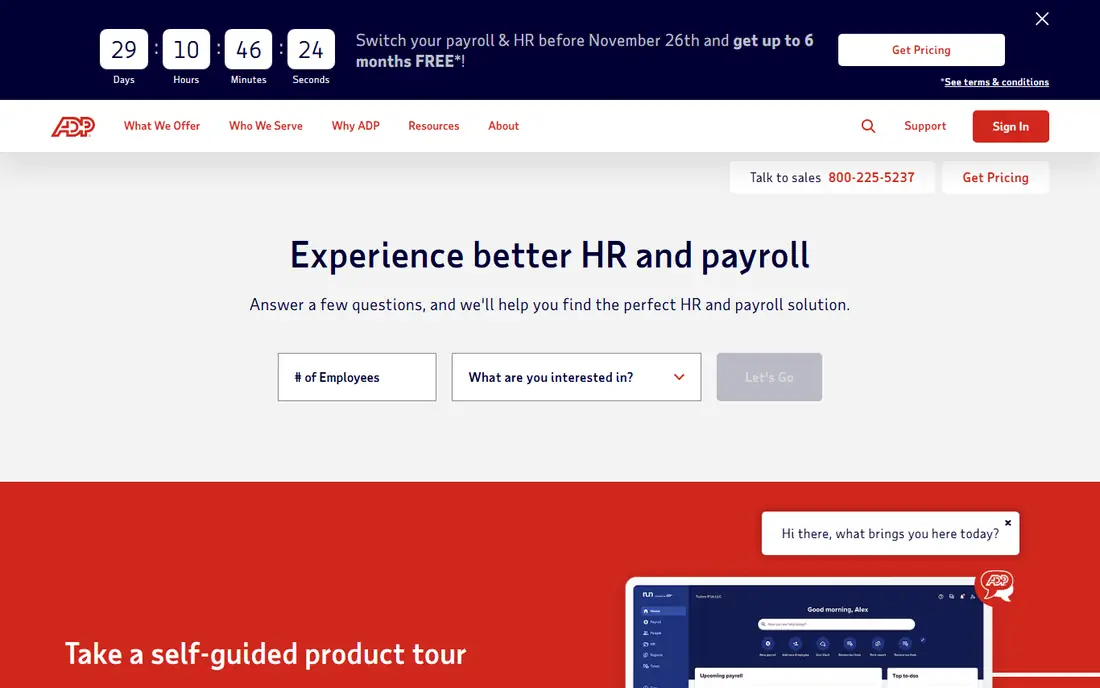
ADP is the safe pair of hands for a Kronos replacement. Its homepage states more than 1,100,000 clients and a payroll operation that pays one in six workers in the United States, which is a scale few competitors can match. Workforce Now combines payroll, time and attendance, HR, benefits, and talent tools, so a company leaving Kronos can keep most of its workflows with one vendor.
The trade-off is the buying experience. Pricing is quote only, and the platform's breadth means the interface can feel dense for managers who only schedule shifts. ADP also sells several tiers, from RUN for small businesses to Workforce Now for larger teams, so a buyer should confirm which tier the quote covers. For an organization that ranks payroll accuracy and compliance above all else, ADP is the most proven Kronos alternative.
What we like- Payroll scale covering one in six US workers stated on its homepage
- Time, attendance, and HR in one suite
- Long record with large employers
Watch out for- Quote-only pricing
- Interface can feel dense as features grow
- Enterprise onboarding takes time

#2Dayforce
Best for: Single-platform HR, pay, and time4.2/5 on
G2 (962 reviews, checked Oct 2026)
Visit dayforce.com
Starting priceSee website
Free planNo
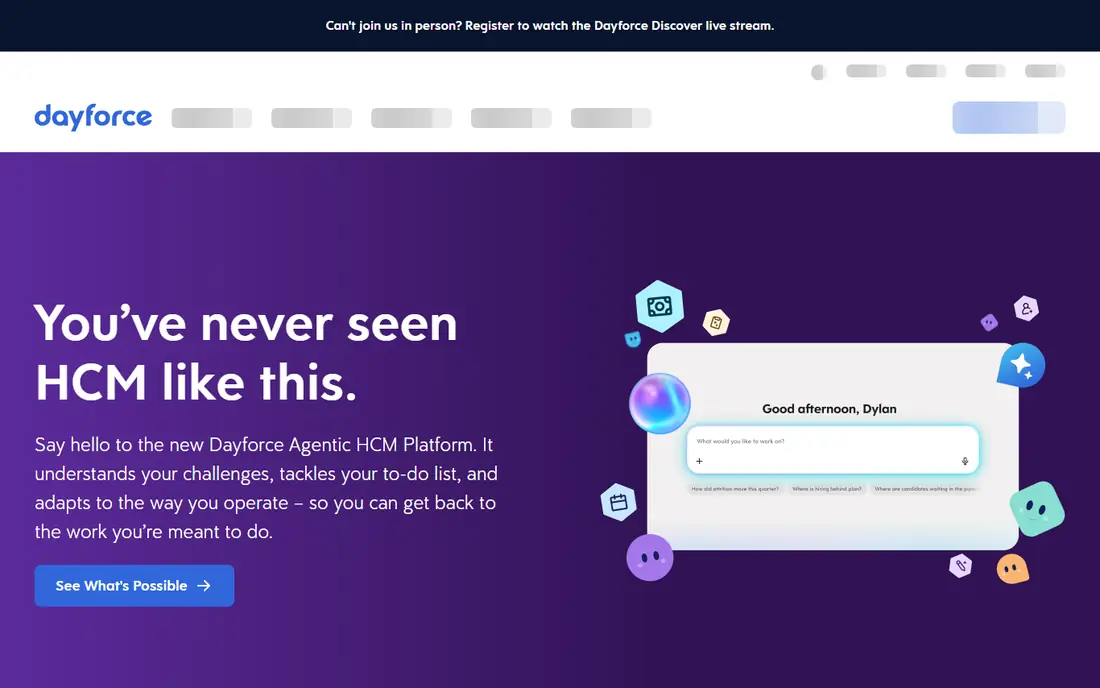
Dayforce is built around one idea: pay, time, and HR should share a single record, so a schedule change updates pay immediately instead of waiting for a batch process. Its homepage highlights continuous calculation, which one customer described as turning days of payroll work into minutes. The platform covers more than 200 countries for payroll and includes workforce management, talent, and analytics alongside core HR.
Dayforce is an enterprise platform, and the implementation reflects that. Expect a structured rollout with data migration, pay rule configuration, and manager training, plus quote-only pricing. A smaller team may find the suite more than it needs. For a large employer leaving Kronos that wants one system for HR and pay, Dayforce is the most direct replacement.
What we like- HR, pay, time, talent, and analytics on one data model
- Continuous payroll calculation
- Named a leader in the 2026 Gartner Magic Quadrant for HCM suites on its homepage
Watch out for- Enterprise pricing is quote only
- Implementation is a major project
- Smaller teams may not need the full suite

#3Workday HCM
Best for: Large enterprises that want HR plus finance4.2/5 on
G2 (2,448 reviews, checked Oct 2026)
Visit workday.com
Starting priceSee website
Free planNo
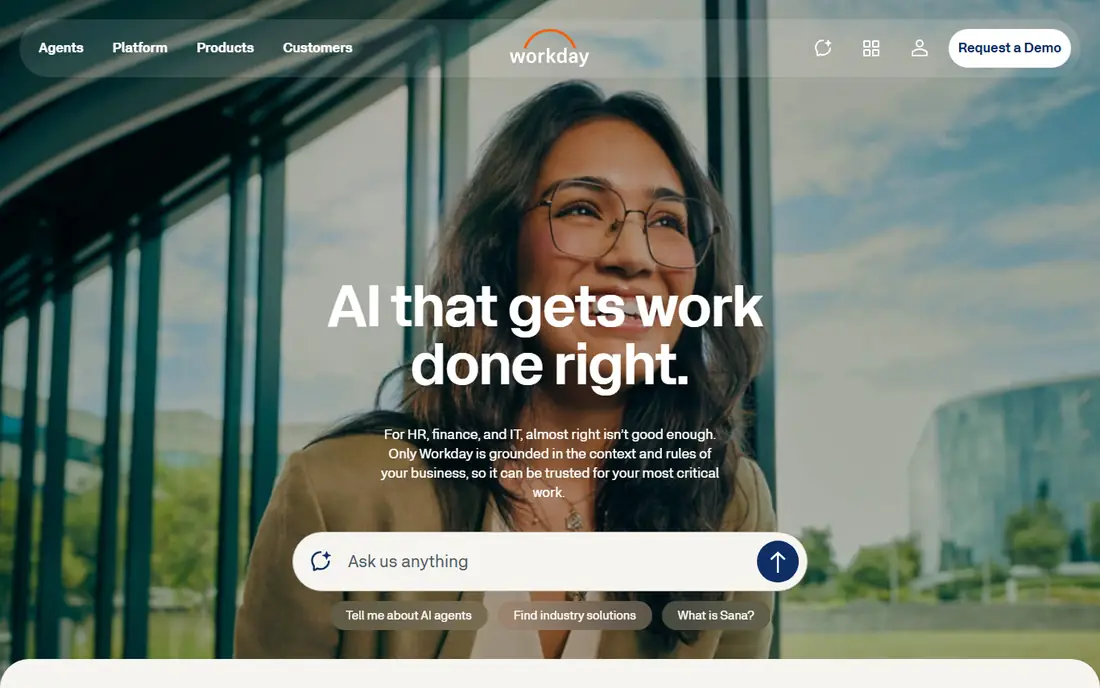
Workday appeals to organizations that want workforce management inside a broader enterprise system. Its HCM suite covers core HR, time, scheduling, payroll, and talent, and it sits alongside finance on the same platform, which helps companies that plan headcount and budget together. The homepage also notes midsize packages under Workday GO for leaner teams.
The catch for a Kronos shop is specialization. Workday's scheduling and time tools are strong, but a union plant with intricate shift rules may find deeper configuration in a dedicated WFM vendor. Implementations are long and quote-only pricing means budgeting starts with a sales conversation. For a large enterprise already standardizing on Workday for finance, adding HCM is a natural Kronos exit.
What we like- HR, finance, and IT on one platform
- Strong workforce planning and analytics
- Midsize packages available through Workday GO
Watch out for- Enterprise pricing and long implementations
- Scheduling depth trails dedicated WFM specialists
- Best value shows at large scale

#4Oracle Fusion Cloud HCM
Best for: Oracle shops with complex compliance3.8/5 on
G2 (89 reviews, checked Oct 2026)
Visit oracle.com
Starting priceSee website
Free planNo
Oracle Fusion Cloud HCM suits organizations already running Oracle systems or needing deep compliance controls. The platform connects every HR process on a single data model, and its homepage notes eleven consecutive years as a Gartner Leader in Cloud HCM. Scheduling, time, and payroll sit alongside talent and workforce planning, with labor-law and union-rule handling built into cross-system scheduling.
The drawback is ecosystem weight. Oracle HCM works best inside an Oracle stack, and leaving that stack later is costly. Implementation usually needs experienced partners, and pricing is quote only. For a large employer with Oracle ERP already in place and complex labor rules to enforce, Oracle HCM is a credible Kronos alternative.
What we like- One data model across all HR processes
- Named a Gartner Leader in Cloud HCM for eleven straight years on its homepage
- Deep compliance and union rule support
Watch out for- Quote-only pricing
- Oracle ecosystem lock-in
- Implementation needs experienced partners

#5
Infor Workforce Management
Best for: Manufacturing and healthcare scheduling
Visit infor.com
Starting priceSee website
Free planNo
Infor Workforce Management is built for industries where staffing follows demand curves: hospitals, factories, and retail. Its platform uses forecasting to predict business volume, then builds schedules that balance union rules, business policies, and employee preferences, with mobile self-service for frontline staff. Healthcare features include patient-centric staffing and mandate enforcement, which generic HCM tools often lack.
Infor WFM shines brightest alongside Infor ERP, and a company without that stack may get less integration value. Pricing is quote based and depends on size, industry, and modules. For a manufacturer or health system leaving Kronos, Infor WFM offers scheduling depth that general HR suites struggle to match.
What we like- AI-driven demand forecasting for schedules
- Strong healthcare and manufacturing fit
- Configurable schedule and pay rules with alerts
Watch out for- Quote-based pricing
- Best value inside an Infor ERP stack
- Smaller brand presence than ADP or Workday in general HCM
Starting priceSee website
Free planNo
TCP Software focuses on the hardest part of workforce management: getting shifts right. Its family includes TimeClock Plus for time and attendance, Humanity Schedule for dynamic scheduling, and Aladtec for public safety rotations with union policies. The homepage states more than 37,000 companies use its products, and its guides emphasize configurable rules for collective bargaining agreements, fatigue limits, and certifications.
The product family is also the complication. A buyer must work out whether it needs TimeClock Plus, Humanity, Aladtec, or a combination, and pricing is quote only. TCP is not a full HCM suite, so payroll and talent may still need another vendor. For a union operation, a 24/7 plant, or a public safety agency leaving Kronos, TCP is the specialist pick.
What we like- TimeClock Plus, Humanity Schedule, and Aladtec cover distinct scheduling needs
- Strong union, fatigue, and certification rule support
- More than 37,000 companies stated on its homepage
Watch out for- Multiple products can confuse buyers
- Enterprise pricing is quote only
- Less of a full HCM suite than Dayforce or ADP

#7Deputy
Best for: Simple shift scheduling for smaller teams4.6/5 on
G2 (666 reviews, checked Oct 2026)
Visit deputy.com
Starting priceSee website
Free planNo
Deputy is the simplest Kronos alternative on this list. It focuses on scheduling, time tracking, and basic HR and payroll, with mobile apps that frontline staff adopt quickly. Compliance tools cover breaks, overtime, and Fair Workweek rules, and the homepage shows 4.6 out of 5 ratings on Capterra, Software Advice, and G2. Setup takes days rather than months, which matters for a team that needs to move fast.
Deputy is not built for the shift complexity that Kronos handled in union plants or hospitals. Its pay rule engine is lighter, and a large enterprise may outgrow it. For a retail, hospitality, or services business with hourly staff and straightforward scheduling, Deputy delivers most of what Kronos offered at far less effort.
What we like- Fast to implement with easy mobile apps
- Compliance tools for breaks, overtime, and Fair Workweek rules
- Strong review scores on Capterra and G2 shown on its homepage
Watch out for- Less depth for complex enterprise pay rules
- Quote or plan pricing varies by region
- Not a full enterprise HCM replacement

#8Paycom
Best for: Automated payroll with a single database4.7/5 on
G2 (12,013 reviews, checked Oct 2026)
Visit paycom.com
Starting priceSee website
Free planNo
Paycom takes automation further than most HCM vendors. Its single database means an employee's time, expenses, and deductions flow into payroll without reentry, and its Beti tool lets employees find and fix payroll errors before pay runs. The homepage cites a Forrester study claiming Beti cut payroll processing time by 90 percent for a composite organization, and every client gets a dedicated service team rather than a ticket queue.
The model demands employee adoption: self-service only works when staff actually use it. Paycom's heritage is US payroll, so global employers may need partners for some countries. Pricing is quote only. For a US employer leaving Kronos that wants payroll to run with less HR intervention, Paycom is a strong alternative.
What we like- Truly single database so data entered once flows everywhere
- Beti payroll automation with employee error checks
- Dedicated service team per client
Watch out for- US-centric heritage with less global payroll depth
- Quote-only pricing
- Automation model requires employees to adopt self-service
How we chose
We compared workforce management platforms that reviewers and migration guides name most often for Kronos Workforce Central replacements, using vendor homepages, pricing pages, and public comparison guides. We opened each homepage to confirm it loads and belongs to the vendor named, and we marked prices as See website where the vendor does not publish a rate. We favored platforms with distinct strengths, such as payroll scale, single-platform design, or complex shift rules, over near-identical feature lists. Where a price could not be verified from the vendor, we wrote See website rather than repeating a third-party estimate.
What to plan before you migrate off Kronos
Treat migration as a project with a deadline. Kronos Workforce Central private cloud support ended in 2025 and on-premises support runs to March 2027 according to migration partner guides, so a team still on Workforce Central should already have a plan. Start by documenting every pay rule, shift rule, accrual policy, and integration, since these took years to configure and will not transfer automatically.
Rebuild your pay rules, do not just copy them
Use the migration to audit rules that no longer match current policy. Many Kronos installations carry legacy rules for locations that closed or agreements that changed, and copying them blindly imports old errors. Have payroll sign off on each rule in the new system, and run parallel payroll for at least two cycles before cutover.
Test scheduling with real managers
Scheduling tools fail when managers cannot use them under time pressure. Give shift supervisors the new tool during a pilot, with real rosters and real absence requests, and measure how long schedule creation takes versus Kronos. If managers revert to spreadsheets, the tool has failed no matter how good its feature list looks.
Protect historical data
Decide what happens to years of timecard and pay history before you decommission Kronos. Some vendors migrate limited history, and auditors may still ask for old records. Export and archive time and attendance data in a readable format, and confirm retention requirements with legal before any system is switched off.
Frequently asked questions
Is Kronos really going away?
Kronos Workforce Central is being phased out by UKG. Migration partner guides state that private cloud deployments lost engineering and cloud support at the end of 2025, and on-premises deployments have until March 2027. UKG's current products, such as UKG Pro and UKG Ready, continue, but Workforce Central itself has an end date.
What is the closest direct replacement for Kronos?
Dayforce is the closest single-platform replacement for most large employers, since it covers HR, pay, time, and talent on one data model. ADP Workforce Now is the closest payroll-first replacement, and TCP Software is the closest specialist replacement for complex shift rules.
How long does a Kronos migration take?
A typical migration takes three to nine months, depending on headcount, pay rule complexity, and integrations. Union environments and multi-state employers sit at the longer end, since every rule needs testing against real payroll cycles.
Can a small business use these tools?
Deputy and ADP RUN suit smaller teams, while Dayforce, Workday, and Oracle target larger employers. A business under 50 employees usually does better with a simpler scheduling and payroll tool than an enterprise HCM suite.
Do these tools handle union rules and overtime?
Yes, but depth varies. TCP Software, Infor WFM, and Oracle HCM offer the deepest union and pay rule configuration, while Deputy covers standard overtime and Fair Workweek rules. Test your actual agreement language in a pilot before committing.
Should I move to UKG Pro instead of switching vendors?
Moving to UKG Pro or UKG Ready is the lowest-friction path for a current UKG customer, since data and some configuration carry over. Switching vendors makes sense when pricing, support, scheduling depth, or a broader platform such as finance integration matters more than staying put.
Sources we checked (10)
- https://www.adp.com
- https://www.dayforce.com
- https://www.workday.com
- https://www.oracle.com/human-capital-management/
- https://www.infor.com/solutions/people/wfm
- https://www.tcpsoftware.com
- https://www.deputy.com
- https://www.paycom.com
- https://www.indeavor.com/blog/kronos-alternatives/
- https://www.trustradius.com/products/ukg-workforce-central/competitors
Is your product missing or out of date?
We review this list regularly. Vendors can request a listing, send updated pricing or ask about featured placement.

Shihab Mia · Founder, Rankite
Shihab has 5+ years in B2B and SaaS SEO. He writes Rankite's software buying guides from pricing pages, documentation and public user reviews. More about Shihab.
 TCP Software