How we make this list: we compare pricing pages, product documentation and public user reviews. Ratings come from G2, Capterra or Trustpilot, with the date we checked them.
Key takeaways
- Homebase and When I Work suit small hourly teams that need scheduling, time tracking, and team messaging without a large setup.
- 7shifts suits restaurants and hospitality, with scheduling, labor cost control, and tip and compliance features for shift teams.
- Connecteam and Sling suit deskless teams that need scheduling plus training, forms, and communication in one mobile app.
- Planday, Shiftboard, and Humanity suit larger or more complex shift operations, with deeper scheduling rules and integrations.
Quick comparison
| Tool | Best for | Starting price | Free plan |
|---|
 Homebase Homebase | Small hourly teams | See website | Yes |
 When I Work When I Work | Simple team scheduling | See website | Free trial |
 7shifts 7shifts | Restaurants and hospitality | See website | Free trial |
 Connecteam Connecteam | Deskless team management | See website | Yes |
 Sling Sling | Free-leaning team scheduling | See website | Yes |
 Planday Planday | Shift scheduling at scale | See website | Free trial |
 Shiftboard Shiftboard | Complex shift operations | See website | Free trial |
 Humanity Humanity | Enterprise shift scheduling | See website | Free trial |
Is your product missing or out of date?
We review this list regularly. Vendors can request a listing, send updated pricing or ask about featured placement.
The best Deputy alternatives for shift teams
Deputy combines scheduling, time tracking, and team communication for hourly and shift workers. Teams that look for an alternative usually want a lower price, a simpler mobile app, restaurant-specific features, or stronger scheduling rules for a large workforce. The tools below cover small cafes and retail shops, restaurants with tip and labor rules, and larger operations with complex shift patterns. Start with team size, shift complexity, and whether scheduling is your only need or part of a wider deskless workforce system.
#1Homebase
Best for: Small hourly teams4.6/5 on
G2 (586 reviews, checked Oct 2026)
Visit homebase.com
Starting priceSee website
Free planYes
Homebase is built for small hourly teams in retail, food service, and local services. Managers build schedules from templates, staff view shifts and swap with approval, and time tracking feeds into timesheets for payroll. Hiring tools let a small business post jobs, track applicants, and onboard new hires in the same system, which reduces separate tools for a growing team. The mobile app keeps communication in one place, with shift reminders and team messages.
The free plan covers basic scheduling, time tracking, and messaging for one location, which suits a single cafe or shop. Paid tiers add labor cost reporting, advanced scheduling, and multi-location tools. Payroll is available as a US add-on, but some teams pair Homebase with an existing payroll provider. Homebase fits small hourly teams that want a simple, low-cost start. Larger multi-location operations should compare Planday or Humanity.
What we like- Free plan for basic scheduling and time tracking
- Hiring and onboarding tools included
- Simple mobile app for staff
Watch out for- Advanced scheduling and labor reporting need paid tiers
- Payroll is an add-on in the US
#2When I Work
Best for: Simple team scheduling4.4/5 on
G2 (404 reviews, checked Oct 2026)
Visit wheniwork.com
Starting priceSee website
Free planFree trial
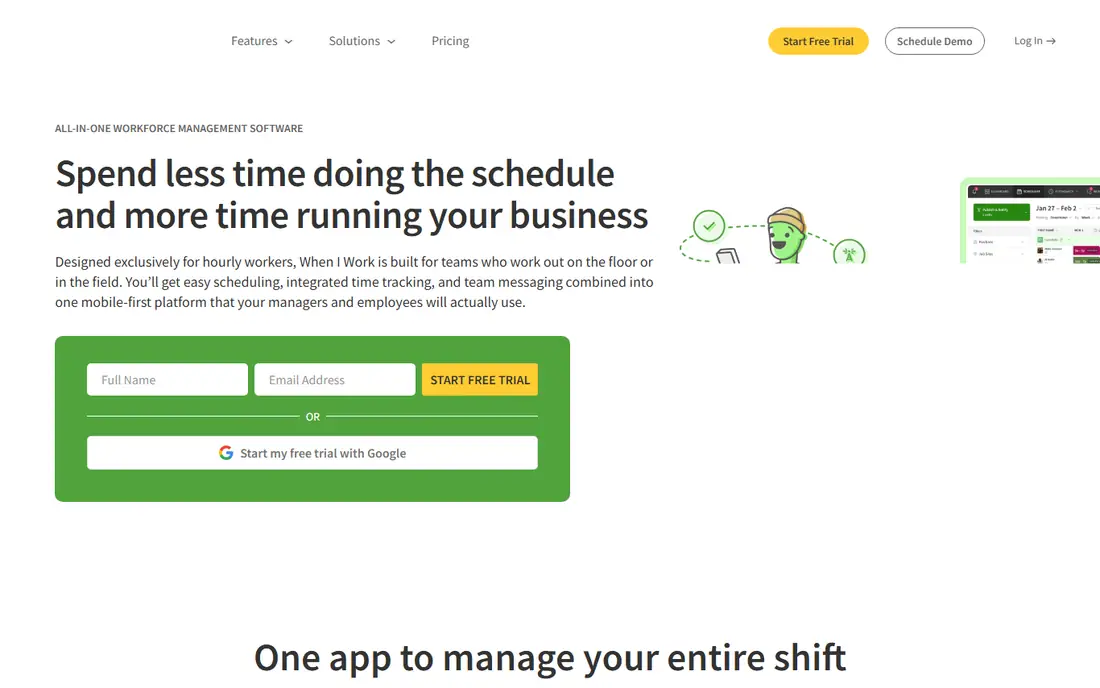
When I Work focuses on making schedules fast to build and easy to share. Managers create schedules with templates or drag-and-drop, staff set availability and request time off, and shift swaps go through manager approval. Time clock features track attendance, and team messaging keeps shift updates in one app instead of scattered texts. That focus helps managers who spend too much time rebuilding a weekly schedule from scratch.
HR features are basic, and payroll integration works through exports or connected payroll tools rather than a full payroll system. Complex scheduling rules, such as union rules or advanced labor forecasting, are thinner than in enterprise tools. When I Work fits small and mid-size hourly teams that want scheduling done well, without a full workforce suite. Teams that need deep HR or payroll should pair it with another system or choose Homebase or Planday.
What we like- Fast schedule building with templates and drag-and-drop
- Staff availability and shift swap tools
- Time clock and messaging
Watch out for- HR and payroll depth are limited
- Larger enterprise scheduling rules need other tools
#37shifts
Best for: Restaurants and hospitality4.5/5 on
G2 (129 reviews, checked Oct 2026)
Visit 7shifts.com
Starting priceSee website
Free planFree trial
7shifts is designed for restaurants, cafes, bars, and hotels, where labor cost, tips, and shift coverage change daily. Managers build schedules against labor cost targets, see projected cost as they add shifts, and adjust coverage for busy and slow periods. Staff can view schedules, swap shifts, request time off, and track tips in the app. Integrations with point-of-sale and payroll tools pull sales and labor data together, which helps managers compare labor cost with revenue.
The restaurant focus is also a limit. Retail or healthcare teams may find restaurant-specific features less useful, and general scheduling tools may fit better. Pricing depends on locations and features, so check the vendor page for your restaurant count. 7shifts fits restaurant groups and hospitality teams that need labor control alongside scheduling. Single-location cafes may start with Homebase and move to 7shifts as they grow.
What we like- Restaurant scheduling with labor cost targets
- Tip, compliance, and staff engagement features
- Integrations with POS and payroll tools
Watch out for- Best fit is restaurants and hospitality
- Other industries may not need its restaurant features
#4Connecteam
Best for: Deskless team management4.6/5 on
G2 (3,506 reviews, checked Oct 2026)
Visit connecteam.com
Starting priceSee website
Free planYes
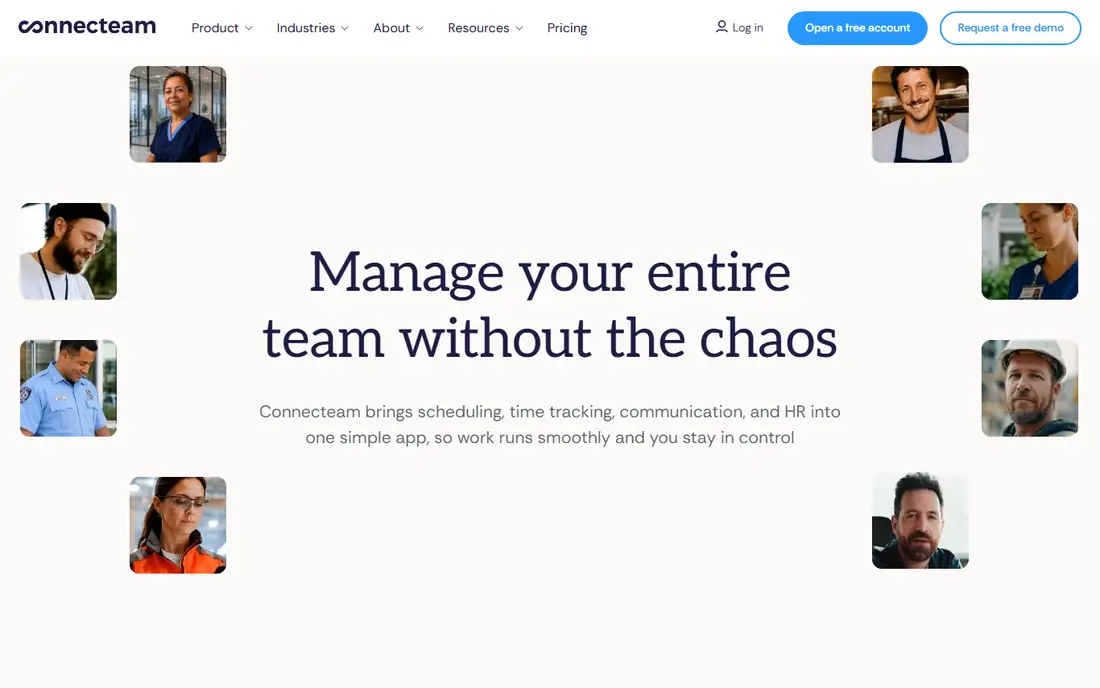
Connecteam serves deskless teams, such as field service, retail, cleaning, and logistics staff who work from a phone, not a desk. Scheduling and time tracking sit alongside training courses, digital forms, checklists, and team chat, so a manager can schedule a shift, share a training update, and collect a completed form in one app. That breadth helps teams that currently use separate apps for scheduling, messaging, and training, and struggle to keep staff in all of them.
Scheduling itself is solid for standard shift patterns, but it lacks some enterprise rules for very complex operations. Labor analytics and advanced reporting also sit on higher tiers. Connecteam fits small and mid-size deskless teams that want one mobile hub for scheduling and daily operations. Teams whose main problem is complex shift optimization should compare Planday, Shiftboard, or Humanity.
What we like- Scheduling plus forms, training, chat, and time tracking in one app
- Free plan for small teams
- Good mobile experience for deskless staff
Watch out for- Scheduling depth is less than dedicated enterprise schedulers
- Advanced labor analytics need higher tiers
#5Sling
Best for: Free-leaning team scheduling4.4/5 on
G2 (88 reviews, checked Oct 2026)
Visit getsling.com
Starting priceSee website
Free planYes
Sling offers scheduling, time tracking, and team communication with a free plan that covers core needs for small teams. Managers build shifts, staff set availability and swap shifts, and labor costs appear as schedules are built. Messaging keeps shift news in the app, and time clock data feeds timesheets. That free starting point helps very small teams, startups, and nonprofits that need scheduling without an immediate subscription.
Paid plans add advanced scheduling, reporting, integrations, and multi-location tools. Support, onboarding, and enterprise features are thinner than in larger platforms, so growing teams should test paid features before relying on them at scale. Sling fits small teams that want a low-cost scheduling start, especially where budget is tight. Teams that need deep integrations or complex rules should shortlist When I Work, Homebase, or Planday.
What we like- Free plan for scheduling and communication
- Simple shift building and availability tools
- Labor cost visibility
Watch out for- Advanced features and integrations need paid plans
- Support and scale features are thinner than enterprise tools
#6Planday
Best for: Shift scheduling at scale4.5/5 on
G2 (88 reviews, checked Oct 2026)
Visit planday.com
Starting priceSee website
Free planFree trial
Planday serves shift-based businesses, including hospitality, retail, healthcare, and cleaning, with scheduling, time tracking, and payroll reporting in one system. Managers can build schedules across locations, track hours and absences, and export payroll data with fewer manual steps. Integrations with point-of-sale and payroll tools help connect sales, labor cost, and pay. Staff use a mobile app for schedules, availability, time off, and shift swaps.
Pricing is often quote-based, based on employee count and features, so small teams should get a written quote before comparing. Setup for pay rules, overtime, and location policies also needs care, especially for multi-location teams. Planday fits growing and mid-size shift operations that need reliable scheduling across locations. Very small single-location teams may find Homebase or Sling simpler and cheaper.
What we like- Strong scheduling, time, and payroll reporting for shift teams
- Integrations with POS and payroll systems
- Multi-location support
Watch out for- Pricing is quote-based for many teams
- Setup for pay rules needs planning
Starting priceSee website
Free planFree trial
Shiftboard handles scheduling for organizations with large, complex shift workforces, including healthcare, manufacturing, energy, and public sector teams. It supports shift bidding, credential and compliance tracking, overtime management, and scheduling rules that reflect union agreements, certifications, and fatigue limits. Managers can fill open shifts from qualified staff, track compliance, and report on labor cost and coverage across sites.
That power needs setup time. Configuration for rules, credentials, and integrations is a project, not a quick signup, and pricing reflects an enterprise platform. Small teams will find Shiftboard more than they need. Shiftboard fits large operations where a scheduling mistake can affect safety, compliance, or service coverage. Mid-size teams with standard shifts should compare Planday or Humanity first.
What we like- Scheduling for complex, high-volume shift work
- Compliance and credential tracking
- Strong reporting and integrations
Watch out for- Setup and configuration take time
- Pricing is enterprise-oriented
#8Humanity
Best for: Enterprise shift scheduling4.3/5 on
G2 (1,129 reviews, checked Oct 2026)
Visit humanity.com
Starting priceSee website
Free planFree trial
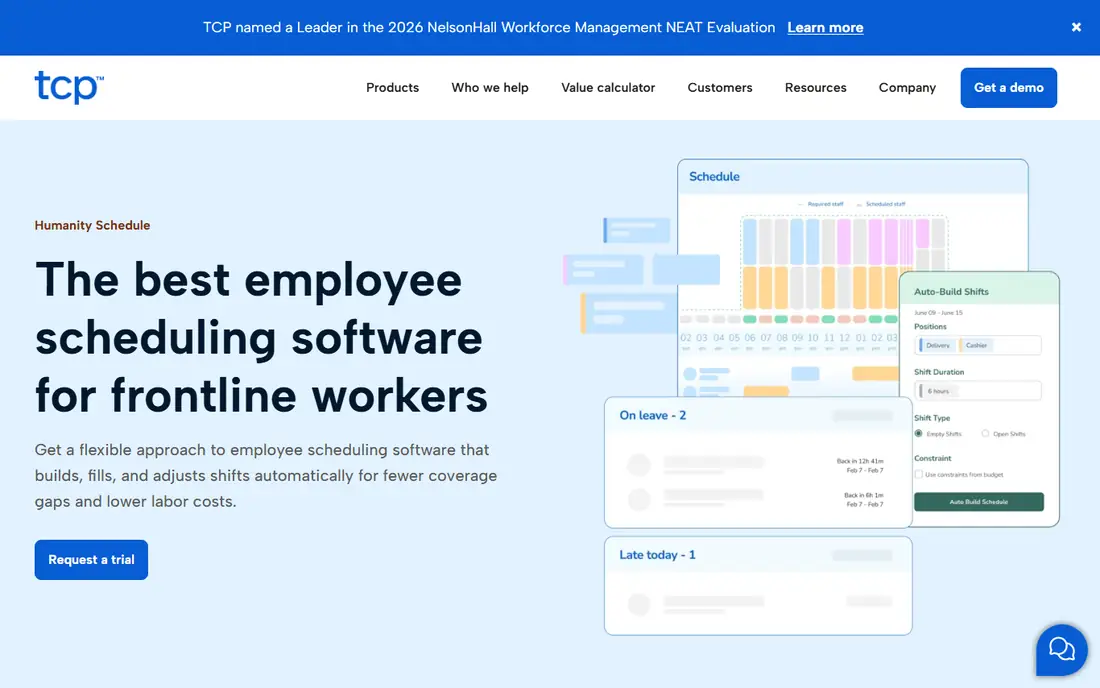
Humanity, part of TCP Software, offers cloud workforce scheduling for mid-size and large teams. Managers can forecast demand, build schedules against labor budgets, manage shift trades, and track time and attendance in one system. Integrations connect scheduling data to HR and payroll tools, which reduces manual timesheet work. The mobile app lets staff view schedules, request swaps, and track hours from a phone.
Pricing and setup reflect an enterprise scheduling tool, so small teams should expect a sales process and implementation time. Forecasting features also need good historical data to work well, so teams without that data will see less value at first. Humanity fits mid-size and large shift operations that need forecasting, labor control, and integrations. Small hourly teams will usually move faster with Homebase, When I Work, or Sling.
What we like- Cloud scheduling with forecasting and labor cost tools
- Shift trading and time tracking
- Integrations with HR and payroll systems
Watch out for- Enterprise pricing and setup
- Smaller teams may not need its forecasting depth
How we chose
We compared vendor documentation, pricing pages, and public reviews on G2, Capterra, and Reddit, focusing on scheduling ease, time tracking, mobile experience, labor cost tools, integrations, and fit for different team sizes and industries. Each tool here exists today and offers a real scheduling product a US reader can buy or trial. Where a price could not be confirmed at the time of writing, the entry reads See website, because scheduling pricing often depends on employee count and locations. We did not run hands-on scheduling tests, and the order reflects small-team ease, industry fit, and enterprise depth rather than a lab score.
Building a schedule that staff actually follow
A schedule fails when staff cannot see it, cannot swap a shift, or learn about changes too late. The best tool is the one staff will check, so mobile access, clear notifications, and a simple swap process matter as much as manager features. Publish schedules early, keep changes in the app rather than in side chats, and track no-shows and late swaps to find patterns before they become staffing gaps.
Publish early and keep changes visible
Set a regular publish day, such as two weeks ahead, and stick to it where possible. Late schedules force staff to rearrange personal plans, which raises swap requests and no-shows. When a change is needed, update the schedule in the app and notify affected staff, rather than sending a separate message that can be missed.
Use labor cost data while scheduling
Check projected labor cost as you build, not only after payroll runs. Tools like 7shifts, Planday, and Humanity show cost against sales or budget during scheduling, which helps managers adjust coverage before a week becomes expensive. A schedule that meets coverage but breaks the labor budget is not a good schedule.
Track availability honestly
Keep availability, time-off requests, and shift preferences current in the system. Managers who schedule against outdated availability create conflicts that lead to swaps and gaps. Encourage staff to update availability in the app, and review it before each scheduling cycle, especially after seasonal changes.
Frequently asked questions
What is the best Deputy alternative for small businesses?
Homebase is a strong small-business pick, with a free plan for basic scheduling and time tracking, plus hiring tools. When I Work and Sling are also strong for small teams, with simple schedule building and mobile apps. Test the free plan or trial with a real weekly schedule before choosing.
Which alternative is best for restaurants?
7shifts is built for restaurants and hospitality, with labor cost targets, tip tracking, and POS integrations. Homebase and Planday also work for restaurants, but 7shifts adds restaurant-specific depth that general tools lack. For a single small cafe, Homebase may be enough, while a restaurant group will benefit more from 7shifts.
Do these tools include time tracking?
Yes, most tools in this list include time clock and timesheet features alongside scheduling. Homebase, When I Work, Connecteam, Sling, Planday, Shiftboard, and Humanity all track hours that feed payroll. Check whether time tracking is included in the plan you choose, because some features sit on paid tiers.
Can staff swap shifts in these apps?
Yes, shift swaps are standard, usually with manager approval. Staff request a swap in the mobile app, a colleague accepts, and a manager approves where required. Approval rules vary by tool and plan, so check whether swaps need approval, and whether managers can set limits on swap timing.
Do these tools handle payroll?
Some do, and some integrate with payroll tools. Homebase offers US payroll as an add-on, Planday and Humanity offer payroll reporting and integrations, and other tools export timesheets to payroll systems. If payroll in one system matters most, shortlist Homebase, Planday, or a full HR and payroll platform instead.
How do I switch from Deputy without disrupting schedules?
Export employee lists, availability, and current schedules from Deputy, then build the next schedule in the new tool while the current schedule runs out in Deputy. Train managers first, then staff, and run one full scheduling cycle in the new tool before closing Deputy. Avoid switching during a peak season or a major staffing change.
Sources we checked (8)
- https://www.homebase.com/pricing/
- https://wheniwork.com/pricing/
- https://www.7shifts.com/pricing/
- https://connecteam.com/pricing/
- https://getsling.com/pricing/
- https://www.planday.com/pricing/
- https://www.shiftboard.com/pricing/
- https://www.humanity.com/pricing/
Is your product missing or out of date?
We review this list regularly. Vendors can request a listing, send updated pricing or ask about featured placement.

Shihab Mia · Founder, Rankite
Shihab has 5+ years in B2B and SaaS SEO. He writes Rankite's software buying guides from pricing pages, documentation and public user reviews. More about Shihab.