How we make this list: we compare pricing pages, product documentation and public user reviews. Ratings come from G2, Capterra or Trustpilot, with the date we checked them.
Key takeaways
- Cavuno is the lowest priced hosted entry at $39 per month, with an AI builder that edits pages from a plain language brief.
- Job Boardly offers the clearest budget path for a new niche board, at $60 per month with backfill tools included.
- JBoard is the strongest choice when aggregation matters most, with scrapers that scale from 3 sources on Basic to 80 on Scale.
- Niceboard and JobBoard.io charge $399 and $449 per month at entry, so they fit established boards and associations better than unproven ideas.
- WP Job Manager remains the only genuinely free core option here, but you take on hosting, updates, and add-on setup yourself.
Quick comparison
| Tool | Best for | Starting price | Free plan |
|---|
 Cavuno Cavuno | AI built boards on a low budget | $39 per month | Free trial (14 days) |
 Job Boardly Job Boardly | New niche boards on a tight budget | $60 per month | No |
 JBoard JBoard | Aggregation heavy niche boards | $149 per month | Free trial (14 days) |
 Niceboard Niceboard | Associations wanting a clean preset theme | $399 per month | Free trial (7 days) |
 Artha Artha | Testing a board idea for free | $0 per month | Yes |
 SmartJobBoard SmartJobBoard | Associations and schools with enterprise needs | See website | Free trial (14 days) |
 JobBoard.io JobBoard.io | Publishers wanting stable hosted software | $449 per month | Free trial (14 days) |
 WP Job Manager WP Job Manager | Existing WordPress sites | $0 per month | Yes |
Is your product missing or out of date?
We review this list regularly. Vendors can request a listing, send updated pricing or ask about featured placement.
The best job board software
Starting price$39 per month
Free planFree trial (14 days)
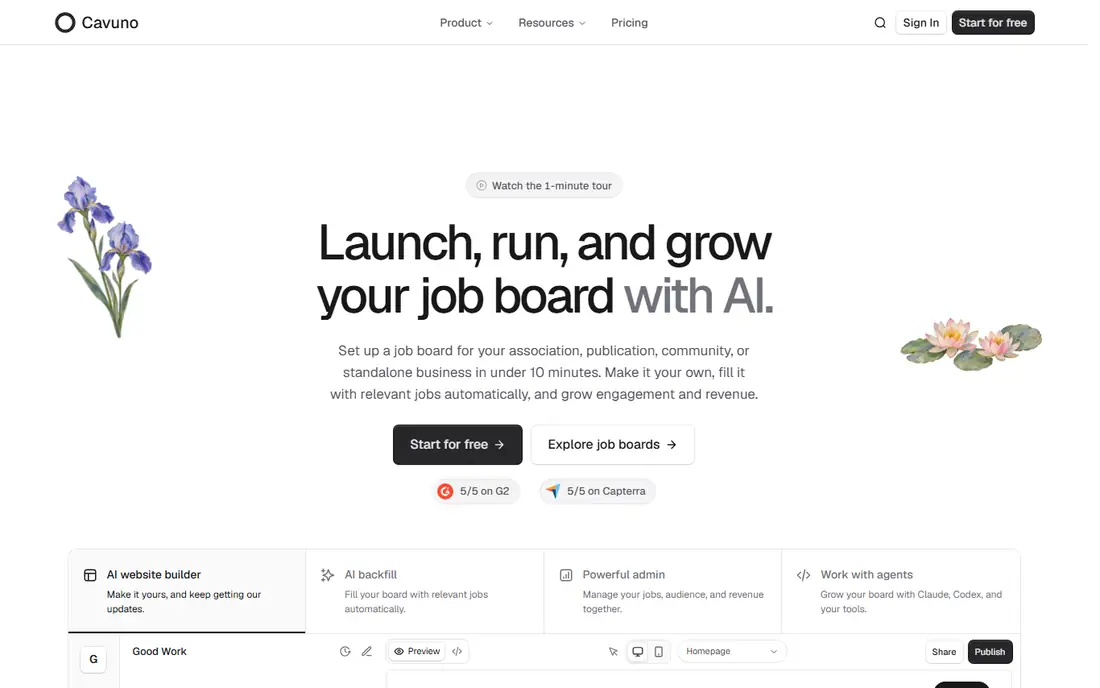
Cavuno is built for a solo operator who wants a branded board without hiring a designer or developer. You describe the audience, the brand, and what visitors should do, and the AI builder produces a draft you can review in a live preview.
The practical strength is search and supply. Hybrid semantic search helps a candidate who types one job title find closely related roles, and AI aggregation with deduplication fills the board while direct employer postings grow. Unlimited team seats are included, and Stripe handles charged posts, bundles, and subscriptions. The catch is scale and maturity: Starter allows 500 active jobs and 1,000 email subscribers, and the footer credit stays until Basic. If your niche needs more than 500 live jobs at launch, price the Basic plan instead.
What we like- AI website builder edits pages from a plain language brief
- Aggregation and semantic search are included
- No transaction fees on job revenue
Watch out for- Starter caps at 500 active jobs
- Newer vendor with a shorter track record
Starting price$60 per month
Free planNo
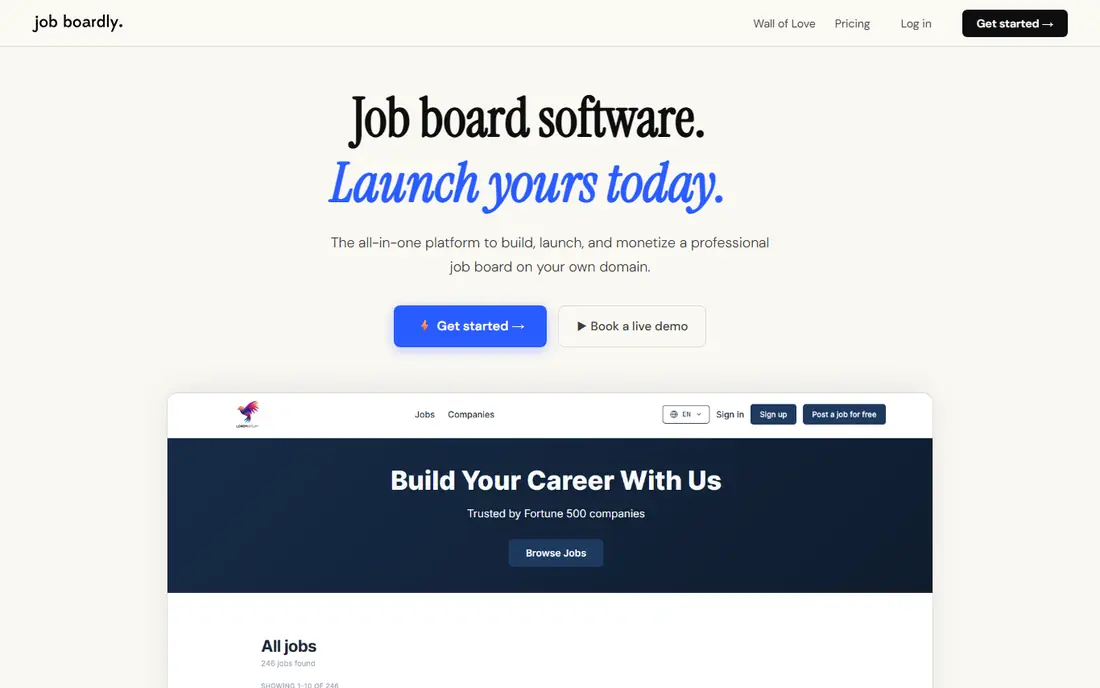
Job Boardly suits a founder validating a niche before committing to a high monthly fee. Standard includes up to 10,000 active jobs, candidate and employer profiles, a paywall for job seeker subscriptions, Stripe payments, Google Jobs integration, and a custom domain. The Job Backfiller draws on a large pool of listings, while the Job Aggregator imports from specific career pages and feeds you choose.
The trade is control at the top of the funnel. Standard includes 1,000 monthly imports, Pro includes 2,000, and Ultra includes 5,000, with extra imports sold as credits. Branding removal, employer subscriptions, and API access also start on Pro, not Standard. There is no free trial listed, but plans carry a 30-day money-back guarantee. Test the import allowance against your real posting volume before you promise employers a full board.
What we like- Low flat entry price for a hosted board
- Backfiller and aggregator tools are included
- Stripe payments and Google Jobs integration
Watch out for- Branding removal needs the Pro plan
- Import credits add cost at volume
Starting price$149 per month
Free planFree trial (14 days)
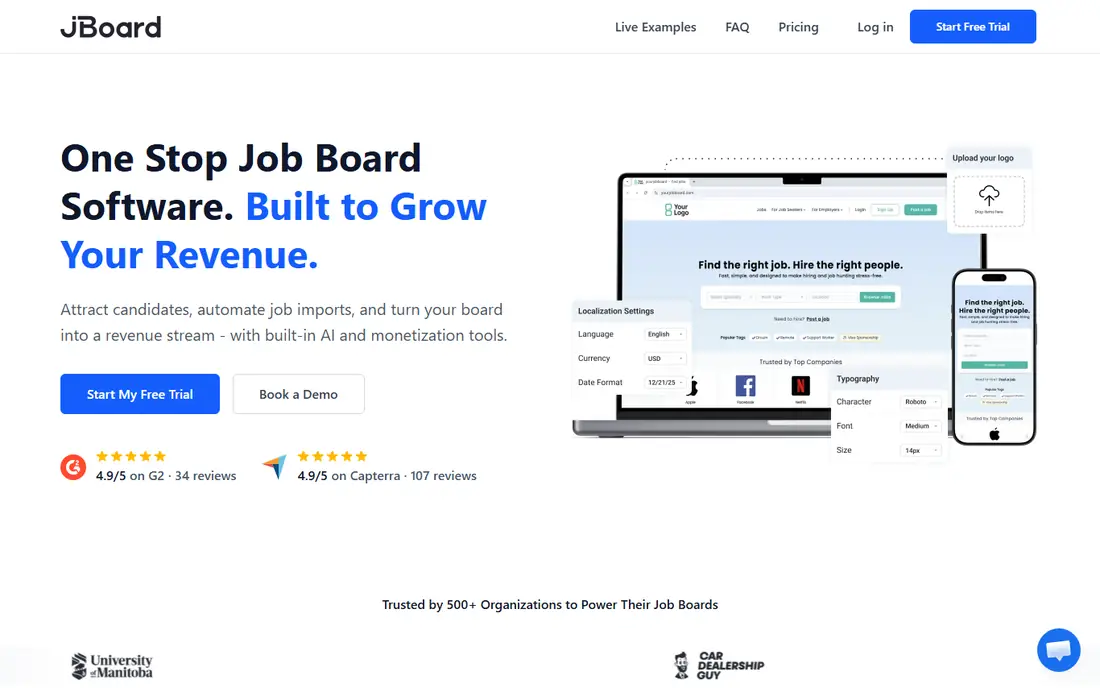
JBoard is the pick when your board lives or dies by fresh supply. Basic includes 3 scrapers, Standard includes 10, Advanced includes 30, and Scale includes 80, with active job limits rising from 1,000 to 30,000 across self-serve plans. It also generates landing pages by combining categories, job types, tags, and employers, which helps long tail search traffic build over time.
Design is the compromise. You work from a single flexible template with a drag-and-drop builder, logo and color changes, and custom code for site-wide scripts, rather than rebuilding page layouts from scratch. API access and SSO arrive on Scale, and the built-in applicant system and messaging also sit higher up the plan ladder. If aggregation is your main growth channel, that trade is easy to accept. If brand design is the product, look at Cavuno first.
What we like- Strong scraping and aggregation at scale
- Auto landing pages support search traffic
- Stripe payments and employer subscriptions
Watch out for- API access and SSO need higher plans
- One template limits design freedom
Starting price$399 per month
Free planFree trial (7 days)
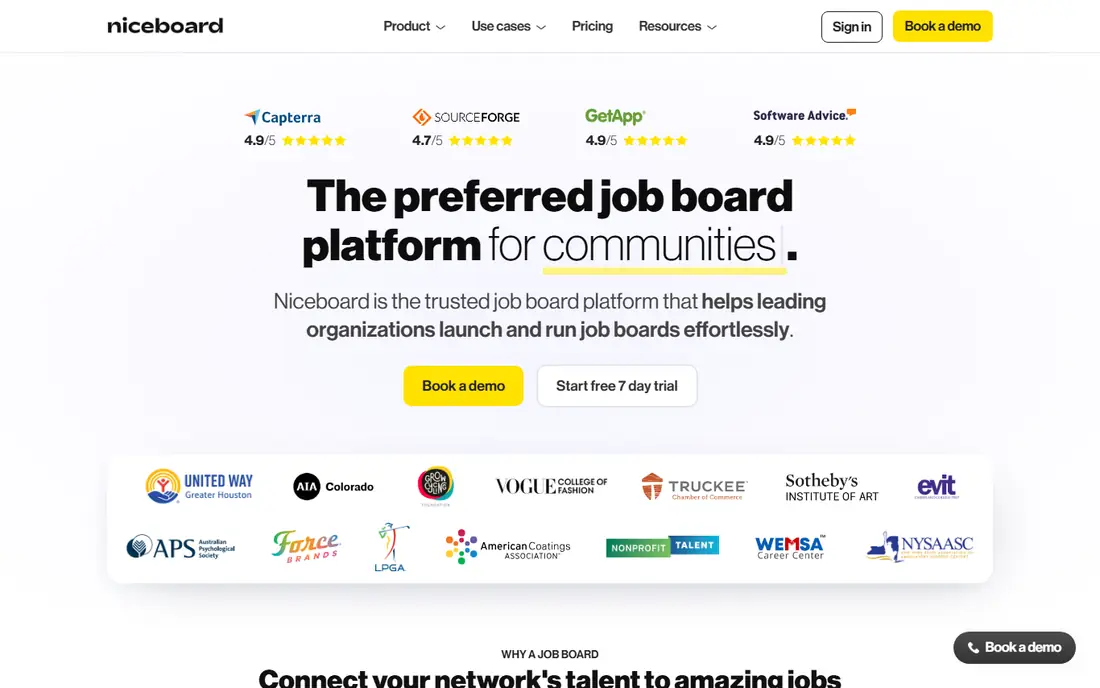
Niceboard gives every board the same clean preset theme, and that constraint is the point. You change colors, fonts, banners, and custom pages, and you can override theme CSS with custom code, but the page structure stays consistent. For an association or chamber that wants a professional board live in days, that consistency removes a whole round of design decisions.
The price is the honest barrier. Core starts at $399 per month, or $319 per month billed annually, and Advanced starts at $599 per month, or $479 per month billed annually. API access, SSO, and a custom email domain sit on Ultimate or custom plans, and web scraping starts on Advanced. A 7-day trial lets you check the theme and posting flow, but it is short, so prepare your test jobs and employer accounts before you start it.
What we like- Clean preset theme that launches fast
- Strong fit for associations and nonprofits
- Stripe payments, talent pool, and backfill features
Watch out for- Highest entry price among the flat priced hosted tools here
- API access and SSO only on higher or custom plans
Starting price$0 per month
Free planYes
Artha is the lowest risk way to learn whether your niche has demand. The free Starter plan includes a custom domain, SSL, monetization options, employer profiles and reviews, job alerts, and a smart backfiller, with limits on active jobs and candidates. Growth, at $79 per month or $65 per month billed annually, adds an ad network, custom fields, a full applicant tracking system, candidate paywalls, smart import tools, and video resumes. Scale, at $149 per month or $120 per month billed annually, adds AI resume parsing, matching, smart search, custom email domains, and more payment gateways.
The limits are real, and you should read them before you launch. Starter keeps Artha branding, and the best AI features are gated behind Scale, so a board that depends on matching quality will need the higher plan sooner than a simple listings board will. Artha is also newer than SmartJobBoard and JobBoard.io, so its track record is shorter. Use the free tier to prove employer interest, then move up only when applications and revenue justify it.
What we like- Genuinely free starting tier
- Built-in applicant tracking from the Growth plan
- Smart backfiller fills an empty board
Watch out for- Free tier keeps Artha branding
- AI matching and resume parsing need the Scale plan
Starting priceSee website
Free planFree trial (14 days)
SmartJobBoard has operated since 2008 and targets associations, nonprofits, schools, and government agencies, which shows in its feature set. Employers get job products, subscriptions, featured upgrades, and a resume database, while candidates get alerts, profiles, and matching that scores candidates against job requirements.
Pricing is the weak point for comparison shopping. Older third-party listings show flat plans, but current vendor material points buyers to a sales quote and a revenue share or flat fee choice, so the starting price is listed here as See website. API and Zapier access also sit on the top tier, and single sign-on through Auth0 is an enterprise feature. A 14-day trial with no card required lets you test the core posting and matching flow, but get a written quote, including any revenue share terms, before you budget around it.
What we like- Long track record with associations and schools
- AI candidate matching and a built-in applicant system
- Revenue share or flat fee pricing choice
Watch out for- Pricing is not published as a simple starting plan
- API and Zapier access need top plans
Starting price$449 per month
Free planFree trial (14 days)
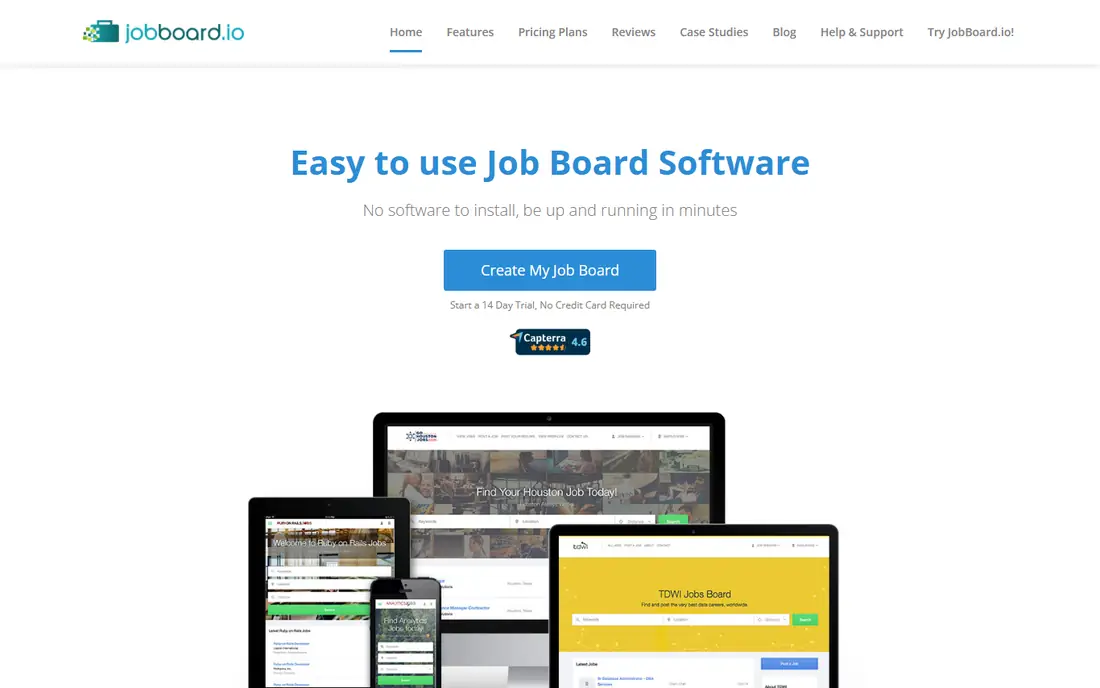
JobBoard.io is a steady, publisher focused hosted board with a simple promise: sign up, add a custom domain, and launch without servers or code. Basic, at $449 per month, includes unlimited jobs, email job alerts for up to 500 subscribers, e-commerce through Stripe or PayPal, employer profiles and a directory, backfill, unlimited custom pages and a blog, and one team member. Professional, at $649 per month, adds unlimited candidate profiles, alerts for up to 5,000 subscribers, custom fields, advanced reporting, a candidate database, and five auto import feeds.
The limits that matter most are seats and integrations. Basic allows one team member, Professional allows two, and API access, priority support, and multi-board management sit on the Enterprise plan, which is priced on request. A 14-day trial with no card required is enough to test posting, checkout, and alerts, but small teams should confirm seat and feed limits against their actual staffing before paying the entry price.
What we like- Unlimited jobs from the Basic plan
- Strong distribution through Indeed, ZipRecruiter, and Talroo
- Simple admin panel and fast setup
Watch out for- Entry price is high for small operators
- API access only on the Enterprise plan
Starting price$0 per month
Free planYes
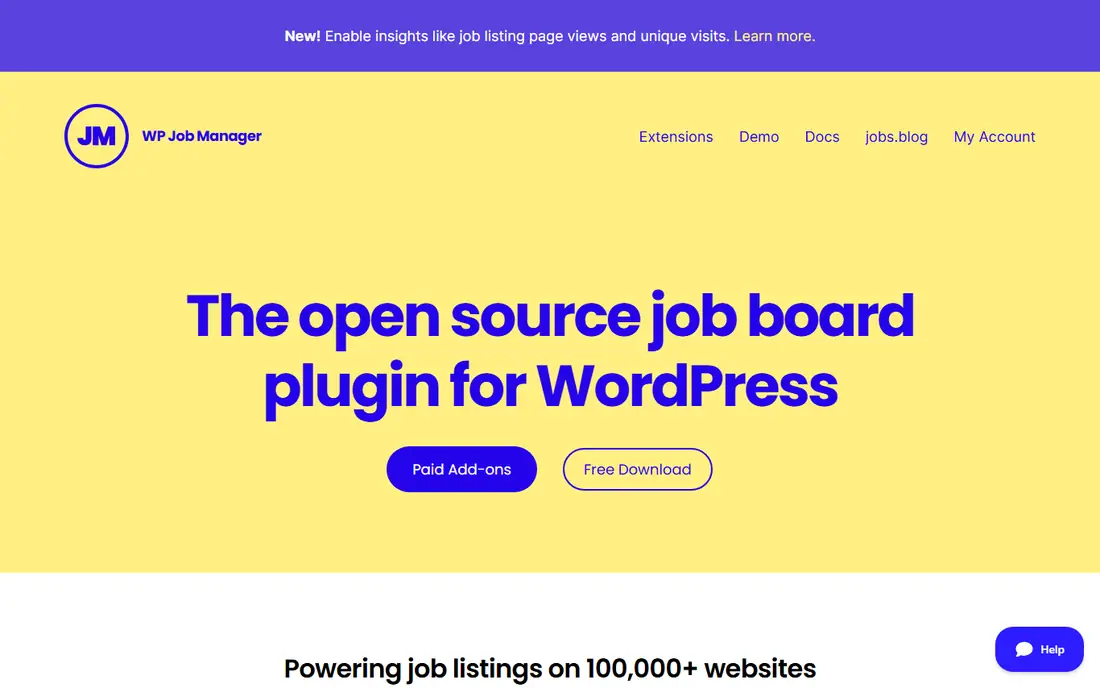
WP Job Manager is not a hosted board at all, and that distinction drives the whole decision. The core plugin is free and installs on a WordPress site you already run, where shortcodes place a job list, a front-end submission form, and an employer dashboard on your own pages. Because it uses WordPress custom post types, your jobs live inside your site and work with your theme, caching, and search tools. For a blog, community site, or company careers page that only needs a simple board, that is often enough.
Everything beyond the basics is your job to assemble. Applications, resume management, job alerts, and charged listings come through add-ons, including a paid bundle, and you pay separately for hosting, backups, and security. You also own plugin updates and compatibility testing when WordPress or your theme changes. Choose this tool when you already run WordPress and value control over convenience. Choose a hosted tool when you want support, uptime, and aggregation handled for you.
What we like- Free core plugin with no monthly fee
- Full control over your site and data
- Large WordPress theme and plugin ecosystem
Watch out for- You handle hosting, updates, and security
- Monetization needs extra add-ons and setup
How we chose
We compared pricing pages, documentation, and public reviews on G2, Capterra, and Reddit, then checked each tool against the same list: posting and checkout, candidate search and alerts, aggregation or backfill, design control, job and subscriber limits, team seats, and fit for a small operator versus an association or publisher. Tools that only sold a theme, only tracked applicants, or only aggregated jobs without a full board were left out. Prices are the starting monthly figure for the entry plan, or See website where the vendor now prices by quote, and free plan values reflect a free tier or a stated trial length.
How to pick a board that fits your revenue model
Start with how money reaches you, because that choice rules out half the list before you compare features. A board that sells charged posts needs a smooth employer checkout and clear package options. A board that sells subscriptions needs employer accounts, renewals, and a way to limit active posts per plan. A board that sells candidate access needs profiles, a resume database, and a paywall. A board that earns from ads or backfill needs traffic first, so search pages, alerts, and aggregation matter more than checkout polish.
Count jobs, alerts, and seats, not just features
Two tools can both claim unlimited employers and still differ on the numbers that cap growth. Check active job limits, monthly import allowances, job alert subscriber caps, candidate limits, and team seats on the entry plan. A board with 2,000 live jobs will outgrow a 500 job Starter plan fast, and a board with a large email list will hit a 1,000 subscriber cap even sooner.
Test search, apply, and checkout before you commit
Run the same test on every shortlisted tool: post a job as an employer, search for it as a candidate on a phone, apply with a resume, and buy a featured upgrade. Watch for slow pages, confusing apply steps, and checkout errors, because those are the moments that lose revenue. Use the trial period for this test, not for admiring the admin dashboard. If a trial is only seven days, prepare test jobs, employer accounts, and payment details in advance so the clock is spent on real workflows.
Check who owns the audience and the data
Ask how you export jobs, candidates, employers, and alert subscribers, and what happens to your custom domain and search rankings if you leave. A hosted board should let you take your content with you, even if design and aggregation settings do not transfer cleanly. A WordPress board gives you the most control here, because the data sits in your own database. Either way, keep your own backup of employer contacts and subscriber lists outside the platform.
Budget for traffic, not just software
Software does not create demand. A new board still needs a niche audience, employer outreach, and content that ranks for job searches in that niche. Aggregation and backfill help you avoid an empty launch, but they do not replace direct employer relationships. If employer signup costs stay high, fix distribution before you upgrade to a higher plan.
Frequently asked questions
What is job board software?
Job board software lets you run a site where employers post jobs and candidates search, save, and apply for them. It usually includes employer dashboards, job search and alerts, charged posts or subscriptions, and tools to promote listings. Hosted tools add hosting, security, and updates, while a WordPress plugin adds job features to a site you already manage.
How much does job board software cost?
Hosted tools in this guide start from $0 on a free tier to $449 per month at entry, with higher plans for more jobs, subscribers, seats, and integrations. WP Job Manager has a free core plugin, while Artha has a free Starter plan, so testing an idea can cost nothing except hosting and your time.
Can I run a job board without coding?
Yes, every hosted tool here is built for operators without coding, using dashboards, themes, and visual editors to launch a board. Cavuno goes further with an AI builder that edits pages from a plain language brief, while JBoard uses a drag-and-drop builder on a single template. WP Job Manager needs basic WordPress skills, such as adding shortcodes to pages, but still does not require you to write a board from scratch.
Do I need job aggregation or backfill?
Aggregation and backfill matter most at launch, when you have few direct employer posts and candidates would otherwise see an empty board. They import relevant jobs from feeds, career pages, or a large listings pool so search results look useful from day one. Once direct postings grow, aggregation becomes a supplement rather than the main supply, and you should check import limits and credit costs at that point.
Is a hosted board or WordPress better?
A hosted board is better when you want fast setup, managed hosting, and support in one monthly fee, and you accept plan limits on jobs, seats, and design. WordPress with WP Job Manager is better when you already run a WordPress site, want full control over data and design, and are comfortable handling hosting and updates. The right choice depends on your team skills, your traffic source, and how much you value convenience over control.
Sources we checked (9)
- https://cavuno.com/
- https://www.jobboardly.com/blog/job-boardly-vs-jboard-comparison
- https://www.jobboardly.com/blog/job-boardly-vs-niceboard-feature-comparison
- https://www.jobboardly.com/blog/artha-job-board-vs-job-boardly-comparison
- https://arthajobboard.com/pricing/
- https://www.jobboard.io/pricing/
- https://jboard.io/blog/best-job-board-software
- https://jobboardsearch.com/blog/job-boards/best-job-board-software-in-2026
- https://wordpress.org/plugins/wp-job-manager/
Is your product missing or out of date?
We review this list regularly. Vendors can request a listing, send updated pricing or ask about featured placement.

Shihab Mia · Founder, Rankite
Shihab has 5+ years in B2B and SaaS SEO. He writes Rankite's software buying guides from pricing pages, documentation and public user reviews. More about Shihab.