How we make this list: we compare pricing pages, product documentation and public user reviews. Ratings come from G2, Capterra or Trustpilot, with the date we checked them.
Key takeaways
- KeePassXC is the closest alternative for users who want a fully local vault file with no vendor cloud at all.
- Bitwarden is the best value cloud option, with a free plan that covers unlimited passwords on all devices and a self hosted option.
- 1Password suits families and teams who want a polished interface, a Secret Key, and strong sharing tools.
- Proton Pass suits users already in the Proton ecosystem who want email aliases and Swiss privacy law protection.
- Dashlane, NordPass, and Keeper suit users who want bundled extras such as a VPN, dark web monitoring, or compliance tools.
Quick comparison
| Tool | Best for | Starting price | Free plan |
|---|
 KeePassXC KeePassXC | Fully local vaults | Free | Yes |
 Bitwarden Bitwarden | Value and self hosting | Free | Yes |
 1Password 1Password | Families and teams | $2.99 per month | No |
 Proton Pass Proton Pass | Proton ecosystem users | Free | Yes |
 Dashlane Dashlane | Bundled VPN and monitoring | $4.99 per month | No |
 NordPass NordPass | Cheap paid option | $1.29 per month | Yes |
 Keeper Keeper | Compliance focused teams | $1.67 per month | No |
 Password Safe Password Safe | Simple local vaults | Free | Yes |
Is your product missing or out of date?
We review this list regularly. Vendors can request a listing, send updated pricing or ask about featured placement.
The best KeePass alternatives
Starting priceFree
Free planYes
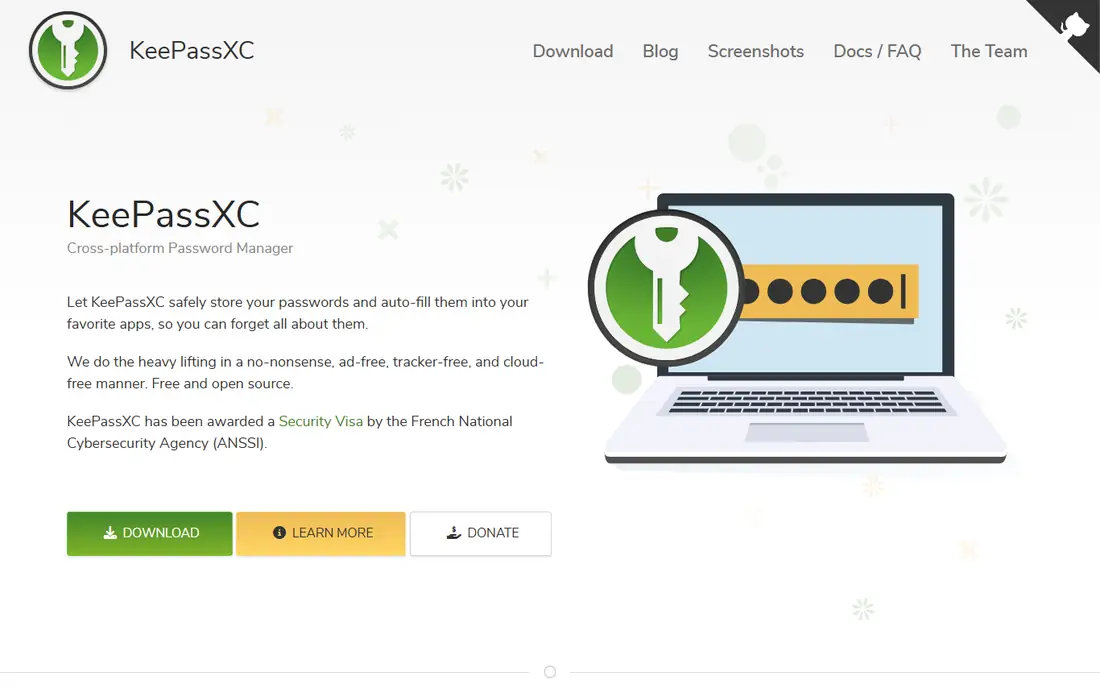
KeePassXC is the closest alternative to KeePass, and the best pick for users who never want their vault sitting on a vendor server at all. It stores passwords in a single encrypted database file on your own device, with no company server to breach, because there is no server. You handle syncing yourself through Syncthing, Nextcloud, a USB drive, or any storage you trust, which is more setup but total control. It is free, open source, and cross platform, with native desktop apps and browser autofill.
The trade off is control against convenience. KeePassXC gives you the same local model as KeePass with a more modern interface, but there is no first party mobile app and no built in sync, so mobile access needs third party apps and your own sync setup. KeePassXC fits security focused users who want a fully local vault and are comfortable managing sync themselves.
What we like- Fully local encrypted vault file
- Open source
- Runs on Windows, Mac, and Linux
- Browser autofill
- YubiKey and challenge response support
Watch out for- No vendor cloud sync
- No first party mobile app
- Syncing is your job
- Passkey support is experimental
#2Bitwarden
Best for: Value and self hosting4.6/5 on
G2 (1,475 reviews, checked Oct 2026)
Visit bitwarden.com
Starting priceFree
Free planYes
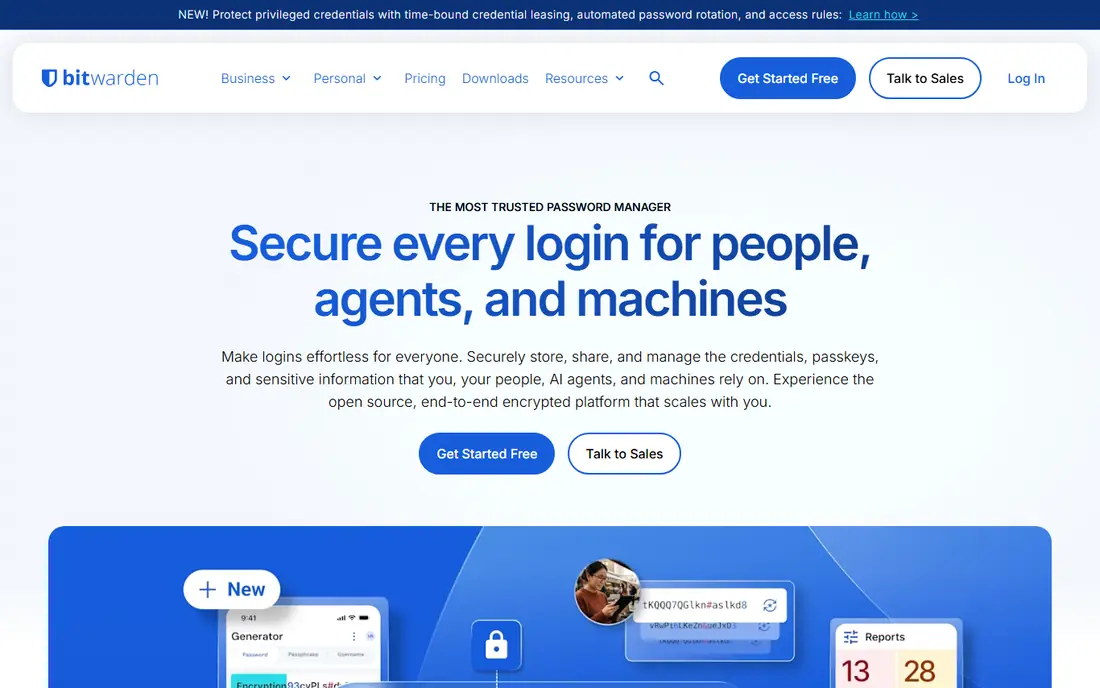
Bitwarden is the best value cloud password manager, and the most popular step up from KeePass for users who want sync without losing control. The free plan covers unlimited passwords on unlimited devices, with browser extensions and mobile apps included. The premium plan is reported at $10 per year and adds breach reports, emergency access, and hardware key support. Bitwarden is open source and offers a self hosted option, so teams and privacy minded users can run the server themselves.
The trade off is polish against price. Bitwarden costs far less than 1Password or Dashlane, but its interface is plainer and some reports need the paid plan. Bitwarden fits budget conscious users, developers, and privacy advocates who want cloud sync, open source code, and a self hosted option.
What we like- Free plan covers unlimited passwords on all devices
- Open source
- Self hosted option
- Passkey support
- Low cost premium at $10 per year
Watch out for- Premium features such as breach reports need the paid plan
- Interface is plain next to 1Password
- Self hosting needs technical skill
- Family plan is separate
Starting price$2.99 per month
Free planNo
1Password is the premium password manager most often recommended for families and teams, with a polished interface and a Secret Key architecture that adds a second secret beyond the master password. It supports passkeys, Travel Mode for border crossings, and strong sharing for families and teams, and its developer tools include SSH key management and a command line tool. Personal pricing is reported at $2.99 per month billed annually, with a 14 day trial and no permanent free plan.
The trade off is polish against price and control. 1Password is the easiest managed vault to live with, but it is a paid subscription with no self hosted option, and it costs more than Bitwarden. 1Password fits families and teams who want the best interface and sharing tools and are happy to pay for a managed service.
What we like- Polished interface
- Secret Key architecture
- Travel Mode
- Strong family and team sharing
- Full passkey support
- SSH key management
Watch out for- No permanent free plan, trial only
- No self hosted option
- Costs more than Bitwarden
- Business pricing is per user
#4Proton Pass
Best for: Proton ecosystem users4.6/5 on
G2 (6 reviews, checked Oct 2026)
Visit proton.me
Starting priceFree
Free planYes
Proton Pass is the password manager from the Proton team behind Proton Mail and Proton VPN, built under Swiss privacy law with open source code. The free plan covers unlimited passwords plus email aliases that hide your real address, and passkeys are supported on the free plan. The paid plan is reported at $1.99 per month and adds more aliases, vaults, and sharing features.
The trade off is ecosystem fit against business depth. Proton Pass is the best all round free option for users already in the Proton ecosystem, but its business admin tools are thinner than 1Password. Proton Pass fits privacy minded users who want a generous free plan, email aliases, and Swiss legal protection.
What we like- Free plan covers unlimited passwords and email aliases
- Open source
- Swiss privacy law protection
- Passkey support
- Hide my email aliases
Watch out for- No self hosted option
- Paid plan needed for more aliases and vaults
- Ecosystem benefits matter most inside Proton
- Business tools are thinner than 1Password
#5Dashlane
Best for: Bundled VPN and monitoring4.5/5 on
G2 (628 reviews, checked Oct 2026)
Visit dashlane.com
Starting price$4.99 per month
Free planNo
Dashlane is the feature packed password manager that bundles a VPN, dark web monitoring, and an automatic password changer alongside the vault. It supports passkeys and offers a polished interface with strong breach alerts. Personal pricing is reported at $4.99 per month billed annually, and the old free tier was discontinued in 2024, so expect a paid subscription with a trial.
The trade off is features against price. Dashlane bundles more extras than any other tool here, but it costs more than Bitwarden and offers no self hosted option. Dashlane fits users who want a VPN and dark web monitoring in the same subscription as their password vault.
What we like- Built in VPN
- Dark web monitoring
- Automatic password changer
- Full passkey support
- Polished interface
Watch out for- No permanent free plan
- Free tier was discontinued in 2024
- Costs more than Bitwarden
- No self hosted option
Starting price$1.29 per month
Free planYes
NordPass is the cheapest paid password manager in this guide, with pricing reported at $1.29 per month on a two year plan. It uses XChaCha20 encryption, supports passkeys, and offers a free plan limited to one device. It comes from the team behind NordVPN, which makes it a natural pick for users who already use Nord products.
The trade off is price against free tier depth. NordPass undercuts most rivals on paid price, but the free plan covers one device only, so multi device users need the paid plan. NordPass fits budget users who want a low cost paid vault and do not need self hosting.
What we like- Low paid price
- XChaCha20 encryption
- Passkey support
- Free plan covers one device
- From the NordVPN team
Watch out for- Free plan is limited to one device
- No self hosted option
- Fewer business tools than 1Password
- Longer plans needed for the lowest price
Starting price$1.67 per month
Free planNo
Keeper is the password manager built for compliance focused teams, with certifications, admin controls, and reporting that suit regulated industries. It offers secure sharing, breach monitoring, and passkey support, with personal pricing reported at $1.67 per month billed annually. There is no permanent free plan, only a trial, so individuals should compare it with Bitwarden before committing.
The trade off is compliance against consumer value. Keeper is strong for businesses that need audit trails and admin controls, but it is less attractive for solo users than free options. Keeper fits teams in regulated industries that need compliance documentation alongside a password vault.
What we like- Strong compliance certifications
- Admin controls for teams
- Secure sharing
- Breach monitoring
- Passkey support
Watch out for- No permanent free plan, trial only
- Costs more than Bitwarden for individuals
- Interface is business focused
- No self hosted option
Starting priceFree
Free planYes
Password Safe is a free, open source password manager based on the original design by Bruce Schneier, kept simple and focused on a local encrypted vault. It has fewer features than KeePassXC, but it is rock solid and easy to use, with no account, no cloud, and no subscription. It runs on Windows, with ports for other platforms, and it suits users who want the simplest possible local vault.
The trade off is simplicity against features. Password Safe lacks the browser integration depth and mobile story of KeePassXC, but it is the lightest option here. Password Safe fits users who want a simple, free, local vault and nothing else.
What we like- Free and open source
- Simple local vault
- Long history
- Light install
- No account needed
Watch out for- Fewer features than KeePassXC
- No cloud sync
- Interface is dated
- Mobile apps are third party only
How we chose
We compared published pricing and feature lists from 2026, favoring tools with distinct strengths: the closest local alternative, the best value cloud option, the best premium family and team tool, the best ecosystem pick, the best bundle, the cheapest paid option, the best compliance tool, and the simplest local vault. We recorded prices as reported and wrote See website where sources conflicted. We excluded KeePass itself, since this guide covers replacements, and we favored tools with a current release and an active user base.
How to choose a KeePass alternative
Start with your sync model: if you want no vendor cloud at all, shortlist KeePassXC and Password Safe, and plan your own sync through Syncthing or Nextcloud. If you want cloud sync, shortlist Bitwarden for value, 1Password for polish, and Proton Pass for a generous free plan. Next, check passkey support and two factor options, since passkeys are the future of sign in and hardware keys add real protection. Then back up your vault before switching, and keep the backup offline in a safe place. Finally, turn on two factor authentication on your most important accounts first, since a password manager alone does not protect accounts without it.
Frequently asked questions
What is the closest alternative to KeePass?
KeePassXC is the closest alternative, with the same local vault file model, open source code, and cross platform apps, plus a more modern interface and browser autofill.
Is Bitwarden really free?
Yes. Bitwarden offers a free plan with unlimited passwords on unlimited devices, while the premium plan at $10 per year adds breach reports, emergency access, and hardware key support.
Should I use a cloud password manager or a local one?
A local vault gives you total control and no vendor server to breach, but you handle sync and backups yourself. A cloud vault syncs across devices automatically, but you trust the vendor with encrypted data.
Do these tools support passkeys?
Yes. Bitwarden, 1Password, Proton Pass, Dashlane, NordPass, and Keeper all support passkeys, while KeePassXC passkey support is experimental.
Is it safe to store passwords in the cloud?
Cloud vaults use zero knowledge encryption, which means the vendor cannot read your passwords, but your master password and two factor setup are still the keys to the vault, so keep both strong and private.
Can I self host a password manager?
Yes. Bitwarden offers an official self hosted option, while KeePassXC and Password Safe are local tools that need no server at all.
Sources we checked (0)
Is your product missing or out of date?
We review this list regularly. Vendors can request a listing, send updated pricing or ask about featured placement.

Shihab Mia · Founder, Rankite
Shihab has 5+ years in B2B and SaaS SEO. He writes Rankite's software buying guides from pricing pages, documentation and public user reviews. More about Shihab.