How we make this list: we compare pricing pages, product documentation and public user reviews. Ratings come from G2, Capterra or Trustpilot, with the date we checked them.
Key takeaways
- The best ITDR tool usually follows your existing stack: Defender for Microsoft shops, Falcon Identity for CrowdStrike shops, and SentinelOne Identity for SentinelOne shops.
- Standalone ITDR tools such as Silverfort, Semperis and Huntress suit mixed environments where no single vendor covers every identity system.
- ITDR is not IAM: it detects attacks on identities that are already in use, such as session theft, privilege escalation and lateral movement.
- Pricing is almost always quote-based, so pilot on your real directory and SaaS apps before judging detection quality.
Quick comparison
Is your product missing or out of date?
We review this list regularly. Vendors can request a listing, send updated pricing or ask about featured placement.
Starting priceSee website
Free planFree trial
Microsoft Defender for Identity is the default ITDR choice for Microsoft-heavy organisations. It monitors Active Directory and Entra ID for attacks such as pass-the-hash, Kerberoasting, Golden Ticket abuse and lateral movement. Integration with Defender XDR helps analysts see identity events alongside endpoint and email signals.
The limit is scope. Organisations with Okta, Google Workspace or a large SaaS estate need additional coverage, because Defender is Microsoft-first. Check what is already included in your Microsoft licences before buying a standalone tool, because many teams already pay for part of this coverage.
What we like- Deep Active Directory and Entra ID coverage
- Integration with Defender XDR
- Included in Microsoft 365 E5
Watch out for- Limited value outside Microsoft identity
- Standalone pricing needs a quote
Starting priceSee website
Free planFree trial
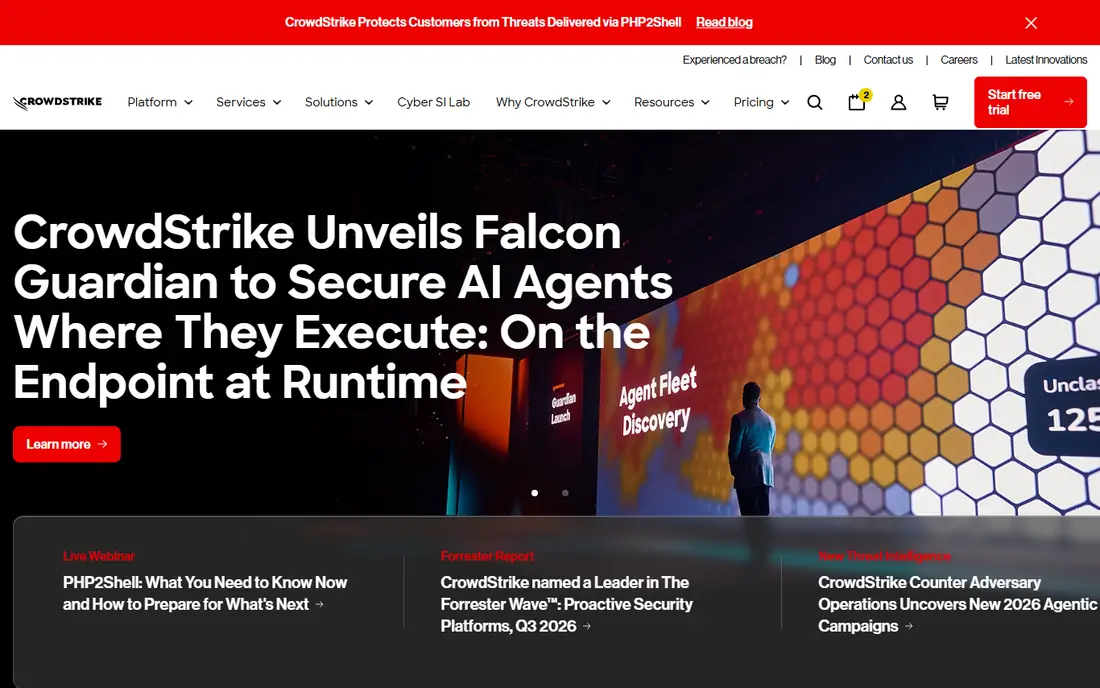
CrowdStrike Falcon Identity Protection, also described as Falcon Identity Threat Detection, monitors hybrid identity across Active Directory and cloud providers. It uses behavioural detection to flag risky logins, session abuse and lateral movement, and it can enforce risk-based access controls. For Falcon customers, identity signals sit in the same console as endpoint data.
Standalone buyers get less integration value, and pricing is custom. If CrowdStrike is not your endpoint vendor, compare Microsoft Defender, SentinelOne and standalone options on identity coverage alone. The integration advantage only pays off when the wider Falcon platform is already in use.
What we like- Hybrid identity visibility
- Risk-based conditional access
- Lateral movement detection
Watch out for- Best value only inside Falcon
- Enterprise pricing is quote-only
Starting priceSee website
Free planFree trial
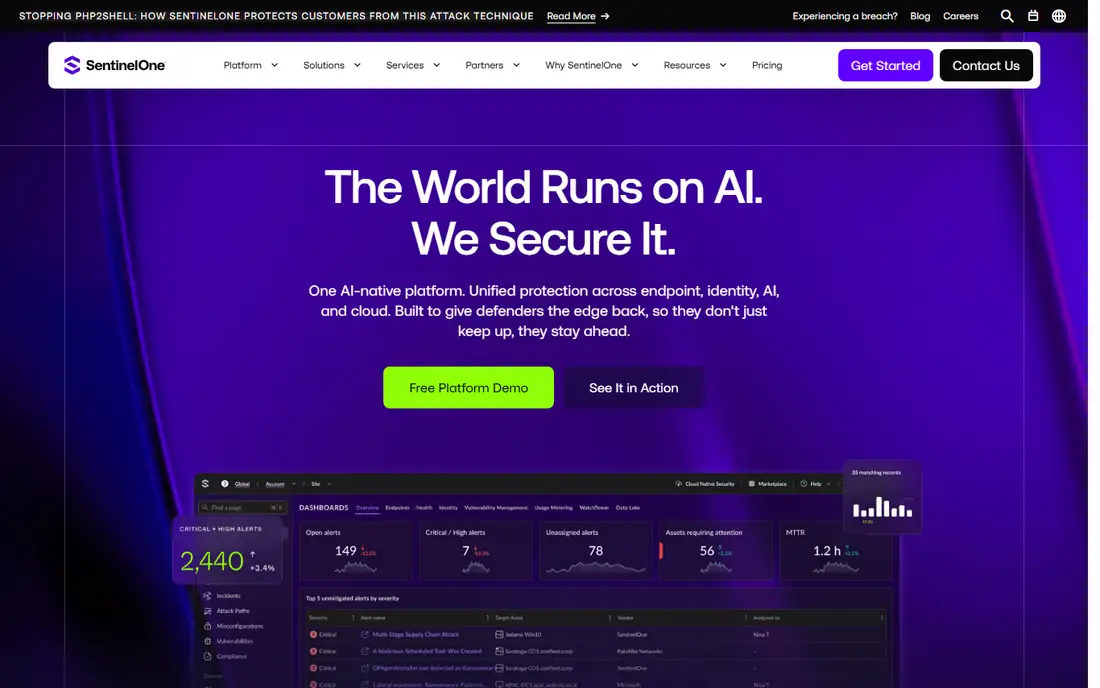
SentinelOne Singularity Identity builds on technology from Attivo Networks, which SentinelOne acquired. Deception decoys lure attackers into revealing themselves, while Active Directory assessment and attack path visualisation show how an attacker could move from a compromised account to a critical asset. That combination suits teams that want early warning, not only alerts after an attack.
Deception requires tuning to avoid noise, and the full value comes inside Singularity XDR. Teams without SentinelOne endpoints should pilot carefully, and check how identity alerts are handled without the wider platform. For SentinelOne customers, it is a strong identity addition.
What we like- Deception decoys for identity attacks
- Active Directory assessment
- Attack path visualisation
Watch out for- Deception needs careful tuning
- Best value inside Singularity XDR
Starting priceSee website
Free planFree trial
CyberArk is best known for privileged access management, and its identity security work extends that strength into threat detection for high-value accounts. It suits organisations where service accounts, admin accounts and cloud privileged roles are the main risk. Detection and response for privileged misuse, credential theft and session abuse are central to its value.
Complexity and price are the trade-offs. CyberArk programmes need planning, and workforce identity attacks outside privileged accounts may need another tool. For a privileged-first buyer, CyberArk is a top choice. For a workforce-first buyer, compare Okta, Ping and Microsoft first.
What we like- Strong privileged access management
- Identity threat detection for high-value accounts
- Broad enterprise coverage
Watch out for- Enterprise pricing and complexity
- Privileged focus may leave workforce identity gaps

#5
Okta Identity Threat Protection
Best for: Okta-centred identity
Visit okta.com
Starting priceSee website
Free planFree trial
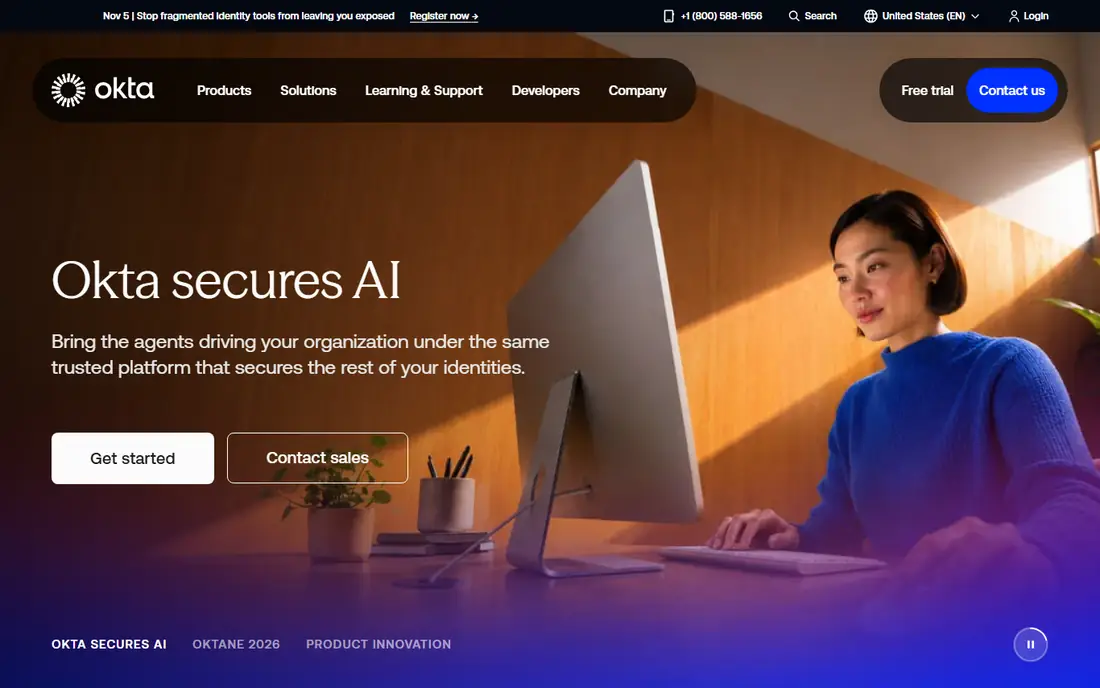
Okta Identity Threat Protection, part of Okta's identity security work, detects risky sessions, credential abuse and suspicious behaviour inside Okta-managed identities. It can trigger step-up authentication, session termination and other responses based on risk. For companies standardised on Okta, that native signal quality is hard to match with a third-party tool.
Organisations with large Active Directory estates or Google Workspace identities need to check coverage beyond Okta. A mixed identity estate may need a standalone ITDR tool alongside Okta, or a vendor-neutral platform. Judge Okta on your actual identity mix, not on brand alone.
What we like- Deep Okta identity signals
- Risk-based response
- Integration with Okta Workforce Identity
Watch out for- Best value only for Okta customers
- Non-Okta identity needs another tool
Starting priceSee website
Free planFree trial
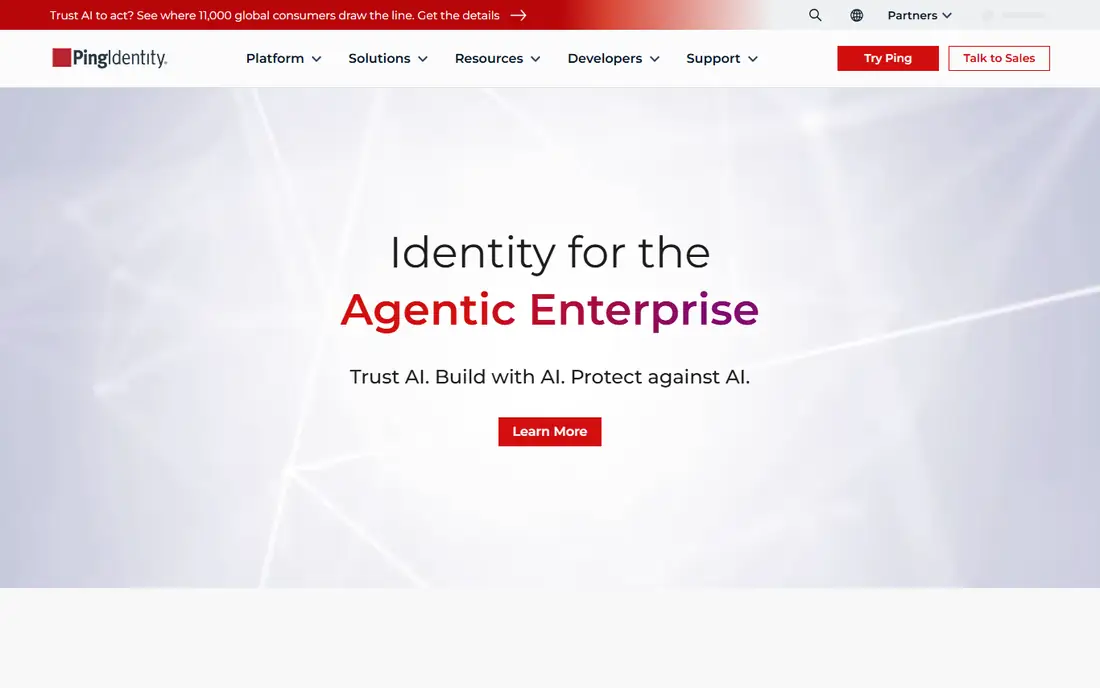
PingOne Protect adds risk detection and adaptive response to Ping Identity deployments. It evaluates signals such as device, location, behaviour and threat intelligence, then adjusts authentication requirements. That adaptive approach suits organisations that want stronger security without forcing every user through extra steps on every login.
The value depends on Ping fit. Companies already using PingOne for workforce or customer identity get the most benefit, while others should compare standalone tools. Confirm which identity sources are covered and how risk scores trigger response actions before a pilot.
What we like- Adaptive risk signals
- Integration with Ping identity
- Useful for customer and workforce identity
Watch out for- Ping ecosystem fit matters
- Pricing is quote-only
Starting priceSee website
Free planFree trial
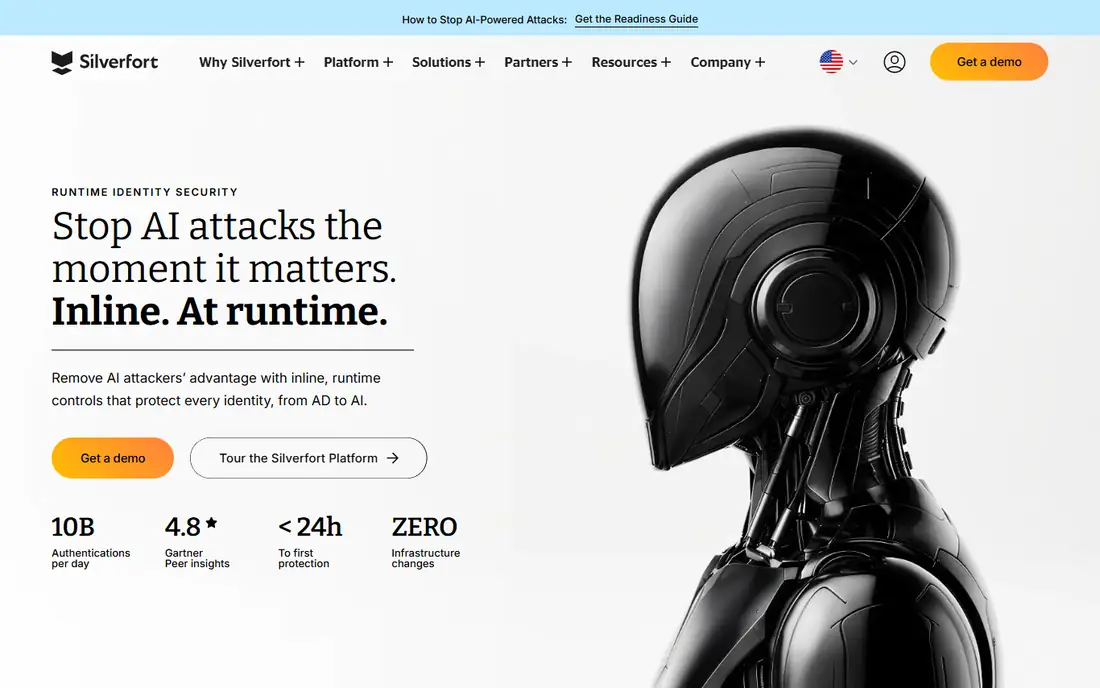
Silverfort stands out for agentless identity protection across Active Directory, cloud and legacy systems that cannot run modern agents. It can enforce multi-factor authentication on resources that previously had no such protection, including older servers and command-line access. That coverage closes a gap many ITDR tools miss.
Pricing is custom, and deployment still needs planning for legacy protocols and service accounts. For a mixed estate with old systems, Silverfort is one of the most practical ITDR options. For a purely cloud-native estate, a cloud-first tool may be simpler.
What we like- Agentless deployment across identity systems
- Multi-factor enforcement for legacy systems
- Broad protocol coverage
Watch out for- Pricing is quote-only
- Smaller teams may need managed support
Starting priceSee website
Free planFree trial
Semperis focuses on Active Directory security, resilience and recovery, which makes it a strong ITDR-adjacent choice for directory-heavy organisations. It assesses directory vulnerabilities, maps attack paths and helps recover Active Directory after an attack. That recovery capability matters, because a directory attack can otherwise take days to remediate.
SaaS identity coverage is thinner than a SaaS-focused tool, so companies with large Google Workspace, Salesforce or Microsoft 365 estates should check that scope. For an Active Directory-first buyer, Semperis offers depth that generalist tools may not match.
What we like- Deep Active Directory expertise
- Attack path and vulnerability assessment
- Recovery for directory attacks
Watch out for- Active Directory focus may leave SaaS gaps
- Enterprise pricing

#9Huntress
Best for: Managed ITDR for smaller teams4.8/5 on
G2 (908 reviews, checked Oct 2026)
Visit huntress.com
Starting priceSee website
Free planFree trial
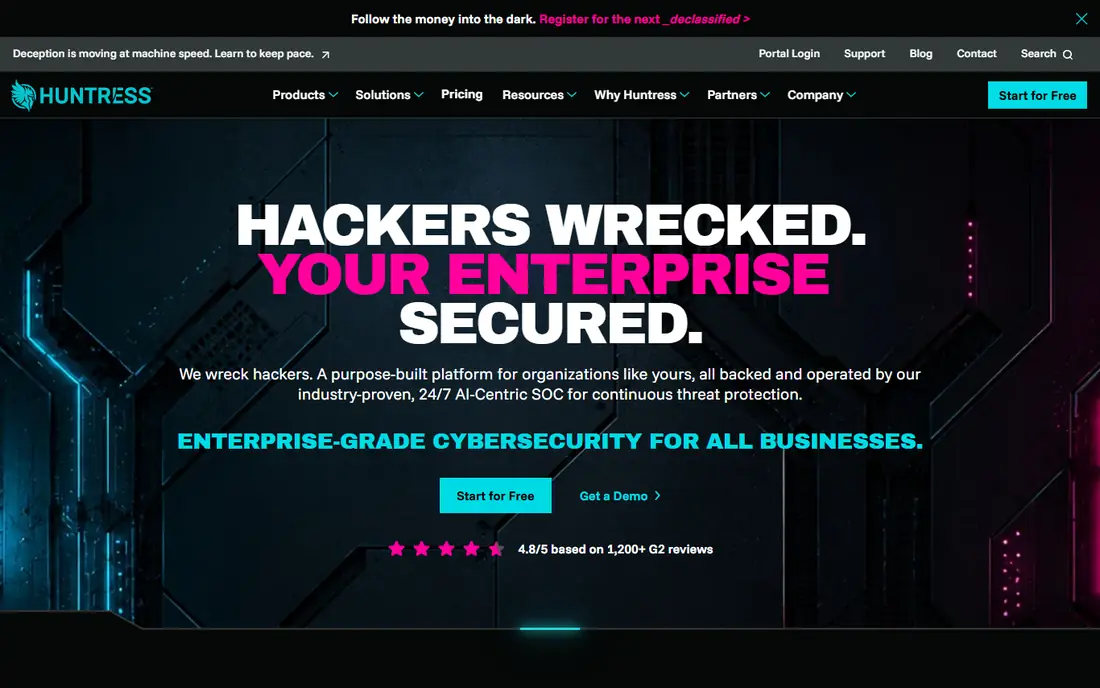
Huntress suits smaller teams that need ITDR without building a security operations centre. Its managed service monitors Microsoft 365 and Google Workspace identities, with human analysts reviewing alerts and automated remediation for common attacks. Identity isolation and session response help contain account takeover quickly.
Large enterprises with in-house security teams may want more control over detection rules and response actions. For a small or mid-sized team, however, the managed model is the point: detection, triage and response happen without hiring a full identity security team.
What we like- Human-led managed detection
- Microsoft 365 and Google Workspace identity coverage
- Automated remediation
Watch out for- Managed model suits smaller teams
- Large enterprises may want more control
How we chose
We compared ITDR tools using vendor documentation, feature lists, identity coverage and public reviews on G2, Capterra and Reddit where available. We favoured tools with clear identity threat detection, response actions and coverage for Active Directory, Entra ID, Okta or major SaaS apps. Pricing is quote-based across this category, so we wrote See website rather than estimating. Tools were excluded when we could not confirm a current ITDR offer or an official homepage.
Piloting ITDR on your real identities
Connect the pilot to your real directory and your most-used SaaS apps, not a test tenant alone. Run it for at least two weeks, and review how many alerts are true attacks, how many are benign anomalies and how long triage takes. A tool that flags every unusual login will create alert fatigue, while a tool that only flags known malware will miss session theft. The pilot should reveal that balance.
Response matters more than detection alone
Check what happens after an alert: can the tool revoke a session, force re-authentication, disable an account or isolate a device, and does it need human approval for each action? Automated response saves time during an attack, but it can also lock out legitimate users if tuned poorly. Agree on response rules by risk level, test them with a simulated account takeover, and document who approves high-impact actions.
Cover the SaaS estate, not only the directory
Many identity attacks now target SaaS apps directly, through stolen session cookies, OAuth grants and third-party integrations. Ask each vendor which SaaS apps are covered, how OAuth and session risks are detected, and how long logs are retained. A directory-only ITDR tool leaves a large gap for companies that run most work in SaaS.
Frequently asked questions
What is ITDR?
ITDR stands for Identity Threat Detection and Response. It monitors identities, authentication flows and access behaviour for attacks such as credential theft, session hijacking, privilege escalation and lateral movement. It detects attacks after an identity is compromised, while IAM tries to prevent misuse in the first place.
How is ITDR different from IAM and EDR?
IAM manages who gets access and how accounts are created. EDR monitors endpoints for malware and malicious processes. ITDR monitors identity systems themselves, such as Active Directory, Entra ID, Okta and SaaS apps, for abuse of valid credentials. The three overlap, but none replaces the others.
Do small businesses need ITDR?
Many small businesses already have partial ITDR through Microsoft 365 Business Premium, Entra ID P2 or Google Workspace security features. A standalone tool makes sense when those built-in features leave gaps, or when a managed service such as Huntress is cheaper than hiring security staff. Audit existing licences first.
What identity attacks should ITDR detect?
Common attacks include pass-the-hash, Kerberoasting, Golden Ticket and Silver Ticket abuse, credential stuffing, session cookie theft, impossible travel logins and privilege escalation. Ask vendors to map their detections to these techniques, and test with a simulated attack during a pilot.
How much does ITDR cost?
Standalone enterprise ITDR often costs $10 to $30 or more per user per month, while bundled options in Microsoft 365 or other platforms cost less. Most vendors quote per user or per identity, so pricing depends on workforce size and modules. Pilot pricing on your real user count for an accurate quote.
Can I run more than one ITDR tool?
Some companies run overlapping tools during a migration, but most guides recommend standardising on one platform tied to the primary identity or endpoint vendor. Overlapping tools can duplicate alerts and trigger conflicting automated responses. Migrate in phases, and retire the old tool once coverage is confirmed.
Sources we checked (11)
- https://www.microsoft.com
- https://www.crowdstrike.com
- https://www.sentinelone.com
- https://www.cyberark.com
- https://www.okta.com
- https://www.pingidentity.com
- https://www.silverfort.com
- https://www.semperis.com
- https://www.huntress.com
- https://www.huntress.com/itdr-guide/best-itdr-vendors
- https://gogorra.com/itdr-identity-threat-detection-and-response-in-hybrid-and-multi-cloud-environments/
Is your product missing or out of date?
We review this list regularly. Vendors can request a listing, send updated pricing or ask about featured placement.

Shihab Mia · Founder, Rankite
Shihab has 5+ years in B2B and SaaS SEO. He writes Rankite's software buying guides from pricing pages, documentation and public user reviews. More about Shihab.
 Microsoft Defender for Identity
 CrowdStrike Falcon Identity Protection
 SentinelOne Singularity Identity
 CyberArk
 PingOne Protect
 Silverfort
 Semperis