How we make this list: we compare pricing pages, product documentation and public user reviews. Ratings come from G2, Capterra or Trustpilot, with the date we checked them.

Direct answer
Kling AI is the top pick for creators who want Higgsfield style camera movement with a lower starting price, at $8.8 per month for Standard after the first 3 months. Runway suits teams that need a wider editing workspace. Pika fits beginners who want simple image to video clips from $10 per month.
Key takeaways
- Solo creators who need camera moves can start with Kling AI Standard at $8.8 per month after the first 3 months, with 660 credits per month.
- Teams that edit and generate in one place can use Runway Standard at $12 per month billed annually, with 625 credits per month and no watermarks.
- Beginners who want a low cost test can use Google Flow free of charge with 50 daily Flow credits, then add Google AI Plus at $4.99 per month.
- Social creators who need short clips can use Pika Starter at $10 per month, with 600 credits per month and a commercial license.
- Agencies that need reference based shots can use Hailuo AI, where MiniMax H3 accepts up to 12 reference files for 5 to 15 second clips.
Quick comparison
| Tool | Best for | Starting price | Free plan |
|---|
 Kling AI | Camera movement and human motion | Standard $6.5 per month for first 3 months, then $8.8 per month, 660 credits per month | Basic $0, monthly login credits, amount not published on vendor page |
 Runway | Generation plus editing workspace | Standard $12 per month billed annually ($15 per month billed monthly), 625 credits per month | 125 one time credits |
 Google Flow | Veo clips inside Google AI plans | Google AI Plus $4.99 per month, 50 daily Flow credits plus 200 monthly Flow credits | 50 daily Google Flow credits without a Google AI subscription |
 Luma AI | Ray video with keyframes | Plus $30 per month, 10,000 credits per month | Free start stated on vendor page, limits not stated on vendor page opened |
 Pika | Simple short social clips | Starter $10 per month, 600 credits per month | Free $0, 0 monthly credits, credit packs only, no commercial license |
 Hailuo AI | Reference based clips with sound | See website | 3 free H3 trials and 3,000 credits with MiniMax Design download, per vendor page |
 PixVerse | Low cost daily testing | Standard $10 per month, $8 per month billed yearly, 1,200 credits per 30 days | Basic $0 with daily credits that renew at 00:00 UTC |
 Vidu | Reference to video on a budget | Standard $10 per month, $99 per year billed yearly, 800 credits per month | Free credits at sign up and for daily logins, amount not published |
 Krea AI | Many video models in one app | Basic $9 per month, 5,000 compute units per month | 100 compute units per day |
 Leonardo AI | Image first creators adding motion | See website | 150 Fast Tokens per day |
Is your product missing or out of date?
We review this list regularly. Vendors can request a listing, send updated pricing or ask about featured placement.
The best higgsfield ai alternatives
Higgsfield built its name on camera motion presets. Its Cinema Studio page lists more than 30 camera movement presets, camera bodies, lens types, lighting controls and color palettes for directed scenes. The tools below were picked for live generation, motion controls and clear limits. Prices were checked on vendor pages on 2026-11-28 where the page text showed the price. Each entry states who should pick the tool and who should look elsewhere. Where price was unclear, the entry says See website.
Starting priceStandard $6.5 per month for first 3 months, then $8.8 per month, 660 credits per month
Free planBasic $0, monthly login credits, amount not published on vendor page
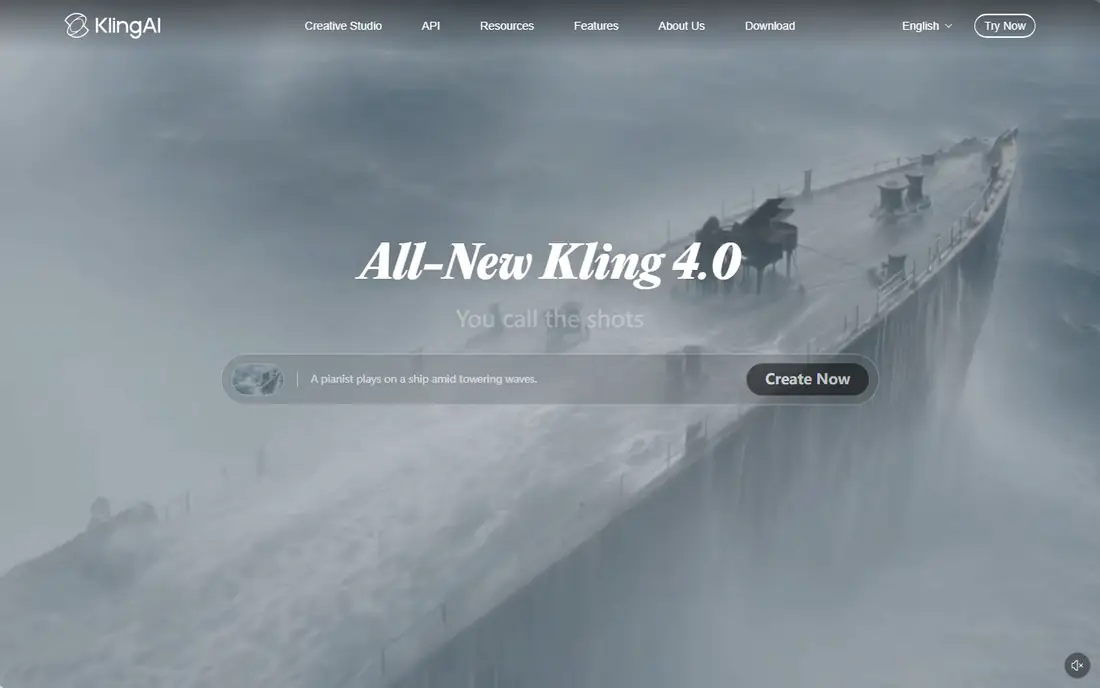
Kling AI is the closest pick for buyers who like Higgsfield camera moves but want a model led workflow. You write a prompt or start from an image, then guide subject motion and camera direction in text and reference inputs. The vendor membership page lists Kling 4.0, Element AI Multi-Shot, fast track generation, queueing for unlimited tasks, and daily free credits for subscribers. Standard includes 660 credits per month for text and image based generation. That credit pool is the real limit, because clip cost changes by model, length and resolution.
The catch is price clarity. The vendor page shows Standard at $6.5 per month for the first 3 months, then $8.8 per month, so the first price is not the steady price. Free Basic does not publish its monthly login credit amount. Pick Kling if camera movement and human action matter most. Look elsewhere if you need a full editor, team boards, or a free plan with a stated daily allowance.
What we like- 660 credits per month on Standard
- Paid plans list watermark removal and commercial use
- 1080p and 4K video generation listed on paid plans
Watch out for- Free Basic amount for monthly login credits is not published
- First 3 month price is lower than the later $8.8 price
Starting priceStandard $12 per month billed annually ($15 per month billed monthly), 625 credits per month
Free plan125 one time credits
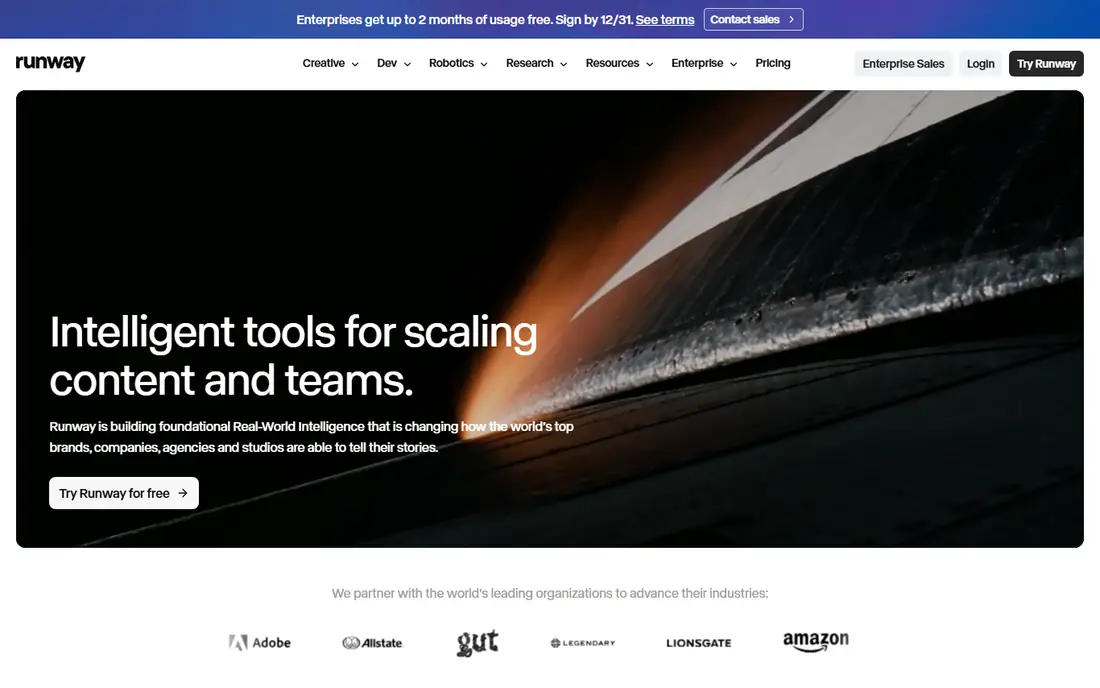
Runway suits creators who want generation, editing and finishing in one workspace. The pricing page lists Standard with access to AI image and video models including Gen-4.5, Seedance 2.5, Aleph and Veo 3.1, plus 625 credits per month, 5 parallel generations, no watermarks, 4K upscaling and 20GB storage for project assets. Gen-4.5 is listed at 60 credits per 5 seconds in the model comparison table. Runway fits ad teams and filmmakers who need repeat shots, alternate takes, edits, voice work and final exports in one shared production place for short ads and social clips.
The catch is that 625 credits can go fast. At 60 credits per 5 seconds for Gen-4.5, Standard holds about 10 such clips before other model costs, images or edits use credits. Monthly credits reset each cycle on Standard. Pick Runway if you need a production workspace. Look elsewhere if you only need cheap one off clips or a large free allowance.
What we like- Access to Gen-4.5 and other video models on Standard
- No watermarks on Standard
- 4K upscaling and 20GB storage on Standard
Watch out for- Standard credits are 625 per month and model costs vary
- Credits on Standard do not roll over
Starting priceGoogle AI Plus $4.99 per month, 50 daily Flow credits plus 200 monthly Flow credits
Free plan50 daily Google Flow credits without a Google AI subscription
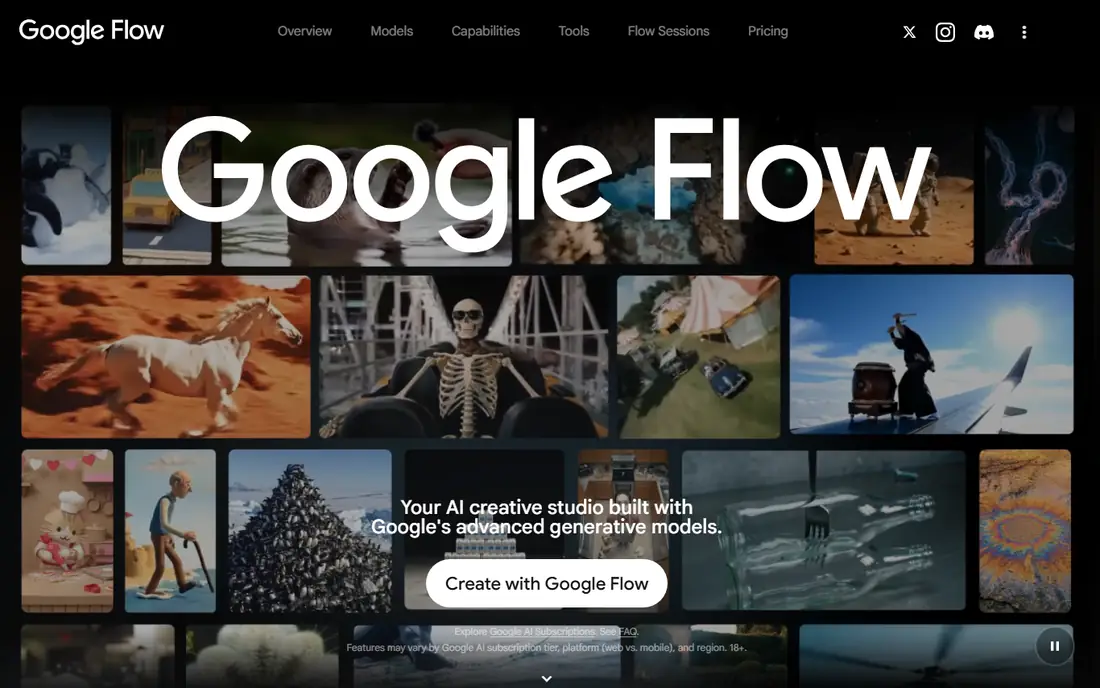
Google Flow is Google's creative studio for video and images, with Veo 3.1 listed for native audio and quality videos. The Flow page lists free use with 50 daily Google Flow credits, Omni 1.2 Flash up to 10 seconds, Veo 3.1 Lite, Text to Video, Frames to Video, Ingredients to Video, video to video editing and Scenebuilder. Google AI Plus is listed at $4.99 per month with 50 daily credits plus 200 monthly credits. Flow fits buyers who already use Google AI and want short clips with sound for social and ad use.
The catch is that Flow is tied to Google AI subscription tiers. The free daily credits help testing, but steady production needs a paid tier and credit costs change by model. Higher quality modes use more credits. Pick Flow if you want Veo access and daily free credits. Look elsewhere if you need a stand alone video tool with team boards or a fixed per clip price.
What we like- Free access includes 50 daily credits
- Veo 3.1 Lite is listed for free users
- Frames to Video and Ingredients to Video are listed
Watch out for- Paid value depends on a Google AI plan, not a Flow only plan
- Prices may vary by market
Starting pricePlus $30 per month, 10,000 credits per month
Free planFree start stated on vendor page, limits not stated on vendor page opened
Luma AI now presents Dream Machine as part of Luma Agents. The vendor page says new users start with Luma Agents, while existing Dream Machine users can still sign in to Dream Machine. Luma says Ray can turn text descriptions or images into video, and users can describe subject, action, mood and camera movement. The same page lists up to 16 keyframes for Ray, plus HDR generation and EXR export in supported production workflows. Plus is listed in pricing summaries at $30 per month with 10,000 credits per month for regular production use.
The catch is cost and migration. Plus at $30 per month is a higher entry price than Kling, Pika or Vidu, and Luma states that Dream Machine boards do not transition to Luma Agents automatically. Users must move content into Luma Agents manually. Pick Luma if keyframes and HDR output matter. Look elsewhere if you need the lowest monthly price or a simple preset library.
What we like- Ray models support text and image to video
- Up to 16 keyframes listed for Ray
- HDR generation and EXR export listed for supported workflows
Watch out for- Plus starts at $30 per month, higher than several rivals
- Dream Machine boards do not move to Luma Agents automatically
Starting priceStarter $10 per month, 600 credits per month
Free planFree $0, 0 monthly credits, credit packs only, no commercial license
Pika is a simple pick for short social clips, product shots and image to video tests. The vendor pricing summary lists Free at $0 with 0 monthly credits, Starter at $10 per month with 600 credits, Creator at $35 per month with 2,600 credits, and Fancy from $95 per month with 8,550 credits and up. Pika lists Video Studio, Image Studio, Product Ad, Character Studio, Swap Anything and Camera Director among its apps. A 5 second Pika 2.5 clip at 720p is listed at 20 credits, so Starter holds 30 such clips if no other credits are used.
The catch is the free plan. Free has no monthly credits, so a new user must buy a credit pack to generate, and Free has no commercial license. Plan credits do not roll over. Top up credits expire after 365 days. Pick Pika if you want low cost short clips with clear credit math. Look elsewhere if you need free monthly generation or long form editing.
What we like- Starter includes 600 credits and a commercial license
- Every model and app is listed on every plan
- No plan adds a watermark
Watch out for- Free plan has 0 monthly credits
- Plan credits do not roll over
Starting priceSee website
Free plan3 free H3 trials and 3,000 credits with MiniMax Design download, per vendor page
Hailuo AI is MiniMax's video app, built around MiniMax H3. The vendor page says H3 can use text, images, video and audio as one creative context, then generate 5 to 15 second videos at 24 FPS with native stereo sound and up to 1440p output for finished clips. Omni Reference accepts up to 12 files total, with limits by file type. H3 can reference character appearance, actions, camera movement, composition, voice and editing style. Hailuo also lists precise editing for people, objects, backgrounds, lighting, effects and dialogue in existing clips.
The catch is pricing clarity. The vendor H3 page gives estimated per second costs, but the subscription dollar price was not clear on the page opened, so this guide lists See website for the starting price. Actual plan credits vary by mode and plan. Pick Hailuo if reference control and native sound matter. Look elsewhere if you need a published subscription price before sign up or a simple preset menu.
What we like- MiniMax H3 makes 5 to 15 second clips with native stereo sound
- Up to 12 reference files listed
- Camera move can be referenced in Omni Reference
Watch out for- Subscription dollar price was not clear on the vendor page opened
- Actual plan credits vary by mode and plan
Starting priceStandard $10 per month, $8 per month billed yearly, 1,200 credits per 30 days
Free planBasic $0 with daily credits that renew at 00:00 UTC
PixVerse fits creators who test many short clips and want daily credits. The vendor pricing summary lists Basic at $0, Standard at $10 per month or $8 per month billed yearly with 1,200 credits per 30 days, Pro at $30 per month with 6,000 credits, and Premium at $60 per month with 15,000 credits. The pricing page states that daily credits renew every day at 00:00 UTC and expire at the end of the day if unused. Membership credits refresh every 30 days from the subscription start time and date.
The catch is expiry. Unused membership credits expire when the new 30 day cycle begins, and daily credits expire at day end. Credit packs are non refundable. Pick PixVerse if daily testing, short drafts and a $10 monthly start matter most for your workflow. Look elsewhere if you need credits that roll over or a refund path for unused packs.
What we like- Standard lists 1,200 credits per 30 days plus daily credits
- Paid plans list watermark free and ad free output
- Higher resolution outputs up to 4K listed on paid plans
Watch out for- Membership credits expire when the new 30 day cycle begins
- Credit pack purchases are non refundable
Starting priceStandard $10 per month, $99 per year billed yearly, 800 credits per month
Free planFree credits at sign up and for daily logins, amount not published
Vidu is a budget pick for reference to video, text to video and image to video. Vendor and pricing summaries list Standard at $10 per month or $99 per year, with 800 credits per month. Premium is listed at $43 per month with 3,500 credits, and Ultimate at $115 per month with 10,000 credits. Vidu lists dynamic animation of static images and first and last frame control for continuity. Paid cards list clips of 3 to 16 seconds, higher resolution output and up to 4 videos at once on paid plans.
The catch is cost planning. Vidu publishes a clear rate for Q4 at 540p in pricing summaries, but costs at higher resolutions are harder to confirm before sign up. The free credit amount is not published. Pick Vidu if reference control at $10 per month matters. Look elsewhere if you need exact per clip costs for every resolution before buying.
What we like- Standard lists 800 credits per month
- Paid plans list 3 to 16 second clips
- Reference to video and first and last frame control are listed
Watch out for- Free credit amount is not published
- Most credit costs by resolution are not published on the pricing summary
Starting priceBasic $9 per month, 5,000 compute units per month
Free plan100 compute units per day
Krea AI fits creators who want many image and video models in one workspace. Pricing summaries list Free with 100 compute units per day, Basic at $9 per month with 5,000 units, Pro at $35 per month with 20,000 units, and Max at $105 per month with 60,000 units. Krea lists image to video as a way to animate a generated or uploaded image with motion and camera movement. The app also lists video models from several labs, so a user can compare model output without separate subscriptions for each model.
The catch is plan gating. Basic includes selected video models, while Pro is the first plan listed with all video models. Compute units buy different amounts by model. API use is billed from a separate balance. Pick Krea if model choice, image work and motion tests in one workspace matter. Look elsewhere if you want one model only with a simple credit table.
What we like- Basic lists 5,000 compute units per month
- Pro lists all video models
- Free plan lists 100 compute units per day
Watch out for- Basic includes selected video models, not all video models
- API balance is billed apart from app plans
Starting priceSee website
Free plan150 Fast Tokens per day
Leonardo AI fits image first creators who want to add motion without leaving their image workflow. The vendor pricing page lists Free with 150 Fast Tokens per day, Essential with 8,500 Fast Tokens per month, Premium with 25,000 per month, and Ultimate with 60,000 per month for heavier use. Ultimate lists unlimited relaxed video generation for selected models including Motion 2.0, Motion 2.0 Fast, Wan 2.6 and Hailuo 2.3. Leonardo states that tokens are deducted for actions such as generating images, creating videos, background removal and upscale tasks on the platform.
The catch is price and token clarity. The vendor pricing page text opened listed token amounts, but dollar prices were not shown in the extracted page text, so this guide lists See website. Video and third party models can cost more tokens. Pick Leonardo if your still image workflow already lives there. Look elsewhere if you need a clear dollar price and per clip cost before sign up.
What we like- Free plan lists 150 Fast Tokens per day
- Essential lists 8,500 Fast Tokens per month
- Ultimate lists relaxed video generation for Motion 2.0 and other selected models
Watch out for- Dollar prices were not shown in the vendor pricing page text opened
- Token cost per video varies by model and compute load
Which Higgsfield alternative gives the best camera control for ads?
Kling AI is the best first test for ad camera control because Standard starts at $8.8 per month after the first 3 months and paid plans list commercial use. For a product ad, start with a clean product image, write the camera move in plain words, and keep the subject action short. A push in, orbit or tracking move works best when the product stays large in frame and the background does not change too much. Runway is the better pick when the ad needs edits, alternate takes and finishing in one workspace. Luma fits when keyframes matter, because Ray lists up to 16 keyframes. Hailuo fits when a reference clip defines the camera move. Test one 5 second shot on two tools before buying yearly, and count credits per usable clip. A usable clip means a shot you can publish without fixing the subject, product label, hands or camera path in another editor.
What is the cheapest Higgsfield alternative with a free plan?
Google Flow is the cheapest start because free use includes 50 daily Flow credits without a Google AI subscription. That pool lets creators test before paying. PixVerse Basic is also $0 with daily credits, but daily credits expire at day end. Krea Free lists 100 compute units per day, which suits image led testing. Runway Free gives 125 one time credits.
Kling AI, Hailuo AI and Vidu are the strongest fits for product photo animation. Kling gives a direct image to video path with paid commercial use. Hailuo H3 can reference appearance, camera movement and composition from up to 12 files, which helps when the product must match a source image. Vidu lists first and last frame control, which helps when the start and end frames must be fixed. Pika is simpler for a first test at 20 credits per 5 second clip.
No tool in this list copies Higgsfield preset for preset. Higgsfield lists more than 30 camera movement presets in Cinema Studio, plus lens and lighting controls. Rivals use prompts, keyframes, references or model controls instead. Kling and Runway ask the user to describe or direct the shot. Luma uses keyframes. Hailuo and Vidu use references and frame control. That change can slow quick social posts where a preset is faster.
Frequently asked questions
What is the best Higgsfield AI alternative in 2026?
Kling AI is the best overall alternative for most creators. Standard is $6.5 per month for the first 3 months, then $8.8 per month, with 660 credits per month. Paid plans list watermark removal, commercial use and 1080p and 4K video generation. Runway suits teams needing editing in one workspace.
Is there a free Higgsfield alternative?
Yes. Google Flow lists 50 daily Flow credits without a Google AI subscription. PixVerse Basic is $0 with daily credits, and Krea Free lists 100 compute units per day. Runway Free gives 125 one time credits. Check commercial terms before client work.
Which Higgsfield alternative is best for ads?
Kling AI and Runway are the main ad picks. Kling Standard lists commercial use on paid plans and starts at $8.8 per month after the first 3 months. Runway Standard is $12 per month billed annually with 625 credits, no watermarks and 4K upscaling. Hailuo H3 fits reference based ads.
Can I use these tools for commercial work?
Paid plans are the safe route for commercial work. Kling paid plans list commercial use, Pika Starter lists a commercial license, and Krea paid plans list a commercial license in pricing summaries. Free plans often limit commercial use or credits. Read vendor terms before a paid campaign.
What happened to Sora as an alternative?
Sora is not listed because OpenAI discontinued the Sora app and web experience on April 26, 2026, and the Sora API shut down on September 24, 2026, based on shutdown reports checked for this guide. Choose a live tool instead.
What to look for before you buy
First, check camera control in the form you will use daily, such as presets, keyframes, references or prompt based direction. Second, count credits per usable clip by model, length and resolution, not only the monthly credit total. Third, confirm commercial use, watermark rules and whether free credits expire by day or by cycle. Fourth, check clip length, resolution and audio needs. Fifth, confirm the renewal price after any first month or first year promo, and keep the vendor pricing page open at checkout.
How we chose
Tools were chosen for live generation, motion control and published limits. Prices and facts were checked on vendor pages and vendor pricing summaries on 2026-11-28. Where a vendor page did not show a clear dollar price in the page text opened, the entry lists See website. No hands on testing claim is made in this guide. Sora was excluded after shutdown reports showed the app closed in April 2026 and the API closed in September 2026.
Sources we checked (12)
- https://higgsfield.ai/blog/best-cinematic-ai-video-generators
- https://kling.ai/app/membership/membership-plan?r=26
- https://runway.com/pricing
- https://labs.google/fx/tools/flow
- https://lumalabs.ai/models/luma-dream-machine-evolved-into-luma-agents
- https://pika.art/blog/pika-in-chatgpt-and-claude-cost
- https://hailuoai.video/tools/minimax-h3
- https://app.pixverse.ai/subscribe
- https://pixverse.ai/en/ai-info-page
- https://platform.vidu.com/docs/overview/pricing
- https://canvas.krea.ai/pricing?plan=creator_max&period=monthly&level=2
- https://leonardo.ai/pricing
Is your product missing or out of date?
We review this list regularly. Vendors can request a listing, send updated pricing or ask about featured placement.

Shihab Mia · Founder, Rankite
Shihab has 5+ years in B2B and SaaS SEO. He writes Rankite's software buying guides from pricing pages, documentation and public user reviews. More about Shihab.