How we make this list: we compare pricing pages, product documentation and public user reviews. Ratings come from G2, Capterra or Trustpilot, with the date we checked them.
Key takeaways
- n8n and Zapier are the safest all-round replacements, with huge integration ranges and proven reliability.
- Make suits visual builders who want complex logic without code.
- Relay.app and Bardeen are best for small teams that want AI help inside everyday apps.
- Lindy leads for AI agents that handle multi-step tasks with minimal setup.
- Activepieces and Pipedream suit developers and open source fans who want code control and self-hosting.
Quick comparison
| Tool | Best for | Starting price | Free plan |
|---|
 n8n n8n | flexible automation with self-hosting options | See website | Yes |
 Zapier Zapier | the easiest way to connect apps | See website | Yes |
 Make Make | visual workflows with complex logic | See website | Yes |
 Relay.app Relay.app | AI workflows with human approval steps | See website | Yes |
 Lindy Lindy | AI agents that handle tasks end to end | See website | Free trial |
 Bardeen Bardeen | browser automation inside everyday apps | See website | Yes |
 Activepieces Activepieces | open source automation with a simple builder | See website | Yes |
 Pipedream Pipedream | developer workflows with code control | See website | Yes |
Is your product missing or out of date?
We review this list regularly. Vendors can request a listing, send updated pricing or ask about featured placement.
The best gumloop alternatives
#1n8n
Best for: flexible automation with self-hosting options4.7/5 on
G2 (319 reviews, checked Oct 2026)
Visit n8n.io
Starting priceSee website
Free planYes
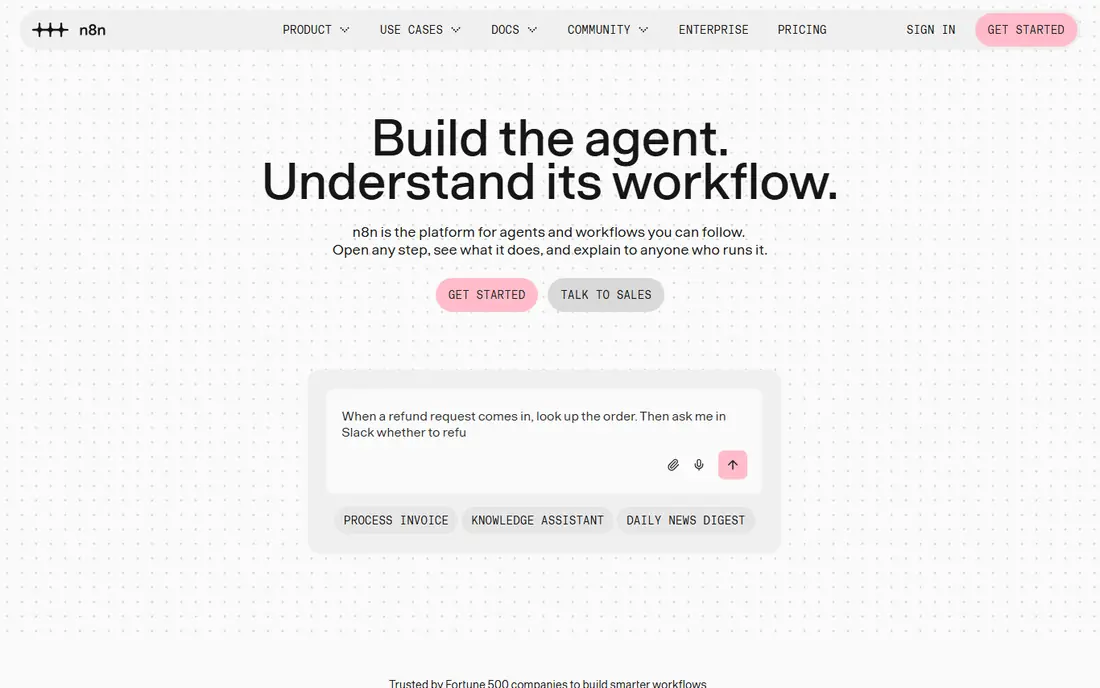
n8n is an open, workflow automation tool that combines a visual builder with code nodes for JavaScript and Python, so simple flows stay visual while complex logic can drop into code. The node library covers hundreds of apps, and AI nodes let workflows call language models, scrape pages, and process documents. Self-hosting is free, while the cloud plan removes maintenance.
Gumloop users who liked AI-first automation will find n8n's AI nodes and agent features a good match, with more control over the workflow underneath. The learning curve is steeper than Zapier, especially for error handling and branching. For a team that wants flexibility, ownership, and AI features together, n8n is the strongest pick here.
What we like- Self-hostable
- Huge node library
- Code when needed
Watch out for- Learning curve for complex flows
- Self-hosting needs maintenance
#2Zapier
Best for: the easiest way to connect apps4.5/5 on
G2 (2,088 reviews, checked Oct 2026)
Visit zapier.com
Starting priceSee website
Free planYes
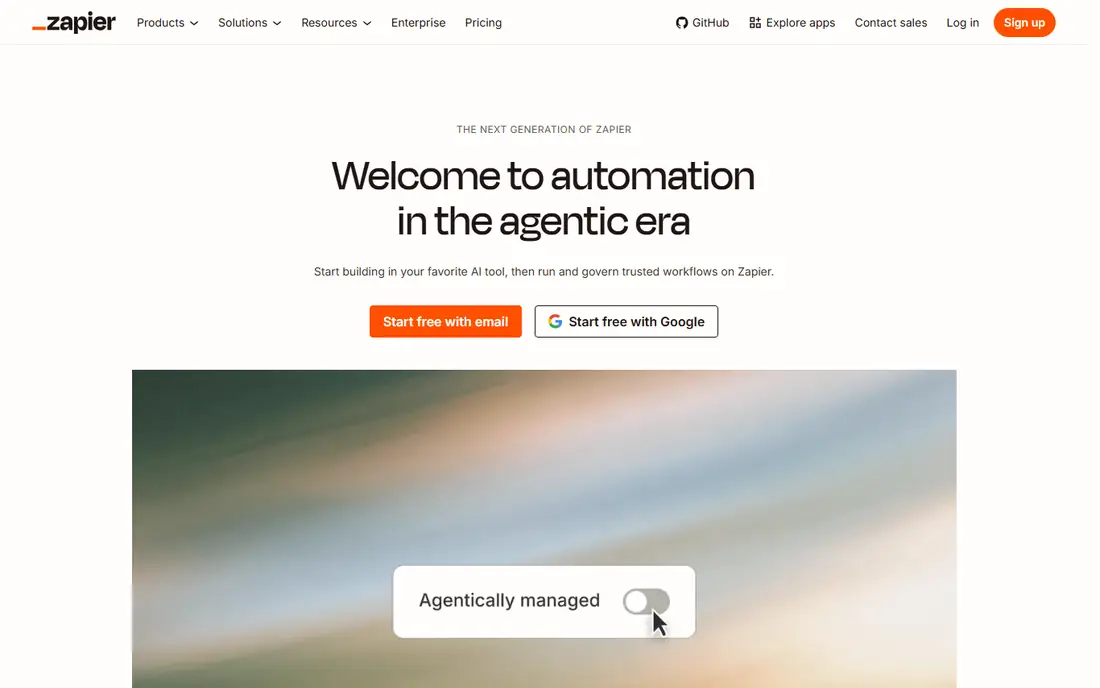
Zapier is the most popular automation tool, connecting thousands of apps with simple trigger-and-action flows called Zaps. Setup takes minutes, the interface guides new users well, and reliability is high. AI features, including AI agents and chatbots, have grown, covering some of the ground Gumloop users value.
Costs rise with task volume, since pricing is based on tasks run, and complex multi-step logic is harder than in n8n or Make. For a team that wants automation working today with minimal learning, Zapier is the safest choice. Start with the free plan, measure task usage for a month, then pick a paid tier that matches real volume.
What we like- Largest app range
- Very easy to learn
- Reliable
Watch out for- Costs rise with task volume
- Complex logic is limited
#3Make
Best for: visual workflows with complex logic4.6/5 on
G2 (347 reviews, checked Oct 2026)
Visit make.com
Starting priceSee website
Free planYes
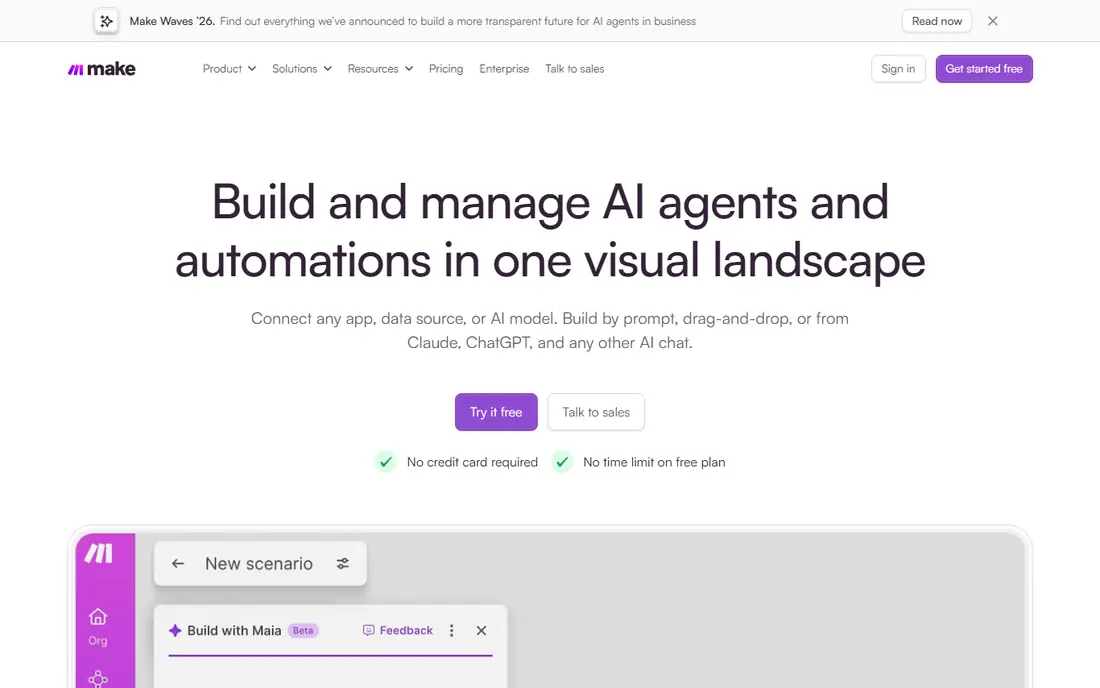
Make, formerly Integromat, offers a visual builder where workflows appear as connected modules on a canvas, with branching, routing, and error handling shown clearly. That visual style suits complex flows that Zapier struggles to express, such as multi-path approvals or data transformations. AI modules let workflows call language models and process documents.
The free plan covers testing and small use, while paid plans scale by operations. The learning curve is steeper than Zapier, and the app range is smaller, though it covers the major tools. For a team that builds complex workflows and wants to see the logic, Make is the best visual builder here.
What we like- Visual builder
- Strong branching and routing
- Good value
Watch out for- Learning curve for new users
- Fewer apps than Zapier
#4
Relay.app
Best for: AI workflows with human approval steps
Visit relay.app
Starting priceSee website
Free planYes
Relay.app is built for workflows that mix AI and humans: an AI step drafts, summarizes, or classifies, and a human approves before the next step runs. That design suits teams that want AI speed without giving AI full control over customer messages, content, or decisions. Collaboration is built in, with shared workflows and approvals.
The platform is newer than Zapier or Make, so the app range is smaller, though it covers common tools. The free plan covers basic use. For a small team that wants AI automation with a human safety net, Relay.app is a thoughtful and practical pick.
What we like- Human-in-the-loop design
- Good AI steps
- Easy collaboration
Watch out for- Newer platform
- Smaller app range than Zapier
#5Lindy
Best for: AI agents that handle tasks end to end4.9/5 on
G2 (171 reviews, checked Oct 2026)
Visit lindy.ai
Starting priceSee website
Free planFree trial
Lindy builds AI agents that handle multi-step tasks, from inbox triage and meeting scheduling to lead research and follow-up. Setup is fast: describe the task, pick a template, and the agent runs on a schedule or trigger. That agent-first design is the closest to Gumloop's AI workflow style, with less manual flow building than n8n or Make.
Control is less granular than a full workflow builder, and pricing scales with agent usage, so heavy use needs watching. A free trial lets you test an agent on a real task. For a team that wants AI to handle a job end to end with minimal setup, Lindy is the most agent-native option here.
What we like- Agent-first design
- Fast setup
- Good templates
Watch out for- Less control than n8n
- Pricing scales with agent use
#6Bardeen
Best for: browser automation inside everyday apps4.8/5 on
G2 (36 reviews, checked Oct 2026)
Visit bardeen.ai
Starting priceSee website
Free planYes
Bardeen automates work inside the browser, with playbooks that scrape pages, fill forms, move data between apps, and trigger actions from the browser itself. That browser-first model suits sales, recruiting, and research teams whose work lives in web apps. Templates cover common tasks, and AI features help build playbooks from a description.
Bardeen runs as a browser extension, so heavy server-side workflows fit n8n or Make better. The free plan covers personal use, while team plans add sharing and controls. For a team whose automation starts in the browser, Bardeen is the most natural pick here.
What we like- Browser-first automation
- Good templates
- Works inside apps
Watch out for- Browser extension model
- Heavy workflows need other tools
#7Activepieces
Best for: open source automation with a simple builder4.8/5 on
G2 (142 reviews, checked Oct 2026)
Visit activepieces.com
Starting priceSee website
Free planYes
Activepieces is an open source automation tool with a simple visual builder, self-hosting options, and a growing piece library covering common apps. It suits teams that want open source ownership without n8n's learning curve, and the cloud plan removes hosting work. AI pieces let flows call language models and process content.
The app range is smaller than Zapier, and the platform is newer, so some niche integrations are missing. For a team that values open source, simple building, and low cost, Activepieces is a strong emerging choice. Check that your key apps are covered before committing.
What we like- Open source
- Self-hostable
- Easy builder
Watch out for- Smaller app range than Zapier
- Newer platform
#8Pipedream
Best for: developer workflows with code control4.6/5 on
G2 (16 reviews, checked Oct 2026)
Visit pipedream.com
Starting priceSee website
Free planYes
Pipedream is a developer-focused workflow platform that lets you write Node.js, Python, Go, or Bash steps inside workflows, with prebuilt components for thousands of apps. That code-first flexibility suits developers who want full control over logic, error handling, and data transformation, without managing servers. AI steps and agent features are growing.
Non-developers will find Pipedream harder than Zapier or Make, since the best features need code. The free plan covers generous use for testing and small projects. For a developer team that wants automation with code control, Pipedream is the most flexible option here.
What we like- Code-first flexibility
- Huge app range
- Good for developers
Watch out for- Needs coding skill
- Less friendly for non-developers
How we chose
We compared these tools on AI features, integration range, ease of use, pricing, and self-hosting options. We checked vendor pages and public comparison guides, and where pricing was not published we wrote See website instead of guessing. We kept the list to tools a real team can sign up for today, and we left out tools that only automate one narrow app. We also weighed error handling and monitoring, since a workflow that fails silently at 2 a.m. is worse than one that fails loudly, and we favored tools that make failures easy to spot and retry.
How to pick an AI automation replacement
Start with who builds the workflows. If non-developers build them, Zapier, Relay.app, or Bardeen will be adopted fastest. If developers build them, n8n or Pipedream give more control. If one person builds complex flows for a team, Make's visual builder is a good middle ground.
Next, test AI behavior on a real task during trials. AI steps vary in reliability, and a workflow that works in a demo can fail on messy real data. Add human approval steps for customer-facing actions, and log AI outputs so failures are visible. Finally, model costs at real volume: task-based and operation-based pricing grows fast, so measure a month of usage before choosing a paid tier.
Also check data privacy before connecting sensitive apps. Automation tools see the data they move, which can include customer records, emails, and financial details, so confirm how each vendor stores workflow data, whether AI providers receive your data for training, and what retention controls exist. Self-hosted options like n8n and Activepieces keep data on your own servers, which suits regulated teams. For cloud tools, ask for data processing terms, encryption details, and the regions where data is stored, and avoid sending sensitive fields through workflows that do not need them.
Frequently asked questions
What is Gumloop used for?
Gumloop is an AI workflow automation platform that lets users build workflows mixing AI steps, browser automation, and app integrations, often without code. Teams use it to automate research, data processing, and repetitive web tasks with AI help.
Which alternative is closest to Gumloop?
Lindy is closest on agent-first design, while n8n is closest on flexible AI workflows with more control. Relay.app suits teams that want AI steps with human approval. Pick Lindy for agents, n8n for control, and Relay.app for safety.
Can I self-host an automation tool?
Yes. n8n and Activepieces both offer self-hosting, which gives data control and can lower costs at scale. Self-hosting needs maintenance, updates, and monitoring, so weigh that effort against cloud pricing before choosing.
How do I avoid AI mistakes in automated workflows?
Add human approval for customer-facing or irreversible actions, log AI outputs, set confidence thresholds where supported, and test on real data during trials. Start with low-risk tasks and expand only after the workflow proves reliable. Keep a rollback plan for every automated action, so a bad run can be undone without manual cleanup across many records.
Which tool is cheapest for small teams?
Activepieces and n8n offer strong free and self-hosted options, while Zapier and Make have useful free plans for small volumes. Compare costs at your real task volume, since free plans differ in limits. Also count the time spent building and maintaining flows, since a tool that is cheap in subscription fees but slow to build can cost more in staff time than a pricier tool that is fast to use.
Do these tools replace human work entirely?
No. They handle repetitive steps well, but judgment, relationships, and quality checks still need people. The best setups use AI for drafting and data work, with humans approving, editing, and handling exceptions. Treat automation as a junior assistant that needs careful human review, not as a replacement for judgment.
Sources we checked (8)
- https://n8n.io
- https://zapier.com
- https://www.make.com
- https://www.relay.app
- https://www.lindy.ai
- https://www.bardeen.ai
- https://www.activepieces.com
- https://pipedream.com
Is your product missing or out of date?
We review this list regularly. Vendors can request a listing, send updated pricing or ask about featured placement.

Shihab Mia · Founder, Rankite
Shihab has 5+ years in B2B and SaaS SEO. He writes Rankite's software buying guides from pricing pages, documentation and public user reviews. More about Shihab.