How we make this list: we compare pricing pages, product documentation and public user reviews. Ratings come from G2, Capterra or Trustpilot, with the date we checked them.
Key takeaways
- Tabnine leads on privacy-focused completion, with private deployment options and no training on private code by default.
- Windsurf leads on agentic coding, with an editor and agents that plan, write, and run multi-step tasks.
- Cursor leads on AI-first editing, with an editor built around chat, autocomplete, and codebase awareness.
- Cody leads on enterprise codebase search, answering questions across large private repositories.
- Amazon Q Developer suits AWS teams, with AWS-aware suggestions and transformation tools.
- JetBrains AI suits JetBrains IDE users who want native AI inside IntelliJ, PyCharm, and other JetBrains tools.
- Continue and Aider suit developers who want open, configurable AI coding with their own models.
- GitHub Copilot itself is NOT listed here, since this article covers alternatives to it. Teams should check privacy, model choice, and IDE support before switching.
Quick comparison
| Tool | Best for | Starting price | Free plan |
|---|
 Tabnine Tabnine | Privacy-focused completion | See website | Free plan |
 Windsurf Windsurf | Agentic coding | See website | Free plan |
 Cursor Cursor | AI-first editing | See website | Free plan |
 Cody Cody | Enterprise codebase search | See website | Free plan |
 Amazon Q Developer Amazon Q Developer | AWS teams | See website | Free plan |
 JetBrains AI JetBrains AI | JetBrains IDE users | See website | Free trial |
 Continue Continue | Open configurable coding | Free | Free |
 Aider Aider | Terminal pair programming | Free | Free |
Is your product missing or out of date?
We review this list regularly. Vendors can request a listing, send updated pricing or ask about featured placement.
The best github copilot alternatives
AI coding assistants now range from simple autocomplete to agentic editors that plan and execute multi-file changes, and the best alternative to GitHub Copilot depends on privacy needs, IDE choice, and how much autonomy you want to grant an AI. The eight tools below cover private completion, agentic editing, enterprise search, and open configurable coding, and the right pick depends on your stack, your team size, and your data policies.
How we chose
We started from the AI coding tools developers actually use as Copilot replacements in 2026, drawing on vendor pages, developer guides, and engineering comparisons. We favored tools with strong completion, chat, and codebase awareness, and we excluded GitHub Copilot itself, since this article is about alternatives. Prices vary by plan, seat, and usage, so where a figure is not confirmed on a vendor page, we use "See website" and flag the gap.
Buying guide
Start with privacy, since it eliminates options fast. Teams with strict data rules should shortlist Tabnine with private deployment, Continue with self-hosted models, and Aider with local models, since these keep code inside your environment. Teams with looser rules can consider cloud tools such as Cursor, Windsurf, and Cody, which offer strong features with cloud processing.
Next, check IDE fit. Cursor and Windsurf are full editors, which suits developers willing to switch editors, while Tabnine, JetBrains AI, and Continue plug into existing editors such as VS Code and JetBrains IDEs. Switching editors costs productivity for weeks, so weigh editor fit heavily unless agentic features justify the move.
Then test on real work, not demos. Try each tool on your actual codebase for a week: measure suggestion acceptance, chat accuracy on your code, and how often you must correct the AI. Agentic tools such as Windsurf and Cursor shine on multi-file tasks but can overreach, while completion tools such as Tabnine stay predictable. Finally, check model choice and cost: some tools lock you to one model, while Continue and Aider let you choose models and control costs.
Language and framework coverage also deserve a direct test. Some assistants excel at Python and JavaScript but lag on niche languages, legacy frameworks, or your company's internal libraries. Run the same set of real tasks through each candidate tool, including a bug fix, a new feature, and a refactoring, and compare acceptance rates and correctness rather than trusting benchmark scores that rarely match your stack.
One more factor matters for teams: admin controls and audit. Enterprise teams need SSO, usage analytics, policy controls, and audit logs, which Cody, Tabnine, and Amazon Q Developer handle well, while individual-focused tools may lack them. Check admin features before rolling out to a whole team, since retrofitting governance later is painful.
Common mistakes to avoid
The most common mistake is accepting AI code without review. AI assistants produce plausible code with subtle bugs, security flaws, and outdated APIs, so every suggestion needs the same review as human code. Teams that skip review accumulate hidden defects that surface later as production incidents.
The second mistake is granting agentic tools too much autonomy too soon. Let agents work on well-tested, low-risk tasks first, with clear boundaries on files they may change and commands they may run, and expand autonomy only as trust builds. The third mistake is ignoring data policies: pasting proprietary code into a cloud AI tool may violate company policy or client contracts, so confirm allowed tools with your security team before adopting any assistant.
Frequently asked questions
Which Copilot alternative is best for privacy?
Tabnine leads on privacy with private deployment options, followed by Continue and Aider with self-hosted or local models. Check each tool's data retention and training policies, since defaults differ.
Do I need to switch editors to use these tools?
Not always. Tabnine, JetBrains AI, and Continue work inside VS Code, JetBrains IDEs, and other editors, while Cursor and Windsurf are full editors that require switching. Choose based on how much you value your current editor setup.
Can AI coding tools replace junior developers?
No. AI assistants speed up experienced developers and help juniors learn, but they cannot replace judgment, design, debugging, and accountability. They work best as assistants to skilled developers, not as replacements.
Are free tiers enough for professional use?
Free tiers cover basic completion and limited chat, which suits individual testing and hobby projects. Professional daily use usually needs a paid plan for unlimited completions, advanced models, and team features.
Which tool is best for large enterprise codebases?
Cody leads for enterprise codebase search across large private repositories, with Tabnine and Amazon Q Developer also strong for enterprise governance. Test on your own repositories, since codebase structure affects accuracy heavily.
Sources
- Vendor pages for Tabnine, Windsurf, Cursor, Cody, Amazon Q Developer, JetBrains AI, Continue, and Aider
- Third-party 2026 comparisons of AI coding assistants
- Developer guides on AI code review, privacy, and agentic coding workflows
#1Tabnine
Best for: Privacy-focused completion4.2/5 on
G2 (72 reviews, checked Oct 2026)
Visit tabnine.com
Starting priceSee website
Free planFree plan
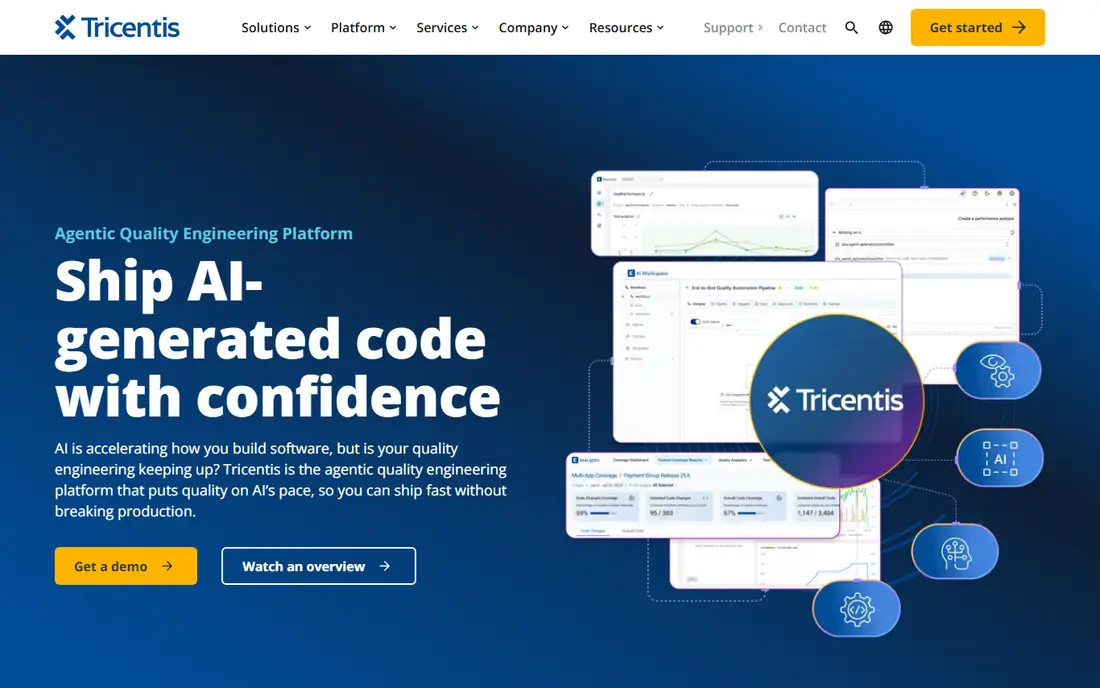
Tabnine is the privacy-focused pick, offering code completion with private deployment options and a policy of not training models on private code by default, which suits regulated teams and enterprises. Its completion quality is strong across major languages, and its IDE support covers VS Code, JetBrains, and more.
Chat features are thinner than Cursor, enterprise pricing applies for private deployment, and agentic features are newer. Tabnine suits privacy-conscious teams that want strong completion without cloud data concerns.
What we like- Private deployment options
- Strong completion
- No training on private code by default
Watch out for- Chat is thinner than Cursor
- Enterprise pricing
- Agentic features are newer
Starting priceSee website
Free planFree plan
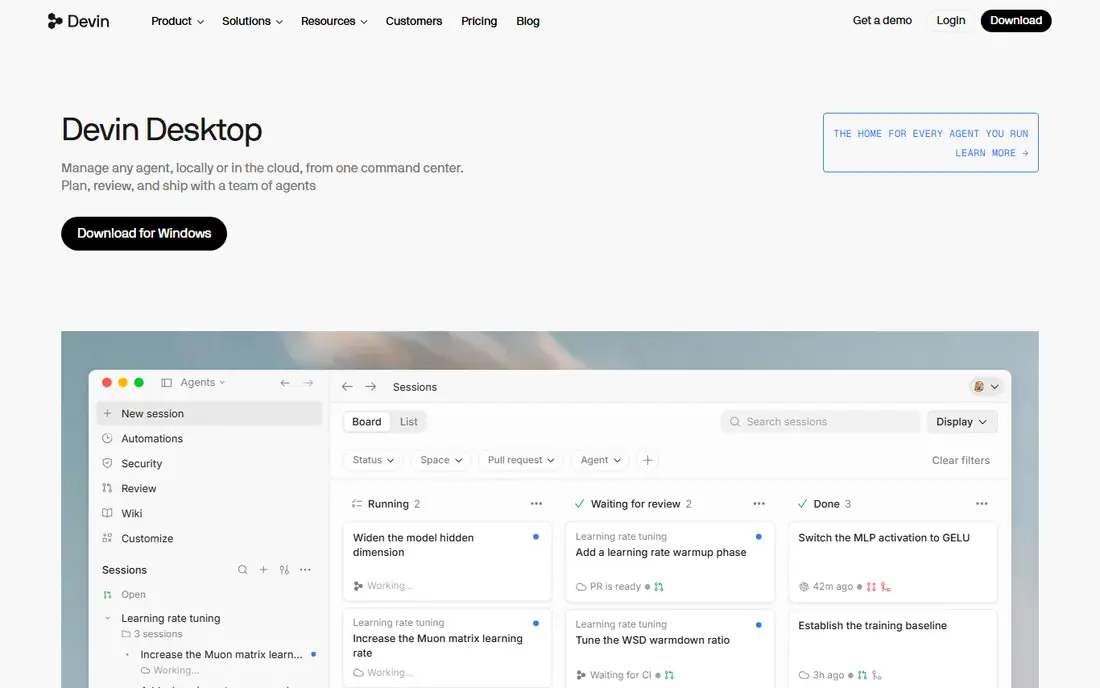
Windsurf, formerly Codeium, is the agentic coding leader, with an editor and agents that plan, write, test, and run multi-step tasks across files, plus strong completion and chat. Its Cascade agent handles complex changes that simple autocomplete cannot.
Using it fully requires switching to its editor, pricing scales with usage, and agent autonomy needs oversight to prevent unwanted changes. Windsurf suits developers who want agentic workflows and will adopt a new editor for them.
What we like- Agentic editor workflows
- Multi-step task execution
- Strong completion
Watch out for- Editor switch required
- Pricing scales with usage
- Autonomy needs oversight
#3Cursor
Best for: AI-first editing4.6/5 on
G2 (326 reviews, checked Oct 2026)
Visit cursor.com
Starting priceSee website
Free planFree plan
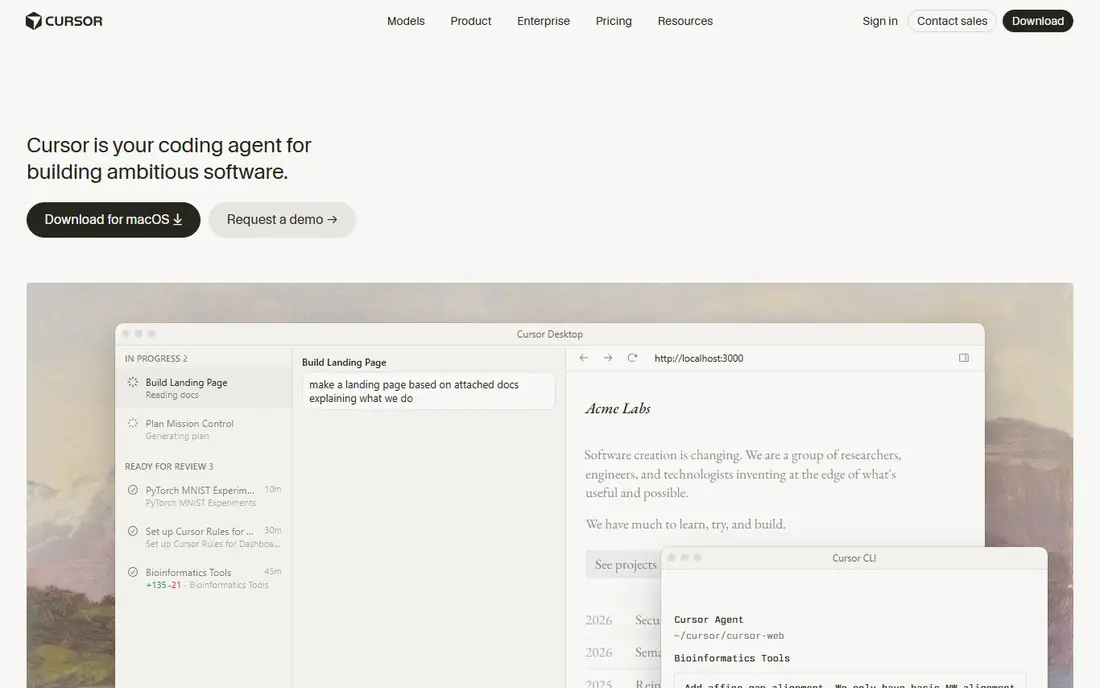
Cursor is the AI-first editing leader, built around chat, autocomplete, and codebase awareness that lets developers ask questions about their whole project and apply changes across files. Its tab completion and agent mode feel integrated in a way plugin tools struggle to match.
Using it requires switching editors, pricing scales with model usage, and privacy policies need careful checking for team use. Cursor suits developers who want the most integrated AI editing experience and will switch editors for it.
What we like- AI-native editor
- Codebase-aware chat
- Strong autocomplete
Watch out for- Editor switch required
- Pricing scales
- Privacy needs checking
Starting priceSee website
Free planFree plan
Cody, from Sourcegraph, leads on enterprise codebase search, answering questions across large private repositories with context from your actual code, plus completion and chat. Its strength shows in monorepos and multi-service codebases where understanding existing code matters most.
Setup takes effort for full indexing, smaller teams may not need its scale, and enterprise pricing applies. Cody suits large teams and enterprises with big codebases who need accurate, context-aware AI answers.
What we like- Codebase-wide search and chat
- Enterprise scale
- Strong context
Watch out for- Setup takes effort
- Smaller teams may not need it
- Pricing for enterprise
Starting priceSee website
Free planFree plan
Amazon Q Developer, formerly CodeWhisperer, suits AWS teams with AWS-aware code suggestions, transformation tools that upgrade Java versions and frameworks, and enterprise controls for large organizations. Its AWS knowledge gives it an edge on cloud code that generic tools miss.
It suits AWS stacks best, chat depth varies by topic, and pricing tiers split features. Amazon Q Developer suits teams building heavily on AWS who want cloud-aware assistance and enterprise governance.
What we like- AWS-aware suggestions
- Transformation tools
- Enterprise controls
Watch out for- Best for AWS stacks
- Chat depth varies
- Pricing tiers
Starting priceSee website
Free planFree trial
JetBrains AI brings AI completion, chat, and code generation natively inside IntelliJ IDEA, PyCharm, WebStorm, and other JetBrains IDEs, with a local model option for privacy-conscious teams. Its native integration feels smoother than third-party plugins in JetBrains tools.
It works only in JetBrains IDEs, pricing is per user, and agentic features are newer than Cursor or Windsurf. JetBrains AI suits developers already committed to JetBrains IDEs who want native AI without switching editors.
What we like- Native JetBrains integration
- Strong completion
- Local model option
Watch out for- Limited to JetBrains IDEs
- Pricing per user
- Agentic features are newer
Starting priceFree
Free planFree
Continue is the open configurable pick, an open-source AI coding assistant for VS Code and JetBrains that lets developers choose models, including self-hosted and local options, and customize rules and prompts. Its openness suits teams that want control over models, data, and cost.
Setup needs effort, support is community-based, and feature quality varies by chosen model. Continue suits developers and teams that want open, configurable AI coding with their own models.
What we like- Open source
- Model choice
- Self-hosted options
Watch out for- Setup needs effort
- Support is community-based
- Features vary by model
Starting priceFree
Free planFree
Aider is a terminal-based AI pair programming tool that edits code in your git repository through conversation, with model choice and git integration that tracks every AI change as commits. Its terminal workflow suits developers who live in the command line daily and want precise control.
It is command-line only, the learning curve is real for GUI-focused developers, and it lacks GUI editor features. Aider suits terminal-focused developers who want AI pair programming with git discipline and model choice.
What we like- Terminal-based pair programming
- Model choice
- Git integration
Watch out for- Command-line only
- Learning curve
- No GUI editor features
Is your product missing or out of date?
We review this list regularly. Vendors can request a listing, send updated pricing or ask about featured placement.

Shihab Mia · Founder, Rankite
Shihab has 5+ years in B2B and SaaS SEO. He writes Rankite's software buying guides from pricing pages, documentation and public user reviews. More about Shihab.