How we make this list: we compare pricing pages, product documentation and public user reviews. Ratings come from G2, Capterra or Trustpilot, with the date we checked them.
Key takeaways
- Automated flows generated 41% of all email-driven revenue from just 5.3% of send volume in Klaviyo's 2026 benchmark study, so automation is where the return actually lives.
- Pricing spans roughly $9 a month (Brevo Starter) to $499 a month (Brevo Professional) before contact-count scaling, and every platform charges more as your list grows.
- Ecommerce brands are best served by Omnisend or Klaviyo because of native store integrations; B2B teams with a sales process fit better with HubSpot or ActiveCampaign.
- Free plans exist on Klaviyo, Mailchimp, and MailerLite, all capped around 250 to 500 contacts, useful for testing a workflow before you commit.
- Abandoned cart flows average a 50.5% open rate on Klaviyo, among the strongest of any automated email type.
Quick comparison
| Tool | Best for | Starting price | Free plan |
|---|
 Omnisend Omnisend | Ecommerce stores that want email, SMS, and push together | From $16/mo (Standard, scales by contact count) | Yes, up to 250 contacts, 500 emails/mo |
 ActiveCampaign ActiveCampaign | Deep, multi-branch automation | From $49/mo (Plus, 1,000 contacts, billed annually) | No |
 Klaviyo Klaviyo | Ecommerce and Shopify stores | From $45/mo (Email plan, 1,001 to 1,500 profiles) | Yes, up to 250 profiles, 500 sends/mo |
 Mailchimp Mailchimp | Simple automation on a small list | From $13/mo (Essentials, promotional rate, 1,500 contacts) | Yes, up to 500 contacts, 500 sends/mo |
 Brevo Brevo | Tight budgets with automation included | From $9/mo (Starter, 5,000 emails/mo) | Yes, unlimited contacts, 300 emails/day |
 MailerLite MailerLite | Solo creators and small lists | From $12/mo (Comfort, scales by subscriber tier) | Yes, up to 250 subscribers, 2,500 sends/mo |
 HubSpot HubSpot | B2B teams that need a CRM too | From $20/mo (Starter Marketing Hub, 1,000 contacts) | Yes, free CRM (limited marketing features) |
Is your product missing or out of date?
We review this list regularly. Vendors can request a listing, send updated pricing or ask about featured placement.
What is email marketing automation software?
Email marketing automation software is a platform that sends emails automatically based on a subscriber's behavior, such as signing up, abandoning a cart, or making a purchase, instead of requiring a marketer to send each message by hand. It combines list management, a visual workflow builder, segmentation, and reporting in one tool. If you are just getting oriented with the format options available, our guide to the types of email marketing covers automated flows alongside newsletters and promotional sends.
Under the hood, every platform in this category runs on the same basic loop: a trigger fires (a form submission, a tag, a purchase webhook), the workflow builder checks conditions (has this person bought before, what did they click), and the software sends the matching message, then waits for the next trigger. The differences between tools come down to how deep that condition logic can go, how well it plugs into your store or CRM, and what it costs per contact.
We pulled the entry-level paid pricing, the free-plan ceiling, and the standout feature straight from each vendor's own pricing page, checked in September 2026. Contact-based pricing means your actual bill rises as your list grows past the tier shown.
A word on how to read that table: list price rarely equals what you pay at scale. Omnisend, ActiveCampaign, and Klaviyo all bill by contact count, so the entry price shown applies only up to the stated ceiling and climbs from there. Brevo is the outlier, since its Starter and Standard plans bill by emails sent rather than contacts stored, which can make it cheaper for a large but infrequently emailed list.
#1Omnisend
Best for: Ecommerce stores that want email, SMS, and push together4.6/5 on
G2 (1,249 reviews, checked Oct 2026)
Visit omnisend.com
Starting priceFrom $16/mo (Standard, scales by contact count)
Free planYes, up to 250 contacts, 500 emails/mo
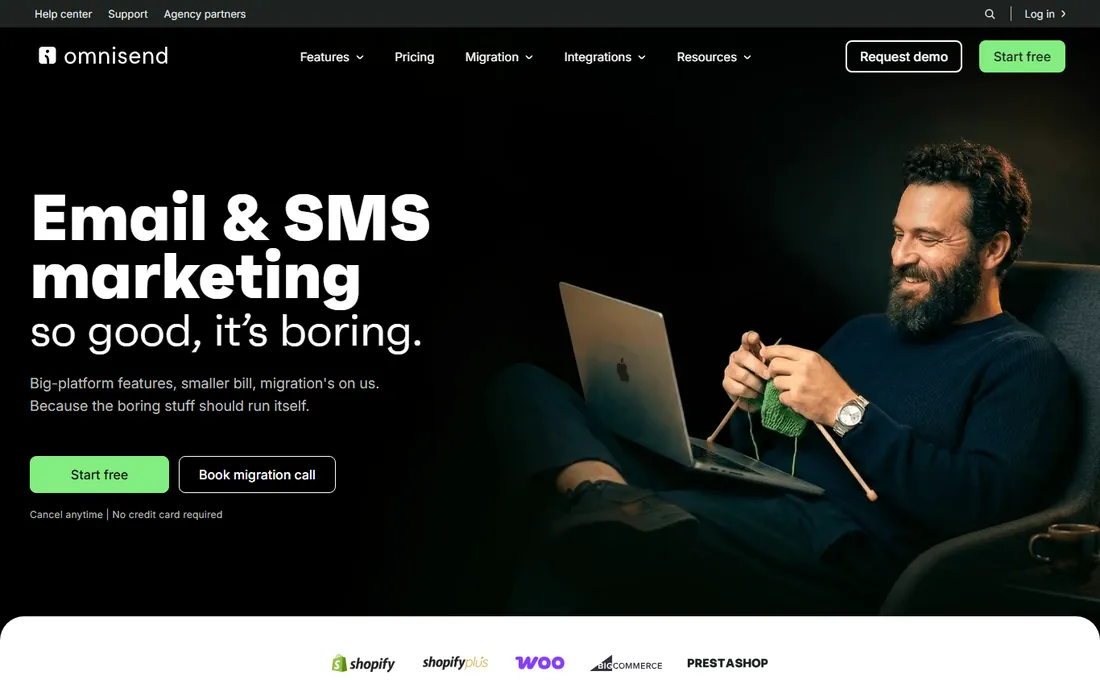
Omnisend is our top pick for ecommerce brands because it puts email, SMS, and web push in one platform, so a cart recovery or welcome flow can move from an email to a text message without a second tool. It is built for online stores, with native Shopify, BigCommerce, and WooCommerce integrations, and its prebuilt automations for cart recovery, welcome series, and order confirmations work out of the box. The free plan sends 500 emails a month to up to 250 contacts, Standard starts at $16 a month and scales with contact count (roughly $132 a month at 10,000 contacts), and Pro starts at $59 a month with unlimited email sends and bundled SMS credits.
Price is where Omnisend stands out: the company puts its cost at up to 35% below Klaviyo, depending on the plans compared, and it offers free migration that is typically finished within five business days, which takes most of the risk out of switching. It also has an official Claude connector and an Omnisend app in ChatGPT for teams that already work with AI assistants, and it is rated 4.6/5 on G2 across more than 1,200 reviews. Stores that need Klaviyo-level predictive analytics may still lean that way, but for most ecommerce brands Omnisend runs the same core flows across more channels for less money.
What we like- Email, SMS, and web push in one platform
- Native Shopify, BigCommerce, and WooCommerce integrations
- Prebuilt cart recovery, welcome, and order confirmation flows
- Free migration, typically done within five business days
Watch out for- Contact-based pricing climbs as the list grows (roughly $132/mo at 10,000 contacts)
- Predictive analytics are not as deep as Klaviyo's
Starting priceFrom $49/mo (Plus, 1,000 contacts, billed annually)
Free planNo
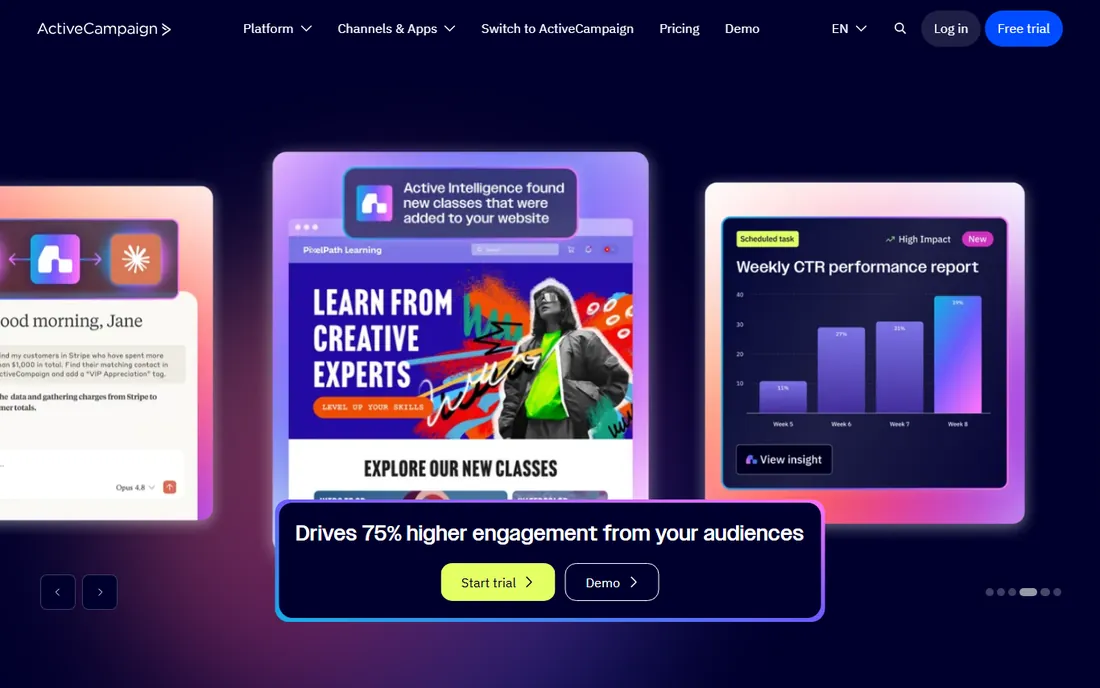
ActiveCampaign's Plus plan starts near $49 a month for 1,000 contacts billed annually, with Professional at roughly $79 and Enterprise at roughly $145, based on current third-party pricing trackers cross-checked against ActiveCampaign's own pricing page. Every tier includes a visual automation builder, over 950 prebuilt automation recipes, and an AI automation assistant that drafts workflows from a plain-language prompt. The entry Starter tier caps automations at 5 actions each, so the automation depth that earns ActiveCampaign its reputation only unlocks from Plus upward. It suits teams that want branching, multi-condition workflows without hitting a ceiling.
What we like- 950+ prebuilt automation recipes
- AI assistant drafts workflows from a plain-language prompt
- Branching, multi-condition workflows
Watch out for- No free plan
- Starter caps automations at 5 actions each, so the depth only unlocks from Plus upward
#3Klaviyo
Best for: Ecommerce and Shopify stores4.6/5 on
G2 (1,368 reviews, checked Oct 2026)
Visit klaviyo.com
Starting priceFrom $45/mo (Email plan, 1,001 to 1,500 profiles)
Free planYes, up to 250 profiles, 500 sends/mo
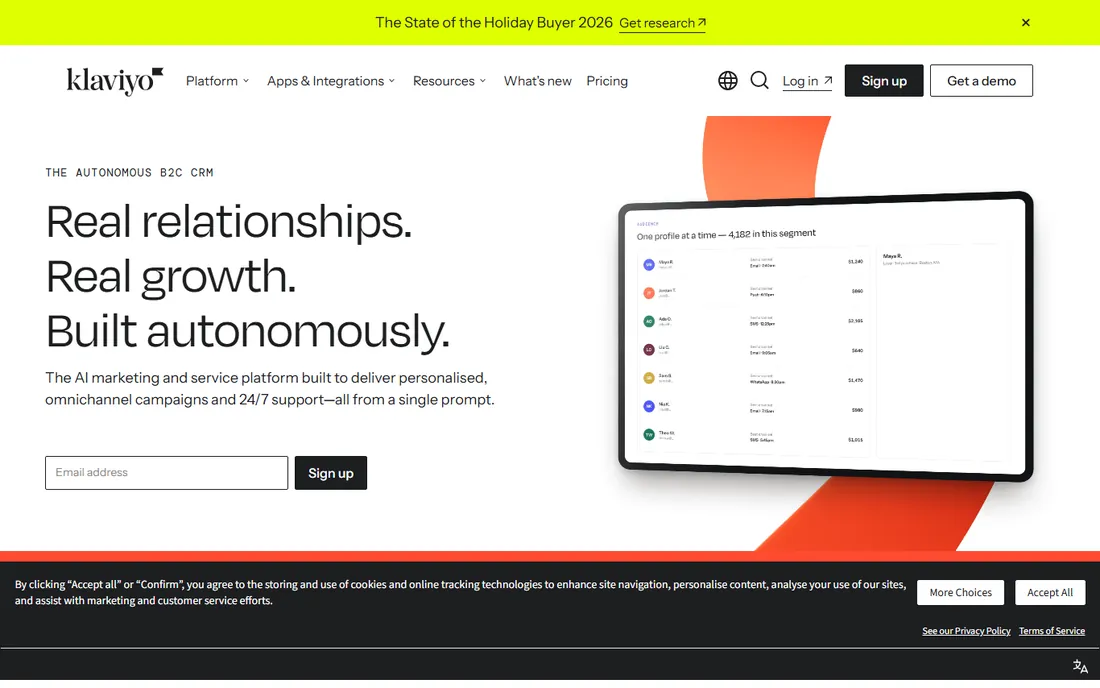
Klaviyo's free plan covers up to 250 active profiles and 500 email sends a month, and its Email plan starts at $45 a month once you cross into the 1,001 to 1,500 profile tier. Every paid tier gets the same feature set, including predictive analytics such as customer lifetime value and churn-risk scoring, so you are paying purely for list size rather than unlocking features. Its native Shopify, WooCommerce, and Magento integrations sync purchase and browsing data straight into segments and flows, which is why it dominates ecommerce. If you run a store, our ecommerce email marketing playbook goes deeper on the flow sequence Klaviyo is built to run.
What we like- Predictive analytics (customer lifetime value, churn risk) on every paid tier
- Native Shopify, WooCommerce, and Magento sync
Watch out for- Paid plans start at $45/mo, higher than most tools here
- Price rises purely with list size
#4Mailchimp
Best for: Simple automation on a small list4.4/5 on
G2 (5,436 reviews, checked Oct 2026)
Visit mailchimp.com
Starting priceFrom $13/mo (Essentials, promotional rate, 1,500 contacts)
Free planYes, up to 500 contacts, 500 sends/mo
Mailchimp's free plan allows up to 500 contacts and 500 sends a month with basic automation limited to 4 steps. Essentials starts at $13 a month at current promotional pricing (regular pricing applies after the first 12 months) for 1,500 contacts, Standard runs $20 a month for 25,000 contacts with up to 200 automation flows, and Premium reaches $350 a month for unlimited contacts. Mailchimp is the most recognizable name in the category and its editor is genuinely easy for a first-time user, but its automation logic is more linear than ActiveCampaign's or Klaviyo's, and fast-growing ecommerce brands often outgrow it once they need conditional, multi-branch flows.
What we like- Easiest editor for a first-time user
- Generative AI content tools
- Cheap entry plans for small lists
Watch out for- Automation logic is more linear than ActiveCampaign's or Klaviyo's
- Promotional pricing ends after 12 months
#5Brevo
Best for: Tight budgets with automation included4.5/5 on
G2 (2,747 reviews, checked Oct 2026)
Visit brevo.com
Starting priceFrom $9/mo (Starter, 5,000 emails/mo)
Free planYes, unlimited contacts, 300 emails/day
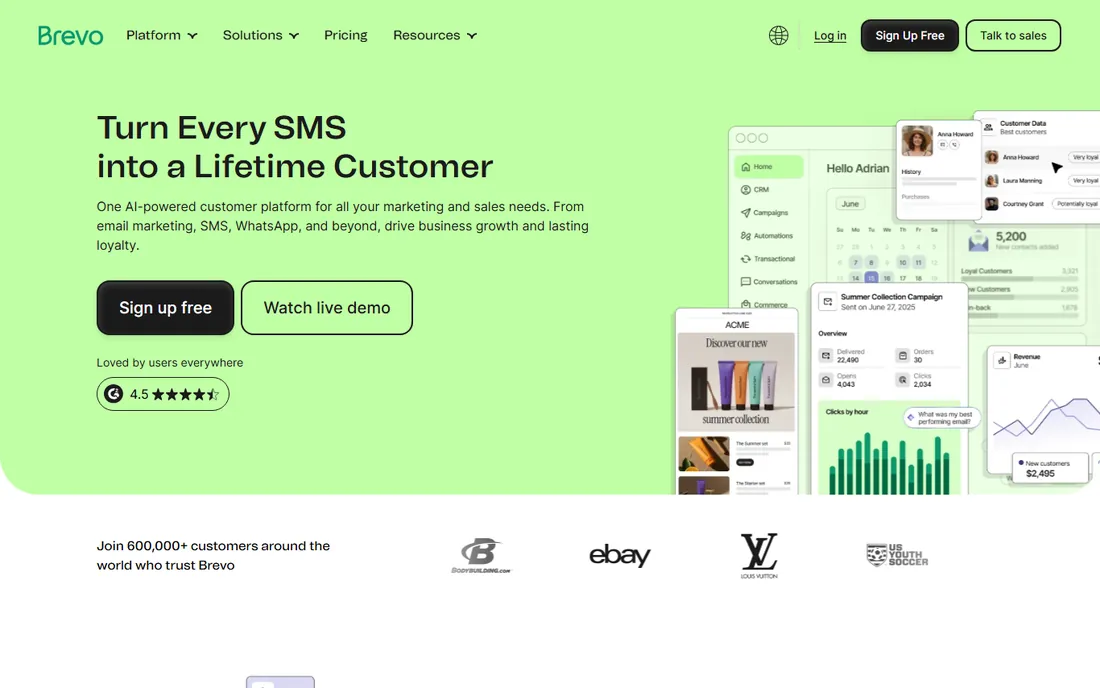
Brevo prices differently than the rest of this list: its Starter plan begins at $9 a month for 5,000 emails sent, regardless of how many contacts you store, and the free plan allows unlimited contacts at 300 emails a day. Standard, which adds automation workflows, A/B testing, and landing pages, starts at $18 a month. Professional (advanced reporting, send-time optimization) starts near $499 a month. Because Brevo bills by send volume on its lower tiers rather than list size, it can be the cheapest option for a large list you email infrequently, which is unusual in this category.
What we like- Bills by emails sent, not contacts stored, on Starter
- Free plan allows unlimited contacts
Watch out for- Free plan is limited to 300 emails a day
- Professional jumps to about $499/mo
#6MailerLite
Best for: Solo creators and small lists4.6/5 on
G2 (1,114 reviews, checked Oct 2026)
Visit mailerlite.com
Starting priceFrom $12/mo (Comfort, scales by subscriber tier)
Free planYes, up to 250 subscribers, 2,500 sends/mo
MailerLite's free plan covers up to 250 subscribers and 2,500 sends a month with 3 basic automations. The Comfort plan starts at $12 a month (or $10.80 billed yearly) and unlocks up to 50 automations, and Power starts at $25 a month with unlimited automations and up to 100 steps per workflow. MailerLite's standout is that every paid plan gets the identical full feature set, so you are only ever paying for send volume and subscriber count, never for gated features. It suits solo creators, small ecommerce stores, and anyone who wants a straightforward workflow builder without a steep learning curve.
What we like- Every paid plan gets the full feature set
- Straightforward workflow builder
Watch out for- Free plan allows only 3 basic automations
- Unlimited automations need Power at $25/mo
Starting priceFrom $20/mo (Starter Marketing Hub, 1,000 contacts)
Free planYes, free CRM (limited marketing features)
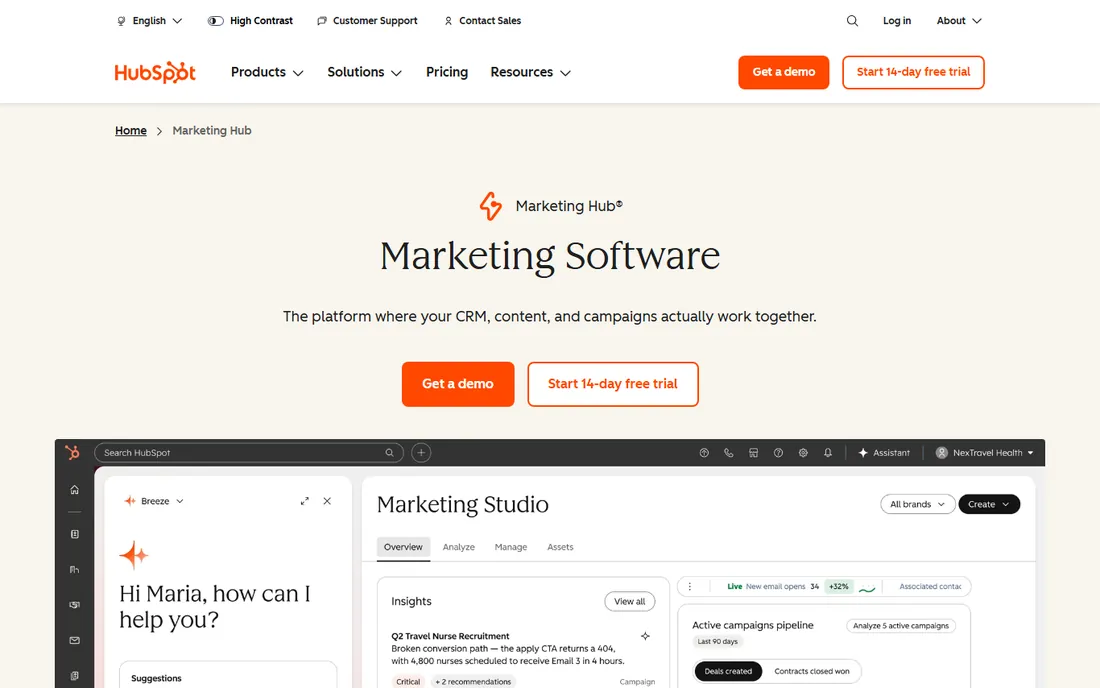
HubSpot's Marketing Hub Starter begins around $20 a month for 1,000 marketing contacts, and its free CRM tier supports up to a million contacts with limited marketing features. The reason to pick HubSpot over a pure email tool is the CRM underneath it: sales reps can see every email a lead opened or clicked directly in the same record they use to manage the deal. That makes it the strongest option for B2B companies where marketing and sales share pipeline data, though it is generally more expensive than a standalone email tool once you add the CRM and sales seats most teams actually need. Our CRM and email marketing guide covers how to decide whether you need that CRM layer at all before you pay for it.
What we like- Native CRM: reps see every open and click on the deal record
- Free CRM for up to a million contacts
Watch out for- Generally more expensive than a standalone email tool once CRM and sales seats are added
How much does email marketing automation software cost?
Most platforms range from free for a few hundred contacts up to several hundred dollars a month at scale. As of September 2026, MailerLite and Brevo start near $9 to $12 a month, Mailchimp and Omnisend start around $13 to $16, Klaviyo starts near $45 for 1,000 to 1,500 contacts, and ActiveCampaign's Plus plan starts near $49. Every platform's price rises with your contact count and the features you add.
The number that matters more than the sticker price is what you get back. Klaviyo's 2026 benchmark data, drawn from more than 183,000 brands, found that automated flows generate 41% of all email-driven revenue while accounting for just 5.3% of total send volume. That gap is the entire argument for paying more for a platform with a genuinely capable automation builder rather than the cheapest sender you can find: a handful of well-built flows outearn a much larger volume of one-off campaigns.
What automations should every business set up first?
Start with a welcome series for new subscribers, a cart or browse abandonment flow if you sell online, a post-purchase sequence, and a win-back flow for subscribers who go quiet. Klaviyo's 2026 benchmark data shows these four flow types account for the large majority of automated revenue, so they are the highest-leverage builds before anything more advanced.
Cart and browse abandonment flows deserve special attention because they perform better than almost any other automated type. Abandoned cart emails average a 50.5% open rate on Klaviyo, with top-decile senders reaching over 65%, and these flows generate the highest revenue per recipient of any automation category. If email capture is still the bottleneck before any of this works, our breakdown of the email marketing funnel covers how to grow the list these flows depend on, and pairing the two channels compounds further; see how email marketing works alongside SEO to capture the organic traffic you already earn.
What's the difference between email marketing software and marketing automation?
Email marketing software sends newsletters and one-off campaigns to your whole list at once. Marketing automation triggers individual messages based on what a specific subscriber does, such as joining the list, browsing a product, or abandoning a cart. Most modern platforms, including every tool in this guide, now do both under one roof.
The practical takeaway is that you rarely choose one or the other anymore. A newsletter keeps your list warm between purchases, while automation handles the moments that convert best: the first 24 hours after signup, the hour after a cart is left behind, the days after a purchase arrives. Tracking whether either type is actually working comes down to the same handful of numbers; our email marketing KPIs guide breaks down which metrics to watch for campaigns versus flows.
Match the platform to your business type first: Omnisend or Klaviyo for ecommerce, HubSpot or ActiveCampaign for B2B with a sales team, Brevo or MailerLite for a lean budget. Then check that your existing store or CRM has a native integration, confirm the automation limits on the plan you can afford, and test the workflow builder yourself before committing to a year of billing.
- Start with your business model, not the feature list. An ecommerce store and a B2B consultancy need almost opposite tools: one wants purchase-triggered flows, the other wants a CRM tied to a sales pipeline.
- Check the native integration before anything else. A platform with the deepest automation builder is still a poor fit if it only half-syncs with your Shopify store or your CRM through a clunky third-party connector.
- Read the automation limits on the tier you can actually afford, not the top plan in the marketing page. Several platforms cap automation steps or actions on entry tiers, which defeats the purpose of paying for automation software at all.
- Run the free trial on a real workflow, not the demo template. Build the one automation you most need and see how many clicks it takes before you judge the builder.
- Confirm the deliverability reputation, since a workflow that never reaches the inbox earns nothing regardless of how clever its logic is. Our email deliverability checklist covers the authentication steps every platform expects you to set up correctly.
Common mistakes when automating email marketing
A handful of avoidable errors account for most underperforming automation programs, regardless of which platform runs them.
- Building automations before the list is warm. A win-back flow means nothing if you have never sent a proper welcome series to set expectations first.
- Buying more platform than the team can operate. ActiveCampaign's deepest features go unused at plenty of accounts because nobody on staff has time to build multi-branch logic.
- Ignoring send limits until they cap a launch. Free and entry tiers throttle monthly sends, and a promotion that exceeds the plan simply stops sending mid-campaign.
- Skipping list hygiene before scaling automation. Sending frequent triggered emails to a stale or unverified list accelerates spam complaints and tanks deliverability faster than infrequent newsletters do.
- Never revisiting a flow after launch. An automation built once and never checked against current conversion data quietly decays as products, prices, and audience expectations shift.
Frequently asked questions
What is email marketing automation software?
Email marketing automation software is a platform that sends emails automatically based on a subscriber's behavior, such as signing up, abandoning a cart, or making a purchase, instead of requiring a marketer to send each message by hand. It combines list management, a visual workflow builder, segmentation, and reporting in one tool.
How much does email marketing automation software cost?
Most platforms range from free for a few hundred contacts up to several hundred dollars a month at scale. As of September 2026, MailerLite and Brevo start near $9 to $12 a month, Mailchimp and Omnisend start around $13 to $16, Klaviyo starts near $45 for 1,000 to 1,500 contacts, and ActiveCampaign's Plus plan starts near $49. Every platform's price rises with your contact count and the features you add.
What is the difference between email marketing software and marketing automation?
Email marketing software sends newsletters and one-off campaigns to your whole list at once. Marketing automation triggers individual messages based on what a specific subscriber does, such as joining the list, browsing a product, or abandoning a cart. Most modern platforms, including every tool in this guide, now do both under one roof.
How do I choose the right email marketing automation platform?
Match the platform to your business type first: Omnisend or Klaviyo for ecommerce, HubSpot or ActiveCampaign for B2B with a sales team, Brevo or MailerLite for a lean budget. Then check that your existing store or CRM has a native integration, confirm the automation limits on the plan you can afford, and test the workflow builder yourself before committing to a year of billing.
Is Mailchimp good for email automation?
Mailchimp works for basic automation such as welcome emails and simple triggers, and its free and Essentials plans cover small lists cheaply. Its automation builder is less flexible than ActiveCampaign's or Klaviyo's once you need multi-branch logic or ecommerce-specific triggers like browse abandonment, so fast-growing online stores often outgrow it.
Which email automation tool is best for ecommerce?
Omnisend and Klaviyo are built specifically for ecommerce, with native Shopify, WooCommerce, and BigCommerce integrations that sync purchase history and browsing behavior into automation triggers. Omnisend is the more affordable all-in-one option, with email, SMS, and web push in one platform and SMS credits bundled into its Pro plan; Klaviyo leads on predictive analytics.
Can I switch email marketing automation platforms without losing my list?
Yes. Every major platform lets you export your contact list as a CSV and most offer a direct migration tool or a done-for-you migration service for paid plans. The harder part is usually rebuilding your automation workflows and reconnecting your store or CRM integration, so budget time for that rather than assuming a one-click switch.
Do I need a CRM built into my email automation software?
You need a built-in CRM if sales reps work leads individually, such as in B2B or high-ticket sales, which is where HubSpot or ActiveCampaign's CRM add-on helps. Ecommerce brands selling directly to consumers rarely need one, since Klaviyo or Omnisend's customer profiles already cover purchase history without a separate sales pipeline.
What automations should a new list start with?
Start with a welcome series for new subscribers, a cart or browse abandonment flow if you sell online, a post-purchase sequence, and a win-back flow for subscribers who go quiet. Klaviyo's 2026 benchmark data shows these four flow types account for the large majority of automated revenue, so they are the highest-leverage builds before anything more advanced.
Is your product missing or out of date?
We review this list regularly. Vendors can request a listing, send updated pricing or ask about featured placement.

Shihab Mia · Founder, Rankite
Shihab has 5+ years in B2B and SaaS SEO. He writes Rankite's software buying guides from pricing pages, documentation and public user reviews. More about Shihab.