How we make this list: we compare pricing pages, product documentation and public user reviews. Ratings come from G2, Capterra or Trustpilot, with the date we checked them.
Direct answer: DBeaver is the top pick for most developers because its free Community edition covers more than 100 databases and its paid editions add schema compare, ERD editing and Git sync. DataGrip is the best paid alternative for teams that write SQL all day and want the strongest code intelligence. Start with DBeaver Community if cost matters.
A database development tool is judged by the work it does between writing a query and shipping a schema change. The editor, the schema designer and the debugger matter more than the connection list. A tool that only browses tables slows a team down once the schema starts changing every week.
This guide compares eight desktop tools that developers use to write SQL, design schemas, compare databases and keep changes in version control. The database engines themselves are left out, so PostgreSQL, MySQL and SQL Server do not appear as entries.
Prices come from each vendor pricing page, checked on 14 November 2026. Where a third-party page disagrees, both figures are printed and the conflict is flagged. Every vendor homepage was opened and confirmed live the same day.
Key takeaways
- DBeaver gives the widest free coverage, with paid editions from $113 per year for schema compare and ERD editing.
- DataGrip has the strongest SQL code intelligence, with refactoring and a visual explain plan, and it is free for non-commercial use.
- TablePlus and Sequel Ace are the fastest native options, but TablePlus caps its free version at two tabs and Sequel Ace is macOS only.
- Navicat Premium and dbForge Studio are the most complete paid suites, with modelling, data sync and automation, at the highest prices here.
How we picked
We compared the eight tools on five points: the SQL editor, schema design and diffing, migrations and version control, debugging and profiling, and database coverage. A tool scored well when its development features worked in daily use, not when its feature list was long. We opened each vendor homepage and pricing page on 14 November 2026 to confirm the product is live. Where sources disagree on a price, both figures are printed and the conflict is flagged.
Comparison table
| Tool | Best for | Starting price | Free plan |
| DBeaver | Most developers | Free; paid from $113 per year | Community edition free |
| DataGrip | Heavy SQL work | $109 per year, individuals | Free for non-commercial use |
| TablePlus | Fast native client | $99 one-time | Free with 2-tab limit |
| Navicat Premium | Multi-database teams | Free Lite; paid from $749.99 per year | Premium Lite free |
| dbForge Studio for MySQL | MySQL development | $99.95 per year | Express edition free |
| Beekeeper Studio | Lightweight daily querying | Free; paid from $9 per user per month | Community edition free |
| Sequel Ace | Mac MySQL users | Free | Free and open source |
| DbVisualizer | Enterprise JDBC work | $199 first year of Pro | Free edition |
A good database development tool combines a fast SQL editor with schema design, change tracking and debugging in one place. The editor should complete table and column names from the live schema, flag errors before the query runs and format SQL in a consistent style.
Schema design matters just as much. The tool should draw ER diagrams, compare two schemas and generate the ALTER statements that move one to the other. Without a compare step, teams edit production tables by hand and lose track of what changed. Version control closes the loop: scripts should live in Git next to the application code.
Debugging and profiling complete the set. A query profiler shows why a slow query is slow, and a stored procedure debugger lets a developer step through code instead of guessing.
DBeaver and DbVisualizer support the most databases in this guide, because both connect through generic drivers to a very wide range of engines. DBeaver Community lists support for more than 100 databases, and its paid editions add NoSQL stores such as MongoDB, Cassandra and Redis. DbVisualizer connects to any database with a JDBC driver, which covers the common relational engines and several NoSQL stores.
Navicat Premium sits in the middle with nine engines: MySQL, PostgreSQL, SQL Server, Oracle, SQLite, MariaDB, MongoDB, Redis and Snowflake. DataGrip covers a similar breadth. Beekeeper Studio covers the common engines free and adds Oracle, Cassandra and MongoDB in its paid plans.
At the narrow end, dbForge Studio for MySQL and Sequel Ace each cover one engine family. Both go deeper on MySQL and MariaDB than any general client.
Free database tools are good enough for professional work in many teams, but the free editions leave out schema compare and modelling. DBeaver Community, Beekeeper Studio Community and Sequel Ace all cover daily querying, browsing and editing without payment, and DBeaver Community is free for commercial use. A solo developer or a small team can run on those editions for years.
The gaps appear when the work grows. ERD editing, schema compare and Git sync sit in DBeaver Enterprise and Ultimate, not in Community. Beekeeper Studio keeps import and export, backup and restore, and the AI Shell in its paid plans. DbVisualizer Free covers the standard feature set, while the visual query builder and data comparison need Pro.
The practical test is simple: mostly queries means a free edition is enough, while schema changes call for a paid edition.
How to choose a database IDE for your team
Choose a database IDE by matching it to your engines, your operating systems and the schema work your team does each week. Start with the engines: a team on MySQL only can use dbForge Studio or Sequel Ace, while a team on three or more engines needs DBeaver, DataGrip, Navicat Premium or DbVisualizer. Sequel Ace runs only on macOS, while the other seven run on Windows, macOS and Linux.
Next, list the development tasks that matter. If schema compare and migrations are weekly work, confirm they are in the edition you plan to buy. If the team writes stored procedures, a debugger matters, and dbForge Studio and DataGrip both offer one.
Finally, compare the licence model, not just the first invoice. A one-time licence from TablePlus or DbVisualizer keeps working after the update year ends, while a subscription stops getting updates when it lapses. A three-year cost comparison shows the real gap.
Quick comparison
| Tool | Best for | Starting price | Free plan |
|---|
 DBeaver | Most developers who want one free client for many databases | Free Community edition; paid Lite from $113 per year (vendor pricing page, checked 14 November 2026) | Community edition free and open source under the Apache 2.0 licence |
 DataGrip | Developers who write and refactor SQL all day | $109 per year for individuals in year one (vendor pricing page, checked 14 November 2026). Price conflict: some third-party pages still list the older $99 per year figure, so confirm on the vendor page before buying | Free for non-commercial use; 30-day trial for commercial use |
 TablePlus | Developers who want a fast native client on Mac or Windows | $99 one-time for a Basic licence (vendor pricing page, checked 14 November 2026). Price conflict: some older third-party pages list $89 for the same licence | Free version limited to 2 open tabs, 2 open windows and 2 advanced filters |
 Navicat Premium | Teams that manage several database engines and need modelling and automation | Free Premium Lite; paid Standard from $749.99 per year or $1,499 perpetual (Navicat store, checked 14 November 2026) | Premium Lite free for up to 5 users per organisation, without modelling, data transfer or automation |
 dbForge Studio for MySQL | MySQL and MariaDB developers who want a full IDE with debugging and profiling | $99.95 per year for Standard (vendor page, checked 14 November 2026). Price conflict: Devart pages disagree on the perpetual licence, listing $199.95 in one place and $299.95 in another | Express edition free with basic features |
 Beekeeper Studio | Developers who want a clean, lightweight client for everyday querying | $9 per user per month billed yearly for Indie (vendor pricing page, checked 14 November 2026). Price conflict: older third-party pages list $7 per month for the former Ultimate plan | Community edition free under the GPLv3 licence |
 Sequel Ace | Mac users who work only with MySQL and MariaDB | Free | Free and open source under the MIT licence, with no paid edition |
 DbVisualizer | Enterprise teams that need one JDBC client for many relational databases | $199 per user for the first year of Pro, then $89 per year (vendor pricing page, checked 14 November 2026) | Free edition with the standard feature set; 21-day Pro trial with no account or card needed |
Is your product missing or out of date?
We review this list regularly. Vendors can request a listing, send updated pricing or ask about featured placement.
#1DBeaver
Best for: Most developers who want one free client for many databases4.4/5 on
G2 (172 reviews, checked Oct 2026)
Visit dbeaver.io
Starting priceFree Community edition; paid Lite from $113 per year (vendor pricing page, checked 14 November 2026)
Free planCommunity edition free and open source under the Apache 2.0 licence
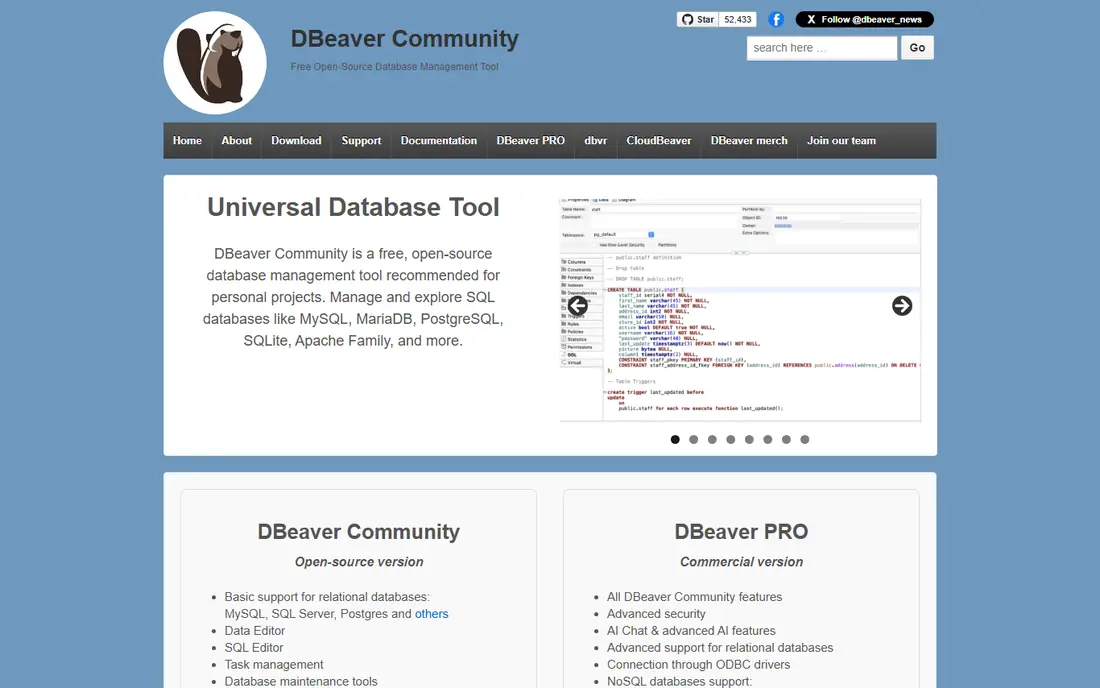
DBeaver Community is the default free database client for good reason. It connects to MySQL, PostgreSQL, SQL Server, SQLite, Oracle and dozens more engines through one interface, and the SQL editor offers completion, formatting and templates that hold up in daily use. Version 26.2.4, released 2 November 2026, added AI chat. The trade-off is the split between free and paid: schema compare, ERD editing and Git sync sit in Enterprise at $255 per year or Ultimate at $510 per year.
What we like- Covers more than 100 databases
- Free Community edition with no time limit
- ER diagrams, data transfer and task management included
Watch out for- ERD editing, schema compare and Git sync are paid Enterprise and Ultimate features, so the free edition stops short on design work
#2DataGrip
Best for: Developers who write and refactor SQL all day4.6/5 on
G2 (127 reviews, checked Oct 2026)
Visit jetbrains.com
Starting price$109 per year for individuals in year one (vendor pricing page, checked 14 November 2026). Price conflict: some third-party pages still list the older $99 per year figure, so confirm on the vendor page before buying
Free planFree for non-commercial use; 30-day trial for commercial use
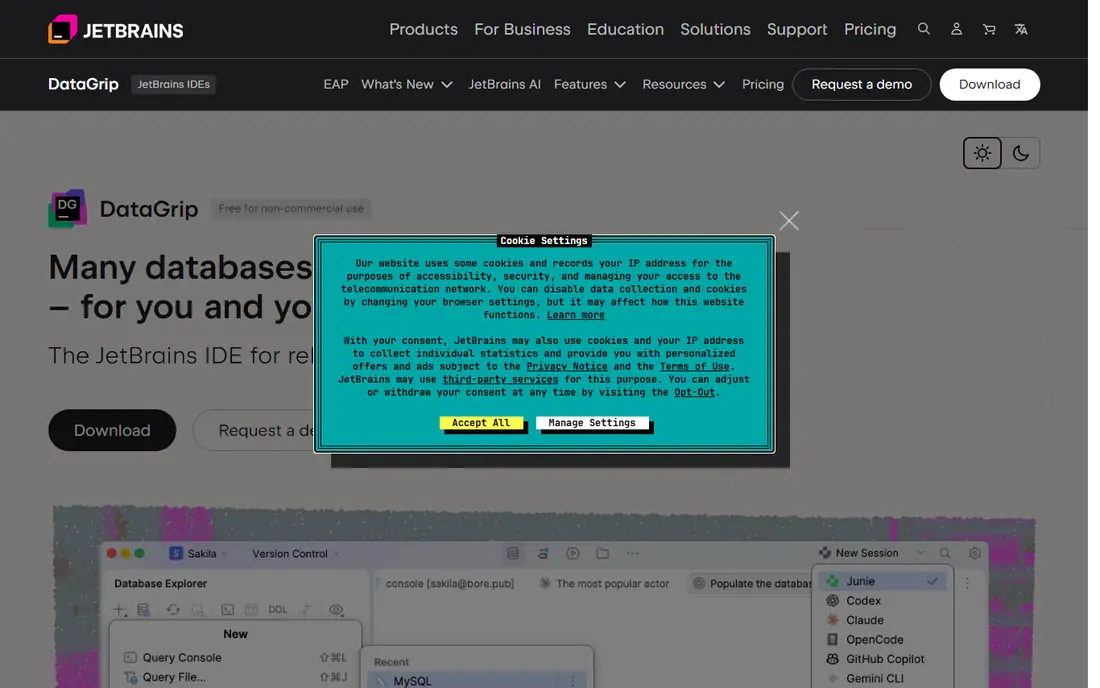
DataGrip is the database IDE from JetBrains, and it shows in the editing experience. Code completion understands the live schema, inspections flag mistakes before execution, and refactoring renames objects across queries, views and procedures in one step. Schema compare and data comparison tools cover the workflow from writing to deployment. Since 1 October 2025, DataGrip has been free for non-commercial use. The main drawback is the cost for commercial teams: organisation licences stay at $259 per user per year.
What we like- Strongest SQL code intelligence in this guide
- Refactoring, inspections and visual explain plan
- Deep version control and local history
Watch out for- No usable free tier for commercial work, and the interface carries the weight of a full JetBrains IDE, which needs 8 GB of RAM
#3TablePlus
Best for: Developers who want a fast native client on Mac or Windows4.3/5 on
G2 (31 reviews, checked Oct 2026)
Visit tableplus.com
Starting price$99 one-time for a Basic licence (vendor pricing page, checked 14 November 2026). Price conflict: some older third-party pages list $89 for the same licence
Free planFree version limited to 2 open tabs, 2 open windows and 2 advanced filters
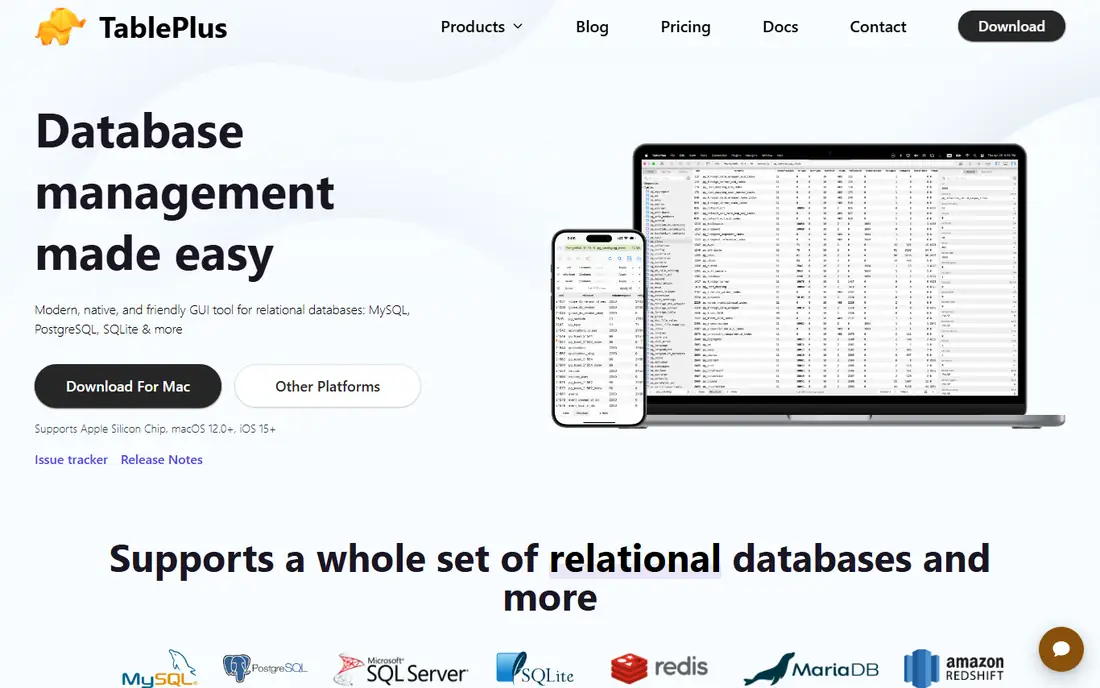
TablePlus is built with native frameworks, Swift on macOS and .NET on Windows, and the difference is obvious the first time it opens. It starts fast with a simple interface. It supports PostgreSQL, MySQL, SQLite, SQL Server, MongoDB, Redis and more than 20 other engines. The licence is a one-time purchase: Basic costs $99 for one device and Standard costs $129 for two, each with one year of updates.
What we like- Native speed with no Java or Electron layer
- One-time perpetual licence
- Clean inline data editing
Watch out for- The free version caps tabs and windows so tightly that serious multi-database work needs a paid licence, and schema design tools are thinner than in DBeaver or Navicat
#4Navicat Premium
Best for: Teams that manage several database engines and need modelling and automation4.5/5 on
G2 (60 reviews, checked Oct 2026)
Visit navicat.com
Starting priceFree Premium Lite; paid Standard from $749.99 per year or $1,499 perpetual (Navicat store, checked 14 November 2026)
Free planPremium Lite free for up to 5 users per organisation, without modelling, data transfer or automation
Navicat Premium 18 is the most complete commercial client in this guide. One application connects to MySQL, PostgreSQL, SQL Server, Oracle, SQLite, MariaDB, MongoDB, Redis and Snowflake, with data modelling, synchronisation, backup scheduling and an automation runner. The price is the barrier: Standard costs $749.99 per year or $1,499 once, and Enterprise costs $999.99 per year or $1,999 once. Premium Lite is free for up to five users, but it has no ER diagram view, modelling, data transfer or automation.
What we like- Connects to nine engines in one app
- Strong data modelling, synchronisation and scheduling
- Polished interface on Windows, macOS and Linux
Watch out for- The highest prices in this guide, and the free Lite edition drops the modelling and automation features that justify the cost
#5dbForge Studio for MySQL
Best for: MySQL and MariaDB developers who want a full IDE with debugging and profiling4.7/5 on
G2 (100 reviews, checked Oct 2026)
Visit devart.com
Starting price$99.95 per year for Standard (vendor page, checked 14 November 2026). Price conflict: Devart pages disagree on the perpetual licence, listing $199.95 in one place and $299.95 in another
Free planExpress edition free with basic features
dbForge Studio for MySQL is the deepest single-engine IDE in this guide. It covers SQL development, design, data management and administration for MySQL and MariaDB, with a visual query builder, a debugger and a Query Profiler. Schema comparison and data comparison arrive in the Professional edition, while source control, a data generator and a documenter sit in Enterprise. Pricing starts at $99.95 per year for Standard. It speaks MySQL and MariaDB only, and runs on macOS and Linux through Wine or CrossOver rather than natively.
What we like- MySQL debugger and Query Profiler in paid editions
- Schema and data comparison
- AI Assistant for query generation and optimisation
Watch out for- MySQL and MariaDB only, and it runs on macOS and Linux through compatibility layers rather than natively
#6Beekeeper Studio
Best for: Developers who want a clean, lightweight client for everyday querying4.4/5 on
G2 (15 reviews, checked Oct 2026)
Visit beekeeperstudio.io
Starting price$9 per user per month billed yearly for Indie (vendor pricing page, checked 14 November 2026). Price conflict: older third-party pages list $7 per month for the former Ultimate plan
Free planCommunity edition free under the GPLv3 licence
Beekeeper Studio is the lightest client in this guide, and that is its appeal. It opens fast and covers the daily work of querying, browsing and editing tables without a learning curve. The Community edition is free under GPLv3, with unlimited connections and no tab limits, and it supports the common engines. Paid plans add Oracle, Cassandra, MongoDB, import and export, backup and restore, cloud workspaces and an AI Shell. There is no visual schema designer to rival Navicat or DBeaver Enterprise, and the free edition leaves out several engines.
What we like- Clean modern interface with no tab limits in the free edition
- Open source core
- Works offline with no mandatory account
Watch out for- The free Community edition covers common databases only, so Oracle, MongoDB and several other engines need a paid plan, and schema design tools are basic
Starting priceFree
Free planFree and open source under the MIT licence, with no paid edition
Sequel Ace is the community-maintained successor to Sequel Pro, and it keeps the familiar Sequel Pro interface. It is free, open source under the MIT licence and distributed through the Mac App Store, with a query editor, table structure editing and query favourites. It supports standard, SSH and AWS IAM connections, including Amazon RDS and Aurora. The app is sandboxed, so local socket files must sit inside the app container path. The limits are absolute: macOS only, MySQL and MariaDB only, with no schema compare or ERD editing.
What we like- Fast native macOS app
- Free with no limits
- Familiar interface carried over from Sequel Pro
Watch out for- MacOS only and MySQL and MariaDB only, with no schema compare, ERD editing or migration tooling built in
#8DbVisualizer
Best for: Enterprise teams that need one JDBC client for many relational databases4.8/5 on
Capterra (131 reviews, checked Oct 2026)
Visit dbvis.com
Starting price$199 per user for the first year of Pro, then $89 per year (vendor pricing page, checked 14 November 2026)
Free planFree edition with the standard feature set; 21-day Pro trial with no account or card needed
DbVisualizer has been a universal database client since 2003, and its strength is breadth. It connects to any database with a JDBC driver, covering the major relational engines, and it keeps one interface across Windows, macOS and Linux. The free edition covers the SQL editor, table browsing and ER diagrams. Pro adds the visual query builder, explain plan and data comparison, at $199 per user for the first year and $89 per year after. A subscription includes a perpetual usage licence for versions released during the term, so stopping payment costs updates.
What we like- Connects to any JDBC database
- References graphs and ER diagrams in the free edition
- Subscription includes a perpetual usage licence
Watch out for- Built on Java, so the interface feels older than the native clients here, and the visual query builder and data comparison are Pro only
Frequently asked questions
Which database tool is best for beginners?
Beekeeper Studio is the easiest starting point, because its interface is clean, its free Community edition has no tab limits and it covers the common databases without setup work. DBeaver Community is the better second step, since it adds ER diagrams and more engines for free.
Can I use DBeaver Community for commercial work?
Yes. DBeaver Community is free and open source under the Apache 2.0 licence, and commercial use is allowed without payment. The limits are about features: ERD editing, schema compare and Git sync are paid Enterprise and Ultimate features. A team that needs those features should budget for Enterprise at $255 per user per year.
What is the difference between a SQL client and a database IDE?
A SQL client connects to a database and lets you run queries, browse tables and edit data. A database IDE adds development tools on top: schema design and diffing, migrations, version control, debugging and profiling. DBeaver Community and Beekeeper Studio are closer to SQL clients, while DataGrip, dbForge Studio and Navicat Premium are full IDEs.
Do these tools work with cloud databases?
Yes, all eight tools connect to cloud-hosted databases over standard connections, including Amazon RDS, Azure Database, Google Cloud SQL and other managed services. DBeaver adds native support for AWS, Google Cloud and Azure in its paid editions, and Sequel Ace supports AWS IAM authentication for RDS and Aurora.
Which tool is best for MySQL only?
dbForge Studio for MySQL is the best paid option for MySQL-only work, because it adds a debugger, a Query Profiler, schema comparison and an AI Assistant to a full MySQL IDE. Sequel Ace is the best free option on a Mac. TablePlus is the best cross-platform middle ground, with a $99 one-time licence and native speed on Mac and Windows.
Sources we checked (8)
- https://dbeaver.io
- https://www.jetbrains.com/datagrip/
- https://tableplus.com/pricing
- https://www.navicat.com/en/products/navicat-premium
- https://www.devart.com/dbforge/mysql/studio/
- https://www.beekeeperstudio.io/pricing/
- https://sequel-ace.com/get-started/
- https://www.dbvis.com/pricing/
Is your product missing or out of date?
We review this list regularly. Vendors can request a listing, send updated pricing or ask about featured placement.

Shihab Mia · Founder, Rankite
Shihab has 5+ years in B2B and SaaS SEO. He writes Rankite's software buying guides from pricing pages, documentation and public user reviews. More about Shihab.