How we make this list: we compare pricing pages, product documentation and public user reviews. Ratings come from G2, Capterra or Trustpilot, with the date we checked them.
Key takeaways
- The best Connecteam alternatives in 2026 split by team type: Homebase for all-in-one hourly management with payroll, Deputy for demand-based scheduling, 7shifts for restaurants, and Sling for free scheduling.
- Connecteam itself is not listed here, since this article covers alternatives to it, and its hub structure for mobile-first frontline teams is the baseline most replacements are judged against.
- Hourly teams under 10 people should start with the free tiers: Homebase Basic is free for up to 10 employees, Sling offers free scheduling essentials, and Jibble offers free time tracking at any size.
- Deputy at 5 dollars per user per month and When I Work at 2.50 dollars per user per month are the value leaders for scheduling plus time tracking at small-business prices.
Quick comparison
| Tool | Best for | Starting price | Free plan |
|---|
 Homebase Homebase | All-in-one hourly management | Free | Yes |
 Deputy Deputy | Demand-based scheduling | $5 per user per month | No |
 When I Work When I Work | Simple scheduling | $2.50 per user per month | No |
 7shifts 7shifts | Restaurants | $34.99 per month | Yes |
 Buddy Punch Buddy Punch | Time tracking plus payroll integrations | $4.99 per user per month | No |
 Sling Sling | Free scheduling | Free | Yes |
 Jibble Jibble | Free time tracking | Free | Yes |
 ZoomShift ZoomShift | Small hourly teams | Free | Yes |
Is your product missing or out of date?
We review this list regularly. Vendors can request a listing, send updated pricing or ask about featured placement.
The best Connecteam alternatives
Starting priceFree
Free planYes
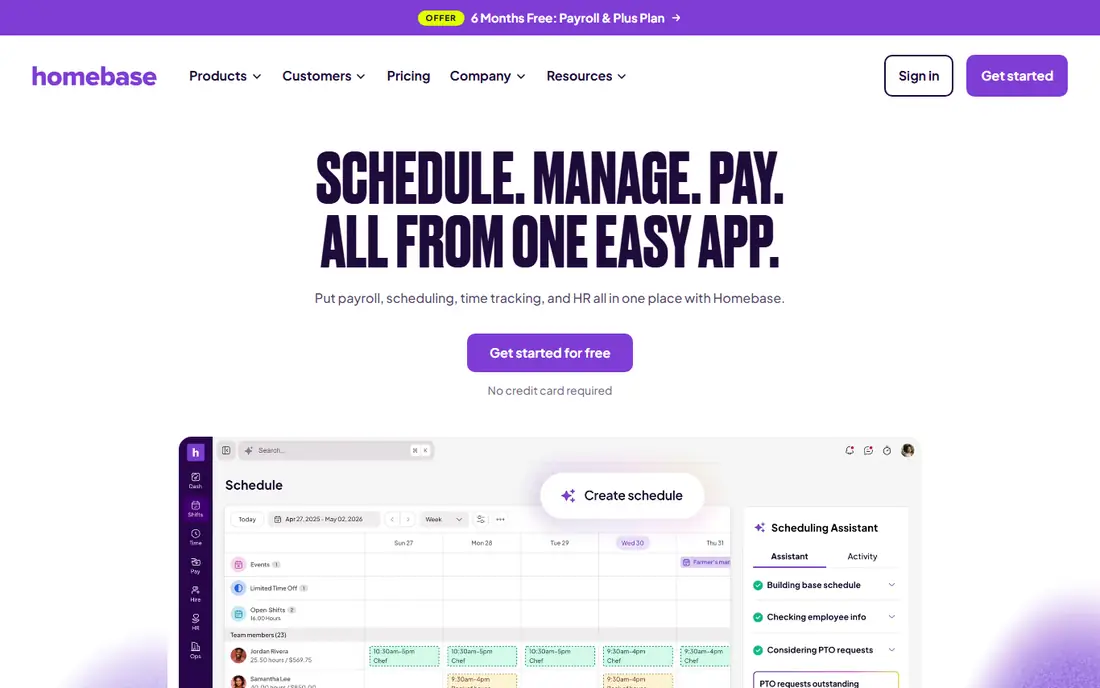
Homebase is the only major option here with built-in payroll processing beside scheduling and time tracking. Scheduling, a time clock, team messaging, hiring, and an optional payroll add-on live in one app, with open shifts and shift trades inside the app and an AI Scheduling Assistant on the Plus plan.
The free Basic plan covers one location and up to 10 employees, while paid plans start at 24 dollars per location per month on annual billing. For small businesses that want to start free and grow into payroll, Homebase leads.
What we like- Free Basic plan for one location and up to 10 employees
- Scheduling, time clock, hiring, messaging, and payroll add-on in one app
- Shift trades in the app
Watch out for- Priced per location, so costs rise with addresses
- Payroll is a paid add-on at 49 dollars plus 6 dollars per person
- Advanced controls sit on higher tiers
#2Deputy
Best for: Demand-based scheduling4.6/5 on
G2 (666 reviews, checked Oct 2026)
Visit deputy.com
Starting price$5 per user per month
Free planNo
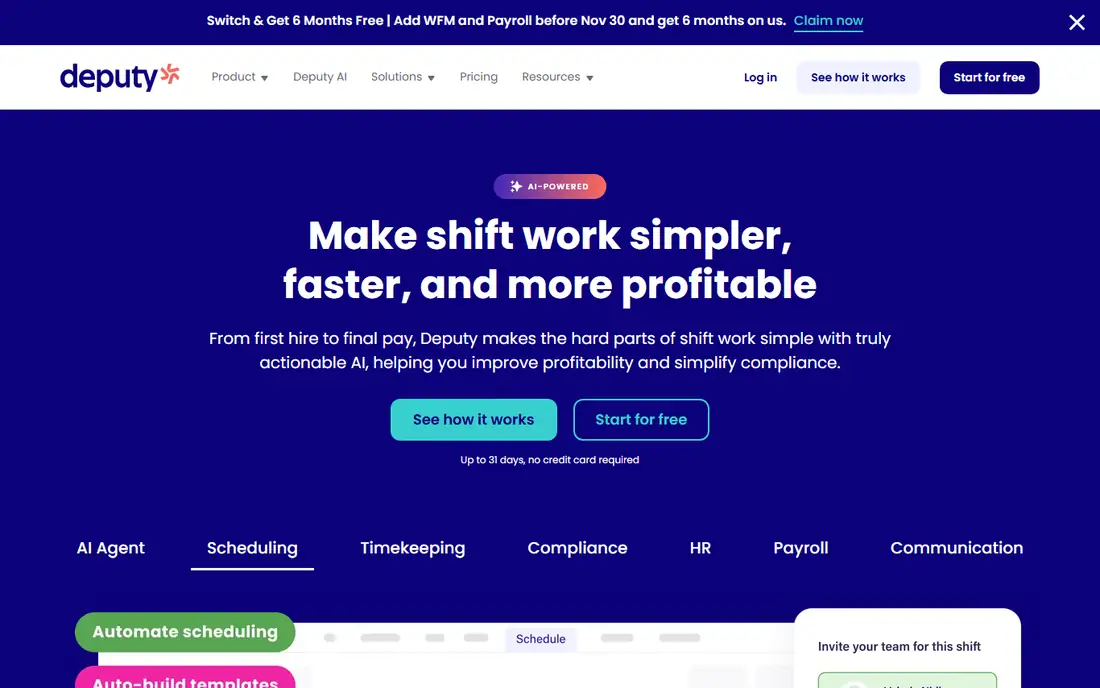
Deputy is built around an auto-scheduler that builds shifts for you based on demand forecasting, sales data, labor budgets, and working hour rules. If you run a retail or food and beverage operation where labor cost needs to track tightly against sales, Deputy forecasting goes deeper than most hub tools.
Pricing starts around 5 dollars per user per month on Lite, with a 31 day trial rather than a permanently free plan. For demand-based scheduling with real compliance muscle, Deputy is the best pick.
What we like- Auto-scheduler built on demand forecasting, sales data, and labor budgets
- Strong compliance tools for labor law rules
- Clean mobile interface
Watch out for- No permanently free plan, trial only
- Fewer HR and training features than hub tools
- Per-user pricing climbs fast for larger teams
Starting price$2.50 per user per month
Free planNo
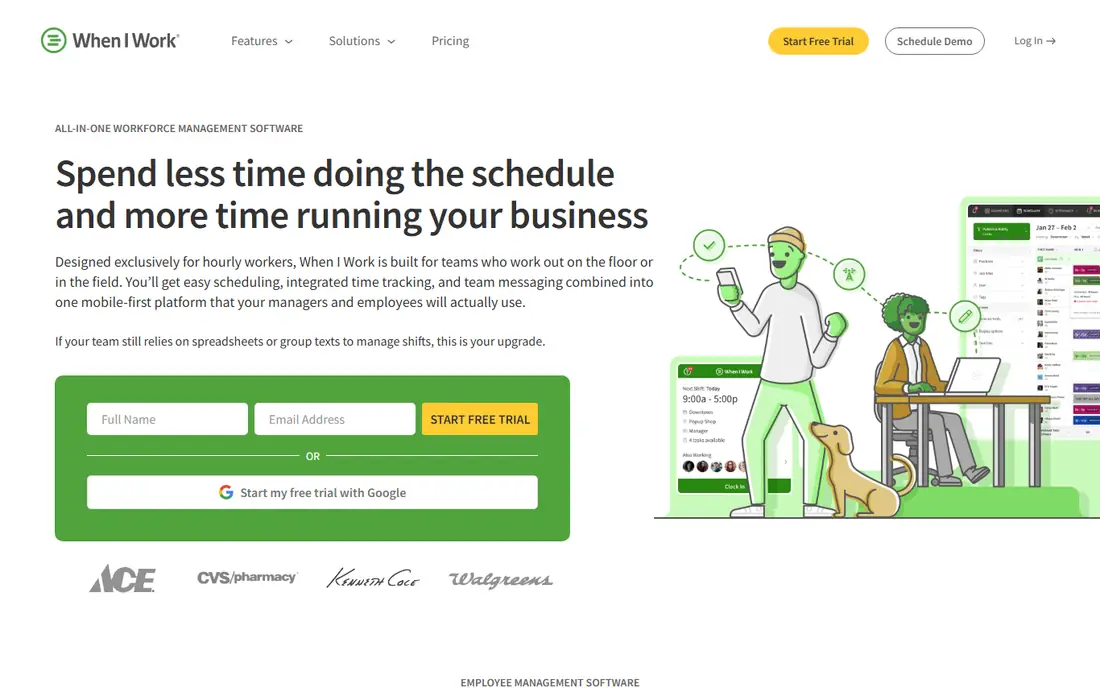
When I Work suits shift-based teams that want scheduling live this afternoon. Its simple weekly scheduling, shift swaps, and mobile apps cover the core needs of small hourly teams, with payroll integrations to Gusto, Paychex, QuickBooks Online, and Square.
Pricing starts at 2.50 dollars per user per month, plus a time tracking add-on, with no free plan beyond a 14 day trial. For simple scheduling at scale, When I Work leads.
What we like- Simple weekly scheduling teams adopt fast
- Shift swaps in the app
- Integrations with Gusto, Paychex, QuickBooks, and Square
Watch out for- No free plan, 14 day trial only
- Time tracking is an add-on
- Some time-off and reporting workflows need manual work
Starting price$34.99 per month
Free planYes
7shifts is the restaurant specialist, scheduling staff around sales forecasts and labor targets with restaurant-specific forecasting. Its free plan covers basic scheduling and communication for one location, while paid plans start around 34.99 dollars per month.
Time tracking runs through the separate 7punches app, and per-location pricing means costs rise with each restaurant. For restaurants that want scheduling through payroll in one platform, 7shifts is the best pick.
What we like- Restaurant-specific scheduling around sales forecasts and labor targets
- Free plan for one location
- Own payroll product available
Watch out for- Time tracking runs through the separate 7punches app
- Per-location pricing
- Restaurant focus limits field service use
#5Buddy Punch
Best for: Time tracking plus payroll integrations4.8/5 on
G2 (416 reviews, checked Oct 2026)
Visit buddypunch.com
Starting price$4.99 per user per month
Free planNo
Buddy Punch leads on anti-time-theft features such as facial recognition and geofencing, with multi-location time tracking and payroll integrations. Its Starter plan costs 4.99 dollars per user per month plus a 19 dollar monthly base fee on annual billing, with time tracking add-ons on Starter and included on Pro.
Payroll runs through integrations only, not built in, and there is no free plan beyond a 14 day trial. For multi-location time tracking with strong verification, Buddy Punch leads.
What we like- Strong anti-time-theft features including facial recognition and geofencing
- Multi-location time tracking
- Payroll integrations
Watch out for- No free plan, 14 day trial only
- Base fee of 19 dollars per month on annual billing
- Payroll is integrations only, not built in
Starting priceFree
Free planYes
Sling suits budget-minded small teams that want free scheduling plus team messaging. Its free plan covers up to 30 employees with shift swaps and schedule communication, while paid plans start around 1.70 dollars per user per month on annual billing.
Time tracking is paid only, and there is no payroll, so Sling pairs with a separate payroll tool. For free scheduling at a generous user cap, Sling is the best pick.
What we like- Free scheduling for up to 30 employees
- Shift swaps and schedule communication on the free plan
- Labor-cost and clopening warnings
Watch out for- Time tracking is paid only
- No payroll
- Managers can still publish a schedule after certain conflict warnings
#7Jibble
Best for: Free time tracking4.7/5 on
G2 (579 reviews, checked Oct 2026)
Visit jibble.io
Starting priceFree
Free planYes
Jibble suits teams that want free verified clock-ins at any size. Its free plan covers unlimited users with scheduling and time tracking, making it the most generous free tier in this list for time tracking alone.
Paid pricing varies by source, so check the pricing page, and there is no payroll or deep HR feature set. For free time tracking plus scheduling, Jibble leads.
What we like- Free time tracking at any size with unlimited users
- Verified clock-ins
- Scheduling included
Watch out for- No payroll
- Paid pricing varies by source, so check the pricing page
- Fewer HR features than hub tools
Starting priceFree
Free planYes
ZoomShift suits small hourly teams that want a simple scheduling app with a free tier. Its free plan covers up to 20 users at one location, with shift swaps on Starter and above and payroll reports for your provider.
Paid plans start at 2 dollars per active team member per month. For small hourly teams that outgrow Sling free limits but do not need a full hub, ZoomShift rounds out the list.
What we like- Free plan for up to 20 users at one location
- Shift swaps on Starter and above
- Payroll reports for your provider
Watch out for- Paid plans from 2 dollars per active team member per month
- Smaller ecosystem than Homebase or Deputy
- Confirm payroll provider fit
How we chose
We ranked tools by scheduling depth, time tracking, payroll handling, communication, compliance, and value at entry level pricing. We favored tools with free tiers for small teams, since hourly teams under 10 people should not pay before proving the workflow, and we gave extra weight to demand forecasting and compliance tools for retail and restaurant teams.
We also weighed pricing models honestly. Per-location pricing suits single-location businesses but rises with each address, while per-user pricing suits small teams but climbs fast for larger ones. Price conflicts across sources were handled by using the most commonly cited figure, so readers should check the vendor pricing page before committing.
Buying guide
Start with team size and industry. Single-location hourly teams should start with Homebase free or Sling free, restaurants with 7shifts, and retail or food operations with Deputy demand forecasting. Field service teams should check GPS geofencing configurability, since it varies widely across tools.
Next, decide whether payroll belongs in the same app. Homebase offers payroll as an add-on, while most others integrate with Gusto, QuickBooks, or Paychex instead. Built-in payroll removes an export step, but integrations suit teams already happy with their payroll provider.
Finally, trial the scheduling workflow with real staff. Publish a week of shifts, test shift swaps, and check how the app handles time-off requests and labor-cost warnings. Tell staff what is tracked, since time tracking and GPS features raise privacy expectations, and check state rules on location tracking before turning on geofencing. A tool that staff trust gets honest clock-ins, while a tool that feels like surveillance gets workarounds.
Frequently asked questions
What is the best Connecteam alternative overall?
Homebase leads for all-in-one hourly management with payroll, Deputy for demand-based scheduling, and 7shifts for restaurants. The best pick depends on team size, industry, and whether you need payroll in the same app.
Is there a free Connecteam alternative?
Yes. Homebase Basic is free for up to 10 employees at one location, Sling offers free scheduling for up to 30 employees, Jibble offers free time tracking at any size, and ZoomShift is free for up to 20 users at one location. Free tiers cover scheduling and time tracking, while payroll and advanced controls sit on paid plans. Start free first.
How much do Connecteam alternatives cost?
Paid plans start from 1.70 dollars per user per month for Sling, 2.50 dollars for When I Work, and 5 dollars for Deputy, while Homebase paid plans start at 24 dollars per location per month. Payroll add-ons cost extra on most tools, and per-location pricing rises with each address while per-user pricing rises with each hire.
Do these tools include payroll?
Homebase offers payroll as a paid add-on, while most others integrate with Gusto, QuickBooks, Paychex, or Square instead. Check whether your payroll provider is supported before choosing a scheduling tool, and confirm whether time data flows automatically or needs a manual export each pay period.
Which alternative is best for restaurants?
7shifts leads for restaurants, with scheduling around sales forecasts and labor targets, plus its own payroll product. Deputy also suits restaurants that need demand-based scheduling with compliance controls, while Homebase suits single-location restaurants that want hiring and payroll beside scheduling.
Sources we checked (0)
Is your product missing or out of date?
We review this list regularly. Vendors can request a listing, send updated pricing or ask about featured placement.

Shihab Mia · Founder, Rankite
Shihab has 5+ years in B2B and SaaS SEO. He writes Rankite's software buying guides from pricing pages, documentation and public user reviews. More about Shihab.