How we make this list: we compare pricing pages, product documentation and public user reviews. Ratings come from G2, Capterra or Trustpilot, with the date we checked them.
Key takeaways
- MindMeister is the best all-around pick, with 40 million-plus users, free starts, and real-time collaboration since 2007.
- Xmind is the best pick for polished desktop mapping, with 100 million-plus users, local files, and AI creation.
- Miro is the best pick for team whiteboarding, with 100 million-plus collaborators, 250-plus integrations, and 6,000-plus templates.
- MindManager is the best pick for project planning, with Gantt charts, Microsoft integrations, and a 30-day free trial.
- Whimsical is the best pick for product builders, with diagrams, wireframes, and multiplayer editing at high speed.
- Ayoa is the best pick for organic mapping, with the only organic mind map tool, free maps, and task conversion.
- Lucidchart is the best pick for technical diagrams, with AI generation, data linking, and 100-plus integrations.
- Mural is the best pick for facilitated workshops, with AI workflows, stakeholder mapping, and enterprise templates.
Quick comparison
| Tool | Best for | Starting price | Free plan |
|---|
 MindMeister MindMeister | All-around mapping | $6.50/month | Yes |
 Xmind Xmind | Desktop mapping | See website | Yes |
 Miro Miro | Team whiteboarding | See website | See website |
 MindManager MindManager | Project planning | $179 | No |
 Whimsical Whimsical | Product builders | See website | Yes |
 Ayoa Ayoa | Organic mapping | See website | Yes |
 Lucidchart Lucidchart | Technical diagrams | See website | Yes |
 Mural Mural | Facilitated workshops | See website | See website |
Is your product missing or out of date?
We review this list regularly. Vendors can request a listing, send updated pricing or ask about featured placement.
The best Coggle alternatives
Starting price$6.50/month
Free planYes
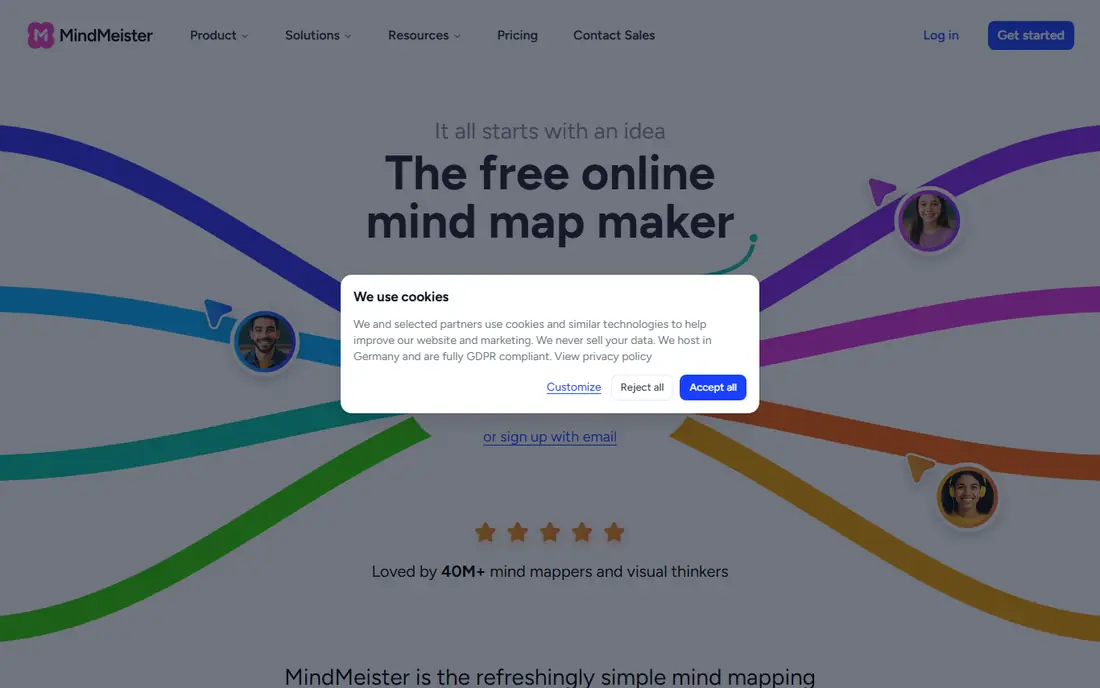
MindMeister describes itself as the free online mind map maker, with maps that expand and collapse branches, multiple maps in one canvas, and outline mode for linear thinkers. Its homepage explains the flow: sign up free, open a blank map or template, branch out, drag and drop branches, add links, notes, or images, then style with themes and share a link for real-time collaboration or presentation mode.
For Coggle users who want the closest simple, browser-based replacement, MindMeister is the best alternative, since its free plan, collaboration, and long track record match Coggle closely. Desktop-first users should compare Xmind, but for web mapping, MindMeister leads.
What we like- The refreshingly simple mind mapping software, helping people think better since 2007, loved by 40 million-plus users
- Free plan with up to 3 mind maps, real-time collaboration, templates, presentation mode, and iOS and Android apps
- AI map creation from prompts or file uploads while in beta
- ISO 27001 certified, fully GDPR compliant, hosted in Germany
Watch out for- Free plan caps at 3 maps, so heavy users must upgrade
- Task depth trails MeisterTask or dedicated project tools
#2Xmind
Best for: Desktop mapping4.5/5 on
G2 (466 reviews, checked Oct 2026)
Visit xmind.app
Starting priceSee website
Free planYes
Xmind describes itself around thinking smarter and working together, with tools that think with you: AI-powered creation, flexible structure, real-time collaboration, and tailored scenarios for every need. Its homepage highlights project management with AI breakdown and Gantt charts, ZEN focus mode, and security credentials including ISO and IEC 27001, SOC 2 Type II, privacy-first tracking, and an ad-free experience.
For Coggle users who want the most polished mapping experience across devices, Xmind is the best alternative, since its structure variety and local-file control exceed browser-only tools. Web-only teams should prefer MindMeister, but for desktop polish, Xmind leads.
What we like- From mind mapping to AI-powered thinking, with one-click generation, smart editing, and flexible structures from mind maps to timelines, matrices, and Zones
- Real-time collaboration with team spaces and sync across web, desktop, and mobile
- Local files giving you full control over your data
- 100 million-plus users, 95 percent satisfaction, 4.8 out of 5 on the App Store
Watch out for- Pricing requires a plan page visit
- Project features may exceed simple mapping needs
#3Miro
Best for: Team whiteboarding4.6/5 on
G2 (13,631 reviews, checked Oct 2026)
Visit miro.com
Starting priceSee website
Free planSee website
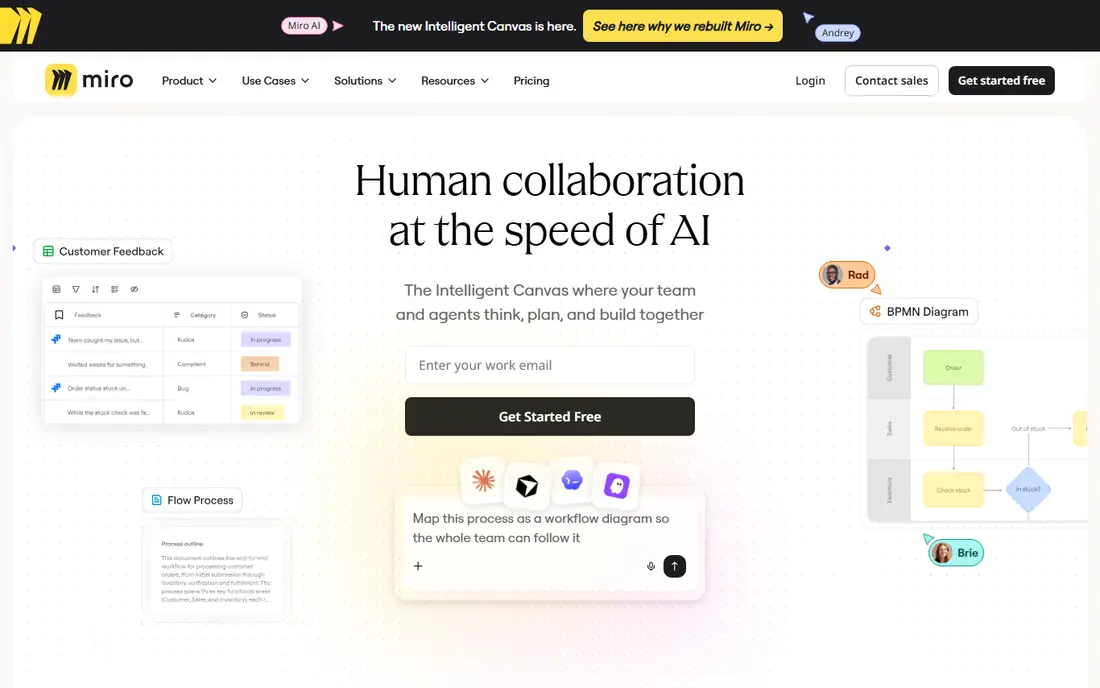
Miro describes itself as the AI innovation workspace, with an intelligent canvas rebuilt for team and agent collaboration. Its homepage highlights the scale: 100 million-plus collaborators, 250-plus integrations, 6,000-plus templates, and customer outcomes such as 3.6x faster time to market and 50 percent shorter planning processes, with teams mapping workflows the whole team can follow.
For Coggle users whose maps live inside larger team workshops, Miro is the best alternative, since its canvas, templates, and integrations scale far beyond mapping alone. Simple mappers should prefer MindMeister, but for team whiteboarding, Miro leads.
What we like- The Intelligent Canvas where your team and agents think, plan, and build together, with human collaboration at the speed of AI
- 100 million-plus people collaborating, 250-plus apps and integrations, and 6,000-plus templates
- 250,000-plus companies with 3.6x faster time to market in customer stories
- Miro AI Sidekick for agent-assisted work
Watch out for- Canvas breadth may overwhelm simple mind mappers
- Pricing requires a plan page visit
Starting price$179
Free planNo
MindManager describes itself around turning ideas into plans and plans into action, with Professional going from brainstorming to execution through dynamic visual diagrams. Its homepage highlights efficiency gains from seeing what has been done and what needs doing, plus a partner program for businesses building around MindManager and its other solutions.
For Coggle users who need maps that become project plans, MindManager is the best alternative, since its Gantt charts and Microsoft integrations bridge mapping and execution. Free-tier seekers should prefer MindMeister or Ayoa, but for project planning, MindManager leads.
What we like- Mind mapping software that turns ideas into plans and plans into action
- MindManager Professional with dynamic visual diagrams, mind maps, flowcharts, and Gantt charts
- Integrations with Microsoft Teams, SharePoint, and Jira
- 30-day fully functional free trial with a 4.5 rating from 305 ratings
Watch out for- No free plan, only a 30-day trial, so long-term use costs $179
- Desktop focus may suit teams less than browser-first tools
Starting priceSee website
Free planYes
Whimsical describes itself as the whiteboard for product builders, designing and documenting implementation with diagrams, shaping UI with wireframes, and collaborating with your team and AI. Its homepage highlights the essentials done right: speed, multiplayer editing, templates from experts, focused comments without chat noise, media embeds from Loom and YouTube, and version history with restore.
For Coggle users who build products and need diagrams plus wireframes beside maps, Whimsical is the best alternative, since its speed and product focus suit builders. Pure mind mappers should prefer MindMeister, but for product work, Whimsical leads.
What we like- The whiteboard for product builders, capturing and sharing ideas at the speed of thought
- Diagrams, wireframes, and collaboration with your team and AI
- Built for speed with optimized flow, multiplayer editing, expert templates, comments, images and video, and version history
- Free start available
Watch out for- Product-builder framing may suit teams less than pure mind mappers
- Pricing requires a plan page visit
#6Ayoa
Best for: Organic mapping4.4/5 on
G2 (63 reviews, checked Oct 2026)
Visit ayoa.com
Starting priceSee website
Free planYes
Ayoa describes itself as mind mapping software for everyone, with the only organic mind map tool that lets you think visually and freely without list or document constraints. Its homepage explains the flow: AI prompts and an Idea Bank get projects started, Auto Focus keeps growing maps readable, and maps convert into tasks with deadlines and reminders, switching to document view when it is time to write.
For Coggle users who want a distinct, accessible mapping style, Ayoa is the best alternative, since its organic maps and dyslexia-friendly options stand out here. Traditional mappers should prefer MindMeister, but for organic mapping, Ayoa leads.
What we like- The only organic mind map tool, helping you think more clearly, plan more effectively, and get things done in a way that works for every type of mind
- Completely free to start with up to 10 mind maps and upgrade anytime
- AI-powered prompts, Idea Bank for capturing thoughts, and ready-made templates
- Maps convert directly into tasks with deadlines and reminders
Watch out for- Organic style may feel unfamiliar to strict radial mappers
- Pricing beyond the free tier requires a plan page visit
Starting priceSee website
Free planYes
Lucidchart describes itself around seeing work take shape, generating visuals automatically with AI and data imports or building your own with intuitive diagramming tools. Its homepage explains team uses: process maps and flowcharts with diagram-as-code, AI-generated diagrams with Lucid AI, org and team planning with data imports, technical diagrams with ERD markup, and systems architecture with cloud shape libraries.
For Coggle users whose maps sit beside technical diagrams, Lucidchart is the best alternative, since its AI and data-driven diagramming scale to systems work. Simple mappers should prefer MindMeister, but for technical diagrams, Lucidchart leads.
What we like- Diagramming powered by intelligence, creating next-generation diagrams with AI, data, and automation
- AI-generated diagrams, data linking, conditional formatting, UML markup, and layers
- Real-time collaboration with shared visual documentation
- 100-plus custom-built integrations and Lucid Suite pairing with Lucidspark whiteboarding
- Free signup available
Watch out for- Diagramming breadth may exceed simple mind mapping
- Mind map templates are one use among many diagram types
#8Mural
Best for: Facilitated workshops4.6/5 on
G2 (1,496 reviews, checked Oct 2026)
Visit mural.co
Starting priceSee website
Free planSee website
Mural describes itself around seeing as how teams reach faster outcomes, with an intuitive workspace and AI-powered tools bringing teams into alignment instantly. Its homepage highlights team-specific workspaces for research and development, sales, marketing, and consulting, with templates for stakeholder mapping, account plans, and strategy, plus LUMA facilitation methods for structured problem solving.
For Coggle users who run facilitated workshops, Mural is the best alternative, since its templates and facilitation methods suit guided sessions. Solo mappers should prefer MindMeister or Xmind, but for workshops, Mural leads.
What we like- AI-powered visual workspace for team collaboration, moving from idea to launch with product workflows
- Stakeholder mapping, sales funnel mapping, and go-to-market planning templates
- AI workflows that move teams forward with LUMA System facilitation methods
- Customer outcomes such as 50 percent higher sales onboarding efficiency at SAP and 800 hours of meeting time saved yearly at Hewlett Packard
Watch out for- Workshop and enterprise framing may exceed simple mapping needs
- Pricing requires a sales conversation
How we chose
We compared mind mapping tools on vendor homepages, weighing map quality, collaboration, templates, AI features, export options, pricing transparency, and platform fit. We favored tools with live homepages and current offerings, and we included both pure mind mappers and broader whiteboards because Coggle users range from solo mappers to facilitated teams. Verify free-plan limits, export formats, and collaboration needs directly with each vendor before choosing, since free tiers vary widely.
What to check before you commit
Start with your mapping style. Simple web mappers should shortlist MindMeister and Ayoa, desktop users should test Xmind, and team workshops should compare Miro and Mural, while technical teams should price Lucidchart and project planners should trial MindManager.
Next, test collaboration on a real map. Invite teammates, edit branches live, export to PDF or Word, and check mobile sync, since vendor demos rarely reveal collaboration friction. Ask each vendor about free-plan map limits, since MindMeister caps free maps at 3 and Ayoa at 10.
Finally, plan migration carefully. Export or rebuild your Coggle maps in the new tool, checking branch structure, attachments, and sharing permissions before switching, since map formats rarely transfer directly. Keep Coggle accessible until the new maps prove complete.
Frequently asked questions
What is the best Coggle alternative overall?
MindMeister for simple web mapping, Xmind for desktop polish, and Miro for team whiteboarding. Ayoa leads for organic mapping, while Lucidchart leads for technical diagrams.
Which alternative is free?
MindMeister with up to 3 free maps, Ayoa with up to 10 free maps, Xmind and Lucidchart with free starts, and Whimsical with a free start. MindManager has no free plan, only a 30-day trial.
Which alternative is best for team collaboration?
Miro and Mural for facilitated team work, with real-time editing and templates, and MindMeister for simple shared maps with presentation mode.
Which alternative is best for project planning?
MindManager, with Gantt charts and Microsoft Teams, SharePoint, and Jira integrations, and Ayoa, with maps that convert directly into tasks.
Which alternative is best for product teams?
Whimsical, with diagrams, wireframes, and multiplayer editing built for product builders, and Miro, with its intelligent canvas and 6,000-plus templates.
How hard is it to switch from Coggle?
Expect days for rebuilding maps, since formats rarely transfer directly. Test collaboration and exports on one map first, then migrate the rest.
Sources we checked (8)
- https://www.mindmeister.com
- https://xmind.app
- https://miro.com
- https://www.mindmanager.com
- https://whimsical.com
- https://ayoa.com
- https://www.lucidchart.com
- https://mural.co
Is your product missing or out of date?
We review this list regularly. Vendors can request a listing, send updated pricing or ask about featured placement.

Shihab Mia · Founder, Rankite
Shihab has 5+ years in B2B and SaaS SEO. He writes Rankite's software buying guides from pricing pages, documentation and public user reviews. More about Shihab.