How we make this list: we compare pricing pages, product documentation and public user reviews. Ratings come from G2, Capterra or Trustpilot, with the date we checked them.
Key takeaways
- GitHub Copilot is the cheapest direct review alternative at $10 per month, and it can approve pull requests.
- Cursor and Windsurf pair review with an AI-first editor, which suits teams that live in the editor all day.
- Sourcegraph Cody wins on large-codebase context, since it indexes whole repositories for review.
- Qodo is the closest specialist rival to CodeRabbit, built for review and governance rather than coding.
- CodeRabbit costs $24 per developer per month on its Essentials plan, so every alternative here undercuts it on entry price.
Quick comparison
| Tool | Best for | Starting price | Free plan |
|---|
 GitHub Copilot GitHub Copilot | Cheapest direct review | $10 per month | Yes |
 Cursor Cursor | AI-first editor with review | $20 per month | Yes |
 Sourcegraph Cody Sourcegraph Cody | Large-codebase context | See website | Yes |
 Windsurf Windsurf | Agentic editor plus agents | $20 per month | Yes |
 Amazon Q Developer Amazon Q Developer | AWS shops | See website | Yes |
 Tabnine Tabnine | Privacy-sensitive orgs | See website | No |
 Qodo Qodo | Specialist review and governance | See website | No |
 Continue Continue | Open source, no lock-in | $0 per month | Yes |
Is your product missing or out of date?
We review this list regularly. Vendors can request a listing, send updated pricing or ask about featured placement.
The best CodeRabbit alternatives
#1GitHub Copilot
Best for: Cheapest direct review4.4/5 on
G2 (397 reviews, checked Oct 2026)
Visit github.com
Starting price$10 per month
Free planYes
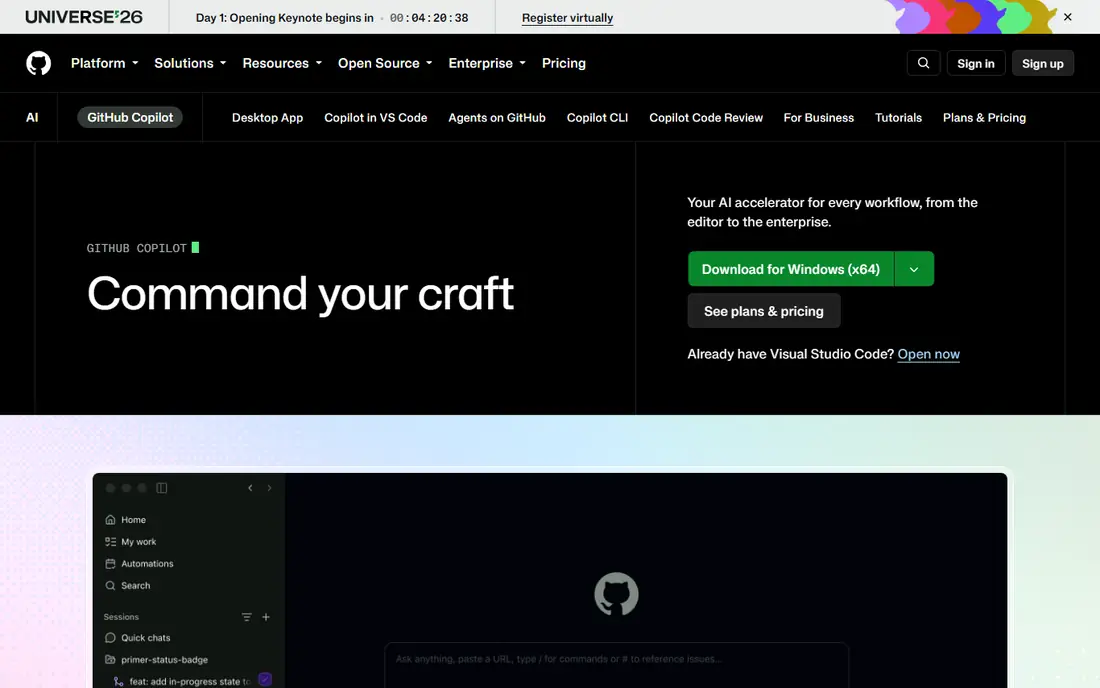
GitHub Copilot is the most direct CodeRabbit alternative for GitHub teams. Pro costs $10 per month and includes code review, while Business costs $19 per user per month and Enterprise $39. Unlike CodeRabbit, Copilot can approve a pull request, satisfying a required-approval rule, though that setting is off by default.
Copilot works only on GitHub, and it ships no built-in linters, so teams must run their own. Review summaries help authors fix issues before a human reviewer opens the pull request, which shortens review cycles. The free tier covers 2,000 completions per month but excludes code review. For a GitHub team that also wants completions, chat, and an agent in one subscription, Copilot is the best value on this list.
What we like- Can approve a pull request
- Works in VS Code and JetBrains
- Coding agent included
Watch out for- GitHub only
- No built-in linters
- Free tier excludes code review
#2Cursor
Best for: AI-first editor with review4.6/5 on
G2 (326 reviews, checked Oct 2026)
Visit cursor.com
Starting price$20 per month
Free planYes
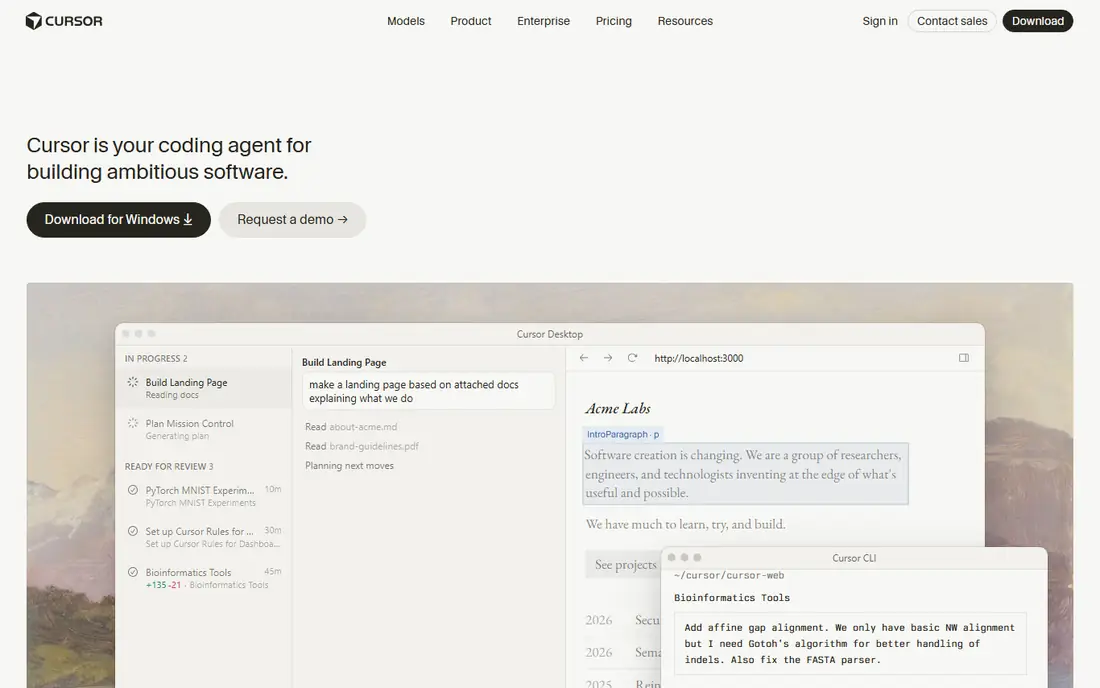
Cursor took VS Code and rebuilt it around AI: inline editing, multi-file agent changes, and codebase-wide chat that understands repo structure. In testing by published comparisons, Cursor handled cross-file refactors across dozens of files better than anything else. Pro costs $20 per month, with Pro+ at $60 and Ultra at $200.
The Hobby tier is free with limited Agent and Tab features, enough to test for a week. Heavy agent days cost more than the sticker price, since usage pools run on top of the seat. For a developer who lives in AI-assisted editing all day, Cursor is the power-user pick.
What we like- Multi-model agent
- Codebase-wide chat
- Strong cross-file refactors
Watch out for- $20 per month stings for solo devs
- Occasional model lag at peak hours
- Usage pools add cost
Starting priceSee website
Free planYes
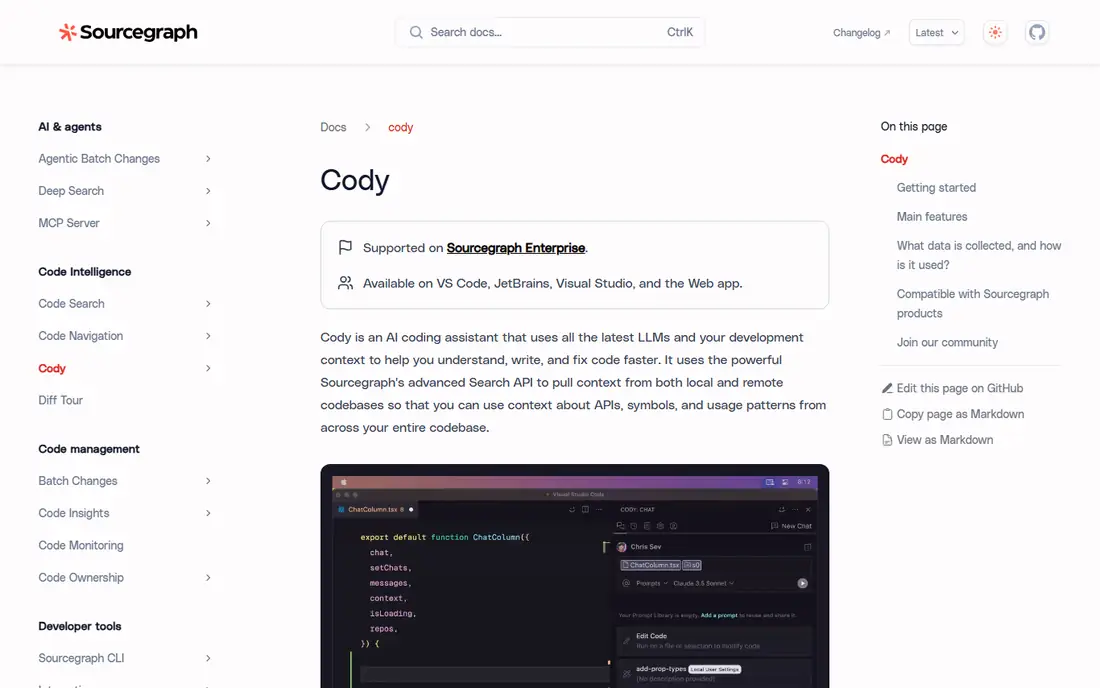
Sourcegraph Cody indexes whole repositories, which makes it the best choice for large codebases where review context matters most. A reviewer can ask about patterns across services, trace a function through callers, and catch inconsistencies that a single-file review misses. Published comparisons list Cody from free to $9 per month, though current pricing should be confirmed on the vendor page.
Review features trail dedicated specialists like CodeRabbit and Qodo, and indexing takes time on very large repos. For a team whose main pain is understanding a sprawling codebase during review, Cody context beats a generic chat assistant.
What we like- Deep repo indexing
- Strong for large codebases
- Multi-model support
Watch out for- Entry paid price varies
- Review features trail specialists
- Setup needs indexing time
#4Windsurf
Best for: Agentic editor plus agents4.2/5 on
G2 (56 reviews, checked Oct 2026)
Visit windsurf.com
Starting price$20 per month
Free planYes
Windsurf, now sold as Devin Desktop, pairs a full AI editor with cloud agents that write, test, and ship code with less hand-holding. Pro costs $20 per month, with Max at $200, and the free tier offers unlimited inline edits and Tab with a light model quota. Agentic flows suit teams that want the agent to carry a task further than a chat suggestion.
The rebrand to Devin Desktop confuses buyers searching for Windsurf pricing, and $20 per month costs double Copilot Pro. For a team that wants an autonomous agent paired with an editor rather than a plugin, Windsurf is the closest Cursor rival.
What we like- Cloud agents included
- Unlimited inline edits on free tier
- Strong agentic flows
Watch out for- Now branded Devin Desktop
- $20 per month
- Max tier costs $200
Starting priceSee website
Free planYes
Amazon Q Developer serves AWS shops best, with deep knowledge of AWS services, code transformation tools for migrations, and agents for feature work. Published comparisons list it from free to $19 per month, though tiers have changed, so confirm current pricing on the AWS page.
Outside AWS, Q Developer value drops, and review depth varies by language and framework. For a team already building on AWS, Q Developer context on services, IAM, and infrastructure code is hard for a generic reviewer to match.
What we like- Deep AWS knowledge
- Code transformation tools
- Free tier available
Watch out for- Best inside AWS
- Review depth varies
- Pricing tiers changed recently
#6Tabnine
Best for: Privacy-sensitive orgs4.2/5 on
G2 (72 reviews, checked Oct 2026)
Visit tabnine.com
Starting priceSee website
Free planNo
Tabnine wins on privacy: air-gapped and on-premises options let regulated teams run AI coding without sending code to a vendor cloud. That story matters for finance, healthcare, and defense teams that cannot use a hosted reviewer at all. Published pricing varies widely, from $12 to $39 per user per month depending on plan and date, so confirm current pricing on the vendor page.
There is no free tier, and agentic features cost more than the base assistant. For a team whose compliance policy blocks hosted AI tools, Tabnine is often the only viable alternative on this list.
What we like- Air-gapped and on-prem options
- Strong privacy story
- Regulated-team friendly
Watch out for- No free tier
- Pricing varies widely by plan
- Agentic features cost more
Starting priceSee website
Free planNo
Qodo is the closest specialist rival to CodeRabbit, built for AI code review and governance rather than general coding. PR agent workflows review, suggest fixes, and enforce team policies, which suits engineering managers who want review quality measured and governed. Published pricing lists Pro Team at $30 per month per 2,500 credits, with a 14-day trial and no free tier.
Credit-based pricing makes costs harder to predict than flat seats, and teams must monitor usage. For a team that wants a dedicated review specialist with governance controls, Qodo is the most CodeRabbit-like alternative here.
What we like- Built for review and governance
- PR agent workflows
- Policy controls
Watch out for- Trial only, 14 days
- Credit-based pricing
- No free tier
Starting price$0 per month
Free planYes
Continue is the open source option: Apache-2.0 licensed, usable in VS Code, JetBrains, and the command line, with a hub for shared assistants. Solo costs $0 per developer if you bring your own API key, endpoint, or local Ollama model, while Team costs $10 per developer per month and a hosted models add-on costs $20 per month.
Polish trails Cursor and Copilot, and setup needs model keys rather than one-click signup. For a team that refuses vendor lock-in or wants to run local models, Continue is the most flexible option on this list.
What we like- Apache-2.0 open source
- Bring your own model
- Works in VS Code and JetBrains
Watch out for- Polish trails paid editors
- Setup needs model keys
- Team features cost extra
How we chose
We compared tools on review quality, repo context, git platform support, pricing, free tiers, privacy options, and governance controls. We used vendor pricing pages and published October 2026 comparisons. Where pricing varied by plan or date, we wrote See website instead of repeating a stale figure.
How to pick a CodeRabbit replacement
Start with your git platform. GitHub Copilot works only on GitHub, while CodeRabbit covers GitHub, GitLab, Azure DevOps, and Bitbucket. A GitLab or Bitbucket team that picks Copilot for review will be disappointed, and should shortlist Qodo, Cody, or a platform-agnostic editor tool instead.
Next, decide whether you need a specialist reviewer or a general coding assistant. Specialists like Qodo and CodeRabbit focus on review quality, policies, and governance. Generalists like Copilot, Cursor, and Windsurf bundle review with completions, chat, and agents, which is better value if your team also wants coding help. If review quality is the whole job, a specialist wins; if coding help is the job, a generalist wins.
Then test review quality on your own pull requests, not a demo repo. Open a messy pull request with a real bug, a security issue, and a style violation, and see which tool catches all three without drowning you in false positives. Measure false positives carefully, since a reviewer that cries wolf on every pull request gets ignored within a week. Check latency too: reviews that take ten minutes arrive after the author has moved on.
AI review never replaces human review. Use the AI to catch routine issues, then let senior engineers judge design, trade-offs, and risk. Teams that treat AI comments as final approval ship bugs faster, not better. Finally, confirm pricing on usage, not just seats. Credit-based tools like Qodo and usage-pooled editors like Cursor cost more on heavy days than their sticker price suggests. Ask for a month of real usage data during the trial, and compare total cost per reviewed pull request, not just per seat. That number decides whether a cheaper seat actually saves money.
Frequently asked questions
Is GitHub Copilot code review free?
No, Copilot Free covers 2,000 completions per month but excludes code review. Pro at $10 per month includes review, and Business at $19 per user per month adds admin controls for teams.
What is the closest CodeRabbit alternative?
Qodo is the closest specialist rival, built for AI code review and governance with PR agent workflows. GitHub Copilot is the closest generalist rival, bundling review with completions, chat, and an agent.
Does CodeRabbit work on GitLab?
Yes, CodeRabbit supports GitHub, GitLab, Azure DevOps, and Bitbucket. GitHub Copilot review works only on GitHub, which is the main platform reason to pick a specialist instead.
Can AI reviewers approve pull requests?
GitHub Copilot can approve a pull request, satisfying a required-approval rule, though the setting is off by default. CodeRabbit cannot approve a pull request, which matters for teams with strict approval rules.
Is there a free CodeRabbit alternative?
Continue is free for solo developers who bring their own model, and Copilot, Cursor, Cody, and Windsurf all offer free tiers. Qodo and Tabnine offer trials but no free tier, so budget teams should start with the free options.
How do I reduce false positives from AI review?
Tune custom instructions to your codebase, feed the reviewer your style guide, and measure false positives on real pull requests during the trial. Start with one repository and one team, then expand after measuring false positives for a month. A reviewer that flags everything gets ignored, so prefer a tool that learns from your feedback over one with the longest comment list.
Sources we checked (8)
- https://github.com/features/copilot/pricing
- https://cursor.com/pricing
- https://sourcegraph.com/cody/pricing
- https://windsurf.com/pricing
- https://aws.amazon.com/q/developer/pricing/
- https://www.tabnine.com/pricing
- https://www.qodo.ai/pricing
- https://continue.dev/pricing
Is your product missing or out of date?
We review this list regularly. Vendors can request a listing, send updated pricing or ask about featured placement.

Shihab Mia · Founder, Rankite
Shihab has 5+ years in B2B and SaaS SEO. He writes Rankite's software buying guides from pricing pages, documentation and public user reviews. More about Shihab.