How we make this list: we compare pricing pages, product documentation and public user reviews. Ratings come from G2, Capterra or Trustpilot, with the date we checked them.
Key takeaways
- Clockwise shut down on March 27, 2026, after its team joined Salesforce, and user data was deleted rather than transferred.
- Reclaim.ai is the closest replacement and the tool Clockwise itself recommended, with a free Lite tier and Starter at $10 per seat per month.
- Motion suits teams that want tasks, projects and meetings planned together by AI, from $29 per month for solo users billed annually.
- Morgen is the best all-in-one AI planner for users who want every calendar plus task time blocking in one app.
- Calendly and Cal.com cover external booking only, so they replace just one part of what Clockwise did.
Quick comparison
| Tool | Best for | Starting price | Free plan |
|---|
 Reclaim.ai Reclaim.ai | Closest Clockwise replacement | $0 | Yes, Lite tier |
 Motion Motion | AI-planned workdays | $29 per month | Free trial |
 Morgen Morgen | All-in-one AI planning | See website | Free trial |
 Calendly Calendly | External meeting booking | $10 per seat per month | Free trial |
 Cal.com Cal.com | Open booking links | $0 | Yes, solo |
 Sunsama Sunsama | Guided daily planning | See website | Free trial |
 OneCal OneCal | Multi-calendar sync | See website | Free trial |
 Notion Calendar Notion Calendar | Free calendar with blocking | $0 | Yes |
Is your product missing or out of date?
We review this list regularly. Vendors can request a listing, send updated pricing or ask about featured placement.
The best Clockwise alternatives
#1Reclaim.ai
Best for: Closest Clockwise replacement4.8/5 on
G2 (144 reviews, checked Oct 2026)
Visit reclaim.ai
Starting price$0
Free planYes, Lite tier
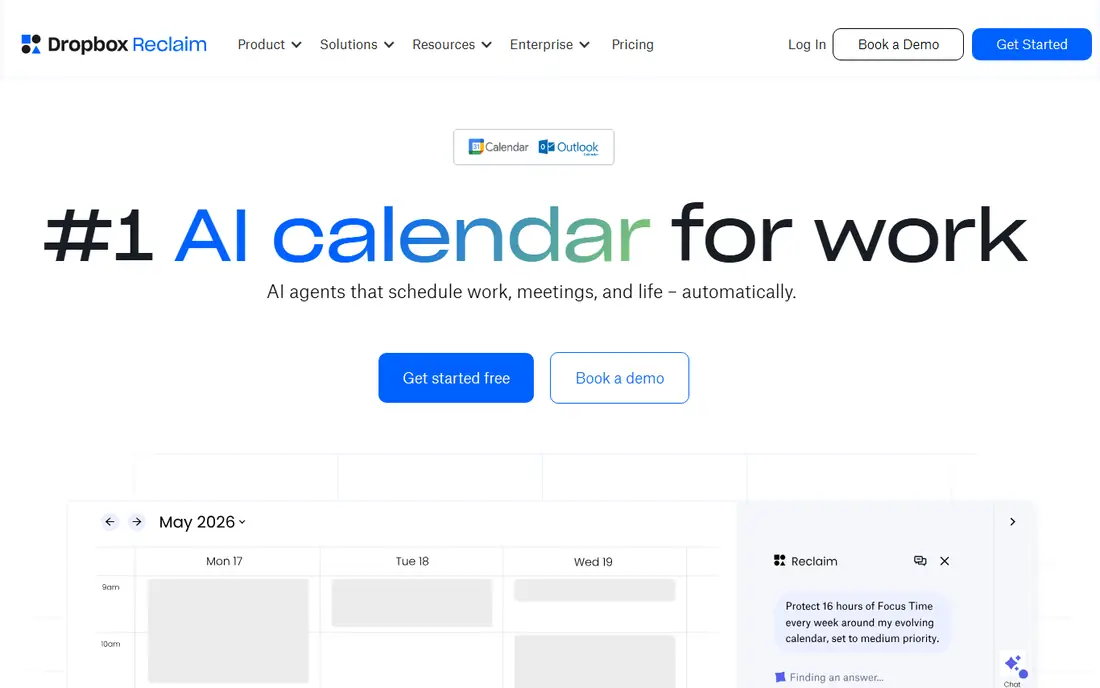
Reclaim.ai is the closest replacement for Clockwise, and the recommendation carries unusual weight because Clockwise itself named Reclaim as its migration path when it shut down. Reclaim defends focus time, auto-schedules tasks and habits, and adds booking links inside an existing Google or Outlook calendar. The Lite tier is free forever with one sync and one scheduling link, and Starter costs $10 per seat per month billed annually.
Clockwise's shutdown notice directed users to move scheduling links to Reclaim, and Reclaim published a migration page with feature mapping and a 12-month price match. That price-match window closed on June 30, 2026, so new arrivals now pay list price. For a team that relied on Clockwise's focus time and flexible meetings, Reclaim is the first tool to try.
What we like- Free Lite tier forever
- Focus time defense
- Habits and smart meetings
- Clockwise's own recommendation
Watch out for- Team coordination needs paid tiers
- Price-match window for Clockwise users closed June 2026
Starting price$29 per month
Free planFree trial
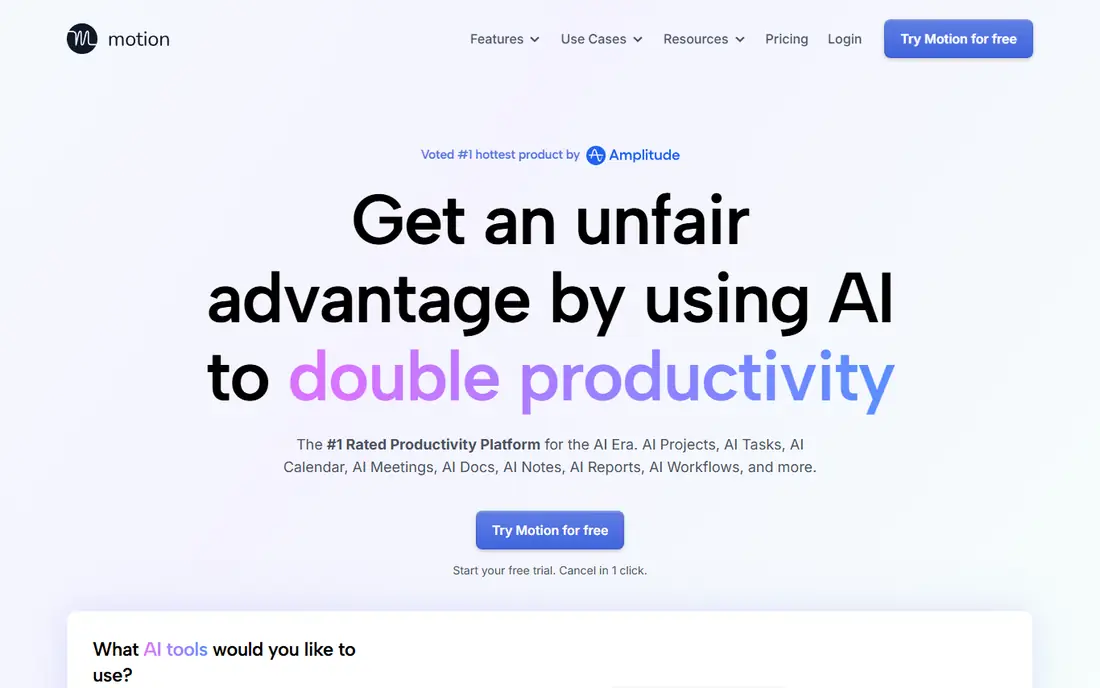
Motion suits teams that want an automatically planned execution schedule built around deadlines and priorities. Rather than just protecting focus time, Motion plans the whole workday: tasks, projects, documents and meetings are scheduled together, and the plan rebuilds automatically when a meeting moves or a deadline changes. A solo user pays $29 per month on annual billing, or $49 month to month.
There is no free tier, so Motion costs more than Reclaim for a team that only needs focus time. For a team that wants AI to plan tasks, projects and meetings together rather than just defend calendar blocks, Motion goes further than any other Clockwise alternative.
What we like- Tasks, projects, docs and calendar in one app
- Automatic daily replanning
- Deadline-aware scheduling
Watch out for- No free tier
- Solo entry price of $29 per month billed annually
#3Morgen
Best for: All-in-one AI planning4.8/5 on
G2 (29 reviews, checked Oct 2026)
Visit morgen.so
Starting priceSee website
Free planFree trial

Morgen is the best all-in-one AI planner for users who want one app for all calendars plus AI time blocking for tasks. It combines calendars from multiple providers with task lists, so a user can drag tasks onto the calendar and let the app find the best slot. Support for Google, Outlook and iCloud calendars makes it useful for people whose work and personal calendars live on different platforms.
Pricing is not published as clearly as Reclaim's or Motion's, so buyers should check the current plans on Morgen's pricing page. For a user who wants a single planning app across every calendar, Morgen's unified view is the most complete option after Reclaim.
What we like- One app for all calendars
- AI time blocking for tasks
- Broad calendar support
Watch out for- Quote-based pricing in most guides
- Smaller team than Motion or Reclaim
#4Calendly
Best for: External meeting booking4.7/5 on
G2 (2,674 reviews, checked Oct 2026)
Visit calendly.com
Starting price$10 per seat per month
Free planFree trial
Calendly handles external meeting booking, routing and team scheduling at scale, with plans from $10 to $16 per seat per month. Prospects, clients, candidates and partners book meetings with the right people without back-and-forth email, and routing rules send each booking to the correct team member. That external booking strength is why many teams pair Calendly with a focus-time tool.
Calendly does not auto-schedule anything: it books meetings that others request, but it does not protect focus time or rearrange flexible work. For a team whose main Clockwise use was external booking, Calendly is the right replacement. For a team that needs focus-time protection, pair it with Reclaim rather than buying it alone.
What we like- Polished booking pages
- Team scheduling and routing
- Wide integrations
Watch out for- Does not auto-schedule anything
- Not a like-for-like Clockwise replacement
#5Cal.com
Best for: Open booking links4.6/5 on
G2 (153 reviews, checked Oct 2026)
Visit cal.com
Starting price$0
Free planYes, solo
Cal.com is the best booking layer for teams that want an open, self-hostable scheduling tool. One user gets unlimited event types for free, and Teams plans cost $12 per user per month, about 25 percent cheaper than the equivalent Calendly Teams plan. Being open source means teams can self-host it and control their own data, which matters for privacy-conscious organizations.
Like Calendly, Cal.com is a booking tool, not a focus-time tool: it does not auto-schedule tasks or defend focus blocks. For a team that wants a free, open booking layer alongside Reclaim or Motion, Cal.com is the cheapest and most flexible option available.
What we like- Free for one user with unlimited event types
- Open source
- Teams at $12 per user per month
Watch out for- Booking-only tool
- No focus-time or auto-scheduling features
Starting priceSee website
Free planFree trial
Sunsama suits people who prefer to decide for themselves rather than letting AI plan their day. Its guided daily planning ritual walks users through choosing tasks, estimating time and placing work on the calendar, which builds a planning habit that auto-scheduling tools skip. Calendar and task integration keeps the plan connected to real commitments.
Sunsama is a manual planner, so it does not auto-schedule or replan when meetings move. For a user whose week is predictable and who values a deliberate daily ritual over automation, Sunsama's calm interface is the best fit. For a chaotic week that gets rebuilt often, Reclaim or Motion will save more time.
What we like- Guided daily planning ritual
- Calendar and task integration
- Calm interface
Watch out for- Manual planning rather than AI auto-scheduling
- Pricing not published in guides
Starting priceSee website
Free planFree trial
OneCal is the best pick for multi-calendar sync, keeping Outlook and Google calendars consistent so meetings never double-book across platforms. Booking pages add external scheduling, and the sync engine handles the busy-block problem that Clockwise's calendar sync used to solve. For a freelancer or consultant juggling work and personal calendars on different providers, OneCal's sync is the core need.
OneCal is sync-focused, with no AI planning or focus-time defense, so it replaces only the calendar-sync half of Clockwise. Pair it with Reclaim for focus time, or use it alone if sync is the only feature you miss.
What we like- Multi-calendar sync
- Booking pages
- Good for Outlook and Google mixes
Watch out for- Sync-focused
- No AI planning or focus-time defense
Starting price$0
Free planYes
Notion Calendar is a free calendar app with basic cross-calendar blocking, scheduling links and auto-blocking included. For a Notion user, it connects calendar events to notes, docs and project pages, so the day's plan sits next to the work itself. That workspace connection is its main advantage over a standalone calendar app.
Compared with Reclaim, Notion Calendar is basic: it blocks time but does not defend focus time with AI or auto-schedule tasks. For a Notion user who wants a free calendar with scheduling links and simple blocking, it is enough. For a team that needs real focus-time protection, Reclaim remains the better pick.
What we like- Free
- Scheduling links and auto-blocking included
- Connects to Notion workspace
Watch out for- Basic compared with Reclaim
- Best value only for Notion users
How we chose
We compared scheduling tools on focus-time protection, auto-scheduling, task planning, booking links, calendar sync and pricing transparency. We used vendor pricing pages and recent comparison guides for rates, and we favored tools with a free tier or published entry price. We did not claim hands-on testing. Instead we weighed what each tool replaces from Clockwise's feature set, and what it costs per seat or per month, so former Clockwise users can match a tool to the workflow they actually miss.
Rebuilding after the shutdown
Start by listing what Clockwise actually did for your team, since no single tool replaces all of it. If focus time was the main value, start with Reclaim's free Lite tier and rebuild focus blocks, habits and flexible meetings there. If task planning mattered more, trial Motion and compare its auto-planned days against your old workflow. If external booking was the main use, Calendly or Cal.com covers it alone.
Do not expect to recover old Clockwise data: the company said user data would be deleted shortly after March 27, 2026, and directed data questions to its support email. Rebuild focus time, links and sync rules in the new tool instead of waiting for an export that will not arrive. Set aside a week for the migration, since calendar habits take time to re-establish and the team needs to trust the new tool before relying on it. Run the old and new systems side by side for that week where possible, so no meeting falls through a gap in the transition.
Frequently asked questions
When did Clockwise shut down?
Clockwise shut down on March 27, 2026, after its team joined Salesforce. The shutdown was announced on March 19, 2026, customer support ran until March 27, and user data was deleted shortly after rather than transferred.
What did Clockwise recommend as an alternative?
Clockwise recommended Reclaim.ai for AI scheduling of focus time, habits and smart meetings, and Reclaim published migration offers for Clockwise customers. The 12-month price match for migrating users closed on June 30, 2026.
Can I still export my Clockwise data?
No. Clockwise said user data would be deleted shortly after March 27, 2026, and directed data questions to its support email. Do not expect to recover old settings, and rebuild your rules in the new tool.
Is there a free Clockwise alternative?
Yes, for some jobs. Reclaim.ai Lite is free with one sync and one scheduling link, Notion Calendar is free with scheduling links and auto-blocking, and Cal.com is free for one user with unlimited event types.
Do I need one tool or two to replace Clockwise?
It depends on which Clockwise features you used. Focus time and auto-scheduling come from Reclaim or Motion, while external booking comes from Calendly or Cal.com. Teams that used both should consider a combination rather than a single product. Budget for both if your team relied on the full Clockwise workflow, since no single replacement covers every feature. Start with the free tiers first before paying anything at all.
Sources we checked (8)
- https://reclaim.ai
- https://www.usemotion.com
- https://morgen.so
- https://calendly.com
- https://cal.com
- https://sunsama.com
- https://onecal.io
- https://www.notion.so/product/calendar
Is your product missing or out of date?
We review this list regularly. Vendors can request a listing, send updated pricing or ask about featured placement.

Shihab Mia · Founder, Rankite
Shihab has 5+ years in B2B and SaaS SEO. He writes Rankite's software buying guides from pricing pages, documentation and public user reviews. More about Shihab.