How we make this list: we compare pricing pages, product documentation and public user reviews. Ratings come from G2, Capterra or Trustpilot, with the date we checked them.
Key takeaways
- ClockShark Standard costs $40 a month base plus $9 per user per month, which works out to $130 a month for 10 employees.
- Workyard is the most direct ClockShark alternative for construction, with GPS-verified jobsite clock-ins from $6 per user per month plus a $50 base fee.
- QuickBooks Time is the natural pick if payroll and accounting already run in QuickBooks, since hours flow straight into payroll.
- Connecteam costs $29 a month for the first 30 users billed annually, which undercuts ClockShark sharply for small crews that also want scheduling and chat.
- Clockify and Jibble keep costs low or free for basic tracking, while busybusy, Hubstaff, and Buddy Punch cover equipment hours, mixed teams, and accountability checks.
Quick comparison
| Tool | Best for | Starting price | Free plan |
|---|
 Workyard Workyard | GPS-verified contractor time cards | $6 per user per month | No |
 QuickBooks Time QuickBooks Time | Contractors already using QuickBooks | $20 per month plus $10 per user | No |
 busybusy busybusy | Construction crews tracking labor and equipment | Free | Yes |
 Hubstaff Hubstaff | Mixed field and office teams | $4.99 per user per month | No |
 Connecteam Connecteam | Small crews needing scheduling and chat | $29 per month | Yes |
 Clockify Clockify | Low-cost project time tracking | Free | Yes |
 Buddy Punch Buddy Punch | Simple clock-in with accountability checks | $19 per month plus $5.49 per user | No |
 Jibble Jibble | Basic attendance at no cost | Free | Yes |
Is your product missing or out of date?
We review this list regularly. Vendors can request a listing, send updated pricing or ask about featured placement.
The best ClockShark alternatives
Starting price$6 per user per month
Free planNo
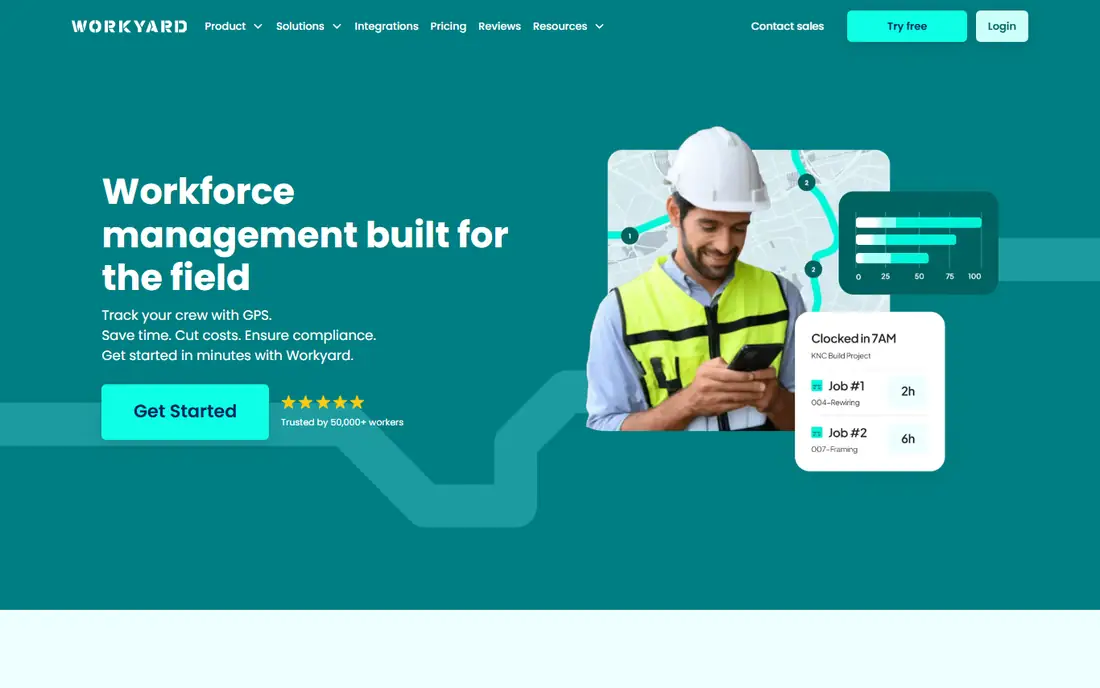
Workyard is the most direct ClockShark alternative for construction. Its GPS-verified jobsite clock-ins confirm a worker was actually at the jobsite, rather than just recording a location, with geofencing and restrictions configurable per job. Job and cost-code time allocation feeds labor cost reporting that bookkeepers rely on, and supervisor review catches errors before payroll.
Pricing starts near $6 per user per month plus a $50 base fee on Starter billed annually, with Pro near $13 per user per month billed annually for deeper cost-code reporting. Payroll is processed elsewhere, though approved time exports and native QuickBooks, ADP, and Gusto integrations cover the handoff. For a contractor who needs verified attendance and labor cost by job, Workyard is the best overall pick.
What we like- GPS-verified jobsite clock-ins, not just location tracking
- Geofencing and restrictions configurable
- Job and cost-code time allocation
- Supervisor review
- Native QuickBooks, ADP, and Gusto integrations
Watch out for- $50 base fee on top of per-user pricing
- Pro plan near $13 per user per month billed annually
- Payroll itself is processed elsewhere
Starting price$20 per month plus $10 per user
Free planNo
QuickBooks Time, formerly TSheets, is the natural pick if payroll and accounting already run in QuickBooks. Time records flow into supported QuickBooks accounting and payroll workflows, with regular hours and overtime reaching the correct pay categories, which removes the export-and-import step other tools require. On-clock GPS and optional geofencing on Elite cover location verification.
Pricing runs near $20 a month base plus $10 per user per month on Premium, with a QuickBooks Online subscription required on top. Some comparisons list $8 per user, so confirm the current tier. For a contractor already on QuickBooks, the native payroll sync justifies the premium. For anyone else, Workyard or Connecteam delivers more value.
What we like- Native QuickBooks payroll sync, the strongest in the market for that ecosystem
- On-clock GPS with optional geofencing on Elite
- Project time tracking with estimates versus actuals on Elite
Watch out for- Requires a QuickBooks Online subscription
- Premium near $20 base plus $10 per user per month
- If you are not on QuickBooks, the premium is not worth it
Starting priceFree
Free planYes
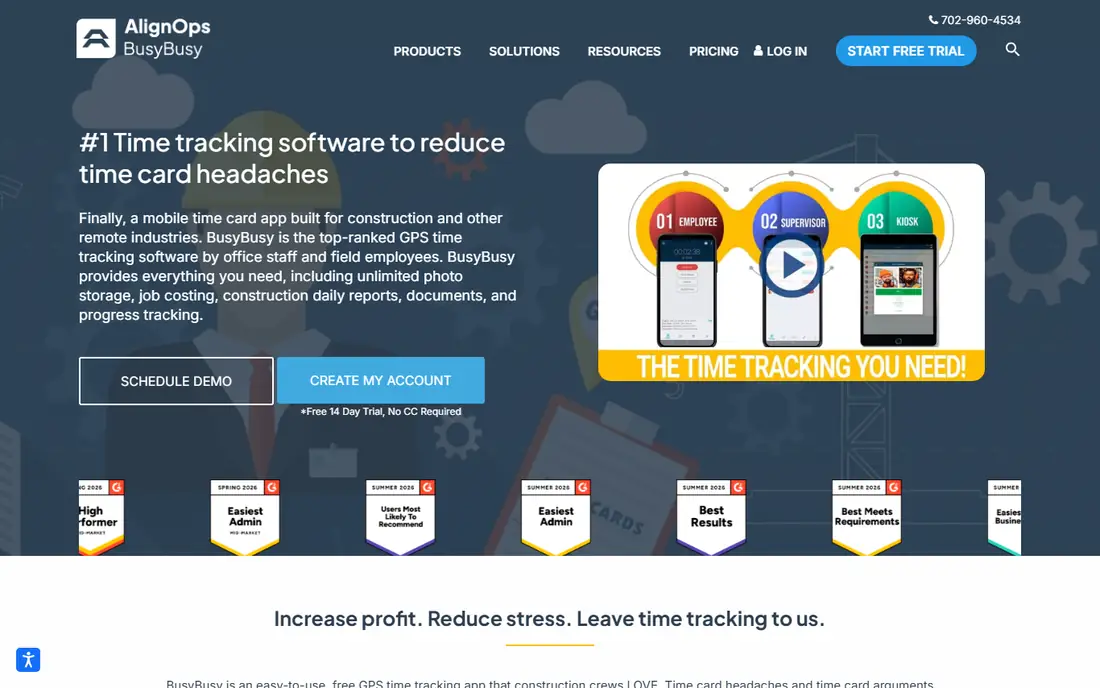
busybusy suits contractors recording labor and equipment use, with a free starting point that covers unlimited users. Its GPS time tracking with photo clock-ins adds accountability, and labor hours break down by job, cost code, and equipment, which matters for contractors billing equipment time separately. Payroll reports and exports cover the payroll handoff, with optional payroll services on higher tiers.
Pro costs near $9.99 per user per month billed annually plus a $40 admin license, with the first user included, which works out near $129.91 a month for 10 users annually. Scheduling and GPS breadcrumbing sit on paid upgrades, so the free plan suits basic tracking rather than full crew management. For a budget-conscious contractor who wants job and equipment tracking, busybusy is the zero-budget starting point.
What we like- Free plan with unlimited users
- GPS time tracking with photo clock-ins
- Labor hours by job, cost code, and equipment
- Payroll reports and exports
Watch out for- Pro near $9.99 per user per month billed annually plus a $40 admin license
- Scheduling and GPS breadcrumbing sit on paid upgrades
- Free plan features are basic
Starting price$4.99 per user per month
Free planNo
Hubstaff suits hybrid field and office teams that need one tool for both. Its GPS tracking with geofencing and route history covers field workers, while project budgets, time reports, and desktop time tracking cover office staff. Payroll and payment options on eligible plans, including PayPal, Wise, and QuickBooks, close the loop for distributed teams.
Pricing starts near $4.99 per seat per month billed annually with a 2-seat minimum, though the Locations add-on is required on Team for full GPS features, with GPS included by default on Enterprise. Screenshot and activity features raise privacy questions, so tell crews what is tracked, when tracking starts and stops, and why, before rollout. For a mixed team, Hubstaff is the flexible pick.
What we like- GPS and geofencing with route history
- Project budgets and time reports
- Payroll and payment options on eligible plans
- 2-seat minimum keeps small teams affordable
Watch out for- Locations add-on required on Team for full GPS features
- Enterprise includes GPS by default
- Screenshot features raise privacy questions for some crews
#5Connecteam
Best for: Small crews needing scheduling and chat4.6/5 on
G2 (3,506 reviews, checked Oct 2026)
Visit connecteam.com
Starting price$29 per month
Free planYes
Connecteam is the small-crew value pick. Its Operations Basic plan costs $29 a month billed annually or $35 month to month for the first 30 users, which undercuts ClockShark's $130 a month for 10 employees sharply. GPS punch records are included, and scheduling, chat, forms, and training live in one app, which suits service-based crews that need communication alongside time tracking.
Geofencing requires an upgrade, and pricing changes above 30 users, so larger crews should model the next tier. Payroll runs through integrations and exports to QuickBooks and Gusto, not natively. For a crew of 10 or fewer that also wants scheduling and team chat, Connecteam is the cheapest full-featured ClockShark alternative.
What we like- Operations Basic near $29 a month billed annually or $35 month to month for the first 30 users
- GPS punch records included
- Scheduling, chat, and forms in one app
- Free plan up to 10 users
Watch out for- Geofencing requires an upgrade
- Per-user math changes above 30 users
- Payroll runs through integrations and exports, not natively
#6Clockify
Best for: Low-cost project time tracking4.5/5 on
G2 (204 reviews, checked Oct 2026)
Visit clockify.me
Starting priceFree
Free planYes
Clockify keeps costs low for basic tracking. Its free tier covers unlimited users for core time tracking, and paid plans start near $3.99 per user per month for advanced features. Project and task tracking, reporting, and wide integrations suit office teams and small crews that need hours by project without construction-specific depth.
GPS and geofencing are limited or require paid upgrades, and job costing depth trails Workyard and busybusy. Scheduling is also limited compared with Connecteam or QuickBooks Time. For a team where GPS is not a priority and cost is the main driver, Clockify's free tier works fine as a ClockShark replacement for basic hours.
What we like- Generous free tier for basic time tracking
- Paid plans from $3.99 per user per month
- Simple project and task tracking
- Wide integrations
Watch out for- GPS and geofencing are limited or require paid upgrades
- No construction-specific job costing depth
- Scheduling is limited
#7Buddy Punch
Best for: Simple clock-in with accountability checks4.8/5 on
G2 (404 reviews, checked Oct 2026)
Visit buddypunch.com
Starting price$19 per month plus $5.49 per user
Free planNo
Buddy Punch suits teams that want simple clock-in with accountability checks. Its photo and location checks confirm who clocked in and where, and job tracking on every plan covers basic job costing without tier gates. Pricing near $19 a month base plus $5.49 per user per month on Starter is transparent and predictable.
Feature depth trails Workyard for construction-specific costing, and the base-plus-per-user model costs more than Connecteam for small crews. For a team that wants straightforward clock-in with accountability and no feature gates on job tracking, Buddy Punch is the simple pick.
What we like- Simple clock-in with accountability checks such as photos and location
- Job tracking on every plan
- Per-user pricing is transparent
Watch out for- Base fee plus per-user pricing adds up
- Feature depth trails Workyard for construction costing
- No free plan, only a free trial
#8Jibble
Best for: Basic attendance at no cost4.7/5 on
G2 (579 reviews, checked Oct 2026)
Visit jibble.io
Starting priceFree
Free planYes
Jibble is the free attendance option. Its free plan covers unlimited users for basic attendance and project hours, with GPS clock-in location included, which answers the core question of whether a worker was on site. Setup is simple, and the free tier suits a small crew testing digital time tracking for the first time.
Geofencing and advanced billing tools require paid plans, scheduling is limited, and construction job costing is basic compared with Workyard or busybusy. If accurate clock-in location is all you need, rather than continuous breadcrumb tracking, Jibble's free plan covers it. For a zero-budget starting point, Jibble is the simplest ClockShark alternative.
What we like- Free plan with unlimited users for basic attendance and project hours
- GPS clock-in location on free plan
- Simple setup
Watch out for- Geofencing and advanced billing tools require paid plans
- Scheduling is limited
- Construction job costing is basic
How we chose
We compared each tool against what ClockShark actually sells: scheduling and crew time tracking for trade contractors, with GPS tracking, geofencing, job and task time tracking, and job-cost reports, plus integrations to QuickBooks, ADP, Sage, and Gusto. Pricing figures come from vendor pages and published comparisons checked in 2026, and anything we could not confirm is written as "See website". We favored tools that serve US construction and field service teams, and we flagged where a tool is free, base-plus-per-user, or flat-rate, since that decides the real cost at your crew size.
What to check before you pick
Always price a tool for your real crew size, including base fees, not just the per-user rate. ClockShark at $130 a month for 10 employees looks different from its $9 per user headline, and the same applies to Workyard, busybusy, and Buddy Punch. Then check four things before buying: whether GPS means punch location only or continuous breadcrumb trails; whether geofencing is included or an upgrade; whether job costing covers cost codes and equipment hours or just job totals; and whether payroll integration is native or export-only. Tell crews what is tracked, when tracking starts and stops, and why, before rollout, since GPS and screenshot features raise privacy questions. Run a pilot with one crew on one jobsite before migrating, since mobile reliability in weak-signal areas varies more than feature lists suggest.
Frequently asked questions
What does ClockShark cost?
ClockShark Standard costs $40 a month base plus $9 per user per month, which works out to $130 a month for 10 employees. Some listings show $9.50 per user on a 3-year term, so confirm the current tier.
What is the cheapest ClockShark alternative?
Jibble and busybusy both offer free plans with unlimited users for basic tracking. Connecteam at $29 a month for the first 30 users is the cheapest full-featured option for small crews.
Does ClockShark process payroll itself?
No. ClockShark sends time data to external payroll providers through integrations and exports, and the connected service processes payroll. QuickBooks Time links hours directly to QuickBooks payroll, which is the strongest native sync here.
Which ClockShark alternative is best for construction?
Workyard is the most direct construction alternative, with GPS-verified jobsite clock-ins, cost-code reporting, and supervisor review. busybusy is the budget construction option with labor and equipment tracking.
Do I need GPS tracking or just clock-in location?
If accurate clock-in location is all you need, Jibble's free plan covers it. If you need continuous breadcrumb trails, travel-time logging, and geofence enforcement, Workyard, QuickBooks Time Elite, or Hubstaff with the Locations add-on fits better.
Can I use these tools offline on jobsites?
Field crews often work in weak-signal areas. Workyard, busybusy, and QuickBooks Time all support offline clock-in with later sync, but confirm offline behavior on a trial in your actual jobsite conditions before committing.
Sources we checked (8)
- https://www.workyard.com/
- https://quickbooks.intuit.com/time-tracking/
- https://busybusy.com/
- https://hubstaff.com/
- https://connecteam.com/
- https://clockify.me/
- https://buddypunch.com/
- https://www.jibble.io/
Is your product missing or out of date?
We review this list regularly. Vendors can request a listing, send updated pricing or ask about featured placement.

Shihab Mia · Founder, Rankite
Shihab has 5+ years in B2B and SaaS SEO. He writes Rankite's software buying guides from pricing pages, documentation and public user reviews. More about Shihab.