How we make this list: we compare pricing pages, product documentation and public user reviews. Ratings come from G2, Capterra or Trustpilot, with the date we checked them.
Key takeaways
- Drawboard is the closest markup focused replacement, especially for teams on Mac, iPad or Windows tablets.
- Adobe Acrobat Pro and Foxit cover general PDF editing well, but lack AEC specific takeoff and Studio style review tools.
- PDF-XChange Editor is the budget pick for Windows shops that want a perpetual licence.
- Autodesk Build and Fieldwire replace Bluebeam when the real need is project collaboration, not just PDF markup.
- STACK and Togal.AI suit estimators who need takeoffs first and general markup second.
Quick comparison
| Tool | Best for | Starting price | Free plan |
|---|
 Drawboard Projects Drawboard Projects | construction PDF markup and review | $29 per user per month | Free trial |
 Adobe Acrobat Pro Adobe Acrobat Pro | general PDF editing | $19.99 per month | Free trial |
 Foxit PDF Editor Foxit PDF Editor | affordable business PDF editing | $10.99 per user per month | Free trial |
 PDF-XChange Editor PDF-XChange Editor | perpetual licence PDF markup | $62 one-time | Yes |
 Autodesk Build Autodesk Build | project and document collaboration | See website | Free trial |
 Fieldwire Fieldwire | field teams and plan viewing | $39 per user per month | Yes |
 STACK STACK | takeoffs and estimating | $2,999 per year | Free trial |
 Togal.AI Togal.AI | AI takeoff and quantity extraction | See website | Free trial |
Is your product missing or out of date?
We review this list regularly. Vendors can request a listing, send updated pricing or ask about featured placement.
The best Bluebeam alternatives
Starting price$29 per user per month
Free planFree trial
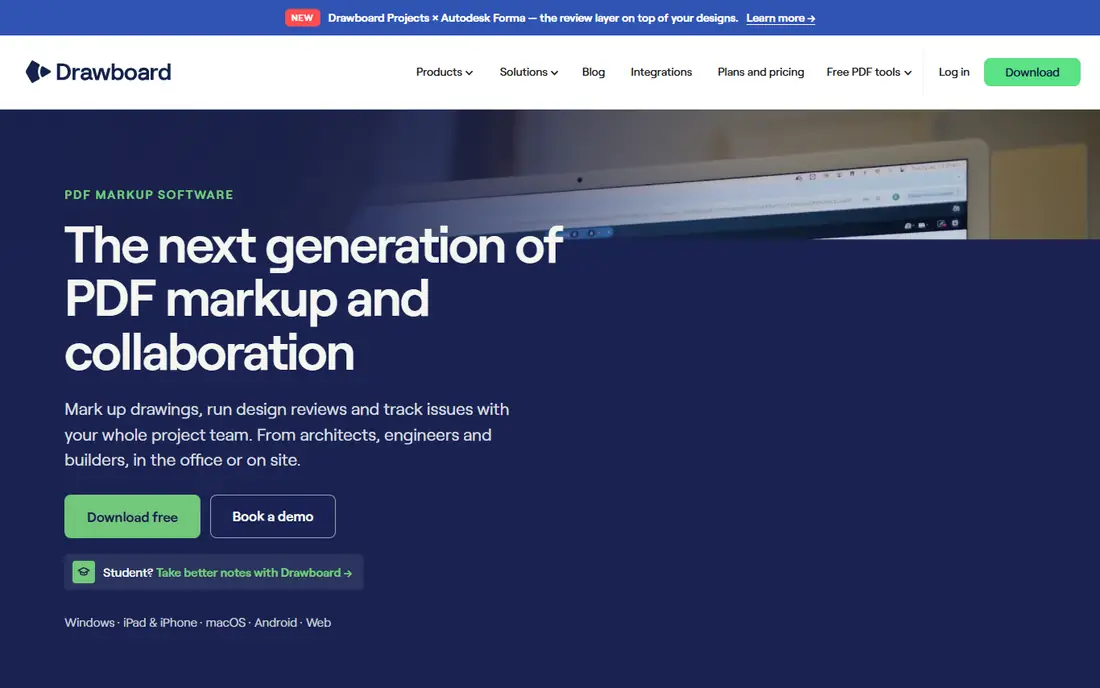
Drawboard is the first tool to try if you want Bluebeam style markup without Bluebeam. Its Projects product offers full PDF markup, real time sync and pin based issue tracking, with a user interface many reviewers call easier than Revu. External clients and consultants can review as free guests, which removes a common friction when a project involves firms that do not all hold licences.
Pricing summaries list Drawboard Projects from $29 to $39 per user per month depending on plan, so it is not a cheap casual tool, but it is competitive for a dedicated AEC product. The honest limit is takeoffs. If your daily work is quantity extraction from large plan sets, STACK or Togal.AI will do that job faster. If your daily work is reviewing, redlining and resolving drawing issues, Drawboard is the closest fit.
What we like- Clean markup experience
- Real time collaboration
- Free guest reviewers for external stakeholders
Watch out for- Takeoff depth is thinner than Bluebeam Revu
- Higher plans needed for full project features
#2Adobe Acrobat Pro
Best for: general PDF editing4.7/5 on
Capterra (4,264 reviews, checked Oct 2026)
Visit adobe.com
Starting price$19.99 per month
Free planFree trial
Adobe Acrobat Pro is the safe generalist pick. It edits, combines, signs and secures PDFs reliably, and almost every office already knows how to use it. At around $19.99 per month in recent comparisons, it is cheaper than Bluebeam Complete for teams that only need occasional markup and standard PDF work.
It is not a construction tool. There are no built in takeoff measurements tuned for plan sets, no Studio style live session with colour coded markups by reviewer, and no slipsheeting workflow for drawing revisions. Choose Acrobat when PDF editing is the job and construction markup is occasional. Choose a dedicated AEC tool when drawings are the job itself.
What we like- Industry standard PDF editing
- Strong text, form and signing tools
- Available on Mac and Windows
Watch out for- No AEC takeoff tools
- Collaboration is weaker than Studio sessions for construction review
#3Foxit PDF Editor
Best for: affordable business PDF editing4.6/5 on
G2 (3,783 reviews, checked Oct 2026)
Visit foxit.com
Starting price$10.99 per user per month
Free planFree trial
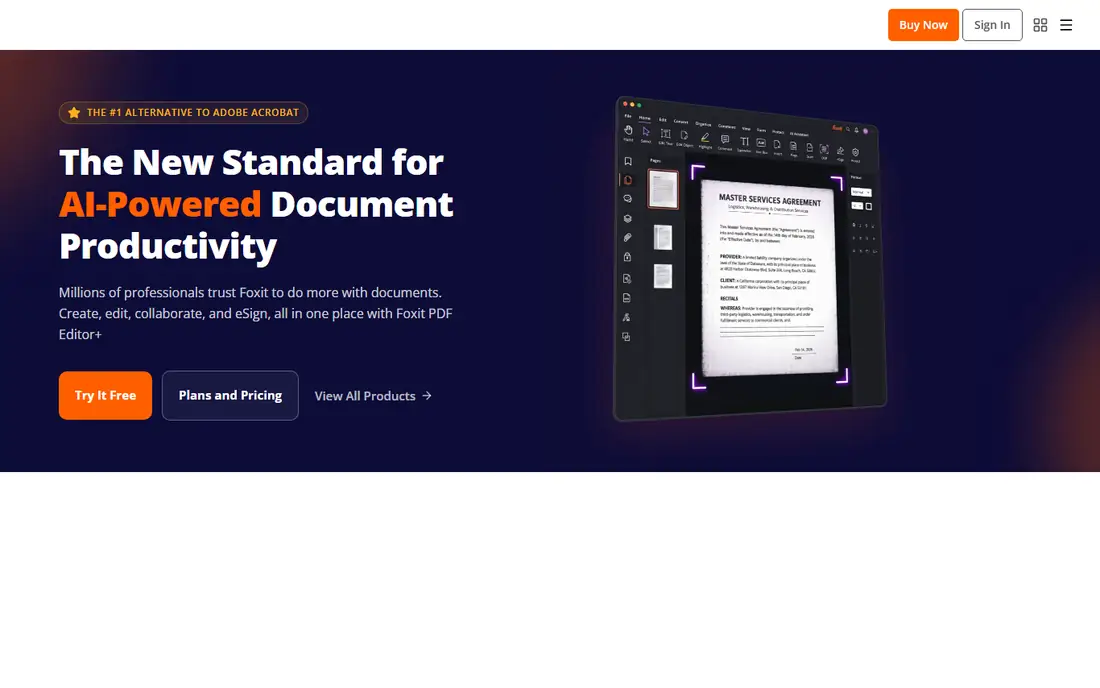
Foxit PDF Editor appeals to budget conscious teams that still want a proper PDF editor, not just a viewer. At around $10.99 per user per month in recent comparisons, it undercuts Acrobat while covering editing, annotation, forms and signing. For contracts, submittals and general office documents, that is often enough.
Like Acrobat, Foxit is a business PDF tool first. It will handle redlines on a drawing, but it will not replace Bluebeam measurement tools, custom tool sets for estimators, or a live multi user review session in the same way. It is a strong choice for small firms where Bluebeam is overkill and cost matters, and a weak choice for a dedicated estimating department.
What we like- Lower price than Acrobat
- Solid markup and editing
- Good for office PDF workflows
Watch out for- No construction specific takeoff or Studio equivalent
- Some advanced features sit in higher tiers
#4PDF-XChange Editor
Best for: perpetual licence PDF markup4.6/5 on
G2 (151 reviews, checked Oct 2026)
Visit pdf-xchange.com
Starting price$62 one-time
Free planYes
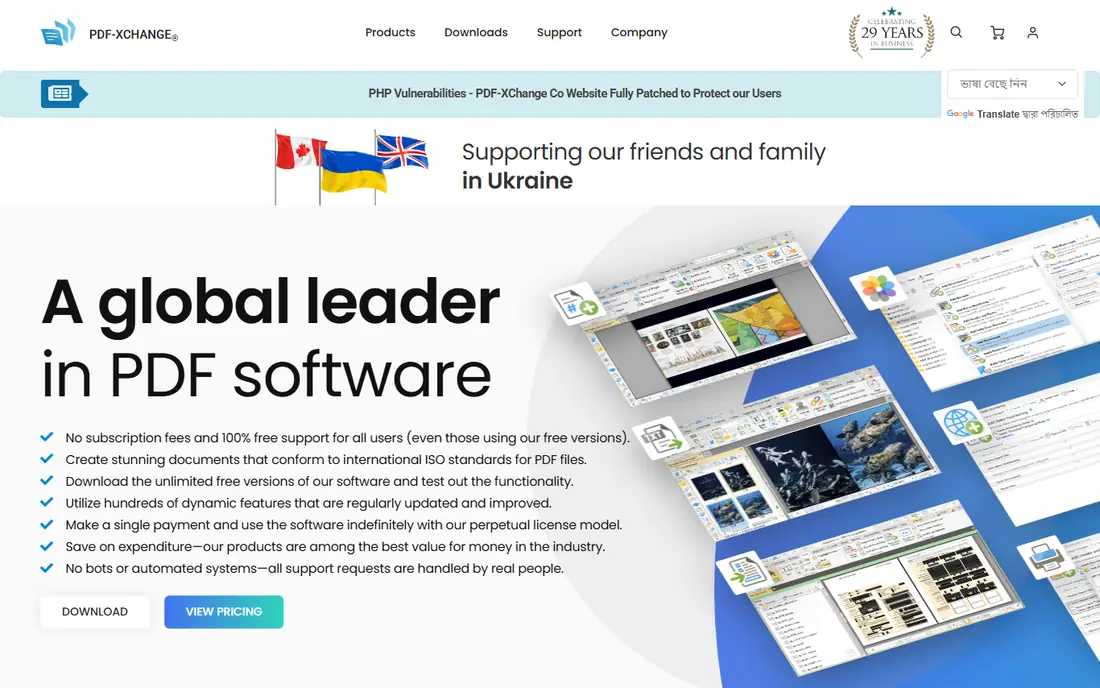
PDF-XChange Editor is the answer to subscription fatigue. Recent summaries list Editor at $62 and Editor Plus at $79 as perpetual licences with a year of maintenance included, and the licence remains valid after maintenance lapses. For a Windows shop that wants solid markup and measurement without an annual per user fee, the economics are compelling.
Limits are platform and scale. There is no native Mac client, so Mac teams must look elsewhere, and very large vector sheets can render more slowly than in Bluebeam. For a small Windows firm, a solo estimator or a team that resents recurring fees, PDF-XChange is the best value on this list. For a mixed platform firm, Drawboard or a cloud tool fits better.
What we like- Perpetual licence, not a subscription
- Strong markup and measurement tools
- Low long term cost
Watch out for- Windows only, no native Mac client
- Large vector drawings can slow rendering
Starting priceSee website
Free planFree trial
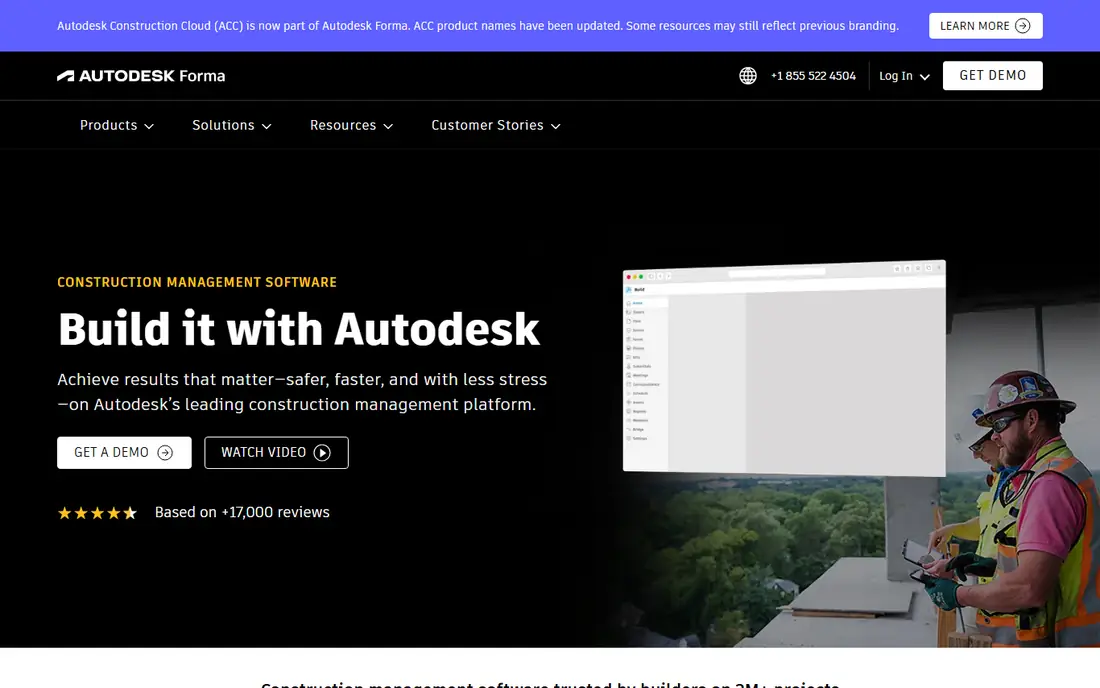
Autodesk Build replaces Bluebeam when the problem is bigger than PDFs. It manages documents, RFIs, submittals, issues and field workflows across a project, with markup as one part of a wider construction management system. Firms already using Revit, AutoCAD or Autodesk Construction Cloud get particular value, since models, drawings and project data stay connected.
That breadth brings cost and complexity. Pricing is custom and enterprise oriented, and a small team that only needs markup will find Build heavy. Choose it when coordination, approvals and document control are the bottleneck, and keep a dedicated markup tool alongside it if estimators need deep takeoff features. For large general contractors, Build is often the long term platform, with Bluebeam style markup as a supporting tool.
What we like- Document management, RFIs and submittals in one platform
- Strong Autodesk integration
- Field and office in one system
Watch out for- Enterprise pricing and complexity
- Markup alone is not its main strength
#6Fieldwire
Best for: field teams and plan viewing4.5/5 on
G2 (586 reviews, checked Oct 2026)
Visit fieldwire.com
Starting price$39 per user per month
Free planYes

Fieldwire is built for the jobsite, not the estimating office. Crews view the latest plans on a phone or tablet, mark up issues, track tasks and close punch items without carrying paper sets. A free basic tier lets small teams start, with paid plans listed from $39 per user per month in recent comparisons for fuller features.
That field focus is also its limit. Fieldwire will not replace Bluebeam for detailed takeoff, large scale measurement or complex Studio review sessions. It pairs well with an office markup tool: estimators and designers work in Revu, Drawboard or STACK, while field teams execute and report in Fieldwire. If your main pain is outdated plans on site, Fieldwire solves it directly.
What we like- Mobile first plan viewing
- Task and punch list tools
- Free basic tier for small teams
Watch out for- Office takeoff and deep PDF editing are limited
- Paid plans rise with features
#7STACK
Best for: takeoffs and estimating4.5/5 on
G2 (94 reviews, checked Oct 2026)
Visit stackct.com
Starting price$2,999 per year
Free planFree trial
STACK is for estimators first. It focuses on digital takeoffs, measurements and estimating, with cloud collaboration so a team can work on the same bid without passing files around. Recent summaries list STACK from $2,999 per year, which positions it as a professional estimating investment rather than a casual markup app.
That price only makes sense if takeoffs drive revenue. A firm bidding regularly will save hours per bid and reduce measurement errors, which can justify the cost quickly. A firm that only marks up drawings occasionally will not. STACK also does not replace a general PDF editor for contracts or a project platform for RFIs, so budget for it as a specialist tool, not a Bluebeam clone.
What we like- Dedicated takeoff and estimating workflows
- Cloud based collaboration
- Strong for bid preparation
Watch out for- High annual price
- Not a general PDF editor or document manager
#8Togal.AI
Best for: AI takeoff and quantity extraction4.8/5 on
G2 (61 reviews, checked Oct 2026)
Visit togal.ai
Starting priceSee website
Free planFree trial

Togal.AI is the newest kind of alternative here. Instead of manual measurement, its AI reads a drawing, classifies elements and returns areas, linears and counts ready to export. It runs in a browser on Mac, Windows and tablets, which suits teams that left Windows only tools behind. Every seat includes AI features, unlike Bluebeam where advanced AI sits in a premium tier.
The scope is narrow by design. Togal.AI does not manage submittals, route RFIs or replace a full document review system, and estimators should still check AI quantities against the drawings before a bid goes out. For a takeoff heavy team that wants speed, it is a compelling trial. For a team that needs markup, review and document control in one place, Drawboard or Autodesk Build fits better.
What we like- AI detects areas, linears and counts from drawings
- Runs in any browser
- Unlimited automated takeoffs on its subscription
Watch out for- Takeoff only, not document management or RFI routing
- Pricing is subscription based and needs a quote for exact terms
How we chose
We compared pricing pages, product documentation and public reviews on G2, Capterra and Reddit, focusing on PDF markup depth, measurement and takeoff tools, Mac and mobile support, live collaboration, project management fit and pricing model. We did not claim hands on testing. Prices are from vendor pages and recent comparisons, and quote based enterprise tools are marked See website.
Picking by job, not by brand
Separate three jobs before you buy. Markup and review is about redlines, comments and live sessions. Takeoff is about quantities, areas and counts for a bid. Project management is about RFIs, submittals and field tasks. No single tool here wins all three as well as Bluebeam does across them, so the best replacement is often a pair: Drawboard for review plus STACK or Togal.AI for takeoffs, or Fieldwire for the site plus Acrobat for office PDFs.
Test with a real plan set, not a sample file. Check rendering speed on your largest sheets, measure a known area and compare it with a manual check, invite an external reviewer as a guest, and export the result to the format your client or contractor expects. A tool that looks clean on a small PDF can struggle on a 200 sheet set, and that is exactly where Bluebeam earned its reputation.
Frequently asked questions
What is the closest Bluebeam alternative?
Drawboard Projects is the closest markup focused replacement, with live collaboration and guest reviewers. For takeoffs, STACK and Togal.AI are closer, and for general PDFs, Acrobat and Foxit cover the basics.
Is there a free Bluebeam alternative?
PDF-XChange Editor offers a free version for basic markup, and Fieldwire offers a free basic tier. Full AEC markup, takeoffs and collaboration usually require a paid plan.
Does Bluebeam work on Mac?
Revu for Mac was retired, and Mac users now use Bluebeam Cloud in a browser or a cross platform alternative such as Drawboard, which runs on Mac, Windows and tablets.
Can I do takeoffs without Bluebeam?
Yes. STACK and Togal.AI are dedicated takeoff tools, and PDF-XChange and Drawboard include measurement tools, though depth varies. Test takeoff accuracy on your own drawings before committing.
Which alternative is cheapest long term?
PDF-XChange Editor, with a perpetual licence from $62, is cheapest long term for Windows users. Foxit at around $10.99 per user per month is the cheapest subscription PDF editor here.
Sources we checked (8)
- https://www.drawboard.com
- https://www.adobe.com/acrobat.html
- https://www.foxit.com
- https://www.pdf-xchange.com
- https://construction.autodesk.com
- https://www.fieldwire.com
- https://www.stackct.com
- https://www.togal.ai
Is your product missing or out of date?
We review this list regularly. Vendors can request a listing, send updated pricing or ask about featured placement.

Shihab Mia · Founder, Rankite
Shihab has 5+ years in B2B and SaaS SEO. He writes Rankite's software buying guides from pricing pages, documentation and public user reviews. More about Shihab.