How we make this list: we compare pricing pages, product documentation and public user reviews. Ratings come from G2, Capterra or Trustpilot, with the date we checked them.

Key takeaways
- Cline is the open-source autonomous coding agent inside VS Code, free as an extension with bring-your-own-key pricing, plus ClinePass at 9.99 dollars per month.
- October 2026 pricing shifted sharply: Cursor Plus starts at 8 dollars, Copilot Pro at 10 dollars, and most other agents sit at 20 dollars.
- Roo Code is excluded here because an October 2026 cost survey lists it as shut down, and Windsurf merged into Devin, with Pro at 20 dollars.
- The cheapest paid entry is now 8 dollars, but model access differs by tier, so check which models each plan includes before switching.
Quick comparison
| Tool | Best for | Starting price | Free plan |
|---|
 Cursor Cursor | Full agent IDE | $8 per month | Yes |
 GitHub Copilot GitHub Copilot | Best value completions | $10 per month | Yes |
 Windsurf Windsurf | Budget agent IDE | $20 per month | Yes |
 Continue Continue | Open-source extension | Free, open source | Yes |
 Aider Aider | Terminal pair programming | Free, open source | Yes |
 Claude Code Claude Code | Terminal-native agents | $20 per month | No |
 Zed Zed | Fast native editor | $10 per month | Yes |
 Void Editor Void Editor | Open-source Cursor-style IDE | Free, open source | Yes |
Is your product missing or out of date?
We review this list regularly. Vendors can request a listing, send updated pricing or ask about featured placement.
The best cline alternatives
#1Cursor
Best for: Full agent IDE4.6/5 on
G2 (326 reviews, checked Oct 2026)
Visit cursor.com
Starting price$8 per month
Free planYes
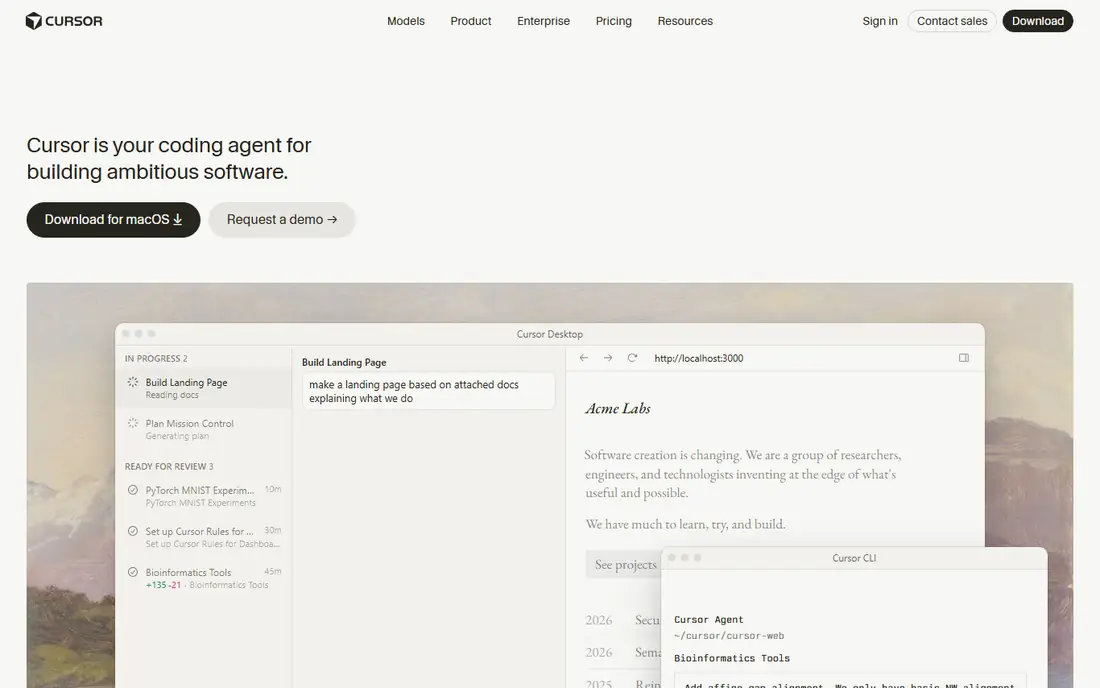
Cursor is the full agent IDE with Composer agent mode for complex refactors, and new self-serve customers buy Plus at 8 dollars, Premium at 30 dollars, or higher tiers, while legacy Pro at 20 dollars stays only for existing subscribers. Plus gives a weekly pool of Cursor models, but Claude, GPT, and Gemini appear only from Premium at 30 dollars, paid from prepaid credit at API list price. That tier detail matters when comparing headline prices.
Cursor fits power users writing code all day who want a full agent IDE and can expense the right tier. Budget buyers should note the 8-dollar headline does not buy Claude access, so check model inclusion before switching from Cline.
What we like- Full Composer agent mode
- Plus at 8 dollars
- Power-user refactors
- Large ecosystem
Watch out for- Plus tier excludes third-party models
- Claude and GPT need Premium 30 dollars
- Usage quotas apply
#2GitHub Copilot
Best for: Best value completions4.4/5 on
G2 (397 reviews, checked Oct 2026)
Visit github.com
Starting price$10 per month
Free planYes

GitHub Copilot Pro costs 10 dollars per month, with a free tier offering 2,000 code completions per month plus an AI-credit allowance on auto model selection. Copilot Pro Plus at 39 dollars suits heavy months, with 70 dollars of Claude value in one October 2026 comparison. Copilot is the no-contest pick for a solo developer on a budget, and it pairs well with a separate agent for hard tasks.
Agent mode is basic compared with Cursor or Cline, and heavy users face quota limits. Copilot fits developers who want completions everywhere plus a capable agent for routine work, at the lowest mainstream price.
What we like- Best value overall
- Pro at 10 dollars
- 2,000 completions plus credits free
- Broad IDE support
Watch out for- Agent mode is basic versus Cursor
- Pro Plus costs 39 dollars for heavy use
- Model quotas apply
Starting price$20 per month
Free planYes
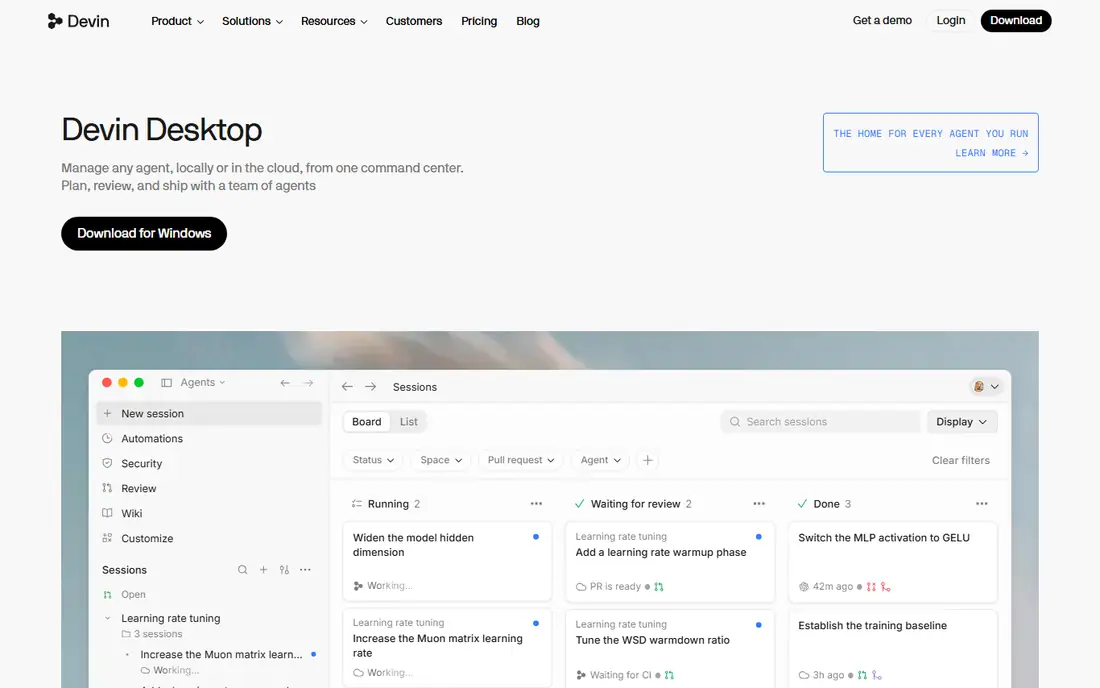
Windsurf is the VS Code fork with the Cascade agent, session memory that remembers your conventions, and solid multi-file editing. The free tier includes unlimited tab completions, more generous than Cursor Hobby, and pricing restructured in March 2026 replaced credits with daily and weekly usage quotas. Windsurf was acquired by Cognition, the Devin company, and its pricing page now redirects to Devin, where Pro costs 20 dollars.
The acquisition asterisk is real: merging IDE assistance with autonomous Devin-style execution could be strong or disruptive, and daily quotas can throttle heavy users mid-session. Windsurf fits developers who like value and can tolerate a plot twist, rather than buyers who need roadmap certainty.
What we like- Cascade agent
- Session memory
- Multi-file editing
- Free tier with unlimited tab completions
Watch out for- Merged into Devin
- Pricing page redirects
- Daily and weekly quotas
- Smaller extension ecosystem
Starting priceFree, open source
Free planYes
Continue is the open-source extension for VS Code and JetBrains, praised for the fastest ghost-text inline tab completion among open-source options. It runs inside your existing editor with no migration, and it is free and open source, though an October 2026 survey notes it was acquired and hosted plans are not public. Continue fits developers who want open-source AI assistance inside their current editor.
Agent depth trails Cursor and Cline, and team hosting details are unclear after acquisition. Continue fits privacy-minded developers and open-source shops that want completions and chat without switching editors or paying a subscription.
What we like- 100 percent free and open source
- VS Code and JetBrains
- Fastest ghost-text completions
- No editor switch
Watch out for- Acquired, hosted plans not public
- Agent depth trails Cursor
- Setup effort for teams
Starting priceFree, open source
Free planYes
Aider is the command-line pair programming tool widely regarded by senior engineers as the highest-fidelity AI coding tool available, operating inside your terminal with a compact structural map of your Git repository. It edits code, runs tests, checks syntax, and writes clean Git commits with descriptive messages automatically. The CLI costs nothing; you pay only your model API usage, and cheap models such as DeepSeek keep annual costs low.
Terminal-only use and API costs deter graphical IDE users, and new users face a learning curve. Aider fits terminal natives who live in tmux and git, and who want precise multi-file edits with automatic commits.
What we like- Free open-source CLI
- Automatic Git commits
- Repo mapping
- Works with cheap models
Watch out for- Terminal-only
- You pay model API costs
- No graphical IDE
- Learning curve for new users
#6Claude Code
Best for: Terminal-native agents4.7/5 on
G2 (125 reviews, checked Oct 2026)
Visit claude.com
Starting price$20 per month
Free planNo
Claude Code is the full terminal agent included with Claude Pro at 20 dollars per month, or 17 dollars per month billed annually in one October 2026 survey. It suits terminal natives and hard refactors, with strong model quality and full agent autonomy in the terminal. Claude Code is not on Claude Free, so there is no free individual path.
Terminal-only use limits graphical IDE users, and usage beyond plan allowances costs extra. Claude Code fits developers who already work in the terminal and want the strongest agent for complex refactors, rather than casual completion users.
What we like- Full terminal agent
- Hard refactor strength
- Included with Claude Pro 20 dollars
- Strong model quality
Watch out for- No free individual plan
- Terminal-only
- Usage beyond plan costs extra
Starting price$10 per month
Free planYes
Zed is the fast native editor with Pro at 10 dollars per month, and a free personal path using your own API keys. It suits developers who value speed and a modern interface, with AI assistance built into a native editor rather than an Electron fork. Pro usage is billed by token usage, so heavy months cost more than the headline rate.
The extension ecosystem is smaller than VS Code and Cursor, and the platform is newer. Zed fits speed-focused developers who want a native editor with AI assistance, and who accept a smaller extension catalog.
What we like- Fast native performance
- Pro at 10 dollars
- Free with your own API keys
- Modern interface
Watch out for- Smaller extension ecosystem
- Pro usage billed by tokens
- Newer platform
Starting priceFree, open source
Free planYes
Void Editor takes the Cursor approach as a dedicated open-source native fork of VS Code, engineered for deep AI integration with native multi-file diff previews and a direct Cursor-style interface. It is 100 percent free and open source, and teams connect it to a local model through Ollama for a full AI-powered VS Code experience with zero external data transmission. That privacy story suits regulated or open-source-only shops.
Community size trails Cursor, and local model setup takes effort. Void Editor fits developers who want Cursor-style AI editing without a subscription and without sending code to external providers.
What we like- 100 percent free and open source
- Dedicated VS Code fork
- Native multi-file diff previews
- Cursor-style UI
Watch out for- Smaller community
- Local model setup effort
- Fewer managed features
How we chose
We compared these tools on agent autonomy, editor model, model access, pricing, free tiers, and ownership stability, using October 2026 cost surveys as the pricing source. We excluded Roo Code because the same survey lists it as shut down, and we flagged Windsurf merger and Continue acquisition as ownership risks. We favored tools with clear free paths, since 13 of 18 agents surveyed offer some free tier, while Claude Code, Augment Code, and Factory do not.
We also separated three buyer types. Budget buyers should shortlist Copilot, Cursor Plus, and the open-source trio of Continue, Aider, and Void. Terminal buyers should shortlist Aider and Claude Code. Full IDE buyers should shortlist Cursor and Windsurf. The right pick follows editor habit and model needs, not headline price alone.
What to check before you switch coding agents
Check which models each plan actually includes
Headline prices mislead when tiers exclude models. Cursor Plus at 8 dollars gives Cursor models only, with Claude, GPT, and Gemini from Premium at 30 dollars, while Copilot Pro includes credits and auto model selection. Confirm your preferred model is included at your tier, and check whether extra usage bills at API list price.
Compare bring-your-own-key costs honestly
Open-source tools such as Cline, Aider, and Continue cost nothing for the tool itself, but you pay model API costs, which range from a few dollars per month on cheap models to 20 to 100 dollars per month on heavy Claude or GPT use. A full-time developer on DeepSeek can spend 15 to 35 dollars per year in one guide, while heavy frontier-model use costs far more. Model your real usage before assuming open source is cheapest.
Watch ownership changes and quota models
Windsurf merged into Devin, Continue was acquired, and Cursor restructured pricing in 2026, so roadmaps and quotas change fast. Daily and weekly quotas can throttle heavy users mid-session, with overages billed at API rates. Ask vendors about quota refresh rules and two-year roadmaps before migrating a whole team.
Frequently asked questions
Is Cline still free?
Yes. Cline remains free as an open-source extension, with bring-your-own-key pricing, plus ClinePass at 9.99 dollars per month and Teams plans. Heavy daily use costs 20 to 100 dollars per month in model API credits depending on model choice, so the tool is free but model usage is not.
What is the cheapest Cline alternative?
Cursor Plus at 8 dollars and Copilot Pro at 10 dollars are the cheapest paid entries in October 2026, while Continue, Aider, and Void Editor are free open-source tools with API costs only. Copilot offers the best value for completions, while Cursor Plus suits agent IDE buyers who accept Cursor-model limits.
Is Roo Code still available?
No, according to an October 2026 cost survey that lists Roo Code as shut down. Former Roo Code users should shortlist Cline itself, Continue, or Void Editor for VS Code extension or fork workflows, since those tools cover similar autonomous editing patterns.
What happened to Windsurf?
Windsurf was acquired by Cognition, the Devin company, and its pricing page now redirects to Devin, where Pro costs 20 dollars. Windsurf free tier with unlimited tab completions and Cascade agent features continue for now, but the merger makes roadmap certainty lower than Cursor or Copilot.
Should I use an agent IDE or an extension?
Pick an agent IDE such as Cursor or Windsurf when you want deep agent integration and are willing to switch editors. Pick an extension such as Cline or Continue when you want to keep your existing VS Code setup and model choice. Pick a terminal agent such as Aider or Claude Code when you already work in the terminal.
Sources we checked (12)
- https://cursor.com
- https://github.com
- https://windsurf.com
- https://continue.dev
- https://aider.chat
- https://claude.com
- https://zed.dev
- https://voideditor.com
- https://dev.to/edzon_perez_937ae1c10f9c5/what-18-ai-coding-agents-actually-cost-october-2026-16gg
- https://imtechboss.com/best-free-open-source-alternatives-to-cursor-ai-github-copilot-2026/
- https://stackness.dev/blog/cursor-alternatives-after-third-party-model-pricing-change
- https://api.market/blog/magicapi/coding-tools/best-cursor-alternatives
Is your product missing or out of date?
We review this list regularly. Vendors can request a listing, send updated pricing or ask about featured placement.

Shihab Mia · Founder, Rankite
Shihab has 5+ years in B2B and SaaS SEO. He writes Rankite's software buying guides from pricing pages, documentation and public user reviews. More about Shihab.