How we make this list: we compare pricing pages, product documentation and public user reviews. Ratings come from G2, Capterra or Trustpilot, with the date we checked them.

Key takeaways
- Wappalyzer is the closest like-for-like replacement, with a browser extension plus a technology database.
- Similarweb suits teams that want technology data plus traffic and audience insights in one platform.
- Datanyze and Rescan lead on sales lead lists built from technology usage.
- NerdyData and PublicWWW offer code-level search across websites, which suits technical research.
- WhatRuns and W3Techs are the best free or low-cost ways to check a single site's stack.
Quick comparison
| Tool | Best for | Starting price | Free plan |
|---|
 Wappalyzer Wappalyzer | quick technology lookup with a browser extension | See website | Yes |
 Similarweb Similarweb | technology data plus traffic and audience insights | See website | Yes |
 Rescan Rescan | technology-based lead lists for sales teams | See website | Free trial |
 Datanyze Datanyze | technographic data for sales and marketing | See website | Free trial |
 NerdyData NerdyData | searching website source code at scale | See website | Free trial |
 WhatRuns WhatRuns | free, instant technology checks in the browser | See website | Yes |
 PublicWWW PublicWWW | source code search for marketers and researchers | See website | Free trial |
 W3Techs W3Techs | technology usage statistics and trends | See website | Yes |
Is your product missing or out of date?
We review this list regularly. Vendors can request a listing, send updated pricing or ask about featured placement.
The best builtwith alternatives
Starting priceSee website
Free planYes
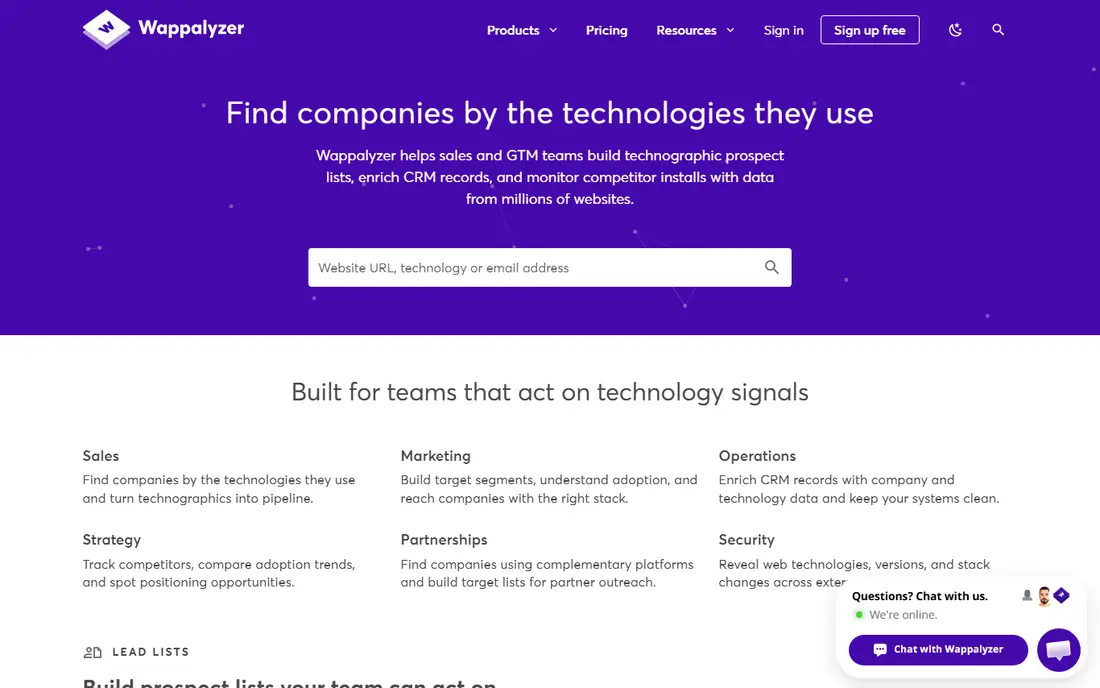
Wappalyzer identifies the technologies a website uses, from content management systems and analytics to e-commerce platforms and frameworks, through a browser extension and a web database. Clicking the extension on any site shows its stack instantly, which makes it the fastest way to answer "what is this site built with" during sales research or competitor checks.
The platform also sells lead lists built from technology usage, plus an API for bulk lookups. Data accuracy varies by technology, since some stacks are harder to detect than others, and premium features sit on paid plans. For a user who wants BuiltWith-style lookup with a better extension, Wappalyzer is the closest pick here.
What we like- Easy browser extension
- Large technology database
- Lead lists
Watch out for- Lead data accuracy varies
- Premium features need paid plans
#2Similarweb
Best for: technology data plus traffic and audience insights4.4/5 on
G2 (1,236 reviews, checked Oct 2026)
Visit similarweb.com
Starting priceSee website
Free planYes
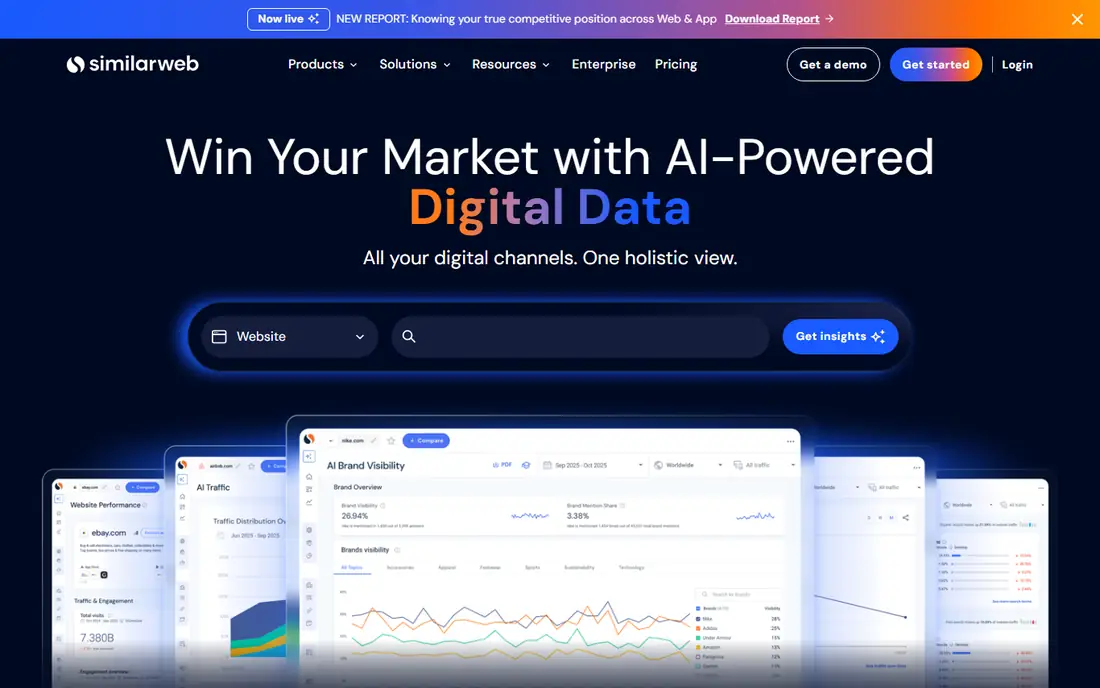
Similarweb is known for website traffic and audience data, but it also tracks technologies, which makes it useful for teams that want traffic and stack in one view. A sales team can see that a prospect uses a competing platform and gets meaningful traffic, which prioritizes outreach better than technology alone. Benchmarking compares a site against competitors on traffic, channels, and engagement.
Enterprise pricing is high, and technology detection depth is less than a dedicated tool like Wappalyzer. The free plan covers basic lookups. For a team that values traffic context alongside technology data, Similarweb is the strongest combined platform here.
What we like- Traffic and engagement data
- Large company coverage
- Good benchmarking
Watch out for- Enterprise pricing
- Technology depth is less than Wappalyzer
#3
Rescan
Best for: technology-based lead lists for sales teams
Visit rescan.io
Starting priceSee website
Free planFree trial
Rescan builds lead lists from website technology usage, letting sales teams find companies using a specific platform, such as a competing e-commerce tool or an old analytics product. The interface is clean, lists export easily, and filters cover industry, size, and location alongside technology. That focus suits prospecting teams that live in lead lists.
The database is smaller than BuiltWith, and the platform is newer, so coverage in niche markets may be thinner. A free trial lets you test list quality on your target technologies. For a sales team whose main need is prospecting by stack, Rescan is a focused and practical choice.
What we like- Focused lead lists
- Clean interface
- Good for prospecting
Watch out for- Smaller database than BuiltWith
- Newer platform
Starting priceSee website
Free planFree trial
Datanyze provides technographic data, showing which technologies companies use, plus alerts when a prospect changes stack, which signals a sales opportunity. CRM integrations push that data into Salesforce and other systems, so reps see technology context inside the records they already use. The platform also offers browser extensions for quick lookups.
Datanyze is now part of a larger vendor, so packaging and pricing have changed over time, and quotes are needed for full plans. For a sales team that wants technology data inside its CRM with change alerts, Datanyze remains a strong option. Test data accuracy on your key technologies during the trial.
What we like- Strong technographic data
- CRM integrations
- Good alerts
Watch out for- Pricing is quote-based
- Now part of a larger vendor
Starting priceSee website
Free planFree trial
NerdyData searches the source code of millions of websites, letting users find sites that use a specific script, library, or snippet. That code-level search finds niche tools that technology databases miss, such as a specific chat widget or a custom analytics setup. It suits technical researchers, developers, and sales teams targeting users of a specific product.
The interface is technical, and lead management features are fewer than Rescan or Datanyze. A free trial covers testing. For a user who needs to find sites by code rather than by named technology, NerdyData is the most powerful search tool here.
What we like- Code-level search
- Finds niche tools
- Good for technical research
Watch out for- Interface is technical
- Lead features are fewer than Rescan
Starting priceSee website
Free planYes
WhatRuns is a free browser extension that shows the technologies behind any website, including frameworks, analytics, fonts, and plugins. It is fast, simple, and free, which makes it ideal for quick checks during research or browsing. There is no account or subscription needed for basic use.
WhatRuns offers no lead lists, API, or bulk lookup, and detection depth is less than paid tools. For a user who only needs to check one site at a time, WhatRuns is the best free option here. Pair it with Wappalyzer or Rescan when bulk data or lead lists are needed.
What we like- Free extension
- Fast results
- Simple to use
Watch out for- No lead lists or API
- Detection is less deep than paid tools
Starting priceSee website
Free planFree trial
PublicWWW indexes website source code and lets users search for snippets, such as analytics IDs, widget code, or platform markers. That search finds sites using a specific tool even when the tool is not in a technology database, which suits competitive research and prospecting. Plans are affordable, and the index is large.
The interface is dated, and there is no built-in lead management, so results usually export to a CRM or spreadsheet. For a researcher or marketer who thinks in code snippets rather than technology names, PublicWWW is a valuable and affordable tool.
What we like- Large code index
- Snippet search
- Affordable plans
Watch out for- Interface is dated
- No built-in lead management
Starting priceSee website
Free planYes
W3Techs tracks technology usage across the web, publishing statistics on content management systems, server software, analytics, and more, with trend history going back years. It suits strategists, analysts, and journalists who need to know whether a platform is growing or shrinking, rather than which specific companies use it.
W3Techs is not a lead tool: it does not offer per-site lookup lists for prospecting. For market research and trend analysis, though, it is the best free source here. Pair it with Wappalyzer or Rescan when you need both market trends and company-level lists.
What we like- Free statistics
- Long trend history
- Broad coverage
Watch out for- No per-site lookup lists
- Not a lead tool
How we chose
We compared these tools on detection accuracy, database size, lead features, browser tools, pricing, and free plans. We checked vendor pages and public comparison guides, and where pricing was not published we wrote See website instead of guessing. We kept the list to tools a real user can sign up for today, and we left out tools that only cover one narrow technology type. We also weighed update frequency, since a large but stale database misleads prospecting more than a smaller fresh one.
Start with the job. If you check single sites while browsing, a free extension like WhatRuns or Wappalyzer is enough. If you build lead lists, Rescan or Datanyze lead. If you research markets, W3Techs plus Similarweb give trends and traffic. If you search by code, NerdyData or PublicWWW are the right tools.
Next, test accuracy on sites you know. Run each shortlisted tool against ten sites whose stacks you already know, and count correct detections. Accuracy varies by technology, and a tool that misses your target platform is useless for prospecting, no matter how large its database claims to be.
Finally, check data freshness and export options. Technology data goes stale fast as sites change stacks, so ask how often the database updates and whether lists export cleanly to your CRM. A list that cannot export is a list you cannot use, so test the full path from search to CRM during trials.
Also consider combining tools rather than picking one. A common setup uses a free extension for quick checks, a lead tool for prospecting lists, and W3Techs for market trends, which together cost less than a single enterprise platform and cover more jobs. Just avoid paying for overlapping databases: compare list overlap on a sample of target companies before buying two tools that sell the same data.
Frequently asked questions
What is BuiltWith used for?
BuiltWith identifies the technologies websites use and sells lead lists based on that data, helping sales and marketing teams find companies using specific platforms. Teams replacing it need the same lookup, lead, or research capability from another vendor.
Which alternative is closest to BuiltWith?
Wappalyzer is the closest overall replacement, with a browser extension, a technology database, and lead lists. Rescan and Datanyze are closer for lead lists specifically, while WhatRuns is closest for free single-site checks.
How accurate is technology detection?
Accuracy varies by technology and tool. Common platforms like WordPress and Shopify are detected reliably, while custom stacks, hidden tools, and tools behind tag managers are harder. Test each tool on sites you know before trusting it for prospecting, and re-check important prospects by hand before outreach, since a wrong stack claim in a first message damages credibility.
Can I use technology data for cold outreach?
Yes, many sales teams do, but follow anti-spam laws and respect opt-outs. Technology data tells you a company uses a platform, not that it wants your product, so personalize outreach around a real problem rather than sending bulk messages. Mention the specific pain your product solves for users of that platform. Test one small message template first and measure replies.
What is technographic data?
Technographic data describes the hardware and software a company uses, including platforms, tools, and frameworks. Sales teams use it to find prospects on competing or complementary tools, while marketers use it to segment and personalize campaigns.
Is it legal to look up a site's technology stack?
Looking up publicly visible technology markers is generally allowed, since the data comes from public web pages. Avoid bypassing access controls or scraping private data, and use the data responsibly under applicable privacy and anti-spam rules. When in doubt, ask your legal team before running large-scale lookups for outreach, since rules differ by country and by data type.
Sources we checked (8)
- https://wappalyzer.com
- https://www.similarweb.com
- https://rescan.io
- https://www.datanyze.com
- https://nerdydata.com
- https://www.whatruns.com
- https://publicwww.com
- https://w3techs.com
Is your product missing or out of date?
We review this list regularly. Vendors can request a listing, send updated pricing or ask about featured placement.

Shihab Mia · Founder, Rankite
Shihab has 5+ years in B2B and SaaS SEO. He writes Rankite's software buying guides from pricing pages, documentation and public user reviews. More about Shihab.