How we make this list: we compare pricing pages, product documentation and public user reviews. Ratings come from G2, Capterra or Trustpilot, with the date we checked them.
Key takeaways
- The best wireframe tools in 2026 split by fidelity: Balsamiq for low-fidelity sketches that keep teams arguing about structure rather than colors, Figma for all-around design, and Axure RP for complex functional prototypes.
- Balsamiq leads many rankings of wireframing tools, since its sketch look keeps feedback on structure, while reviewers cost nothing on its per-editor pricing.
- Penpot is the cheapest option by a wide margin for small teams: a five-person team pays nothing on the cloud plan, with free and open-source self-hosting beside it.
- Per-seat prices look small until you multiply them, so check annual cost for your real editor count before comparing, and test export before committing, since files that only open inside one vendor app trap your work.
Quick comparison
| Tool | Best for | Starting price | Free plan |
|---|
 Figma Figma | All-around design | Free | Yes |
 Balsamiq Balsamiq | Low-fidelity sketches | $9 per month | No |
 Penpot Penpot | Free open source | Free | Yes |
 Axure RP Axure RP | Complex prototypes | $29 per user per month | No |
 Sketch Sketch | Mac design | $12 per seat per month | No |
 Moqups Moqups | Online wireframing | Free | Yes |
 Justinmind Justinmind | Detailed prototypes | Free | Yes |
 Whimsical Whimsical | Wireframes plus flows | Free | Yes |
Is your product missing or out of date?
We review this list regularly. Vendors can request a listing, send updated pricing or ask about featured placement.
#1Figma
Best for: All-around design4.7/5 on
G2 (1,593 reviews, checked Oct 2026)
Visit figma.com
Starting priceFree
Free planYes
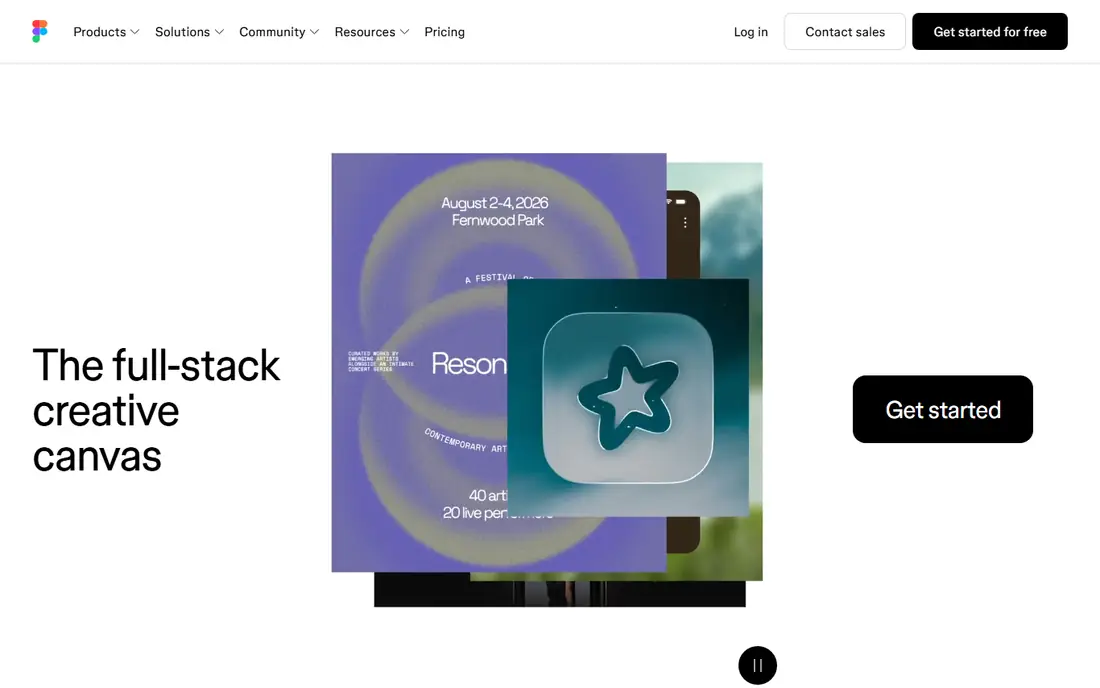
Figma is the all-around design pick, with a strong free Starter plan for individuals and small teams, real-time collaboration, and component libraries that carry wireframes into high-fidelity design without switching tools. Its seat types help at team scale: mixing full seats with 3 dollar collaboration seats for reviewers cuts cost sharply.
Paid Professional full seats run about 16 dollars a month, with annual cost for 5 editors around 960 dollars all-full, or about 492 dollars with smart seat mixes. For teams that want wireframes plus full design in one tool, Figma leads.
What we like- Strong free Starter plan for individuals and small teams
- Real-time collaboration
- Component libraries and design systems
Watch out for- Paid seats cost more at team scale
- Wireframing is one job inside a larger design platform
- Full seats run 16 dollars a month in some guides
#2Balsamiq
Best for: Low-fidelity sketches4.2/5 on
G2 (501 reviews, checked Oct 2026)
Visit balsamiq.com
Starting price$9 per month
Free planNo
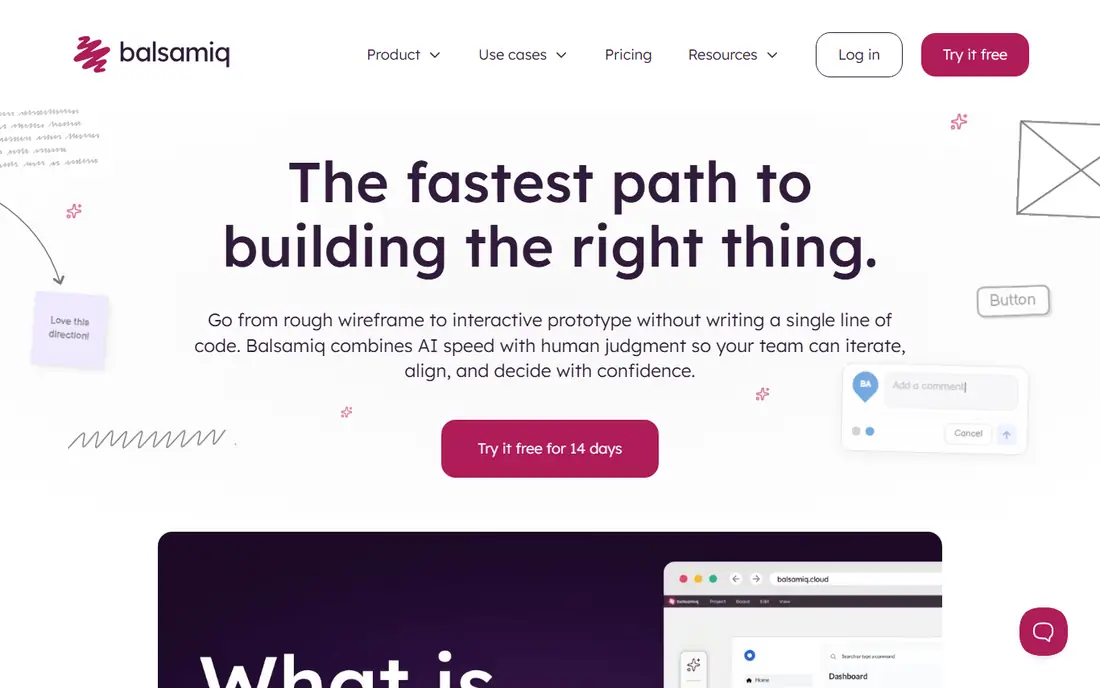
Balsamiq leads many rankings of wireframing tools. It is bootstrapped and independent, headquartered in Bologna, and prices by editor and by project while reviewers cost nothing. The sketch look keeps teams arguing about structure rather than colors, which is the point of a wireframe.
The cheapest tier allows 10 projects, with boards inside a project unlimited, so heavy portfolios climb tiers, and it is not a high-fidelity design editor. For quick low-fidelity wireframes, Balsamiq is the best pick.
What we like- Sketch look keeps feedback on structure rather than colors
- Reviewers cost nothing
- Boards inside a project are unlimited
Watch out for- No free plan, 14 day trial only
- Cheapest tier caps at 10 projects
- Not a high-fidelity design editor
#3Penpot
Best for: Free open source4.5/5 on
G2 (10 reviews, checked Oct 2026)
Visit penpot.app
Starting priceFree
Free planYes
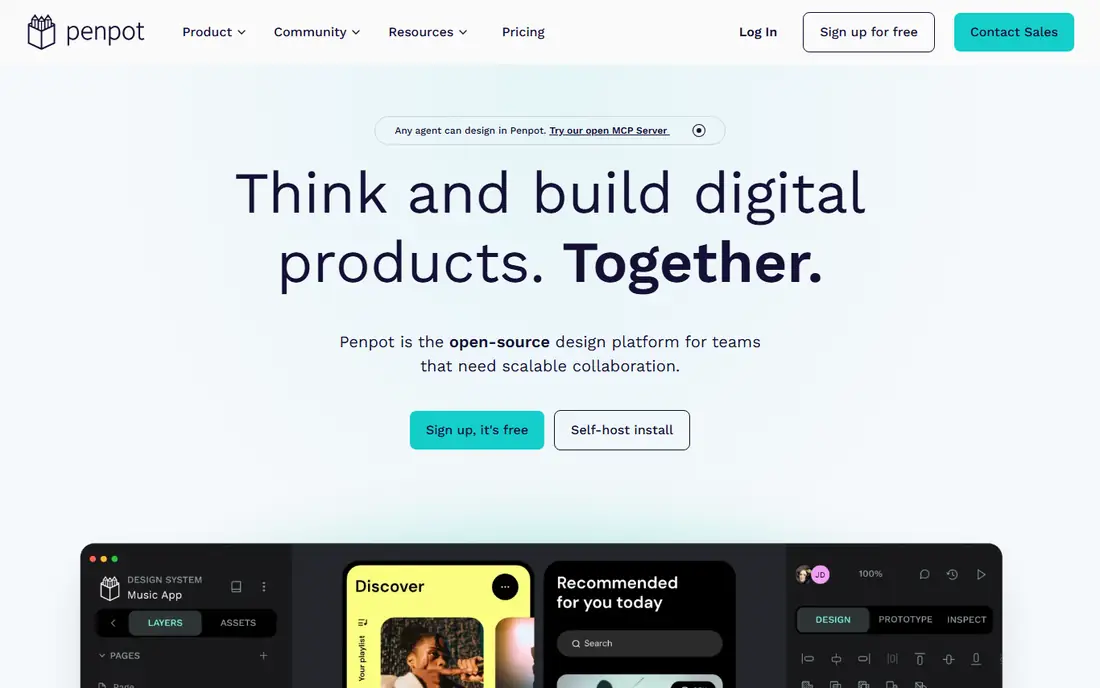
Penpot is the free open-source pick, with a free Professional cloud plan, published paid tiers, and a self-host option. A five-person team pays nothing on the cloud plan, making it the cheapest option by a wide margin for small teams, while Unlimited caps at 175 dollars a month for larger teams.
The template library is smaller than Figma, and the free cloud plan caps at 8 members. For free open-source wireframing, Penpot leads.
What we like- Free and open source with no seat limits on self-hosting
- Free Professional cloud plan
- Design systems supported
Watch out for- Smaller template library than Figma
- Paid tiers from 7 dollars per user per month
- Free cloud plan caps at 8 members
#4Axure RP
Best for: Complex prototypes4.2/5 on
G2 (277 reviews, checked Oct 2026)
Visit axure.com
Starting price$29 per user per month
Free planNo
Axure RP suits complex functional prototypes with conditional logic, variables, and data-driven interactions that simpler tools cannot express. It imports from Figma or Sketch, so teams can prototype designs built elsewhere.
Pricing runs about 29 dollars per user per month for Pro, with Team at 49 dollars, and Enterprise quoted. For complex prototypes, Axure RP is the best pick.
What we like- Conditional logic and variables for functional prototypes
- Design systems supported
- Imports from Figma or Sketch
Watch out for- No free plan
- Pro plan cited at 29 to 34 dollars per user per month
- Team plan at 49 dollars
- Heavy for simple wireframes
#5Sketch
Best for: Mac design4.5/5 on
G2 (1,227 reviews, checked Oct 2026)
Visit sketch.com
Starting price$12 per seat per month
Free planNo
Sketch suits Mac-based design teams that want a native design experience with design systems. Its published per-editor subscriptions start around 12 dollars per seat per month, with a one-time Mac-only licence option beside subscriptions.
It is Mac only, with no free plan beyond a 30 day trial, and a smaller collaboration ecosystem than Figma. For Mac design teams, Sketch leads.
What we like- Published per-editor subscriptions
- Design systems supported
- Mac-native design experience
Watch out for- Mac only, with a one-time Mac-only licence option
- No free plan, 30 day trial only
- Smaller collaboration ecosystem than Figma
Starting priceFree
Free planYes
Moqups suits online wireframing with diagrams and prototypes in one project. Its free plan covers 2 projects, while paid tiers start around 7 dollars per user per month, with business seats selling in 3, 5, or 10 seat packs.
The free plan cap means growing teams pay sooner than on Figma or Penpot. For online wireframing with diagrams, Moqups is the best pick.
What we like- Free plan with 2 projects
- Wireframes, prototypes, and diagrams in one project
- Published per-seat tiers
Watch out for- Free plan caps at 2 projects
- Paid tiers from 7 dollars per user per month in some guides
- Business seats sell in packs
Starting priceFree
Free planYes
Justinmind suits detailed interactive prototypes, with interaction design and prototyping depth beyond simple wireframes. Its free plan covers 1 project, while paid tiers start around 19 dollars per user per month, with perpetual licences beside subscriptions.
The free plan cap is tight for teams with several projects. For detailed prototypes, Justinmind leads.
What we like- Free plan with 1 project
- Interactive prototypes with detailed interactions
- Imports from Figma or Photoshop
Watch out for- Free plan caps at 1 project
- Paid tiers from 19 dollars per user per month
- Perpetual licences add complexity to pricing
#8Whimsical
Best for: Wireframes plus flows4.6/5 on
G2 (189 reviews, checked Oct 2026)
Visit whimsical.com
Starting priceFree
Free planYes
Whimsical suits wireframes plus flows in one visual collaboration tool. Its free plan covers quick wireframes and flowcharts, with viewers always free, and flowcharts from a prompt on higher tiers.
Pro plans run about 10 to 12 dollars per editor per month, while SSO needs Business at 20 dollars per editor. For wireframes plus flows, Whimsical rounds out the list.
What we like- Free plan for quick wireframes and flows
- Viewers always free
- Flowcharts from a prompt
Watch out for- Pro plan cited at 10 to 12 dollars per editor per month
- SSO needs Business at 20 dollars per editor
- Less design depth than Figma
How we chose
We ranked tools by fidelity range, collaboration, prototyping depth, export options, and value at entry level pricing. We favored tools that publish pricing, since 11 of 12 major tools do, and we gave extra weight to export options, because files that only open inside one vendor app trap your work at renewal.
We also weighed team-scale cost honestly. Per-seat prices look small until you multiply them: 5 editors on Figma Professional cost 960 dollars a year all-full, while Penpot costs nothing for the same team, and Axure RP Pro costs 1,740 dollars a year. Reviewer seats, project caps, and seat packs change the real total, so model your actual editor and reviewer counts rather than comparing headline per-seat prices. Price conflicts across sources were handled by using the most commonly cited figure, so readers should check the vendor pricing page before buying.
Buying guide
Start with fidelity needs. Low-fidelity sketches suit Balsamiq, all-around design suits Figma, complex functional prototypes suit Axure RP, and content or flow work suits Whimsical or Moqups. A tool that fits the fidelity job always beats the most popular tool forced onto the wrong job every time. Do not buy high-fidelity depth for a sketching job, and do not expect a sketch tool to carry a design system.
Next, check collaboration and export before committing. Real-time collaboration matters for teams, while viewers-free pricing matters for stakeholder reviews, and export options matter at renewal: test an export on a real file and confirm it opens outside the vendor app.
Finally, calculate annual cost for your real editor count, not just the monthly per-seat price. Mix reviewer seats where offered, check project caps on cheap tiers, and confirm whether a free plan covers your project count. Start free where possible, then upgrade only if you outgrow the plan, and re-check pricing at renewal, since vendors change tiers and seat definitions often.
Frequently asked questions
What is the best wireframe tool overall?
Figma leads for all-around design, Balsamiq for low-fidelity sketches, and Axure RP for complex prototypes. The best pick depends on fidelity needs and how far past wireframes you need to go, and on team size: small teams do well free on Penpot or Figma Starter, while larger teams need to model seat costs carefully.
Is there a free wireframe tool?
Yes. Penpot, Moqups, Justinmind, Whimsical, and Figma offer free tiers, while Penpot self-hosting is free with no seat limits. Free plans cap projects or members, so check limits before relying on them: Moqups allows 2 projects, Justinmind 1 project, and Penpot cloud 8 members on the free plan.
How much do wireframe tools cost at team scale?
Per-seat prices look small until you multiply them. Five editors cost about 960 dollars a year on Figma Professional all-full, nothing on Penpot cloud, 1,740 dollars on Axure RP Pro, and 600 dollars on Whimsical Pro. Smart seat mixes cut Figma cost sharply: two full seats plus three collaboration seats cost about 492 dollars a year, roughly half the all-full price.
Should I pick a sketch tool or a full design platform?
Pick a sketch tool such as Balsamiq if feedback should stay on structure, and a full platform such as Figma if wireframes must grow into high-fidelity design and design systems. Sketch tools keep stakeholders from debating colors and fonts too early, while full platforms save a handoff step when the same file must become the final design.
What should I check about export before buying?
Test an export on a real file and confirm it opens outside the vendor app. Files that only open inside one vendor app trap your work at renewal, when switching costs most, and a skipped export test is one of the most common regrets in wireframe tool reviews.
Sources we checked (0)
Is your product missing or out of date?
We review this list regularly. Vendors can request a listing, send updated pricing or ask about featured placement.

Shihab Mia · Founder, Rankite
Shihab has 5+ years in B2B and SaaS SEO. He writes Rankite's software buying guides from pricing pages, documentation and public user reviews. More about Shihab.