How we make this list: we compare pricing pages, product documentation and public user reviews. Rankite is independent; if a vendor ever pays for a featured spot, that listing is clearly labeled Partner.
Key takeaways
- Hostinger offers the lowest entry price with solid speed, while DreamHost stands out for showing renewal rates upfront and a 97-day money-back guarantee.
- Managed WordPress hosts like WP Engine cost more but remove server maintenance entirely, which suits businesses without technical staff.
- Introductory prices almost always rise at renewal, sometimes tripling, so check the renewal rate before you sign a multi-year term.
- Free daily backups, free migration, and 24/7 human support matter more day to day than small differences in advertised load times.
Quick comparison
| Tool | Best for | Starting price | Free plan |
|---|
 Hostinger Hostinger | Budget-friendly all-round hosting | $2.99/month (Premium plan, 48-month term; renews at $10.99/month) | No |
 DreamHost DreamHost | Transparent pricing and an independent company | $2.59/month | No |
 WP Engine WP Engine | Managed WordPress without server administration | $25/month | No |
 Cloudways Cloudways | Flexible managed cloud hosting | $14/month | No |
 A2 Hosting A2 Hosting | Speed-focused shared and Turbo plans | See website | No |
 GreenGeeks GreenGeeks | Eco-friendly hosting | $2.95/month (Lite plan) | No |
 HostGator HostGator | Scaling from shared to dedicated under one roof | $2.75/month | No |
 InMotion Hosting InMotion Hosting | Support-heavy small businesses | $3.29/month | No |
Is your product missing or out of date?
We review this list regularly. Vendors can request a listing, send updated pricing or ask about featured placement.
What actually separates a hosting platform that grows with your business from one that buckles the first time a campaign sends real traffic? It is rarely the advertised uptime percentage. It comes down to honest renewal pricing, backups you can restore yourself, and support staff who answer at midnight. The eight platforms below cover the full range, from two-dollar shared plans to fully managed WordPress environments.
Starting price$2.99/month (Premium plan, 48-month term; renews at $10.99/month)
Free planNo

Hostinger wins on pure value for a new business site. The Premium plan at $2.99 a month on the longest term gives you three websites, 20 GB of SSD storage, a free domain for the first year, and free SSL. The custom hPanel control panel is simpler than cPanel for beginners, and one-click WordPress installs work without fuss.
The catch is the renewal math. That $2.99 becomes $10.99 a month at renewal, and the Unlimited plan renews at $16.99. This is standard across budget hosts, but Hostinger's jump is steeper than most. If you plan to stay for years, price the renewal, not the intro. Still, for getting online fast and cheap with respectable speed, it is hard to beat.
What we like- Very low introductory pricing
- LiteSpeed servers with NVMe storage
- Free domain for the first year on annual plans
Watch out for- Renewal rates jump sharply
- Entry Premium plan includes only weekly backups
- Support is chat-only with no phone option
Starting price$2.59/month
Free planNo
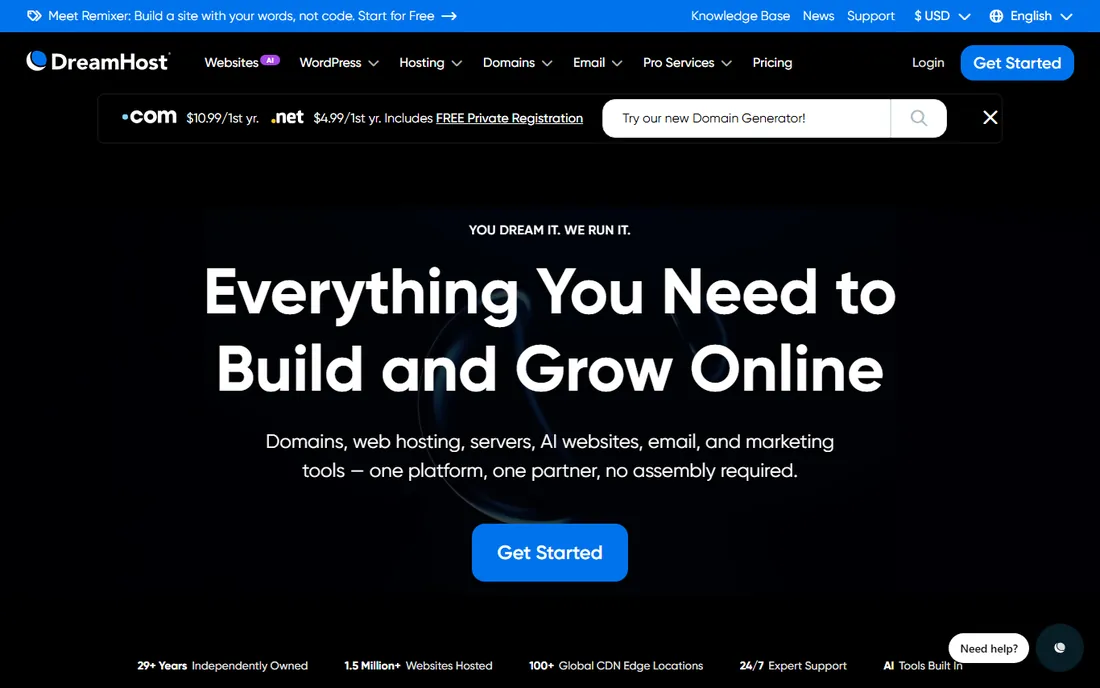
Few hosts are as upfront about what you will pay in year two. DreamHost displays renewal rates next to the promo price, which removes the nasty surprise most budget hosts rely on. The 97-day money-back guarantee also gives you a full quarter to decide, compared with the usual 30 days.
DreamHost has been independently owned since 1997, which shows in its policies: no aggressive upsells at checkout and a genuine 100 percent uptime guarantee with account credits if it slips. Performance is solid rather than chart-topping, and support runs through chat, email, and callback rather than a direct phone line. For a business that values straight dealing over the absolute lowest price, it is a strong pick.
What we like- Renewal rates shown upfront
- 97-day money-back guarantee, far longer than the industry standard
- Independently owned since 1997
Watch out for- No phone support on basic plans
- Dashboard takes adjustment if you are used to cPanel
- WordPress migration is paid on the cheapest tier
Starting price$25/month
Free planNo
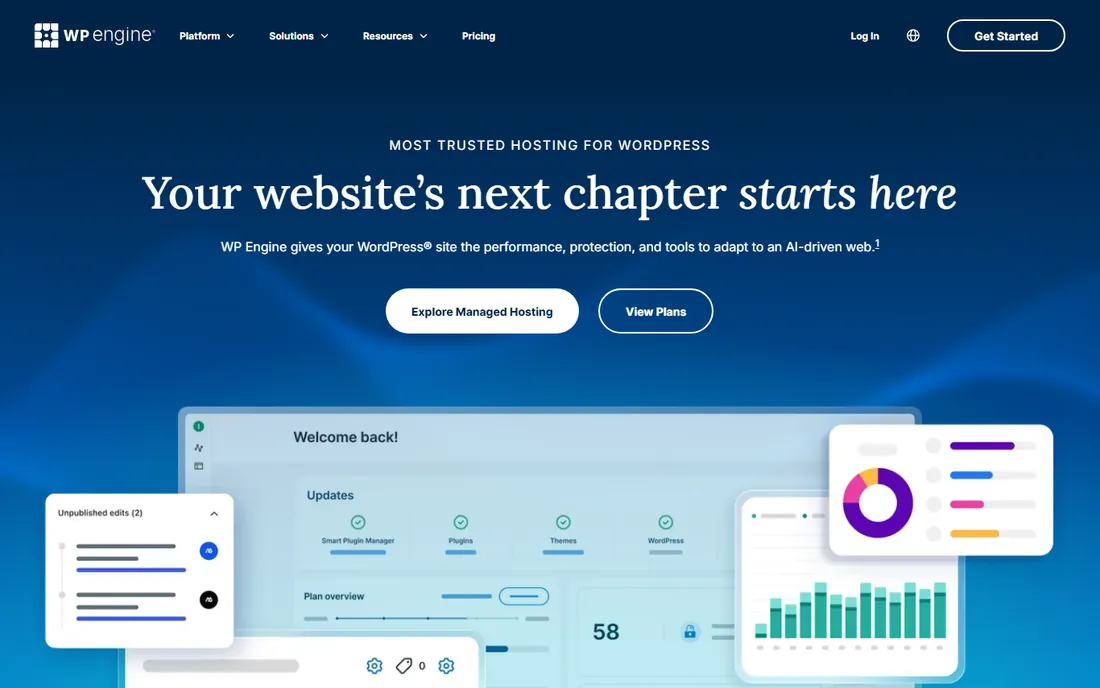
If your business runs on WordPress and you have no interest in touching a server, WP Engine is the reference point for managed hosting. Updates, security patching, caching, and daily backups are all handled by the platform. Every plan includes a staging site, so you can test changes before they go live, which alone prevents a whole category of embarrassing outages.
The tradeoffs are real. You can only host WordPress, certain plugins are disallowed for performance and security reasons, and the entry plan starts around $25 a month. That is overkill for a five-page brochure site. But for a WooCommerce store or a content-heavy business site where downtime costs money, the premium buys genuine peace of mind.
What we like- Fully managed WordPress with automatic updates and daily backups
- Staging environments on every plan
- Strong security track record
Watch out for- WordPress only, no plain HTML or other CMS hosting
- Plugin restrictions block some caching and backup plugins
- Entry price is high for a brochure site
Starting price$14/month
Free planNo
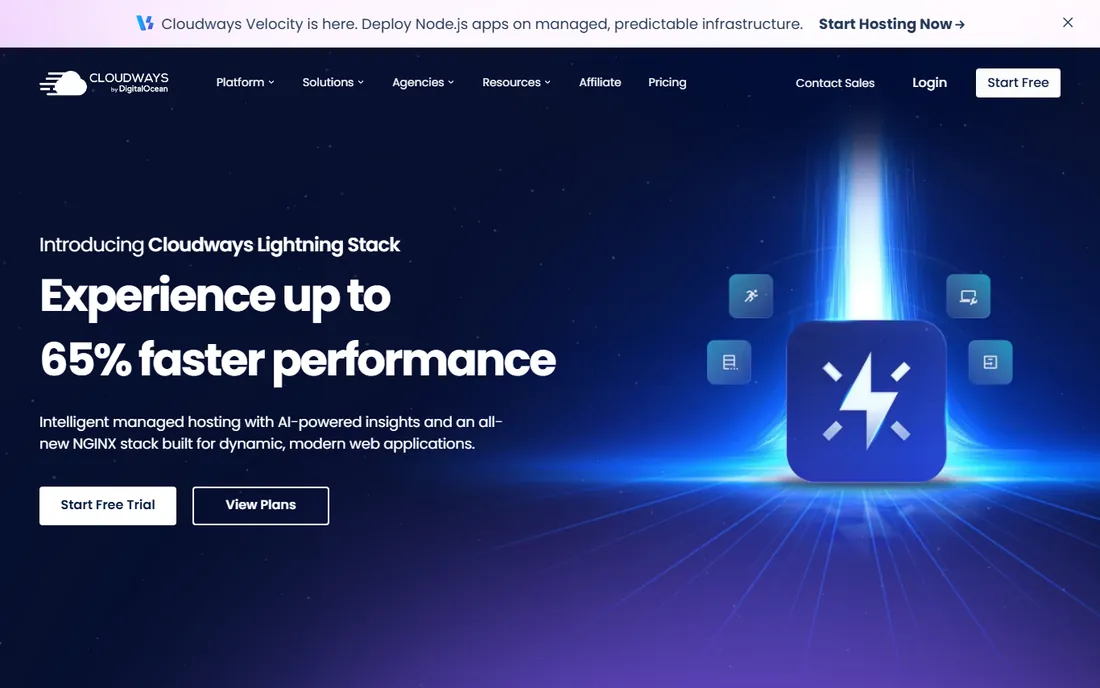
Cloudways sits between shared hosting and raw cloud servers. You pick the underlying cloud provider, DigitalOcean, AWS, or Google Cloud, and Cloudways handles the server setup, security patching, and monitoring. Billing is hourly and pay-as-you-go, so you are not locked into a one-to-three-year term to get a fair price.
This flexibility suits agencies and growing stores that outgrow shared hosting but are not ready to hire a sysadmin. The platform supports WordPress, WooCommerce, Magento, Laravel, and plain PHP apps, with staging and cloning built in. Note what is missing: you register domains elsewhere and handle email separately. If you want one vendor for everything, look at DreamHost or Hostinger instead.
What we like- Deploy on DigitalOcean, AWS, or Google Cloud without managing servers
- Pay-as-you-go hourly billing
- Unlimited applications per server
Watch out for- No domain registration or email hosting included
- Support quality varies by plan tier
- Interface assumes some technical comfort
Starting priceSee website
Free planNo
A2 Hosting built its name on speed. Its Turbo plans pair LiteSpeed web servers with NVMe storage and aggressive caching, and in independent tests they consistently land near the top for response times among shared hosts. The anytime money-back guarantee is also unusual: you can get a prorated refund after the first 30 days, not just within them.
The lineup can be confusing, with shared, WordPress, VPS, reseller, and dedicated tiers, each in multiple speed grades. The base Startup plan is fine for a single small site, but the speed advantage mostly shows on Turbo tiers that cost more. Check the renewal rate carefully before committing, since the jump from promo to renewal is steep here too.
What we like- Turbo servers with LiteSpeed and NVMe for faster loads
- Anytime money-back guarantee
- Developer-friendly with SSH and staging tools
Watch out for- Turbo features cost extra over base plans
- Renewal pricing climbs significantly
- Entry plans limit storage and sites
Starting price$2.95/month (Lite plan)
Free planNo

GreenGeeks is the pick if your brand story includes sustainability. The company purchases renewable energy credits equal to three times the power its servers consume, and it plants a tree for every hosting account through a partnership with One Tree Planted. That is marketing you can actually verify, not a vague green badge.
Underneath the eco pitch is a competent LiteSpeed host: free nightly backups, free SSL, free CDN, and managed WordPress on shared plans starting at $2.95 a month. The familiar caveat applies at renewal, where the Lite plan jumps to around $12.95. Support is 24/7 by chat and ticket, but phone help keeps business hours. For values-driven small businesses, the combination of decent performance and a real environmental program is compelling.
What we like- Matches 300 percent of energy use with renewable credits
- Free nightly backups on all shared plans
- Free domain for the first year
Watch out for- Renewals roughly quadruple the intro price
- Phone support limited to business hours
- No Windows hosting option
Starting price$2.75/month
Free planNo
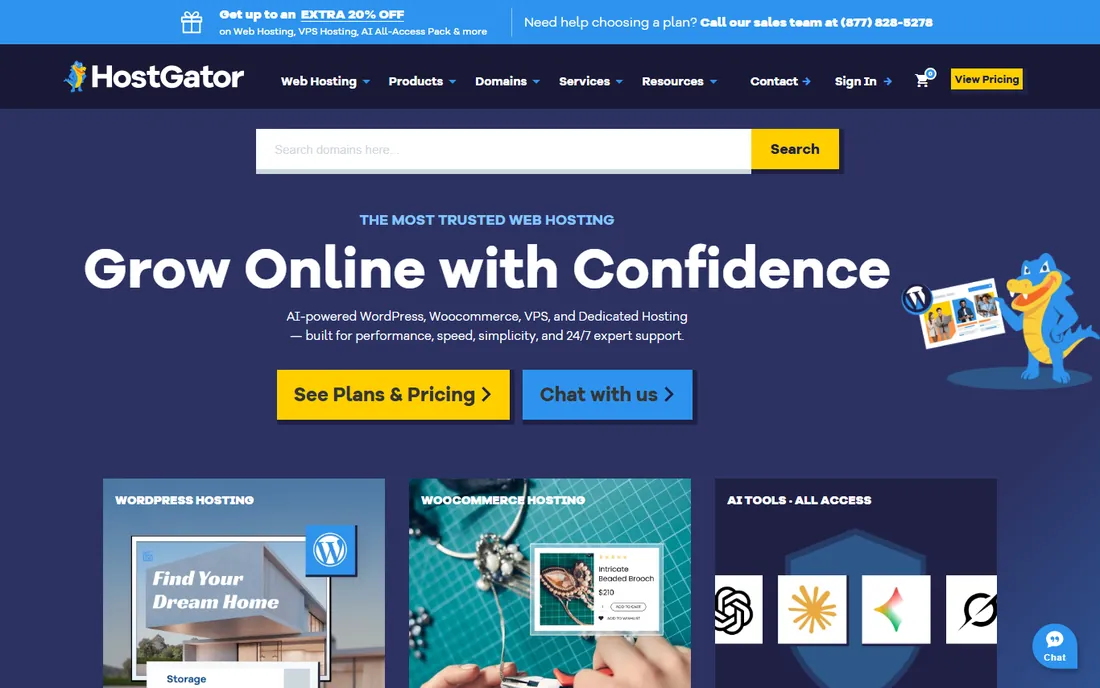
HostGator's strength is the ladder. You can start on a $2.75 Hatchling plan with unmetered bandwidth and one-click WordPress installs, then move to VPS or dedicated servers with the same company as traffic grows. For a business that expects to scale, avoiding a painful migration later has real value.
Day to day, the shared plans are unremarkable: fine uptime, average speed, and a checkout flow loaded with add-on offers you will want to decline. The 45-day money-back guarantee gives you a bit more room than the standard 30 days. HostGator suits owners who want a single vendor from first site to dedicated server and do not mind saying no to upsells.
What we like- Unmetered bandwidth on shared plans
- Easy upgrade path to VPS and dedicated
- 45-day money-back guarantee
Watch out for- Upsells are aggressive at checkout
- Shared performance is average
- Renewal rates roughly triple the intro price
Starting price$3.29/month
Free planNo
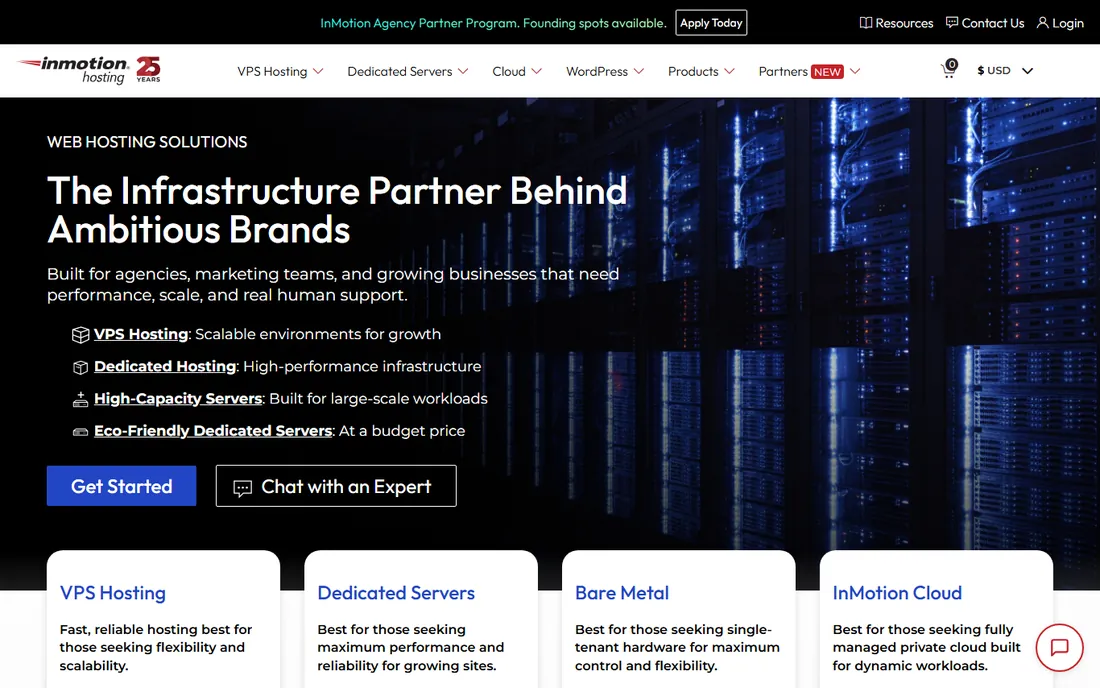
InMotion has been independently owned since 2001 and built its reputation on support rather than rock-bottom pricing. The support team is US-based, available by phone, chat, and ticket, and consistently rates well in customer reviews. The 90-day money-back guarantee is triple the industry standard, which tells you something about their confidence.
The hosting itself is solid: SSD storage, free SSL, free backups, and data centers on both US coasts. The account management panel looks dated compared with Hostinger's hPanel or Cloudways' dashboard, but everything works. Prices start a little higher than the budget leaders and renew higher too. If you expect to call support more than twice a year, that premium pays for itself.
What we like- US-based support with a strong reputation
- 90-day money-back guarantee
- Free backups and SSL on shared plans
Watch out for- Interface feels dated next to newer panels
- Intro pricing requires longer terms
- Higher renewal rates than budget rivals
Shared, managed, or cloud: which type fits your business
Most small businesses should start with shared hosting or managed WordPress. Shared plans from Hostinger, DreamHost, GreenGeeks, HostGator, or InMotion cost a few dollars a month and handle a typical business site comfortably. Managed WordPress from WP Engine costs more but removes updates, security, and caching from your to-do list entirely.
Consider Cloudways or a VPS when your site outgrows shared resources, usually somewhere past 50,000 monthly visits or when you run a busy WooCommerce store. The jump brings better performance and isolation but also more decisions about server size and configuration. There is no prize for buying server power you do not use yet, so start simple and upgrade when the numbers justify it.
What to check before you commit to a host
Renewal pricing comes first. Open the pricing page, find the renewal rate in the fine print, and calculate what two or three years actually cost. A $2.75 plan that renews at $9.95 costs more over three years than a $5 plan that renews at $6. DreamHost is the only host here that puts renewals front and center; for the rest, you have to dig.
Backups and restore
Free automated backups are table stakes, but check two things: how often they run and whether you can restore them yourself from the control panel. Daily backups you can restore in one click, like WP Engine and GreenGeeks offer, beat weekly backups that require a support ticket.
Migration help
Moving an existing site is where cheap hosting gets expensive in time. Most hosts on this list offer free migration, either automated or done by their team. Confirm it covers your setup, especially if you run WooCommerce or a membership plugin, before you pay.
Support that answers when it matters
Test support before you need it. Open a chat at an odd hour with a real question and see who answers. Hosts with 24/7 phone or chat and US-based teams, like InMotion and DreamHost, tend to resolve issues faster than ticket-only outfits.
Contract length and refunds
Longer terms mean lower monthly prices but lock you in. A 30-day money-back guarantee is standard; DreamHost's 97 days and InMotion's 90 days are genuinely better. Never pay three years upfront to a host you have not tested for a month.
How we chose
We compared current pricing pages, feature lists, and documentation from each vendor, then cross-checked against public reviews on G2, Capterra, Trustpilot, and Reddit communities like r/webhosting. We weighted factors that matter most to small and mid-size US businesses: honest renewal pricing, backup and restore options, quality of support, migration help, and fit for non-technical owners. We did not claim hands-on testing of any platform; rankings reflect documented features, published pricing, and the consensus of verified customer reviews.
Frequently asked questions
How much should a small business pay for web hosting?
Most small business sites run fine on shared hosting at $3 to $10 a month at renewal rates. Managed WordPress hosting starts around $25 a month and suits businesses that want updates and security handled for them. Paying more than $30 a month makes sense only when traffic or revenue justifies it.
Is the cheapest hosting plan a bad idea?
Not necessarily, but read the renewal price. Introductory rates of $2 to $3 a month commonly renew at $9 to $17. The cheapest plan is fine for a new site if the renewal still fits your budget and the plan includes SSL, backups, and decent support.
Do I need managed WordPress hosting?
You need it if nobody on your team wants to handle updates, security patches, and caching. WP Engine and similar managed hosts do all of that plus daily backups and staging. If you are comfortable clicking update in WordPress yourself, shared hosting saves significant money.
Can I switch hosts later without downtime?
Yes. Most hosts offer free migration, and a proper move involves copying the site, testing it on the new server, then pointing your domain over. Done right, visitors never notice. Avoid hosts that charge for basic migration or make you do it entirely yourself.
What is the difference between shared hosting and cloud hosting?
Shared hosting puts your site on a server with many others at a low fixed price. Cloud hosting like Cloudways gives you dedicated resources on cloud infrastructure with hourly billing and easy scaling. Shared is cheaper and simpler; cloud performs better under traffic spikes and grows without migration.
Sources we checked (12)
- https://hostinger.com/
- https://www.greengeeks.com/
- https://www.hostgator.com/
- https://inmotionhosting.com/
- https://dreamhost.com/
- https://wpengine.com/
- https://cloudways.com/
- https://a2hosting.com/
- https://www.mostdomain.com/blog/best-web-hosting-for-small-business/
- https://thekenyatimes.com/latest-kenya-times-news/best-web-hosting-for-small-businesses-in-2026/
- https://gizmodo.com/best-web-hosting/small-business
- https://hostscore.net/review/greengeeks/
Is your product missing or out of date?
We review this list regularly. Vendors can request a listing, send updated pricing or ask about featured placement.

Shihab Mia · Founder, Rankite
Shihab has spent more than a decade helping SaaS and e-commerce brands grow through search. He writes Rankite's software buying guides from pricing pages, documentation and public user reviews. More about Shihab.