How we make this list: we compare pricing pages, product documentation and public user reviews. Rankite is independent; if a vendor ever pays for a featured spot, that listing is clearly labeled Partner.
Key takeaways
- WordPress and Drupal remain the safe free options for classic websites, but budget for hosting, themes and upkeep rather than the license.
- Contentful and Sanity lead the headless field for teams publishing to multiple channels, with Contentful charging more for governance features Sanity includes cheaply.
- Webflow and HubSpot Content Hub suit marketing teams that want visual control without developers, though both get expensive as you scale.
- Storyblok and Kontent.ai sit between the camps, giving marketers visual editing on top of a headless architecture.
- Strapi is the strongest pick when you need open-source code running on your own infrastructure.
Quick comparison
| Tool | Best for | Starting price | Free plan |
|---|
 WordPress WordPress | classic websites of any size | Free (self-hosted, you pay for hosting) | Yes |
 Drupal Drupal | complex sites with strict access control | Free (self-hosted, you pay for hosting) | Yes |
 Contentful Contentful | enterprise teams publishing to many channels | $300/month (Lite plan) | Yes |
 Sanity Sanity | developers building custom editorial experiences | $15 per seat/month (Growth plan) | Yes |
 Strapi Strapi | teams that want headless on their own infrastructure | $35/project/month (Strapi Cloud Starter) | Yes |
 Storyblok Storyblok | marketing teams that want visual editing without a monolith | $99/month (Growth plan) | Yes |
 Webflow Webflow | design-driven marketing websites | $15/month (Basic site plan, billed yearly) | Yes |
 HubSpot Content Hub HubSpot Content Hub | companies already running on HubSpot | $10 per seat/month (Starter, promotional; regular $20) | Yes |
 Kontent.ai Kontent.ai | regulated industries and multi-brand publishers | See website | Free trial |
Is your product missing or out of date?
We review this list regularly. Vendors can request a listing, send updated pricing or ask about featured placement.
The best web content management software
Starting priceFree (self-hosted, you pay for hosting)
Free planYes
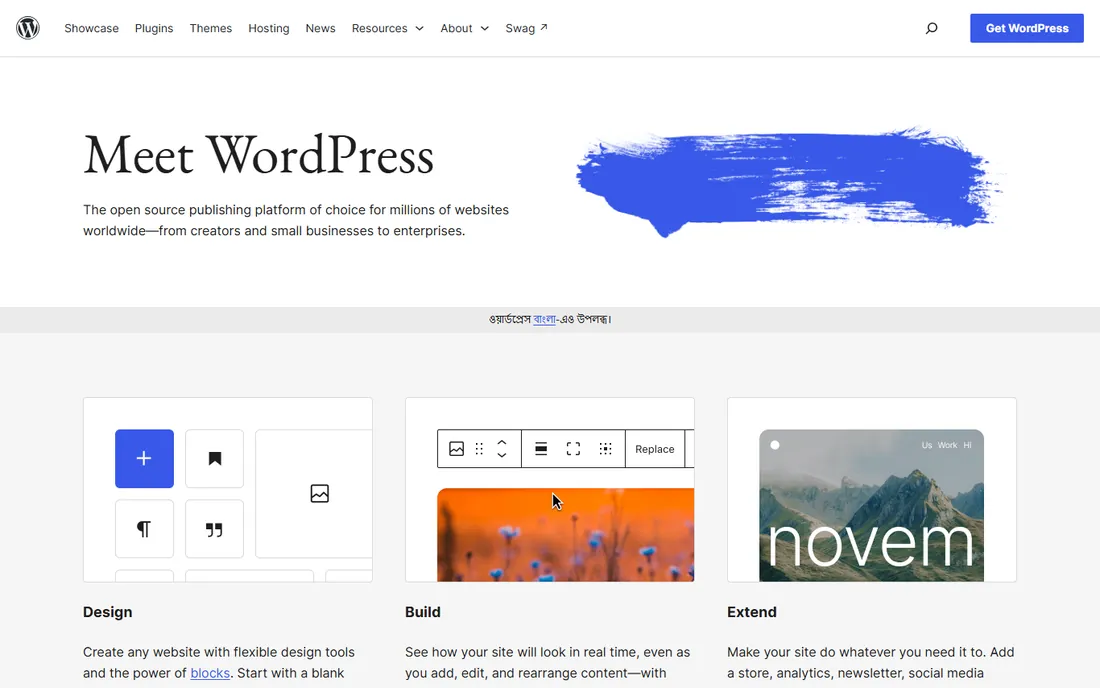
WordPress is the default answer for a reason. The software itself costs nothing, and for a straightforward marketing site, blog or small business presence, nothing else gets you live as fast with as little money. The block editor has matured into a decent visual builder, and the plugin directory covers nearly every function a small business site needs, from forms to SEO to bookings.
The catch is the part nobody puts on the brochure: maintenance. Core, theme and plugin updates arrive constantly, and skipping them invites security trouble. Budget for decent managed hosting and someone who keeps the stack patched, or the "free" CMS starts costing you in other ways. For teams that accept that trade, WordPress remains the most practical CMS on the planet.
What we like- Enormous plugin and theme library
- Huge talent pool for hire
- Powers a large share of the web so documentation is endless
Watch out for- Plugin sprawl creates security and update headaches
- Performance depends heavily on hosting and theme quality
Starting priceFree (self-hosted, you pay for hosting)
Free planYes
Drupal is what agencies reach for when the site has real structural complexity: granular roles, approval workflows, multiple languages, or content shared across many subsites. Universities, governments and large nonprofits run on it for exactly these reasons. Its access control system is more serious than anything WordPress offers without plugins.
That power comes with a learning curve. Fewer freelancers know Drupal, and simple tasks that take minutes in WordPress can take longer here. Drupal fits organizations that have (or will hire) technical help and care more about governance than about launching this weekend.
What we like- Strong content modeling and permissions out of the box
- Good security record for regulated industries
- Handles multilingual and multi-site setups well
Watch out for- Smaller talent pool and steeper learning curve than WordPress
- Fewer off-the-shelf themes
Starting price$300/month (Lite plan)
Free planYes
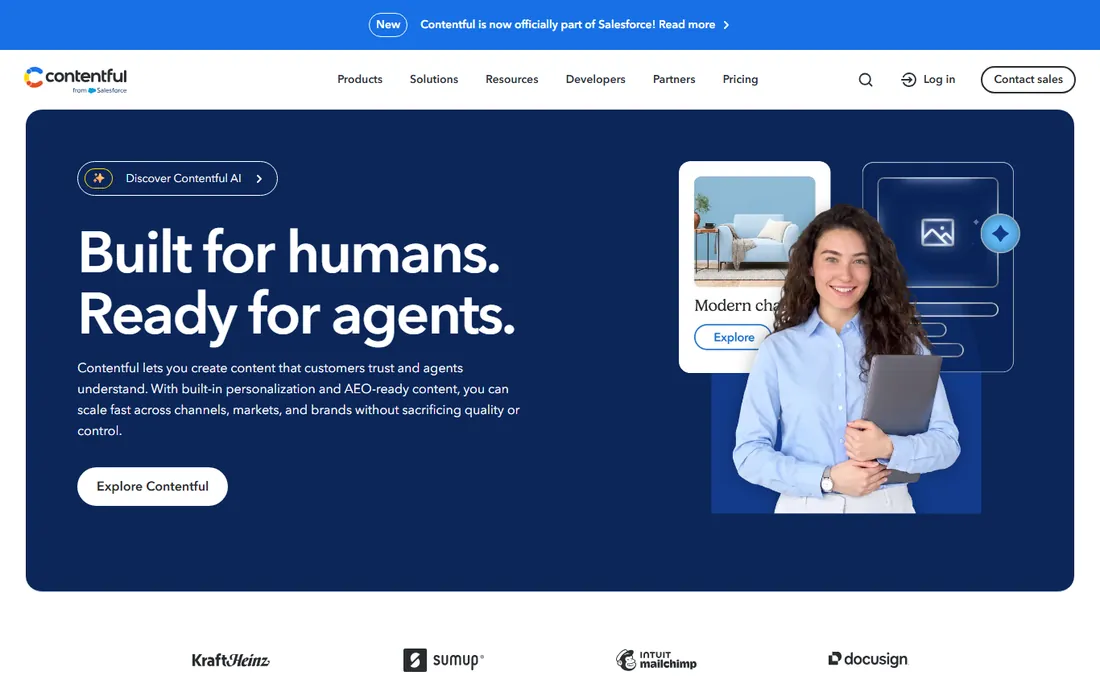
Contentful is the reference headless CMS, and it shows in the ecosystem. If your stack needs content flowing to a website, mobile apps and maybe an AI assistant, the APIs, webhooks and marketplace apps are battle tested. The free plan is genuinely useful for evaluation and small projects, with 100K API calls a month.
The pricing curve is the thing to watch. The free tier has hard caps, and the first paid step is $300 a month, which prices out small teams. Contentful makes sense when content is a company-wide asset managed by a real team, not when one marketer needs a blog.
What we like- Mature API-first platform with strong uptime record
- Deep app marketplace and integrations
- Solid roles and governance on paid plans
Watch out for- Lite plan jumps to $300/month quickly
- Editor experience lags behind visual-first rivals
#4
Sanity
Best for: developers building custom editorial experiences
Visit sanity.io
Starting price$15 per seat/month (Growth plan)
Free planYes
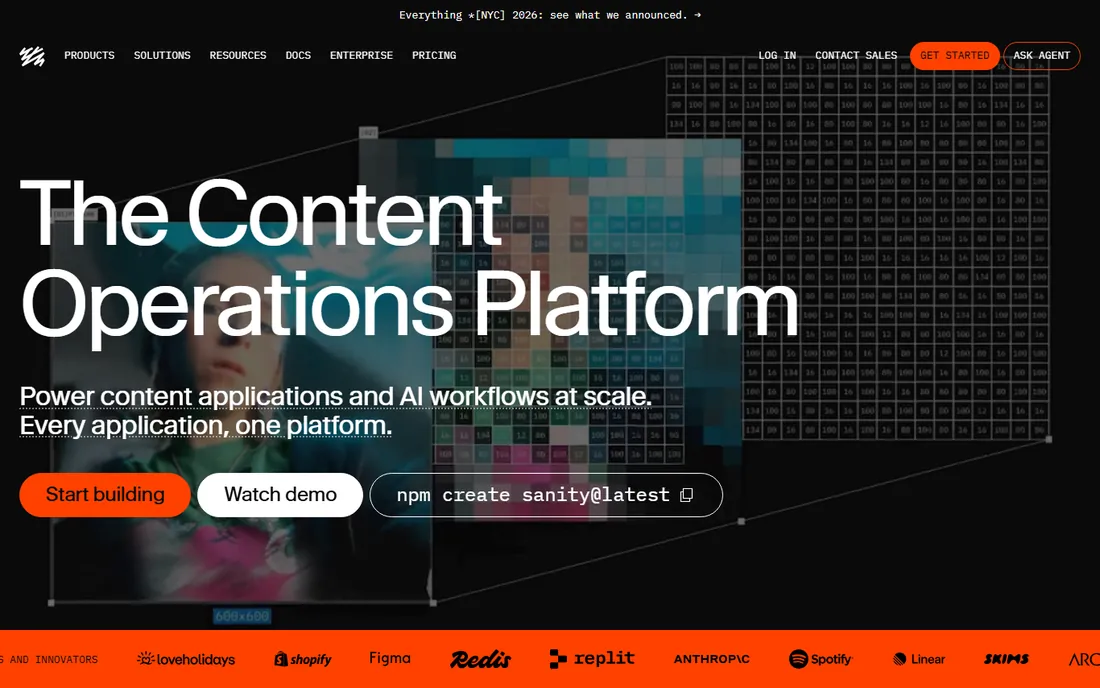
Sanity gives developers the most control of any hosted headless CMS. The Studio editor is open source and built in React, so teams reshape the editing experience around their content model instead of fighting a fixed UI. Real-time multiplayer editing is genuinely good, and the GROQ query language is a pleasure once learned.
The flip side is that out of the box, the editor looks spartan next to Storyblok. Marketing teams used to visual builders will need developer time before the CMS feels like theirs. For product-led companies with engineering resources, that tradeoff is usually worth it.
What we like- Open-source editor you can customize deeply
- Real-time collaboration works well
- Generous free tier with 20 seats
Watch out for- Marketers get a plain interface unless developers customize it
- Content modeling requires technical thinking
#5
Strapi
Best for: teams that want headless on their own infrastructure
Visit strapi.io
Starting price$35/project/month (Strapi Cloud Starter)
Free planYes
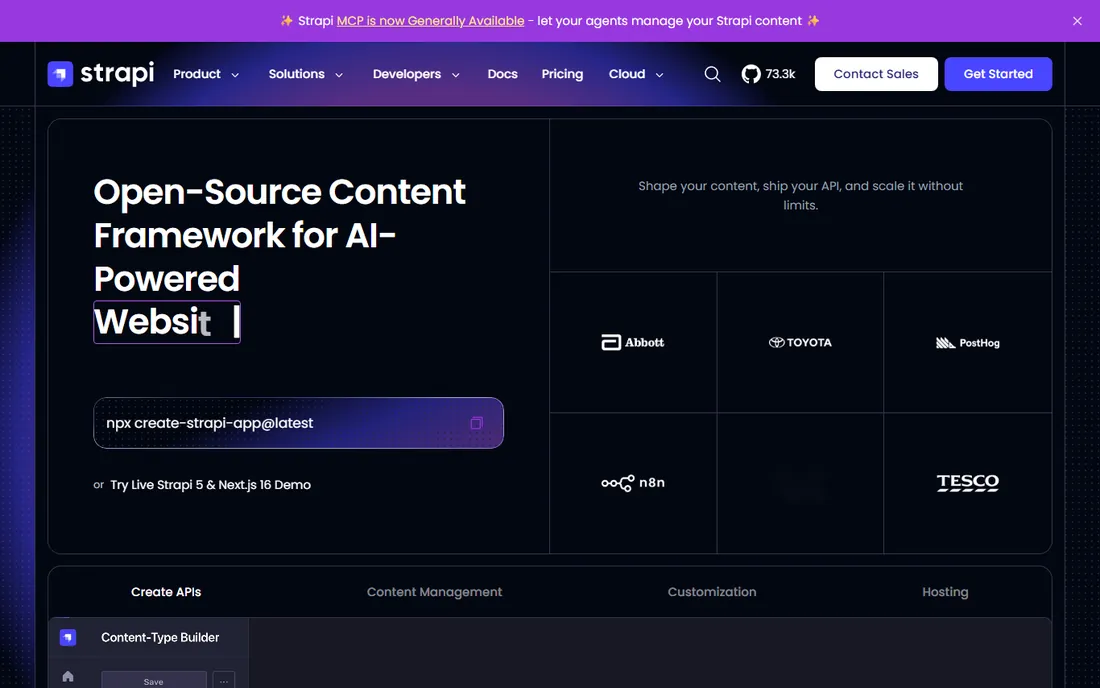
Strapi is the open-source answer to the headless question. The Community Edition runs on your servers with no license cost and no seat limits, which makes it popular with agencies and startups that already manage infrastructure. The admin panel auto-generates from your content types, so developers move fast.
Self-hosting is both the appeal and the cost. Backups, scaling and security patches are your job. Strapi Cloud removes that burden starting at $35 a month per project, but heavy API usage adds overage-style thinking. Choose Strapi when control over data and hosting matters more than a fully managed service.
What we like- Fully open source with self-hosting
- No per-seat fees on the community edition
- Large plugin ecosystem
Watch out for- You own hosting, scaling and security when self-hosting
- Cloud pricing climbs fast for high-traffic projects
#6
Storyblok
Best for: marketing teams that want visual editing without a monolith
Visit storyblok.com
Starting price$99/month (Growth plan)
Free planYes
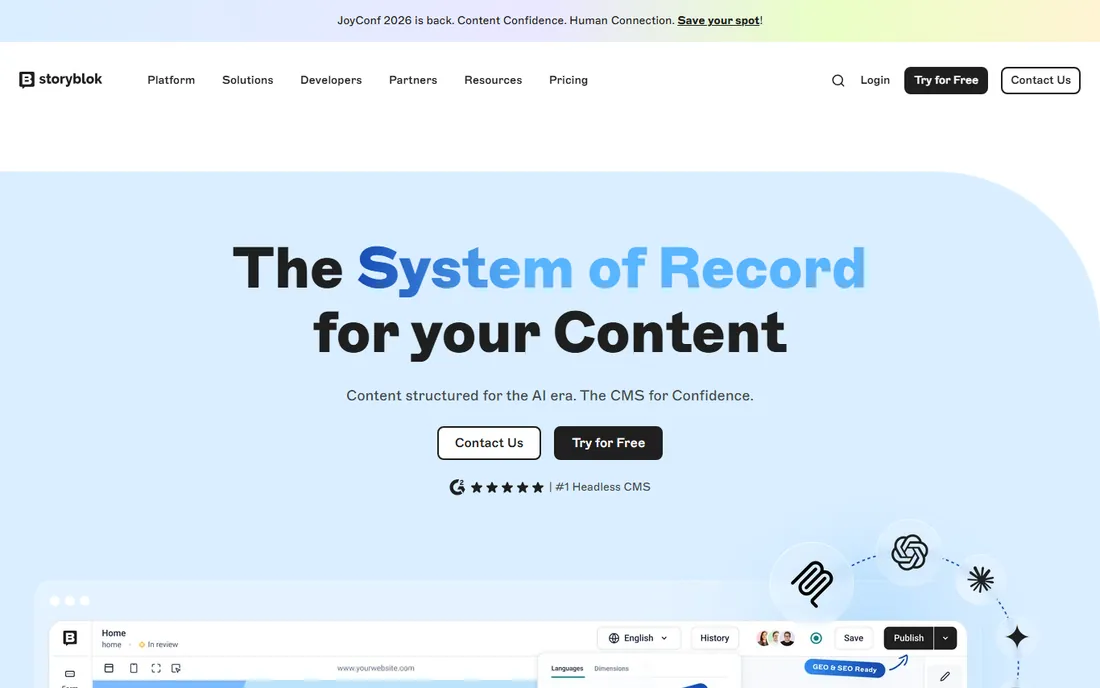
Storyblok answers the most common complaint about headless CMS platforms: marketers cannot see what they are building. Its visual editor lets editors click into a live preview and edit components in place, while developers still get clean APIs underneath. For ecommerce teams pairing content with Shopify, it is one of the most natural fits.
The free Starter plan covers testing and tiny projects, but real production use starts at $99 a month. That is fair for a business site and steep for a hobby blog. Storyblok suits companies where marketing owns publishing and developers own the frontend, and neither wants to compromise.
What we like- True visual editor on a headless backend
- Component-based content marketers grasp quickly
- Solid Shopify and commerce integrations
Watch out for- Growth plan at $99/month is steep for small sites
- Advanced features like SSO sit on custom tiers
Starting price$15/month (Basic site plan, billed yearly)
Free planYes
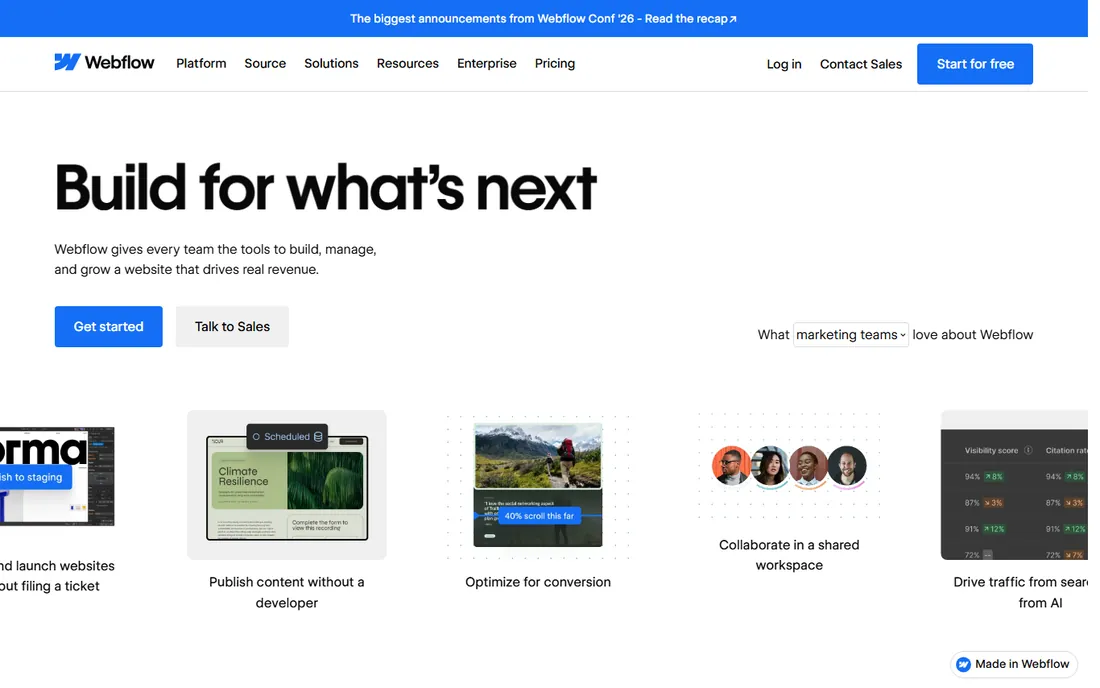
Webflow is the closest thing to handing designers the keys to production. You build visually, publish to Webflow hosting, and get clean code underneath. For agencies and in-house teams producing high-end marketing sites, it replaces the designer-to-developer handoff almost entirely. The CMS collections handle blogs, job boards and resource libraries comfortably.
Watch the billing model. Plans are per site, and a portfolio of microsites gets expensive quickly. The new Premium plan at $25 a month adds the full CMS, and platform plans for teams start at $2,500 a month, which is real enterprise money. For one flagship marketing site, though, Webflow is hard to beat.
What we like- Pixel-level design control without code
- Hosting, SSL and CDN included
- CMS collections handle blogs and directories well
Watch out for- Per-site pricing adds up across many properties
- Ecommerce and membership features trail dedicated platforms
#8
HubSpot Content Hub
Best for: companies already running on HubSpot
Visit hubspot.com
Starting price$10 per seat/month (Starter, promotional; regular $20)
Free planYes
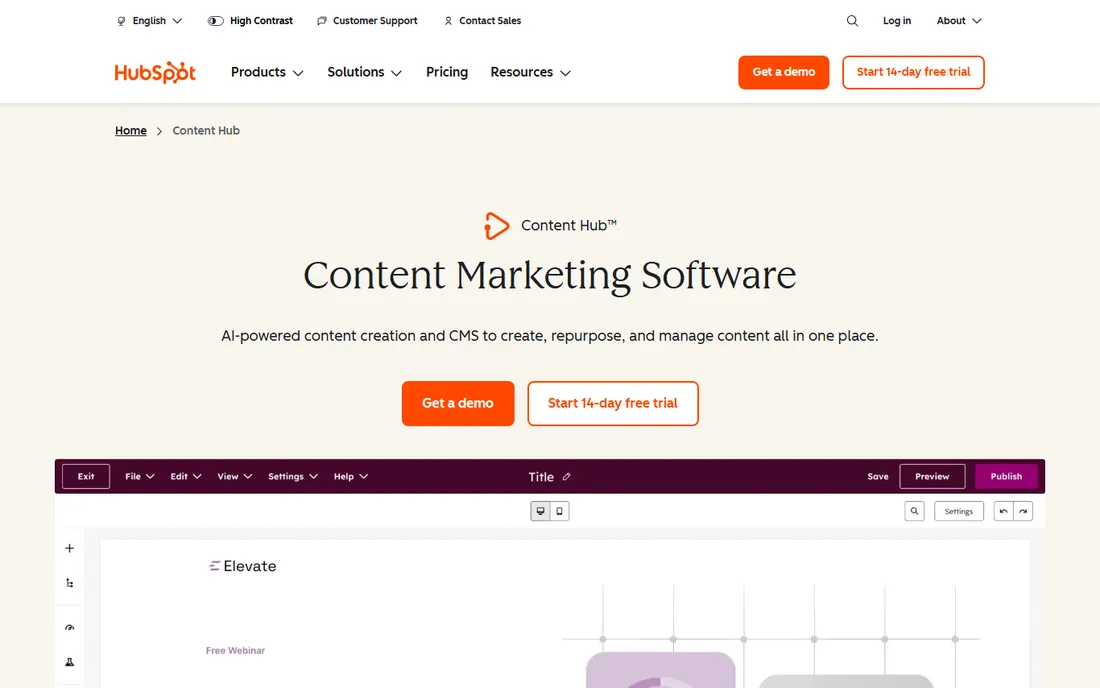
Content Hub makes sense in exactly one situation: your company already lives in HubSpot. Then the CMS is not really a CMS, it is the website layer of your CRM, with contacts, email, forms and reporting sharing one system. The free tools cover landing pages and AI-assisted blog posts, and Starter is currently discounted to $10 a seat.
Outside the HubSpot ecosystem, the value drops fast. Professional starts at $500 a month, and the design system is less flexible than dedicated builders. Buy it for the unified data, not for the editing experience alone.
What we like- Website, CRM, email and analytics share one database
- AI content tools built in
- No separate hosting to manage
Watch out for- Pricing climbs steeply at Professional ($500/month)
- Less design freedom than Webflow or WordPress page builders
#9
Kontent.ai
Best for: regulated industries and multi-brand publishers
Visit kontent.ai
Starting priceSee website
Free planFree trial
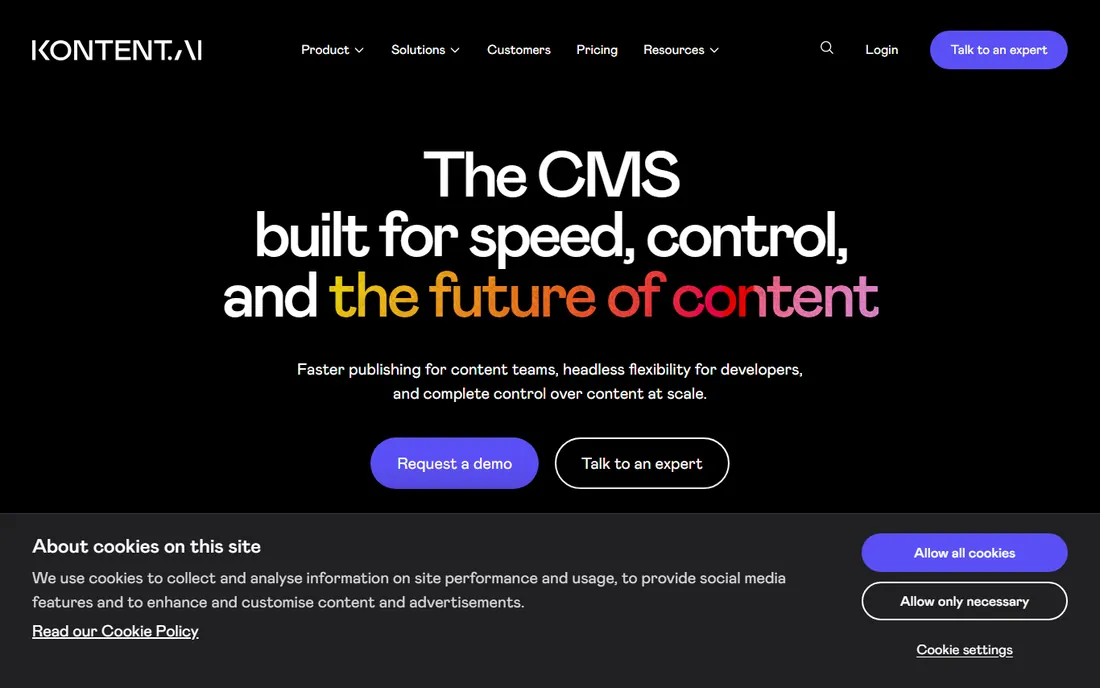
Kontent.ai, formerly Kentico Kontent, targets the enterprise buyer who loses sleep over governance. Granular roles, audit trails, SOC 2 and HIPAA compliance, and multi-brand content operations are the selling points. The G2 leadership streak in web content management reflects real customer satisfaction in that segment.
The tradeoff is accessibility. Without public pricing, every evaluation starts with a sales conversation, and the platform is clearly built for teams, not solo marketers. If compliance and multi-market publishing drive your requirements, it belongs on the shortlist. If you run one blog, look elsewhere.
What we like- Strong governance, audit trails and compliance certifications
- Handles complex localization well
- AI-assisted content operations
Watch out for- Pricing is not public, which slows evaluation
- Overkill for single-site marketing teams
How we chose
We started from the full spread of CMS architectures rather than one camp: traditional open-source platforms, hosted headless APIs, and visual builders. Candidates had to be live products with real customers in 2026, not beta projects or renamed shells. We pulled starting prices and free-tier terms from each vendor's own pricing page on the day of writing, and we left pricing as "see website" wherever the vendor does not publish it. The shortlist favors tools that fit small and mid-size US companies, which is why enterprise-only suites without public pricing mostly missed the cut.
What to check before you buy
Match the CMS to your publishing team, not your wishlist. Ask who will create content daily and what technical skills they have. A developer-first CMS in the hands of a non-technical marketing team produces either an expensive agency retainer or an abandoned blog. Ask where content must appear: one website, or a website plus apps, kiosks and partner feeds. Multi-channel output is the main honest reason to pay for headless.
Then check the unglamorous items. How are backups and restores handled, and who does them. What the plan limits actually cap: API calls, seats, locales, bandwidth. How content leaves the system if you cancel, because migrations are where CMS buyers pay twice. And whether the vendor's roadmap mentions AI features you will actually use, like translation and structured summaries, versus demo-only tricks.
Traditional, headless, or visual: which camp fits
Traditional CMS platforms like WordPress and Drupal keep content and presentation in one system. They are cheapest to start, easiest to staff, and perfectly fine when the website is the only output. Their weakness shows when the same content must feed an app or when marketers wait on developers for every layout change.
Headless platforms split the content repository from the frontend. Developers build any interface they want while editors work in one backend. The cost is complexity and price: you need frontend developers, and the good plans start around $100 to $300 a month. Visual builders sit in the middle, giving marketers design control with managed hosting, at the cost of per-site pricing and less portability.
Frequently asked questions
Is WordPress still a good CMS in 2026?
Yes for classic websites. It remains free, flexible and easy to staff. Its weaknesses are maintenance overhead and plugin security, both manageable with decent hosting and update discipline. It is a poor fit only when content must flow to many non-web channels.
What is a headless CMS in simple terms?
A CMS that stores content in a central repository and delivers it through APIs instead of rendering web pages directly. Your website, app and other channels each pull the same content and display it their own way. It adds flexibility for multi-channel publishing at the cost of needing developers for the frontend.
How much should a small business pay for a CMS?
Between zero and about $100 a month. WordPress or Drupal with decent hosting lands under $50 a month all-in. Hosted options like Webflow Basic or Storyblok Growth sit in the $15 to $99 range. Paying more usually means you need multi-channel delivery, governance, or scale you do not have yet.
Do I need developers for a headless CMS?
For setup and the frontend, yes. Editors can manage content day to day without code, but someone technical must build the content model and the website or app that consumes the API. Teams without developers should prefer WordPress, Webflow or HubSpot.
Can I migrate content between CMS platforms?
Usually yes, but the effort varies wildly. Structured content in a headless CMS exports cleanly through APIs. Page-builder layouts in visual tools often need rebuilding by hand. Before signing, test the export on a sample of your real content, not the vendor's demo data.
Which CMS is best for SEO?
The CMS matters less than most vendors claim. WordPress has the deepest SEO plugin ecosystem, and headless setups can be excellent for performance-driven SEO. What actually moves rankings is site speed, clean URLs, structured content and editorial quality, all of which depend more on implementation than on the logo.
Sources we checked (11)
- https://wordpress.org/
- https://drupal.org/
- https://www.contentful.com/pricing/
- https://www.sanity.io/pricing
- https://strapi.io/pricing
- https://www.storyblok.com/pricing
- https://webflow.com/pricing
- https://hubspot.com/products/content
- https://kontent.ai/
- https://www.europeanbusinessreview.com/best-enterprise-headless-cms-comparisons-2026/
- https://naturaily.com/blog/best-headless-cms-you-may-not-have-heard-of
Is your product missing or out of date?
We review this list regularly. Vendors can request a listing, send updated pricing or ask about featured placement.

Shihab Mia · Founder, Rankite
Shihab has spent more than a decade helping SaaS and e-commerce brands grow through search. He writes Rankite's software buying guides from pricing pages, documentation and public user reviews. More about Shihab.