How we make this list: we compare pricing pages, product documentation and public user reviews. Ratings come from G2, Capterra or Trustpilot, with the date we checked them.
Key takeaways
- Skype shut down in May 2025, so former Skype users now need two kinds of tools in many cases, one for free app to app calls and one for calls to real phone numbers.
- Google Voice, WhatsApp, and Viber cover most personal calling at low or no cost, provided the person on the other end uses the same app or lives in a covered country.
- Rebtel suits frequent callers to one or two countries, since its plans and credit model reward repeat routes rather than one off calls.
- Zoom Phone, RingCentral, Dialpad, Vonage, and Microsoft Teams Phone are business systems, not consumer apps, and their value lies in numbers, routing, and admin controls.
- International rates change by destination and by mobile versus landline, so a headline rate for one country says little about the cost of calling another.
Quick comparison
| Tool | Best for | Starting price | Free plan |
|---|
 Google Voice Google Voice | Free US and Canada calling | $0 per user/month | Yes |
 WhatsApp WhatsApp | Free app to app calls worldwide | $0 per user/month | Yes |
 Viber Viber | App calls plus paid calls to phones | $0 per user/month | Yes |
 Rebtel Rebtel | Frequent calls to familiar countries | $12.00 per user/month | No |
 Zoom Phone Zoom Phone | Teams already using Zoom | See website | Free trial |
 RingCentral RingCentral | Growing business phone systems | See website | Free trial |
 Dialpad Dialpad | Sales and support teams | See website | Free trial |
 Vonage Vonage | Business calling with APIs | See website | Free trial |
 Microsoft Teams Phone Microsoft Teams Phone | Microsoft 365 workplaces | See website | Free trial |
Is your product missing or out of date?
We review this list regularly. Vendors can request a listing, send updated pricing or ask about featured placement.
The best VoIP app for international calls
What replaced Skype depends on who you call. If both people use the same app, the call can be free over Wi-Fi or mobile data. If the other person only has a landline or a basic mobile phone, you need a service that can dial a real number and charge a per minute rate or a monthly plan. That split explains why so many "best Skype alternative" lists feel confusing, since they mix free chat apps with full business phone systems.
Start by sorting your calls into three piles. The first pile is family and friends who will install an app. The second pile is phone numbers abroad, such as parents on a landline, a hotel, or a local business. The third pile is business calling, where a company number, call routing, voicemail, and records matter. The tools below are ordered from personal to business, so you can stop at the pile that matches your need.
Starting price$0 per user/month
Free planYes
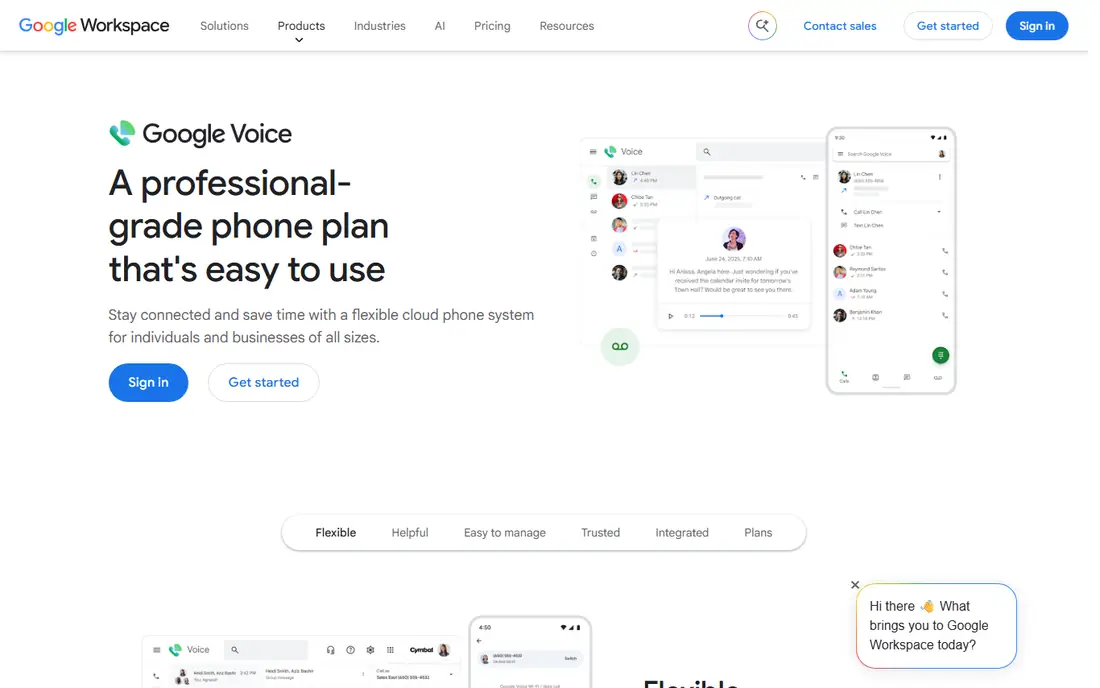
Google Voice gives a US user a second number that works over the internet, and personal users can call US and Canada numbers for free. That makes it a natural first stop for former Skype users who mainly called North America, since the core use costs nothing beyond internet access. Voicemail transcription, call screening, and spam filtering add practical value, and the number works across a browser and a phone app.
The limits are geographic and commercial. Google Voice personal is built around US users, and calling other countries is a paid add on with rates that vary by destination. A business that needs multiple users, auto attendants, and ring groups should look at Google Voice for Google Workspace, which is a separate paid product. For a US based individual with frequent North America calls, Google Voice is hard to beat on price.
What we like- Free calls to US and Canada numbers for personal users
- Voicemail transcription and spam filtering
- Works on web and mobile
Watch out for- Personal version is US focused
- International rates and availability vary
- Business features need a Workspace plan
#2WhatsApp
Best for: Free app to app calls worldwide4.6/5 on
G2 (250 reviews, checked Oct 2026)
Visit whatsapp.com
Starting price$0 per user/month
Free planYes
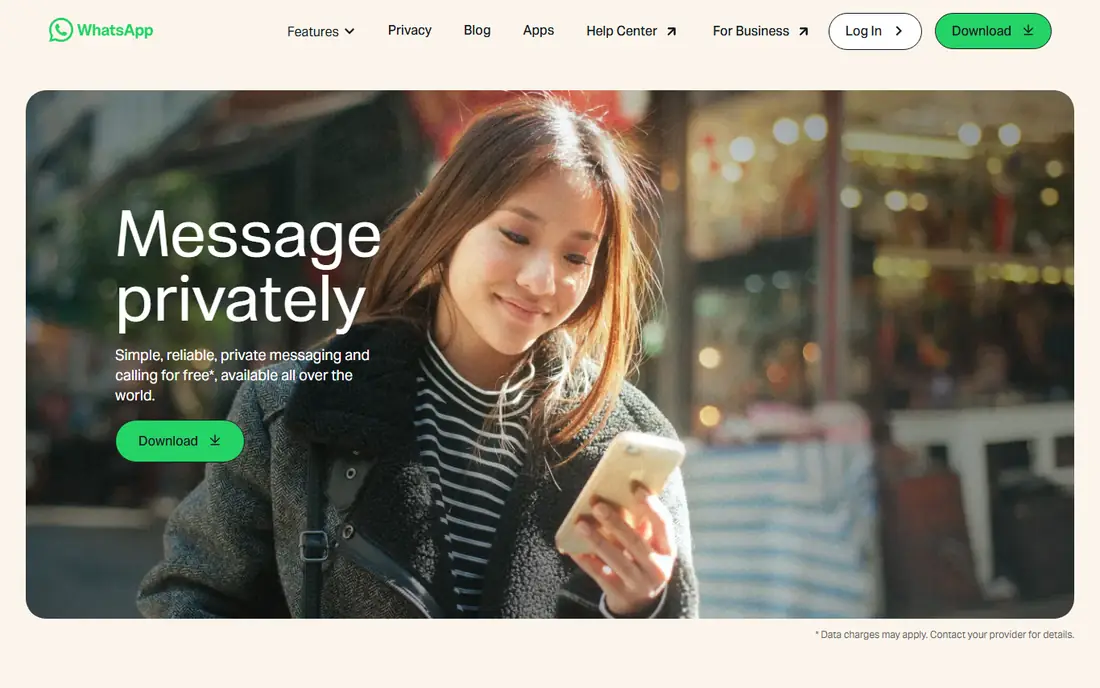
WhatsApp is the closest free replacement for Skype to Skype calls, because so many people already have it installed. Voice and video calls between users are free over Wi-Fi or data, group calls work for family chats, and messages, photos, and voice notes sit in the same thread as the call. For personal international contact, that combination often removes the need for a paid calling plan at all.
The clear limit is that both sides must use WhatsApp. A parent on a landline, a small hotel, or a doctor's office cannot be reached through WhatsApp calling, and there is no paid add on to dial a regular phone number. Privacy and account rules also tie the service to a phone number. Use WhatsApp as the default for contacts who already use it, and keep a paid dialing service for real phone numbers.
What we like- Free voice and video calls between WhatsApp users
- Huge global user base
- Group calls and messaging in one app
Watch out for- Cannot call a landline or a non WhatsApp number
- Call quality depends on both internet connections
#3Viber
Best for: App calls plus paid calls to phones4.4/5 on
Capterra (4,064 reviews, checked Oct 2026)
Visit viber.com
Starting price$0 per user/month
Free planYes
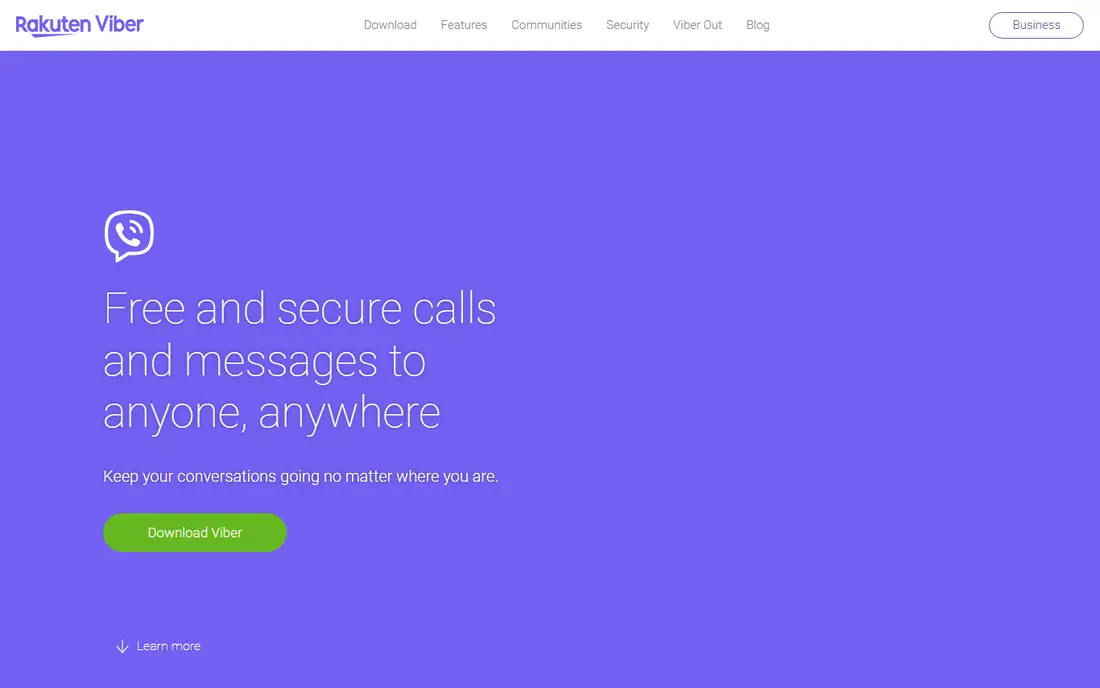
Viber covers both piles in one app, which is why it remains popular with international families. Calls and messages between Viber users are free, and Viber Out lets a user call a mobile or landline number in another country by buying credit. That dual model suits a caller who talks to some relatives on the app and calls others on a regular phone, without switching services.
The catch is rate variation. Viber Out prices differ by destination and by mobile versus landline, so a cheap call to one country can be costly to another. Credit top ups also need planning, since a call can stop if credit runs out. Viber is strongest where it already has many users, notably in parts of Eastern Europe and Southeast Asia, and less central for US only callers. Check the rate for your exact destination before relying on it.
What we like- Free Viber to Viber calls and chats
- Viber Out calls real phone numbers
- Strong use in parts of Europe and Asia
Watch out for- Paid rates vary widely by country
- Viber Out needs credit top ups
- Less common in North America
Starting price$12.00 per user/month
Free planNo
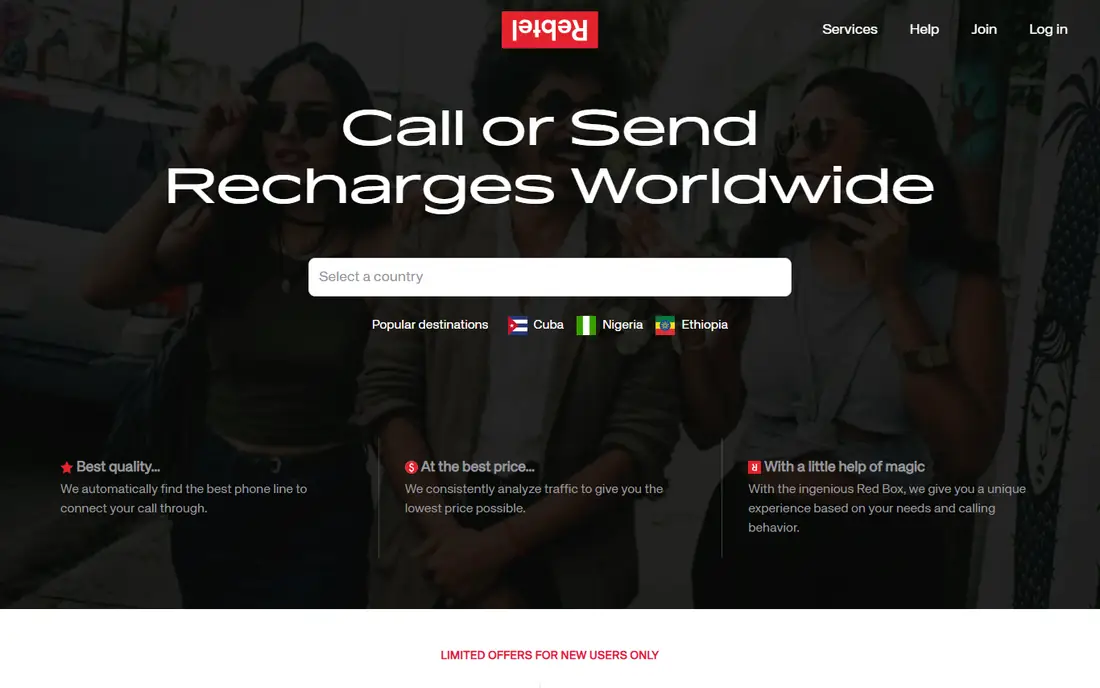
Rebtel is built for people who call the same countries often, such as family abroad or a home country number. Its Global Unlimited plan offers unlimited calling to 50 countries for a monthly price shown on its homepage, which can beat pay as you go rates for a heavy caller on one route. The app also uses local numbers for frequent contacts, which can make dialing simpler and keep costs predictable.
The limit is the country list and the fine print. Countries outside the unlimited set need separate credit, and unlimited plans always carry fair use terms that a buyer should read. A caller who phones many different countries in small amounts may do better with a pay as you go service. Rebtel shines for a repeat route, where one monthly price replaces a stack of per minute charges.
What we like- Unlimited calling plan to 50 countries
- Local number routing for familiar contacts
- App and web calling
Watch out for- Unlimited plan covers a set country list
- Other destinations need credit
- Quality can vary by route
#5Zoom Phone
Best for: Teams already using Zoom4.6/5 on
G2 (2,672 reviews, checked Oct 2026)
Visit zoom.com
Starting priceSee website
Free planFree trial
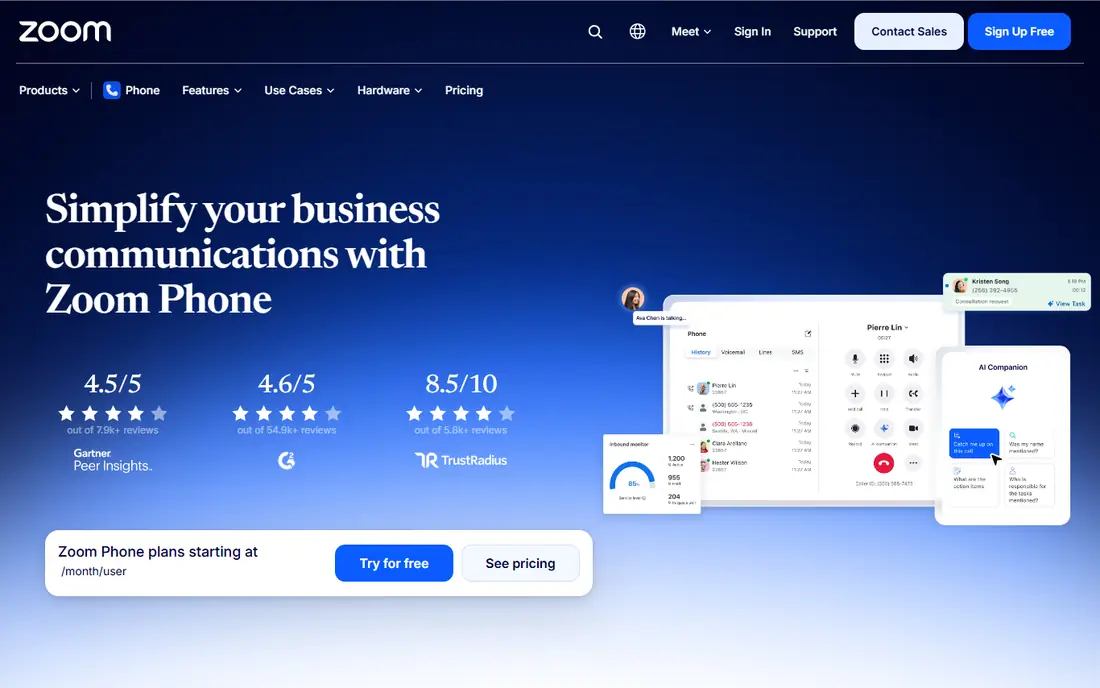
Zoom Phone turns the Zoom app many teams already use into a business phone system. Staff can make and receive calls, join meetings, and send messages from one app, and admins can assign numbers, set call queues, and manage voicemail. For a company that already pays for Zoom meetings, adding phone service can reduce the number of tools staff must learn.
The trade off is that Zoom Phone is a business product with business pricing, and international calling is often billed separately from the base seat price. A small team should confirm which countries are included, what the per minute rates are, and whether a Zoom base license is required. For a Zoom centered workplace with international clients, it is a coherent choice, while a solo caller will find it far more than needed.
What we like- Phone calling inside the Zoom app
- Local numbers in many countries
- Voicemail, call queues, and admin controls
Watch out for- Needs a Zoom base plan in many cases
- International calling costs are separate
- Setup needs admin time
#6RingCentral
Best for: Growing business phone systems4.1/5 on
G2 (1,076 reviews, checked Oct 2026)
Visit ringcentral.com
Starting priceSee website
Free planFree trial
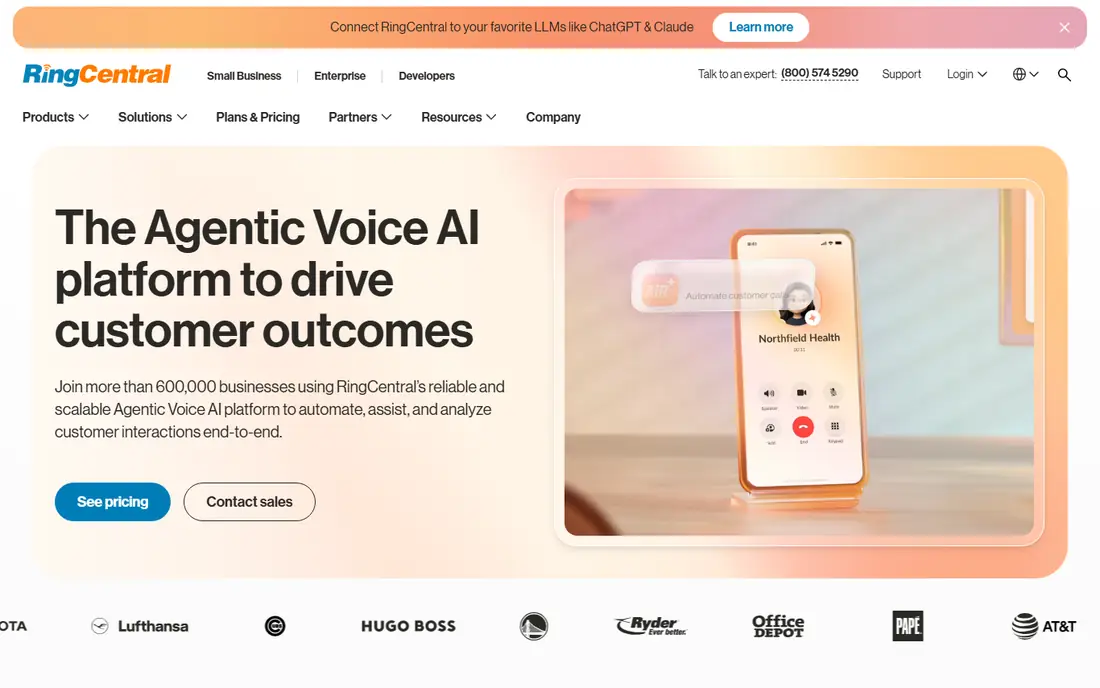
RingCentral is a full unified communications platform, with business phone service, team messaging, video meetings, and contact center options. A growing company can start with phone service, add call queues and auto attendants, and later add analytics or contact center features without switching vendors. Number coverage across many countries and integrations with common business apps help teams that serve international customers.
Complexity is the price of that breadth. Plans differ on meeting limits, analytics, integrations, and international features, and the total cost depends on seat count and add ons. A five person team should compare the entry plan carefully against a simpler option such as Dialpad or Google Voice for Workspace. RingCentral fits best when a company expects to grow its phone system and wants one vendor for voice, messaging, and meetings.
What we like- Full phone, messaging, and meetings in one platform
- Broad number coverage
- Many integrations
Watch out for- Pricing tiers are complex
- Smaller teams may pay for features they never use
#7Dialpad
Best for: Sales and support teams4.4/5 on
G2 (4,201 reviews, checked Oct 2026)
Visit dialpad.com
Starting priceSee website
Free planFree trial

Dialpad is a business phone system with a focus on teams that live on calls, such as sales and support. It offers voice calling, messaging, and meetings, plus AI features that summarize calls, transcribe conversations, and surface action items. Integrations with customer relationship tools help a sales team log calls and follow up without manual data entry.
The honest limit is tiering. Some AI and analytics features sit on higher plans, so a buyer should check which plan includes the features the team actually wants. International number availability and calling rates also vary, and a team with customers in many countries should confirm coverage before migrating numbers. For a call heavy team that wants summaries and CRM links, Dialpad is a strong contender against RingCentral and Zoom Phone.
What we like- AI call summaries and transcripts
- Good CRM integrations
- Phone, messaging, and meetings in one app
Watch out for- Entry plans limit some AI and analytics features
- International numbers and rates need checking
#8Vonage
Best for: Business calling with APIs4.3/5 on
G2 (503 reviews, checked Oct 2026)
Visit vonage.com
Starting priceSee website
Free planFree trial
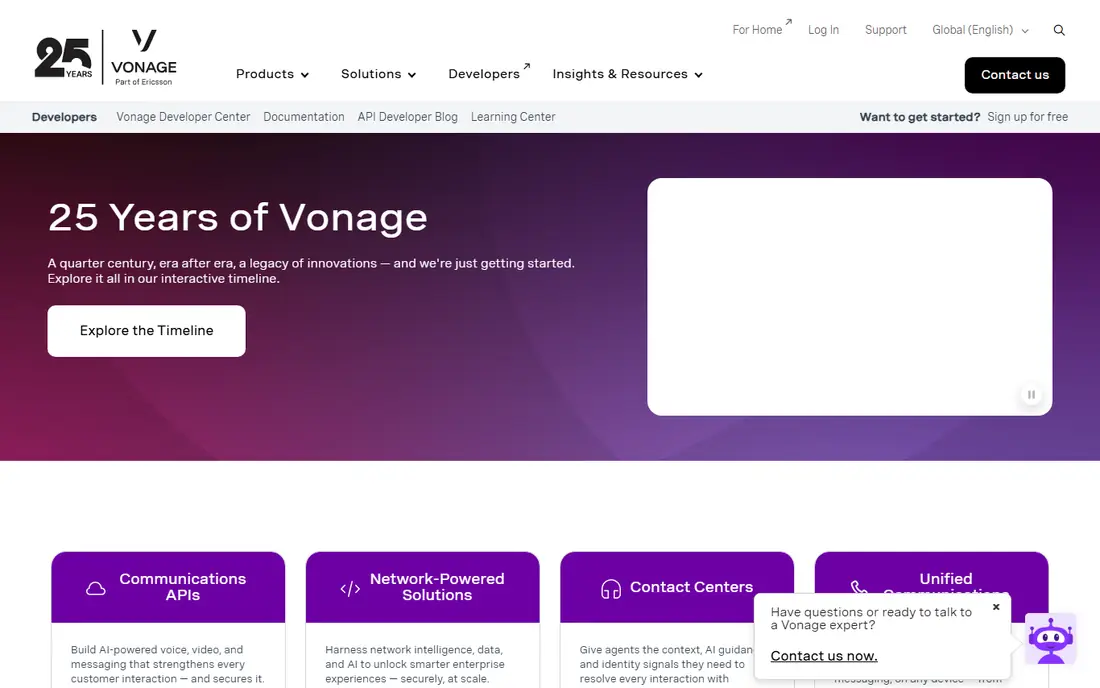
Vonage offers both a business phone system and a set of communications APIs, which makes it unusual on this list. A small business can buy a standard phone plan with numbers, voicemail, and call handling, while a product team can use Vonage APIs to add voice, messaging, or verification to its own app. That dual identity helps companies that need a phone system today and may build custom calling features later.
The breadth can also confuse a first time buyer, since Vonage sells several products under one brand. A buyer should confirm whether they need Vonage Business Communications, a contact center product, or an API product, and compare the total price including any add ons. For a business that values both a ready phone system and developer tools, Vonage is worth a close look.
What we like- Business phone plans plus developer APIs
- Global number options
- Call center and messaging add ons
Watch out for- Product range is broad and can confuse buyers
- Pricing depends on plan and add ons
Starting priceSee website
Free planFree trial
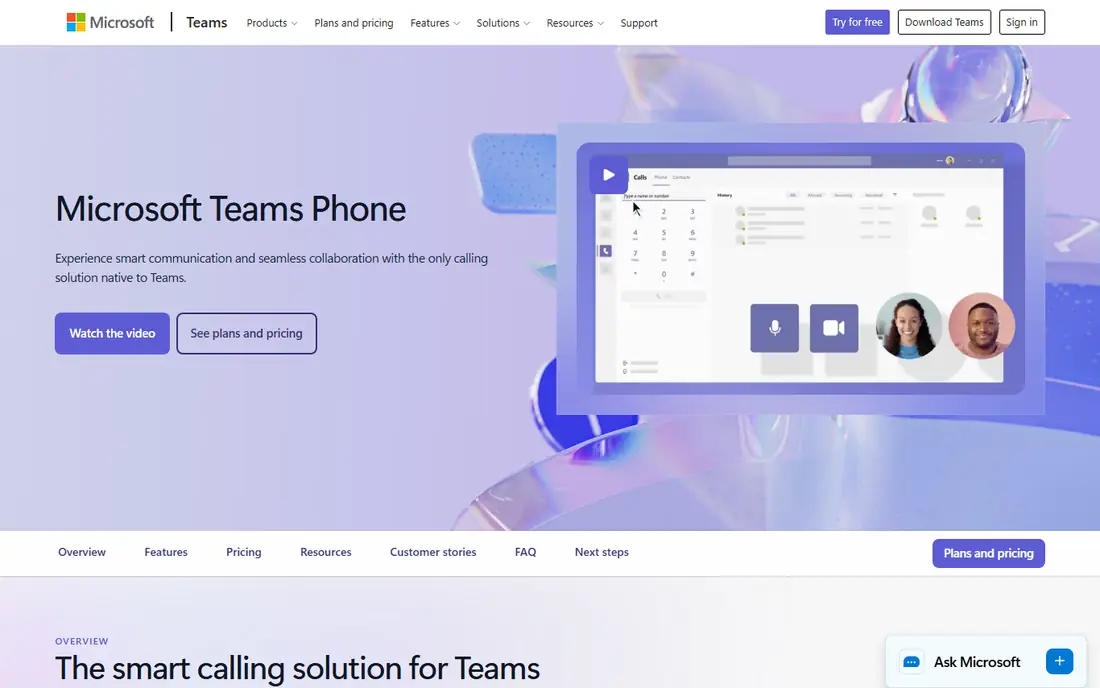
Microsoft Teams Phone is the natural successor for organizations that moved from Skype for Business to Teams. Staff can call, chat, meet, and share files in Teams, and admins can add calling plans or direct routing to connect Teams to the public phone network. For a workplace already licensed for Microsoft 365, this keeps calling inside a tool staff already open all day.
The cost and setup reflect that enterprise focus. Teams Phone usually needs a Microsoft 365 license plus a calling add on, and international calling plans differ by country, so a buyer must check the plan for each destination. Admin setup, number porting, and emergency calling rules also need care. For a Microsoft centered company, Teams Phone is the coherent pick, while a small team without Microsoft 365 will find simpler and cheaper options elsewhere.
What we like- Calling inside Microsoft Teams
- Direct routing and calling plans
- Ties to Outlook and SharePoint workflows
Watch out for- Needs Microsoft 365 licensing
- International calling plans vary by country
- Admin setup is involved
How we chose
We reviewed vendor pricing pages, product documentation, and public reviews on G2, Capterra, and Reddit, and we separated free app calling from paid phone dialing and from business phone systems. We favored tools that exist today, serve US callers, and state their international approach clearly, whether that is free app calls, pay as you go credit, a monthly plan, or a business seat license. We did not claim hands on lab results, and prices are shown as See website where the vendor uses tiered or destination based pricing.
How to compare international calling costs
Start with your top three destinations, not with a global rate table. For each destination, check the mobile rate and the landline rate separately, since they often differ by a wide margin. Then check whether the service charges a connection fee, rounds calls up to the next minute, or requires a minimum top up. Those small terms can matter more than a one cent difference in the headline rate for short calls.
Test with a real call before you port a number
Make a test call to each key destination on Wi-Fi and on mobile data, and note call quality, delay, and whether the caller ID shows correctly. For business use, test voicemail, call forwarding, and number porting with a single number first. A service that looks cheap on paper but drops calls or shows a wrong caller ID will cost more in lost calls than it saves in rates.
Watch for the cost of staying reachable
A cheap outbound rate means little if inbound calls are costly or hard to manage. Check whether the service offers a local number in the country you call most, how voicemail works, and whether you can keep the same number if you change plans. For families, a local number for relatives to call back can be as valuable as a low outbound rate.
Frequently asked questions
What is the best free Skype alternative for international calls?
WhatsApp is the best free option when both people use the app, since calls are free over the internet. Google Voice is the best free option for US and Canada phone numbers for personal users. Neither replaces paid dialing to a landline abroad.
Can I call a landline abroad without Skype?
Yes, Viber Out and Rebtel both call real phone numbers abroad, with Viber Out on a pay as you go basis and Rebtel on credit or a monthly plan. Business phone systems such as Zoom Phone and RingCentral also dial international numbers, usually at separate per minute rates.
Which VoIP app is cheapest for calling one country often?
Rebtel is worth checking first if your country is on its unlimited plan list, since a flat monthly price can beat per minute rates for heavy use. For light use, a pay as you go option such as Viber Out may cost less in a month with few calls. Compare your actual minutes, not just the headline rate.
Do I need a business phone system for international clients?
No, a personal app can work for occasional calls, but a business system adds a company number, call routing, voicemail, and records. If clients call you back, if several staff share a number, or if call records matter for billing, a business system is worth the cost.
Will my caller ID show correctly on international calls?
It depends on the service and the destination carrier. Some services show your chosen number, while others show a local gateway number or no number. Test a call to each key destination and ask the recipient what number they see before relying on caller ID.
Is VoIP call quality good enough for business calls?
Yes, on a stable internet connection, VoIP quality is generally clear for business calls, with headset and network quality mattering more than the app brand. Use a wired connection or strong Wi-Fi for important calls, and keep a mobile backup for outages.
Sources we checked (9)
- https://voice.google.com
- https://www.whatsapp.com
- https://www.viber.com
- https://www.rebtel.com
- https://www.zoom.com/en/products/voip-phone/
- https://www.ringcentral.com
- https://www.dialpad.com
- https://www.vonage.com
- https://www.microsoft.com/en-us/microsoft-teams/voice-calling
Is your product missing or out of date?
We review this list regularly. Vendors can request a listing, send updated pricing or ask about featured placement.

Shihab Mia · Founder, Rankite
Shihab has 5+ years in B2B and SaaS SEO. He writes Rankite's software buying guides from pricing pages, documentation and public user reviews. More about Shihab.