How we make this list: we compare pricing pages, product documentation and public user reviews. Rankite is independent; if a vendor ever pays for a featured spot, that listing is clearly labeled Partner.
Key takeaways
- If you run VMware or Hyper-V in production, Veeam Backup & Replication is the reference point everyone else gets compared against; its free Community Edition covers up to 10 workloads, which is enough for a small shop to test restores for real.
- NAKIVO and Vembu BDRSuite are the value plays: per-workload and per-VM licensing without the enterprise sales process, and both ship free editions for small environments.
- Comet Backup (from $49/month plus $2 per endpoint) and MSP360 Backup (from $29.99/year per computer) flip the model: you bring your own storage and pay per device, which suits MSPs and admins with cheap object storage.
- Hornetsecurity VM Backup (formerly Altaro) still has the friendliest free edition in the category: 2 VMs per host, free forever, on the vendor's own site.
- Every vendor on this list sells on restores, not backups. Before you shortlist, decide which restores you actually need: instant VM boot, file-level recovery, and cross-hypervisor restores are the three that matter.
Quick comparison
| Tool | Best for | Starting price | Free plan |
|---|
 Veeam Backup & Replication Veeam Backup & Replication | Mixed VMware/Hyper-V environments with serious recovery needs | See website (Veeam Data Platform editions, quote-based) | Yes (Community Edition, up to 10 workloads) |
 NAKIVO Backup & Replication NAKIVO Backup & Replication | SMBs wanting per-workload pricing without enterprise overhead | See website (per-workload or per-socket licensing) | Free trial |
 Hornetsecurity VM Backup Hornetsecurity VM Backup | Small shops on Hyper-V or VMware wanting a simple console | See website (per-VM subscription or per-host perpetual) | Yes (Free Edition, 2 VMs per host, forever) |
 Acronis Cyber Protect Acronis Cyber Protect | MSPs and SMBs wanting backup plus security in one agent | See website (per-workload licensing, quote-based) | Free trial (30 days) |
 Unitrends Unitrends | Mid-market teams wanting an all-in-one backup appliance | See website (quote-based) | Free trial |
 Vembu BDRSuite Vembu BDRSuite | Budget-conscious SMBs on VMware, Hyper-V or KVM | See website (per-VM subscription or perpetual) | Yes (free edition available) |
 Arcserve Unified Data Protection Arcserve Unified Data Protection | Enterprises standardizing virtual and physical backup on one platform | See website (quote-based) | Free trial |
 Comet Backup Comet Backup | MSPs billing backup per endpoint | $49/month + $2/endpoint/month (Professional) | Free trial |
 MSP360 Backup MSP360 Backup | Admins who bring their own cloud storage | $29.99/year per computer (Desktop Pro) | Yes (free edition) |
Is your product missing or out of date?
We review this list regularly. Vendors can request a listing, send updated pricing or ask about featured placement.
The best VM backup software
The backup job that ran fine for two years is not the product. The product is the restore at 2 AM when a host dies, and that is where VM backup tools separate. These nine cover the real market for VMware vSphere and Microsoft Hyper-V protection: the enterprise standard, the value alternatives, the MSP-priced options, and the bring-your-own-storage tools. Every one of them backs up VMs; the differences are in licensing, recovery depth, and how much of your budget goes to software versus storage.
#1
Veeam Backup & Replication
Best for: Mixed VMware/Hyper-V environments with serious recovery needs
Visit veeam.com
Starting priceSee website (Veeam Data Platform editions, quote-based)
Free planYes (Community Edition, up to 10 workloads)
Veeam is the default against which everything else in VM backup is measured. Backup & Replication sits inside the Veeam Data Platform (Foundation, Advanced and Premium editions), protecting VMware, Hyper-V, Nutanix AHV, KVM, physical servers and cloud workloads from one console. The recovery side is the reason for its position: instant recovery that boots a VM straight from the backup, SureBackup automated recovery verification, and portable backups that restore across hypervisors without lock-in.
The honest catch is commercial, not technical. Veeam publishes no prices, so budgeting means a sales conversation, and small environments can find the platform heavier than they need. The counterweight is the Community Edition: genuinely free, up to 10 workloads, with real backup and replication. If you are protecting a small cluster, start there and only talk to sales when you outgrow it.
What we like- Deepest recovery toolkit in the category (instant VM recovery, verified restores, cross-hypervisor portability)
- Hardened immutable repositories and ransomware-focused features are built in, not bolted on
- Huge community and partner ecosystem means answers and integrations are easy to find
Watch out for- Paid licensing is quote-based and the edition structure takes effort to decode
- Can be overkill and overpriced for a shop protecting a handful of VMs
#2
NAKIVO Backup & Replication
Best for: SMBs wanting per-workload pricing without enterprise overhead
Visit nakivo.com
Starting priceSee website (per-workload or per-socket licensing)
Free planFree trial
NAKIVO has spent a decade being the "almost Veeam at a fraction of the complexity" option, and for SMBs it mostly delivers. The product covers VMware vSphere, Hyper-V, Nutanix AHV, Proxmox VE, physical machines and cloud workloads, with instant VM boot, cross-platform recovery, site recovery orchestration and backup to cloud, tape or deduplication appliances. The pricing page lays out the licensing models clearly: per workload billed annually with a five-workload minimum, per CPU socket as a one-time charge, plus per-VM, per-server and per-TB options.
What to watch is the quote flow. The vendor publishes plan structures and lets you estimate with a calculator, but final numbers come from a quote or the store, so treat third-party price lists as stale. Essentials editions cap at 50 workloads per organization, which is fine for the SMB target but means larger shops go straight to the sales team.
What we like- Flexible licensing (per workload, per socket, per VM, per TB) with published tiers and an online calculator
- Fast web-based console that installs on NAS, Windows, Linux or as a virtual appliance
- Strong ransomware features including immutable storage and instant granular recovery
Watch out for- Exact prices sit behind the vendor's pricing calculator rather than on a simple price list
- Smaller partner ecosystem than Veeam, so third-party integrations are thinner
Starting priceSee website (per-VM subscription or per-host perpetual)
Free planYes (Free Edition, 2 VMs per host, forever)
Altaro VM Backup became Hornetsecurity VM Backup after the acquisition, and the product kept the trait that built its reputation: it is the easiest VM backup tool to get running. The vendor's own pages describe the licensing choice plainly: a monthly subscription billed per backed-up VM (Unlimited Plus edition), or a perpetual per-host license in Standard, Unlimited or Unlimited Plus editions with a maintenance agreement for support and upgrades. Features include WAN-optimized replication, boot-from-backup, augmented deduplication and immutable backups on S3-compatible storage.
The free edition deserves emphasis because it is real and permanent: 2 VMs per host, free forever, aimed at micro businesses. For a two-host shop with a few critical VMs, that plus the low-friction console is a legitimate answer. Larger environments should compare the per-VM subscription math against NAKIVO's per-workload pricing before committing.
What we like- Free Edition protects 2 VMs per host forever, the most generous permanent free tier here
- Setup is famously fast, with first backups running in under 15 minutes
- Per-host perpetual licensing with unlimited VMs suits stable small infrastructures
Watch out for- Fewer advanced recovery and orchestration features than Veeam or NAKIVO
- Pricing details sit behind the vendor's quote flow rather than a public price list
#4
Acronis Cyber Protect
Best for: MSPs and SMBs wanting backup plus security in one agent
Visit acronis.com
Starting priceSee website (per-workload licensing, quote-based)
Free planFree trial (30 days)
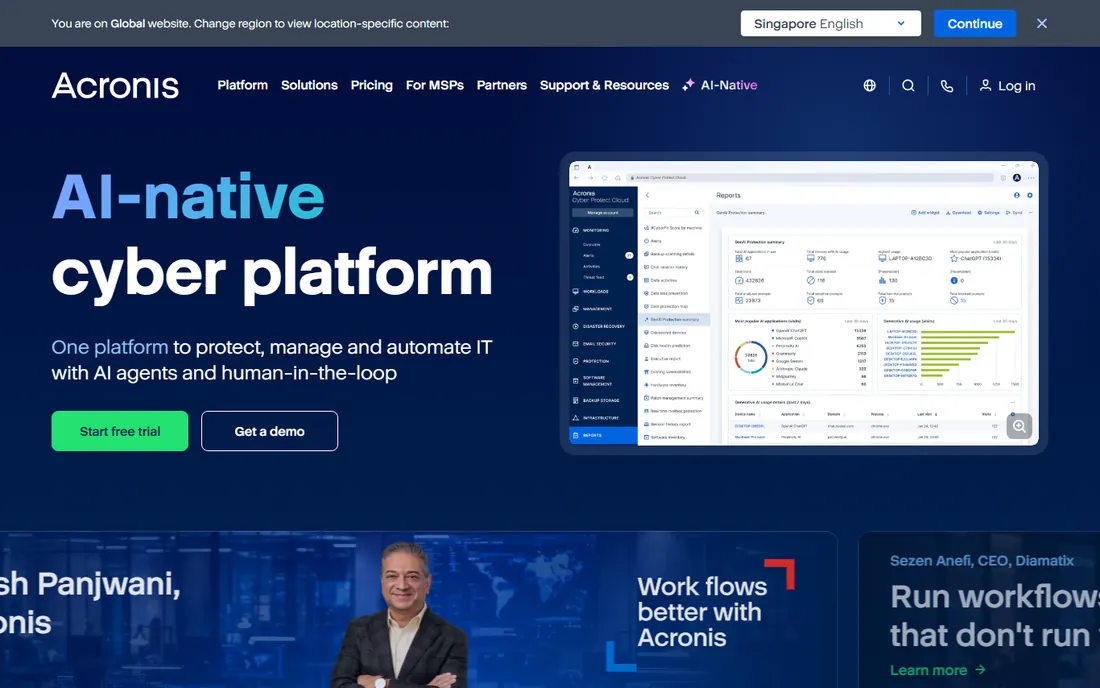
Acronis sells a different proposition from the rest of this list: cyber protection rather than backup alone. Cyber Protect combines backup and disaster recovery with anti-malware, vulnerability assessment, patch management and remote management in a single agent, which is why it shows up most often in MSP stacks and SMBs that want one vendor for endpoint resilience. It protects VMware, Hyper-V, physical servers, Microsoft 365 and cloud workloads, with cloud storage options built in.
The trade is focus. If your only job is VM backup, a pure-play tool gives you a cleaner console and often deeper hypervisor-specific recovery. If you are already buying endpoint security separately, consolidating onto Acronis can cut both cost and agent count. Pricing runs through the vendor's quote process with per-workload licensing; a 30-day free trial is the way to test the agent load on your hosts.
What we like- One agent covers backup, anti-malware, patching and endpoint management, cutting agent sprawl
- Strong MSP tooling with multi-tenant management
- Per-workload pricing scales down to small deployments
Watch out for- Paid pricing is quote-based with no public price list
- The breadth of features means a busier console than pure-play backup tools
#5
Unitrends
Best for: Mid-market teams wanting an all-in-one backup appliance
Visit unitrends.com
Starting priceSee website (quote-based)
Free planFree trial
Unitrends, now part of Kaseya, takes the appliance route: purpose-built Recovery Series hardware (with software-only and cloud deployment options) covering backup, replication, disaster recovery and archiving for virtual, physical and SaaS workloads. The pitch that lands with mid-market IT teams is bundling: global deduplication, instant recovery, automated recovery testing and WAN-accelerated replication all come with the platform, and reviewers consistently describe it as a set-and-forget system.
That simplicity has a price, literally. There are no published prices, so every deal is a sales conversation, and reviewers note that costs around cloud storage, DRaaS and renewals deserve scrutiny. The free trial is worth using to validate recovery times on your own VMs before you talk numbers.
What we like- Recovery Series appliances bundle compute, storage and software so there is one throat to choke
- Recovery Assurance automates DR testing and ransomware detection
- All features ship in the box with no extra licensing modules
Watch out for- Quote-only pricing with no public numbers
- The appliance model fits less well if you have standardized on your own hardware or pure cloud storage
#6
Vembu BDRSuite
Best for: Budget-conscious SMBs on VMware, Hyper-V or KVM
Visit vembu.com
Starting priceSee website (per-VM subscription or perpetual)
Free planYes (free edition available)
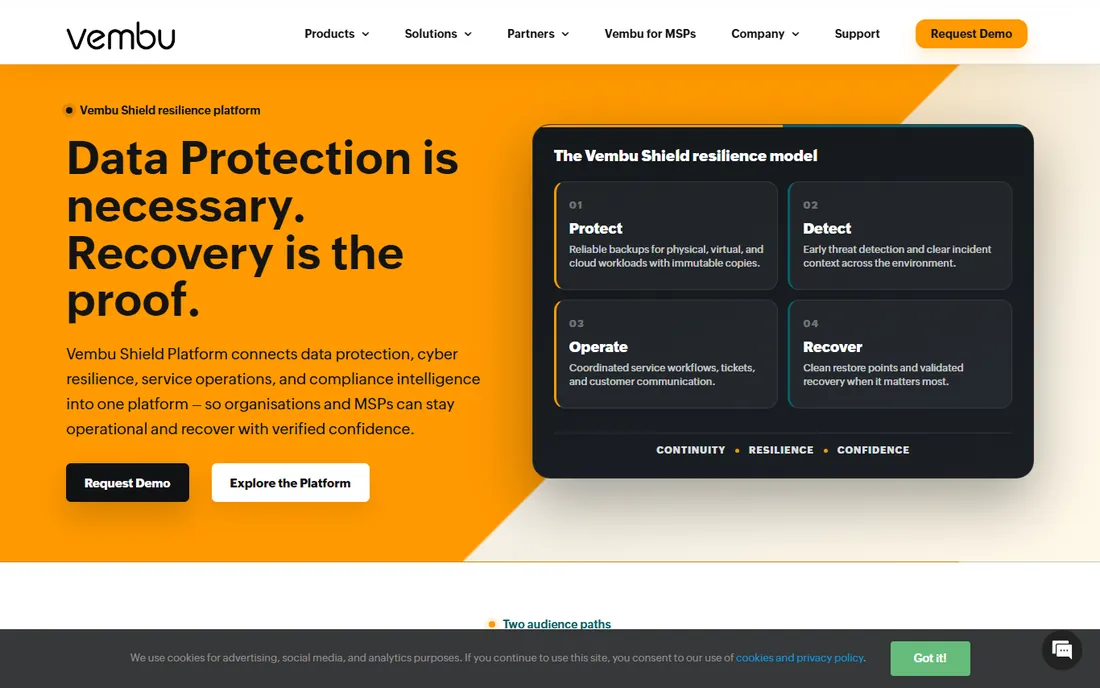
BDRSuite is the budget challenger that keeps showing up in Veeam comparisons, and the comparison is the point: it covers VMware, Hyper-V, KVM, Windows and Linux servers, major databases, endpoints and SaaS apps from one console, with backup, replication and disaster recovery included. Licensing runs per VM, per CPU socket or per user depending on workload type, in both subscription and perpetual flavors, and the vendor positions it as a fraction of enterprise pricing.
The caveat is transparency. The pricing page pushes you toward the customer portal for numbers, so expect a quote flow. Treat third-party per-VM figures as indicative, not current. The free edition is the practical starting point: protect a small environment at no cost, validate the recovery workflow, and then price the paid tiers against NAKIVO for the same workload count.
What we like- Among the lowest per-VM costs in the category with both subscription and perpetual licensing
- Covers an unusually wide platform list including KVM, Proxmox, AWS, Azure and Microsoft 365
- Free edition available for small deployments
Watch out for- Pricing details live behind the vendor's portal rather than a public price list
- Interface and reporting feel less polished than the category leaders
#7
Arcserve Unified Data Protection
Best for: Enterprises standardizing virtual and physical backup on one platform
Visit arcserve.com
Starting priceSee website (quote-based)
Free planFree trial
Arcserve UDP is the enterprise consolidation play. Where smaller tools focus on VMs, Arcserve positions one solution across virtual machines, physical servers, workstations, cloud workloads and SaaS apps, with image-based backup, replication, high availability and archiving under one license model. For organizations standardizing backup after years of point solutions, that breadth plus mature tape handling is the appeal.
This is not a tool you buy from a price list. Licensing is quote-based through the vendor or partners, and the evaluation realistically means a trial against your current platform's recovery times. Shops that only need VM backup will find sharper, cheaper options above; Arcserve earns its place where the requirement is one vendor for everything.
What we like- One platform for virtual, physical, cloud and SaaS backup with global deduplication
- Strong ransomware protection with immutable storage options
- Deep tape support for shops with archival compliance needs
Watch out for- Quote-only pricing and an enterprise sales process
- Interface shows its age next to newer competitors
Starting price$49/month + $2/endpoint/month (Professional)
Free planFree trial
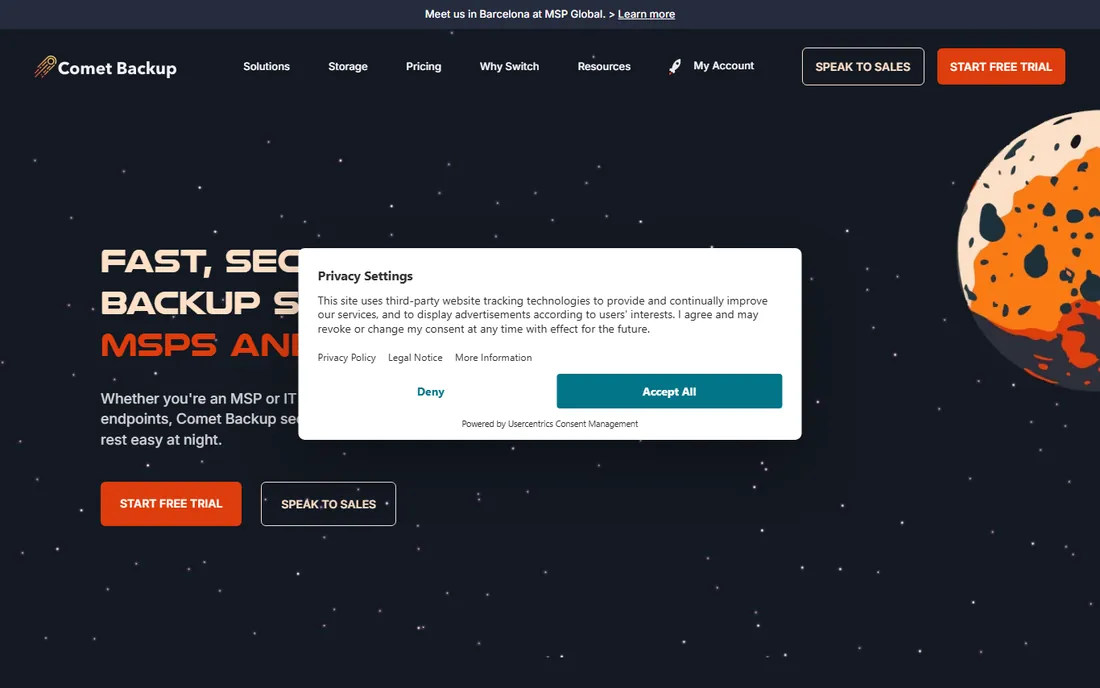
Comet Backup is built for MSPs, and the pricing page reads like it: Professional starts at $49 per month with endpoints at $2 each per month, and a calculator estimates the monthly total from your device count. The architecture is the differentiator: the software is storage-agnostic, backing up to your own cloud storage (Wasabi, S3, Azure, Backblaze B2) or on-prem disk, so storage cost and software cost stay separate line items.
That separation cuts both ways. If you have cheap object storage, Comet is one of the lowest-cost ways to protect a fleet of servers and workstations. If you want the vendor to handle storage, look at Veeam's cloud vault or Acronis cloud storage instead. The free trial covers the full product, which is the right way to test restore speeds against your own storage backend.
What we like- Published per-endpoint pricing ($2/month) makes client billing math trivial
- Bring-your-own-storage model works with S3, Wasabi, Azure and local disk
- Self-hosted and Comet-hosted console options
Watch out for- You manage the storage, so capacity planning and egress costs are your problem
- Smaller brand with a thinner integration ecosystem than Veeam or Acronis
#9
MSP360 Backup
Best for: Admins who bring their own cloud storage
Visit msp360.com
Starting price$29.99/year per computer (Desktop Pro)
Free planYes (free edition)
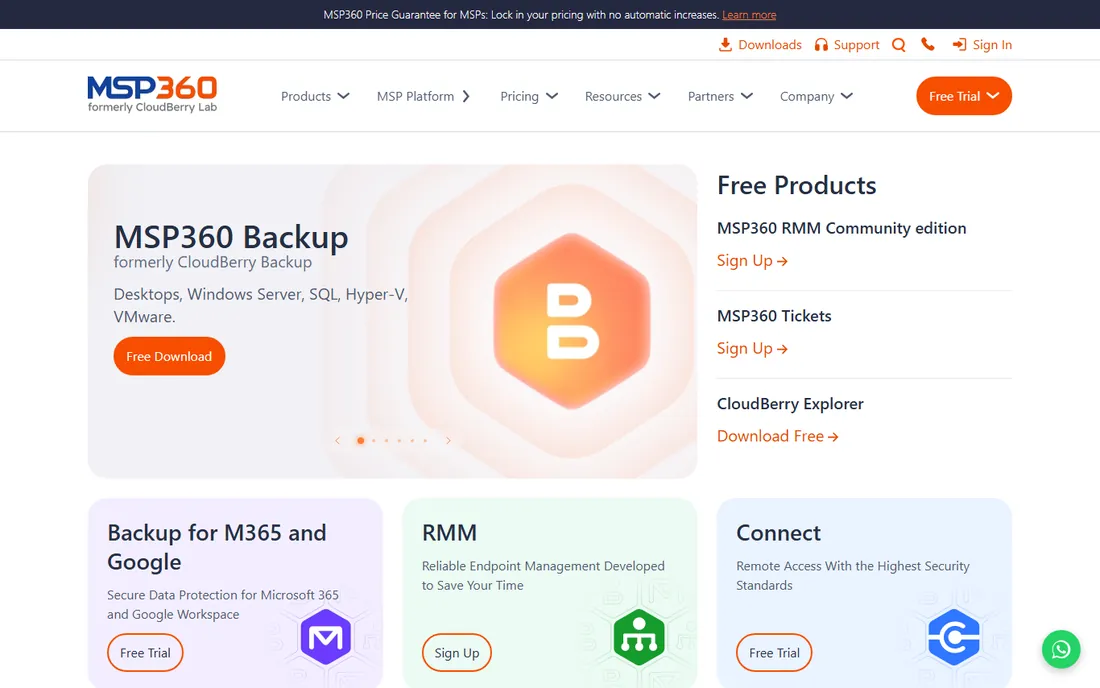
MSP360 (the standalone backup product; the MSP platform is a separate line) is the bring-your-own-storage tool for individual admins and small IT teams. The vendor publishes the whole price list: a free edition for basic desktop backup, Desktop Pro at $29.99 per computer per year, Server editions at $109.99, and VM backup for VMware, Hyper-V or Proxmox at $379.99 per host per year, all with a 15-day trial on paid editions. Storage options span the major S3-compatible clouds plus local disk, with client-side encryption and immutability (object lock) supported.
The honest limitation is management: this is per-machine software, not a fleet console. For one admin protecting a handful of hosts with cheap Wasabi storage, the math is excellent. For an MSP with hundreds of endpoints, Comet's per-endpoint model or MSP360's own MSP platform fits better.
What we like- Published per-computer pricing from $29.99/year, among the cheapest entry points here
- Supports 20-plus storage backends including S3, Wasabi, Backblaze B2 and Azure
- VM edition covers VMware, Hyper-V and Proxmox per host
Watch out for- No central management on the standalone product (that is the separate MSP platform)
- Per-computer licensing gets fiddly at fleet scale
Restores are the product: what to compare before you buy
Vendors sell backup; you buy recovery. When you trial these tools, test three restores, not three backups. First, instant VM boot: can you power on a failed VM directly from the backup repository, and how long until users can log in? Veeam, NAKIVO, Hornetsecurity and Vembu all offer some form of this, but boot times vary with your storage backend. Second, granular recovery: can you pull a single file, mailbox item or database table without restoring the whole VM? This is the restore you will actually run most often. Third, cross-platform restore: if you ever migrate hypervisors, can the backup move with you? Veeam's portable backups and NAKIVO's cross-platform recovery are built for exactly this.
Then check the ransomware story, because it is now a buying criterion, not a bonus. Immutable storage (backups that cannot be modified or deleted for a retention period) is offered by Veeam, NAKIVO, Hornetsecurity, Acronis, Arcserve and MSP360 in various forms; confirm which storage targets support it before you assume. Finally, price the storage, not just the software. Comet and MSP360 look cheap because storage is separate; a $49/month console plus 10 TB of S3 can cost more than an appliance quote that bundles both. Model three years of software plus storage plus support, then compare.
Where the free editions end
Free backup software is genuinely useful in this category, but each free tier has a cliff. Veeam's Community Edition (10 workloads, free) and Vembu's free edition cover small environments completely; they end when your workload count grows past the limit. Hornetsecurity's Free Edition (2 VMs per host, forever) is narrower but permanent, ideal for a micro business that will never need more. MSP360's free edition covers basic desktop backup only; VM backup is paid from the start.
Trials are the other on-ramp. NAKIVO, Acronis, Unitrends, Arcserve, Comet and MSP360 all offer free trials of the full product, typically 15 to 30 days. Use the trial to run the three restores above, not to admire the dashboard. One practical note: free editions do not include vendor support at the same level as paid licenses, so if recovery SLAs matter to your business, budget for a paid tier with support rather than stretching a free edition past its intent.
How we chose
We started with the categories buyers search: VM backup software, virtual machine backup, VMware backup software and Hyper-V backup. For each candidate we opened the vendor's own site, checked the current product name and edition structure (several products here have been acquired or rebranded), verified pricing and free-tier claims against the vendor's own pricing pages, and compared recovery features, supported hypervisors and licensing models. Where a price could not be verified on the vendor's page we wrote "See website" rather than repeating third-party figures.
Frequently asked questions
What is the best VM backup software for a small business?
For a small VMware or Hyper-V shop, the practical shortlist is Veeam Community Edition (free, 10 workloads), Hornetsecurity VM Backup (free for 2 VMs per host, simple console), and NAKIVO or Vembu BDRSuite when you need paid features at SMB prices. MSP360 is the cheapest paid route if you bring your own storage.
How much does VM backup software cost?
It ranges from free (community and free editions) to quote-based enterprise licensing. Published starting points on this list: MSP360 from $29.99/year per computer, Comet Backup from $49/month plus $2 per endpoint, and per-VM or per-workload licensing from NAKIVO, Vembu and Hornetsecurity. Veeam, Acronis, Unitrends and Arcserve are quote-based, so budget time for a sales conversation.
Can I back up both VMware and Hyper-V with one tool?
Yes. Veeam, NAKIVO, Hornetsecurity VM Backup, Acronis, Vembu BDRSuite and Arcserve all protect both hypervisors from one console, and most also cover Nutanix AHV, KVM or Proxmox. If you run a mixed environment, confirm cross-hypervisor restore support, not just backup support.
What is the difference between per-VM, per-socket and per-workload licensing?
Per-VM licensing charges for each virtual machine protected. Per-socket licensing charges per CPU socket on the host, regardless of VM count, which favors dense hosts. Per-workload licensing (NAKIVO, Veeam) counts each protected VM, server or instance as a workload. Dense hosts usually win on per-socket; sparse or small environments usually win on per-VM or per-workload.
Do I need a separate tool for ransomware protection?
Not necessarily. Immutable backups, which cannot be altered or deleted during retention, are now standard features in Veeam, NAKIVO, Hornetsecurity, Acronis, Arcserve and MSP360. Acronis goes further by bundling anti-malware and patching into the same agent. Immutability depends on the storage target, so verify your repository supports it.
Is free VM backup software safe for production?
Free editions from established vendors (Veeam Community Edition, Hornetsecurity Free Edition, Vembu free edition) are production-capable within their limits. The risks are the limits themselves: workload caps, missing features like replication, and reduced support. If the VMs run your business, keep the free edition for test or secondary workloads and pay for the tier that covers production with support.
Sources we checked (11)
- https://www.veeam.com/vm-backup-recovery-replication-software.html
- https://www.veeam.com/products/free/backup-recovery.html
- https://www.nakivo.com/en/pricing/
- https://www.hornetsecurity.com/en/services/vm-backup/
- https://www.hornetsecurity.com/en/services/vm-backup/free-virtual-machine-backup-solution/
- https://www.acronis.com/en/
- https://www.unitrends.com/
- https://www.vembu.com/
- https://www.arcserve.com/
- https://www.cometbackup.com/pricing
- https://www.msp360.com/
Is your product missing or out of date?
We review this list regularly. Vendors can request a listing, send updated pricing or ask about featured placement.

Shihab Mia · Founder, Rankite
Shihab has spent more than a decade helping SaaS and e-commerce brands grow through search. He writes Rankite's software buying guides from pricing pages, documentation and public user reviews. More about Shihab.