How we make this list: we compare pricing pages, product documentation and public user reviews. Ratings come from G2, Capterra or Trustpilot, with the date we checked them.
Key takeaways
- Runway offers the most control for editors, while Kling and Hailuo give strong cinematic motion at lower monthly prices.
- Synthesia and HeyGen solve a different job: presenter-led videos from a script, not generated footage.
- Every credit-based tool charges for retries and failed renders, so budget for three attempts per finished clip, not one.
- Pika cheaper plans do not include commercial use or watermark-free downloads, so creators who publish for clients need the Pro plan.
- Luma free plan was withdrawn in early 2026 in one pricing audit, so confirm the current free terms before relying on it.
- Sora was discontinued on 26 April 2026 and is deliberately not listed here; Runway and Kling are the go-to alternatives.
Quick comparison
| Tool | Best for | Starting price | Free plan |
|---|
 Runway Runway | Editor control and polished clips | $15/month | Yes |
 Pika Pika | Quick playful social clips | $10/month | Yes |
 Luma Dream Machine Luma Dream Machine | Cinematic photorealistic clips | $9.99/month | Yes |
 Kling Kling | Realistic motion and physics | $8.80/month | Yes |
 Hailuo Hailuo | Prompt accuracy at a low price | $10.50/month | Yes |
 Vidu Vidu | Reference-based video | $10/month | Yes |
 Synthesia Synthesia | Avatar-led training videos | $29/month | Yes |
 HeyGen HeyGen | Avatar videos and translation | $29/month | Yes |
Is your product missing or out of date?
We review this list regularly. Vendors can request a listing, send updated pricing or ask about featured placement.
#1Runway
Best for: Editor control and polished clips4.1/5 on
G2 (105 reviews, checked Oct 2026)
Visit runwayml.com
Starting price$15/month
Free planYes
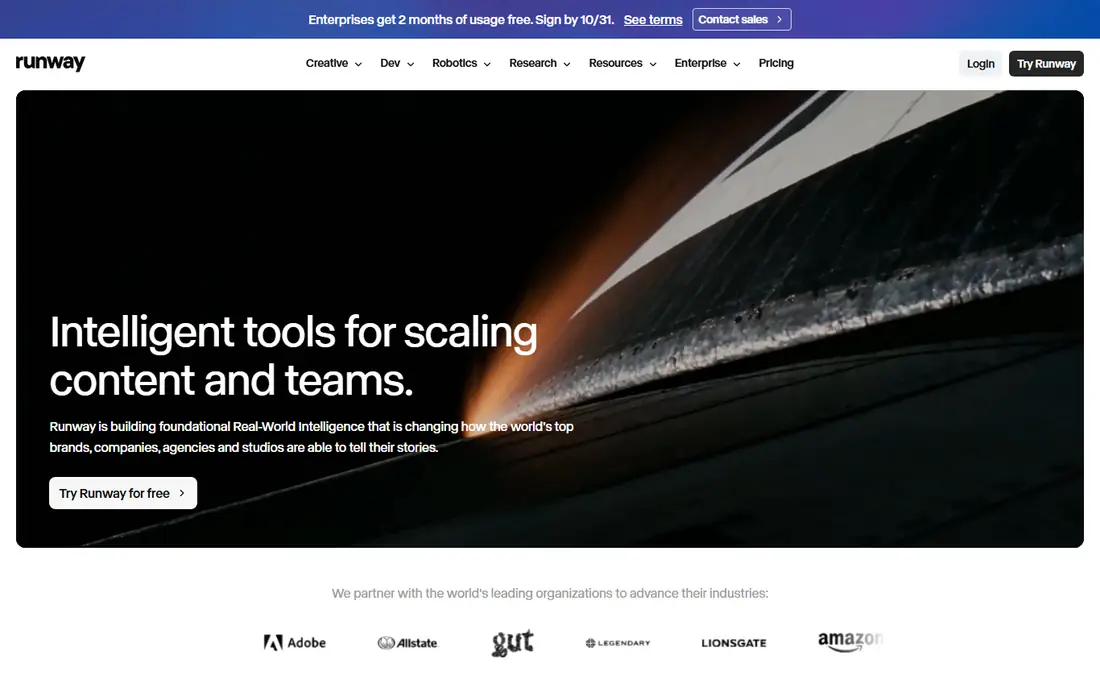
Runway offers the most control for editors, with Gen-4.5 producing polished clips of 2 to 10 seconds and the Ruby capability adding professional HDR output in ProRes and EXR for post-production workflows. The free plan includes 125 one-time credits, Standard costs 15 dollars a month or 12 dollars billed yearly with 625 credits, and higher tiers reach 9,500 credits.
There is no native audio, and the Standard credit allowance covers near 52 seconds of footage, so a realistic hit rate of one usable clip in three to five attempts means the month allowance produces only seconds of keeper footage. For an editor who needs control and polish for hero shots, Runway is the best pick.
What we like- Most control for editors
- Gen-4.5 clips 2 to 10 seconds
- Ruby HDR output in ProRes and EXR
- 125 one-time free credits
- Standard 625 credits
Watch out for- Standard plan 15 dollars a month, or 12 dollars billed yearly
- No native audio
- Standard credits cover near 52 seconds
- Retries eat credits
Starting price$10/month
Free planYes

Pika suits quick playful social clips, with a free tier of 80 credits a month and Standard at 10 dollars a month with 700 credits. The tool excels at stylized and illustrated video, and its free tier is among the most accessible for ongoing social content.
Cheaper plans do not include commercial use or watermark-free downloads, so creators who publish for clients need the Pro plan at 35 dollars a month with 2,300 credits. There is no native audio. For a social creator who wants fast, playful clips, Pika is the best pick, with Pro for commercial work.
What we like- Quick playful social clips
- Free tier with 80 credits a month
- Standard 700 credits
- Stylized and illustrated video strengths
Watch out for- Cheaper plans exclude commercial use and watermark-free downloads
- No native audio
- Pro needed for client publishing
Starting price$9.99/month
Free planYes
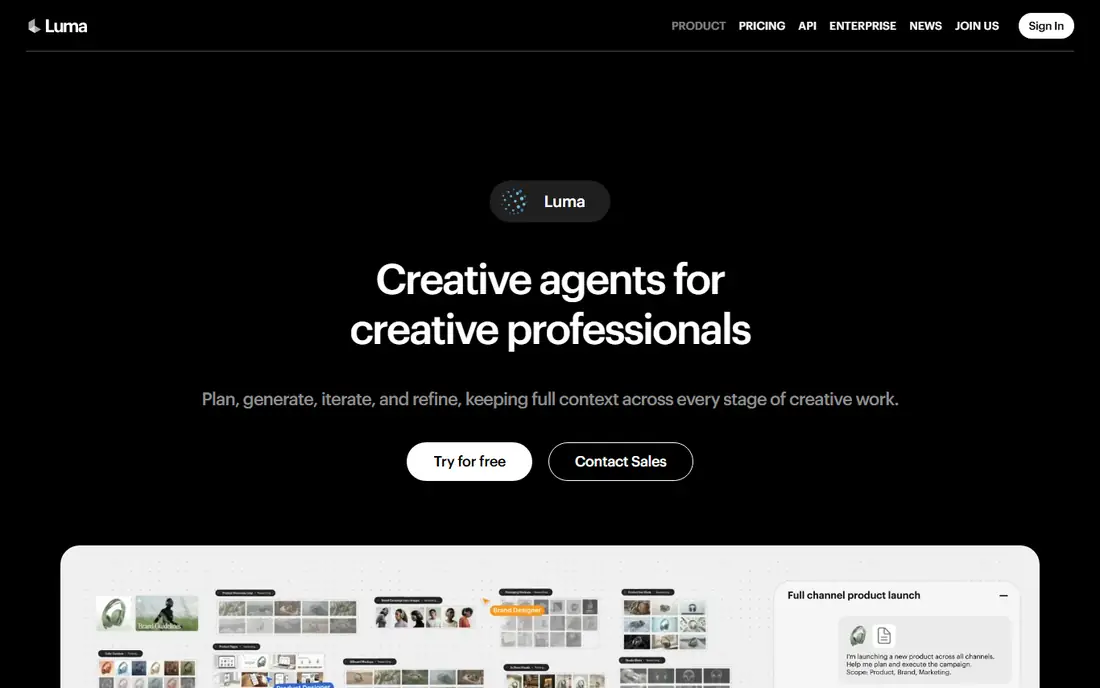
Luma Dream Machine suits cinematic photorealistic clips with editing tools and ambience audio, plus high-volume plans for heavy users. One guide cites entry at 9.99 dollars a month, while a pricing audit from August 2026 cites 30 dollars a month or 25 dollars billed yearly with 10,000 credits, and notes the free plan was withdrawn in early 2026.
Confirm the current free and entry terms on the vendor site before relying on them, since the guides disagree sharply. For a creator who wants cinematic photorealistic clips with editing tools, Luma remains a strong pick once pricing is confirmed.
What we like- Cinematic photorealistic clips
- Editing tools
- Ambience audio
- High-volume plans
- Entry 9.99 dollars a month in one guide
Watch out for- Free plan withdrawn in early 2026 per one pricing audit
- Other guides cite 30 dollars a month entry with 10,000 credits
- Confirm current terms
Starting price$8.80/month
Free planYes
Kling gives strong cinematic motion at a lower monthly price, with realistic humans, lip-sync, and physics that suit longer social videos. Entry costs 10 dollars a month, or 8.80 dollars after a promo, with 660 credits, and some guides cite 66 free credits a day, while one audit lists no published free plan, so confirm the current free terms. Native audio arrived on version 2.6.
Cost per finished minute is the real math: at Pro with audio rates, sixty finished seconds costs roughly 30 to 50 dollars in raw generation once retries are counted. For a creator who wants realistic motion and native audio at a lower price than Runway, Kling is the best pick.
What we like- Realistic motion and physics
- Native audio on version 2.6
- 66 credits a day free in some guides
- 8.80 dollars a month after promo
- Long video strengths
Watch out for- No published free plan in one audit
- Standard 660 credits
- Pro with audio 0.084 to 0.168 dollars a second
- Retries multiply cost
Starting price$10.50/month
Free planYes
Hailuo, also known as MiniMax, suits free experimentation, learning, and budget video creation, with free daily credits that refresh, smooth jitter-free motion, and no credit card required to start. The entry paid plan is cited at 10.50 dollars a month in one guide and 14.99 dollars in another, so confirm the current rate.
The brand presence is smaller than Runway or Kling, feature depth is thinner than premium tools, and the free tier carries a watermark. For a learner or budget creator who wants daily free use, Hailuo is the best pick.
What we like- Prompt accuracy at a low price
- Free daily credits that refresh
- Smooth jitter-free motion
- No credit card to start
- Watermark on free tier
Watch out for- Smaller brand presence than Runway or Kling
- Less feature depth than premium tools
- Paid entry cited 10.50 to 14.99 dollars a month by guide
Starting price$10/month
Free planYes
Vidu suits reference-based video, letting a creator start from references and generate consistent clips around them. The free plan includes 10 references a month, Standard costs 10 dollars a month with 800 credits, and higher tiers run 35 and 99 dollars a month with 4,000 and 8,000 credits.
The community is smaller than Runway or Kling, and feature depth is thinner than premium rivals. For a creator who works from references and wants consistent characters or styles, Vidu is a solid pick.
What we like- Reference-based generation
- Free plan with 10 references a month
- Standard 800 credits
- 10 dollars a month entry
Watch out for- Smaller community than Runway or Kling
- Higher tiers 35 and 99 dollars a month
- Feature depth thinner than premium rivals
#7Synthesia
Best for: Avatar-led training videos4.6/5 on
G2 (2,804 reviews, checked Oct 2026)
Visit synthesia.io
Starting price$29/month
Free planYes
Synthesia solves a different job from the footage generators: presenter-led training and explainer videos from a script, with avatars speaking in 140-plus languages. The tool suits enterprise learning and development teams that need consistent training videos without filming, and the AI Playground now includes Veo and Gemini models. Entry pricing is cited at 18 dollars a month annually in one guide and 29 dollars a month in another, with metering in minutes.
Avatar videos are not generated footage, so Synthesia cannot replace Runway or Kling for cinematic clips. For an enterprise team that needs training videos at scale, Synthesia is the best pick.
What we like- Avatar-led training and explainer videos
- 140-plus languages
- Enterprise L&D strengths
- Free trial with limited minutes
- Now includes Veo and Gemini in AI Playground
Watch out for- Entry cited 18 to 29 dollars a month by guide
- Metered in minutes
- Avatar videos, not generated footage
- Enterprise features cost more
#8HeyGen
Best for: Avatar videos and translation4.8/5 on
G2 (1,973 reviews, checked Oct 2026)
Visit heygen.com
Starting price$29/month
Free planYes
HeyGen is the best AI video generator for most teams when the job is avatar video, with avatar quality and translation features unmatched at the price. The free plan includes 3 videos a month, Creator costs 29 dollars a month with 600 credits, and higher tiers run 49 dollars and quote-only business. Marketing spokesperson videos, personalized video, and translation are the strengths.
HeyGen produces avatar videos, not generated footage, so it complements rather than replaces Runway or Kling. For a team that needs spokesperson, marketing, or translated videos, HeyGen is the best pick.
What we like- Best avatar quality and translation at the price
- 3 free videos a month
- Creator 600 credits
- Marketing spokesperson videos
- Personalized video
Watch out for- Creator 29 dollars a month
- Higher tiers 49 dollars and quote-only business
- Avatar videos, not generated footage
How we chose
We separated footage generators from avatar generators, since they solve different jobs and a ranking that mixes them misleads both buyers. We applied the retry multiplier nobody advertises: generation is probabilistic, so a realistic hit rate is one usable clip in three to five attempts, which reorders the rankings for most people, since quality leadership matters for hero shots while cost per attempt decides the other forty seconds. We also flagged where guides disagree on price and free terms, since Luma, Kling, Synthesia, and HeyGen each carry conflicting published rates.
What to check before you buy
Budget for three attempts per finished clip, not one, and calculate cost per finished minute, not cost per credit, since credit allowances hide very different footage totals. Check whether cheaper plans include commercial use and watermark-free downloads, since Pika excludes both on cheaper plans. Confirm free tier terms on the vendor site, since Luma withdrew its free plan in early 2026 per one audit. Finally, check native audio, since Runway and Pika lack it while Kling, Veo, and Luma offer audio, and confirm export restrictions, since Udio-style walled gardens and restricted exports affect workflows.
A note on disclosure
Disclose AI-generated video when it matters, especially for news, testimonials, or any video where a viewer might mistake a generated person or scene for real footage. Labeling protects your audience and your brand, and it avoids the trust damage that follows when viewers discover a video was generated without disclosure. For marketing and training videos, a simple note that the video was AI-generated is enough.
Frequently asked questions
What is the best AI video generator overall?
HeyGen is best for avatar videos for most teams, while Runway offers the most control for cinematic footage and Kling gives realistic motion at a lower price. The best pick depends on whether you need footage or a presenter.
How much does AI video generation really cost?
More than the monthly price suggests, since retries multiply cost. Budget three attempts per finished clip, and calculate cost per finished minute: Kling Pro with audio runs roughly 30 to 50 dollars per finished minute once retries are counted.
Can I use free AI video tools commercially?
Usually not on free tiers. Pika cheaper plans exclude commercial use and watermark-free downloads, and most free tiers carry watermarks or non-commercial terms, so check the plan before publishing for clients.
Do AI video tools include audio?
Some do. Kling, Veo, and Luma offer native audio, while Runway and Pika do not. Synthesia and HeyGen include speech through avatars.
What happened to Sora?
Sora was discontinued on 26 April 2026. Runway and Kling are the go-to alternatives for cinematic text-to-video.
Sources we checked (0)
Is your product missing or out of date?
We review this list regularly. Vendors can request a listing, send updated pricing or ask about featured placement.

Shihab Mia · Founder, Rankite
Shihab has 5+ years in B2B and SaaS SEO. He writes Rankite's software buying guides from pricing pages, documentation and public user reviews. More about Shihab.