How we make this list: we compare pricing pages, product documentation and public user reviews. Rankite is independent; if a vendor ever pays for a featured spot, that listing is clearly labeled Partner.
Key takeaways
- DaVinci Resolve is the best free editor by a wide margin, with professional color and editing tools at no cost.
- Adobe Premiere Pro remains the industry standard for businesses that outsource to freelance editors.
- CapCut and Clipchamp cover quick social videos and talking-head content for almost nothing.
- Descript is the pick for businesses that edit by transcript: podcasts, webinars and course videos.
- Filmora, Camtasia, InVideo, Animoto and WeVideo fill specific niches from tutorials to template-driven promos.
Quick comparison
| Tool | Best for | Starting price | Free plan |
|---|
 Adobe Premiere Pro Adobe Premiere Pro | Professional editing standard | $22.99/month | Free trial |
 DaVinci Resolve DaVinci Resolve | Free professional editor | Free | Yes |
 Filmora Filmora | Easy desktop editing | See website | Yes |
 Camtasia Camtasia | Tutorials and screen recordings | See website | Free trial |
 Clipchamp Clipchamp | Quick Microsoft-based editing | Free | Yes |
 CapCut CapCut | Social video on any device | Free | Yes |
 Descript Descript | Editing by transcript | See website | Yes |
 InVideo InVideo | Template-driven promo videos | See website | Yes |
 Animoto Animoto | Slideshow-style marketing videos | See website | Yes |
 WeVideo WeVideo | Browser-based team editing | See website | Yes |
Is your product missing or out of date?
We review this list regularly. Vendors can request a listing, send updated pricing or ask about featured placement.
The best video editing software for small business
#1
Adobe Premiere Pro
Best for: Professional editing standard
Visit adobe.com
Starting price$22.99/month
Free planFree trial
Premiere Pro is what professional editors use, which is itself the reason to buy it. Any freelancer you hire already knows it, project files transfer cleanly, and the ecosystem of plugins, templates and tutorials is unmatched. For businesses producing regular polished content, that compatibility matters more than any single feature.
The cost and complexity are real. At $22.99 per month for a single app, plus the learning curve, Premiere Pro is overkill for a business making one product demo a month. Buy it when video is a serious channel and you work with outside editors. Otherwise start free.
What we like- Industry standard freelancers already know
- Deep feature set
- Integrates with After Effects and Photoshop
Watch out for- $22.99 per month per seat adds up
- Real learning curve for beginners
Starting priceFree
Free planYes
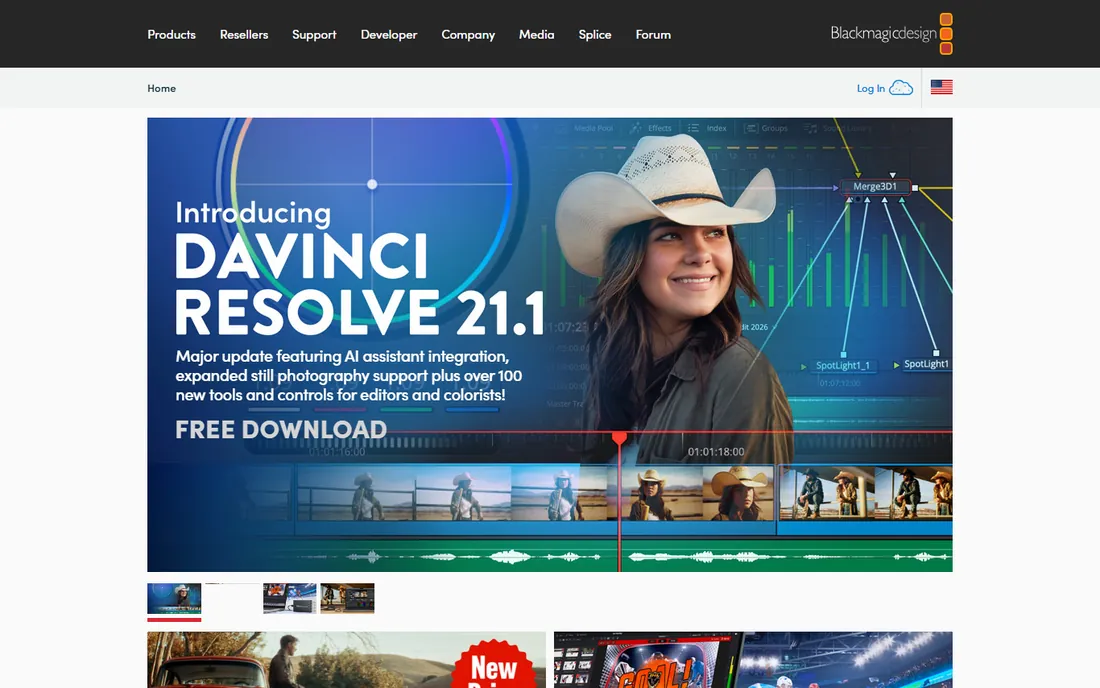
DaVinci Resolve is the best deal in software. The free version includes a full non-linear editor, world-class color grading, Fairlight audio and Fusion effects with no watermark and no time limit. Hollywood colorists use the same tools. Small businesses get professional capability for zero dollars.
The catch is the learning curve. Resolve assumes you want to learn editing properly, and the interface reflects that. It also wants real hardware for heavy projects. But a business willing to invest a weekend in tutorials gets an editor that never charges a subscription.
What we like- Completely free with professional editing, color and audio tools
- No watermark
- Studio version is a $295 one-time purchase
Watch out for- Interface intimidates beginners
- Needs a decent computer for 4K work
Starting priceSee website
Free planYes
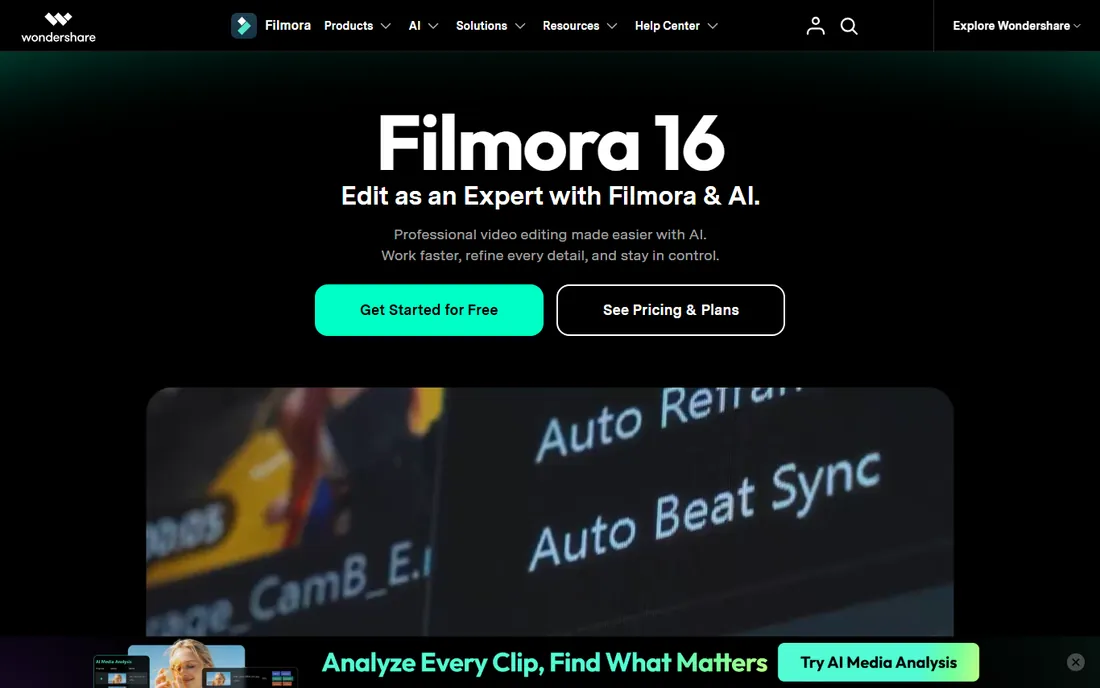
Filmora sits between phone apps and professional editors. Templates, transitions, titles and effects make decent-looking videos fast, and the interface does not punish beginners. YouTubers, course creators and small marketing teams produce solid content without editing training.
The free version exports with a watermark, so budget for a paid plan for anything public. Complex multi-track projects strain the tool. Filmora is the right call when you want better than CapCut without learning Premiere.
What we like- Gentle learning curve with templates and effects
- Affordable
- Good for YouTube-style content
Watch out for- Free version watermarks exports
- Less depth for complex projects
Starting priceSee website
Free planFree trial
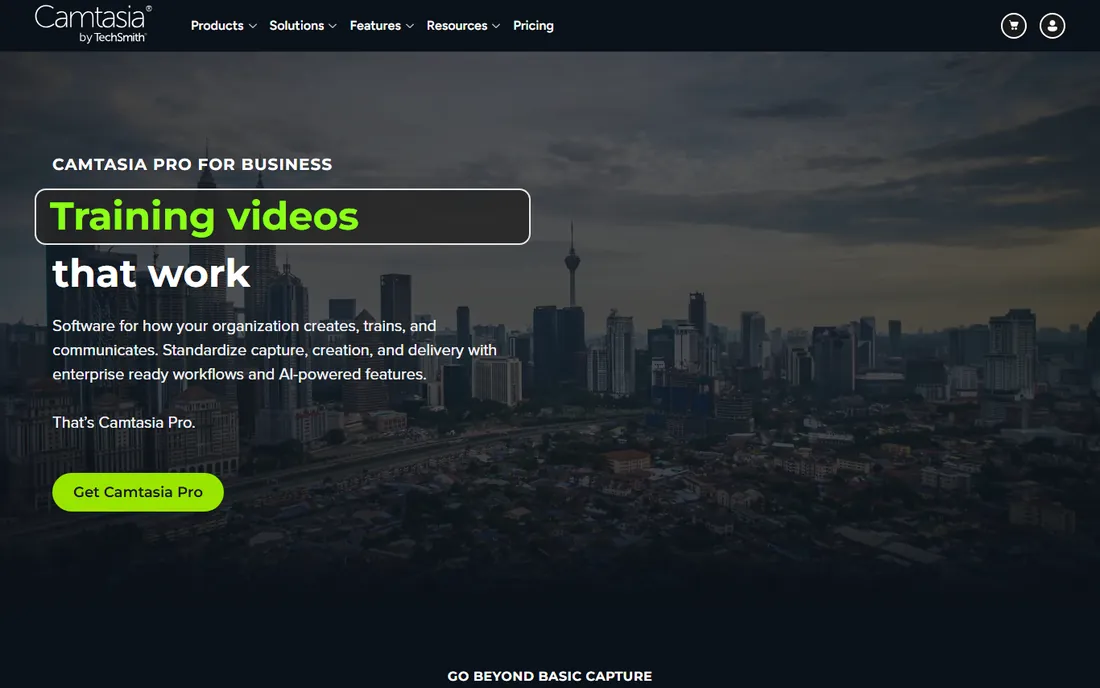
Camtasia owns the tutorial niche. Record your screen, edit the footage, add callouts, annotations and quizzes, and export a training video, all in one tool. Software companies, trainers and course creators who live on how-to content will not find a better fit.
It is priced as professional software with a free trial rather than a free tier, so casual users should look elsewhere. Cinematic editing is not the point. If your business makes tutorials, demos or training videos, Camtasia pays for itself in saved production time.
What we like- Best screen recording plus editing combo
- Annotations and quizzes for training videos
- 30-day free trial
Watch out for- Priced per user at the premium end
- Not built for cinematic editing
Starting priceFree
Free planYes
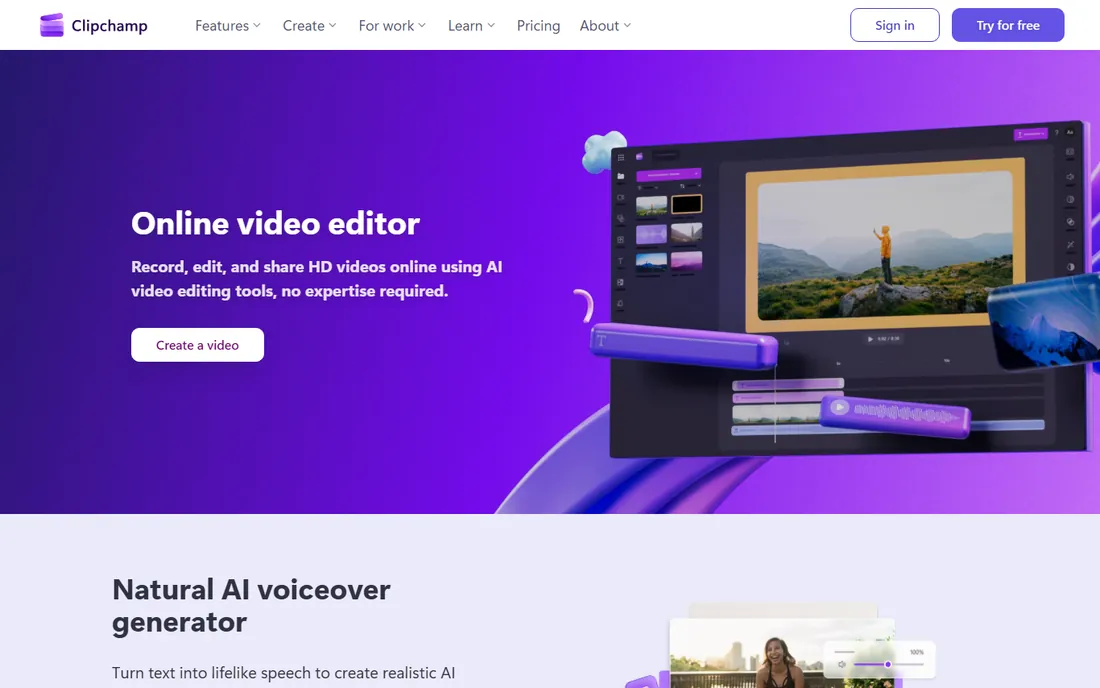
Clipchamp is Microsoft's answer to quick video editing, and it is free with any Microsoft account. Templates, text-to-speech, stock video and simple timeline editing cover social posts, internal comms and basic promos. Because it runs in the browser, there is nothing to install.
Heavy editing belongs elsewhere. 4K multi-track projects will chafe in a browser tab, and the best stock assets sit behind the premium tier. Clipchamp is perfect for the business that needs a decent video this afternoon, not a film.
What we like- Free with a Microsoft account
- Runs in the browser
- Templates and stock media included
Watch out for- Browser-based performance limits heavy projects
- Premium features need a paid plan
Starting priceFree
Free planYes
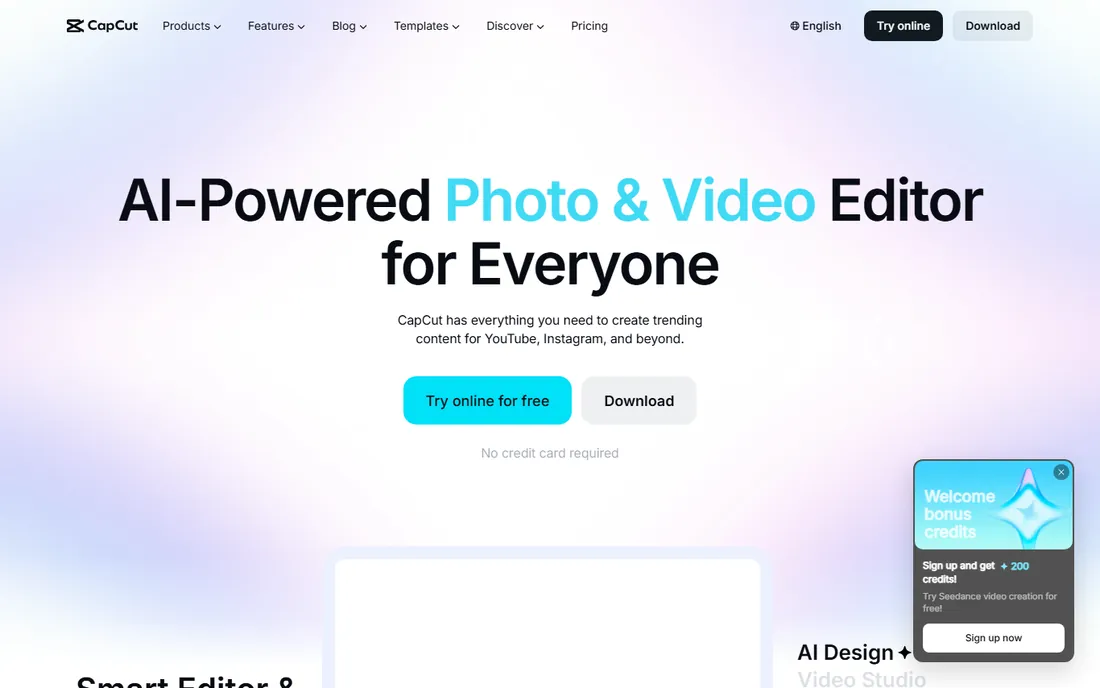
CapCut is the free editor that embarrassed paid competitors. Auto captions, background removal, templates and effects handle most social video needs, and it runs on phone, desktop and web with cloud sync. Small businesses making TikToks, Reels and Shorts get everything they need for free.
The ByteDance ownership gives some businesses pause on data grounds, and serious color grading or audio mixing needs a real editor. For social-first video, though, nothing matches the price to capability ratio. Start here before spending anything.
What we like- Free and genuinely capable
- Best-in-class auto captions
- Desktop, mobile and web versions
Watch out for- Tied to the ByteDance ecosystem
- Advanced color and audio tools are limited
Starting priceSee website
Free planYes
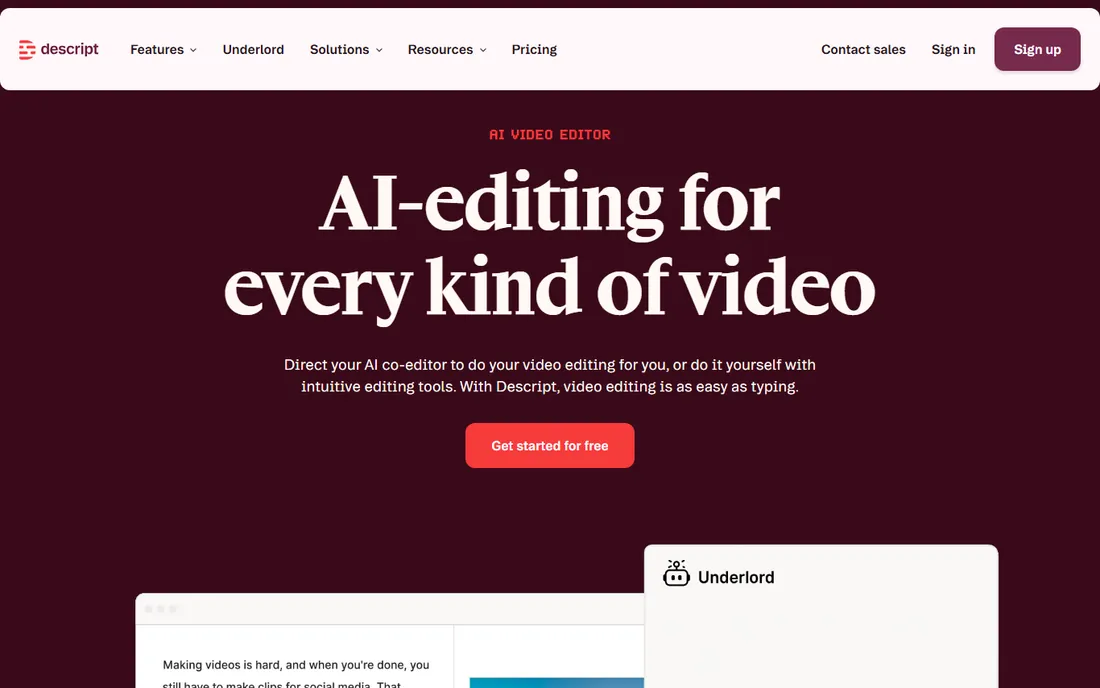
Descript flips editing on its head: it transcribes your video, and you edit by deleting text. Cutting a webinar down to highlights becomes a writing task. Filler-word removal, studio sound and AI voice cloning polish the result. Podcasters and course creators save hours.
Traditional editors will miss the timeline for complex visual work. Pricing details take some digging on the site, though a free plan exists. If your videos are talking heads, interviews or presentations, Descript changes the economics of editing.
What we like- Edit video by editing text
- Great for podcasts, webinars and courses
- AI voices and filler-word removal
Watch out for- Not a traditional timeline editor
- Pricing not published on the main tiers page clearly
Starting priceSee website
Free planYes
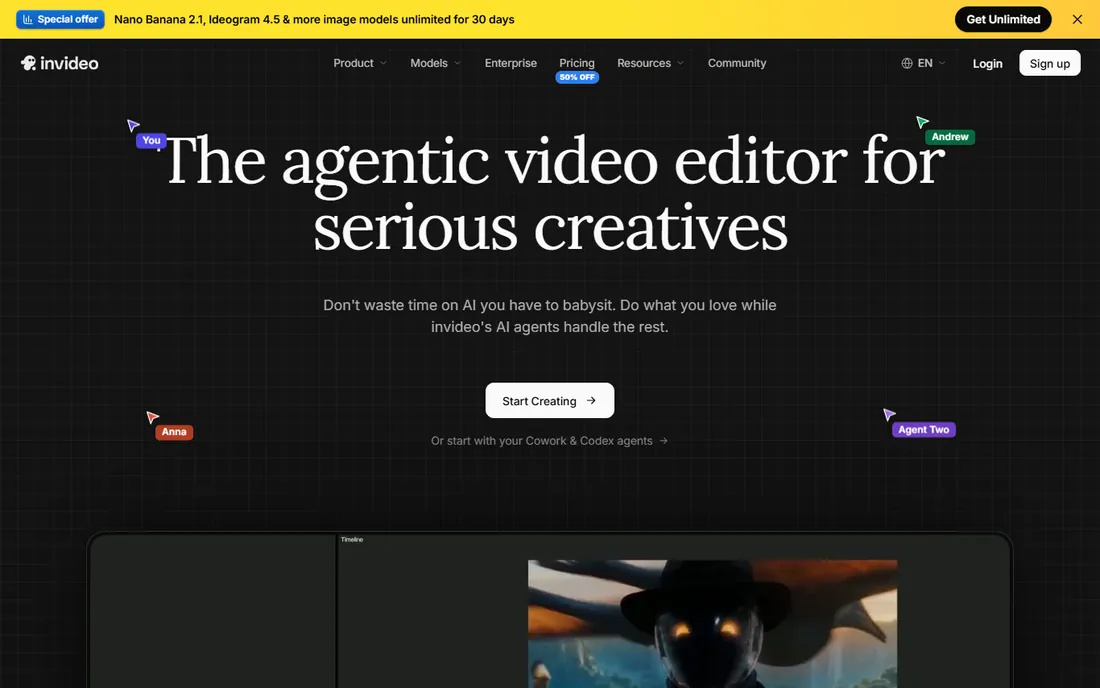
InVideo is for businesses that need promo videos without an editor. Pick a template, drop in your text and footage, and export an ad, product video or social post. The AI text-to-video feature drafts videos from a script. The free plan lets you test the workflow.
The tradeoff is originality. Template-driven videos look like template-driven videos, and standing out takes customization effort. Pricing is not published on the main page. InVideo suits high-volume promo production where speed beats craft.
What we like- Thousands of templates for ads and promos
- Text-to-video AI
- Free plan to start
Watch out for- Template look can feel generic
- Free plan has watermarks and limits
Starting priceSee website
Free planYes
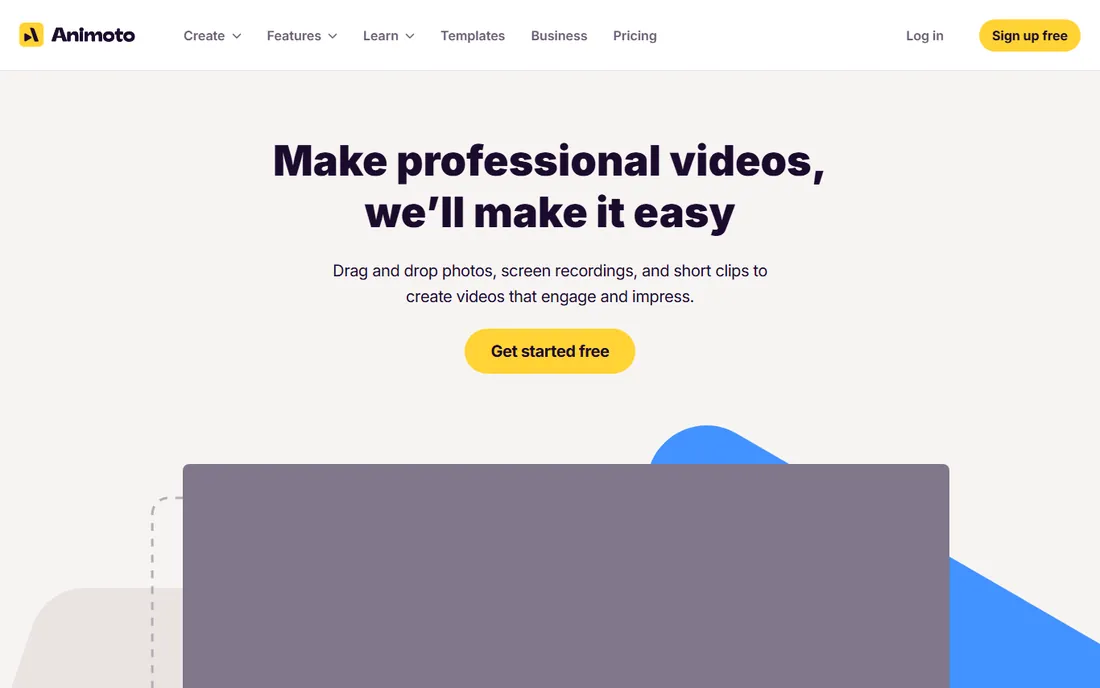
Animoto turns photos and clips into polished slideshow videos in minutes. Real estate agents, event planners and retailers who need property tours or recap videos without editing skills get professional-looking results fast. The free plan covers basic use.
Creative control is deliberately limited; this is assembly, not editing. Narrative or complex videos need a real editor. Animoto is the right tool when the job is "make these photos move nicely" and nothing more.
What we like- Easiest path from photos to video
- Good for real estate, events and retail
- Free plan available
Watch out for- Limited creative control
- Not a real editor for narrative video
Starting priceSee website
Free planYes
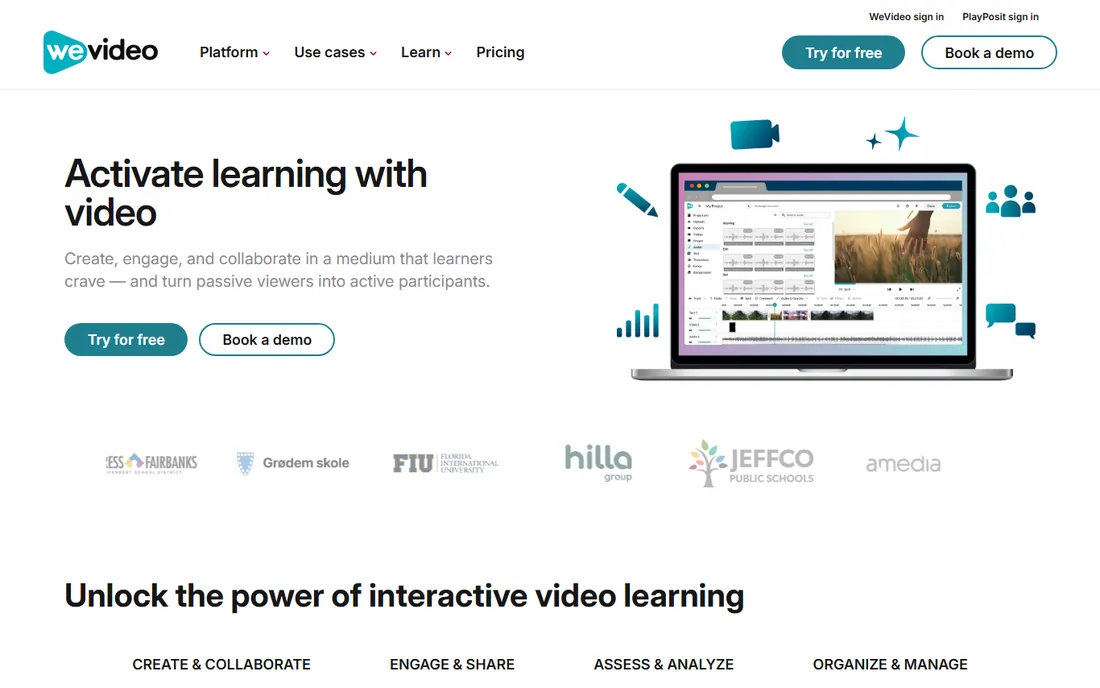
WeVideo brings collaborative editing to the browser: multiple team members can work on projects with shared media libraries and brand templates. Businesses with distributed marketing teams and schools use it for collaborative production. A free tier handles simple projects.
Serious work needs a paid plan, and browser editing depends on a good connection. WeVideo fits teams that need collaboration more than advanced features. Solo creators get more power from DaVinci Resolve or CapCut.
What we like- Collaborative editing in the browser
- Education and business plans
- Free tier for basics
Watch out for- Subscription needed for serious use
- Performance depends on internet connection
How we chose
We evaluated video editing tools that small businesses actually use in 2026, from free editors to professional standards. Research covered vendor pricing pages, feature documentation, public reviews on G2 and Capterra, and creator community discussion. We weighted ease of learning, export quality without watermarks, pricing transparency, template and stock asset quality, and fit for common business video types. Prices come from vendor pages where published.
Free editors: where the catch hides
Free video editing is real, but every free tier has a catch. DaVinci Resolve has none worth mentioning, which is why it leads. CapCut and Clipchamp are free but live inside big-tech ecosystems. Filmora, InVideo and Animoto watermark free exports, which makes the free tier a trial in practice.
Before committing, export a real project on the free tier and inspect it. Check the watermark, the resolution limit and the export format. A free editor that watermarks your brand video costs more in reputation than a paid plan costs in dollars.
Templates versus timeline: pick your editing style
Video tools split into two philosophies. Template tools (InVideo, Animoto, CapCut templates) get you a finished video fast but limit creativity. Timeline editors (Premiere, Resolve, Filmora) give full control but demand skill and time. Descript offers a third way for talking-head content.
Match the tool to who edits. If the owner edits between meetings, templates win. If you employ or hire an editor, timeline tools win. Buying Premiere for someone who will only use templates wastes money and morale.
Frequently asked questions
What is the best video editing software for small business?
DaVinci Resolve is the best free option with professional tools. Adobe Premiere Pro is the standard if you work with freelance editors. CapCut handles social video for free, and Descript is ideal for editing talking-head content by transcript.
Is there a truly free video editor without watermark?
Yes. DaVinci Resolve is free with no watermark and professional features. CapCut and Clipchamp are also free without watermarks on exports. Filmora, InVideo and Animoto watermark free exports.
What is the easiest video editing software for beginners?
CapCut and Clipchamp are the easiest for quick social videos. Filmora is the easiest desktop editor with real timeline control. Animoto is simplest of all if slideshow-style videos suffice.
How much does video editing software cost?
Free options cover most small business needs. Paid tools range from affordable (Filmora, WeVideo) to $22.99 per month for Premiere Pro. DaVinci Resolve Studio is a $295 one-time purchase. Start free and pay only when free limits block real work.
Do I need Premiere Pro for YouTube?
No. Most YouTubers edit in DaVinci Resolve (free), Filmora or CapCut. Premiere Pro makes sense when you hire editors who expect it or need its specific integrations. Content quality depends on the creator, not the software.
Sources we checked (10)
- https://www.adobe.com
- https://www.blackmagicdesign.com
- https://filmora.wondershare.com
- https://www.techsmith.com
- https://clipchamp.com
- https://www.capcut.com
- https://www.descript.com
- https://invideo.io
- https://animoto.com
- https://www.wevideo.com
Is your product missing or out of date?
We review this list regularly. Vendors can request a listing, send updated pricing or ask about featured placement.

Shihab Mia · Founder, Rankite
Shihab has spent more than a decade helping SaaS and e-commerce brands grow through search. He writes Rankite's software buying guides from pricing pages, documentation and public user reviews. More about Shihab.