How we make this list: we compare pricing pages, product documentation and public user reviews. Ratings come from G2, Capterra or Trustpilot, with the date we checked them.
Key takeaways
- Zoom remains the best all-round video chat app for work, with meetings, phone, webinars, and AI summaries in one platform.
- Google Meet is the best free option for Google users, with 100 participants and 60-minute group meetings at no cost.
- WhatsApp and Signal suit personal calls, with end-to-end encryption and no accounts beyond a phone number.
- Discord suits communities and gaming groups, with always-on voice channels and screen sharing.
- FaceTime is the best choice inside the Apple ecosystem, while Teams and Webex suit Microsoft and Cisco workplaces.
Quick comparison
Is your product missing or out of date?
We review this list regularly. Vendors can request a listing, send updated pricing or ask about featured placement.
The best video chat apps
Starting priceFree
Free planFree
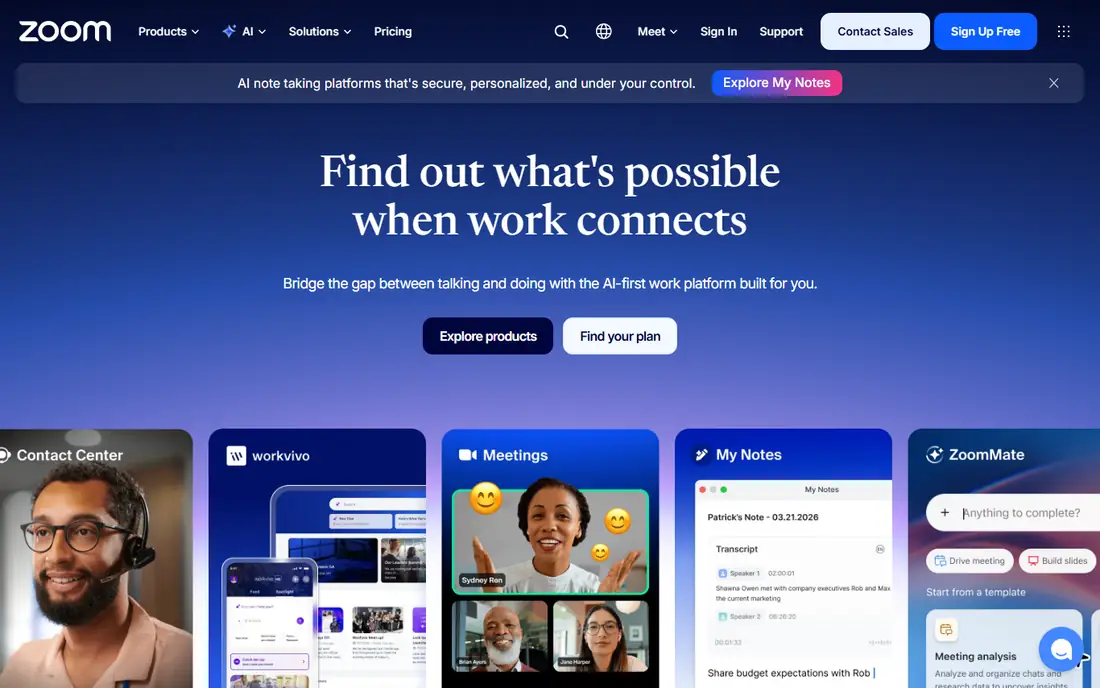
Zoom calls itself one platform to connect, bridging the gap between talking and doing with an AI-first work platform. Meetings sit alongside Zoom Chat, VoIP phone, webinars, whiteboard, contact center, and events, so teams rarely need a second tool. ZoomMate captures, summarizes, and extracts action items from virtual or in-person meetings on eligible paid plans. Ratings run 4.5 out of 5 from Gartner Peer Insights and 4.6 from G2, with customers including Major League Baseball, Capital One, and ExxonMobil. Zoom suits work teams that want one platform for nearly every kind of live collaboration.
What we like- One platform for meetings, chat, phone, webinars, whiteboard, contact center, and events
- AI summaries and action items with ZoomMate on eligible paid plans
- 4.5 rating from Gartner Peer Insights and 4.6 from G2
- Trusted by major enterprises
Watch out for- Free plan limits group meetings
- AI features need eligible paid plans
- Large platform may exceed casual users
Starting priceFree
Free planFree
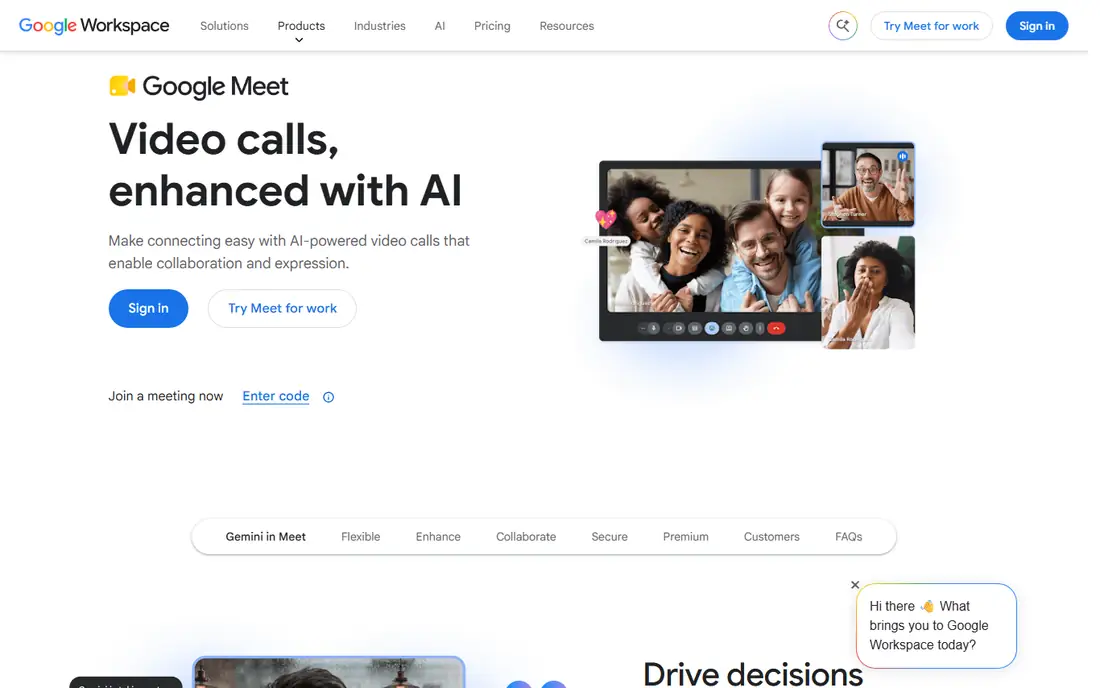
Google Meet is the online web and video conferencing service inside Google Workspace, and its free tier is generous: anyone with a Google Account can create a meeting, invite up to 100 participants, and meet for up to 60 minutes per meeting at no cost, with no time limit on mobile calls and one-to-one meetings. External participants can join with a Google Account or organizer approval, and Workspace customers can invite anyone without an account. All video and audio streams are encrypted. Google Meet suits families, classrooms, and small teams already on Google accounts.
What we like- Anyone with a Google Account can meet free with up to 100 participants and 60 minutes per group meeting
- No time limit on mobile calls and 1:1s
- All streams encrypted
- External guests can join with approval
- Premium features in Workspace plans
Watch out for- Group free meetings cap at 60 minutes
- Recording, live streaming, and dial-in numbers need paid plans

#3Microsoft Teams
Best for: Microsoft workplaces4.4/5 on
G2 (19,330 reviews, checked Oct 2026)
Visit microsoft.com
Starting priceFree
Free planFree
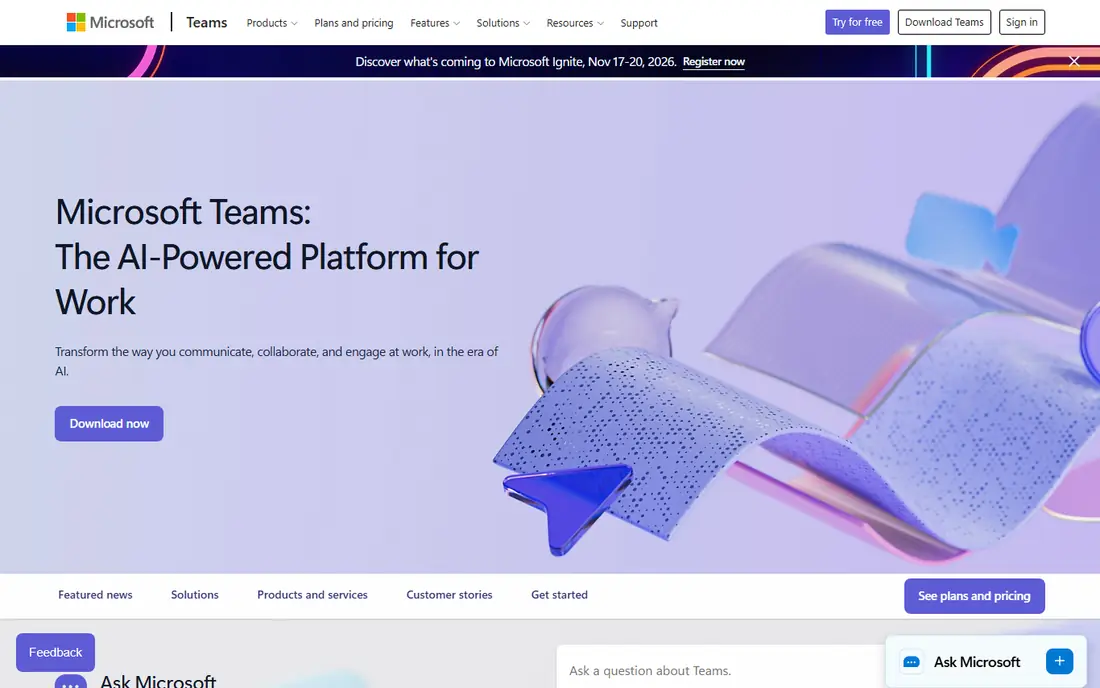
Microsoft Teams combines video conferencing, meetings, and calling with chat and Office collaboration, making it the default choice for organizations already on Microsoft 365. The page cites Gartner's Magic Quadrant for Unified Communications as a Service, and the free personal plan covers basic meetings and chat. Teams suits workplaces that live in Outlook, Word, and SharePoint, where meetings should open inside the same workspace as documents.
What we like- Video conferencing, meetings, and calling inside the Microsoft ecosystem
- Chat, files, and Office apps in one place
- Free personal plan available
Watch out for- Homepage extract showed only a Gartner citation, so plan details rest on Microsoft's pricing pages
- Work focus may exceed personal users
Starting priceFree
Free planFree
WhatsApp offers simple, reliable, private messaging and calling for free all over the world, with data charges the only cost. Users can now make and receive video or voice calls one-on-one or in groups right from the browser as well as the phone app, and every call carries end-to-end encryption, so only the participants can listen in, not even WhatsApp. WhatsApp Business adds customer reach for businesses. WhatsApp suits personal calls with family and friends, where everyone already has the app.
What we like- Free video and voice calls one-on-one or in groups, now from the browser as well as mobile
- End-to-end encryption on all calls and messages
- Works worldwide with a phone number
- No account setup beyond the app
Watch out for- Group call sizes smaller than meeting platforms
- No meeting scheduling or webinar features
- Tied to a phone number

#5Discord
Best for: Communities and gaming4.6/5 on
G2 (43 reviews, checked Oct 2026)
Visit discord.com
Starting priceFree
Free planFree
Discord is great for playing games and chilling with friends, or building a worldwide community, with customizable spaces to talk, play, and hang out. Users hop in and out of voice or text chats without calling or inviting anyone, so a party chat lasts before, during, and after a game session. Streaming is high quality and low latency, making it feel like hanging out on the same couch while playing a game, watching shows, or doing homework. Discord suits gaming groups, study groups, and online communities that want persistent hangout spaces rather than scheduled meetings.
What we like- Always-on voice and video channels with no need to call or invite
- High-quality low-latency streaming and screen sharing
- Custom emoji, stickers, and soundboard
- Works on PC, phone, and console
- Built-in games and activities
Watch out for- Community and gaming focus may feel noisy for work meetings
- No built-in meeting scheduling or recording in the free tier

#6Signal
Best for: Private calls4.4/5 on
G2 (453 reviews, checked Oct 2026)
Visit signal.org
Starting priceFree
Free planFree
Signal offers a different messaging experience with an unexpected focus on privacy, combined with all the features expected from a messenger. Every message and every call carries end-to-end encryption, and Signal states plainly that it cannot read messages or listen to calls, and no one else can either. There are no ads, no affiliate marketers, and no tracking, and Signal is an independent nonprofit supported by grants and donations, never tied to a major tech company. Signal suits users who prioritize privacy above all else for personal video calls.
What we like- State-of-the-art end-to-end encryption on every message and call, powered by the open source Signal Protocol
- No ads, no trackers, no affiliate marketers
- Independent nonprofit that can never be acquired
- Free for everyone
Watch out for- Smaller user base than WhatsApp
- No meeting or webinar features
- Group calls smaller than enterprise platforms

#7Webex
Best for: Enterprise meetings4.2/5 on
G2 (18,925 reviews, checked Oct 2026)
Visit webex.com
Starting priceFree
Free planFree
Webex by Cisco unites agentic AI and human potential on a single platform, with eight integrated workloads in the Webex Suite: AI Assistant, meetings, calling, messaging, webinars, events, video messaging, and polling. The platform reports that 95 percent of Fortune 500 companies run on Webex, and it leads the 2026 Gartner Magic Quadrant for Unified Communications as a Service, the IDC MarketScape for enterprise videoconferencing, and the Frost Radar for meeting room devices. Webex suits large organizations that need Cisco-grade security, devices, and contact center features alongside meetings.
What we like- AI-powered suite with meetings, calling, messaging, webinars, events, and polling
- 95 percent of Fortune 500 companies run on Webex
- Leader in the 2026 Gartner Magic Quadrant for Unified Communications as a Service
- Cisco security and infrastructure
Watch out for- Enterprise focus may exceed personal users
- Homepage shows no free-plan limits
Starting priceFree
Free planFree
FaceTime makes video calls that feel like meeting in person, built into Mac, iPhone, and iPad at no extra cost. Users can start FaceTime audio calls right from a Mac or include multiple people with Group FaceTime, and built-in video effects include Center Stage to stay in frame while moving, Portrait mode to blur the background, Studio Light to illuminate the face, and Reactions triggered by hand gestures. Unknown calls can be silenced or filtered automatically. FaceTime suits Apple households and friends where everyone uses Apple devices.
What we like- Built into every Apple device at no cost
- Group FaceTime for multiple people
- Center Stage, Portrait mode, Studio Light, and gesture Reactions
- Unknown-call filtering for spam
- Feels like meeting in person
Watch out for- Apple devices only for hosts, though guests can join via web links
- No business meeting features like webinars or recording
How we chose
We opened each vendor homepage and compared free plans, participant limits, encryption, and ecosystem fit. Skype was excluded because Microsoft discontinued it in May 2025, with Teams as its replacement. Prices not shown on homepages are recorded as "See website" in spirit, though all eight tools here offer free plans for basic video calls.
How to pick the right video chat app
Start with who is on the other end. If the other person uses WhatsApp or FaceTime daily, that app wins regardless of features, because adoption beats specifications. For work, match the employer's ecosystem: Teams for Microsoft shops, Meet for Google shops, Webex for Cisco shops, and Zoom when the audience spans many organizations.
Then check the constraints that actually bite. Free group meeting limits matter: Meet caps free group meetings at 60 minutes, while Zoom's free plan also limits group length, so long family calls may need a paid plan or a switch to WhatsApp or FaceTime. Privacy-conscious users should prefer Signal or WhatsApp for end-to-end encryption, and anyone running a community should test Discord's always-on channels before committing to scheduled meetings. Finally, test audio and video on the real device and network: a beautiful app on a weak connection still drops calls, so a wired connection or strong WiFi matters more than the logo on the screen.
Accessibility features deserve a check during the trial too. Live captions help in noisy rooms and for participants with hearing loss, keyboard shortcuts matter for users who cannot use a mouse easily, and screen reader support decides whether blind colleagues can join independently. The best app for a mixed group is often the one every participant can actually operate, not the one with the longest feature list. Recording policies matter as well: always tell participants before recording, and store recordings securely, since a casual family call needs different handling than a recorded work meeting.
Frequently asked questions
What is the best free video chat app?
Google Meet leads for free group meetings, with 100 participants and 60-minute group calls at no cost. WhatsApp and FaceTime are best for free personal calls.
Which video chat app is most private?
Signal leads on privacy, with end-to-end encryption on every message and call, no ads, and no trackers, run by an independent nonprofit. WhatsApp also encrypts all calls end to end.
Can I use Zoom for free?
Yes. Zoom offers a free plan for basic meetings, though group meeting length is limited. Paid plans add longer meetings, webinars, and AI summaries.
What replaced Skype?
Microsoft Teams replaced Skype, which Microsoft discontinued in May 2025. Teams covers meetings, calling, and chat for personal and work use.
Which video chat app works on all devices?
Zoom, Google Meet, WhatsApp, Discord, and Webex work across web, iOS, and Android. FaceTime is limited to Apple devices for hosts.
Do video chat apps work in a browser?
Yes. Google Meet, Zoom, WhatsApp, Discord, and Webex all run in a browser, while FaceTime guests can join via web links.
Sources we checked (8)
- https://zoom.us/
- https://meet.google.com/
- https://www.microsoft.com/en-us/microsoft-teams/group-chat-software
- https://www.whatsapp.com/
- https://discord.com/
- https://signal.org/
- https://www.webex.com/
- https://support.apple.com/guide/facetime/welcome/mac
Is your product missing or out of date?
We review this list regularly. Vendors can request a listing, send updated pricing or ask about featured placement.

Shihab Mia · Founder, Rankite
Shihab has 5+ years in B2B and SaaS SEO. He writes Rankite's software buying guides from pricing pages, documentation and public user reviews. More about Shihab.
 Zoom
Zoom Google Meet
 WhatsApp
 FaceTime