How we make this list: we compare pricing pages, product documentation and public user reviews. Ratings come from G2, Capterra or Trustpilot, with the date we checked them.
Key takeaways
- DevSecOps teams need version control that bakes security into the pipeline, not a repo tool that treats security as an afterthought.
- GitHub and GitLab lead on integrated security scanning, while Bitbucket and Azure Repos suit teams already on Atlassian or Microsoft stacks.
- Signed commits, branch protection, and secret scanning stop most common supply chain attacks before they reach production.
- Access control should follow least privilege, with code owners, required reviews, and audit logs for every merge.
- Self hosting suits regulated teams, but cloud hosting usually patches faster, so weigh control against patch speed.
Quick comparison
| Tool | Best for | Starting price | Free plan |
|---|
 GitHub GitHub | Largest ecosystem and security | Free | Free |
 GitLab GitLab | All in one DevSecOps platform | Free | Free |
 Bitbucket Bitbucket | Atlassian stack teams | Free | Free |
 Azure Repos Azure Repos | Microsoft and Azure teams | Free | Free |
 Perforce Helix Core Perforce Helix Core | Large binaries and game teams | See website | Free trial |
 AWS CodeCommit AWS CodeCommit | AWS native teams | See website | No |
 Gitea Gitea | Lightweight self hosting | Free | Free |
 Gerrit Gerrit | Strict code review workflows | Free | Free |
Is your product missing or out of date?
We review this list regularly. Vendors can request a listing, send updated pricing or ask about featured placement.
The best version control software for DevSecOps teams
#1GitHub
Best for: Largest ecosystem and security4.7/5 on
G2 (2,412 reviews, checked Oct 2026)
Visit github.com
Starting priceFree
Free planFree

GitHub offers the largest developer ecosystem, with Actions for CI, code scanning, secret scanning, and Dependabot alerts for vulnerable dependencies. Branch protection, required reviews, code owners, and signed commits support secure workflows, while audit logs track org activity. Private repos are free, and teams scale from solo projects to enterprises.
Advanced Security features, including code scanning with CodeQL, sit on paid plans, so small teams get basic Dependabot but not the full suite. Large monorepos need planning for performance. For a DevSecOps team that wants the widest tool integrations and strong security defaults, GitHub leads.
What we like- Huge ecosystem
- Advanced Security scanning
- Dependabot alerts
Watch out for- Advanced Security is paid
- Large monorepos need care
Starting priceFree
Free planFree
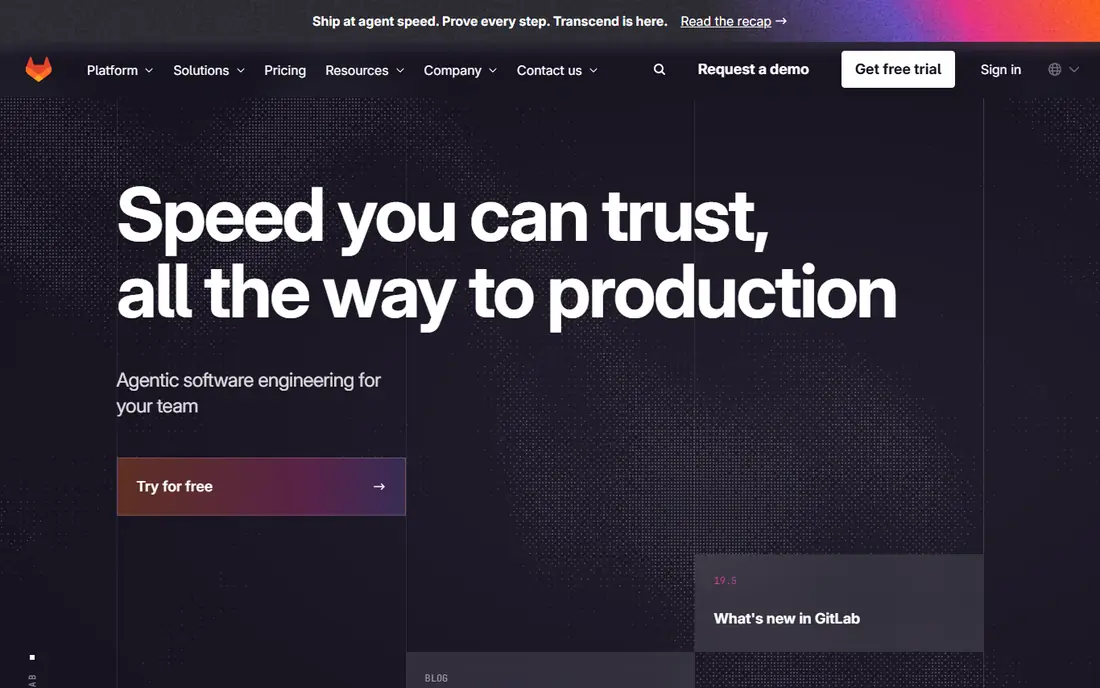
GitLab bundles version control, CI, container registry, and security scanning in one platform, with SAST, DAST, dependency scanning, and secret detection in higher tiers. Merge request workflows include approvals, code owners, and security dashboards that show vulnerabilities across projects. Self hosting suits regulated teams that need data control.
The interface packs many features, so new users face a learning curve, and the full Ultimate security tier costs more than basic plans. For a team that wants one platform from code to deployment with security built in, GitLab offers the most complete DevSecOps package.
What we like- Single platform for code, CI, and security
- SAST and DAST
- Self hosting
Watch out for- Interface is dense
- Ultimate security tier is costly
#3Bitbucket
Best for: Atlassian stack teams4.4/5 on
G2 (1,015 reviews, checked Oct 2026)
Visit bitbucket.org
Starting priceFree
Free planFree
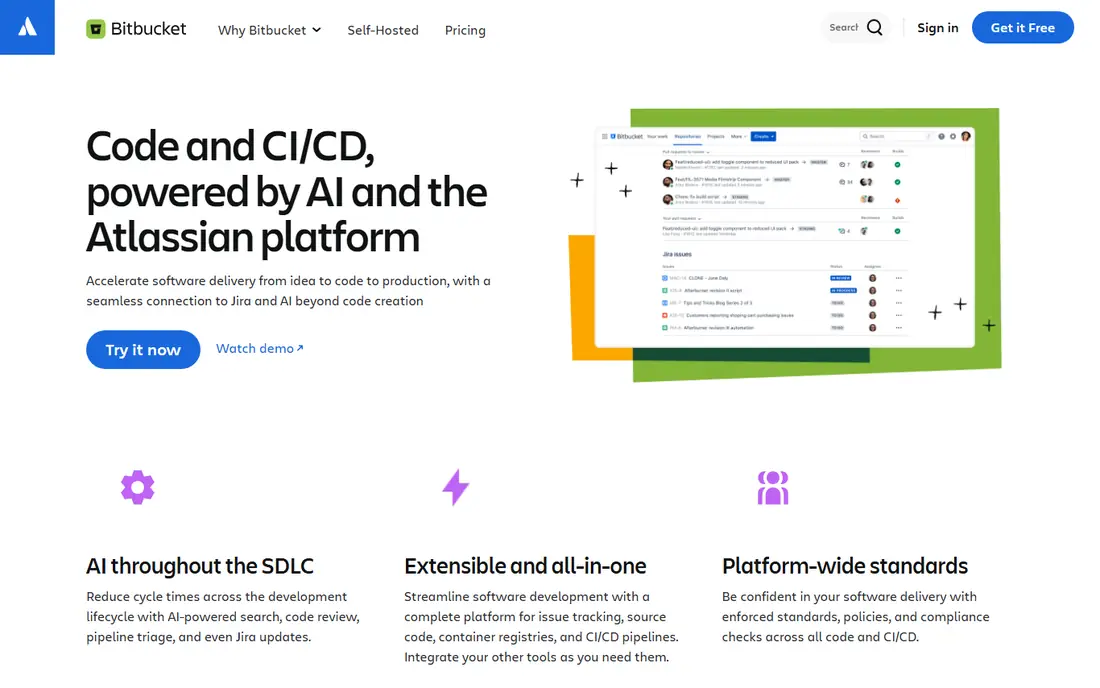
Bitbucket integrates tightly with Jira and Confluence, so issues, pull requests, and deployments link cleanly for Atlassian teams. Pipelines provide built in CI, and branch permissions, merge checks, and required reviewers support controlled workflows. Cloud and Data Center options cover hosted and self managed needs.
Native security scanning is thinner than GitHub or GitLab, so teams add third party scanners for SAST and secret detection. The ecosystem is smaller, though Atlassian integrations offset that for Jira shops. For a team already on Atlassian, Bitbucket keeps code and project work in one flow.
What we like- Jira integration
- Pipelines CI
- Branch permissions
Watch out for- Security scanning needs add ons
- Smaller ecosystem
Starting priceFree
Free planFree
Azure Repos, part of Azure DevOps, provides Git and TFVC version control with pull request policies, branch protection, and code review workflows tied to Azure Boards and Pipelines. Enterprise controls include audit logs, permissions, and integration with Microsoft Entra ID for identity. Teams deploying to Azure get a smooth path from code to release.
Outside the Microsoft stack, the ecosystem is smaller than GitHub or GitLab, and the interface feels dated to some users. For a Microsoft shop that deploys to Azure, Azure Repos offers strong governance with minimal new tooling.
What we like- Azure DevOps integration
- Git and TFVC
- Enterprise controls
Watch out for- Outside Azure, ecosystem is smaller
- UI feels dated
#5Perforce Helix Core
Best for: Large binaries and game teams4.2/5 on
G2 (95 reviews, checked Oct 2026)
Visit perforce.com
Starting priceSee website
Free planFree trial
Perforce Helix Core handles very large files and binary assets that strain Git, which is why game studios and chip teams use it for art, builds, and large repos. Fine grained access control, shelving, and stream workflows support strict governance, and performance stays strong on huge repos. Helix Core also integrates with CI and security tools.
Pricing is enterprise level, setup is heavier than Git hosting, and the workflow differs from Git, so teams need training. For a team with large binaries or strict asset control needs, Helix Core solves problems Git handles poorly.
What we like- Handles huge binaries
- Fine access control
- High performance
Watch out for- Costly
- Git workflow differs
- Setup is heavy
Starting priceSee website
Free planNo
AWS CodeCommit provides private Git repos inside AWS, with IAM based access control, encryption, and integration with CodeBuild, CodePipeline, and CloudTrail audit logs. Teams already on AWS get a managed, secure repo service without new vendors, and pricing follows usage with a free tier of active users.
Native CI and security scanning are thinner than GitHub or GitLab, so teams add CodeBuild steps and third party scanners. The interface is basic compared with modern Git platforms. For an AWS native team that wants repos inside its cloud account, CodeCommit fits cleanly.
What we like- AWS integration
- IAM access control
- Private repos
Watch out for- Fewer CI and security features
- Interface is basic
Starting priceFree
Free planFree
Gitea is a lightweight, open source Git service that runs on modest hardware, making self hosting cheap and simple for small teams and homelabs. It covers repos, pull requests, issues, and Actions compatible CI, with a clean interface and low resource use. Teams that want full data control without enterprise cost find Gitea appealing.
Security scanning, advanced compliance, and enterprise governance need add ons or external tools, since Gitea focuses on core Git hosting. For a small DevSecOps team that self hosts and adds its own scanners, Gitea gives a fast, free foundation.
What we like- Lightweight and fast
- Self hosted
- Open source
Watch out for- Security scanning needs add ons
- Smaller enterprise features
Starting priceFree
Free planFree
Gerrit enforces a strict code review model where every change is reviewed and verified before it lands, with fine access control and detailed audit trails. Large projects such as Android use Gerrit for governance at scale, and its review workflow catches issues that lighter pull request models miss. Integration with CI verifies each change before merge.
The learning curve is steep, the workflow differs from standard Git hosting, and setup takes effort. For a regulated team where every change needs formal review and audit proof, Gerrit rigor justifies the complexity.
What we like- Rigorous review model
- Access control
- Audit trails
Watch out for- Learning curve
- Git workflow differs
- Setup effort
How we chose
We compared security scanning depth, branch protection, access control, audit logs, secret handling, CI integration, self hosting options, and public DevSecOps feedback. We favored tools that make secure defaults easy, such as required reviews, signed commits, and dependency alerts, rather than tools that leave security to add ons. No hands on testing is claimed, and prices are shown as Free where a free tier exists, or See website where pricing is quote based.
Building a secure pipeline around your repo
Require pull request reviews with code owners for sensitive paths, and block direct pushes to main branches, since unreviewed merges are the most common path for bad code to reach production. Enable secret scanning and block commits that contain keys, tokens, or credentials, and rotate any secret that slips through at once. Sign commits where your tool supports it, so reviewers can trust authorship, and keep audit logs for merges, permission changes, and admin actions.
Scanning, dependencies, and releases
Run SAST on every pull request, dependency scanning on every build, and DAST or container scanning before release, so vulnerabilities surface early when fixes cost least. Pin dependencies, review Dependabot or Renovate alerts promptly, and treat unpatched critical vulnerabilities as release blockers. Protect release branches with extra reviewers, require passing checks before merge, and tag releases from a clean, reviewed commit. A secure pipeline is a habit, not a tool purchase, and the repo settings above make that habit enforceable.
Access, secrets, and incident response
Grant repo access by least privilege, review permissions quarterly, and remove access promptly when staff leave or change teams. Store secrets in a vault, never in code or CI logs, and use short lived tokens for automation where possible. Practice incident response for a leaked secret or a compromised dependency, including revocation, rotation, and a post incident review. Teams that rehearse these steps recover faster when a real incident hits.
Before you decide
Require two reviewers for changes to authentication, payments, and infrastructure code, since those paths carry the highest risk if a flaw reaches production unnoticed. Run a quarterly access review that lists every repo collaborator and their permission level, and remove stale access for staff who changed teams or left the company. Test your secret scanning with a dummy credential in a test repo, so you know the scanner actually blocks leaks instead of assuming it works. Keep a written runbook for revoking a leaked token, including who rotates it, who checks logs for misuse, and who tells affected customers if needed. Archive old branches and close stale pull requests each quarter, since abandoned code invites confusion and sometimes hides unreviewed changes. Document your merge rules in the repo readme, so new contributors learn branch protection and review expectations before their first pull request.
Frequently asked questions
What makes version control DevSecOps ready?
Security built into the workflow, including branch protection, required reviews, secret scanning, dependency alerts, audit logs, and CI security checks. A DevSecOps ready tool makes secure defaults easy, not optional. Add on scanners can fill gaps, but native integration usually works better.
Should DevSecOps teams self host or use cloud repos?
Cloud hosting usually patches faster and scales easier, while self hosting gives data control for regulated teams. Many regulated teams use cloud with strong access controls, or self host GitLab or Gitea with their own scanners. Choose based on compliance needs, team size, and patch capacity, not ideology alone.
Is GitHub Advanced Security worth the cost?
For teams with large codebases or compliance needs, code scanning, secret scanning, and dependency review in Advanced Security catch issues that basic alerts miss. Small teams may start with free Dependabot and add Advanced Security as code grows. Compare the cost against time spent triaging vulnerabilities found late.
How do signed commits help security?
Signed commits prove authorship with a cryptographic signature, so a reviewer can trust that a commit came from the claimed author. Combined with branch protection that requires signed commits, this blocks impersonation in the repo history. Setup takes effort, but for sensitive repos the assurance matters.
Can Git handle large binary files?
Git struggles with very large binaries, since every clone copies history, though Git LFS helps for moderate cases. Teams with huge game assets or chip designs often use Perforce Helix Core instead. Choose the tool that fits your asset size, rather than forcing Git past its strengths.
Sources we checked (8)
- https://github.com
- https://about.gitlab.com
- https://bitbucket.org
- https://azure.microsoft.com/en-us/products/devops/repos
- https://www.perforce.com
- https://aws.amazon.com/codecommit/
- https://about.gitea.com
- https://www.gerritcodereview.com
Is your product missing or out of date?
We review this list regularly. Vendors can request a listing, send updated pricing or ask about featured placement.

Shihab Mia · Founder, Rankite
Shihab has 5+ years in B2B and SaaS SEO. He writes Rankite's software buying guides from pricing pages, documentation and public user reviews. More about Shihab.